
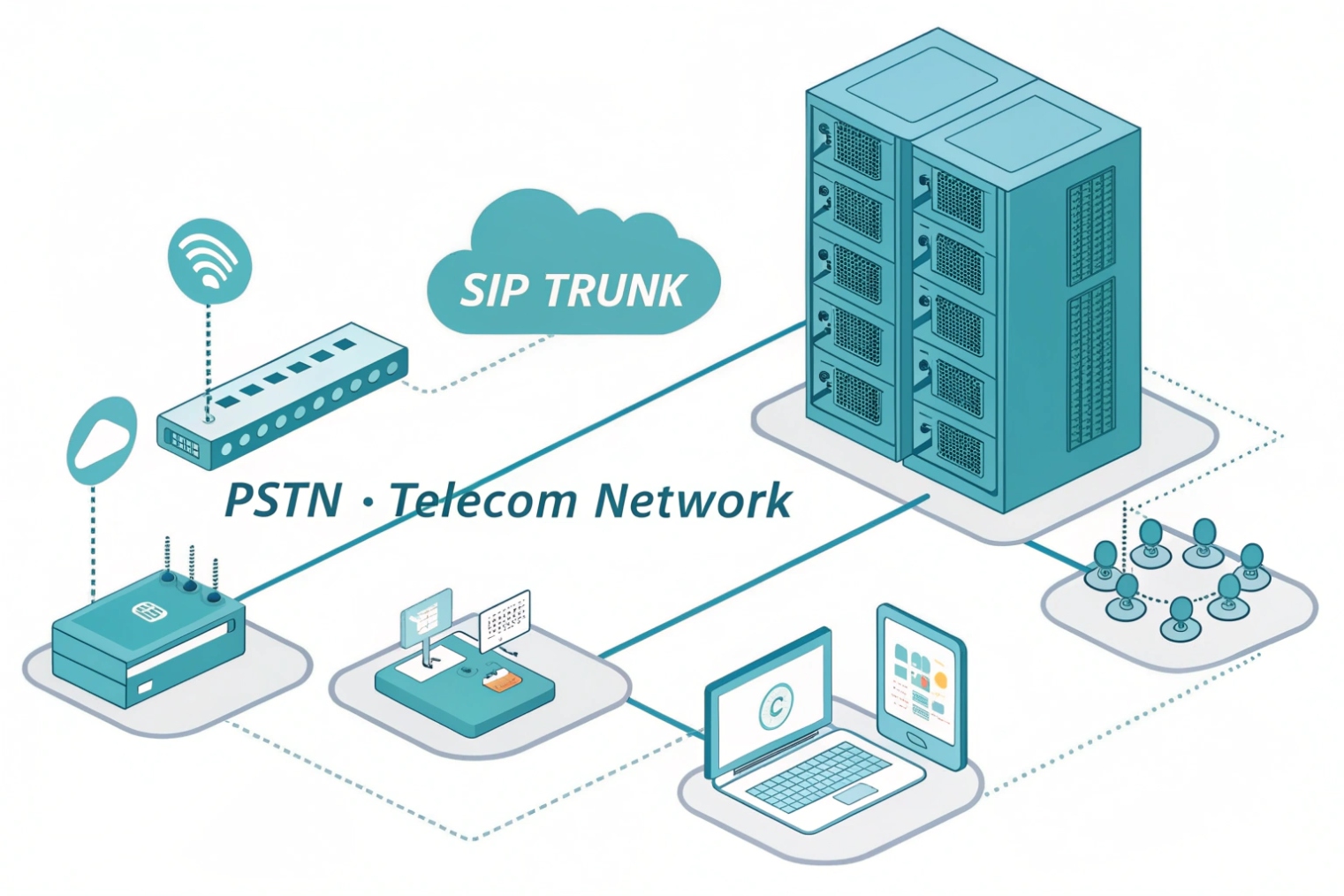
When calls spike, busy tones and failed outbound dials show up fast. Most of the time, the real issue is trunk capacity, not the phones.
A trunk line in a VoIP system is a logical connection between your IP PBX and a carrier that carries many calls over one SIP trunk, limited by purchased call paths (channels).
A trunk line is not a single “wire” like old phone service. In VoIP, it is a service link between the PBX and an ITSP (carrier). That link can carry many calls at the same time, as long as capacity exists. Most teams still say “trunk line” because it matches how PSTN thinking works: internal extensions connect to external trunks.
What “capacity” really means in VoIP trunks
In SIP trunking 1, capacity is measured in call paths (often called channels or sessions). One call usually consumes one call path. If 20 people try to talk to the outside world at the same time, 20 call paths are needed. It does not matter if those calls are inbound or outbound unless the carrier sells them differently.
A trunk is also where several important negotiations happen per call:
- Codec negotiation (G.711, G.729, Opus, etc.)
- DTMF method (RTP DTMF event payload (RFC 4733) 2, SIP INFO, in-band)
- Fax behavior (T.38 fax relay 3 or pass-through)
- Security (TLS for signaling, Secure Real-time Transport Protocol (SRTP) 4 for media, or plain RTP in legacy setups)
The trunk is also where quality and security get won or lost. QoS should prioritize RTP, and the edge should enforce call admission control 5 so the network does not accept more calls than it can carry cleanly. On the security side, trunks need rate limits, SIP filtering, and anti-toll-fraud rules. A trunk that is “open” can become a billing disaster overnight.
How trunks connect and authenticate
Most trunks use one of these models:
- Credential-based trunk: the PBX registers with username/password (SIP REGISTER)
- IP-based peering: the carrier trusts calls from a fixed source IP (often with an SBC in front)
- Mutual TLS (mTLS): client certificates for mutual TLS authentication 6 identify each side and reduce spoofing risk
A trunk is also a bundle of services, not just voice
Many teams forget that E911/E112, CNAM, and SMS/MMS are separate features. They often need separate provisioning even if voice works.
| Trunk concept | What it means | Why it matters | Common pitfall |
|---|---|---|---|
| Call paths / channels | Max concurrent calls | Prevents busy signals | Buying numbers but not capacity |
| DIDs | Inbound numbers on the trunk | Controls inbound routing | DID maps to wrong tenant/IVR |
| Auth method | REGISTER, IP peer, or mTLS | Security and reliability | NAT and IP changes break calls |
| Codecs | Audio formats per call | Quality and bandwidth | Forced transcoding overloads PBX |
| QoS | RTP priority (DSCP EF) | Reduces jitter and loss | QoS only on LAN, not WAN edge |
| Redundancy | Multiple carrier SBCs/routes | Keeps service during outages | Single DNS target, no failover |
A trunk line is the outside door of the PBX. When it is sized well and secured well, users never notice it. When it is not, everyone notices it at the same time.
Most questions that come next are practical: what makes SIP trunks different from PRI/T1, how to size concurrency, how licensing really works, and how to route DIDs and caller ID correctly.
How does a SIP trunk line differ from analog PRI or T1?
PRI and T1 feel simple because they are physical and fixed. SIP trunks feel flexible, but that flexibility has rules.
A SIP trunk is an IP-based, software-defined trunk where capacity is configured as concurrent sessions, while PRI/T1 are circuit-based services with fixed physical channels and dedicated telco handoff.
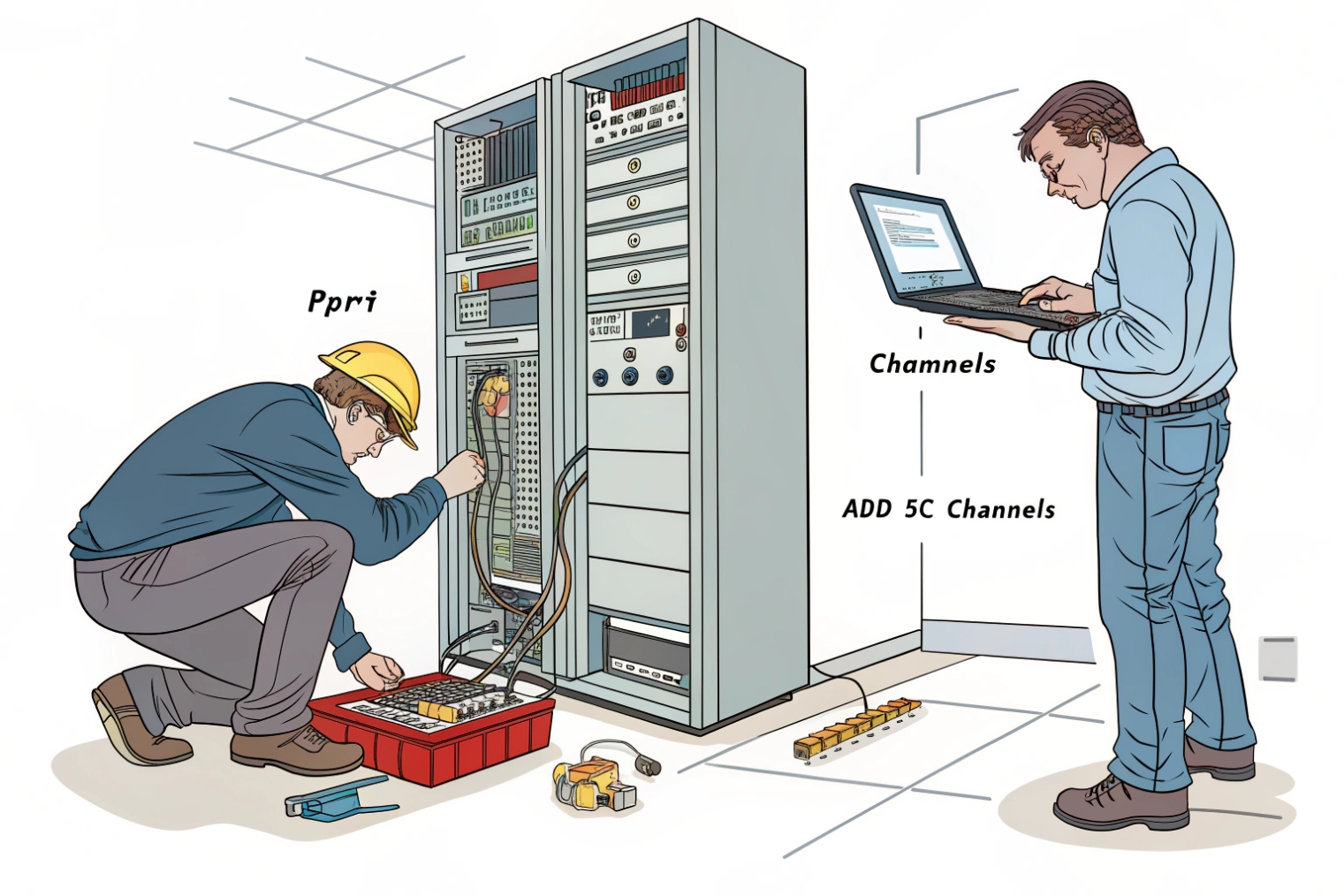
Circuit switching vs packet switching
A Primary Rate Interface (PRI) 7 (ISDN) runs over a T1 (in North America) or E1 (in many other regions). It provides a fixed number of circuits:
- T1 PRI typically gives 23 voice channels + 1 signaling channel
- E1 PRI often gives 30 voice channels + 2 signaling/overhead channels
Those are reserved circuits. With SIP, voice is packetized and shared on the IP link. Calls become sessions. Capacity becomes “how many sessions the carrier will allow” and “how much clean bandwidth exists.”
What changes in operations
With PRI/T1:
- Failures are often physical (span down, CSU/DSU issues)
- Quality is stable if the circuit is healthy
- Scaling usually means ordering another circuit and waiting
With SIP trunks:
- Failures can be routing, DNS, firewall, NAT, certificates, or SBC policy
- Quality depends on latency, jitter, loss, and buffer behavior end-to-end
- Scaling is often faster, but only if the network and PBX can handle it
A small story from a migration project: a site moved from PRI to SIP and kept the same “23 channels” assumption. Calls worked, but the WAN link had bursts of packet loss during business hours. The PRI never showed that weakness because circuits masked it. SIP exposed it. The fix was simple but not obvious: prioritize RTP on the WAN edge and enforce call admission so the link never took more calls than it could carry cleanly.
The difference in feature delivery
SIP trunks can support richer services, but they are not automatic:
- Caller ID formats and privacy rules
- CNAM dip services (carrier-dependent)
- Emergency calling registration per location
- Failover routing using multiple carrier SBC endpoints or DNS SRV
| Topic | SIP trunk | PRI/T1 | What to plan for |
|---|---|---|---|
| Capacity | Configurable sessions | Fixed circuits | Concurrency planning and admission control |
| Scalability | Usually fast | Usually slow | Contract and bandwidth alignment |
| Troubleshooting | Multi-layer (IP + SIP + media) | Often physical/span | Logs, SBC traces, and monitoring |
| Quality | Depends on IP network | Stable if circuit is clean | QoS, jitter buffers, WAN policy |
| Security | TLS/SRTP + filtering | Less exposed surface | SBC, rate limits, fraud controls |
| Redundancy | Multiple IP routes/endpoints | Multiple circuits | Diverse ISPs and carrier SBCs |
SIP trunks are not “better” by default. They are more flexible. That flexibility pays off only when the IP network is engineered for voice and the trunk edge is secured.
How many trunk lines do I need for my peak concurrency?
Underbuying trunks causes busy signals. Overbuying wastes money. The right number comes from traffic patterns, not headcount.
Trunk sizing is about peak concurrent external calls, not total users. Estimate busy-hour concurrency, add growth and failover headroom, then enforce limits with call admission control.
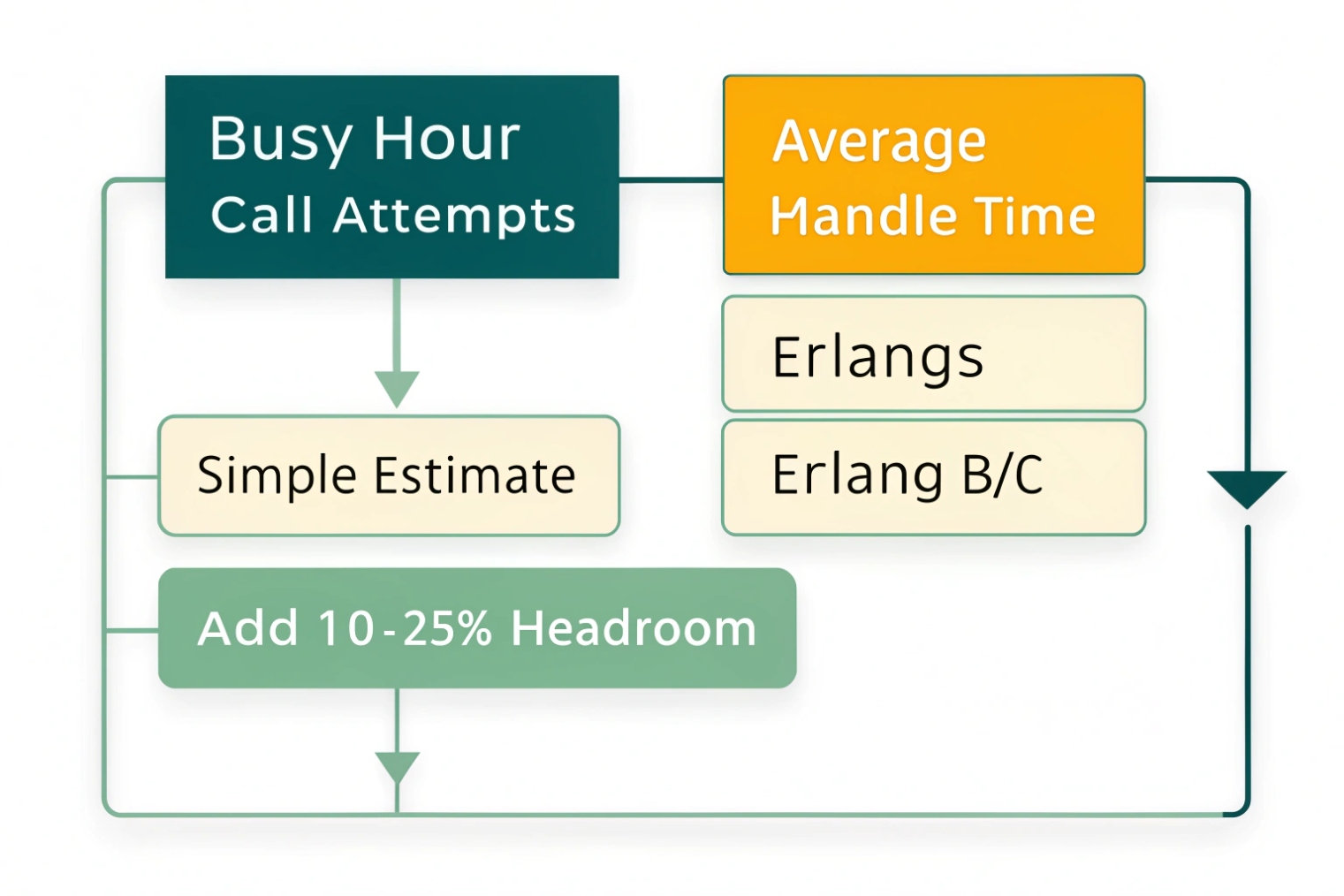
Start with the busy hour
The most useful number is busy-hour concurrent calls. Some teams use call detail records (CDRs) from the PBX. If those do not exist, use a simple approach:
- Identify peak periods (sales bursts, shift changes, opening hours)
- Measure or estimate max simultaneous outbound + inbound calls to PSTN
- Separate internal calls from trunk calls (internal calls do not use trunk capacity)
If a call center has 40 agents, that does not mean 40 trunk channels are needed. Agents have wrap-up time, breaks, and inbound queue patterns. A reception desk might need fewer channels, but needs them to be reliable.
A practical sizing formula
A simple planning approach that works well:
- Find peak concurrent external calls (or approximate)
- Add a growth buffer (often 15–30%)
- Add redundancy buffer if you want to survive a carrier path failure
If there are two trunks with failover, the design question becomes: can one trunk carry the full load during an outage? If yes, each trunk might be sized at 100% load. If no, size each for a percentage and accept reduced capacity during failure.
Use admission control to keep quality stable
Even if the carrier allows 100 sessions, the WAN might only carry 40 clean calls with your codec choice. Call admission control prevents the network from destroying all calls when traffic spikes.
Bandwidth planning should include:
- Codec payload
- IP/UDP/RTP overhead
- VPN/MPLS overhead if used
- Headroom for data traffic
| Step | Input | Output | Notes |
|---|---|---|---|
| Measure | CDR peak concurrency | Busy-hour max calls | Best method if data exists |
| Estimate | Agent count + occupancy | Approx concurrency | Works for greenfield planning |
| Buffer | Growth % | Target channels | Avoid instant upgrades |
| Failover | Single-path capacity | N+1 sizing | Decide outage behavior |
| Enforce | Admission control | Stable quality | Stops overload collapse |
In many deployments, the biggest improvement comes from separating “phone count” from “call concurrency.” Once the team tracks busy-hour concurrency, trunk sizing becomes a predictable engineering task, not guesswork.
Should I use channel-based or capacity-based trunk line licensing?
Licensing names vary by carrier, and the words can hide real constraints. The goal is to pay for what is actually needed.
Channel-based licensing charges for a fixed number of concurrent sessions, while capacity-based models may bundle concurrency with bandwidth, user seats, or burstable pools. The right choice depends on predictability and peak behavior.
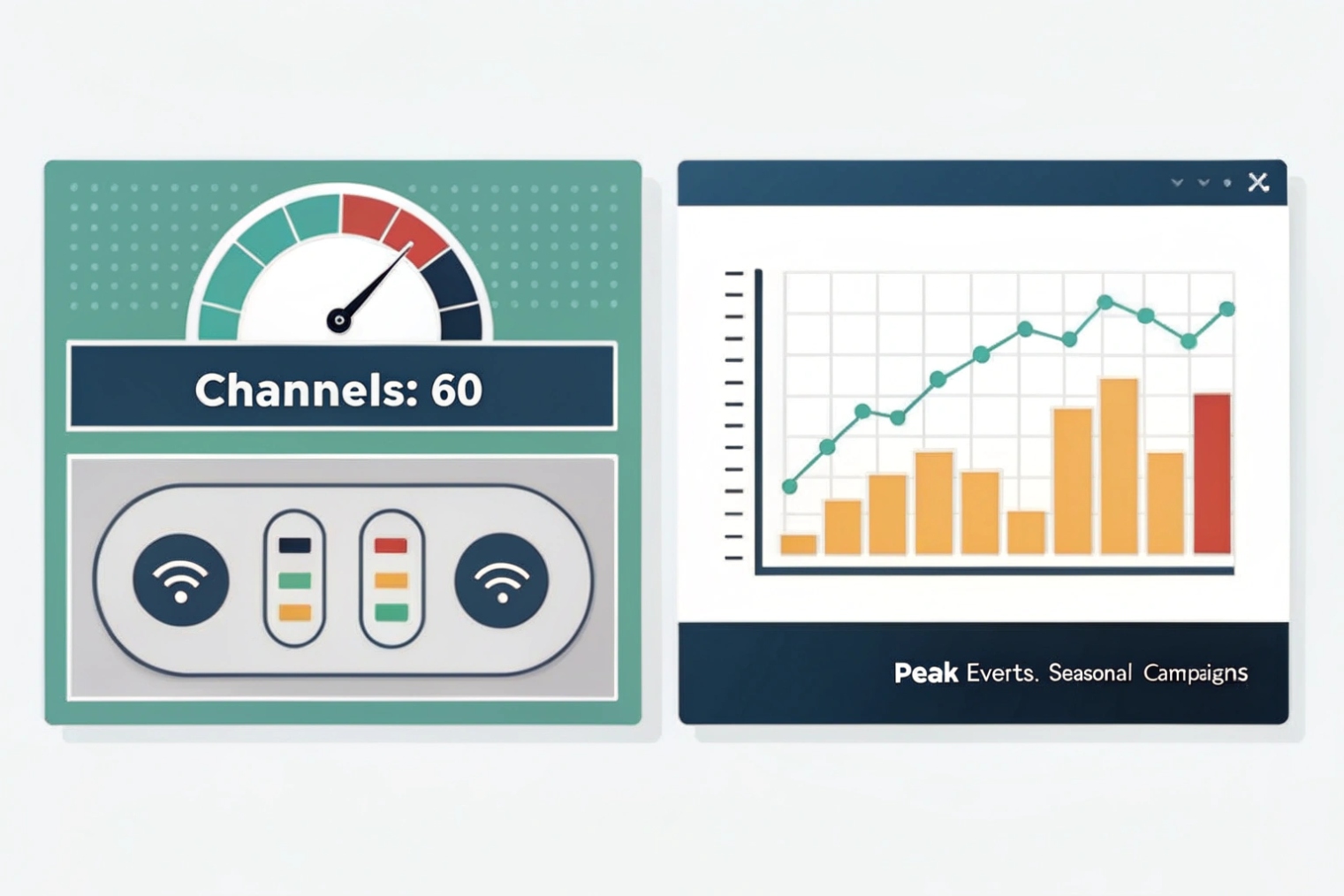
Channel-based: simple and controllable
Channel-based trunks are straightforward:
- You buy 10, 20, 50, or 100 concurrent sessions
- Calls beyond that get blocked (or overflow to a secondary trunk if configured)
- Billing is predictable
This works well for steady traffic and for teams that want hard limits to reduce toll-fraud impact.
Capacity-based: flexible but read the fine print
Capacity-based can mean several different things:
- A pool of sessions shared across sites
- A bandwidth-based plan where the carrier “expects” a concurrency range
- A per-user bundle that includes some calling capacity
- Burstable concurrency with overage charges
These models can fit businesses with uneven demand, seasonal spikes, or multiple locations that never peak at the same time. The risk is unexpected overages or hidden caps like “max calls per DID group” or “max CPS (calls per second).”
Decide based on traffic shape and operational style
A simple decision rule:
- If peak concurrency is stable and budget needs stability, channel-based often wins.
- If peaks move between sites and you want a shared pool, capacity-based can be cheaper.
Also consider operational controls:
- Do you need strict limits during an attack?
- Do you need bursting for special events?
- Do you want least-cost routing across multiple carriers?
| Licensing model | Best for | Pros | Cons |
|---|---|---|---|
| Channel-based (fixed sessions) | Predictable traffic | Simple, stable costs | Can be wasteful if peaks are rare |
| Shared session pool | Multi-site with staggered peaks | Better utilization | Needs careful policy and reporting |
| Burstable / overage | Seasonal spikes | Handles rare peaks | Surprise bills without alerts |
| Bundled with seats | UCaaS-style plans | Easy buying process | Concurrency can be opaque |
The cleanest deployments pair licensing with controls: alerts on concurrency, CPS limits, outbound destination restrictions, and a clear failover strategy so “cheap capacity” does not become “expensive downtime.”
How do I route inbound DIDs and outbound caller ID over trunks?
Routing is where trunks become real business outcomes. A DID that lands in the wrong queue is a customer experience problem, not a telecom detail.
Inbound DIDs map from the trunk to PBX routes (IVR, queues, users), while outbound caller ID is set by PBX policies and carrier rules, using validated numbers on the trunk and consistent From/P-Asserted-Identity formats.
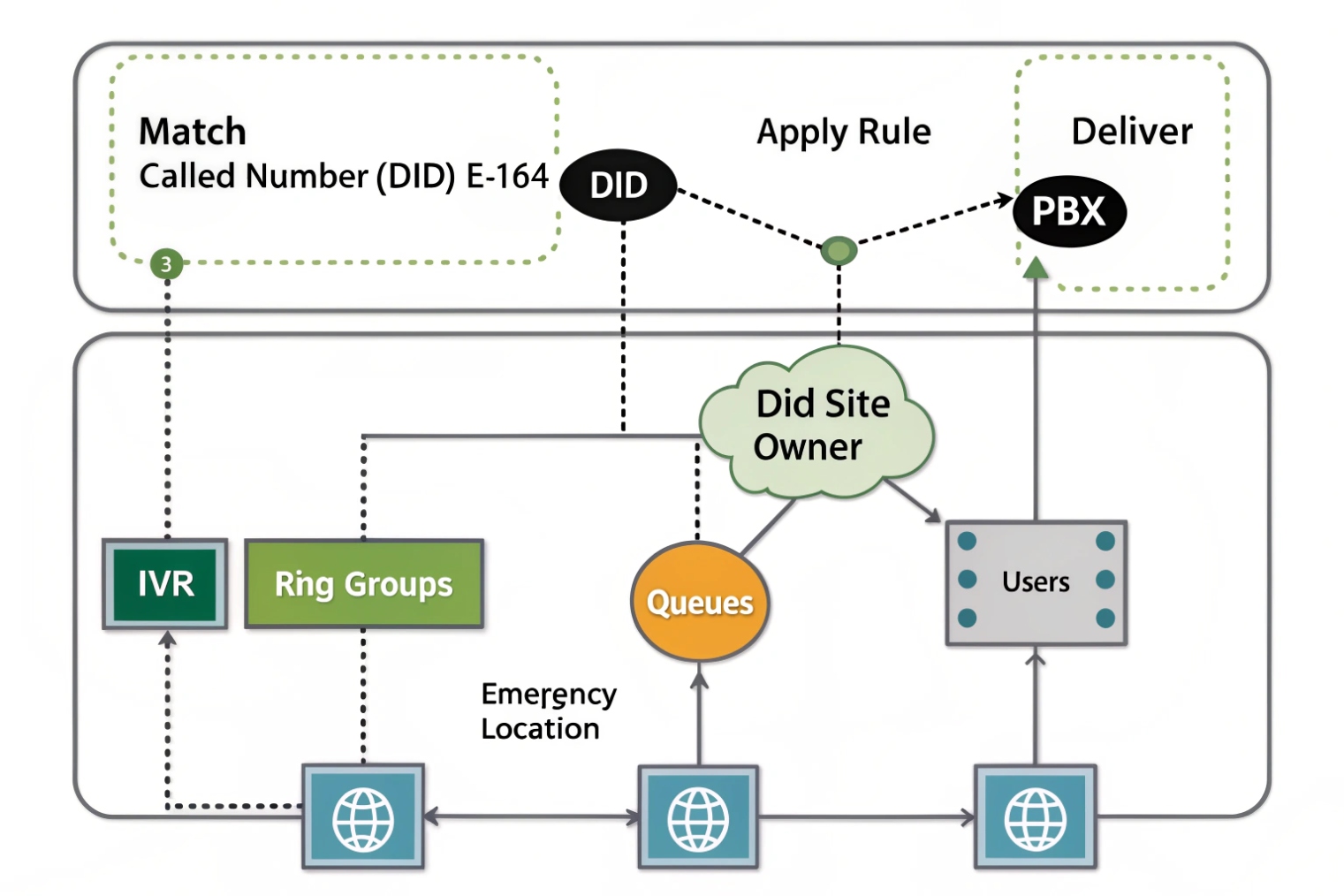
Inbound routing: DID to destination
Inbound calls arrive with a called number in SIP headers (commonly in the Request-URI or To header, depending on carrier). The PBX matches that DID against inbound rules:
- DID → IVR
- DID → ring group
- DID → queue
- DID → user extension
- DID → time condition (open/closed routing)
If the carrier sends numbers in different formats (+E.164 vs national), normalization is important. A PBX rule that expects +1XXXXXXXXXX will not match XXXXXXXXXX unless normalization exists.
Outbound caller ID: identity + policy + verification
Outbound caller ID seems simple but has layers:
- The PBX chooses a caller ID per user, per route, or per site.
- The carrier only allows caller IDs that are owned or verified on that trunk account.
- Some carriers require correct identity headers for enterprise features.
A stable approach is:
- Store outbound caller ID in E.164 format
- Use per-site or per-department caller ID blocks
- Enforce “allowed caller ID list” so users cannot spoof random numbers
Multiple trunks and least-cost routing
When multiple carriers exist, outbound routing rules can choose trunks by:
- Destination (local, national, international)
- Cost
- Time of day
- Health state of the trunk (failover)
- Fraud risk level (block premium destinations by default)
This is also where emergency calling needs special care. E911/E112 often requires location mapping and trunk-level provisioning. It should not share the same route logic as cheap international traffic.
| Routing task | PBX control point | Carrier dependency | Best practice |
|---|---|---|---|
| DID to IVR/queue/user | Inbound route table | Number format delivered | Normalize numbers before matching |
| Site-based inbound | Tenant/site rules | DID ownership | Keep DIDs grouped per site |
| Outbound caller ID | User/route policy | Verified caller ID list | Lock caller ID to approved numbers |
| CLID per department | Dial plan patterns | Carrier header rules | Use consistent E.164 identities |
| Failover routing | Trunk priority | Multiple SBC endpoints | Test failover with real calls |
| Emergency calls | Special route | E911 provisioning | Dedicated route + audited config |
When DID routing and caller ID policy are done well, daily call handling feels simple. When they are done poorly, users blame the phones, while the real issue is number normalization, trunk policy, or carrier verification rules.
Conclusion
A VoIP trunk line is your PBX’s multi-call bridge to the PSTN. Size it by concurrency, choose clear licensing, and enforce clean DID and caller ID routing with strong security.
Footnotes
-
Quick overview of SIP trunking concepts and how carriers deliver shared-call connectivity.
https://www.twilio.com/learn/voice-and-video/sip-trunking↩︎ ↩ -
Explains how DTMF digits are sent reliably as RTP events instead of in-band audio.
https://www.rfc-editor.org/rfc/rfc4733↩︎ ↩ -
Helps you understand T.38 behavior and why fax over IP needs special handling.
https://www.rfc-editor.org/rfc/rfc3362↩︎ ↩ -
SRTP spec for encrypting voice media so trunk calls can’t be easily eavesdropped.
https://www.rfc-editor.org/rfc/rfc3711↩︎ ↩ -
Call admission control basics for limiting calls to protect quality during spikes.
https://en.wikipedia.org/wiki/Call_admission_control↩︎ ↩ -
Clear explanation of mutual TLS and why client certificates reduce spoofing on trunk links.
https://www.cloudflare.com/learning/access-management/what-is-mutual-tls/↩︎ ↩ -
PRI overview to compare fixed circuit channels with SIP’s session-based trunk capacity.
https://en.wikipedia.org/wiki/Primary_Rate_Interface↩︎ ↩








