
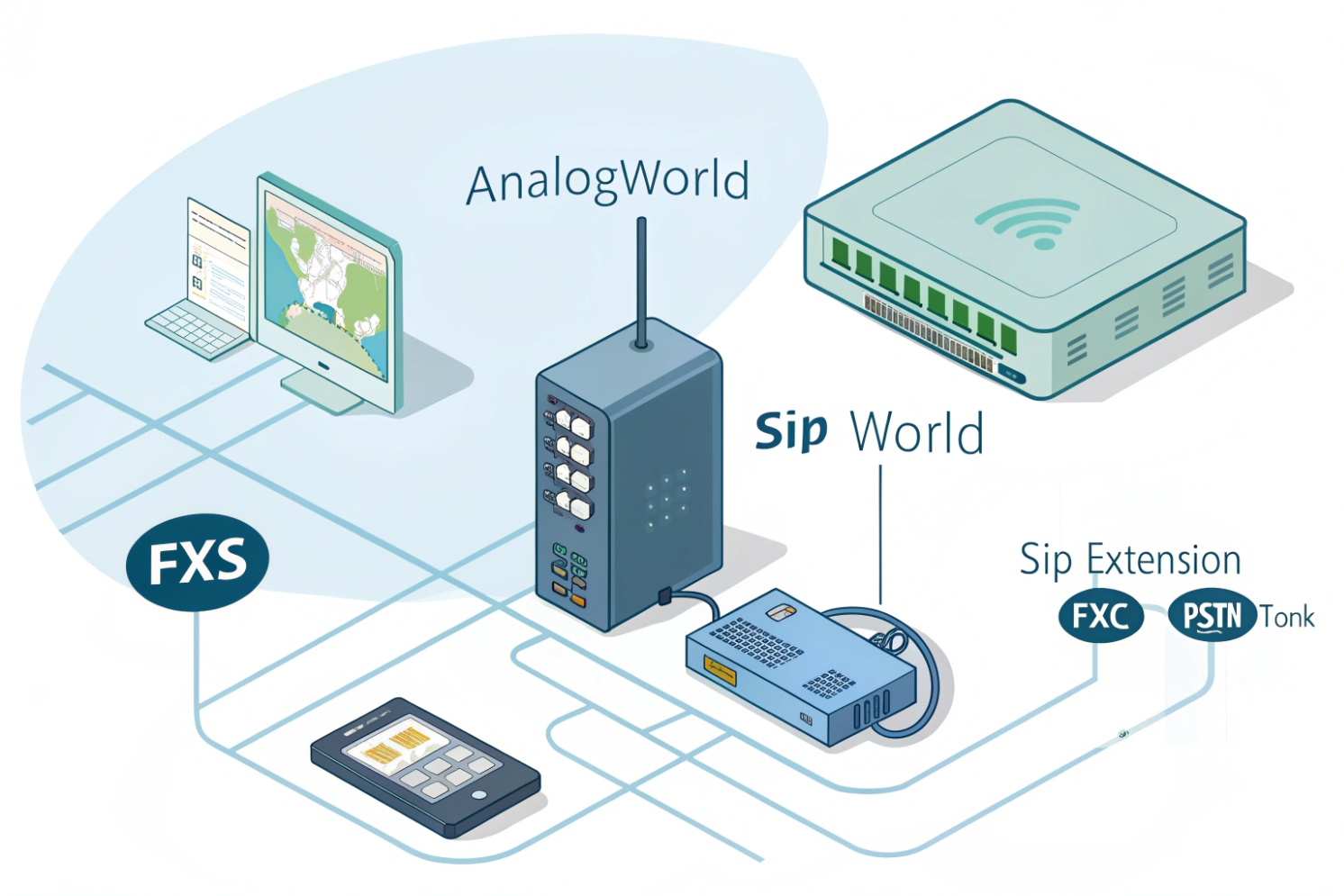
Many SIP projects look “modern” until a fax machine, elevator phone, or analog door unit shows up. Then the rollout stalls because those devices cannot speak SIP.
A VoIP adapter, usually called an ATA (Analog Telephone Adapter), is a small gateway that gives analog devices FXS ports and converts their analog audio and signaling into SIP/RTP (or SRTP) so they can work on your VoIP network like SIP endpoints.
An Analog Telephone Adapter (ATA) 1 sits between an analog device and your IP network. The analog side uses the old telephone world: off-hook, ring voltage, caller ID signaling, DTMF tones, and sometimes fax tones. The IP side uses Session Initiation Protocol (SIP) 2 for call setup and RTP for audio. The ATA translates between them in both directions.
Most ATAs present each FXS port as a separate SIP identity. That means one ATA can register as:
- Extension 201 (FXS port 1)
- Extension 202 (FXS port 2)
Each port can have its own dial plan, codecs, DTMF mode, and audio gain. This is useful because a lobby analog phone and a fax machine often need different behavior.
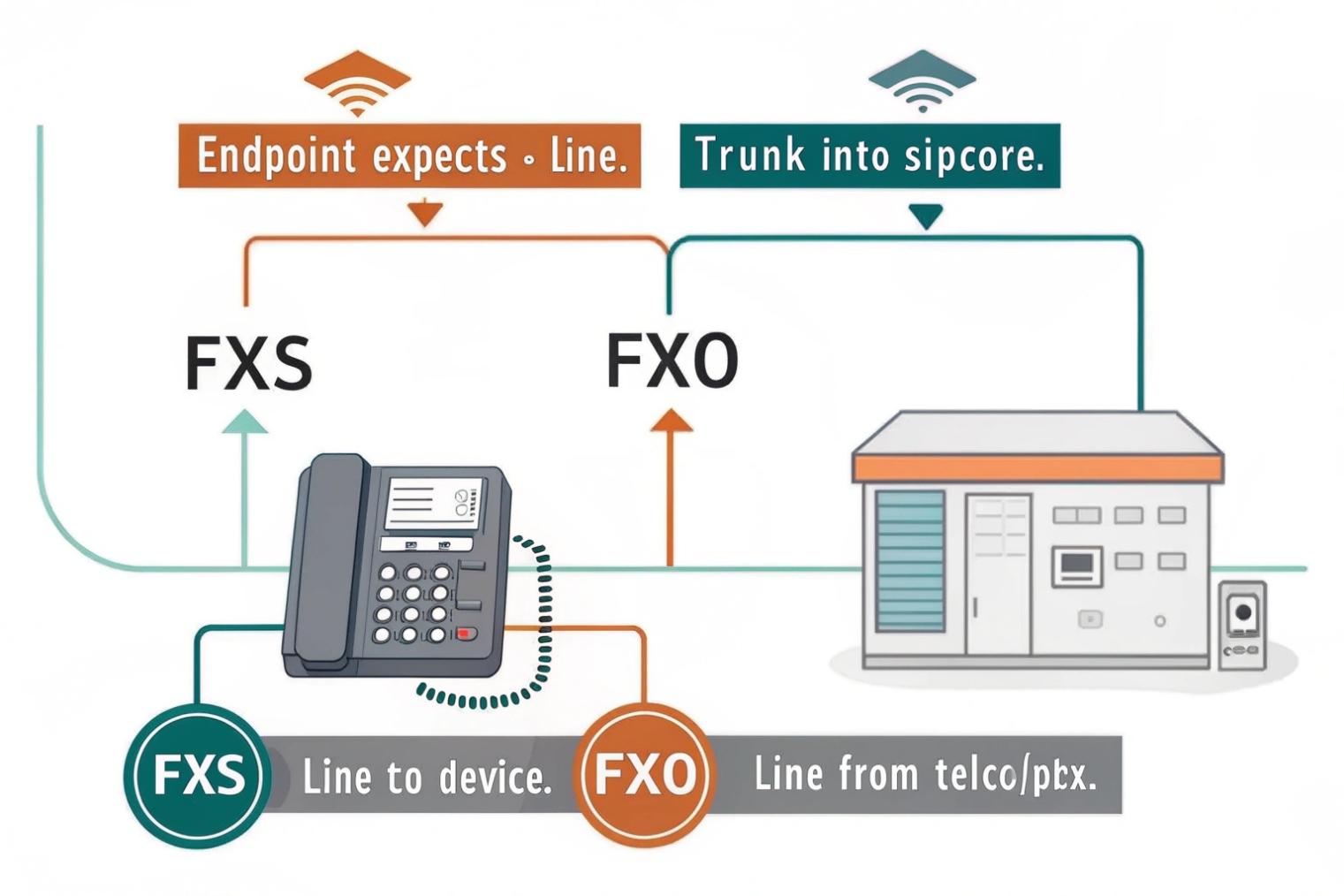
Some “VoIP adapters” also include FXO ports. Those are for plugging into an analog PSTN line. FXO lets the PBX place calls out via a local analog line or accept calls from that line for survivability. That is a different job than FXS, so the port type matters.
ATAs are common in:
- small business migrations that keep a few analog endpoints
- industrial sites with legacy analog phones
- door intercoms that output analog audio
- paging adapters and hotline phones
- fax lines that still exist for contracts or legacy workflows
The benefit is simple: you keep the analog device, but your PBX still controls calls, logs, routing, and policies through SIP.
| Feature | What the ATA does | Why it matters |
|---|---|---|
| FXS conversion | Provides dial tone/ring, detects off-hook | Makes analog device “come alive” |
| SIP registration | Acts like a SIP phone | PBX can route calls normally |
| Codec control | Chooses G.711/G.729/etc. | Quality, bandwidth, fax reliability |
| DTMF relay | Converts tones to RFC2833/INFO | IVR and door relay reliability |
| Dial plan | Normalizes and routes numbers | Consistent calling behavior |
| Security | TLS/SRTP options, ACLs | Prevents abuse and sniffing |
Once the definition is clear, the practical decision is whether you should use an ATA for your analog phones, fax, or door intercoms, because not every analog use case behaves well over VoIP.
Should I use an ATA to connect analog phones, fax, or door intercoms?
The right answer depends on how “tolerant” the analog device is and how critical the service is. Human speech is forgiving. Fax and tone-based devices are not.
Use an ATA for analog phones and many analog intercoms when you need a simple bridge to SIP. Use an ATA for fax only when you can control codecs (G.711) or when T.38 is supported end-to-end. For life-safety or ultra-critical lines, consider dedicated emergency endpoints or managed services instead of best-effort ATA.
Analog phones
Analog phones generally work well through an ATA because they carry human speech. The main tuning is:
- correct impedance and regional tone/ring settings
- gain levels so audio is not too loud or too quiet
- DTMF method matching the PBX
Door intercoms
Analog door intercoms can work well, but they are sensitive to:
- echo and speaker volume
- microphone gain and noise suppression
- DTMF reliability for door release codes
If you need video or advanced access control, a native SIP intercom is usually a better long-term fit. But for audio-only door units, an ATA is often a clean retrofit path.
Fax
Fax over VoIP is where expectations must be managed. Fax can work, but it needs the right conditions:
- T.38 fax relay 3 supported by PBX and provider, or
- G.711 pass-through with VAD/CNG disabled and stable network
If fax volume is high or compliance depends on it, a dedicated ATA profile and clean network path are required. For casual fax usage, it can be “good enough.” For critical fax workflows, an IP-native alternative or managed fax service may be safer.
| Use case | ATA recommended? | Why | Key requirement |
|---|---|---|---|
| Analog phone for voice | Yes | Speech is tolerant | Correct gain + DTMF mode |
| Paging adapter/hotline | Yes | Simple analog audio | Stable codec and dial plan |
| Analog door intercom | Often | Retrofit friendly | AEC/gain tuning, DTMF reliability |
| Fax | Sometimes | Sensitive to loss/jitter | T.38 or strict G.711 pass-through |
| Modem/telemetry | Rare | Tone data is fragile | Avoid or use specialized relay |
In short: ATAs are great for keeping analog voice endpoints alive. Fax is doable with the right profile. Tone-data devices are the hardest and should be avoided when possible.
How do I provision SIP accounts, codecs, DTMF, and dial plans on my adapter?
Most ATA “it connects but doesn’t work” problems come from mismatched DTMF, codec lists, or dial plan rules.
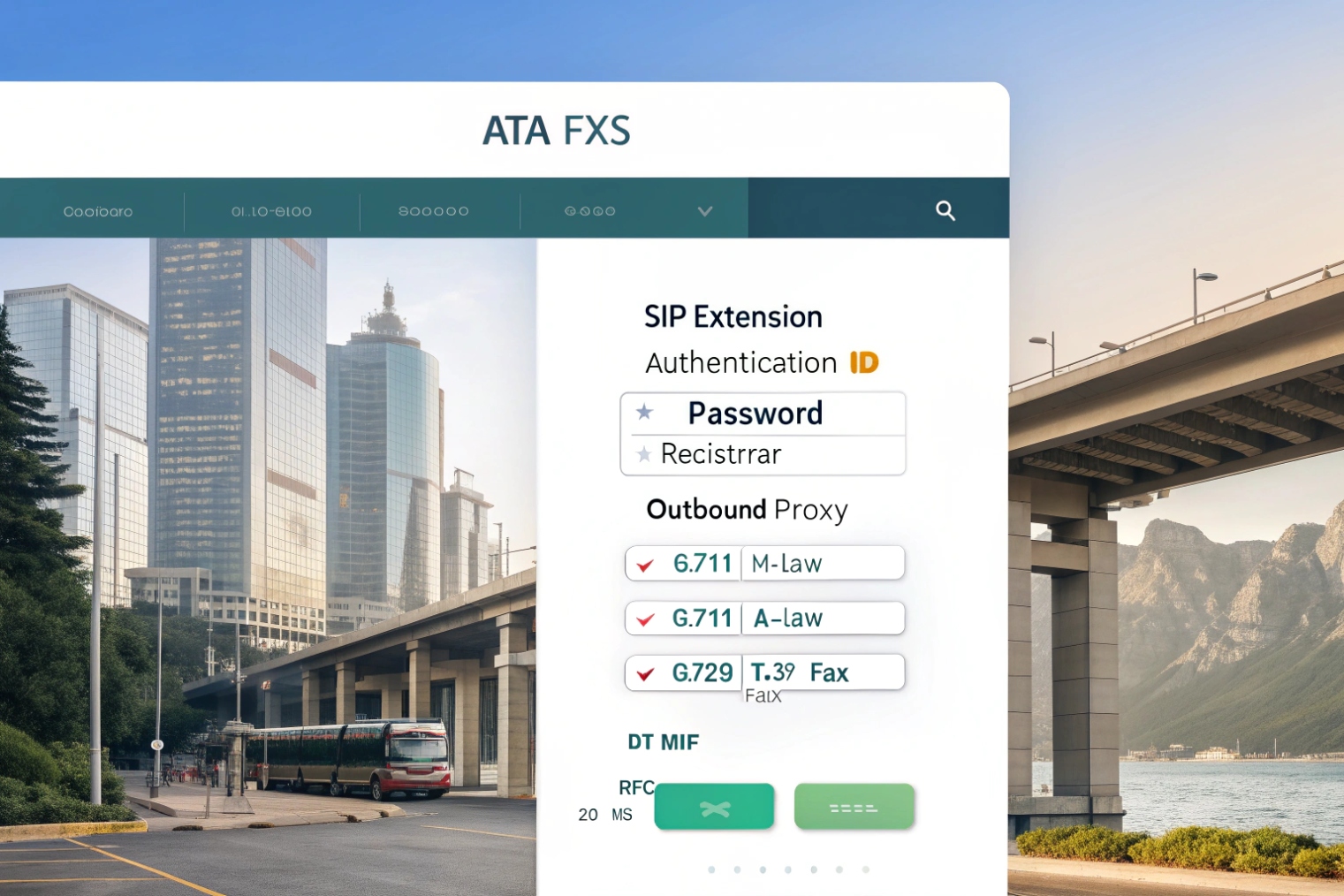
Provision an ATA by treating each FXS port as its own SIP endpoint: assign credentials, set a short codec list (often G.711 first), choose a single DTMF method (usually RFC2833/4733), and apply a dial plan that normalizes to your PBX’s expected format.
SIP account basics per FXS port
Per port, you typically set:
- SIP user/extension and password
- registrar/proxy address (PBX)
- outbound proxy (if used)
- registration interval and keepalives
- caller ID presentation rules
If one ATA has two FXS ports, avoid copying the same SIP credentials to both ports unless the PBX supports it and you understand the call appearance behavior. Separate extensions are cleaner.
Codec policy
For analog voice ports:
- keep the codec list short
- prefer a stable codec that matches the PBX and trunk side to avoid transcoding
For fax ports:
- prefer G.711 only (pass-through) unless using T.38
- disable VAD/CNG and aggressive audio enhancement on that port
DTMF policy
For most SIP PBX environments:
- RTP telephone-event (RFC 4733) 4 is the safest
- SIP INFO is sometimes used in controlled ecosystems
- in-band tones are least reliable on VoIP paths
Door intercoms and IVRs depend on DTMF. This is a must-test item.
Dial plans
Dial plans handle:
- allowed patterns
- emergency dialing rules
- prefix stripping and adding
- normalization (often to an E.164 numbering format 5 inside the PBX)
For analog phones, a dial plan also prevents abuse:
- block premium and international by default
- allow only required destinations
This reduces toll fraud risk if the analog port is compromised.
| Provision item | Best default | Why | Special case |
|---|---|---|---|
| Codec list | Short and matched | Avoid transcoding | Fax port: G.711 only |
| DTMF | RFC2833/4733 | Most interoperable | Door relay must be verified |
| VAD/CNG | Off on analog critical ports | Prevent tone distortion | Fax/modem lines |
| Gain/impedance | Region-correct | Hook and caller ID stability | Long cable runs may need tuning |
| Dial plan | Restrictive first | Fraud control | Emergency patterns allowed |
Provisioning should be centralized when possible. If you have more than a few adapters, use templates, auto-provision URLs, and remote firmware control so settings stay consistent.
Will my adapter support T.38 fax, fallback, and power fail pass-through?
These features decide whether the ATA is “nice to have” or “safe for operations.” Many buyers assume all ATAs behave the same. They do not.
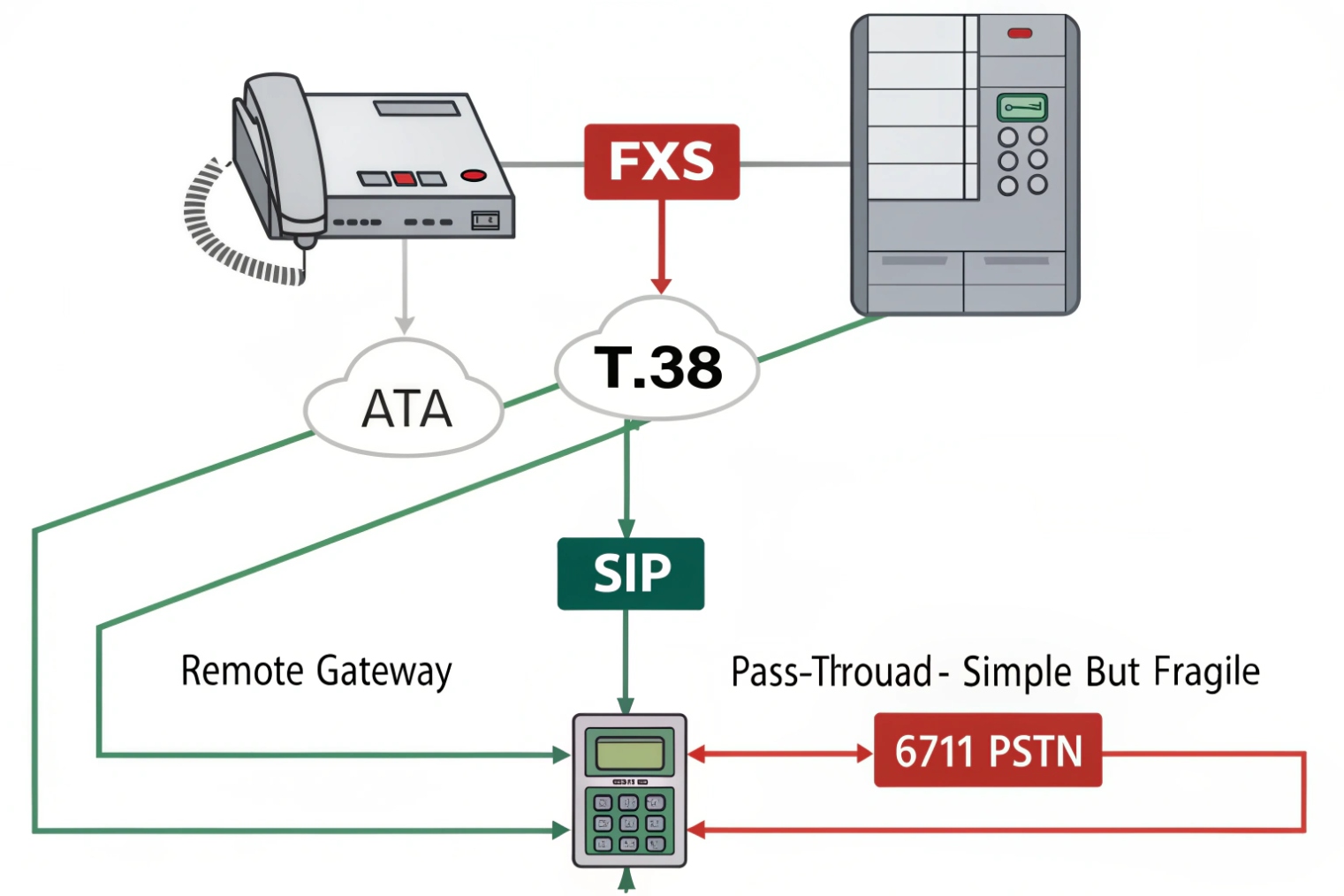
Some ATAs support T.38 fax and can fall back to G.711 pass-through, but support depends on model and on your PBX/provider path. Power fail pass-through is model-specific and often only works when an FXO line is present, not on pure FXS-only ATAs.
T.38 fax support
T.38 is a fax relay method designed for fax over IP. It is not used for normal voice. For T.38 to work:
- the ATA must support T.38 on the FXS port
- the PBX must support T.38 negotiation/relay
- the far end path must not break the relay
If any hop cannot support T.38, the system may fall back to G.711 pass-through. That fallback is useful, but it still needs a stable network and no audio enhancement.
Fax fallback behavior
Good ATAs allow:
- T.38 preferred
- fall back to G.711 if T.38 fails
- configurable redundancy settings and timers
Power fail pass-through
Power fail pass-through is often misunderstood. It usually means:
- when power is lost, an analog phone port is physically bridged to an FXO PSTN line port
- so one analog phone can still dial out over the local telco line
If the ATA has only FXS ports and no FXO line connected, there is nothing to pass through to. So this feature is mainly relevant to:
- FXO/FXS combo ATAs
- gateways with lifeline ports
| Feature | What it really provides | When it works | Limitation |
|---|---|---|---|
| T.38 | Fax relay over IP | End-to-end support | Not guaranteed across all carriers |
| G.711 fallback | Fax pass-through | Stable network + no enhancement | Sensitive to jitter/loss |
| Power fail pass-through | Lifeline to PSTN | FXO line physically connected | Not for pure SIP trunk outages |
If fax is important, a controlled test is required before rollout. Send and receive multiple pages, use ECM on/off scenarios, and test during peak network load.
What network settings ensure quality—QoS, jitter buffers, NAT, and 911 compliance?
An ATA is an endpoint. It needs the same network hygiene as phones, plus extra attention to NAT and emergency rules because analog endpoints are often placed in critical locations.
Ensure ATA call quality by using a wired connection, placing it on a voice VLAN, prioritizing RTP with QoS (DSCP EF), using stable jitter buffer settings, and avoiding double NAT and SIP ALG. For 911, ensure the correct service address and routing policy exist for the DID or line identity tied to that analog port.
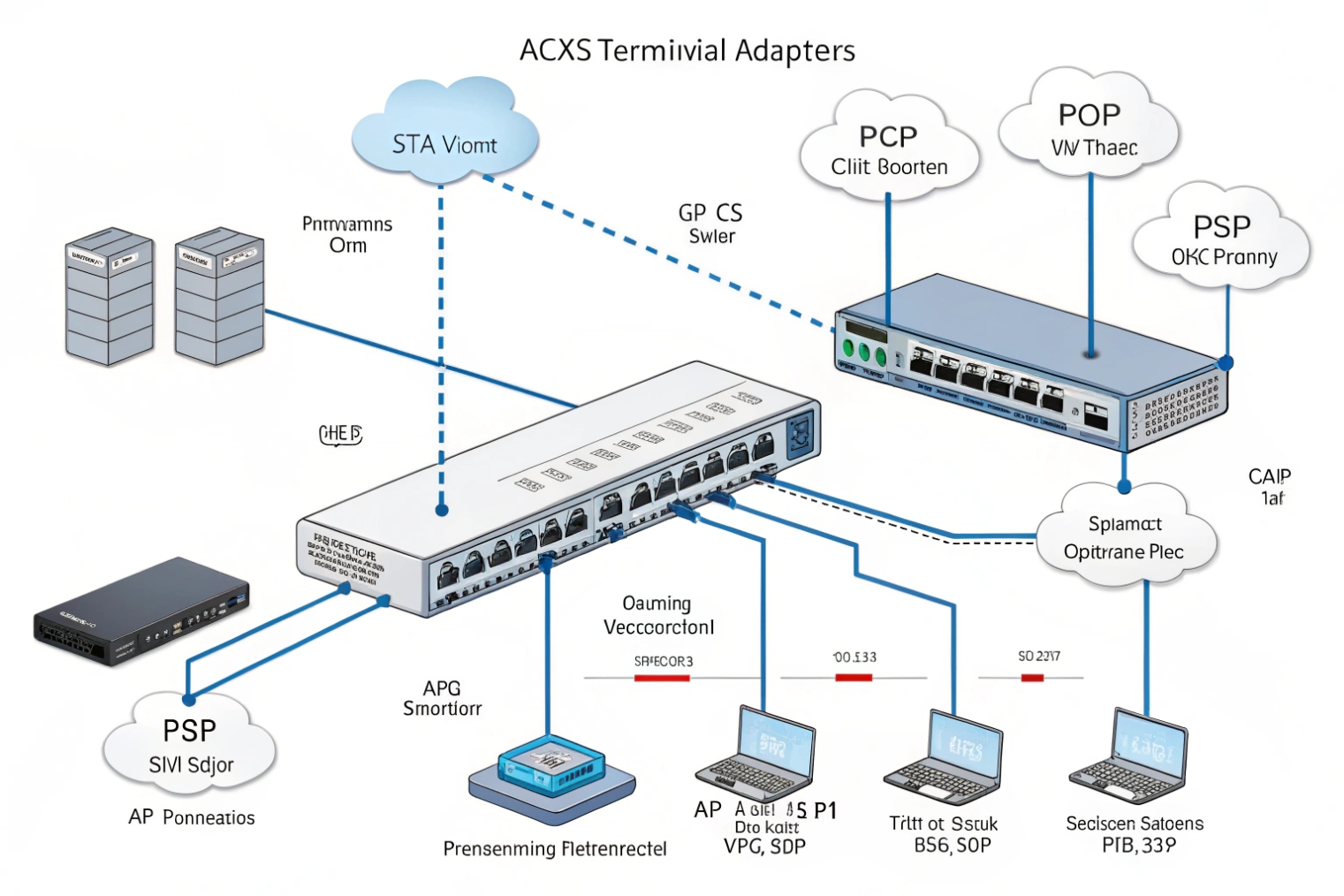
QoS and VLANs
- Put the ATA on a voice VLAN when possible.
- Mark RTP as Expedited Forwarding (EF) DSCP 46 6 and ensure switches trust and prioritize it.
- Use traffic shaping on the WAN to prevent bufferbloat during uploads.
ATAs in remote closets often get plugged into unmanaged switches. That is a common quality failure. Voice VLAN and QoS are not “nice.” They are the reason voice survives busy LAN traffic.
Jitter buffer settings
Many ATAs allow:
- fixed or adaptive jitter buffer
- min/max depth
A conservative setting is usually best. Too large adds delay and talk-over. Too small causes choppiness when jitter spikes.
NAT and keepalives
If the ATA registers across NAT:
- enable keepalives
- set reasonable registration intervals
- avoid SIP ALG
If CGNAT is present, inbound behavior can be unreliable. For hosted systems, outbound registration is often fine. For on-prem inbound trunks, CGNAT is a problem.
911 compliance
Analog ports often serve:
- elevator phones
- emergency hotline phones
- security desk analog endpoints
911 behavior must be mapped correctly:
- the DID or line identity must be bound to a correct service address
- the PBX must route emergency calls over the correct trunk/path
- remote sites must not present the wrong location
A simple rule is to treat each analog emergency endpoint like a regulated device:
- fixed identity
- fixed address record
- documented test procedure
| Area | What to set | Why it matters | Quick check |
|---|---|---|---|
| LAN | Voice VLAN + PoE if supported | Stable endpoint behavior | Link is wired, VLAN correct |
| QoS | EF for RTP, prioritize queues | Lower jitter under load | Test during large uploads |
| Jitter buffer | Adaptive with sensible limits | Balance delay vs stability | No talk-over, no choppiness |
| NAT | Keepalives, no ALG, one NAT layer | Registration and audio stability | No one-way audio |
| 911 | Correct service address mapping | Safety and compliance | Controlled emergency test plan |
ATAs work best when they are treated like managed VoIP endpoints, not like “plug-and-forget” accessories.
Conclusion
A VoIP adapter (ATA) connects analog devices to SIP using FXS ports. It works great for analog voice and intercoms, can work for fax with T.38 or strict G.711, and stays reliable with proper provisioning, QoS, NAT hygiene, and correct 911 location policy.
Footnotes
-
Definition and common uses of ATAs for connecting analog devices to VoIP. ↩ ↩
-
Authoritative SIP specification details registration, call setup, and key headers used by PBXs. ↩ ↩
-
ITU-T overview of T.38 fax relay and interoperability requirements across VoIP networks. ↩ ↩
-
How RFC 4733 carries DTMF as RTP events to avoid in-band tone issues. ↩ ↩
-
ITU recommendation for E.164 numbering and normalization, helpful for consistent dial plans and routing. ↩ ↩
-
Defines EF PHB (DSCP 46) for prioritizing real-time RTP traffic through congested networks. ↩ ↩








