
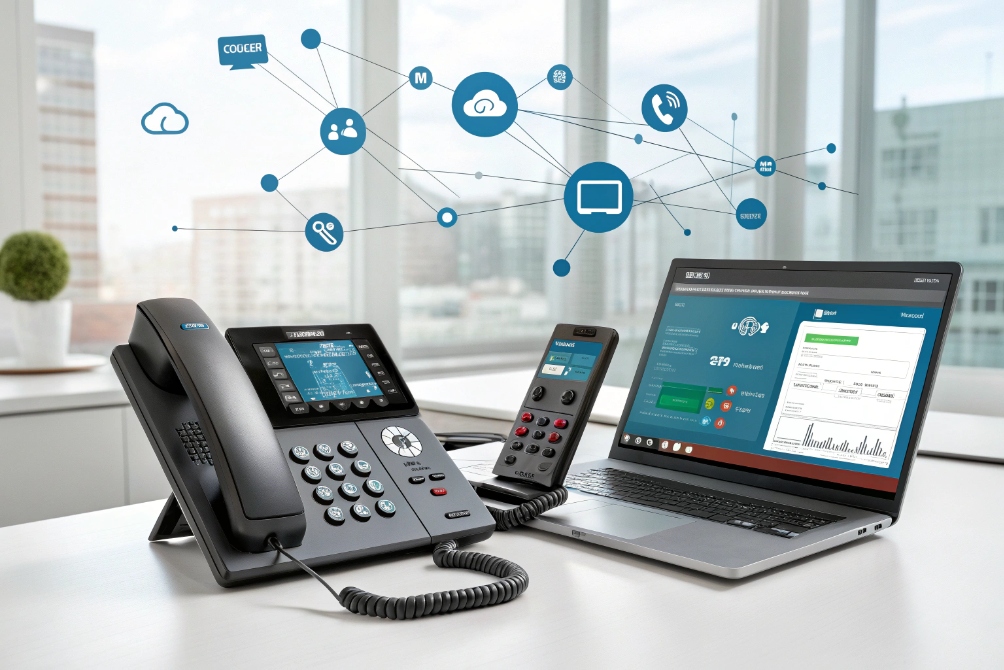
Phone bills climb. Workers move. Legacy lines hold you back. Calls drop at the worst time. So the system must shift to the network you already own.
A VoIP phone places and receives calls over IP networks. It uses SIP to set up sessions and RTP or SRTP to carry voice. It runs on desks, mobiles, or browsers.
A VoIP phone turns speech into packets and back again. It does not need old copper. It connects by Ethernet or Wi-Fi. It can sit behind a PBX in your office or in the cloud. It brings features like HD voice, presence, and apps. It can move with the user. The key is simple setup, stable QoS, and smart security.
How does a VoIP phone work with SIP PBX?
Teams change. Numbers move. Branches open and close. A rigid system slows the business. A SIP PBX fixes this with simple, open signaling and clear roles.
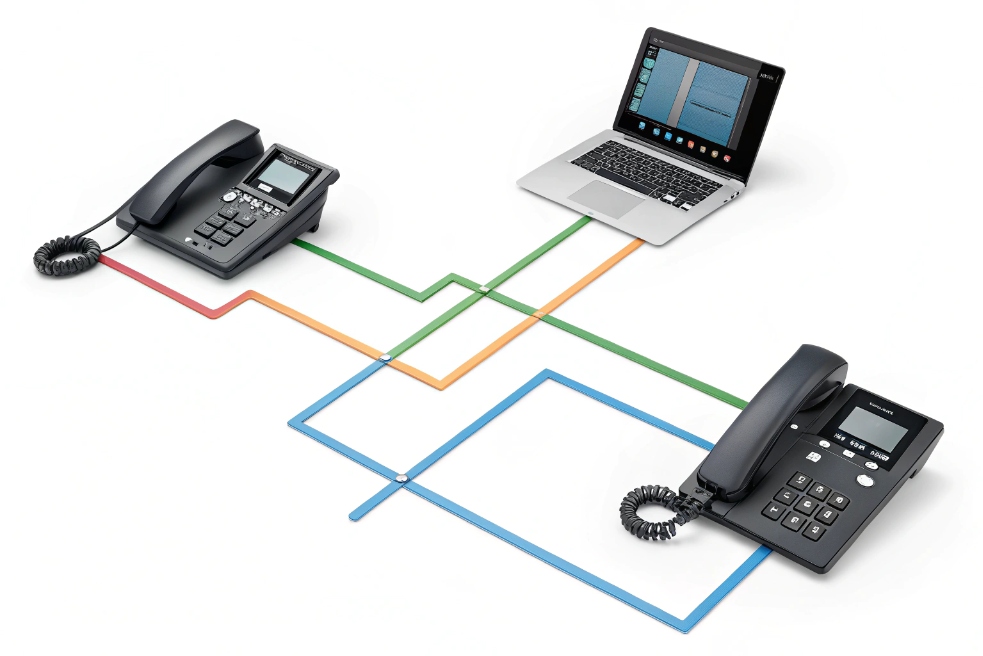
A VoIP phone uses SIP to register to the PBX, then sends and receives media with RTP or SRTP. The PBX routes calls, applies policy, and links trunks, queues, and IVR.
Dive deeper
End-to-end call path in simple steps
- Boot and network: The phone gets power from PoE or an adapter. It requests an IP via DHCP. Options like 66 or 160 can point it to a config server. LLDP-MED can set the voice VLAN.
- Time and trust: The phone syncs NTP. It validates trusted CAs for TLS. Correct time protects certificates and logs.
- Register: The phone sends SIP REGISTER to the PBX (UDP/TCP/TLS). The PBX challenges with 401. The phone answers with digest auth. Now the PBX knows where to reach the phone (see the SIP signaling standard (RFC 3261) 3).
- Place call: The phone sends INVITE with its codec list (Opus, G.722, G.711, G.729, iLBC). The PBX decides the route. It adds policy like recording, call pickup, or forking.
- Media path: Once the far end answers, voice flows with RTP. If secure, it runs SRTP using the Secure Real-time Transport Protocol (SRTP) standard (RFC 3711) 4. Keys derive from SDES in SIP or DTLS-SRTP for WebRTC endpoints.
- NAT and borders: Home offices sit behind NAT. The PBX or an SBC applies STUN/TURN/ICE logic, ALG fixes, and media relays when needed.
- Features: The PBX adds voicemail, ring groups, hunt lists, BLF/presence, park, pickup, paging, hot desking, and E911.
- Tear down: Hang up sends BYE. The PBX clears media, CDRs, and billing.
Network and QoS basics
Voice hates jitter. Keep latency < 150 ms one way and jitter < 30 ms. Mark packets with DSCP 46 (EF) for RTP and DSCP 26–34 for signaling. Use a voice VLAN with strict priority. Avoid Wi-Fi for desk phones if walls are thick or APs are crowded. Wire them with PoE.
Security you actually use
Turn on TLS for SIP and SRTP for media. Use strong passwords and device certificates. Lock web UIs to admin subnets. Use SBCs at the edge for rate limits, topology hiding, and DoS protection. Support STIR/SHAKEN in the service path to reduce spoofing; phones should display caller ID info from Identity headers when available.
PBX topology options
| Topology | Where the PBX lives | Media path | When to choose |
|---|---|---|---|
| On-prem SIP PBX | Your data room | Local LAN → SIP trunks via SBC | Sites with strict data control |
| Hosted/cloud PBX | Provider cloud | Phone ↔ Internet ↔ provider media | Fast rollout, many branches |
| Hybrid (edge SBC + cloud) | Split roles | Local hairpin or cloud breakout | Mix of local survivability + cloud |
Do VoIP phones support PoE and dual LAN?
Power bricks clutter desks. Extra switches add cost. Cable runs are hard to change. Clean power and smart ports simplify everything.
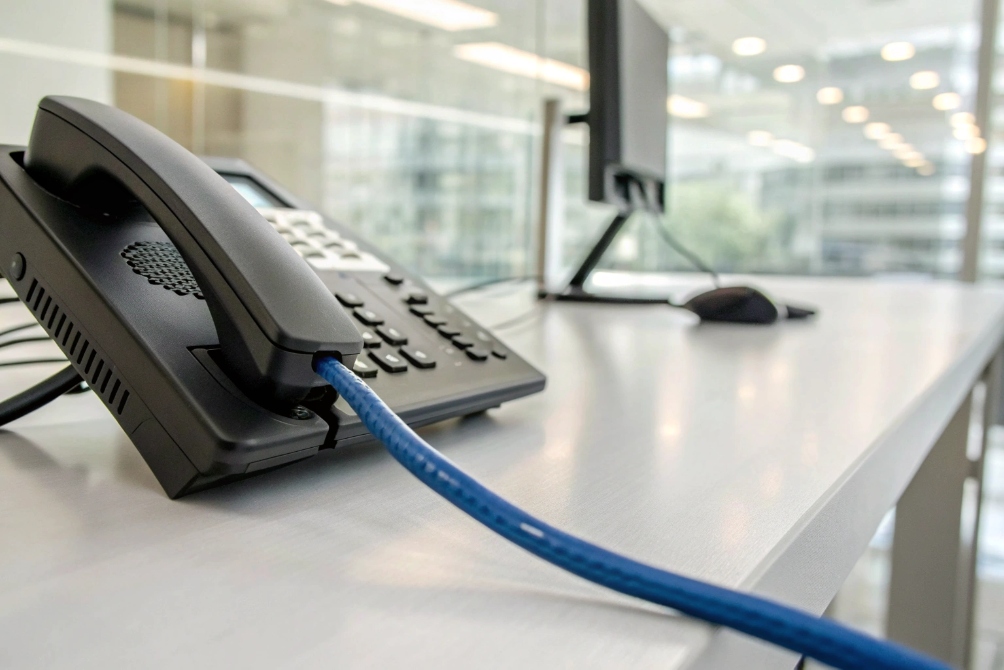
Most business VoIP phones support PoE (802.3af/at) and include a second Ethernet port. The second port can bridge a PC. Some models offer dual NICs or failover modes for resilience.
Dive deeper
Power and cabling in one run
PoE sends power and data on one Cat cable. 802.3af delivers up to 15.4 W; 802.3at (PoE+) up to 30 W. Most desk phones draw 2–7 W with the screen on. PoE lowers install time and removes wall warts. Central UPS on PoE switches keeps phones alive during short outages.
The second Ethernet port
Many phones include a PC pass-through port (often 10/100/1000). It bridges the user’s PC to the wall jack. This saves a port on the switch. Use voice VLAN for the phone and data VLAN for the PC. Phones support LLDP-MED or DHCP option 132/133 to learn VLAN and QoS. Make sure the pass-through honors 802.1X if your PCs require it.
Dual LAN and redundancy
Some premium phones provide dual NICs or dual firmware banks. Dual NICs can offer failover to a second switch or an auxiliary uplink. Most pass-through ports are not redundant; they are a simple bridge. If true redundancy is required, connect the PC to the wall directly and the phone to another drop, or use stacked switches.
Practical checks before rollout
| Feature | What to verify | Why it matters |
|---|---|---|
| PoE class | 0/1/2/3/4 and max draw | Switch budget sizing and UPS runtime |
| Pass-through port | 1 Gbit support and VLAN separation | Avoid PC bottlenecks and leaks |
| LLDP-MED | Voice VLAN, DSCP, power policy | Zero-touch QoS and VLAN mapping |
| 802.1X | Supplicant support (EAP-MD5/PEAP/EAP-TLS) | Network access control |
| Headset ports | RJ9/USB/BT with wideband support | Agent comfort and HD voice |
Which codecs deliver best call quality over low bandwidth?
Bad links ruin meetings. Choppy words break trust. The codec must bend with the link but keep the voice natural. Some compress better, some keep tone.
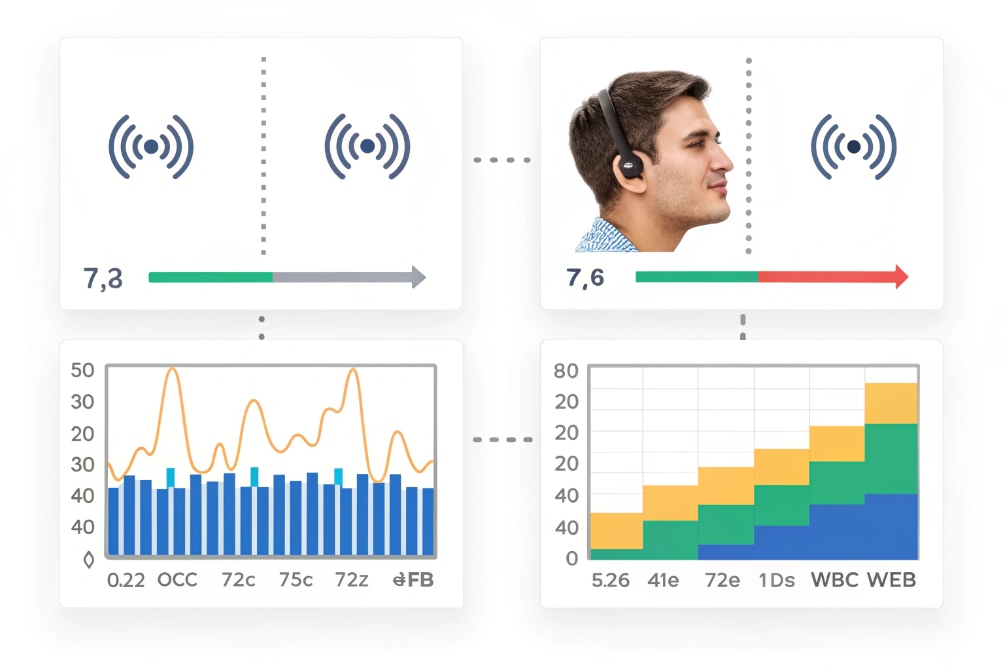
Opus is the best all-round choice for low bandwidth and variable networks. G.722 sounds clean on good links. G.729 and iLBC save bandwidth but reduce richness.
Dive deeper
How to choose on real links
Look at packet loss, jitter, and latency. If loss is bursty, you need packet loss concealment (PLC) and variable bitrate. Opus adapts from 6–24 kb/s wideband easily, supports FEC, and keeps delay low (5–20 ms frames). It tolerates jitter with built-in tools. If your PBX and phones support it, make it first in the list.
On clean wired LANs, G.722 at 64 kb/s gives bright, wideband speech. It keeps delay near G.711 but with better highs. On old SIP trunks or narrow pipes, G.729 at 8 kb/s works but sounds “narrow.” It adds licensing on some vendors. iLBC at 13.33/15.2 kb/s handles loss well and keeps natural consonants, so it is a good fallback in rough networks. AMR-WB (G.722.2) is common in mobile interconnects; it sounds great when your carrier supports it end-to-end.
Bandwidth math and headers
Remember, RTP adds overhead. A 20 ms packet with G.729 uses ~31–32 kb/s on the wire with IP/UDP/RTP headers. G.722 and G.711 at 64 kb/s consume ~87–90 kb/s with headers. Use RTCP for stats. Keep pptime consistent on both ends.
Priority and order
Set codec order per site:
- Opus wideband (16 kHz) with FEC
- G.722 (HD voice)
- G.711 A/u-law for legacy interop and DTMF tone fidelity
- iLBC or G.729 for constrained links
Quick reference table
| Codec | Sample rate | Payload rate | On-wire (20 ms pkts) | Pros | Cons |
|---|---|---|---|---|---|
| Opus | 8–48 kHz | 6–24+ kb/s | ~12–45 kb/s | Best at low bw, FEC, PLC, low delay | Needs support on both ends |
| G.722 | 16 kHz | 64 kb/s | ~87–90 kb/s | HD voice, low CPU | Higher bandwidth than Opus |
| G.711 | 8 kHz | 64 kb/s | ~87–90 kb/s | Interop, clean tones | Narrowband |
| G.729 | 8 kHz | 8 kb/s | ~31–32 kb/s | Low bandwidth | Narrow sound, licensing |
| iLBC | 8 kHz | 13.33/15.2 | ~33–40 kb/s | Robust to loss | Narrowband, CPU higher |
| AMR-WB | 16 kHz | 12.65–23.85 | ~30–60 kb/s | Great on mobile paths | Carrier/PBX support varies |
Set ptime = 20 ms for general use. In lossy Wi-Fi, try ptime 40 ms with Opus FEC to reduce header overhead, but watch added delay.
How do I provision VoIP phones at scale?
Manual setup fails. A typo kills a shift. You need zero-touch, secure files, and fast rollback. The process must work on day one and day 1000.
Use vendor redirect services plus DHCP options to auto-discover the config server. Host signed configs over HTTPS. Template per role, not per user. Protect secrets.
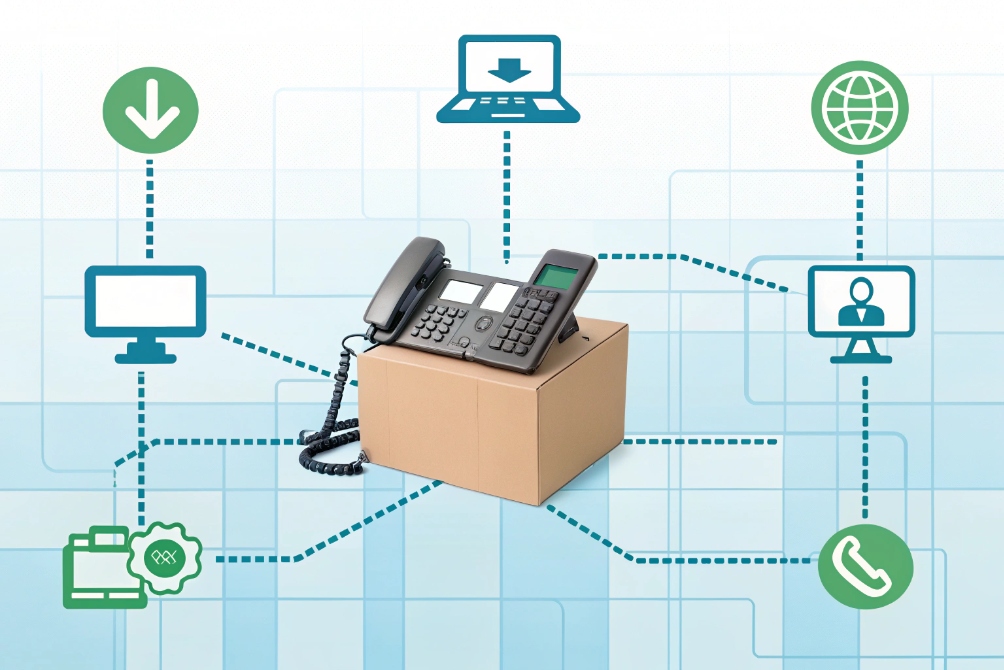
Dive deeper
The zero-touch flow
- Inventory: Capture MAC address, model, and firmware per phone.
- Redirect: Register MACs with the vendor RPS (redirect provisioning service). When the phone boots, it queries the vendor, then gets your HTTPS URL.
- DHCP assist: Also set Option 66/160 with your provisioning FQDN. This covers cases where RPS is unreachable.
- Trust: Use a public cert on the provisioning server. Phones validate it at first boot.
- Template: Build role-based templates: lobby, agent, exec, conference. Variables like SIP user, auth ID, display name, BLF keys, and time zone fill from a CSV or your PBX API.
- Pull: Phones fetch a model-specific config (XML/CFG/JSON). They reboot once and register.
- Lock: Disable insecure services, set a unique admin password per phone, and restrict the web UI by ACL.
- Ongoing: Use daily check-in for config drift, scheduled firmware waves, and change windows.
Security and identity at scale
- TLS + SRTP by default.
- Per-device client certs (EAP-TLS for 802.1X) to join the voice VLAN.
- Unique provisioning tokens with short life.
- Do not store plain SIP passwords in files; encrypt at rest and mask on export.
- Limit phones to GET on the provisioning URL.
- Use IP allowlists and auth on RPS accounts.
Network automation hooks
Phones love hints. Turn on LLDP-MED on switches to advertise the voice VLAN, DSCP 46, and PoE policy. On DHCP, set Option 2 for time offset if needed, and Option 42 for NTP. Keep NTP reachable on the voice VLAN.
Firmware strategy that will not bite later
Stage new firmware in rings: lab → pilot → one floor → whole site. Check SIP register stability, BLF, headset behavior, and QoS markings after each ring. Hold a rollback image ready. Log upgrade results by MAC.
Troubleshooting playbook and signals
| Symptom | Likely cause | Fast fix |
|---|---|---|
| Phone stuck at “Obtaining IP” | DHCP scope exhausted or wrong VLAN | Expand scope, fix trunk/Access VLAN |
| Registers then drops | NAT/ALG or SBC rate limit | Pin to TCP/TLS, tune SBC, keep-alive |
| One-way audio | RTP blocked/NAT hairpin | Symmetric RTP or media relay via SBC |
| Choppy audio | Jitter buffer too small/Wi-Fi | Increase jitter buffer, wire the phone |
| Wrong time/expired TLS | NTP blocked | Allow NTP on voice VLAN |
Provisioning stack options
| Method | How it works | Good for | Notes |
|---|---|---|---|
| Vendor RPS | Vendor redirects phone by MAC → your URL | New phones, remote sites | Needs vendor portal access |
| DHCP 66/160 | DHCP points to TFTP/HTTP(S) server | Closed networks, on-prem PBX | Prefer HTTPS over TFTP |
| TR-069/ACS | Auto-config server manages endpoints | ISPs, large distributed fleets | Powerful, more moving parts |
| QR / App pair | Scan code to load SIP creds | Softphones, small teams | Rotate tokens often |
| PBX API sync | PBX generates per-user configs | Tight PBX integration | Best for role-based templating |
Conclusion
Pick open SIP phones, wire them with PoE, prefer Opus, and use zero-touch provisioning. Protect media with SRTP. The result is clear calls and painless scale.
Footnotes
-
Unified endpoint illustration to explain desk phones, DECT, and softphone clients quickly. ↩︎ ↩
-
Visual call-flow aid for describing SIP registration, routing, and media negotiation. ↩︎ ↩
-
Authoritative SIP specification for REGISTER/INVITE/BYE behavior and core signaling rules. ↩︎ ↩
-
SRTP standard reference for securing RTP media streams with encryption and integrity. ↩︎ ↩
-
Desk phone reference image for PoE cabling, pass-through ports, and office deployment context. ↩︎ ↩
-
Codec comparison graphic to help explain MOS, link quality, and bandwidth tradeoffs. ↩︎ ↩
-
Zero-touch provisioning diagram to document rollout steps and scaling patterns. ↩︎ ↩








