
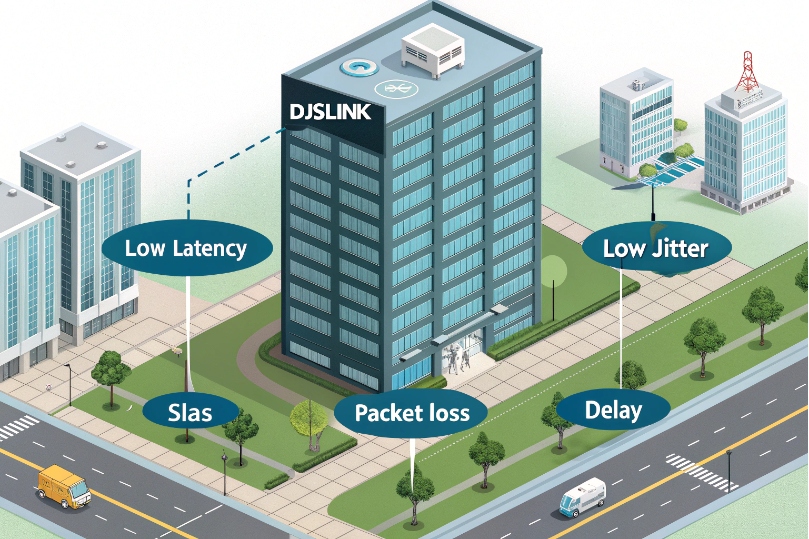
Calls suffer not from loud coworkers, but from loud networks.
The wrong ISP turns clear conversations into lag, loss, and repeats.
An ISP is your last-mile and upstream carrier for SIP and RTP. It shapes latency, jitter, and packet loss far more than raw Mbps. Pick for stability, SLAs, routing, and support.
Think of the ISP as the road your voice must travel. Your PBX, trunks, and phones can be perfect, but if the road has potholes, people will hear them. Good ISPs keep latency low and variance steady, respect DSCP, and fix faults fast. Great designs add redundancy, static IPs, and clean NAT so media flows the same way it returns.
How do ISPs affect SIP trunks, RTP quality, and latency?
The codec is innocent. The path is guilty.
Every extra hop adds delay. Every queue adds jitter.
Your ISP decides both—especially during congestion.
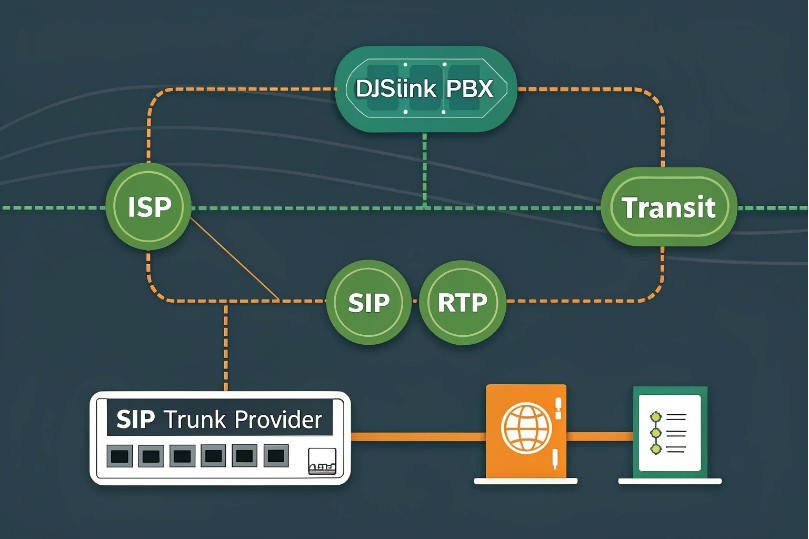
ISPs influence signaling reliability and media quality through latency, jitter, loss, peering routes, and traffic management. SIP needs clean paths for register/INVITE; RTP needs consistent, low-variance delivery.
Dive deeper Paragraph:
Where quality is won or lost
- Latency: End-to-end one-way targets under ~150 ms feel natural; under ~50 ms feels local. A common reference point is the ITU-T G.114 one-way delay guidance 1. ISPs control last-mile speed, metro backhaul, and where they hand off to your SIP provider. Long or circuitous routes (“path stretch”) turn short calls into satellite calls.
- Jitter: RTP packets must arrive at a steady cadence. Congested ISP edges create bursty delays. Jitter buffers hide small spikes, but big swings cause robotic voices or gaps.
- Packet loss: Even 1–2% sustained loss makes G.711 sound brittle. Loss bursts ruin sentences. ISPs with oversubscribed nodes or noisy RF links (fixed wireless/5G) show loss during busy hours.
- Peering and transit: Well-peered ISPs reach your provider with fewer AS hops. Poor peering forces hairpinning across continents, raising both latency and failure risk.
- Traffic management: Some ISPs shape or deprioritize UDP. Others deploy SIP ALGs that “help” by rewriting headers and breaking them. TLS/SRTP can shield signaling/media from meddling but does not fix bad routing.
- Repair SLAs: Business circuits with 4-hour restore and performance credits reduce downtime. Residential plans do not.
SIP vs RTP sensitivity
- SIP signaling (UDP/TCP/TLS): tolerant of latency but sensitive to loss and rewrites. The Session Initiation Protocol (SIP) 2 transaction model assumes networks won’t silently “fix” headers mid-flight.
- RTP media (UDP): sensitive to latency variance and loss. It does not retransmit. The Real-time Transport Protocol (RTP) 3 design prioritizes timing and continuity over retries, so congested queues show up as audio breaks.
| ISP Factor | SIP Impact | RTP Impact | What to Ask |
|---|---|---|---|
| Latency | Slower setup | Echo/delay | Typical last-mile + upstream latency |
| Jitter | Retransmits | Robot/clip | Priority queues for EF traffic |
| Loss | 4xx/5xx storms | Drops/gaps | Packet-loss SLA targets |
| Peering | Time to provider | Path stability | Where do you peer with my voice carrier? |
| ALG/DPI | Header damage | None (but setup fails) | Can ALG be disabled at edge? |
| Support | Slow MTTR | Prolonged outages | Business repair SLA and credits |
Which bandwidth, QoS, and SLAs do I need for VoIP?
Throwing Mbps at voice is like watering a cactus.
It needs consistency more than volume.
Size for calls, prioritize packets, and lock in guarantees.
Calculate per-call bandwidth, reserve headroom, and enforce QoS. Choose a business-grade plan with jitter/loss/uptime SLAs. Ask the ISP to honor DSCP or provide a voice queue.
Dive deeper Paragraph:
Bandwidth sizing that actually holds up
- Per call:
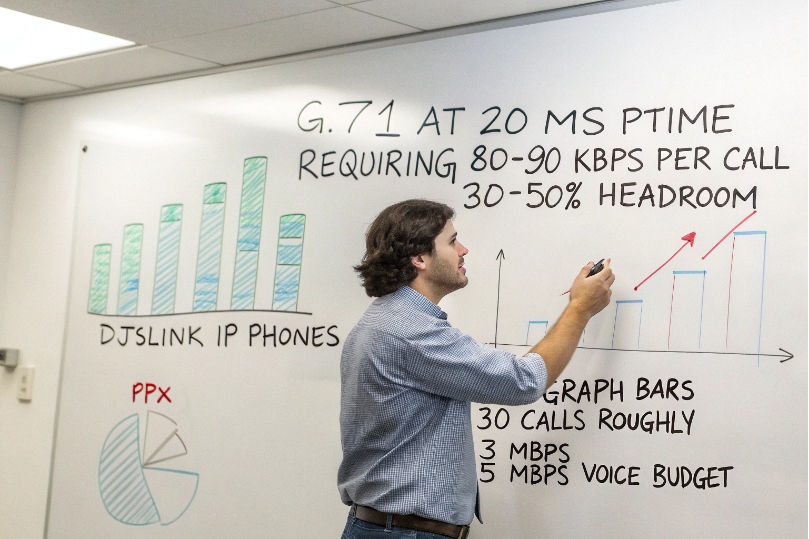
- G.711 @ 20 ms ptime ≈ 80–90 kbps each direction (RTP + headers + L2).
- G.722 wideband ≈ same bit rate, better clarity.
- Opus varies; not all desk phones support it for paging/trunks.
- Rule of thumb:
Concurrent_Calls × 100 kbpsper direction + 30–50% headroom for bursts, signaling, and overhead. - Uplink is king: Upload saturations kill RTP first. If data backups run daytime, shape them.
Example
30 concurrent calls on G.711 → ~3 Mbps each way. Provision ≥5 Mbps reserved for voice and set a strict cap on bulk-transfer queues.
QoS that survives the real world
- Marking: Use Differentiated Services Code Point (DSCP) 4 marking for voice, and place RTP in an Expedited Forwarding (EF) per-hop behavior 5 queue where possible.
- Trust boundary: Trust at the switchport for phones; remark at the WAN edge.
- Queuing: Use strict-priority or LLQ for EF with a policed cap to prevent starvation.
- VPNs/SD-WAN: Ensure DSCP is preserved through tunnels; many wipe it unless configured. If the ISP offers a managed voice queue, enroll your public prefixes and test.
SLA terms that matter
- Uptime: ≥99.9% monthly (≤43 min downtime).
- Latency target: e.g., ≤20–30 ms metro, ≤50–70 ms regional (one-way).
- Jitter target: ≤5–10 ms.
- Loss target: ≤0.1–0.3%.
- Repair time: 4-hour MTTR, 24×7 NOC, credits for breach.
Get these in writing. Ask for peering maps or at least the city where your handoff to the SIP provider occurs.
| Requirement | Good | Better | Why |
|---|---|---|---|
| Uplink | ≥ Up/Down symmetric | Dedicated fiber | Stable RTP under load |
| DSCP handling | Preserve | Prioritized EF queue | Lower jitter |
| Latency/jitter/loss SLA | Stated | With credits | Enforceable quality |
| MTTR | Next business day | 4-hour, 24×7 | Fewer missed days |
| Static IPs | Optional | Recommended | Clean NAT/firewall policy |
Do I need static IPs or dual ISPs for redundancy?
If one edge fails, phones become paperweights.
If NAT changes, trunks panic.
Plan addresses and paths like you plan power and backups.
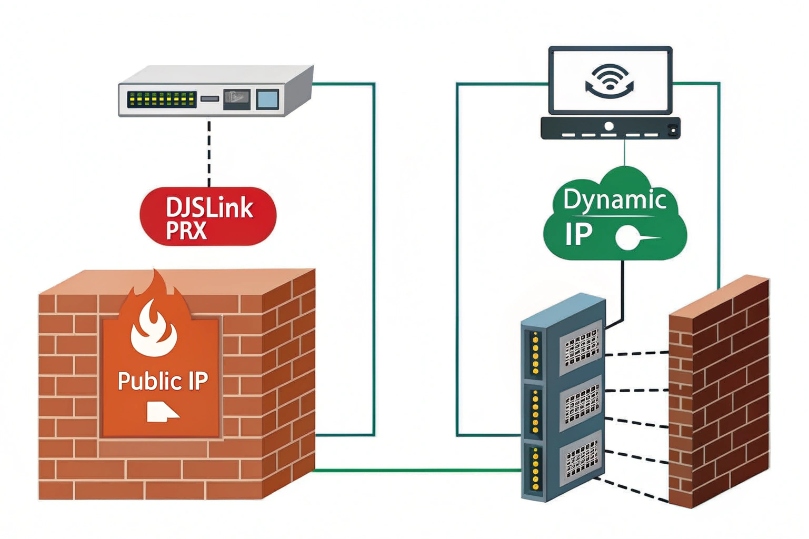
Use static public IPs for stable trunks, ACLs, and TLS. For uptime, deploy dual ISPs with diverse media and automatic failover (SD-WAN or BGP). Keep call anchoring on an SBC to protect live calls during switches.
Dive deeper Paragraph:
Static vs dynamic addressing
- Static public IPs: simplify SIP trunk ACLs, TLS cert expectations, and 911/E911 location mappings. They stop surprise re-registration when DHCP rotates an address.
- Dynamic + DDNS: workable for small sites, but trunk providers may block changing egress IPs or require re-authorization. TLS peers and IP-based allow-lists will fail until updated.
- CGNAT: you do not control the public address. Avoid it for business voice unless you anchor through a hosted SBC.
Redundancy patterns that work
- Dual ISPs, diverse media: e.g., fiber + cable, or fiber + fixed-wireless. Separate last-mile paths reduce single points of failure.
- Failover tech:
- SD-WAN: monitors loss/jitter and fails over per-flow; can steer voice to the cleaner path in real time.
- BGP: a Border Gateway Protocol (BGP) 6 multi-homing design can keep prefixes reachable across edges, but needs provider cooperation.
- Policy-based failover: simple default-route switch on health check; cheap but may drop live UDP flows.
- SBC anchoring: keep phones/RTP anchored to an internal or cloud SBC. When the WAN flips, the SBC re-establishes the external leg. Phones remain bound to the SBC, so fewer mid-call drops.
Testing and operational reality
Schedule live failover drills quarterly. Place two long calls, move heavy data, then pull one ISP. Watch MOS, jitter, and re-invite flows. Fix what drops.
| Design Element | Minimal | Recommended | Best |
|---|---|---|---|
| Public IP | Dynamic | Static | Static + secondary |
| Redundancy | None | Dual ISPs + SD-WAN | Dual ISPs + BGP + SBC anchor |
| Diversity | Same conduit | Different media | Physically diverse paths |
| Health checks | Ping gateway | Loss/jitter probes | SIP OPTIONS + RTP quality |
How do CGNAT, firewalls, and jitter buffers impact my calls?
NAT hides your hosts. Firewalls guard them.
Voice needs holes in the right places, at the right time.
Buffers hide jitter until they cannot.
CGNAT complicates inbound pinholes and IP-based trunks. Firewalls must allow SIP/TLS and RTP ranges symmetrically. Jitter buffers smooth delay variation but add latency if oversized.
Dive deeper Paragraph:
CGNAT: the upstream black box
- What it is: your ISP performs NAT for many customers behind the same public IP pool, often using the 100.64.0.0/10 shared address space 7. You cannot port-forward or assure stable egress IPs.
- Why it hurts: SIP providers often authenticate by source IP; CGNAT changes it. UDP pinholes time out fast, causing one-way audio after transfers or on hold.
- Workarounds:
- Use TLS for SIP and DTLS-SRTP/ICE for media where supported.
- Terminate to a hosted SBC with public IPs.
- Ask for a business plan with static IPs or CGNAT bypass.
- Avoid SIP ALG at CGNAT edges; you cannot configure them.
Firewalls and ALGs
- Open the right ports: SIP TCP/TLS (5060/5061) or your provider’s custom ports; RTP UDP ranges as required (e.g., 10000–20000).
- State and symmetry: Keep signaling and media on the same egress path. Stateful firewalls drop return RTP if the forward path differs.
- SIP ALG: disable it on your edge unless your provider explicitly requires it. ALGs often rewrite Contact/SDP and break mid-call updates (re-INVITEs, REFER).
- Keepalives: set reliable CRLF or OPTIONS keepalives for TCP/TLS; for UDP, send periodic REGISTER or OPTIONS to keep mappings open.
Jitter buffers: helpful until they are not
- Purpose: absorb packet timing variance so audio plays smoothly.
- Sizing: 20–60 ms fixed is common. Adaptive buffers grow on demand but increase mouth-to-ear delay.
- Trade-offs: more buffer = fewer clicks, but more echo/latency. If ISP jitter is wild, the cure becomes the disease. Fix the path, not just the buffer.
- Monitoring: many phones expose RTP stats (jitter, MOS). Track them on problem links and correlate with ISP busy hours.
MTU and fragmentation
- TLS and VPNs increase packet size. If the WAN MTU is 1500 but tunnels drop it to 1400, large SIP/TLS packets fragment or drop. Test with:
ping <provider> -f -l 1472and step down in 8-byte chunks until it passes. Set consistent MSS clamping on tunnels.
| Risk | Symptom | Fix |
|---|---|---|
| CGNAT | Registration flaps, one-way audio | Static IP plan, hosted SBC, TLS/ICE |
| SIP ALG | Failed transfers, odd 4xx | Disable ALG, use SBC |
| Tight firewall | Intermittent media | Open RTP ranges bidirectionally |
| Oversized jitter buffer | High voice delay | Reduce buffer, fix ISP jitter |
| MTU mismatch | Drops after connect | MSS clamp, adjust MTU |
Conclusion
Pick an ISP for stability, routing, and support—not just speed. Lock in SLAs, enforce QoS, and secure static IPs. Add dual providers and an SBC for resilience. Tame NAT and firewalls, and use jitter buffers sparingly. Your calls will sound like you meant them to.
Footnotes
-
ITU guidance on one-way delay thresholds that keep conversations natural and reduce echo. ↩ ↩
-
Official SIP specification for understanding trunk signaling behavior and failure modes. ↩ ↩
-
Canonical RTP standard describing media transport, timing, and payload handling for voice. ↩ ↩
-
Defines DSCP marking so you can prioritize SIP/RTP correctly across routers and WANs. ↩ ↩
-
Explains EF behavior used for low-latency voice queues and jitter control. ↩ ↩
-
Reference for BGP-based multi-homing when you need resilient routing across dual ISPs. ↩ ↩
-
Shows 100.64.0.0/10 shared address space used with CGNAT and why static IPs matter. ↩ ↩








