
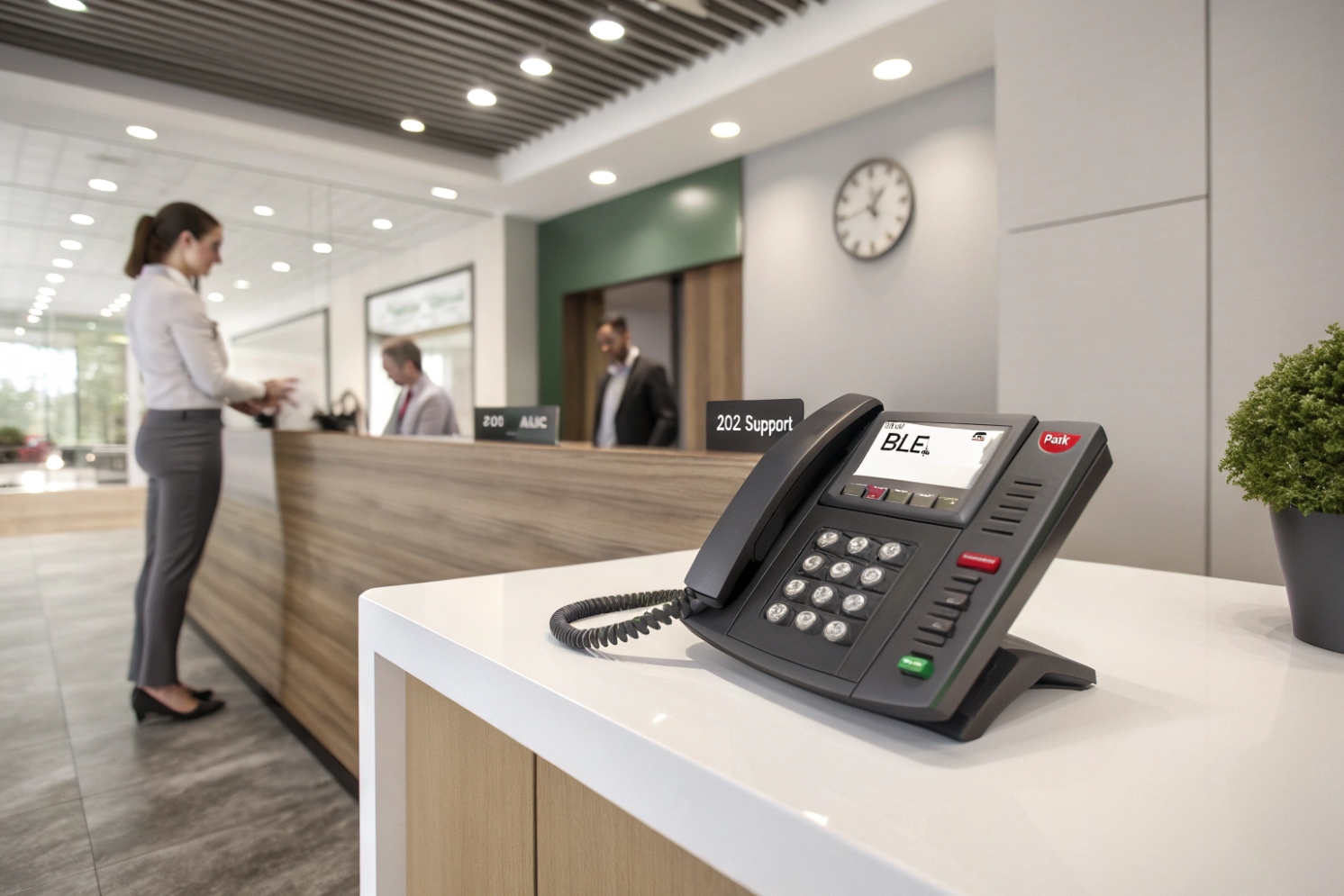
Calls get lost when transfers are blind. Reception desks panic when they cannot see who is free. One small feature fixes most of that stress.
BLF (Busy Lamp Field) is a SIP phone feature that shows another extension’s real-time state—idle, ringing, or busy—on a key or screen, often with one-touch dial and pickup.
BLF as “presence you can act on”
BLF is the fast visual signal that turns guessing into routing. Instead of asking “are you free?”, the phone shows it. Most BLF keys do two jobs at once:
- Monitor a target (extension, park slot, queue, intercom, sometimes a trunk)
- Act on the target (speed dial, or pickup if it is ringing)
Under the hood, BLF is usually built on the SIP presence event package 1{#fnref-3} plus the SIP SUBSCRIBE/NOTIFY event framework 2{#fnref-1}. Your phone subscribes to a target and the PBX pushes updates whenever the target state changes. Many systems use a dialog event package 3{#fnref-2} for call state, so the phone can distinguish:
- idle (no active dialog)
- ringing (early)
- busy (confirmed)
BLF is different from a shared line. BLF is mostly observe (and sometimes pickup). A shared line is control of the same call appearance across multiple devices, including hold/resume behavior. Mixing these two concepts causes most deployment confusion.
What BLF is and is not
| Feature | What you get | What you do not get | Best use case |
|---|---|---|---|
| BLF | See idle/ringing/busy and often pickup | Shared hold/resume across phones | Reception, supervisors, quick transfers |
| Speed dial | One-touch dialing | Status view | Fast calling only |
| SLA (shared line) | Shared line appearance + hold/resume | Simple “who is busy” panel at scale | Executive assistants, shared departments |
| Presence (chat) | Away/DND/online signals | Accurate call dialog detail | UC apps and softphones |
Typical BLF indicators
| State shown on phone | Meaning in practice | What the operator should do |
|---|---|---|
| Off / green | Idle and available | Transfer or call normally |
| Flashing | Ringing or alerting | Pickup if allowed, or transfer to that target |
| Solid red | On a call / busy | Pick another target or send to voicemail/queue |
| Different color/pattern | DND/away/unknown (vendor-specific) | Follow policy, do not interrupt |
A short story placeholder: on one lobby project, BLF reduced transfer time because operators stopped “trial dialing” five extensions in a row. That alone reduced abandoned calls.
If BLF is the visibility layer, the next step is knowing what exactly it can monitor: extensions, lines, door intercoms, and special features like call park.
How does BLF show line, extension, and door intercom status?
Operators lose time when they cannot tell whether a target is busy or just not answering. Intercom calls get worse because the visitor is waiting while staff guess.
BLF shows status by subscribing to a target’s call state. The PBX pushes updates so your phone can display idle, ringing, or busy for extensions, some shared lines, park orbits, and intercom endpoints.
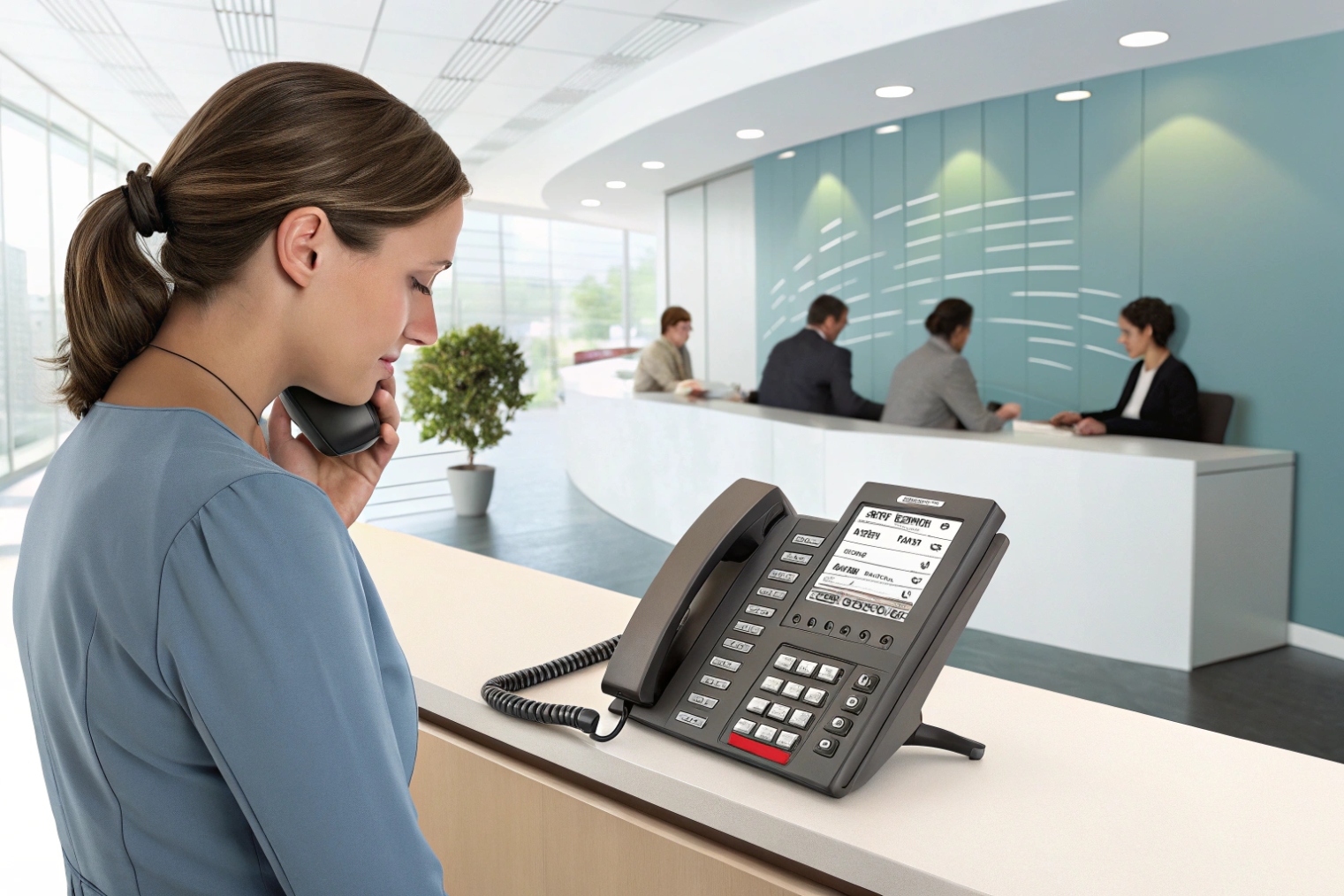
Extension status (most common BLF target)
For normal extensions, BLF tracks the call dialog of that extension. The phone’s key light becomes a live scoreboard:
- idle means the extension has no active call
- ringing means it is being called
- busy means it is in an active call
If “BLF pickup” is enabled, pressing the key while it is ringing triggers a directed pickup action. On many systems, that pickup is implemented as a PBX feature code, a special SIP URI, or a PBX-side logic that maps the key press to pickup.
Some platforms allow BLF-like monitoring of a shared line. In that case, BLF indicates whether the shared resource is in use. Still, this is where BLF and SLA are often confused:
- BLF can show busy and may allow pickup
- SLA offers shared hold/resume and multiple call appearances
If the goal is “see who is on the shared sales line,” BLF might be enough. If the goal is “put the shared line on hold and resume from another desk,” SLA is the required feature.
Door intercom status (useful, but must be designed)
Door intercoms can be treated as SIP endpoints. BLF can monitor:
- the intercom extension state (idle/busy)
- a door group extension (ringing when visitor presses the button)
- a call park slot used by the door workflow
In multi-tenant buildings, BLF is often used to show whether a guard desk is already handling a door call, so the next operator does not pick up blindly and talk over someone else.
| BLF target type | What you can learn | What you can do with a key press | Common pitfall |
|---|---|---|---|
| User extension | idle/ringing/busy | dial, pickup (if allowed) | missing permissions for pickup |
| Shared resource | in use or not | dial, sometimes pickup | expecting SLA hold/resume behavior |
| Door intercom | intercom busy or ringing | answer/pickup/transfer | intercom uses a different call flow |
| Call park slot | slot occupied or free | retrieve parked call | park hints not configured |
The real value is not the light. The real value is faster decisions: transfer to the right person, pickup at the right desk, and avoid sending callers into dead ends.
How do I configure BLF subscriptions and hints on my PBX?
BLF fails quietly when the PBX does not publish the right presence information. Phones then show “unknown” or never update, and users stop trusting the lights.
BLF works when the PBX publishes call state for targets and allows phones to SUBSCRIBE. Configuration usually includes enabling presence/dialog events, creating BLF “hints” or resources, assigning keys, and setting permissions.
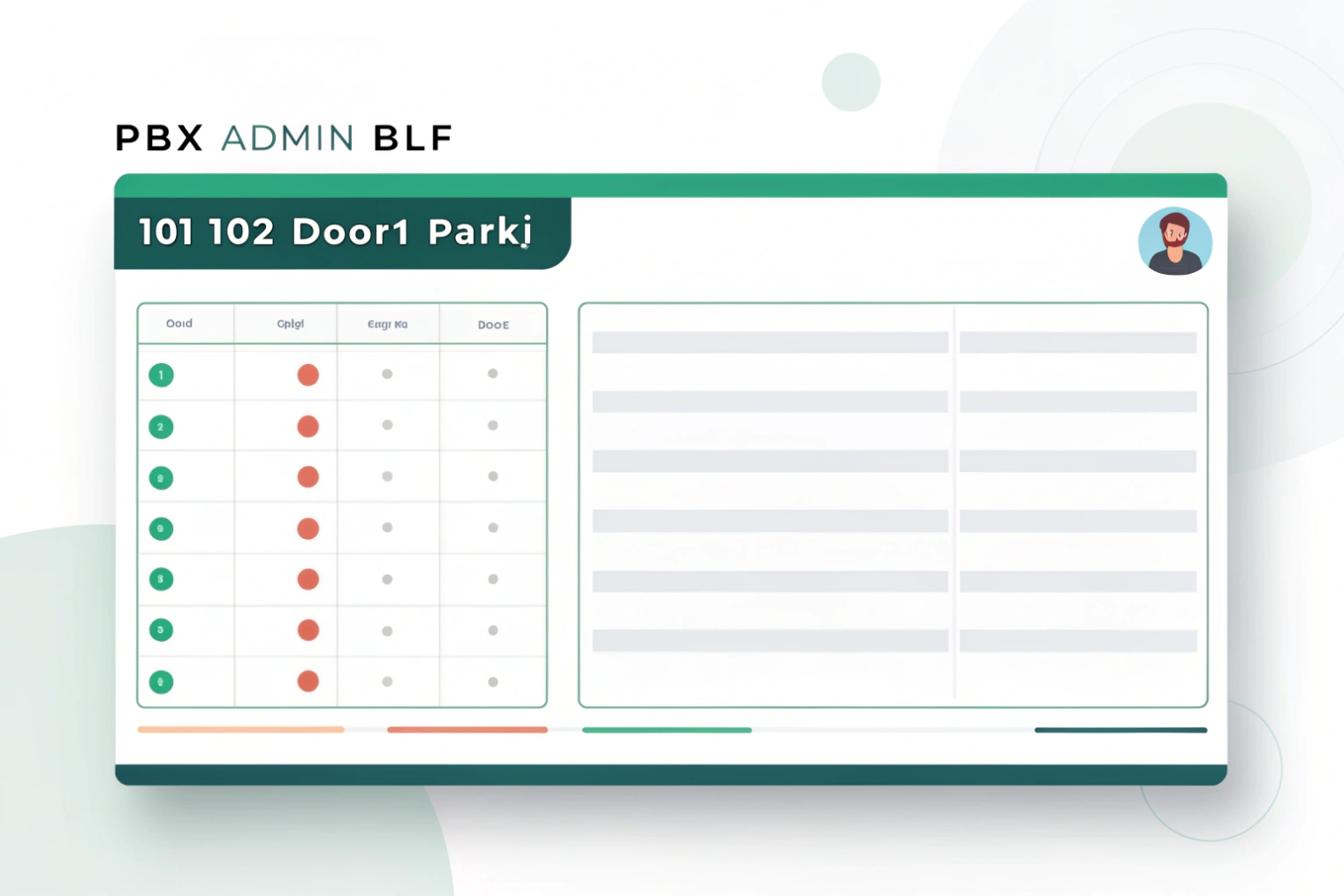
Step 1: confirm what the PBX exposes as BLF targets
Most PBXs expose extensions by default. Special targets often need explicit configuration:
- call park orbits/slots
- queues or ring groups (sometimes)
- feature codes (DND, pickup, forward)
- intercom or paging groups
Some systems use the idea of a “hint” or “resource” that maps a dialable number to a presence state. In other systems, the admin portal offers “BLF type” choices per key.
Step 2: assign BLF keys and choose the right BLF behavior
Typical choices per key include:
- BLF + speed dial
- BLF + directed pickup
- BLF for park slot (retrieve)
- BLF for queue agent state (platform-specific)
The best UX keeps high-frequency targets on the first screen. A receptionist panel should not bury the most-used extensions behind pages.
Step 3: scale correctly with BLF lists when monitoring many targets
If one phone monitors 60 targets, it may send 60 SUBSCRIBE messages. That can be heavy. Many platforms support grouped subscriptions (often called a BLF list) using the SIP resource list (RLS) event extension 4{#fnref-4}, where:
- the phone subscribes once to a list
- the PBX replies with one consolidated NOTIFY containing many states
This improves scale and reduces signaling load.
Step 4: lock down permissions and privacy rules
BLF can reveal who is on a call. Many environments require role-based limits:
- reception can see many extensions
- regular users can see only their team
- executives may hide states or show “busy” without details
| PBX BLF task | What to set | Why it matters | Quick validation |
|---|---|---|---|
| Presence/dialog events | enable publishing | phones need real-time state | key changes within 1–2 seconds |
| Hint/resource mapping | map number to state | supports park/feature BLF | park slot shows occupied/free |
| BLF key assignment | type + target | correct action on press | dial vs pickup behaves correctly |
| Permission policy | who can subscribe | prevents data leakage | unauthorized phones cannot monitor |
| Scaling method | BLF list/group | reduces SUBSCRIBE load | stable updates with many keys |
A simple test approach is to place a call to the monitored extension, watch the BLF change from idle to ringing to busy, then hang up and confirm it returns to idle. If any step is delayed or wrong, it is usually a hint mapping or a subscription permission issue.
BLF is easy in a single PBX. It gets tricky when systems are clustered, multi-site, or when features like shared lines and park are layered in.
BLF can work across multiple servers and clusters if presence is shared or centralized and endpoints subscribe to the right publisher. BLF can monitor shared resources and call park when the PBX publishes correct states and supports those targets.
Multiple servers and clusters
In multi-server deployments, the main requirement is consistent presence publishing. There are two common models:
- Single presence authority: one server publishes states for all extensions, even if call control is distributed.
- Federated presence: servers exchange presence so subscriptions still get accurate updates.
BLF breaks when:
- an extension is registered on server A but presence is published on server B without sync
- phones subscribe to the wrong domain/host
- NAT or firewall blocks NOTIFY from secondary servers during failover
The fix is usually architectural: ensure the publisher for dialog state is reachable and consistent.
BLF can show that a shared resource is in use, but it does not guarantee shared hold/resume behavior. If the business workflow requires:
- placing a shared call on hold from desk 1
- resuming it from desk 2
then SLA is the right feature, not BLF.
BLF still helps in shared-line environments by preventing unnecessary interruptions and guiding transfers.
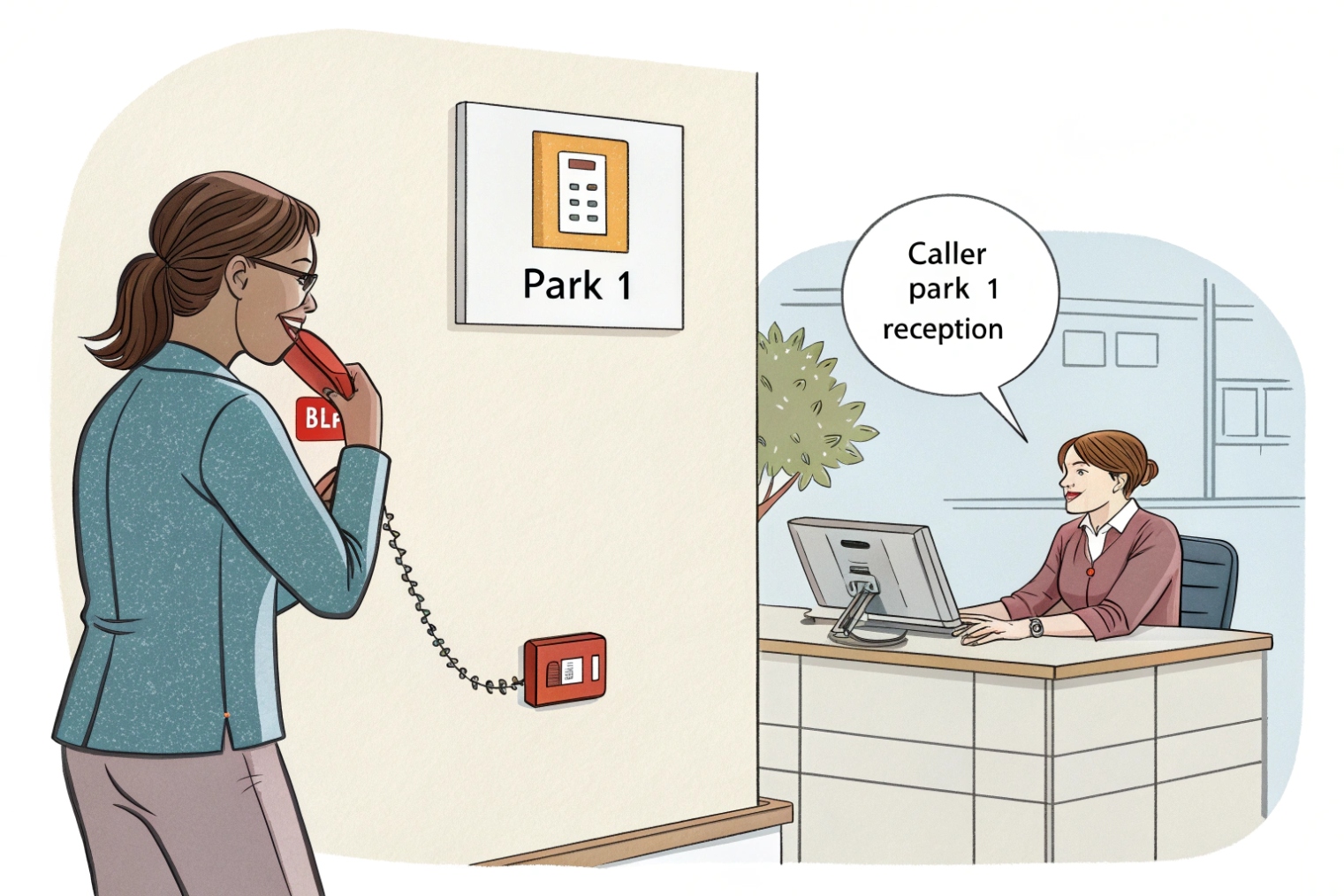
Call park BLF
Call park is one of the best BLF use cases. A BLF key for a park slot can show:
- free slot (idle)
- occupied slot (busy)
Pressing the key can retrieve the parked call. For an example of how “park monitoring” behaves in practice, see call park (park monitor) 5{#fnref-7}.
This requires the PBX to publish park slot state as a BLF target. If park is implemented without hints/resources, the phone may not see it.
| Scenario | BLF can work? | What must be true | What usually fails |
|---|---|---|---|
| PBX cluster | Yes | shared presence publisher | failover changes NOTIFY source |
| Multi-site with central PBX | Yes | stable connectivity and DNS | NAT blocks unsolicited NOTIFY |
| Shared line monitoring | Sometimes | PBX exposes shared resource state | users expect SLA controls |
| Call park monitoring | Yes | park slots published as BLF targets | park hints not created |
For large sites with intercoms, BLF plus call park becomes very practical. A guard can park a visitor call, and a BLF key shows exactly where it is parked for retrieval. That reduces “where did the call go?” moments.
What network and security settings keep BLF reliable and secure?
BLF feels simple, but it relies on constant SIP signaling. If the network drops NOTIFY packets or a firewall blocks them, BLF becomes stale and misleading.
BLF stays reliable when phones can maintain SIP subscriptions, receive NOTIFY messages, and keep NAT bindings alive. Security is improved with TLS for SIP, strict ACLs, role-based subscription permissions, and voice VLAN segmentation.
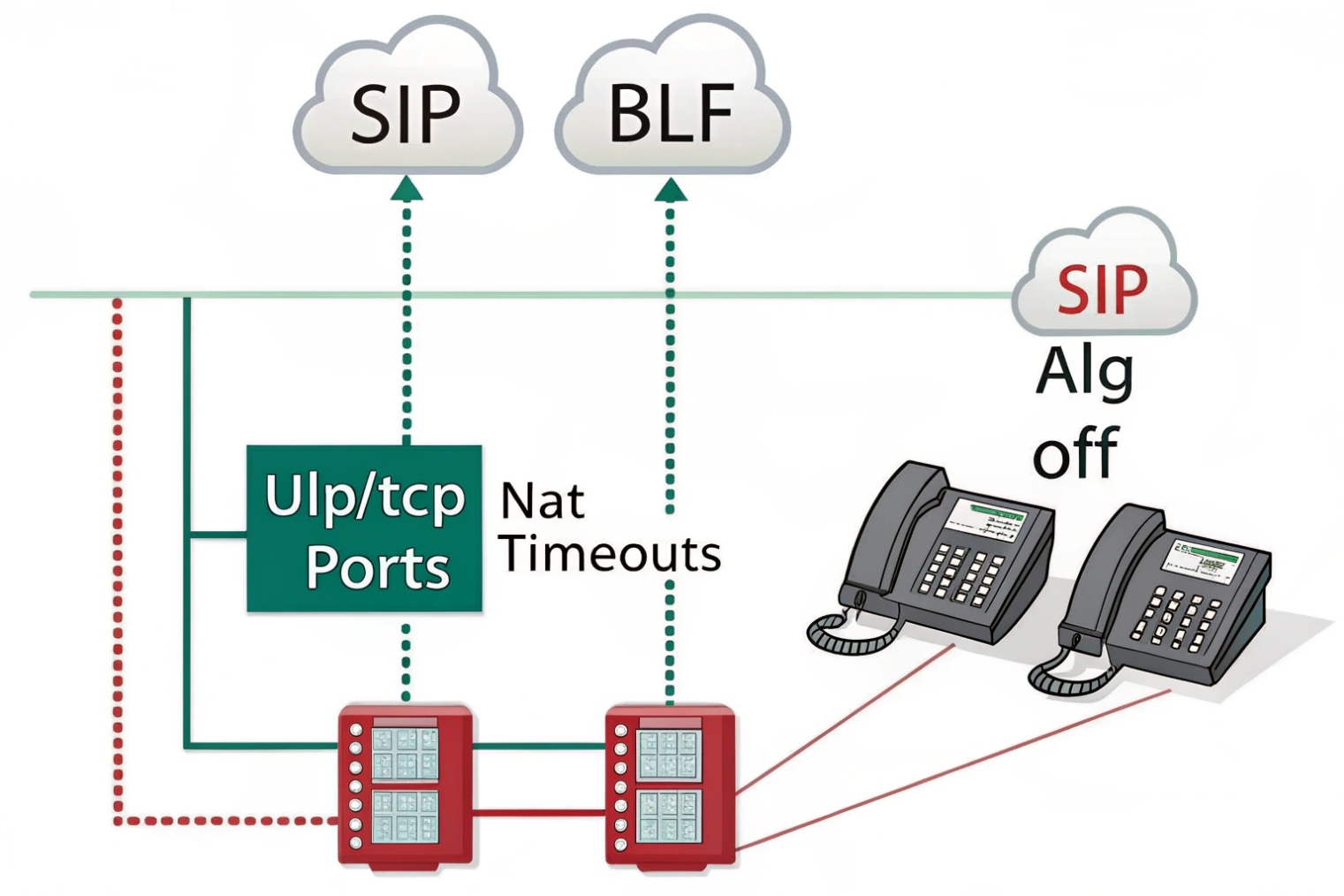
Network settings that protect BLF behavior
BLF traffic is small, but timing is important. The main risks are:
- NAT timeouts that drop the subscription dialog
- firewalls that block unsolicited NOTIFY packets from the PBX
- unstable Wi-Fi causing delayed updates
- over-aggressive SIP Session Timers 6{#fnref-5} that churn subscriptions
A clean baseline:
- keep phones on wired Ethernet where possible
- use a voice VLAN to reduce broadcast noise
- ensure the PBX can reach phones directly for NOTIFY
- use keepalives so NAT mappings stay open
QoS and storm control
BLF is signaling, not RTP, but it still benefits from a clean LAN. A broadcast storm can delay everything. Managed switches should use:
- storm control to prevent floods
- STP edge/portfast so phones come up quickly
- queueing that keeps voice traffic responsive during data bursts
Security controls that matter for BLF
BLF can leak organizational activity if unmanaged. Good controls include:
- limit which extensions a phone/user can subscribe to
- restrict management UI access to a management VLAN or VPN
- enable SIP over TLS 7{#fnref-6} when supported
- block internet-side access to phone web UIs
- rate-limit and monitor SUBSCRIBE floods to reduce abuse risk
| Risk | Symptom | Likely cause | Fix |
|---|---|---|---|
| Stale BLF lights | status never changes | NOTIFY blocked or lost | open firewall paths, fix NAT keepalive |
| BLF works then stops | breaks after minutes/hours | NAT timeout on UDP | shorter keepalive, TCP/TLS where supported |
| BLF delayed | lights change late | Wi-Fi jitter or LAN congestion | wired ports, QoS, traffic shaping |
| Information exposure | too many users can monitor | weak permissions | RBAC and subscription limits |
| Subscription overload | PBX CPU spikes | too many individual SUBSCRIBE | BLF lists/group subscriptions |
A simple validation routine helps keep BLF trustworthy:
- reboot a phone and confirm BLF keys repopulate quickly
- place calls and confirm state changes in near real time
- test during busy network usage to check delays
- confirm permissions by testing with a restricted user
When BLF is stable, operators trust it. When it is stale, users ignore it, and the feature becomes decoration.
Conclusion
BLF is SIP presence for call state: it shows who is idle, ringing, or busy, and can enable one-touch dial and pickup. Solid PBX hints, permissions, and clean network paths make it dependable.
Footnotes
-
Background on SIP presence subscriptions and how endpoints publish/subscribe to state. ↩ ↩
-
Defines SIP SUBSCRIBE/NOTIFY events that power BLF state updates. ↩ ↩
-
Explains the SIP dialog event package used for idle/ringing/busy reporting. ↩ ↩
-
Shows how one subscription can monitor many resources via SIP resource lists (RLS). ↩ ↩
-
Practical overview of call park and “park monitor” behavior used by BLF keys. ↩ ↩
-
Details SIP Session Timers that can drop calls or subscriptions when mis-tuned. ↩ ↩
-
Specifies best practices for running SIP securely over TLS. ↩ ↩








