
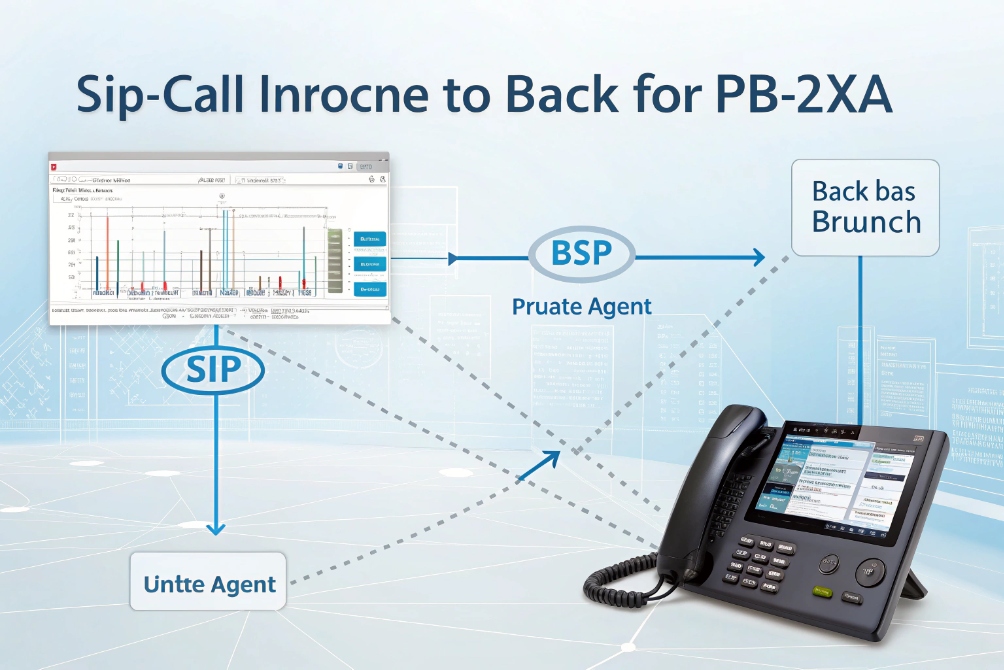
Calls can “connect” and still fail in real life. Audio drops, recording breaks, policies do not apply, and troubleshooting becomes guesswork.
Call bridging is when your PBX/SBC creates two call legs and connects them so signaling and media flow between parties through a bridge that stays in the path for control, routing, recording, and security.
Bridging is not the same as transfer
A transfer aims to hand the call off. A bridge keeps the system in the middle. In SIP terms, the bridge is usually a Back-to-Back User Agent (B2BUA) 1. It terminates one SIP dialog and creates another. Then it relays or anchors RTP between them.
This matters because many “must-have” features require the system to stay in the media path:
- call recording and compliance
- whisper/announcement injection
- DTMF normalization
- fraud checks and policy enforcement
- codec interop and transcoding
- failover and rerouting if one leg fails
A bridged call is often described as two legs:
- Leg A: Caller → PBX/SBC
- Leg B: PBX/SBC → Callee
The bridge ties those legs together so both parties experience one call. The bridge can also decide whether RTP is anchored (hairpin) or optimized (direct media).
Media anchoring vs direct media after setup
There are two common bridging styles:
- Anchored RTP (hairpin): RTP flows through the PBX/SBC for the whole call. This simplifies NAT and makes recording easy, but uses bandwidth and CPU.
- Direct media (re-INVITE): the bridge sets up both legs, enforces policy, then re-INVITEs endpoints to send RTP directly. This reduces load, but depends on NAT/firewall success.
| Bridge mode | What happens to RTP | Why teams use it | Main tradeoff |
|---|---|---|---|
| Anchored (hairpin) | PBX/SBC stays in media | Recording, NAT control, feature injection | More bandwidth and CPU |
| Direct media | Endpoints send RTP directly | Lower latency and load | NAT/firewall complexity |
A practical way to describe the first mode is hairpinning (anchored RTP media) 2. The second mode is commonly implemented via a SIP re-INVITE request 3 to update where media should flow.
Codec and encryption realities
Because the bridge owns both legs, it negotiates codecs with each side. If both sides share a codec, no transcoding is needed. If they do not, the bridge may transcode, which adds CPU and a small delay.
Security is also per-leg. A bridge can do SRTP on one leg and RTP on the other, or SRTP on both legs but with separate keys. That supports policy and lawful controls, but it is not true end-to-end encryption because the bridge can access media. If you need encryption in the media path, the baseline reference is the Secure Real-time Transport Protocol (SRTP) 4.
Call bridging is the “glue” that makes a SIP system behave like a system, not just a set of phones.
Next is the part admins care about: how to configure bridging behavior on an IP PBX.
How do I configure call bridging on my IP PBX?
Many teams assume bridging is a single checkbox. In practice, bridging behavior is the result of routing, trunk rules, and media settings.
You configure call bridging by defining inbound/outbound routes, choosing whether to anchor or allow direct media, setting codec and SRTP policies, and confirming the PBX stays in-path for the features you need.
Step 1: Define where the two legs start and end
A bridge needs two destinations. Common pairs are:
- PSTN trunk ↔ internal extension
- SIP intercom ↔ operator group
- inbound DID ↔ queue/ring group
- trunk A ↔ trunk B (least-cost routing or migration)
- site A PBX ↔ site B PBX
So configuration starts with dial plan logic:
- Inbound DID routes to an extension, ring group, or queue.
- Outbound routes send calls to the correct trunk based on prefix and policy.
- Failover routes define what happens if trunk or peer is down.
Step 2: Decide if the PBX anchors media
In PBX settings, this is often called:
- “direct media” on/off
- “re-INVITE” on/off
- “media bypass” on/off
If recording, announcements, or strict NAT control are required, anchored media is safer. If the environment is well-managed and endpoints are in the same LAN, direct media can reduce load.
Step 3: Normalize DTMF, early media, and mid-call features
Bridging is also where feature consistency is enforced:
- DTMF (RFC4733 vs SIP INFO) normalization
- early media behavior (183 with SDP)
- hold/resume handling
- call park and pickup logic
- in-call tone injection (announcements, whispers)
These features can break when media is direct and endpoints behave differently. Anchoring reduces variance.
For DTMF specifically, teams often standardize to the RTP payload for DTMF events (RFC 4733) 5 so IVRs and compliance flows behave consistently across trunks and endpoints.
For pre-answer prompts and ringback behavior, early media is often governed by SIP early media and ringing tone rules (RFC 3960) 6, which is why firewall and endpoint support matter.
Step 4: Set codec and security policies per trunk/peer
A stable bridge configuration includes:
- allowed audio codecs (G.711, G.722, Opus where supported)
- allowed video codecs if needed (H.264)
- SRTP requirements or optional SRTP
- TLS for SIP signaling where supported
| PBX setting area | What it controls | Why it changes bridged call quality |
|---|---|---|
| Direct media / re-INVITE | RTP path | Impacts NAT success and recording |
| Codec policy | Audio/video compatibility | Prevents “no audio” or forced transcoding |
| SRTP/TLS policy | Encryption per leg | Protects media and credentials |
| DTMF method | IVR and compliance input | Stops missed digits and broken menus |
| Failover routing | Resiliency | Keeps calls alive when trunks fail |
Configuration is successful when a call can bridge under load, not only in a quiet test.
Next, the most common bridging case is bridging external PSTN calls to internal extensions.
How do I bridge external PSTN and internal extensions?
This is the core IP PBX job: take an outside call from the carrier and connect it to a user, a group, or a queue.
You bridge PSTN to internal extensions by terminating the PSTN/SIP trunk on the PBX, routing inbound DIDs to internal targets, and bridging media between the trunk leg and the extension leg with correct codec, NAT, and SRTP rules.
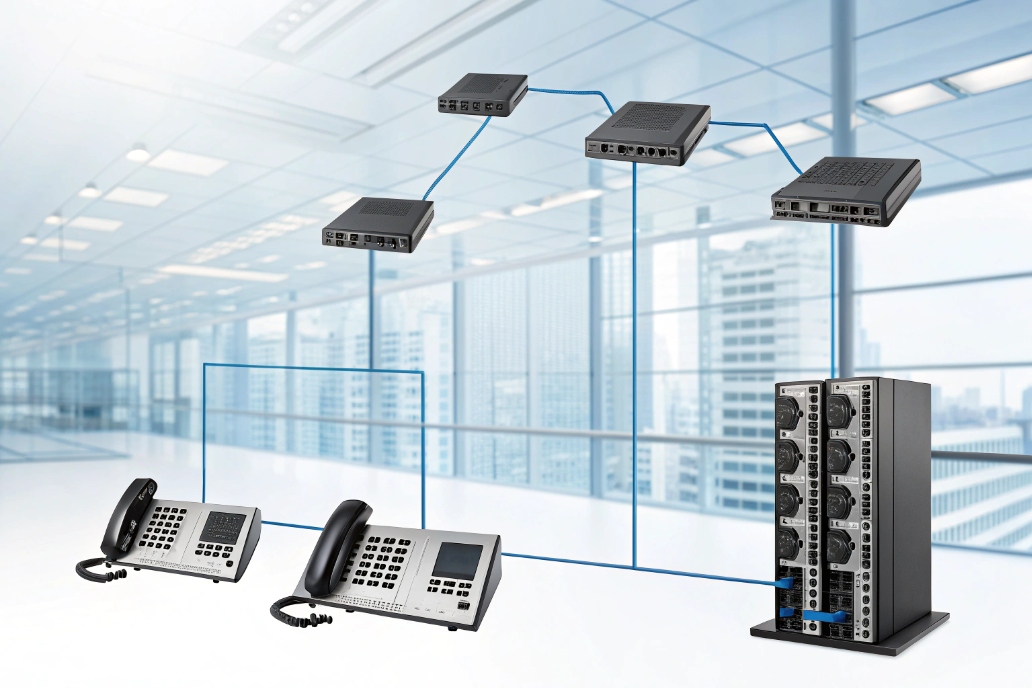
Inbound path: trunk → DID → destination
A basic inbound bridge looks like:
- Carrier delivers call on SIP trunk (or gateway from PRI/FXO).
- PBX matches the called number (DID/DNIS).
- PBX routes to an internal extension, ring group, or queue.
- PBX bridges the two call legs and manages RTP.
If the carrier trunk and the internal phones use different codecs, the PBX may transcode. If the internal side uses SRTP and the trunk is RTP, the PBX can decrypt/encrypt per leg.
Outbound path: extension → dial plan → trunk
Outbound bridging is similar:
- User dials a number.
- PBX applies dial plan (prefix rules, permissions).
- PBX selects a trunk (primary or least-cost).
- PBX bridges the extension leg to the trunk leg.
Common gotchas in PSTN ↔ internal bridges
Problems often come from:
- NAT and firewall misalignment (one-way audio)
- wrong RTP port ranges not allowed
- DTMF mismatch (IVR cannot detect digits)
- early media blocked (ringback or announcements fail)
- codec mismatch or forced transcoding overload
A stable deployment usually anchors RTP at the SBC/PBX when endpoints are behind NAT, and it uses clear port rules and QoS.
| Symptom | Likely cause in a bridged PSTN call | First check |
|---|---|---|
| One-way audio | RTP blocked / NAT issue | RTP port ranges + SBC media anchoring |
| No DTMF in IVR | DTMF method mismatch | RFC4733 vs SIP INFO settings |
| Caller hears silence before answer | Early media blocked | 183 support and firewall rules |
| Random drops | Session timers or re-INVITE issues | SIP timers and direct media settings |
Once PSTN bridging is solid, the next question is bigger: can calls be bridged across trunks, PBXs, or even different SIP servers?
Can I bridge calls across trunks, PBX, or SIP servers?
Many deployments are hybrid. One site has an on-prem PBX. Another uses a cloud UC. Some sites have old trunks and new trunks during migration.
Yes, you can bridge calls across trunks and SIP servers using the PBX/SBC as a policy bridge, but you must manage codec interop, SIP normalization, NAT, and security policies so each leg behaves predictably.
Common bridging topologies
Bridging across systems often looks like:
- Trunk A (Carrier 1) ↔ Trunk B (Carrier 2) for failover or pricing
- On-prem PBX ↔ cloud PBX during migration
- Site PBX ↔ headquarters PBX over SIP peering
- SIP intercom domain ↔ call center domain through SBC policies
This is where the SBC becomes critical. It normalizes SIP headers, controls security, and anchors media when needed.
Hairpin bridging is normal during migration
During phased migrations, hairpin bridging is common. A call enters on one trunk, exits on another, and the PBX stays in the middle for the full call. This can be stable, but it increases media load. Capacity planning should include concurrent calls, transcoding cost, and recording forks.
Codec, SRTP, and feature alignment
Cross-system bridging often forces compromises:
- one side supports Opus, the other does not → choose G.711 or transcode
- one side requires SRTP, the other is RTP → terminate and re-encrypt per leg
- one side uses SIP INFO DTMF, the other uses RFC4733 → normalize at the bridge
| Interop issue | Why it happens | What the bridge must do |
|---|---|---|
| Codec mismatch | Different vendor defaults | Offer common codec or transcode |
| SRTP mismatch | Different security policies | Decrypt/encrypt per leg |
| DTMF mismatch | Different DTMF methods | Convert to a consistent method |
| NAT traversal | Different network edges | Anchor RTP or use ICE/TURN where applicable |
| Header differences | Different SIP “dialects” | Normalize through SBC policies |
Cross-trunk bridging is powerful, but it must be treated as an engineered feature, not a shortcut.
Now, the last topic is the one that causes disputes later if ignored: privacy and recording rules for bridged calls.
What are privacy and recording rules for bridged calls?
A bridged call often passes through systems that can record, analyze, or store media. That can be a compliance benefit, but it also creates legal and trust risks.
Recording and privacy rules for bridged calls depend on jurisdiction and policy, but technically the bridge can record because it is in the media path; best practice is to disclose recording, restrict access, and design recordings so internal whispers and sensitive data are not exposed.
Bridging makes recording possible by design
When the PBX/SBC anchors media, it can:
- fork RTP to a recorder (often via SIPREC)
- mix streams and store a single file
- attach metadata (ANI, DNIS, agent ID, queue)
If you want a standards reference for this, see the Session Recording Protocol (SIPREC) 7, which describes using SIP/SDP/RTP to establish a recording session.
This is a major reason teams choose bridging. It provides consistent recording without relying on endpoint features.
Keep internal audio private
If the system uses agent whispers or internal announcements, those should not appear in customer recordings. Recording design should separate:
- customer/agent conversation tracks
- internal-only prompts and whispers
If the platform cannot guarantee separation, then internal prompts must avoid sensitive details.
Access control and retention should be explicit
Recording is not only “on/off.” It needs rules:
- who can play recordings
- who can download recordings
- retention duration and legal holds
- encryption at rest and in transit
- audit logs for playback and export
This is also where policies like “pause recording” for payment details matter. The bridge can enforce record-pause rules based on DTMF, call flags, or agent controls.
| Control | What it protects | Practical default |
|---|---|---|
| Recording disclosure | Customer consent expectations | Play notice when required |
| Role-based access | Internal misuse risk | Least privilege + audit logs |
| Retention policy | Data exposure and cost | Keep only as long as needed |
| Encryption | Data breach risk | TLS/SRTP where possible + encrypted storage |
| Redaction/pause | Sensitive data capture | Pause during PCI/ID collection |
Bridged calls across trunks add extra privacy considerations
When bridging between carriers or between a cloud and on-prem system, call detail records and media may exist in multiple places. That makes data mapping important. A clean policy states where recordings live and who is the system of record.
In practice, the safest approach is to treat bridged calls as “recordable by design,” then build disclosure, access control, and retention as first-class settings, not afterthoughts.
Conclusion
Call bridging connects two SIP call legs through your PBX/SBC so it can enforce routing, codecs, security, and recording. With the right media mode and privacy rules, bridged calls stay stable and compliant.
Footnotes
-
Learn how a B2BUA splits calls into two legs for full signaling control and feature enforcement. ↩ ↩
-
See what “hairpinning” means and why anchoring media simplifies NAT, recording, and policy control. ↩ ↩
-
Reference for SIP dialog updates (re-INVITE) used to switch media paths or renegotiate session parameters. ↩ ↩
-
Understand SRTP’s encryption and integrity protections for VoIP media streams and why bridges terminate it per leg. ↩ ↩
-
Standard details for DTMF event transport over RTP to prevent broken IVRs and inconsistent digit detection. ↩ ↩
-
Explains early media behavior so ringback and pre-answer prompts work predictably across trunks and SBCs. ↩ ↩
-
Overview of SIPREC call recording sessions, including how media and metadata are delivered from a bridge to a recorder. ↩ ↩








