
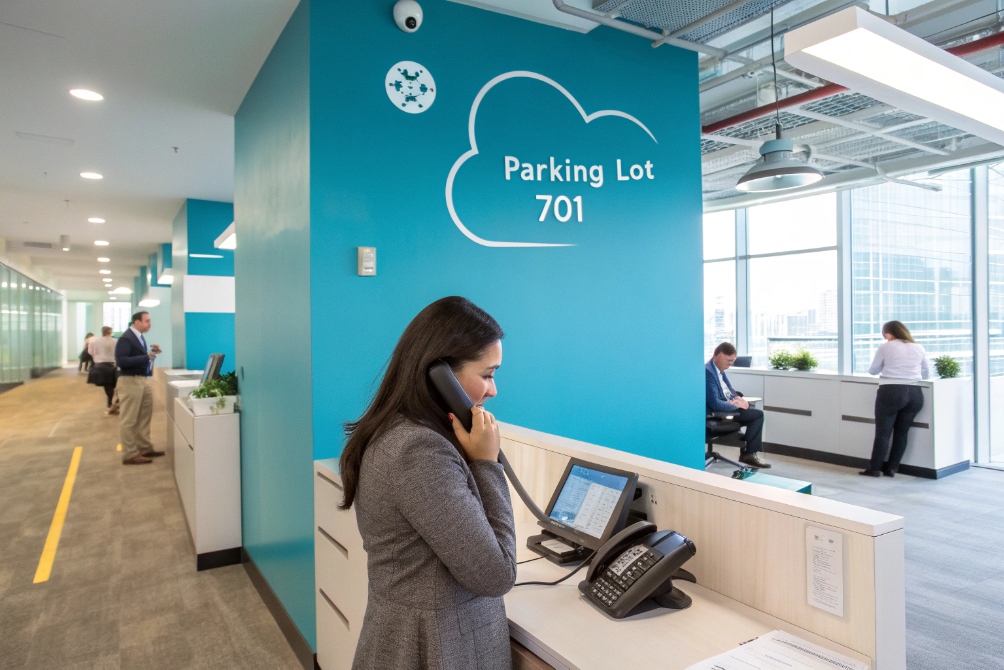
When the office gets busy, we transfer callers in circles, put them on hold, and hope the right person picks up before they hang up.
Call parking lets you place a caller in a shared “parking lot”, then pick them up from any phone or device, freeing the original line and keeping the conversation alive.
Instead of tying a call to one handset with hold, call parking hands it to the system. The PBX keeps the caller safe in a “parking orbit”, plays music, and waits for the right person or department to pick up from any extension they are near. This is why parking is so useful for reception, lobbies, warehouses, and multi-floor offices where people and calls are always moving.
How do I park and retrieve calls by orbit?
You answer a call at the wrong phone, the caller asks for someone across the building, and you do not want to shout extension numbers or risk a failed transfer.
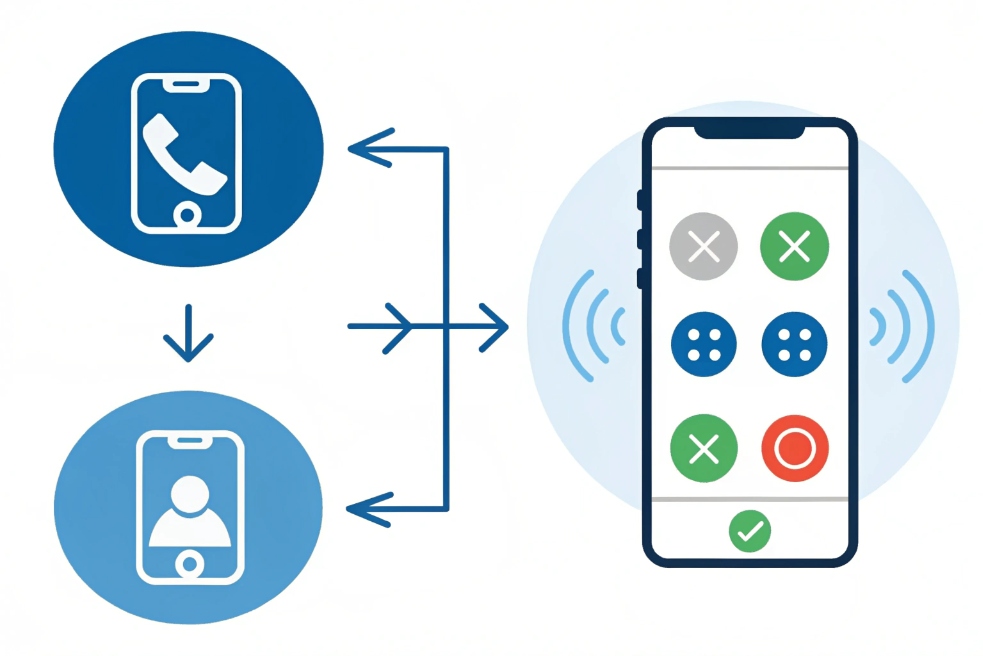
To park by orbit, you send the call into a numbered parking slot (orbit), then anyone dials that orbit from any phone to retrieve the caller and continue the conversation.
For a concrete implementation reference, see the Asterisk call parking documentation 3.
Parking vs hold in real life
On hold, the call stays tied to your device. If you move away from that phone, the call stays behind. On park, the PBX moves the call into a shared “orbit”. That orbit has a short number, like 701 or 702, that anyone on the system can dial.
A simple call flow looks like this:
- You answer the call on phone A.
- You press a Park key or dial a feature code (for example
*70). - The system parks the call into an orbit and either:
- Tells you the orbit number with a voice prompt, or
- Uses a fixed orbit you already know (like 701).
- You hang up. Phone A is free again.
- From phone B, you dial the orbit number, for example
701. - The parked caller is connected to phone B and you continue the call.
Here is a simple view of the difference:
| Action | Where the call lives | Who can pick it up |
|---|---|---|
| Hold | On the original phone only | Only the person at that phone |
| Transfer | At the target extension | Only that one target |
| Park (orbit) | In shared parking orbit | Anyone who knows the orbit number |
In many SIP PBX systems, you can choose between:
- Directed park: you park directly to a given orbit (for example
*71 702). - Automatic park: the system picks the first free orbit for you and tells you which one it used.
In busy lobbies or warehouses, this feels very natural. You pick up a call, park it to 701, then announce on the paging system, “Line 701 for Sales”. Someone in Sales dials 701 from the nearest IP phone or SIP intercom handset, and the caller reaches the right person without another transfer attempt.
Can I assign park slots to departments?
If everyone dumps calls into the same few park slots, people step on each other. Sales steals Support’s calls, and no one knows which orbit belongs to whom.
Yes. You can split park slots into ranges or “parking lots” per department, site, or tenant, so each team has its own orbits and rules.
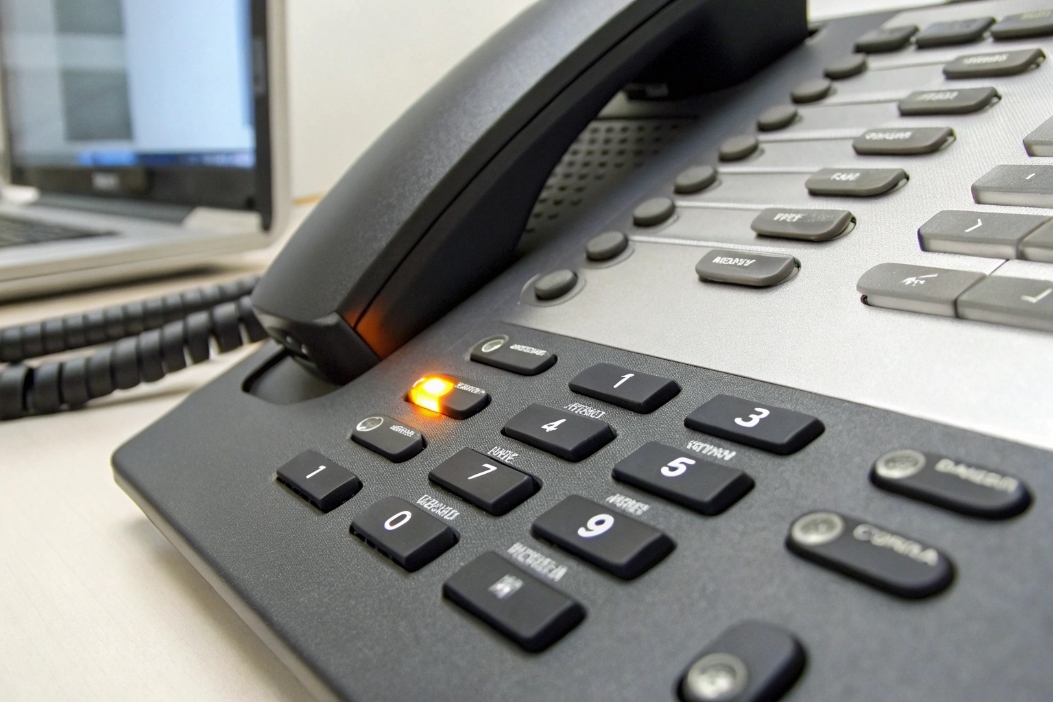
Designing parking lots per team
Most IP PBXs let you define multiple parking lots or at least ranges of park slots. For example:
- 701–705 for Reception / Front Desk
- 710–719 for Sales
- 720–729 for Support
- 730–739 for Warehouse / Logistics
Each lot can have its own:
- Music-on-hold source.
- Timeout and recall destination.
- Permissions on who can park and retrieve.
You then map these to phones and users:
- Sales users have park keys mapped to 710–713.
- Support phones show BLF keys for 720–723 (we will talk about BLF later).
- Warehouse phones use 730–732 so staff on the floor can grab calls without knowing detailed extensions.
A simple scheme could look like this:
| Lot / Range | Department | Example use case |
|---|---|---|
| 701–703 | Front desk | General incoming calls and visitors |
| 710–714 | Sales | New leads, callbacks, escalation from front |
| 720–724 | Support | Tickets, ongoing case follow-ups |
| 730–732 | Warehouse | Pickup notifications, delivery coordination |
Permissions and security
You may not want everyone to pull every parked call. Some PBXs support:
- ACLs or pickup groups for parking lots.
- Parking lots per tenant in multi-tenant systems.
- PIN codes for very sensitive queues, though that is less common.
In practice, I like simple rules. For example:
- Front desk can park and retrieve from all lots.
- Sales only sees and retrieves from the Sales lot.
- Support can see Sales parks (for backup), but can only park new calls into Support lots.
This avoids chaos when multiple teams work in one building. Each group gets a small, familiar set of park slots that fit their everyday patterns. Calls feel organized instead of random.
How do BLF keys show parked calls?
Telling someone “your call is on 723” works once or twice. After that, people want to see which parking slots are busy and just press a key.
BLF (Busy Lamp Field) keys can watch specific park orbits and light up when a call is parked there, so users simply press the lit key to pick up the caller.
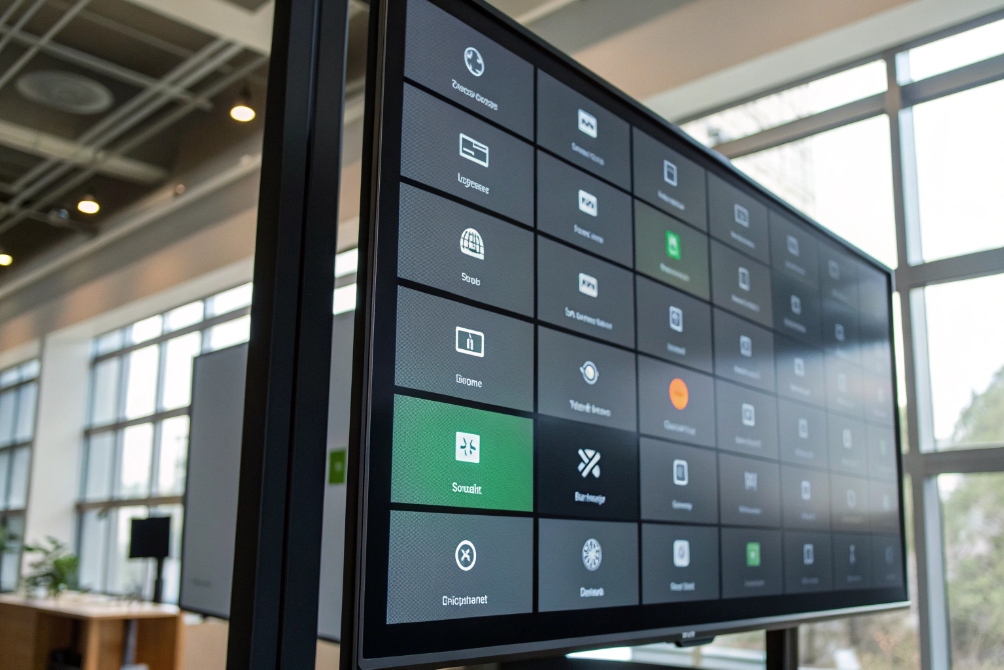
Visual parking for real desks
On SIP desk phones and many SIP intercom panels, you can program keys as:
- BLF for extensions, or
- BLF for special service numbers, including park slots.
When you assign park orbits (like 701–703) to BLF keys:
- Idle orbit → light off or green.
- Parked call → light red or amber.
- Ringing recall → flashing light.
To retrieve a parked call, the user does not need to remember 701. They just:
- Look at their phone.
- See that the “Park 1” key is lit.
- Press that key.
- The call connects.
This is much faster than dialing codes, especially for receptionists and front-desk users who juggle many calls.
Here is how it often looks on a phone:
| BLF key label | Number watched | Light state | Meaning |
|---|---|---|---|
| Park 1 | 701 | Off | No call parked |
| Park 1 | 701 | Solid red | Call parked and waiting |
| Park 1 | 701 | Flashing red | Parked call is recalling / ringing out |
| Park 2 | 702 | Solid red | Second parked call (maybe another dept) |
BLF and multi-device setups
BLF is not only for desk phones. Some softphones and reception consoles can:
- Show grid views of park slots.
- Group BLF icons by department or site.
- Pop up small tooltips like “Park 710 – Caller: +1 555…”.
In these cases, one operator can monitor many orbits across the company, then:
- See where calls are waiting too long.
- Nudge teams on chat or paging to pick up.
- Grab calls themselves if queues are slow.
For DJSlink-style deployments with multiple SIP intercoms, front desks, and heavy-duty phones, BLF on park slots also helps people on the floor. They can glance at a rugged phone or wall station, see that “Park WH1” is lit, and pick up without leaving their area.
BLF does depend on the PBX sending proper presence or dialog states for those park numbers, often via the SIP dialog event package (RFC 4235) 6. Most modern systems support this, but it is worth testing with your phone models. Once it works, using parking becomes much more natural for everyone.
What timeouts and music apply to parked calls?
Parking is great until someone forgets the caller. Then the customer sits in limbo, listening to silence or strange audio, and finally hangs up angry.
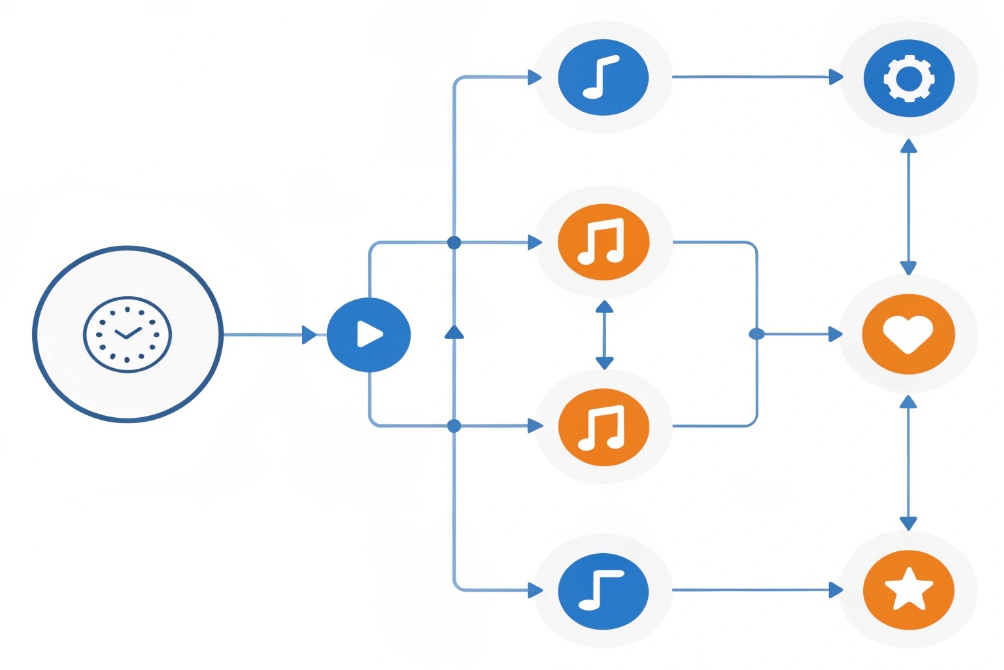
Parked calls follow your PBX’s music-on-hold and timeout rules. You can choose the music, set recall timers, and decide where forgotten parked calls should ring back or overflow.
Music and announcements for parked callers
Most systems treat a parked call like a special kind of hold. That means:
- The caller hears music-on-hold (MOH) from a selected source.
- You can choose different playlists per parking lot:
- Soft music for reception.
- Branded announcements or IVR-style messages for sales.
- Simple tone or quiet music for internal-only lines.
Some teams like to inject short messages, for example:
- “Thank you for holding, we are connecting you to a team member.”
- “Your call is important, please stay on the line.”
Just keep them short and not annoying. If people hear the same 10-second clip for 2 minutes, they will lose patience.
Timeout and recall behavior
The second piece is what happens if nobody retrieves the parked call. You do not want calls parked forever.
Common options:
-
Recall to the original parker
After, say, 60 or 90 seconds, the call rings back the extension that parked it. -
Recall to a fallback destination
For example:- Front desk or operator.
- A hunt group.
- A voicemail box.
-
Drop or send to voicemail
As a last resort when no one can answer.
Here is a small example table:
| Setting | Example value | Effect on parked caller |
|---|---|---|
| MOH source | “Company default” | Standard music plays while parked |
| Park timeout | 90 seconds | After 90 seconds, call leaves the park slot |
| Recall target | Original parker | Phone that parked gets a loud recall ring |
| Secondary target | Operator group | If parker does not answer recall |
| Max recall cycles | 2 | Then voicemail or fail route |
Ring tones and visual hints
To make recalls stand out:
- Many PBXs support distinctive ring patterns for park recalls.
- Phones can show a different display message such as “Recall from Park 701”.
This helps staff recognize, “This is the caller I parked, I should take it now,” instead of treating it as a brand new inbound call.
From a design point of view, I like these defaults:
- Park timeout: 45–90 seconds depending on site size.
- Recall to parker first, then operator or queue.
- Clear MOH that is not dead silence.
- Simple, branded messages every 30–45 seconds at most.
When you tune these settings, parked calls feel safe and respectful. Callers do not think you forgot them. Your team hears strong recall signals before it is too late. And your PBX never leaves people stuck forever in an invisible parking orbit.
Conclusion
Call parking lets you move calls into shared orbits, pick them up from any device, and control music, timeouts, and BLF visibility so busy teams stay flexible without losing callers in the shuffle.
Footnotes
-
Office scene illustrating shared call parking for reception workflows. ↩ ↩
-
Visual step-by-step of parking a call and retrieving it by orbit number. ↩ ↩
-
Practical reference for how call parking orbits and retrieval extensions are implemented in a real PBX. ↩ ↩
-
Phone keypad example for mapping park slots to programmable keys. ↩ ↩
-
Console-style view showing BLF indicators for parked call visibility. ↩ ↩
-
Explains SIP dialog state notifications that underpin many BLF-style busy lamp indicators. ↩ ↩
-
Diagram illustrating music-on-hold and recall timeout behavior for parked calls. ↩ ↩








