
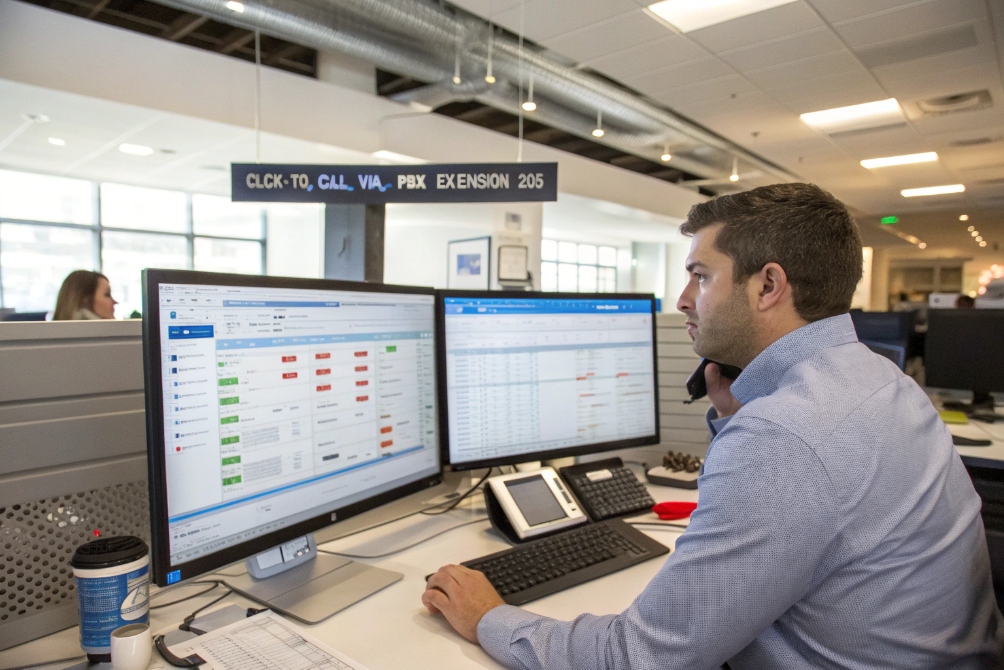
Manual dialing slows teams down, creates errors, and frustrates users. Every extra step between seeing a number and starting a call increases drop-off and lost leads.
Click-to-call lets users start a VoIP call by clicking a phone number or button in a web page, email, or app. The number goes to the VoIP client or browser, which dials through your IP PBX, using the user’s own extension and policies.
When click-to-call fits well with the IP PBX, CRM, and website, calls feel instant. Users click once, the right app opens, the PBX routes the call, and the CRM logs it. The rest of this guide walks through how this works with an IP PBX, SIP intercoms, benefits, and practical steps to deploy it.
How does click-to-call work with my IP PBX?
Many teams think click-to-call is a browser trick only. Others expect the PBX to do everything. This gap often creates broken links, wrong dialers, or calls that do not follow company rules.
Click-to-call with an IP PBX sends the clicked number into a VoIP client or browser, which registers as an extension on your PBX. The PBX then applies dial plans, caller ID, routing, and recording rules, just like a normal call.
From click to ringing phone: the basic call flow
In a typical setup, the user works in a browser, CRM, or desktop app. A number appears on screen. A plugin or built-in feature detects it and turns it into a link.
When the user clicks, the link uses a URI scheme such as tel:, callto:, sip:, or an app-specific deep link. The operating system checks which app is registered as the handler. On desktop, this should be the user’s softphone or unified communications client. On mobile, it can be the native dialer or a mobile VoIP app.
The app receives the number, normalizes it to the format the PBX expects, and sends an INVITE over SIP or sets up a WebRTC session. The IP PBX then:
- Checks the user’s extension and permissions
- Applies outbound rules and number transforms
- Selects the right trunk or route
- Decides if the call is recorded
- Pushes the call into queues, ring groups, or a direct destination
From the PBX point of view, this call looks the same as if the user had typed the number by hand on a phone.
Common implementation patterns
Different environments use different click-to-call patterns:
| Pattern type | Where it runs | How it passes the number |
|---|---|---|
| Browser extension | Chrome, Edge, Firefox | Rewrites numbers to tel: or app link |
| Desktop helper app | Windows / macOS tray app | Listens for clicks and opens UC client |
| WebRTC in browser | Web page softphone | Starts a media session directly |
| CRM CTI integration | CRM, helpdesk, ticket system | Uses API or local connector |
WebRTC click-to-call runs fully in the browser. The user stays on the page, but the call still goes through the PBX or a SIP backend that knows the user’s identity. This avoids a separate softphone while keeping central control.
CTI connectors go deeper. They link click-to-call with screen pops, auto logging, call tags, and wrap-up codes. When the call starts, the right contact or ticket opens at once. After the call, events sync back to the PBX and reporting tools.
Dial plans, number formats, and policies
Reliable click-to-call needs good number handling. Numbers from websites, emails, or CRMs come in many shapes. Some show local format only, some include spaces or extensions, and some hide non-breaking spaces and other characters.
You can reduce issues with:
- Normalization into E.164 phone number format 1 where possible
- Rules for extension dialing and short codes
- Automatic prefixing per site or country
- Outbound caller ID selection based on user or queue
The PBX enforces who may call which destinations. It chooses trunks, applies least cost routing, and can block risky patterns like premium numbers. It can also enforce recording and log every click-to-call action for audits. This is useful in regulated sectors, where you need proof of how calls were made.
In most deployments, getting consistent behavior depends on two things: using a clear, standard link type like the tel URI scheme 2, and ensuring the PBX applies the same PBX dial plans 3 no matter where the click originated.
When the call is finally placed, the VoIP client typically initiates a SIP INVITE request 4 (or equivalent signaling) so the PBX can enforce routing, caller ID, and recording rules centrally.
Can I integrate click-to-call with my SIP intercoms?
Many building and campus managers ask if they can call an entrance panel or emergency phone with one click, the same way they call a customer. They often think intercoms are a separate world that cannot join the unified communication platform.
You can integrate click-to-call with SIP intercoms by registering them as extensions or SIP endpoints on your IP PBX. Then operators can trigger calls to doors, gates, and emergency points with one click from softphones, desktops, or web consoles.
Basic integration approach
A SIP intercom or emergency phone behaves like any other SIP device. It has a SIP account, an extension, and registers to the PBX or SIP server. Once it is part of this domain, you can place calls to it just like to an office phone.
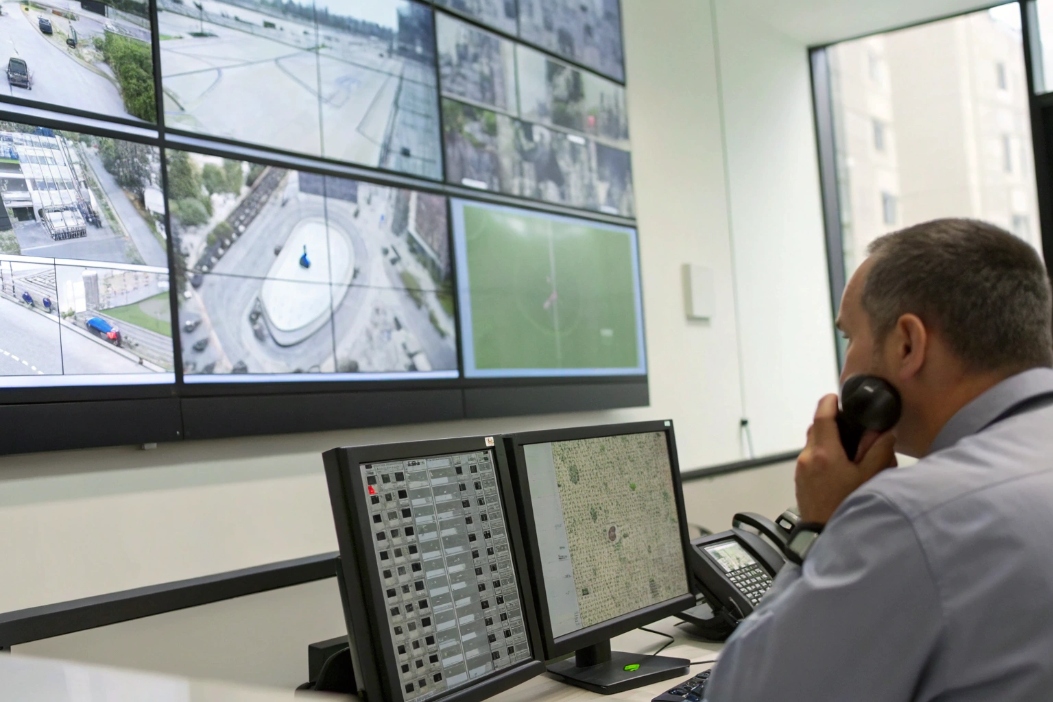
In many projects, we map each door, gate, elevator, or blue-light tower to a clear extension. Then we publish a directory inside the operator console, VMS client, or web dashboard. Click-to-call icons sit next to every device entry.
The flow looks like this:
- Operator sees an event, camera view, or alarm.
- Operator clicks the “call” button next to the intercom name.
- The console sends the number into the VoIP client or browser.
- The PBX sets up the call to the SIP intercom endpoint.
- Two-way audio (and video if supported) starts.
The same setup works in reverse. An intercom can call a ring group or security desk. The operator can then use click-to-call for callbacks or to reach another device in the chain.
Use cases in buildings, industry, and public safety
SIP intercoms live in many tough places: industrial plants, tunnels, parking garages, prisons, and campuses. Click-to-call helps operators react faster in these environments.
Common use cases:
- Door phones at office or residential entrances
- Industrial explosion-proof phones in noisy or hazardous zones
- Elevator emergency phones that connect to a 24/7 service center
- Weatherproof emergency call boxes on roads, bridges, and campuses
- Prison inmate phones with controlled dialing rules
When click-to-call links the PBX, intercoms, and indoor stations, the security team can move between devices in one interface. One click calls the gate. Another click calls a guard radio gateway. Another calls a supervisor in another building.
For video intercoms, SIP and ONVIF support allow the same operator to see the camera, talk through the intercom, and open the door relay with DTMF or an API call. Click-to-call just makes the voice path faster to start.
Design tips, access control, and privacy
Good design keeps security and privacy in mind. Not everyone should have a click-to-call button for every intercom. Role-based access control 5 is important. Only the right users should be able to open doors or trigger calls to external emergency services.
You can map roles like this:
| Role | Typical permissions | Notes |
|---|---|---|
| Guard / operator | Call any intercom, open doors, transfer calls | Works in guard console or VMS client |
| Reception | Call front doors and meeting rooms | Limited to public or semi-public spaces |
| Maintenance | Call plant and technical intercoms | No access to resident or inmate devices |
| Remote supervisor | Join calls, monitor, listen or barge interventions | Needs strong authentication |
It is also wise to hide sensitive data in URLs or logs. Do not expose door IDs and access zones in public links. Use internal IDs and keep full details inside protected systems.
When intercoms sit in public spaces, you can use geographic routing and time-based rules in the PBX. Calls from a roadside SOS phone can reach the closest regional center during the day and a backup site at night. Click-to-call then becomes a tool inside a larger emergency design.
What benefits do I get from click-to-call?
Teams often underestimate how much time they lose copying numbers or dialing from paper lists. Sales reps, dispatchers, and agents may make dozens of small mistakes every day. Many of these errors never show up in reports.
Click-to-call saves time, reduces misdials, and improves data quality. It increases connection rates, supports better customer experience, and gives IT and management clearer reporting and control across all VoIP endpoints.

Productivity, sales impact, and fewer errors
Even a small time saving per call adds up. If an agent spends 10 seconds finding and typing each number, 100 calls cost almost 17 minutes of pure dialing time. Click-to-call cuts most of this wasted effort.
In outbound sales or collections, this change increases the number of daily conversations. Agents focus on talking, not on pressing keys. They reach more leads while feeling less fatigue. This often shows up as more closed deals or more resolved tickets, even when the team size stays the same.
Click-to-call also reduces misdials, especially with long international numbers or complex extension patterns. The system passes the exact number from the CRM or ticket. The PBX then applies known transforms. The result is fewer failed calls, fewer calls to the wrong person, and fewer awkward apologies.
For remote and hybrid teams, click-to-call keeps behavior consistent. Whether a user is on a desk phone, softphone, or browser, the call starts from the same list and follows the same PBX rules.
Data, analytics, and AI features
When click-to-call runs through a proper Computer Telephony Integration (CTI) 6 workflow, every call can create or update CRM records. The system logs who called whom, at what time, and how long they spoke. Agents can tag outcomes or add notes while the call is still fresh.
This creates a clean base for reporting. Managers can see which campaigns and queues drive the most calls. They can check how many callbacks were completed. They can track which users or teams use the click-to-call buttons and which still dial by hand.
Modern platforms add AI on top of this stream. They offer automatic transcription, keyword detection, and sentiment analysis. After the call, the system highlights important topics, flags risk phrases, or suggests follow-up steps. None of this works well if calls happen outside the monitored platform.
A simple view like the one below helps frame the value for different groups:
| Stakeholder | Main benefit from click-to-call |
|---|---|
| Sales | More calls per hour, fewer errors |
| Support | Faster callbacks, better customer history access |
| Management | Clear KPIs, better forecasting |
| Compliance | Centralized logging and recording |
| IT | Fewer softphone issues, standardized workflows |
With better data, you can also support multichannel work. An agent can call, then send SMS or chat from the same screen. The system links these events into one customer journey.
Customer experience, privacy, and trust
Customers feel the difference when teams respond faster. A “Call us now” button on a website or inside a client portal removes friction. A customer clicks, chooses a reason if needed, and connects to the right queue or agent.
Click-to-call also helps you use the right caller ID. The PBX can show local numbers that customers trust. It can mask private mobile numbers and use system-assigned IDs instead. This protects staff privacy and keeps communication inside company control.
You can pair click-to-call with callback scheduling. If the queue is busy, the system offers a “call me back” option. The PBX then makes an outbound call at the chosen time and connects the agent automatically. The customer avoids long hold times and still gets voice contact.
When you design your flows with privacy in mind, you avoid putting personal data into URLs. You store sensitive context inside the CRM or ticket tool, not inside the click link itself. The link just carries safe identifiers. This balance protects users while still delivering smooth call experiences.
How do I add click-to-call to my website or CRM?
Many technical leaders worry that click-to-call requires a full redesign or a new phone system. In most VoIP environments, the first version is simple. The complexity comes from edge cases and scale.
To add click-to-call, you wrap phone numbers in links or buttons, connect them to your VoIP client or WebRTC app, set your IP PBX as the call control, and link the result with your CRM or helpdesk for logging and screen pops.
Adding click-to-call to a website
The fastest way on most sites is to use tel: links. Any number in your header, footer, or contact page can become clickable:
- On mobile,
tel:links open the dialer with the number prefilled. - On desktop, they open the default VoIP or UC client.
For more control, some teams use sip: or app-specific URLs that target their own softphone. You can hide these links behind a styled button, such as “Call sales now” or “Talk to support”.
For rich web portals, you can use a WebRTC widget. This embeds a softphone directly in the browser. The user clicks a button, grants microphone permission, and the browser connects to your SIP or PBX backend over secure websockets using a WebRTC session 7. The PBX still controls routing and caller ID.
Good design also thinks about spam and abuse. You may add a small delay or challenge before starting the call. You might check cookies or session tokens to ensure the user is logged in before you open a high-value line, such as a private account manager.
Enabling click-to-call in CRM and helpdesk tools
Popular CRMs and ticket systems support click-to-call through:
- Native CTI modules
- Marketplace apps or plugins
- Generic browser extensions
The basic pattern is the same. A small icon or clickable phone field appears next to each contact or ticket. When the user clicks, the CTI module sends the number to the VoIP client or to an embedded softphone.
You usually need to:
- Connect the CTI app to your PBX or VoIP platform with API keys or SIP credentials.
- Map users in the CRM to extensions in the PBX.
- Choose which fields count as phone numbers.
- Decide how you want to log calls and outcomes.
A simple planning table can help you pick the right approach:
| Environment | Option | Notes |
|---|---|---|
| Public website | tel: link |
Easiest, works on mobile and desktop |
| Logged-in portal | WebRTC softphone | Keeps users in browser, full PBX control |
| CRM (Salesforce etc.) | Official CTI connector | Screen pops, advanced logging, vendor support |
| Helpdesk | Plugin or generic extension | Good for mixed VoIP environments |
As you roll out click-to-call, test with different browsers, operating systems, and user roles. Pay special attention to the “default dialer” setting. Many issues come from the wrong app catching tel: links.
Best practices, security, and troubleshooting
A few simple habits make click-to-call smoother:
- Normalize numbers in your database, especially for global projects.
- Strip hidden characters or extra spaces before sending numbers to the PBX.
- Keep one clear rule about which app handles call links on each device type.
- Provide short user guides or tooltips next to new call buttons.
From a security view, you can enforce role-based access to outbound calls. The PBX can block external calls for some users, even if they click. You can request confirmation prompts before high-cost or international calls. You can also decide which calls are recorded by default.
Logging matters too. Make sure you capture enough data for audits but do not overexpose private information. Logs should show which user clicked, which number the PBX dialed, and which route it used. They should not leak unnecessary personal details in clear text URLs.
When problems appear, it helps to check in layers. First verify the browser or app sees the number as clickable. Then see which app opens on click. Finally, check if the PBX receives the INVITE with the correct number. This step-by-step view usually points straight to the real cause.
Conclusion
Click-to-call turns every phone number on screen into a fast, controlled VoIP action, tied to your IP PBX, SIP intercoms, and CRM, so teams work faster and customers reach you with less effort.
Footnotes
-
Use the global E.164 numbering standard to reduce misdials and improve CRM-to-PBX matching. ↩ ↩
-
Reference the standard
tel:URI format to make click-to-call links behave predictably across devices. ↩ ↩ -
Learn how PBX dial plans normalize numbers and enforce routing rules consistently. ↩ ↩
-
Understand the SIP INVITE signaling that actually starts most VoIP calls through a PBX. ↩ ↩
-
Review RBAC principles to restrict who can call or control sensitive intercoms and door endpoints. ↩ ↩
-
Understand CTI concepts for click-to-call, screen pops, logging, and CRM-driven workflows. ↩ ↩
-
See how WebRTC enables in-browser calling without installing a separate softphone client. ↩ ↩








