
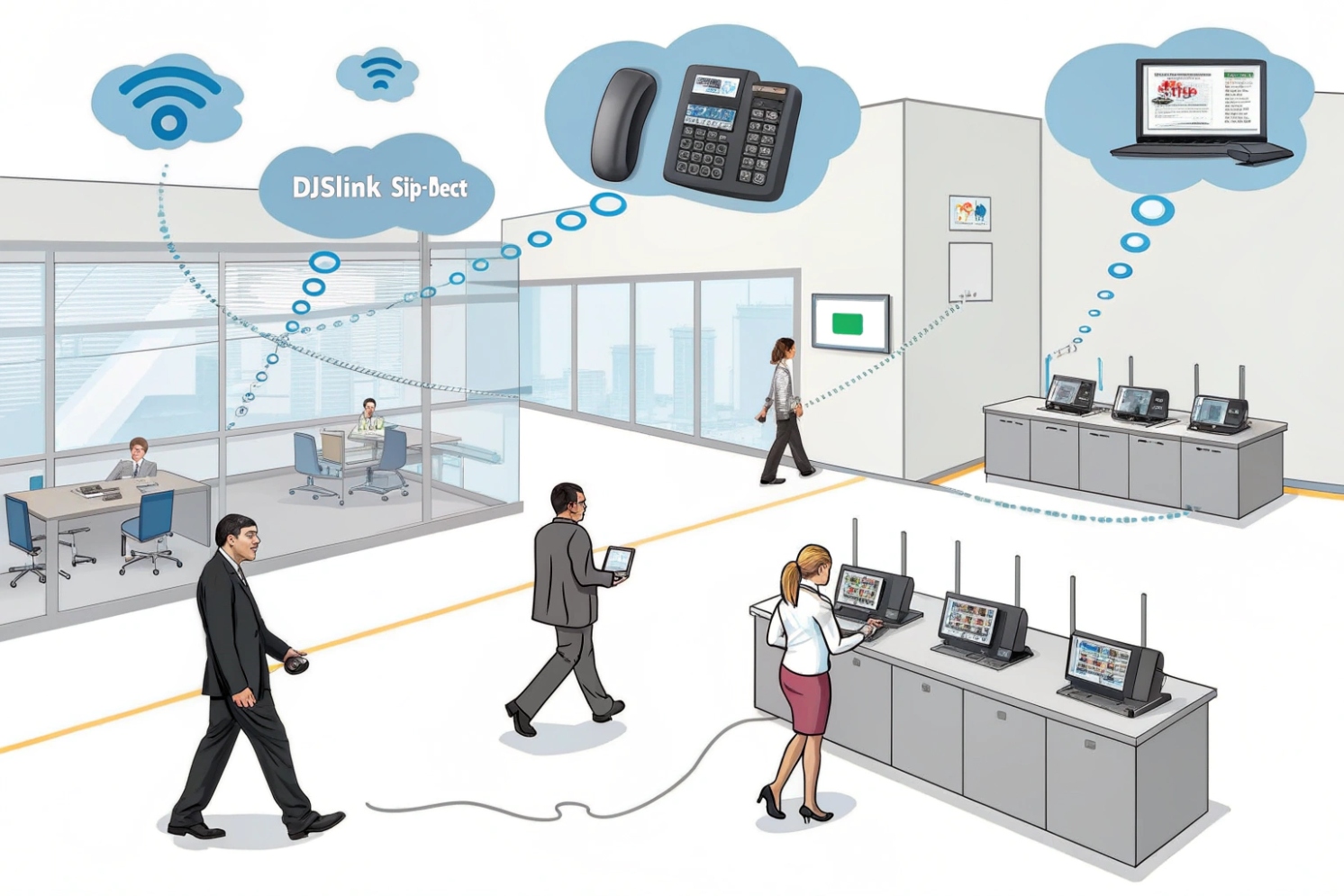
Missed calls while walking make teams lose trust fast. Wi-Fi voice can sound fine, then break during roaming. DECT is the calm option when mobility must work.
DECT is a cordless voice standard used in business VoIP as SIP-DECT: cordless handsets talk to DECT base stations over dedicated radio, and the bases connect to your IP PBX using SIP.
Digital Enhanced Cordless Telecommunications (DECT) 1 is built for voice first. In VoIP, it usually shows up as SIP-DECT, which is a simple split design: the handset handles radio and audio, while the base station handles SIP signaling and bridges calls to your PBX or hosted cloud PBX. For protocol-level reference, the ETSI DECT radio-interface specification (ETS 300 175-6) 2 is the core technical foundation.
In a site, DECT becomes its own small “voice radio layer.” A single base can cover a small office. A multi-cell system can cover a warehouse, hotel, or hospital wing. Calls stay on the same extension, and users keep walking. Most teams care about three outcomes: fewer dropped calls, better battery life, and predictable range in the real building.
DECT is not magic, though. It still needs planning. You need to size coverage and capacity, place bases for overlap, and lock down enrollment and admin access. The base station is an IP device, so it needs the same LAN hygiene as phones: stable PoE, VLANs, QoS, and patch control.
DECT building blocks in VoIP
| Component | What it does | Where it connects | What to watch |
|---|---|---|---|
| DECT handset | User device for calls | DECT radio to base | battery, audio, rugged rating |
| DECT base | SIP endpoint + radio cell | Ethernet to LAN/PBX | VLAN, QoS, firmware, logs |
| Multi-cell manager (vendor) | Coordinates roaming/handover | LAN to bases | sync method, licensing |
| Repeater (optional) | Extends coverage | DECT radio hop | adds limits, adds delay |
| External antenna (optional) | Shapes coverage | Base hardware | compliance, placement |
What DECT is best at
| Requirement | DECT fit | Why |
|---|---|---|
| Voice while walking | Strong | roaming and handover designed for voice |
| Busy Wi-Fi environments | Strong | does not share Wi-Fi airtime |
| Simple handheld calling | Strong | phone-first UI and long standby |
| Off-site mobility | Weak | coverage is on your site, not nationwide |
A DECT rollout works best when it is treated like a radio network. A short site survey, a clean base layout, and a few walking tests prevent 90% of the “wireless voice” complaints.
So the next step is to compare DECT to the two other mobility choices: Wi-Fi phones and cellular softphones.
DECT wins when the goal is stable on-site calling, not general data apps.
How does DECT differ from Wi-Fi phones and cellular?
Wi-Fi voice can fail when the network is busy. Cellular can work anywhere, but it can be slower for PBX controls and harder to standardize on-site.
DECT uses dedicated voice radio channels for predictable on-site calling. Wi-Fi phones share Wi-Fi airtime with data. Cellular uses public carrier networks and is best for off-site mobility, not always for on-site control.
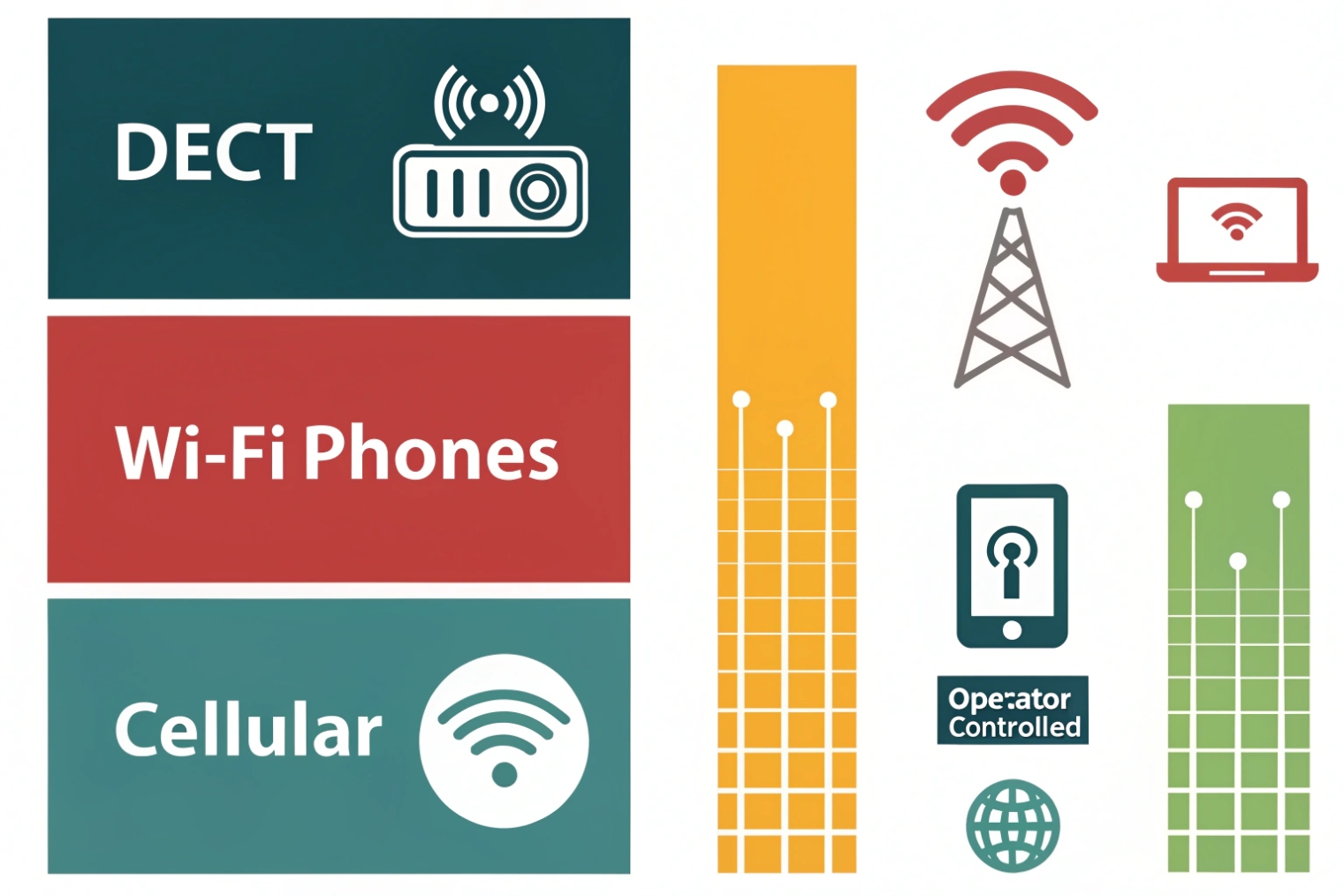
DECT is a private cordless system. It is made to carry voice with stable timing. It does not compete with laptops, cameras, and guest traffic. That is why DECT usually feels smoother when a user walks between rooms or along warehouse aisles. Roaming and handover are built into the DECT design, so the call can follow the user without relying on Wi-Fi roaming tuning.
Wi-Fi phones use the same network as everything else. If a site has strong enterprise Wi-Fi design, Wi-Fi phones can work well. But the bar is higher. You need clean roaming, good coverage overlap, and airtime headroom. In many voice-focused Wi-Fi designs, enabling IEEE 802.11r fast roaming 3 is one of the common requirements for smoother handoffs.
Cellular is different. It is great for staff who leave the building. It can also be a good backup path. But cellular voice or cellular softphones depend on carrier coverage and data quality. It can also make PBX actions feel less direct, like fast call pickup or quick attended transfer, because everything rides the WAN.
Quick comparison
| Topic | DECT | Wi-Fi phone | Cellular/softphone |
|---|---|---|---|
| On-site voice stability | High | Medium to high | Medium |
| Roaming/handover for calls | Strong | depends on Wi-Fi design | carrier-controlled |
| Uses your Wi-Fi | No | Yes | No |
| Battery life | Often strong | often lower | varies |
| Best use | walk-and-talk roles | app + voice roles | off-site mobility |
Simple selection rule
| If your main need is… | Better pick |
|---|---|
| stable calling while walking on-site | DECT |
| one device for apps + calls | Wi-Fi phone or mobile softphone |
| calling across cities and travel | cellular softphone |
In my deployments, DECT is chosen when the site wants fewer moving parts. The Wi-Fi can stay focused on data, and the DECT layer stays focused on voice.
Next is the setup question most teams ask on day one: can the handsets register to a SIP DECT base station, and how does it map to extensions?
Can I register DECT handsets to a SIP DECT base station?
Teams often try to provision the handset like a SIP desk phone. That creates confusion because the base is the SIP endpoint.
Yes. Handsets register to the DECT base over radio, and the base registers SIP accounts to your PBX. You then map each handset to an extension or line inside the base system.
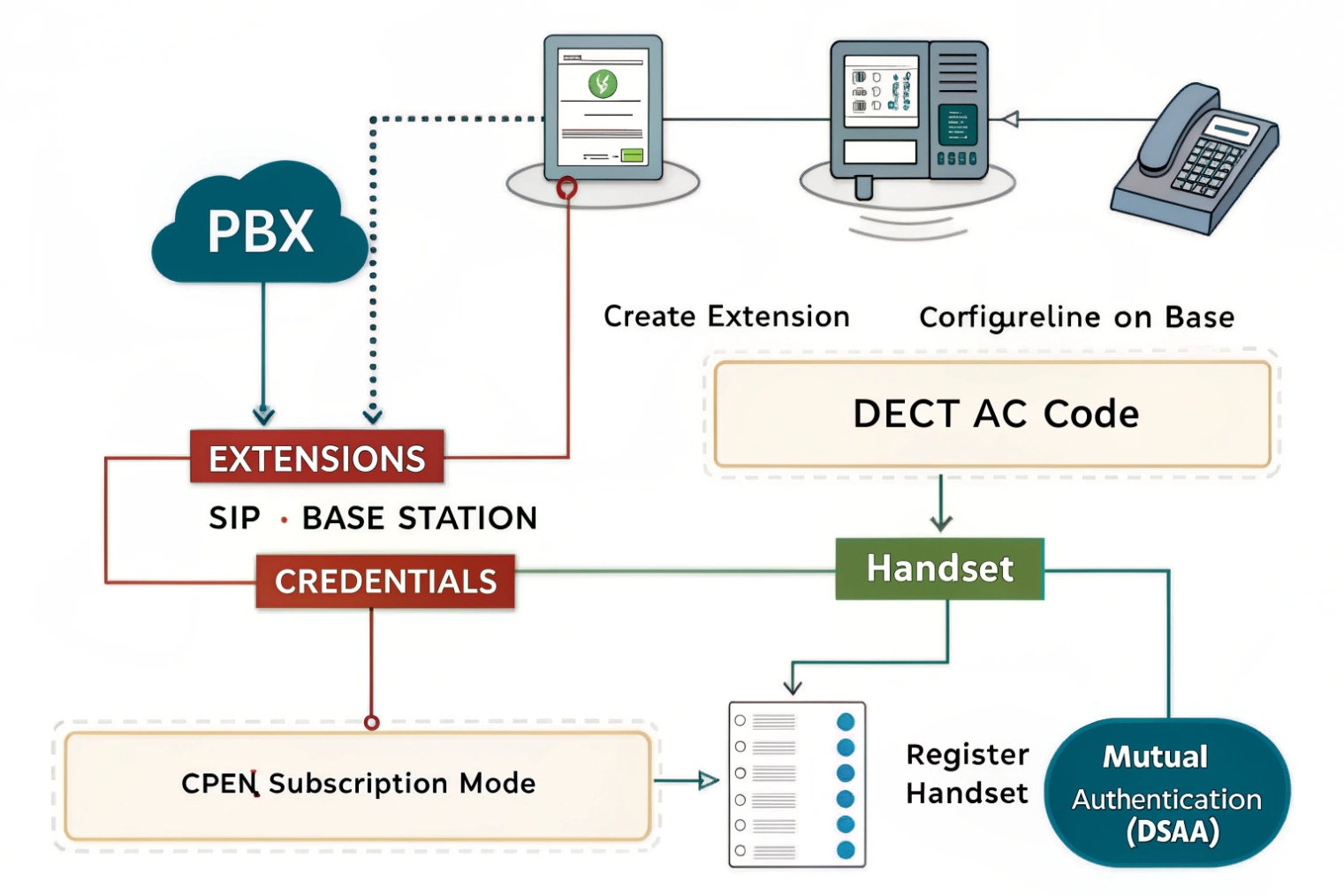
A SIP-DECT system has two “joins.” First, the handset joins the base, often with a pairing PIN and a short enrollment window. Second, the base joins your PBX, using SIP credentials like an IP phone. This is the key point: the base talks SIP, not the handset in most enterprise SIP-DECT designs.
After the base is online, SIP accounts are created on the base. Each account usually matches an extension on your PBX. Then each handset is assigned to one account, or sometimes multiple accounts if the vendor supports multi-line and the handset supports it. For baseline handset interoperability expectations, many ecosystems reference the Generic Access Profile (GAP) 4.
Typical setup flow that stays simple
- Put the base on the correct LAN and voice VLAN.
- Set time (NTP) and DNS so logs and certificates behave.
- Create SIP accounts on the base that match PBX extensions.
- Pair handsets and assign each handset to the right SIP account.
- Test calls and features: hold, transfer, voicemail, DTMF.
Mapping options you will see
| Mapping style | What it means | Good for | Watch out for |
|---|---|---|---|
| 1 handset = 1 extension | one user, one number | most staff roles | shared devices need policy |
| 1 handset = multi-line | multiple numbers on one handset | supervisors, on-call | UI complexity |
| shared extension on many handsets | same number rings many | teams, pools | call ownership confusion |
| group paging / alarm | broadcast calls | emergency and ops | permissions and volume limits |
Provisioning and management tips
| Item | Best practice | Why it helps |
|---|---|---|
| Base IP | DHCP reservation | stable provisioning and logs |
| Firmware | staged upgrades | avoids breaking all handsets at once |
| Credentials | strong SIP passwords | reduces registration abuse |
| Admin access | management VLAN or VPN | blocks local attackers on user LAN |
| Enrollment | short window + PIN | stops rogue handset pairing |
A short story placeholder: one warehouse kept pairing handsets all day, and a contractor accidentally joined a handset to the system. The fix was to lock enrollment to short windows and require a real PIN.
Now the big design topic: multi-cell. Many teams want “walk anywhere and never drop.” That is possible, but only when the layout and sync are right.
Will multicell DECT provide roaming, handover, and site-wide coverage?
People expect multi-cell to work like “add more bases and it just works.” It does not. Coverage overlap and sync decide if handover is smooth.
Yes. Multi-cell DECT is built for roaming and in-call handover across multiple bases. It can deliver site-wide coverage when bases are placed for overlap and synchronized using the vendor’s supported method.
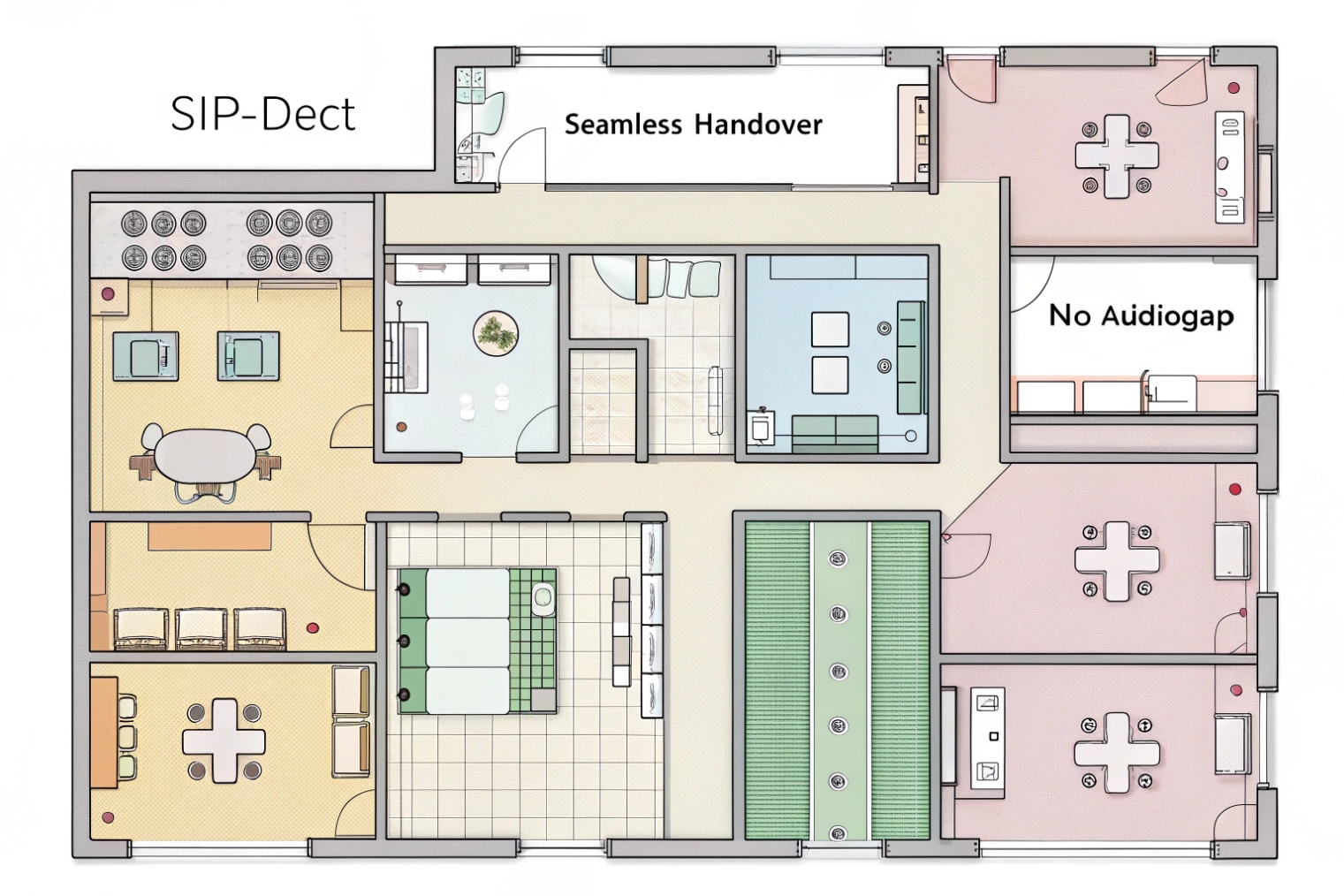
Roaming means the handset can move and choose the best base when idle. Handover means the handset can switch bases during an active call without dropping. Multi-cell DECT is designed for both, but handover needs overlap. If bases are placed only for maximum range, there may be dead zones and weak overlap, and handover may fail.
Multi-cell also has capacity behavior. Each base has a call limit. More bases increase total capacity, but busy zones still need enough density. A warehouse pick area may need more bases than a quiet back office, even if the square meters are similar.
What multi-cell needs to work well
- A base layout designed for overlap in walking paths
- Clean Ethernet backhaul to every base
- A supported synchronization method (vendor-specific)
- Consistent QoS on the LAN, so SIP and RTP stay stable
- A roaming test plan using real routes, not only a desk test
Coverage planning basics
| Area type | Common challenge | Better approach |
|---|---|---|
| Offices | walls and corridors | place for overlap in halls |
| Warehouses | metal racks and RF shadows | more bases, lower height, test aisles |
| Hotels | stairwells and elevator cores | place near vertical paths |
| Hospitals | thick walls and equipment | survey, add bases for weak zones |
Repeaters and external antennas
Repeaters can extend coverage, but they can reduce capacity and add complexity. External antennas can help shape coverage, but they must follow local compliance rules. In most projects, wired bases are the clean first step. Repeaters are the last step.
A handover test that prevents surprises
| Test | How to do it | Pass condition |
|---|---|---|
| Walk call | keep an active call, walk a full route | no drop, no long mute |
| Edge test | walk the boundary of coverage | handset stays stable |
| Peak test | test during busy hour | no new dead zones |
| Paging test | ring a handset across zones | ring time stays consistent |
In my experience, multi-cell DECT succeeds when the site treats it like planned coverage, not like random placement. Once overlap and sync are correct, it can feel more stable than Wi-Fi voice for walk-and-talk roles.
The last question is about compliance: band, range expectations, and security. Region matters a lot here, so it must be handled carefully.
What frequencies, range, and security settings does DECT require in my region?
Wrong region models can break compliance and coverage. Weak enrollment settings can invite rogue handsets. Both problems are avoidable.
DECT uses region-specific 1.9 GHz bands, with common examples being 1880–1900 MHz in many EU markets and 1920–1930 MHz in North America. Range depends on the building, and security needs both DECT encryption and IP-side controls like TLS/SRTP where supported.
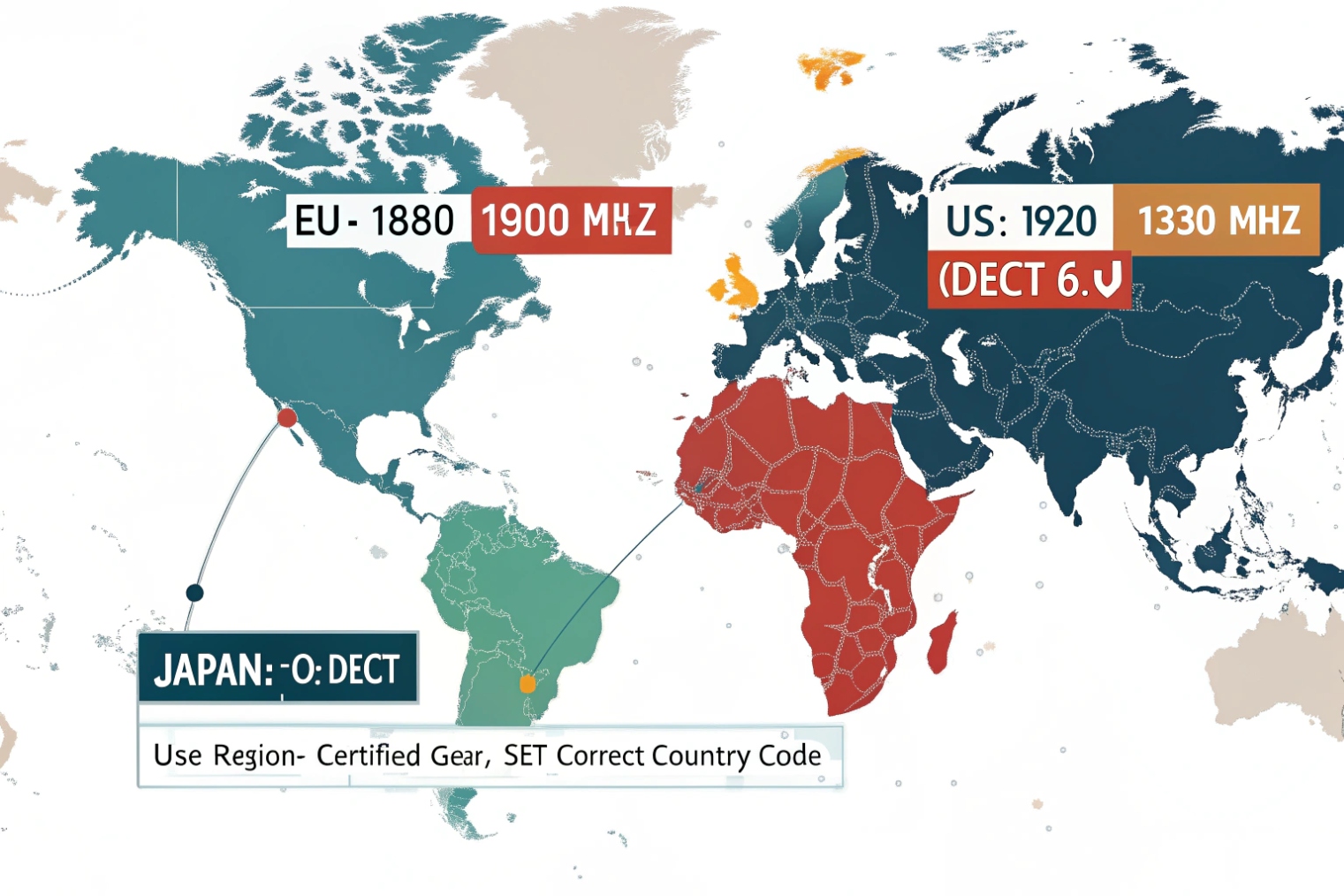
Frequency bands by common regions
DECT is not one global band. Hardware SKUs are often region-locked. The safe approach is to buy the correct regional model and follow local regulations.
| Region example | Common DECT band | What to check before buying |
|---|---|---|
| North America | 1920–1930 MHz | “DECT 6.0” / UPCS region model |
| Many EU markets | 1880–1900 MHz | ETSI region model |
| Other regions | varies | local approval, vendor SKU list |
If you need the regulatory context behind “EU-style DECT,” the CEPT decision ERC/DEC/(98)22 5 is a practical reference point for how DECT equipment is treated in many European administrations. For North America, the Unlicensed Personal Communications Service (UPCS) rules 6 explain how the 1920–1930 MHz environment is governed for cordless-style devices.
Range expectations
Real-world range depends on walls, metal, and layout. Many teams see:
- indoor coverage in the tens of meters in offices
- longer range outdoors with clear line of sight
Aisles with metal racks can cut coverage sharply. Concrete cores can block signal. This is why site testing matters more than datasheet range.
Security settings that matter
DECT includes air-interface security features like authentication and encryption, but enterprise deployments still need layered controls because the base is an IP endpoint.
| Security layer | What it protects | Practical setting |
|---|---|---|
| Handset enrollment | blocks rogue pairing | strong PIN + short enroll window |
| Air encryption | protects radio voice | enable encryption, avoid “open” modes |
| SIP signaling | protects credentials | SIP over TLS when supported |
| Media | protects audio | Secure Real-time Transport Protocol (SRTP) 7 when supported |
| Admin access | stops base takeover | management VLAN/VPN + strong passwords |
A simple security checklist that works
- Disable open enrollment. Use PIN-based pairing.
- Limit who can register new handsets.
- Keep base firmware current, but upgrade in stages.
- Put bases on a voice VLAN and restrict admin access.
- Use TLS/SRTP when your PBX and base support it.
- Turn off unused services on the base web UI when possible.
A short story placeholder: one site left enrollment open “for convenience” during rollout. A month later, nobody remembered, and an unknown handset joined. Locking enrollment fixed it in one day.
When band, placement, and security are correct, DECT becomes a predictable mobility layer. It reduces the load on Wi-Fi and it keeps voice stable for people who walk all day.
Conclusion
DECT is cordless voice for VoIP through SIP-DECT bases. It offers stable roaming on-site, scales with multi-cell planning, and needs correct regional bands plus strong enrollment and encryption.
Footnotes
-
Overview of DECT basics and benefits for voice-first cordless deployments. ↩ ↩
-
Official ETSI spec for DECT air interface details—useful for deep interoperability and protocol troubleshooting. ↩ ↩
-
Explains fast roaming concepts often required for stable Wi-Fi voice handoffs. ↩ ↩
-
ETSI GAP profile reference for understanding DECT interoperability expectations across handset/base ecosystems. ↩ ↩
-
Regulatory reference for DECT equipment treatment in many European administrations. ↩ ↩
-
Background on the rules governing UPCS-class devices in the 1920–1930 MHz band. ↩ ↩
-
Defines SRTP, the standard method for encrypting VoIP media streams. ↩ ↩








