
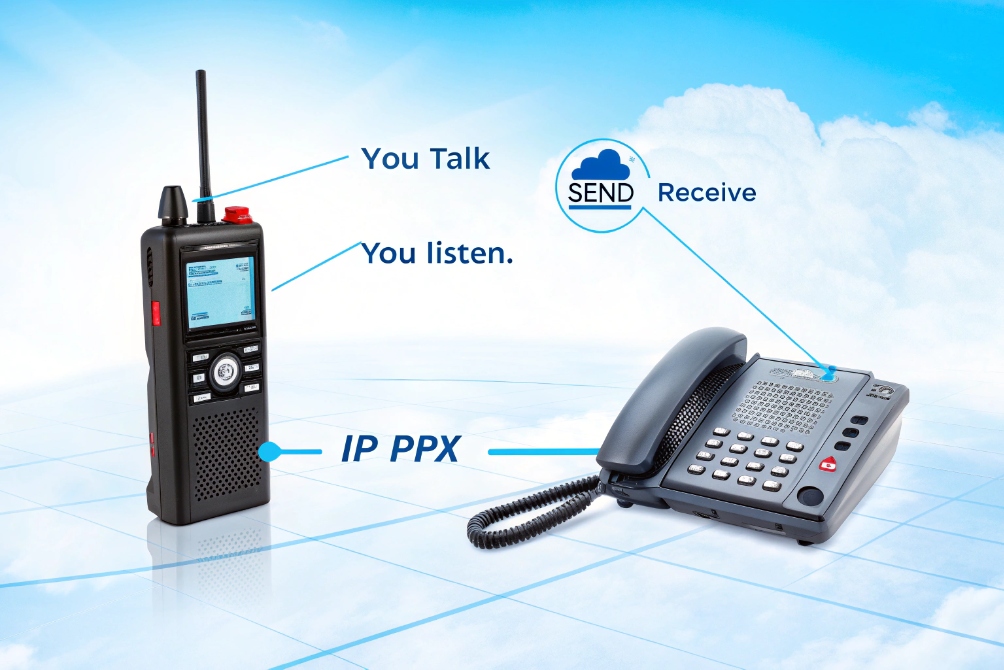
People see “full duplex” in VoIP and intercom specs and feel unsure. Is it about sound, network ports, or both? This confusion often leads to wrong product choices.
Full duplex is simultaneous two-way communication. Both sides can send and receive audio or data at the same time, which makes calls feel natural and removes the “you talk, I talk” walkie-talkie effect.
In classic telephony and modern VoIP, full duplex audio is the default. Each side has a send path and a receive path that stay open together. SIP intercoms, desk phones, and softphones all build on this idea, then add echo cancellation and network features to keep the conversation clear. When we design SIP intercoms or IP phones, almost every audio decision connects back to this basic duplex choice.
How does full duplex differ from half duplex in SIP intercoms?
Many people treat SIP intercoms like smart walkie-talkies. They expect to press a button, speak, then release and listen. So they are not sure what “full duplex” changes.
In SIP intercoms, half duplex forces talk and listen to take turns, while full duplex keeps both audio paths open so visitors and operators can talk over each other like a normal phone call.
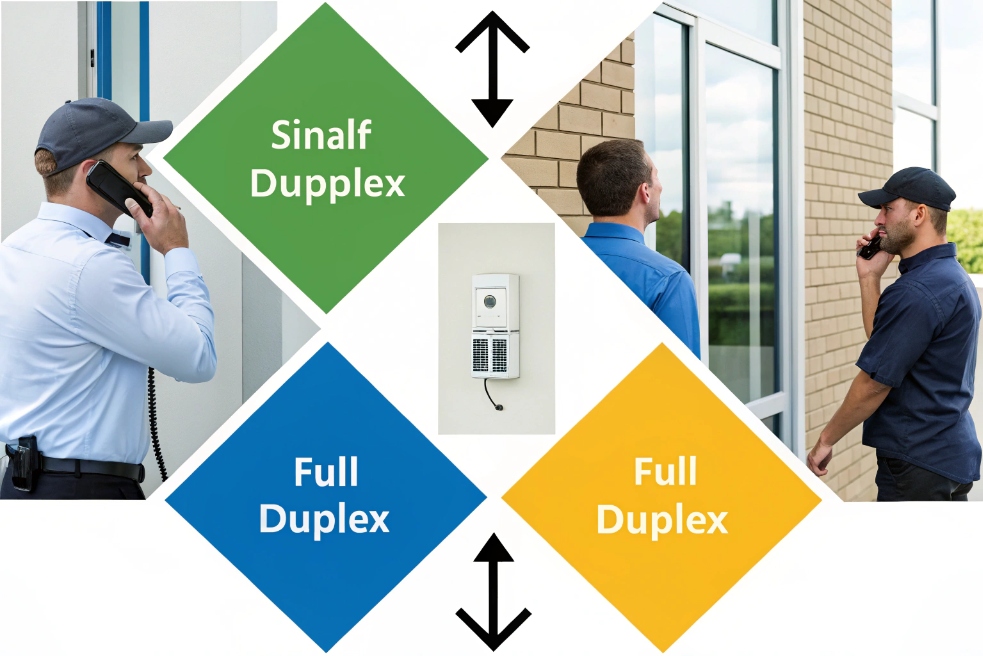
Simplex, half duplex, and full duplex in plain words
First, keep the three base modes clear. If you want a quick reference for definitions, see simplex communication 1 and half-duplex 2.
- Simplex: one way only. Example: a train station PA. You hear, you cannot talk back.
- Half duplex: two way, but not at the same time. Example: a walkie-talkie. You press to talk, then release to listen.
- Full duplex: two way, at the same time. Example: a phone call. Both ends can talk and listen in parallel.
SIP intercoms can behave like any of these three, based on how you configure them in the IP PBX and in the device web page.
What this means in a SIP intercom call
In a half-duplex SIP intercom mode:
- The intercom may open the microphone only when the remote party presses “talk”.
- The speaker may mute when the microphone is active, to avoid feedback.
- The system may auto-switch direction when noise passes a threshold.
This feels like “over”. People wait for each other. It is safe in very loud places, but it is not natural.
In full-duplex mode:
- The microphone and speaker are both active.
- The intercom and the master station both send RTP audio at the same time.
- Echo cancellation in the device keeps feedback under control.
This feels like a phone conversation at the door. The guard can interrupt the visitor. The visitor can say “sorry?” while the guard speaks. For emergency help points, this is very important.
Quick comparison for SIP intercom projects
| Mode | Who can talk | Typical use cases | Main pros | Main cons |
|---|---|---|---|---|
| Simplex | Only one side ever talks | PA, paging, alarms | Very simple, no echo issues | No feedback from listener |
| Half duplex | One side at a time | Very noisy industrial intercoms, radios | Less echo risk, works in loud spaces | Awkward pauses, no natural interruption |
| Full duplex | Both sides talk freely | Door phones, help points, reception | Natural speech, better user experience | Needs good echo control and acoustic design |
When we choose modes for SIP devices, the rule is simple. If the user expects a conversation, use full duplex and design the hardware and DSP to support it. Use half duplex only when the environment makes full duplex too unstable or too noisy.
Does full duplex improve echo cancellation and talk-over?
Many people see “acoustic full duplex” on a datasheet and assume it means “no echo”. They deploy the device and still hear feedback or cut-off audio when both people talk.
Full duplex itself does not cancel echo, but true acoustic full duplex requires strong echo cancellation and double-talk handling, so talk-over feels smooth instead of choppy.
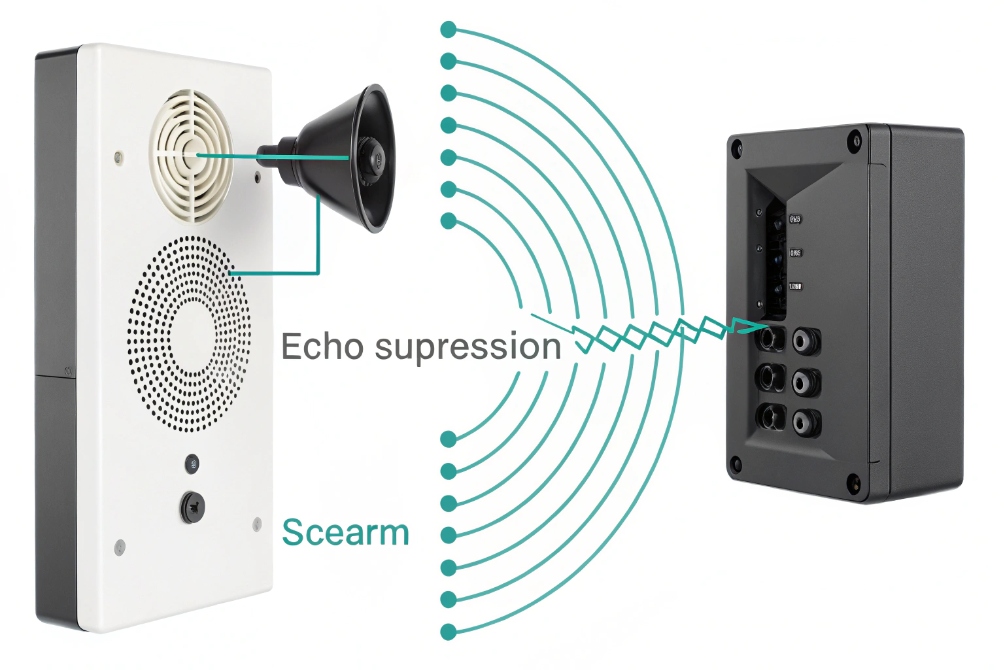
Echo, suppression, and cancellation
In a SIP intercom or speakerphone, sound from the far end plays on the speaker. Some of that sound leaks back into the microphone. The system can treat this in two main ways:
- Echo suppression: it simply mutes or reduces the mic signal when it detects far-end speech.
- Echo cancellation (AEC): it models the echo path, then subtracts the speaker audio from the mic signal in real time.
If you want the DSP concept in one place, this is what acoustic echo cancellation (AEC) 3 is designed to solve.
Echo suppression is cheap and simple, but it breaks talk-over. As soon as the near end starts speaking, the device may fully mute the far end. People feel like they are arguing with an automatic gate.
Good AEC keeps both voices present, even when they overlap.
What “acoustic full duplex” really promises
When vendors say “acoustic full duplex”, they usually mean a bundle of things:
- A proper echo canceller tuned for the device’s speaker, microphone, and housing.
- Double-talk detection that keeps both sides audible when they talk at the same time.
- Noise suppression to handle wind, traffic, or fans.
- Automatic gain control so voices stay at a stable level.
So yes, users feel that “full duplex” improved echo and talk-over, but the real hero is the DSP. Full duplex is the mode. AEC and double-talk is the engine that makes it usable.
Why talk-over still fails sometimes
Even with full duplex and AEC, talk-over can still feel bad if:
- Latency is high, so people step on each other.
- Packet loss triggers jitter buffer changes and audio gaps.
- The intercom is installed in a tight metal box with strong reflections.
- Levels are too high, so the echo canceller clips and loses its model.
In real deployments, we often spend more time tuning mic gain, speaker level, and AEC parameters than flipping the full-duplex flag. A short site test with real background noise is worth more than a long lab test in a quiet office.
When you plan a SIP intercom project, treat “acoustic full duplex” as a starting point, not a magic cure. Check how the device behaves under real double-talk, not only in one-way tests.
What bandwidth and codecs support true full duplex audio?
People sometimes think they need a “special full-duplex codec”. They worry that low bit-rate codecs or narrowband audio cannot be full duplex.
Almost all standard VoIP codecs support full duplex. True full duplex audio needs enough upstream and downstream bandwidth, low delay, and a codec like G.711, G.722, or Opus with proper QoS.
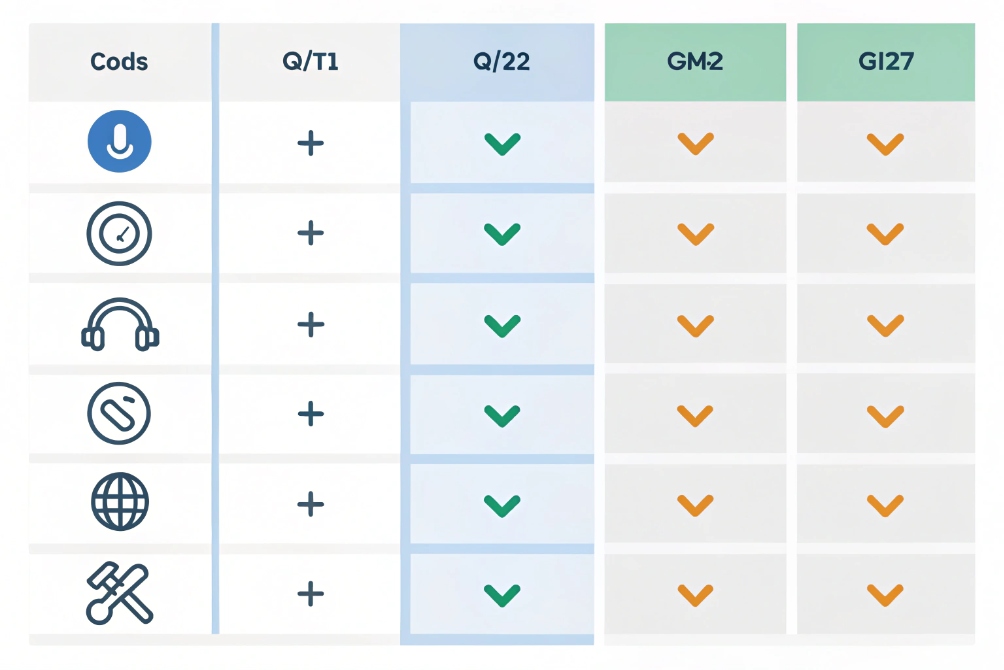
Codecs and duplex: logic vs quality
A codec like G.711, G.722, Opus, or G.729 does not decide duplex mode. It only encodes and decodes audio frames. Full duplex comes from the fact that both sides send RTP streams at the same time.
If you want the transport definition behind “two RTP streams at once”, start with the Real-time Transport Protocol (RTP) specification 4.
So the questions are:
- Can the network carry audio both ways without congestion?
- Does the codec keep audio quality high enough at the chosen bit-rate?
- Does jitter and packet loss stay low enough for clear double-talk?
Here is a quick overview.
| Codec | Typical payload rate (per direction) | Quality level | Notes for full duplex use |
|---|---|---|---|
| G.711 | 64 kbps | Narrowband, classic | Simple, low CPU, easy on AEC tuning |
| G.722 | 64 kbps | Wideband (HD Voice) | Clearer speech, same bit-rate as G.711 |
| Opus | 16–64 kbps (flexible) | Narrow to full band | Great quality at low rates, robust to loss |
| G.729 | 8 kbps | Compressed narrowband | Good for low bandwidth, more CPU, more delay |
Remember to add RTP/UDP/IP and Ethernet overhead when you plan the real bandwidth. But modern LANs and WAN links usually have enough capacity for many full-duplex calls at once if QoS is set.
Network full duplex and duplex mismatches
There is another “full duplex” here: Ethernet full duplex on switches and NICs, as defined by IEEE 802.3 Ethernet 5.
- In full-duplex Ethernet, the port can send and receive at line rate at the same time. There are no collisions.
- In half-duplex Ethernet, devices share the medium and use CSMA/CD. This was common on old hubs.
If one side believes the link is full duplex and the other thinks it is half duplex, you get a duplex mismatch. This causes late collisions, frame loss, and strange VoIP problems. Audio may clip, drop, or feel one-sided.
For reliable SIP audio:
- Use switches that run in full duplex.
- Let ports and devices use Ethernet auto-negotiation 6, or force full duplex at both ends.
- Avoid old hubs or mixed half-duplex gear in the voice path.
So at the physical layer, full-duplex Ethernet gives clean, parallel traffic. On top of that, the RTP streams carry full-duplex audio.
Wireless, time slots, and “full duplex over time”
On Wi-Fi and cellular links, true RF full duplex (same frequency, same time, both ways) is still complex and rare. Instead, systems use:
- FDD (different frequencies each way), or
- TDD (time slots that switch direction very quickly).
At the application level, they still look full duplex. The switch between send and receive happens in very small time slices. SIP and RTP do not need to care. People just hear a normal call, as long as the delay stays low.
So for your SIP phones and intercoms, the main tasks are simple. Choose a decent codec. Reserve enough bandwidth both ways. Keep latency and jitter under control. The system will behave as a full-duplex voice path.
How do I enable full duplex on IP PBX?
Many admins open their IP PBX and look for a checkbox called “Enable full duplex”. They do not find one, so they are not sure if the system is using it.
Most IP PBXs use full duplex by default. You enable full duplex by using normal SIP calls, proper device settings, full-duplex Ethernet links, and by avoiding one-way or paging profiles for intercom calls.
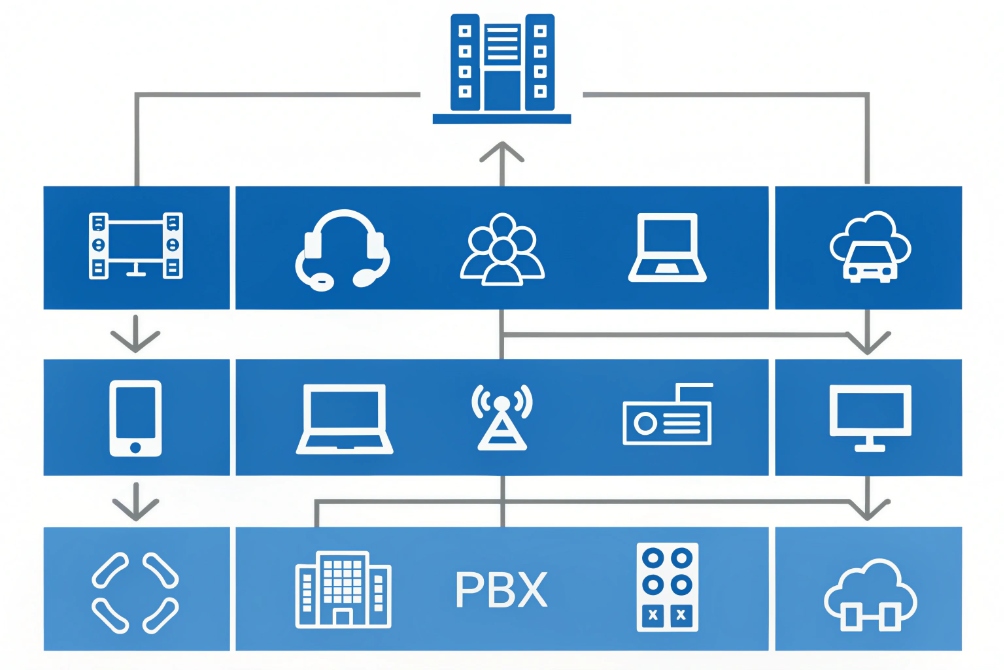
Where full duplex is decided
Full duplex in a VoIP system lives in three layers:
- Endpoint settings: the SIP phone or intercom decides if it runs its audio path as handset, speakerphone, paging, or push-to-talk.
- PBX call model: the PBX decides if a call leg is normal two-way audio, one-way paging, or a special broadcast mode.
- Network layer: switches and routers decide if the path is full-duplex Ethernet or a poor half-duplex link with collisions.
The PBX does not usually “turn off” full duplex for a standard call. It just sets up two RTP streams between endpoints (or between endpoint and media relay). Those streams are full duplex by nature. For the signaling model behind those calls, see the SIP core specification (RFC 3261) 7.
Practical steps to get real full duplex behavior
A simple checklist:
- Use standard SIP calls for intercoms and help points, not one-way paging profiles, if you want a conversation.
- In each intercom or phone web UI, select an audio mode like “hands-free full duplex” or “speakerphone with AEC”, not “simplex paging” or “PTT”.
- On the PBX, avoid assigning those extensions only to “page groups” or “announcement groups”. Instead, use normal extensions or two-way intercom features.
- Make sure network ports for phones and intercoms run full-duplex Ethernet with the correct speed.
- Test calls with double-talk: both sides speak at the same time, with speakerphone enabled. Listen for drop-outs or cut-offs.
Many IP PBXs also have special options for auto-answer intercom, door phone mode, or monitor mode. These features can force one-way audio for privacy or monitoring. So always check if a specific feature profile is locking the call to simplex or half duplex.
When you might still choose half duplex
Even if full duplex is available, some projects still pick half duplex:
- Very loud factories where echo cancellers reach their limit.
- Tunnels or mines with strong delay and reflections.
- Simple emergency posts where the operator talks most of the time and the caller listens.
In those cases, the PBX still runs full-duplex RTP under the hood, but the devices and dial plans enforce a half-duplex user flow with PTT or one-way talk buttons.
So “enabling full duplex” is less about flipping one PBX switch. It is more about choosing two-way call flows, configuring endpoints for acoustic full duplex, and giving them a clean, full-duplex network path.
Conclusion
Full duplex is the normal voice mode in SIP systems, but real-world success depends on echo control, smart intercom settings, and a clean full-duplex network under your IP PBX.
Footnotes
-
Definitions and examples of one-way audio paths used in paging and announcements. ↩︎ ↩
-
Clarifies push-to-talk style two-way communication where transmit and receive alternate. ↩︎ ↩
-
Explains how AEC subtracts speaker leakage so talk-over stays natural on speakerphones and intercoms. ↩︎ ↩
-
Primary reference for RTP media streams that carry simultaneous send/receive audio during VoIP calls. ↩︎ ↩
-
Official overview of Ethernet (802.3) duplex operation and link fundamentals relevant to VoIP reliability. ↩︎ ↩
-
Shows how auto-negotiation sets speed/duplex and why mismatches can create loss and jitter. ↩︎ ↩
-
Authoritative SIP spec for call setup and dialogs that create two-way media paths in PBX systems. ↩︎ ↩








