
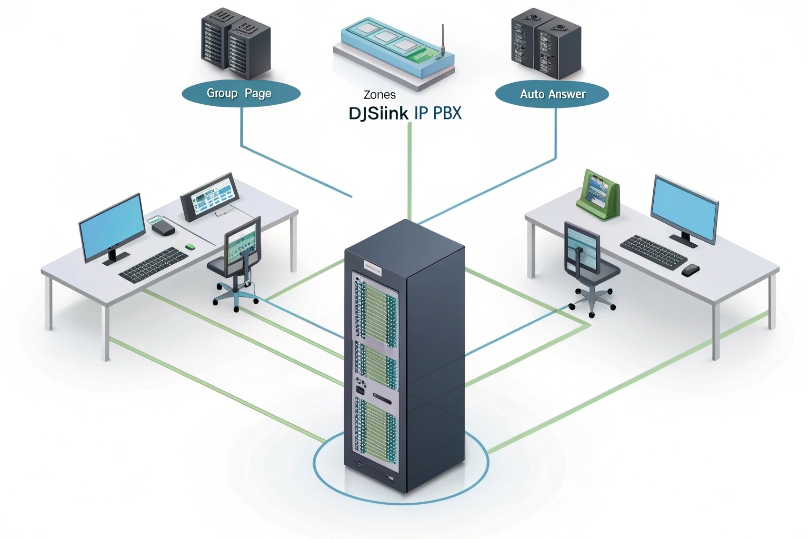
People need clear, instant announcements.
But calls, apps, and noise compete.
Group paging makes one voice reach many ears right now.
Group paging is a one-way audio broadcast that auto-answers multiple SIP endpoints at once. It targets zones, plays through speakers at preset volume, and can override active calls for emergencies.
A page is not a phone call in the usual sense. It is fast, hands-free, and focused. In most deployments, this is implemented as SIP paging (unicast vs. multicast) 1 so devices can auto-answer and play audio immediately. You choose zones like “All Hands,” “Warehouse,” or “Front Desk.” Delivery can be multicast for LAN scale or unicast for reach. Good design keeps it reliable when it matters most.
How do I set up SIP multicast paging on my IP PBX?
Noise dominates open floors and warehouses.
Announcements must cut through at once.
Multicast sends one stream that the LAN fans out everywhere.
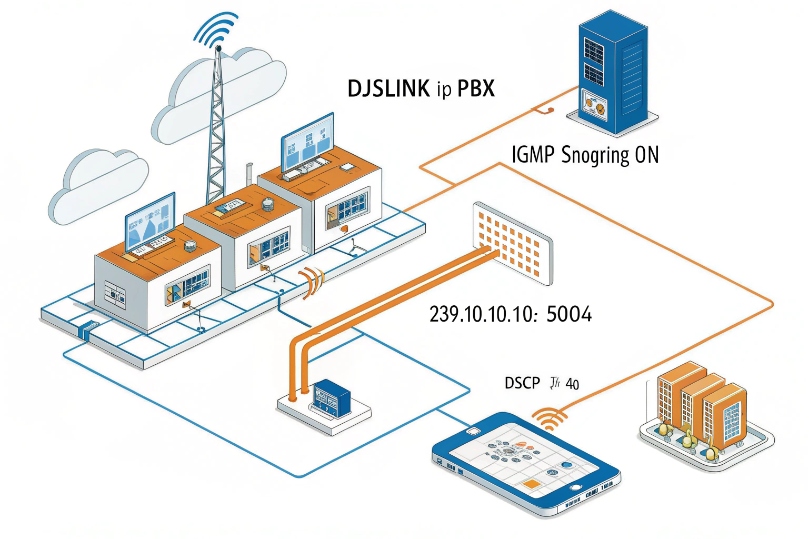
Create paging zones, pick a multicast group address and port, and enable auto-answer on endpoints. Turn on IGMP snooping on switches, and tag QoS so the page stream has priority.
Dive deeper Paragraph:
1) Multicast concept in plain steps
Multicast lets one sender transmit to a special IP group like 239.10.10.10:5004. For safe defaults, pick addresses from the administratively scoped multicast space (239.0.0.0/8) 2. Phones and SIP speakers join that group and play audio when a page begins. The PBX or a paging server sources the stream, or a designated phone can do it with a “Paging” key. Because the LAN replicates the packets per port, the sender’s CPU and bandwidth barely move, even for hundreds of endpoints.
2) Core network prerequisites
Enable IGMP snooping 3 on access and distribution switches so multicast does not flood every port. If you have L3 between VLANs and expect multicast across them, run PIM Sparse Mode 4 only where needed, or keep paging within a single Voice/Paging VLAN for simplicity. On small single-switch sites, IGMP snooping alone is enough.
3) PBX and endpoint configuration flow
- PBX/Paging server: define a zone with a multicast IP and UDP port. Choose a codec (G.711 or G.722). Map a dial code, e.g., 700 for “All Hands,” 701 for “Shipping.”
- Phones/Speakers: enable Multicast Listen entries with the same group and port; set Priority and Volume. Add a Multicast Page key that transmits to one or more groups.
- Auto-answer: most devices auto-answer multicast by design. For SIP-unicast paging, set Alert-Info/Call-Info headers and device policy; if you need a standards reference for “requested auto-answer behavior,” review the SIP Answer-Mode header (RFC 5373) 5.
4) Addressing, ports, and safe defaults
Use administratively scoped groups 239.0.0.0/8. Keep groups unique per zone. Typical ports range 5000–6000/UDP. Avoid overlaps with RTP ranges. Document the map in a simple table and push via provisioning.
| Zone | Multicast IP:Port | Codec | Priority | Volume |
|---|---|---|---|---|
| All Hands | 239.10.10.10:5004 | G.711 µ-law | High | 85% |
| Warehouse | 239.10.10.20:5006 | G.722 | Medium | 90% |
| Front Desk | 239.10.10.30:5008 | G.711 A-law | Low | 70% |
5) QoS and tests
Mark paging with DSCP EF (46), same as RTP, so it wins queue time. If you want the canonical definition behind “EF,” use the Expedited Forwarding PHB (RFC 3246) 6 as your reference for low-loss/low-latency treatment. Do a walk test with a handset and a portable speaker. Trigger a page, walk the floor, and listen for dropouts. Check switch IGMP tables to confirm only zone ports subscribe. If a PC plays the page, you mis-scoped the VLAN.
Can I page IP phones, SIP intercoms, and horn speakers together?
Warehouses need horns. Offices need desk phones.
Entrances need intercoms.
One page should reach them all at once.
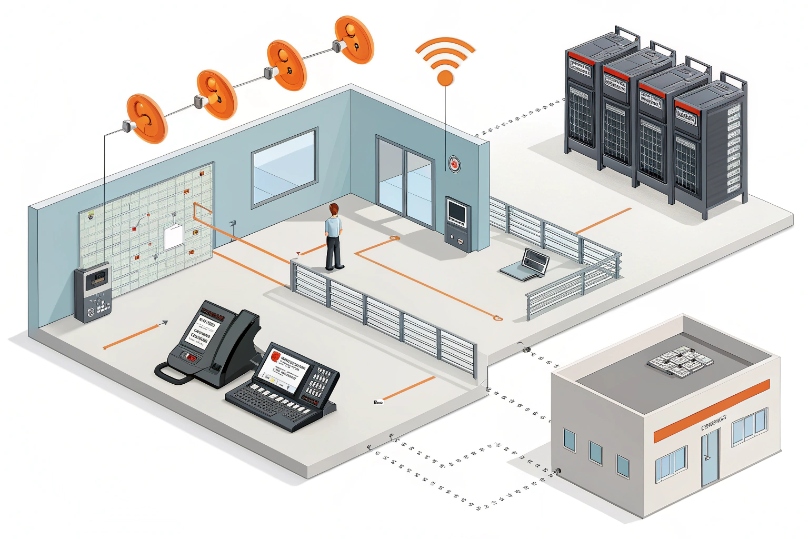
Yes. Mix devices in the same zone. Use SIP multicast where supported, and bridge legacy analog horns via ATAs or amplifiers. Keep a paging server to normalize codecs and volumes across models.
Dive deeper Paragraph:
1) Endpoint families and how they join
- IP phones: subscribe to multicast listen groups or accept SIP page calls on a paging account. They auto-answer and switch audio to the loudspeaker.
- SIP intercoms/door stations: most support both multicast receive and unicast SIP page. They often have relay outputs to trigger strobes during pages.
- IP horn speakers: receive multicast directly, with built-in amplifiers for loud areas.
- Analog horns: connect through a SIP-to-analog amplifier or an ATA feeding a 70V/100V line. The amp becomes a SIP speaker from the PBX point of view.
2) Bridging unicast and multicast
If some endpoints cannot do multicast, place a paging server/bridge. It accepts a SIP call, then fans out: multicast to capable devices, unicast to the rest. It can also transcode (e.g., G.722 → G.711) and normalize volume. This prevents quiet desk phones from disappearing under loud horns.
3) Volume, gain, and safety
Use per-zone volume presets. Horns should run hot only in outdoor or shop areas. For offices, set a lower cap to avoid hearing damage. For intercoms, enforce one-way during mass pages; keep talkback for special zones.
4) Control and permissions
Limit who can initiate pages. Assign a paging PIN or restrict caller IDs that can dial paging extensions. For emergency zones, bind the function key to specific guard consoles or security phones.
| Device Type | Multicast Rx | SIP Unicast | Talkback | Best Use |
|---|---|---|---|---|
| Desk IP phone | Yes | Yes | Optional | Offices |
| SIP intercom | Yes | Yes | Yes | Entrances |
| IP horn speaker | Yes | Some | No | Warehouses/Yards |
| Analog horn via amp | No (via amp) | Yes | No | Retrofits |
How do I create paging zones with priorities and emergency override?
People miss critical alerts if music or calls win the speaker.
Pages must preempt when life safety demands it.
Zones and priorities make that happen.
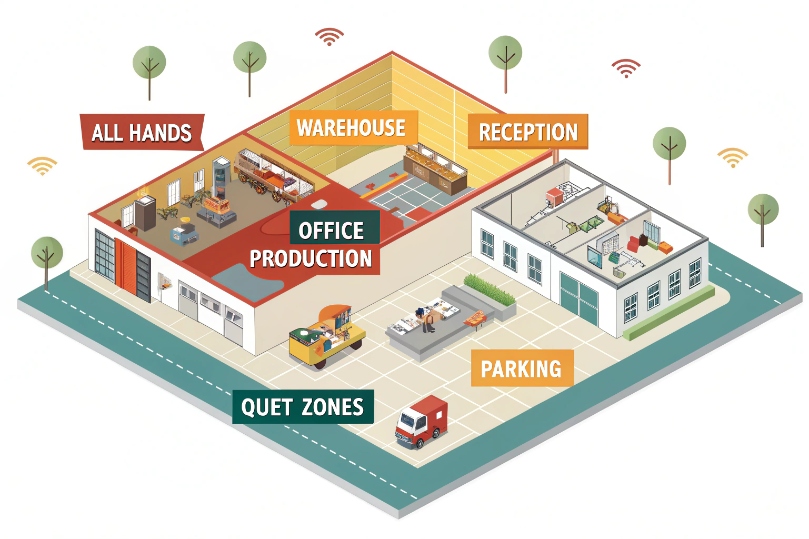
Define zones per area or function, set page priorities, and enable emergency override. High-priority pages preempt calls, mute local audio, and play distinct tones before voice.
Dive deeper Paragraph:
1) Zone planning that matches your floor
Start with All Hands for site-wide messages. Add Warehouse, Office, Reception, Production, and Parking as separate zones. Create Quiet Zones where paging is rare, like conference areas. Keep names human. People should recognize them at a glance on a key panel.
2) Priorities and how devices behave
Most devices support priority ranks per multicast group. A page with higher priority interrupts a lower one and can barge-in on calls. Set Emergency at the top, Operations in the middle, and General low. Test barge-in on popular phone models; some need a setting to allow interrupt while active.
3) Emergency features that matter
- Pre-announce tone: play two or three beeps so everyone shifts attention before speech.
- Distinct volume curve: emergency uses a fixed high volume, ignoring the user’s local volume.
- Device lockout: block users from muting emergency pages.
- Redundant source: allow a second console to trigger the same emergency zone if the first is down.
4) Scheduling and automations
Use scheduled pages for bells, shift changes, or drills. Keep automated tones low priority so an emergency can cut through. Log all pages with timestamp, source, zone, duration, and retain logs for audits.
| Zone | Priority | Barge-In | Tone | Notes |
|---|---|---|---|---|
| Emergency All | Highest | Yes | 3-beep | Overrides calls/music |
| Operations | Medium | Optional | 1-beep | Daily announcements |
| General | Low | No | None | Non-urgent notices |
| Quiet Areas | Low | No | None | Rare use only |
Which codecs, QoS, and bandwidth settings ensure reliable paging?
A page that stutters fails its purpose.
Bandwidth, jitter, and bad codecs cause dropouts.
Pick simple audio, mark it EF, and keep jitter buffers steady.
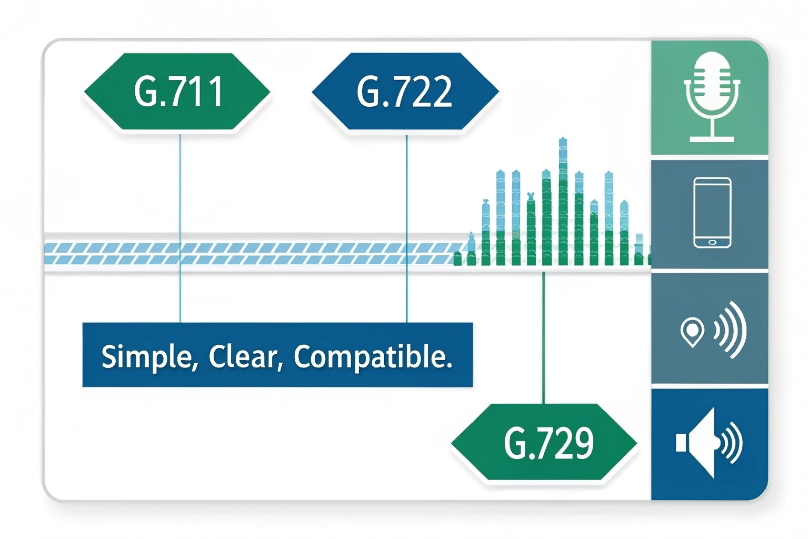
Use G.711 or G.722 for paging. Mark DSCP EF (46). Enable priority queuing. Size bandwidth for worst-case unicast, even if multicast handles most loads.
Dive deeper Paragraph:
1) Codec choices and why
- G.711 µ-law/A-law (64 kbps): universally supported, clear for voice paging, low CPU, no licensing drama.
- G.722 (wideband 64 kbps): better intelligibility in noisy spaces; slightly different payload but similar bandwidth.
- Avoid heavy compression (e.g., G.729) for paging; artifacts reduce intelligibility on speakers and horns. OPUS is great for calls but not always supported on paging endpoints or multicast.
2) Bandwidth math you can trust
G.711 at 20 ms ptime uses about 80–90 kbps per stream after RTP/UDP/IP/Ethernet overhead.
- Multicast: one stream per zone across the LAN, replicated by switches; uplinks carry one stream, not N.
- Unicast: one stream per endpoint. For 50 phones, plan ~4.5 Mbps during a page on the switch uplink if unicast. Always test with your device’s packetization time; 30–40 ms ptime reduces packets per second but increases latency slightly.
If you need authoritative payload and clocking references (including the common G.722 clock-rate oddity), use the RTP/AVP profile mappings (RFC 3551) 7.
3) QoS and queues
Mark paging with DSCP EF (46). On switches and routers, map EF to a strict-priority or LLQ queue with a cap to protect data traffic. Confirm VPNs preserve DSCP; many wipe it. For Wi-Fi, set WMM Voice AC. On mixed data/voice links, shape data so EF has room.
4) Jitter buffer and ptime
Set ptime 20–30 ms for a good balance. Endpoints should use a fixed jitter buffer for paging streams; adaptive buffers can overreact to sudden bursts. If your horns support jitter logging, check it after a building-wide page.
5) Redundancy and failover audio
Many paging servers offer secondary sources. Configure a backup multicast group and a pre-recorded message for loss of mic input. For emergency, keep a local tone even if the WAN fails.
| Setting | Recommended | Why |
|---|---|---|
| Codec | G.711 or G.722 | Intelligible, simple, compatible |
| DSCP | EF (46) | Priority over data |
| Ptime | 20–30 ms | Balance latency and PPS |
| Multicast | IGMP snooping on | Stops floods |
| Unicast budget | Size for worst case | Avoid uplink saturation |
Conclusion
Plan zones, enable multicast with QoS, and normalize devices. Add priorities and emergency override. Keep codecs simple, permissions tight, and test pages like real incidents.
Footnotes
-
Practical overview of SIP paging models and when unicast vs. multicast is the right fit. ↩ ↩
-
Defines 239.0.0.0/8 as administratively scoped multicast—safe for internal paging zones. ↩ ↩
-
Explains how IGMP snooping prevents multicast flooding on switches in real LANs. ↩ ↩
-
Clear reference for PIM-SM behavior when you must route multicast between VLANs/subnets. ↩ ↩
-
Standards-based method to request auto-answer behavior, useful for paging and intercom-style calls. ↩ ↩
-
Official definition of the EF per-hop behavior used to prioritize real-time voice streams. ↩ ↩
-
Canonical RTP payload mappings for codecs like G.711/G.722 and related clocking details. ↩ ↩








