
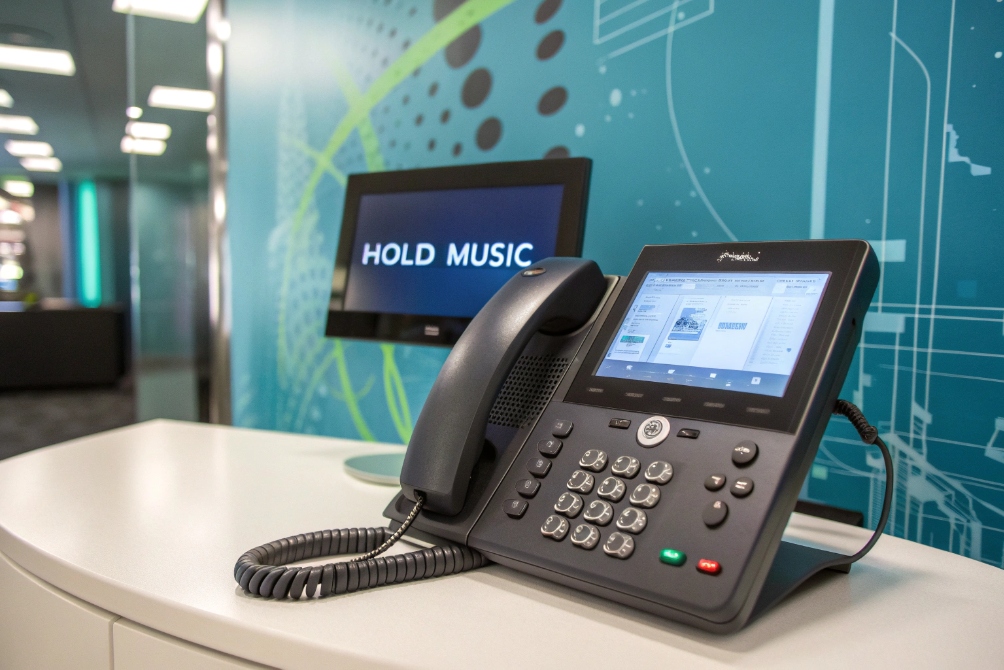
Silence on the phone feels broken. When callers hear nothing, they wonder if the line died, agents feel rushed, and small waits turn into dropped calls.
Hold music is the audio you play to callers while they wait on hold, in a queue, or during transfers, so they know the line is active and the experience fits your brand.
Done well, hold music does more than “fill the gap”. It reassures callers, sets the tone for the relationship, and even carries useful messages while your VoIP or UCaaS system lines up the right person.
How does hold music work in business phone systems?
On many systems, hold audio feels like a mystery box. People upload a file once, forget about it, and only hear complaints when something sounds distorted or too loud.
In modern PBX and UCaaS platforms, hold music is a configured audio source that the system streams to callers during hold, queue, or transfer states, using telephony codecs like G.711 or G.722 instead of full-range hi-fi audio.
Where hold music lives inside your phone system
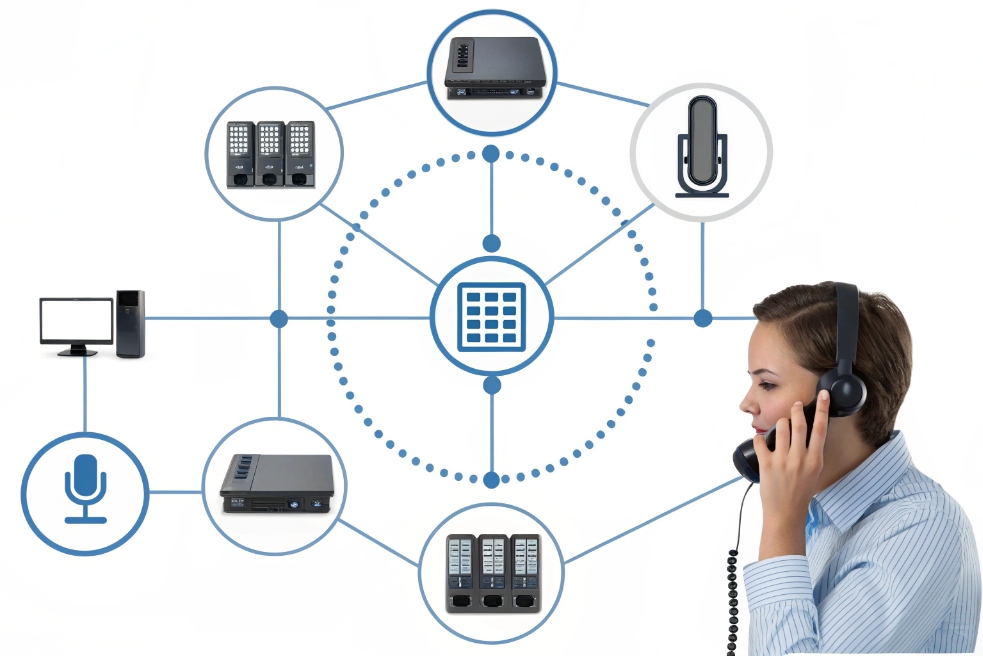
In VoIP or SIP-based systems 1, “music on hold 2” is usually a core service. It sits alongside auto attendants and call queues 3 as a shared resource. You upload audio files into the PBX or cloud portal, often grouped into classes such as “Default”, “Support”, “Sales”, or “VIP”.
Typical sources include:
| Source type | Example | Notes |
|---|---|---|
| Local file upload | WAV or MP3 uploaded to the PBX / UCaaS portal | Most common in VoIP deployments |
| Streaming input | Internal stream from a server or player | Must respect licensing very carefully |
| Per-queue / per-tenant | Different tracks for Support vs Sales vs partners | Lets you tune experience by call type |
| Per-time-of-day | Daytime vs after-hours vs holiday variants | Great for seasonal or hours-related messages |
When an extension, SIP intercom, or queue puts someone on hold, the system does not “play from the phone”. It usually instructs the PBX to connect the caller to a music source. That is why you can centralize and standardize audio across many devices.
Call states where music actually plays
Hold music appears in more than one place:
- User hold: an agent presses Hold on a SIP phone or softphone.
- Queue waiting: callers in a call queue hear music between announcements.
- Transfer / consult: while an agent consults another person before completing a transfer.
- Parking lots: when a call is parked and retrieved from another extension.
Each of these can reference the same or different music profile. For example, you might use a short, calm loop for brief user holds, but a richer mix with periodic announcements in main queues.
One important nuance: depending on the system, internal calls and external calls may use different hold sources. Internal staff might hear a neutral tone or simple loop, while external callers receive your full branded messages.
Telephony constraints: mono, narrowband, and levels
Phone audio is not Spotify. Many paths are still mono and narrowband, especially if calls cross the PSTN or use ITU-T G.711 4. Even with wideband codecs like ITU-T G.722 5, you do not get full hi-fi.
This shapes how hold music should be prepared:
- Mix in mono, not stereo, to avoid odd phase issues.
- Focus on midrange; heavy bass and sparkling highs will not survive transcoding.
- Avoid busy arrangements with many instruments competing in the same band.
Your PBX or UCaaS platform usually converts uploads into its internal format, such as 8 kHz or 16 kHz WAV. If possible, supply audio at the target sample rate and bit depth. That reduces extra resampling steps and artifacts.
Finally, levels matter. You want music to sit slightly under voice levels, not on top of them. Normalize tracks conservatively and leave some headroom. If you interleave spoken messages, keep them clean, dry, and easy to understand. Over-compressed, “shouty” ads are one of the fastest ways to annoy callers.
What business benefits can optimized hold music deliver?
Many companies treat hold music as an afterthought. They drop in a random loop and hope people never stay on hold long enough to notice.
Optimized hold music reduces hang-ups, improves perceived professionalism, reinforces your brand, and gives you a quiet marketing and information channel during unavoidable wait times.

Shaping caller perception and reducing abandonment
The first job of hold audio is psychological. Dead silence feels broken. A short, branded greeting followed by appropriate music tells callers, “You are still connected, we have not forgotten you”.
That reassurance reduces knee-jerk hang-ups. When paired with simple status messages such as “All our agents are currently helping other customers; your call is important to us”, it sets expectations. People may not enjoy waiting, but they understand what is happening.
Careful optimization goes further:
- Calmer tracks can reduce the feeling of panic during problem calls.
- Clear announcements about options (callback, web portal, email) offer a sense of control.
- Useful info, like hours or self-service options, makes the time feel less wasted.
Done right, callers stay longer without feeling like they are trapped in a loop.
Supporting sales, upsell, and education
Hold music and messages also act as soft marketing. This does not mean shouting offers every 10 seconds. It means using a few well-placed messages to highlight:
- New products or services that relate to common reasons for calling.
- Self-service portals or knowledge bases that can help next time.
- Important updates such as new support hours or regional contacts.
A simple pattern that works well:
| Element | Timing | Goal |
|---|---|---|
| Short brand bumper | At the start of hold | Introduce who you are |
| Music segment | 45–60 seconds | Keep things calm and pleasant |
| One short announcement | Every 45–90 seconds | Share a key message or option |
| Callback / options hint | After longer waits | Reduce frustration and abandonment |
When callers already sit in a sales or renewal queue, this space can gently surface relevant add-ons or services. In support queues, it is better used for education than promotion.
Protecting brand and agent experience
There is another audience for hold music: your own staff. Agents hear it many times per day when they put people on hold. If the audio is harsh, repetitive, or cheesy, morale suffers.
From a brand perspective, the wrong music can send the wrong signal. For example:
- Aggressive high-energy tracks in a serious B2B context may feel out of place.
- Sad or slow funeral-like music in a support queue can unsettle customers.
- Low-quality, distorted loops suggest you do not care about details.
In my experience, a small refresh of hold music and messages often gets more positive comments than a big new logo. The phone is still how many customers first meet your brand, so it deserves the same care as a website homepage.
How should I license, select, and configure compliant hold music?
One of the biggest traps with hold music is rights. Plugging in a radio or streaming playlist is easy technically, but it can be a licensing problem.
To stay compliant, you should either license commercial music properly or use royalty-free, stock, or custom tracks, then prepare and upload them at the right format and level for your PBX or UCaaS platform.

Understanding licensing basics
From a legal standpoint, music on hold is a form of public performance 6 or broadcast. That means:
- Playing regular commercial songs usually requires proper performance licenses.
- Consumer streaming services are almost always not licensed for on-hold use.
- Using the radio as a source does not magically cover your business phone system.
Safer approaches include:
- Royalty-free libraries: you pay once and use under the given terms.
- Custom compositions: a composer or audio branding agency creates music for your company with clear usage rights.
- Specialized on-hold providers: they bundle licensing, production, and updates.
If your business operates in multiple countries, rights can get more complex, because each region has its own collection societies. When in doubt, it is better to ask a rights specialist or choose royalty-free content than risk informal sources.
Selecting the right sound for your brand and callers
Choosing hold music is part art, part strategy. A few guidelines help:
- Match tempo and style to your brand and call type.
- Avoid extreme genres that distract or annoy.
- Keep arrangements simple so they survive phone compression.
You can map choices like this:
| Queue / Scenario | Style suggestion |
|---|---|
| General main line | Neutral, light, mid-tempo instrumental |
| Technical support | Calm, steady, not too “busy” |
| Sales / marketing | Slightly more upbeat but not aggressive |
| VIP / partner line | Polished, understated, maybe custom theme |
If you interleave voice messages, write scripts that are short and clear. Speak at a natural pace, and avoid too many calls to action. A couple of key points per minute is enough.
Rotate several tracks to avoid fatigue for regular callers and agents. Many platforms let you define playlists for each hold profile, so calls do not always start at the same bar of the same song.
Preparing audio files and configuring the system
On the technical side, each platform has its own requirements, but some basics repeat:
- Use the recommended format and sample rate (for example, 8 kHz or 16 kHz WAV, mono).
- Normalize audio with conservative peaks to avoid clipping after transcoding.
- Test how the file sounds over an actual phone path, not just on studio speakers.
Configuration steps usually include:
- Upload audio files in the admin portal or PBX UI.
- Group them into MOH “classes” by purpose (default, queue-specific, region-specific).
- Assign each class to queues, parking lots, or user hold settings.
- Set separate profiles for open hours, after-hours, and holidays if supported.
- Run test calls, including from mobile and PSTN, to hear real results.
The last step is ongoing maintenance. Put hold music into your change calendar. Refresh tracks a few times a year, update messages when information changes, and watch feedback and abandonment data to see if changes help or hurt.
What trends shape hold music—personalization, dynamic content, and AI-generated audio?
For years, hold music was just a static loop. Today, more systems treat it as a dynamic content channel that can adapt to who is calling and why.
New trends in hold music focus on personalization, data-driven messages, and even AI-generated audio, so the waiting experience feels more relevant, less repetitive, and easier to manage at scale.
Personalization by caller, context, and queue
With CRM and contact-center integration, your system can know who is calling and which queue they are in. That opens the door for more tailored audio.
Examples include:
- Different playlists for new leads vs long-term customers.
- Language-specific tracks based on IVR choices or caller country.
- Industry-focused messages for vertical queues (education, healthcare, industrial).
A simple personalization map might look like this:
| Dimension | Personalization example |
|---|---|
| Language/region | Local-language greeting and music style |
| Customer segment | Different offers or messages for partners vs end users |
| Queue type | Technical tips in support, case studies in sales |
You do not need full “one-to-one” personalization to see benefits. Even basic segmentation makes hold time feel more relevant.
Dynamic and data-aware content
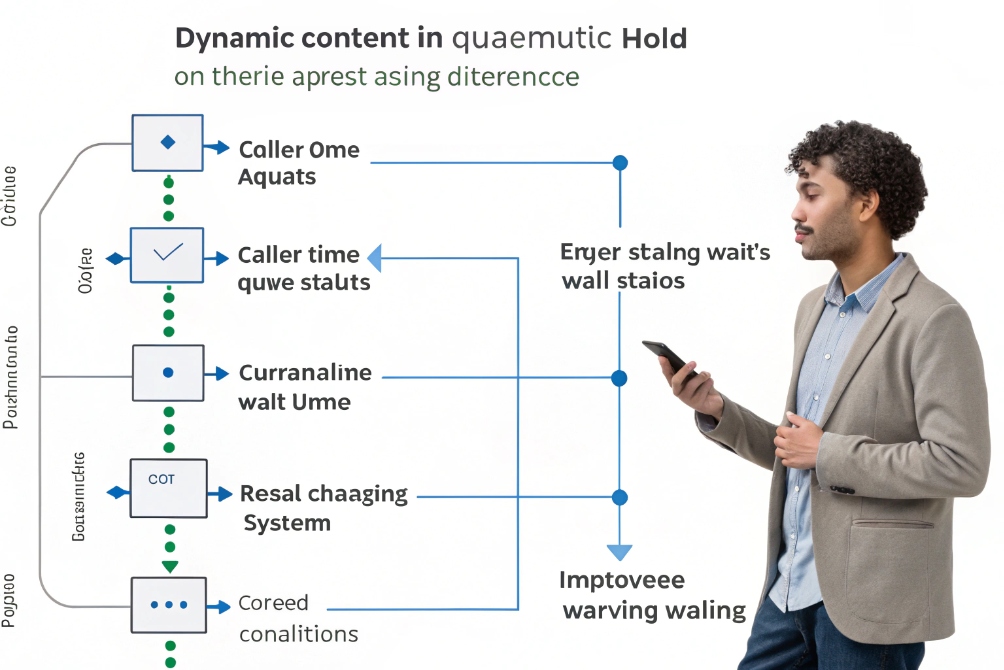
Modern platforms also allow dynamic content, where messages pull in real data or change based on conditions.
This can include:
- Realistic estimates of wait time or position in queue.
- Messages that change when queues are overloaded (“press 1 for a callback”).
- Temporary updates during outages, maintenance, or campaigns.
When these messages are accurate and honest, they reduce stress on both callers and agents. People prefer a clear “Your estimated wait time is five minutes” over vague reassurances that never change.
Dynamic content also makes it easier to keep information current. Instead of re-recording long generic messages, you can keep music static and pull changing text into shorter, synthetic or recorded snippets.
AI-generated and adaptive audio
AI is starting to touch hold audio too. There are two main directions:
- AI voice for messages: text-to-speech 7 that sounds natural and can be updated quickly for many languages.
- AI-generated music: algorithmic tracks created to fit certain moods and lengths without complex licensing.
These tools can help businesses refresh content more often without large production budgets. For example, you can:
- Generate a calm background track that matches your brand colors and tone.
- Create multi-language messages from the same script for regional numbers.
- Test different message variations quickly, then keep the ones that perform best.
The key is restraint. Overly “robotic” voices or strange AI music can feel uncanny. It still pays to keep human review in the loop and to test everything on real phone paths before a full rollout.
As networks, codecs, and AI tools improve, hold music is slowly changing from a forgotten loop into a flexible, data-aware element of your caller experience. The businesses that treat it as part of their communication design, not just a checkbox, will make every wait feel a little more respectful and on-brand.
Conclusion
Hold music is more than background noise; it is a small but powerful part of your caller journey that, when licensed, tuned, and updated with care, turns unavoidable wait time into a calmer, clearer, and more professional experience.
Footnotes
-
SIP standard that underpins VoIP call setup, routing, and many PBX features. ↩ ↩
-
Overview of music-on-hold concepts and typical implementations across phone systems. ↩ ↩
-
Explains how automatic call distribution relates to queue behavior and caller handling. ↩ ↩
-
ITU-T reference for G.711, the common narrowband codec affecting on-hold audio quality. ↩ ↩
-
ITU-T reference for G.722, a wideband codec that improves clarity on supported paths. ↩ ↩
-
Clarifies what “public performance” means and why business hold music needs proper rights. ↩ ↩
-
Background on text-to-speech and how automated voices are generated for dynamic messages. ↩ ↩








