
Calls feel awkward when speech arrives late.
Delays stack up across devices, Wi-Fi, and WAN paths.
Fix the path and settings; the conversation feels natural again.
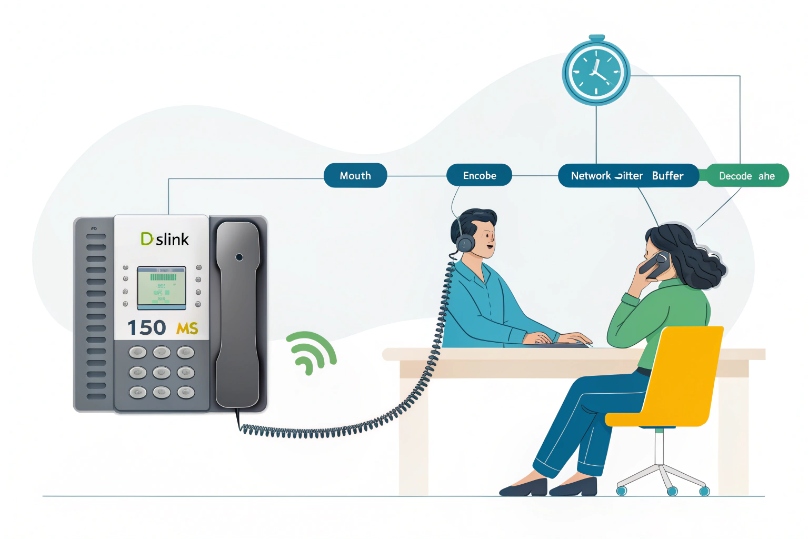
Latency is one-way voice delay from mouth to ear. Keep it ≤150 ms one-way (≤300 ms RTT). Reduce network hops, queue time, Wi-Fi contention, and oversized buffers to keep speech snappy.
Latency comes from encode time, network transit, jitter buffers, and decode time. Jitter adds variation on top. Packet loss makes it worse. You tackle delay at each stage: wiring, Wi-Fi, WAN, devices, and PBX/SBC. Start with measurement, then apply small, proven fixes.
What causes high latency on my SIP calls—routing, Wi-Fi, firewalls, or ISP?
Delays hide in plain sight.
A single bad hop or busy uplink can ruin all calls.
Find the bottleneck, then make one change at a time.
Top culprits are long WAN routes, bufferbloat on uplinks, noisy or distant Wi-Fi, busy firewalls, VPN hairpins, and oversized packetization or jitter buffers. Wired first. Short paths. Small queues.
Dive deeper Paragraph:
1) Routing and ISP choices
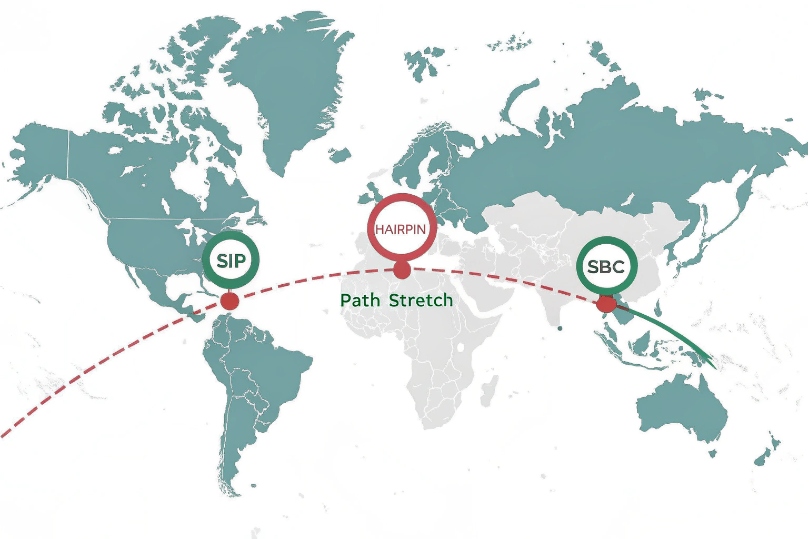
Long AS paths, poor peering, or international hairpins add tens of milliseconds per leg. If your SIP trunk anchors in a far region, RTP trombones through a distant data center. Use providers with regional SBC/PoPs close to users. Ask the ISP about where they peer with your voice carrier. Avoid VPN hairpins that force traffic through HQ for no reason. Place SBCs or media relays near callers to keep audio local. When troubleshooting, separate signaling from media: Session Initiation Protocol (SIP) 1 setup issues can look like “lag,” while Real-time Transport Protocol (RTP) 2 path stretch causes true mouth-to-ear delay.
2) Bufferbloat and busy uplinks
Large uploads fill queues in consumer routers and some enterprise edges. Voice waits behind big TCP bursts. This increases one-way delay and jitter. Fix by enabling Smart Queue Management such as the Controlled Delay (CoDel) AQM 3 or the FQ-CoDel packet scheduler 4, or rate-limiting egress to ~90–95% of link speed. Put RTP in a strict-priority queue. Cap bulk transfers. This single change often drops mouth-to-ear delay by dozens of milliseconds during busy hours.
3) Wi-Fi friction
Wi-Fi adds contention, retries, and power-save wake delays. Prefer Ethernet. If you must use Wi-Fi, pick 5 GHz (or 6 GHz), set strong RSSI (≥-65 dBm), limit sticky roaming, and enable WMM Voice. Avoid crowded channels. Disable client power-saving features that park the radio between packets. Separate voice SSIDs are fine only if you also shape data SSIDs.
4) Firewalls and deep inspection
Heavy DPI, TLS inspection, or SIP ALG can add processing delay or break mid-call updates. Disable SIP ALG unless your carrier requires it. Exempt RTP from deep inspection. For VPNs, ensure hardware offload is active and DSCP survives the tunnel. Keep stateful rules but avoid per-packet scanning on EF traffic.
5) Packetization and device load
Low-power phones or loaded PCs add encode/decode delay. Large packetization intervals (ptime 40–60 ms) add delay by design. Use 20 ms ptime (or 10 ms for Opus where supported). Keep devices cool, update firmware/DSP, and close heavy background apps.
| Cause | Symptom | Quick Proof | Fix |
|---|---|---|---|
| Long routes | High base RTT | tracert/mtr shows many hops |
Pick nearer SBC/PoP or better-peered ISP |
| Bufferbloat | Latency spikes during uploads | ping rises when speedtest runs |
CoDel/FQ-CoDel, egress shaping, EF queue |
| Wi-Fi | Variable delay, robot voice | Wired test is clean | Wire it, or 5 GHz + WMM Voice |
| Firewall/DPI | Consistent added delay | Bypass shows drop | Exempt RTP, disable ALG/DPI for voice |
| Big ptime | Always laggy but clean audio | Phone shows ptime 40ms+ | Use 20 ms (or 10 ms Opus) |
How do I measure latency with MOS, RTT, jitter, and packet loss tools?
You cannot fix what you cannot see.
Measure one-way and round-trip, then compare to user reports.
Keep a simple kit and run it daily.
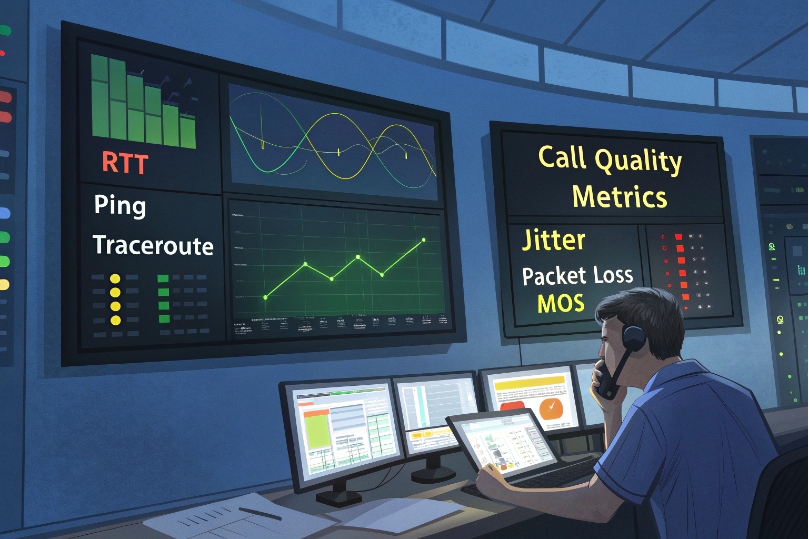
Use ping/trace for RTT and path. Use RTCP stats and MOS from phones or SBC. Use synthetic call probes. Log jitter, loss, and one-way delay if your gear supports it. Correlate with time of day.
Dive deeper Paragraph:
1) Round-trip vs one-way
RTT (ping) is easy. One-way needs time sync or dual probes. If you cannot do one-way, use RTT as a proxy and divide by two with caution. Sync clocks via NTP on phones, PBX, SBC, and test hosts. Some SBCs and endpoints expose RTP one-way delay in RTCP XR; use it when available.
2) What numbers to capture
- RTT: target <100 ms within a region; <200 ms cross-continent.
- One-way delay: for interactive speech, align targets with the ITU-T Recommendation G.114 one-way delay guidance 5.
- Jitter (RTP): keep <20–30 ms; big swings are worse than a steady 40 ms.
- Packet loss: aim <0.2% sustained; bursts are more harmful.
- MOS (listening): 4.0–4.5 good; <3.6 users notice.
Log per call: codec, ptime, jitter buffer size, loss, and MOS. Break down by ISP, site, SSID, and time.
3) Field kit examples
- ICMP:
ping -n 50 sip.example.comfor baseline. - Path:
tracertormtrto RTP relay or SBC. - Synthetic RTP: many SBCs can generate a test stream to a handset; read RTCP back for jitter/loss.
- Phone screens: most SIP phones show live RTP stats (jitter, pkt loss, MOS). Take photos during bad calls.
- Wi-Fi:
netsh wlan show interfacesfor RSSI/PHY rate; use a spectrum view if possible.
4) Interpreting MOS
MOS depends on codec, loss, concealment, and delay. Do not compare Opus MOS to G.711 blindly. Watch MOS vs time and vs load. A MOS valley at lunch hours points to uplink contention. MOS drops after a VPN change point to MTU or encryption overhead.
| Metric | Good | Caution | Bad |
|---|---|---|---|
| RTT (regional) | <50 ms | 50–100 ms | >100 ms |
| One-way delay | <100 ms | 100–150 ms | >150 ms |
| Jitter (RTP) | <20 ms | 20–30 ms | >30 ms |
| Loss (avg) | <0.2% | 0.2–1% | >1% |
| MOS (G.711) | ≥4.1 | 3.7–4.0 | <3.7 |
Which QoS, codecs, and jitter buffers reduce one-way delays on my network?
Packets do not care about job titles.
Give voice the fast lane, keep frames small, and set sane buffers.
Small, steady improvements stack up.
Mark RTP EF (46), queue it with strict priority, and enable smart queueing on WAN. Use Opus or G.711 at 20 ms ptime. Keep jitter buffers small and adaptive. Avoid big frames and heavy VAD/PLC tuning unless tested.
Dive deeper Paragraph:
1) QoS end-to-end
- Marking: RTP DSCP is carried in the Differentiated Services (DS) field 6. Mark RTP EF (46), SIP CS5/AF31. Trust at access ports for phones. Remark at WAN edge.
- Queuing: Use strict-priority/LLQ aligned to the Expedited Forwarding (EF) PHB 7, but cap it (e.g., 20–30% of link) so voice stays fast without starving data. Shape bulk data below link rate so priority always has headroom.
- Preservation: Make sure VPN/SD-WAN keeps DSCP. Many tunnels zero markings by default. Map EF to the best class on provider edge.
2) Codec and packetization
- Opus (narrow/wide/super-wide): resilient to loss, supports 10–20 ms ptime, good quality at lower bitrates. Check handset and trunk support.
- G.711: simple, universal, works well at 20 ms. Plan ~80–90 kbps each way including overhead.
- G.729: compresses well but adds codec delay and is fragile under burst loss. Use only if bandwidth is tight and consistent.
- ptime: Favor 20 ms. 10 ms can reduce jitter sensitivity but raises packets per second. Avoid 40–60 ms frames; they add delay by design.
3) Jitter buffer tuning
Start with adaptive jitter buffers with minimum 20 ms and maximum 60–80 ms. If jitter is low and stable, reduce the max to cut mouth-to-ear delay. If users hear “robot” or gaps, increase the min by 10 ms and test again. Do not set huge buffers to mask a bad path; fix the path.
4) WAN shaping and queue math
Apply FQ-CoDel or PIE on egress. Set shaper to ~90–95% of ISP rate to prevent queue buildup at the modem. Reserve bandwidth for EF equal to ConcurrentCalls × per-call kbps + 25% headroom.
Example
20 calls on G.711 → ~1.8 Mbps RTP each way. Reserve ~2.5 Mbps for EF. Shape the link to 90% and cap bulk queues.
| Tuning Area | Setting | Why |
|---|---|---|
| DSCP | EF (46) on RTP | Short queue time |
| Queue | Strict priority w/ cap | No starvation, low delay |
| Codec | Opus (10–20 ms) or G.711 (20 ms) | Low encode + network delay |
| Jitter buffer | 20–60 ms adaptive | Smooths variance, avoids extra lag |
| WAN SQM | FQ-CoDel/PIE @ 90–95% | Kills bufferbloat |
Should I use VLANs, SD-WAN, or dual ISPs to lower VoIP latency?
Structure beats hope.
Separate voice, steer around congestion, and keep a spare road.
Do it once, then sleep better.
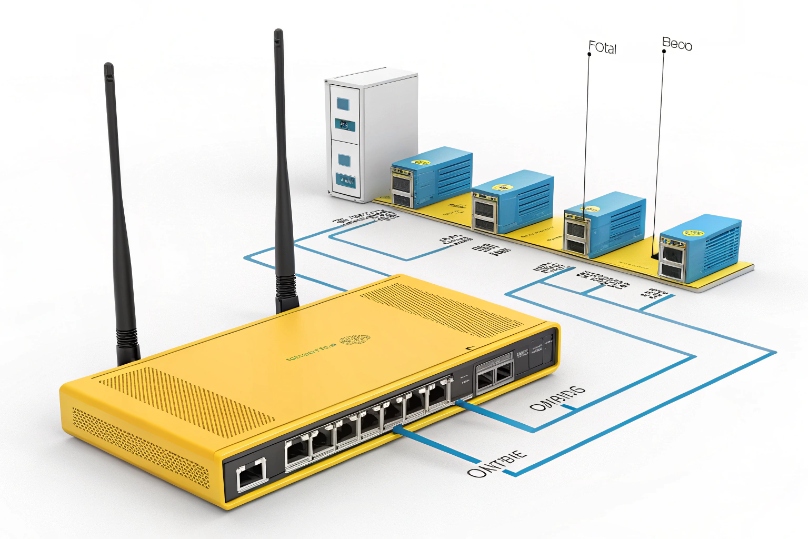
Yes—use a voice VLAN to control QoS, consider SD-WAN for path steering, and add dual ISPs for redundancy. These reduce latency variation and prevent long outages from killing calls.
Dive deeper Paragraph:
1) Voice VLANs
Create a Voice VLAN with its own gateway, DHCP, and ACLs. Trust DSCP at the access switch for that VLAN. Keep phones off chatty data broadcasts. LLDP-MED can place phones on the right VLAN automatically. This isolation makes QoS honest, keeps multicast paging clean, and reduces collision with large data flows.
2) SD-WAN and path control
SD-WAN measures loss, jitter, and delay per path and can move new RTP flows to the cleaner link in seconds. It can also bond or fail open when a link degrades. Ensure your SD-WAN preserves DSCP and does not re-order voice packets. Use policies: voice prefers low latency, high availability paths; data prefers cheap bandwidth.
3) Dual ISPs and diversity
Two links beat one, but only if they are diverse. Use different media (fiber + cable, fiber + fixed wireless) and different last-mile paths. Add automatic failover (SD-WAN or BGP). Anchor calls on an SBC so a WAN flip does not drop handset legs mid-call. Test failover quarterly with real calls.
4) Avoid hairpins
If you use VPN for security, avoid routing RTP through HQ by default. Allow direct media to the nearest SBC or cloud POP. Set split tunneling with care so SIP/TLS and RTP take the shortest, monitored path.
5) MTU and tunnels
Tunnels reduce MTU. If you see call setup succeed but audio drops or stalls, check MSS clamping and fragmentation. Align MTU across sites. A single bad clamp adds delay through retries and fragmentation.
| Design Choice | Latency Impact | Complexity | Note |
|---|---|---|---|
| Voice VLAN | Lowers jitter/delay | Low | Easiest win |
| SD-WAN | Steers away from bad paths | Medium | Needs tuning |
| Dual ISPs | Prevents outages, lowers variation | Medium | Use diverse media |
| SBC anchoring | Saves mid-call during failover | Medium | Keep public reachability |
| MTU alignment | Removes hidden stalls | Low | Set once, verify often |
Conclusion
Lower latency comes from short paths, small queues, sane packet sizes, and right-sized buffers. Wire what you can, shape the WAN, trust DSCP, and keep a clean, local media route.
Footnotes
-
SIP spec for understanding signaling timers, retransmits, and why setup “lag” differs from media delay. ↩ ↩
-
RTP spec explaining real-time media transport, timing sensitivity, and why delay/loss directly impacts voice. ↩ ↩
-
CoDel standard describing how AQM controls bufferbloat-generated excess delay in router queues. ↩ ↩
-
FQ-CoDel standard for fair-queuing plus AQM to reduce latency under load on busy uplinks. ↩ ↩
-
ITU guidance on one-way delay thresholds for interactive speech and when user experience degrades. ↩ ↩
-
Defines the IP header DS field that carries DSCP markings used for end-to-end QoS classification. ↩ ↩
-
Defines Expedited Forwarding behavior for low delay, low jitter, low loss traffic like voice. ↩ ↩








