
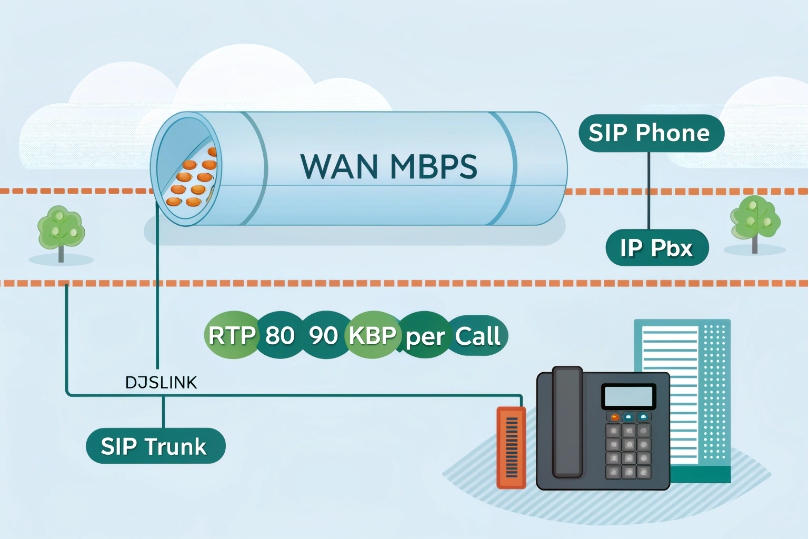
Calls clip or sound robotic during uploads. The real limit is not magic. It is bandwidth and how I protect it.
Network bandwidth is the maximum data rate on my links. VoIP uses small, steady streams. I must size for simultaneous calls, add overhead, leave headroom, and protect voice with QoS.
Bandwidth alone is not the full story. Delay, jitter, and loss turn small gaps into big problems. Good design keeps voice first. The rest fits around it. Now let us break it down and do the math.
How much bandwidth do SIP calls and video need per user?
People ask, “How many calls fit on my line?” The answer depends on codec, packet size, and overhead. The numbers are simple and practical.
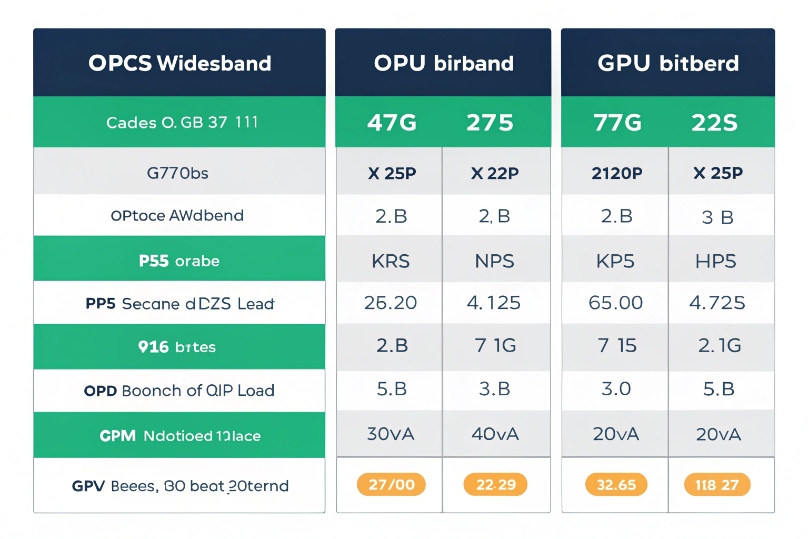
Per-call bandwidth = codec payload + IP/UDP/RTP + L2/VPN overhead. With 20 ms packets: G.711 ≈ 80–90 kbps one way, G.729 ≈ 24–32 kbps, Opus wideband ≈ 32–50 kbps.
Dive deeper Paragraph:
Why payload is not the full rate
A codec’s bitrate (like 64 kbps for G.711) is only the audio payload. Each packet also carries IP, the User Datagram Protocol (UDP) 1, and the Real-time Transport Protocol (RTP) 2 headers (40 bytes). Layer-2 adds more (Ethernet ~18 bytes). VPNs add 5–50+ bytes. Packetization interval (ptime) changes how often I send those headers. Short ptime sends more packets per second. That raises overhead and bandwidth but lowers mouth-to-ear delay. Long ptime saves bandwidth but raises delay and loss risk.
If you want the canonical specs behind the planning numbers, start with the G.711 PCM recommendation 3 and the Opus wideband codec RFC 4.
Quick reference table (20 ms ptime, typical LAN/WAN, one way)
| Codec (mode) | Payload kbps | Packets/s | Est. kbps incl. headers | Est. kbps with VPN/overhead |
|---|---|---|---|---|
| G.711 (PCMU/A) | 64 | 50 | ~80–90 | ~90–110 |
| G.722 (WB) | 64 | 50 | ~80–90 | ~90–110 |
| Opus (WB 24–32 kbps) | 24–32 | 50 | ~32–50 | ~40–60 |
| G.729 | 8 | 50 | ~24–32 | ~28–36 |
| Opus (WB 48 kbps) | 48 | 50 | ~60–70 | ~70–85 |
These ranges include common Layer-2 and IP header costs. They vary with VLAN tags, PPPoE, GRE/IPsec, or SRTP.
Packetization and its trade-offs
- 10 ms ptime: Higher bandwidth. Lower latency. Better PLC. More packets, more CPU.
- 20 ms ptime: Good balance for most SIP trunks.
- 40 ms ptime: Lower bandwidth. Higher delay. More damage when a packet drops. Use with care.
| Media | Typical codec | Rough kbps (one way) | Notes |
|---|---|---|---|
| HD Voice (WB) | Opus/G.722 | 40–70 | Per audio stream |
| 720p30 video | H.264 | 1,000–2,500 | Variable with content |
| 1080p30 video | H.264 | 2,500–5,000 | Needs clean uplink |
| Screen share | H.264 | 700–2,000 | Text-heavy scenes compress well |
Capacity formula I use
- Total per direction ≈ concurrent external call legs × per-call kbps
- Add headroom: +20–30% for bursts, FEC, and codec swings
- Remember symmetry: voice is per direction; size uplink and downlink separately
Example: 20 calls on Opus ~45 kbps one way → 20 × 45 = 900 kbps. Add 30% = 1.17 Mbps. I reserve ≥1.2–1.5 Mbps each way for clean margin.
How do I measure my available upload and download bandwidth?
Guessing leads to surprise. Measure real sustained rates, not only speed test peaks. Measure when staff works, not at midnight.
Run multi-minute tests for up and down. Watch sustained throughput, latency under load, and jitter. Verify at peak hours. Then log interface rates on edge devices.
Dive deeper Paragraph:
What to test, and why it matters
A short speed burst hides bufferbloat. I care about steady throughput with latency under load. So I use tests that saturate the link for 1–3 minutes and record RTT and jitter during the run. I test both directions because uplink is usually the choke point for VoIP. I repeat during busy hours. I save results over time to catch slowdowns or ISP shaping.
Tools and signals to collect
- Interface counters on the router or firewall: bits per second, errors, drops.
- Latency under load (ping during upload): if RTT jumps by 100+ ms, calls may clip.
- Jitter and loss: these reveal queuing stress, not just line rate.
- 95th percentile throughput: good for planning recurring peaks.
- MOS or R-factor from active probes: reflects real call quality, not only bandwidth.
A simple test plan
| Step | Action | Target |
|---|---|---|
| 1 | Baseline idle RTT/jitter | RTT < 30–80 ms to provider POP, jitter < 5 ms |
| 2 | 3-minute upload saturation | Latency increase < 30–50 ms with SQM; no loss |
| 3 | 3-minute download saturation | Same as upload |
| 4 | Dual-direction test | Verify QoS keeps voice priority |
| 5 | Peak-hour repeat | Confirm stability under business load |
Where tests go wrong
- Testing from Wi-Fi instead of wired.
- Testing during off hours only.
- Ignoring VPN overhead.
- Using a single stream when ISP favors speed test CDNs.
- Skipping long enough runs to fill buffers.
When results swing, I check for background syncs, cloud backups, software updates, and camera uploads. Those kill uplinks first.
Will low bandwidth cause jitter, choppy audio, or dropped calls?
Low bandwidth alone is not always the culprit. Unmanaged queues cause delay spikes and loss. That sounds like jitter and chop.
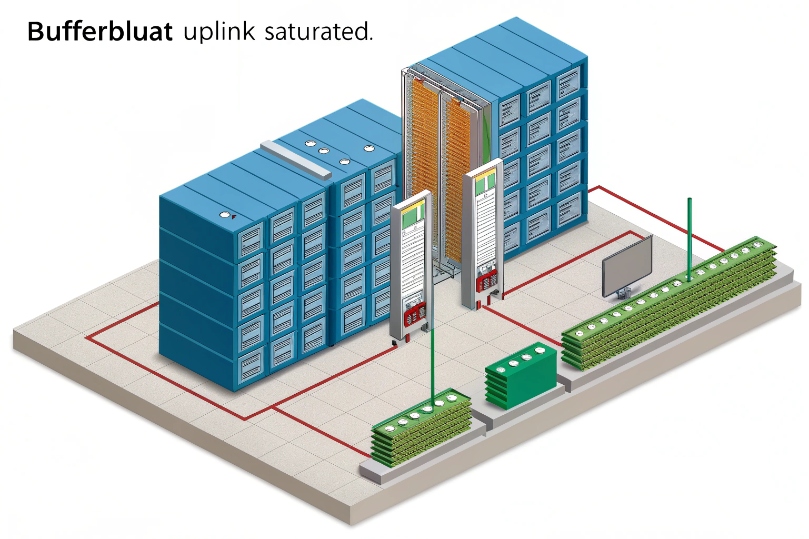
When the uplink saturates, packets queue and drop. Jitter rises. RTP arrives late or not at all. A small call stream suffers, even though it needs only tens of kbps.
Dive deeper Paragraph:
The real enemy is congestion and bufferbloat
Voice packets are tiny but frequent. Bulk transfers like backups and video chunks fill queues. Without smart queuing, RTP waits behind large packets. That adds variable delay (jitter). Jitter buffers hide small swings, but when spikes exceed the buffer, playout gaps appear. Listeners hear robots, repeats, or silence. If queues overflow, loss climbs. PLC and FEC help a little, but they cannot recover long bursts.
Symptoms and quick checks
| Symptom | Likely cause | Check |
|---|---|---|
| Good off-hours, bad daytime | Uplink saturation | Interface graphs; ping under load |
| Sudden chop during file sync | Single queue, no QoS | QoS policy and queue stats |
| Video OK, calls bad | RTP not prioritized | DSCP marking and queue mapping |
| Calls die on VPN | MTU/MSS wrong | Fragmentation counters, PMTUD logs |
Practical thresholds I aim for
- Uplink reserve: keep 20–30% free headroom.
- Jitter (p95): < 20 ms wired, < 30 ms Wi-Fi/Internet.
- Loss: < 0.3% average, zero bursts > 100 ms.
- One-way latency: < 150 ms end-to-end for clean conversation.
What not to expect from jitter buffers
A bigger buffer does not create bandwidth. It only smooths arrival times at the cost of extra delay. Beyond ~150–200 ms one way, conversation suffers even with perfect audio frames. If I must increase buffers to survive, I then fix the congestion root cause.
How can I prioritize VoIP bandwidth with QoS, VLANs, and codecs?
Voice wins when I mark it, queue it right, and keep paths short. I also choose codecs that fit my links and users.
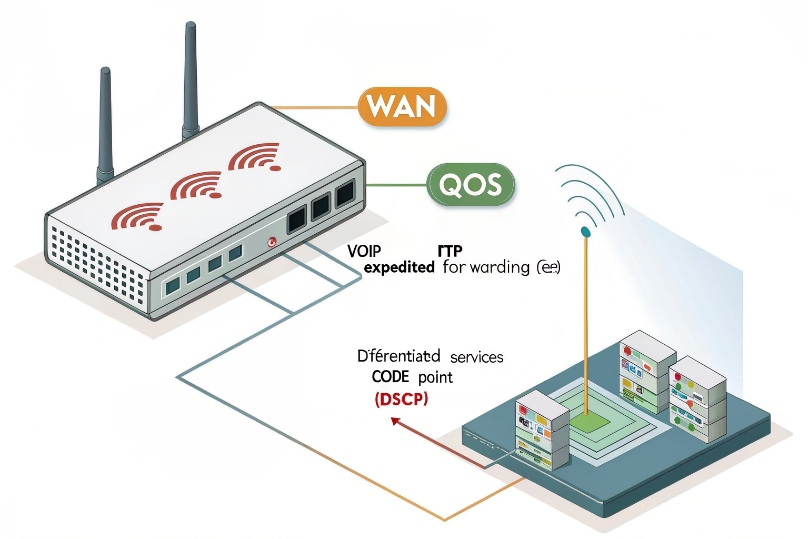
Mark RTP EF (DSCP 46). Put voice in a strict low-latency queue. Shape bulk traffic below line rate with FQ-CoDel/PIE. Use a voice VLAN. Pick Opus or G.711 per site.
Dive deeper Paragraph:
QoS: marking and queuing that actually works
Set phones, PBX, and SBC to mark DiffServ Expedited Forwarding (EF, DSCP 46) 5 for RTP and CS3/AF31 for SIP signaling. On switches and routers, trust only the ports that connect to known devices. Rewrite at the edge for everything else. Place EF into a strict priority or low-latency queue with a small buffer. Cap other classes so EF never starves. On small links, enable Smart Queue Management like FQ-CoDel smart queue management 6. Set an egress shaper a bit below the ISP rate (for example, at 95–98%). This prevents the ISP’s big buffer from adding delay.
VLANs and clean paths
Use a voice VLAN for phones. This reduces broadcast noise and gives phones a separate DHCP scope with options for provisioning. Keep PoE phones on wired where possible. If Wi-Fi is required, use 5 or 6 GHz, 20 MHz channels, -67 dBm minimum RSSI, and enable Wi-Fi Multimedia (WMM) 7 mapping for voice. Limit clients per AP to protect airtime.
Codec choices for each site
| Site type | Uplink reality | Best codec choice | Notes |
|---|---|---|---|
| Fiber/clean metro | Plenty of headroom | G.711 or Opus 48k | Simpler, high MOS |
| DSL/cable busy uplink | Tight upstream | Opus 24–32k | Strong PLC, lower kbps |
| Mobile/remote users | Variable paths | Opus + ICE/TURN | Traversal + resilience |
| High packet loss | No quick fix | Opus with FEC | Still fix the path |
Avoid frequent transcoding. Keep end-to-end codec the same across trunks and phones. Transcoding adds delay and artifacts.
VPNs, tunnels, and MTU
Tunnels add overhead. Budget +5–20% per call. Clamp MSS to avoid fragmentation. Verify DSCP preservation through the tunnel. If the VPN cannot preserve EF, prioritize by port and flow on the outer header.
A simple deployment checklist
| Item | Target | Why |
|---|---|---|
| DSCP EF on RTP | Marked and honored | Low latency queueing |
| Egress shaper | 95–98% of line rate | Kill bufferbloat |
| Voice VLAN | Separate scope | Clean L2 domain |
| Wi-Fi voice SSID | 5/6 GHz, WMM Voice | Airtime priority |
| Codec policy | Opus or G.711 | Fit to link reality |
| Monitoring | MOS, jitter, loss | Catch regressions |
With these steps, voice keeps flowing even when someone uploads large files. Calls stay clear. Complaints drop.
Conclusion
Size calls with overhead, keep 20–30% headroom, and protect RTP with QoS and clean VLANs. Pick codecs to fit links. Measure often and adjust.
Footnotes
-
Defines UDP, the common transport for RTP media packets. ↩︎ ↩
-
Defines RTP header behavior used for real-time voice transport. ↩︎ ↩
-
Defines Opus codec modes, bitrates, and packetization guidance. ↩︎ ↩
-
Defines EF PHB used to prioritize low-latency voice traffic. ↩︎ ↩
-
Describes FQ-CoDel AQM/SQM to reduce bufferbloat and latency spikes. ↩︎ ↩
-
Explains WMM/802.11e QoS categories for voice on Wi-Fi. ↩︎ ↩








