
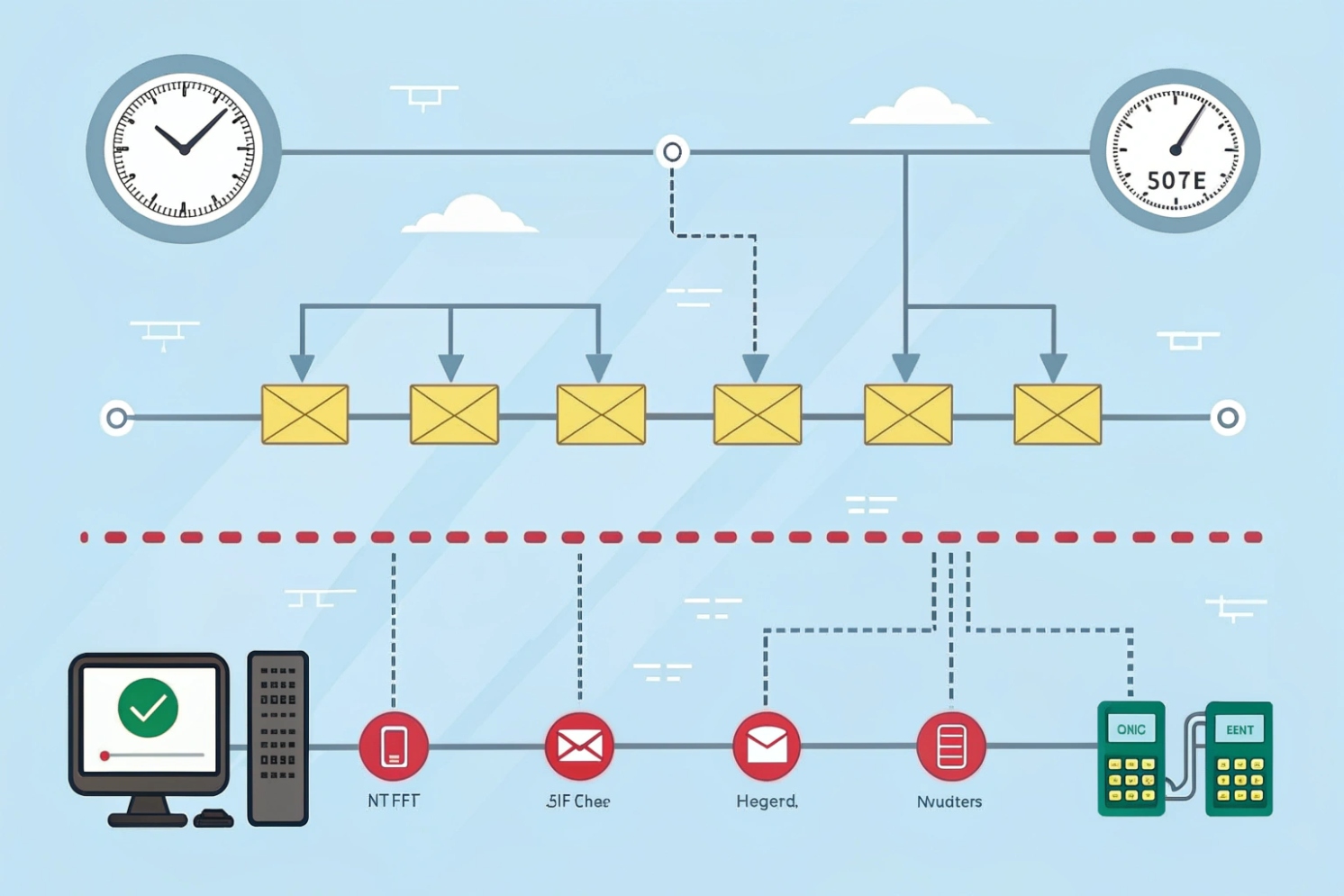
Jitter is small, but it ruins calls. It shows up when packet timing is uneven. Fixing it starts with clear targets and simple, testable controls.
Network jitter is the variation in inter-packet arrival time. In VoIP, uneven timing breaks audio rhythm, so speech sounds choppy or delayed. Good design keeps jitter low and stable.
In live voice, timing matters more than raw speed. Packets may arrive fast on average, but if spacing varies, the decoder starves or overflows. The result is clipped words, gaps, and weird echoes. The cure is not one trick. It is a stack: measure accurately, shape queues, right-size buffers, and remove noisy links.
What jitter level is acceptable for SIP phones and intercoms?
Bad audio usually starts before users complain. Set thresholds that warn early. Then tune before the helpdesk lights up.
Aim for <10 ms for “great,” accept <30 ms for “good,” and treat >30 ms sustained as trouble. Keep one-way latency ≤150 ms and loss <1% to stay conversational.
Targets that map to user experience
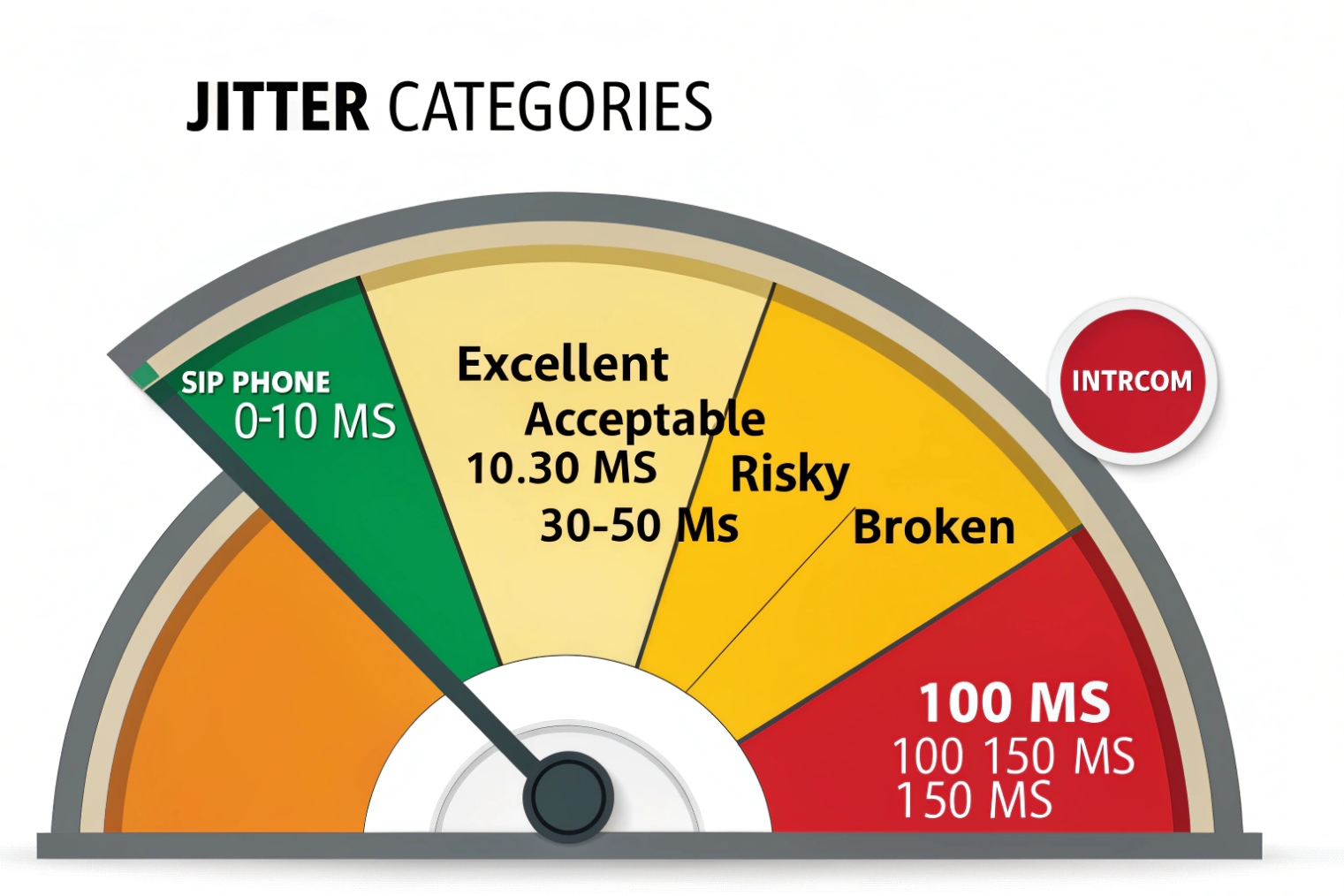
VoIP streams are small and constant. They do not need much bandwidth. They need steady timing. A practical grading works well in the field:
- Excellent: jitter ≤ 5–10 ms, one-way delay ≤ 100 ms, loss ≤ 0.2%. Users forget they are on VoIP.
- Acceptable: jitter 10–30 ms, one-way delay 100–150 ms, loss ≤ 1%. Calls work fine, but queues must hold steady.
- Risky: jitter > 30 ms sustained, or spikes > 50 ms, or delay > 150 ms. Users start to talk over each other. Words clip.
- Broken: jitter bursts > 100 ms or loss > 3%. Audio falls apart.
These ranges align with common provider guidance and the spirit of ITU-T G.114 one-way delay guidance 1. They balance jitter, delay, and loss. You cannot push one bound hard without paying in another.
Why “average” is not enough
Averages hide pain. VoIP quality tracks variation. A stream with 5 ms average jitter and frequent 60 ms spikes sounds worse than a steady 15 ms stream. So track percentiles. The 95th or 99th percentile jitter shows the spikes that users hear.
Practical alarms and budgets
Create a small SLO per site or VLAN:
- Jitter p95 < 20 ms over 5 minutes
- One-way delay p95 < 120 ms
- Packet loss p95 < 0.5%
Alert when any metric breaches twice in a row. That avoids flapping on tiny blips. Tie alarms to a runbook: capture RTP, check queues, check uplink utilization, verify Wi-Fi SNR.
| Metric | Great | Acceptable | Action Trigger |
|---|---|---|---|
| RTP Interarrival Jit | ≤ 10 ms | 10–30 ms | > 30 ms sustained |
| One-Way Delay | ≤ 100 ms | 100–150 ms | > 150 ms sustained |
| Packet Loss | ≤ 0.2% | 0.2–1% | > 1% or bursts |
| Jitter Spike (p99) | ≤ 20 ms | ≤ 40 ms | > 40 ms |
How to measure jitter using MOS, RTP, and ping?
Numbers must be easy to collect and trust. Use the stream’s own reports when you can. Use active probes when you cannot.
Prefer RTP/RTCP jitter from actual calls. Use MOS as a user-facing score, not a root cause. Use ping jitter only as a rough path proxy, never as a voice-quality truth.
RTP/RTCP: the ground truth
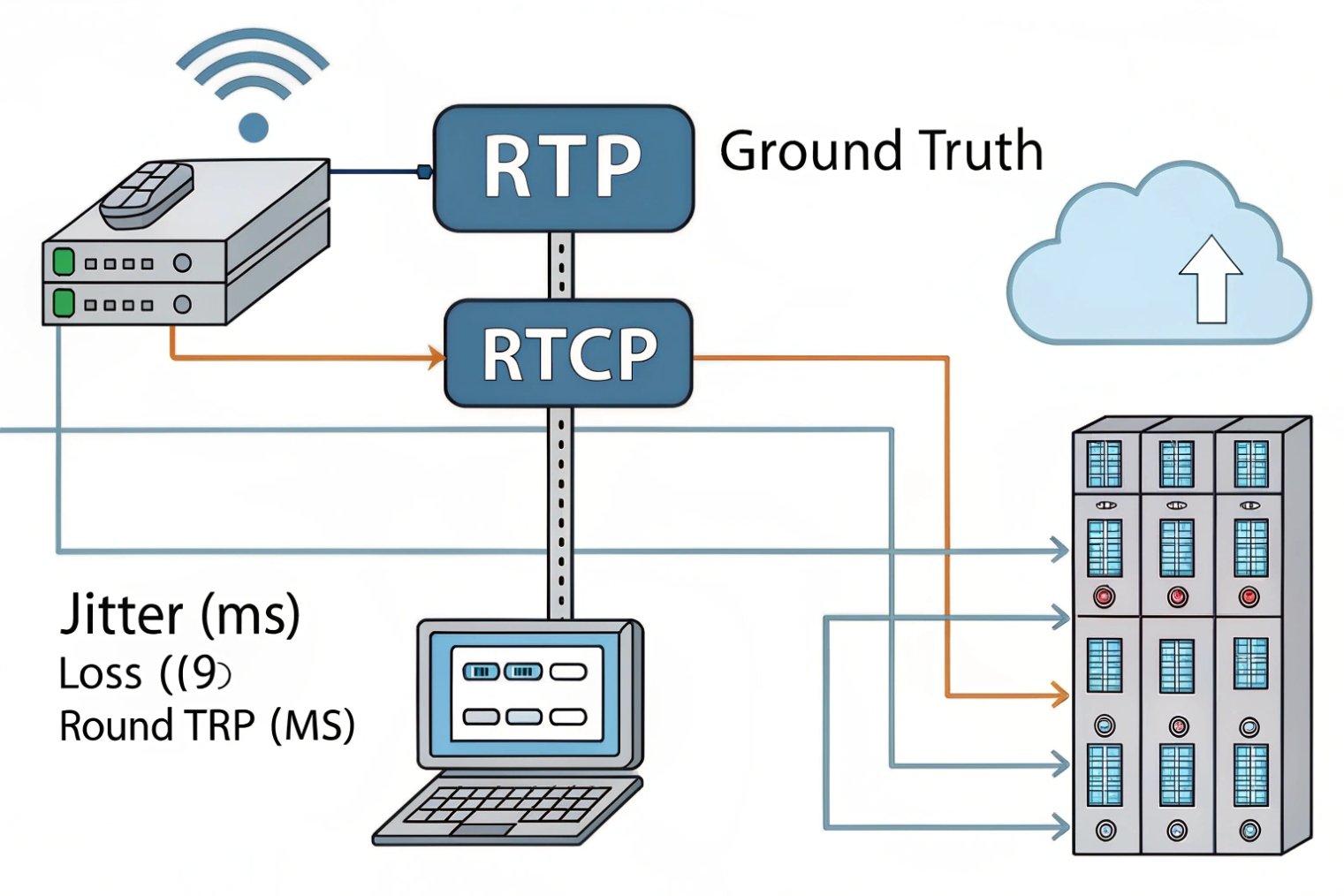
Every RTP receiver can compute interarrival jitter as defined in RFC 3550 (RTP/RTCP) 2. It compares actual arrival spacing to expected spacing (derived from the RTP timestamp clock). The formula is an exponentially weighted average, so it smooths short spikes. Phones and SBCs export this in RTCP receiver reports, RTCP XR, SIP call stats, syslogs, or APIs. This is the best signal because it reflects the real stream with the same codec, same packetization interval, and same path.
- Ask endpoints or the PBX: “per-call jitter (ms), loss (%), round-trip (ms).”
- Export to your NMS. Graph p50, p95, p99. Watch spikes during busy hours.
- Pull per direction. Uplink and downlink paths often differ.
MOS: good for summaries, not for fixes
MOS (Mean Opinion Score) compresses delay, loss, jitter, and codec into one 1–5 number. Vendors compute it differently, especially with PLC or FEC. Use MOS to rank sites and show trends to managers. Do not use MOS alone to choose fixes. Two calls can share the same MOS with very different root causes.
Ping jitter: careful with interpretation
ICMP echo is handy, but it is not RTP. Many networks rate-limit or reroute ICMP. That said, ping variation can expose path noise. Use stddev or jitter plugins on two-way tests, not averaged round-trip alone. For path proof, active RTP-like probes do better:
ping -i 0.02 -c 200 <host>then readrtt stddev(watch for rate-limits).iperf3 -u -b 200K -l 200 -t 20 --get-server-outputto mimic small UDP bursts.- Use vendor agents (SIP OPTIONS/INVITE probes, Two-Way Active Measurement Protocol (TWAMP) 3, or synthetic RTP).
Packet capture: the final arbiter
Mirror a port and capture RTP. Sort by sequence, compute delta-arrival between packets. Plot a histogram. If the tail is heavy, queues are bursting. If deltas wobble with Wi-Fi beacons, the radio link is noisy.
| Method | What You Get | Strength | Caveat |
|---|---|---|---|
| RTCP/RTP | Real call jitter per direction | Closest to user experience | Needs device support/logging |
| MOS | Single quality score | Easy to trend and compare | Vendor math differs; not diagnostic |
| Ping Stddev | Path timing variation proxy | Everywhere, simple | Not RTP; can be rate-limited |
| TWAMP/Synthetic | Controlled UDP test | Repeatable, codec-like pacing | Needs test endpoints |
| PCAP | Exact timing and loss | Deep truth, shows tail behavior | More effort; requires mirroring |
How do jitter buffers, QoS, and DSCP reduce choppy audio?
There is no single switch. You must smooth timing, protect queues, and tag packets end to end. Each tool handles a different part.
Use adaptive jitter buffers to absorb variation, QoS to cut queue delay, and DSCP/PCP tags to get priority. Keep buffers modest to avoid mouth-to-ear delay creep.
Jitter buffers: smooth but not free
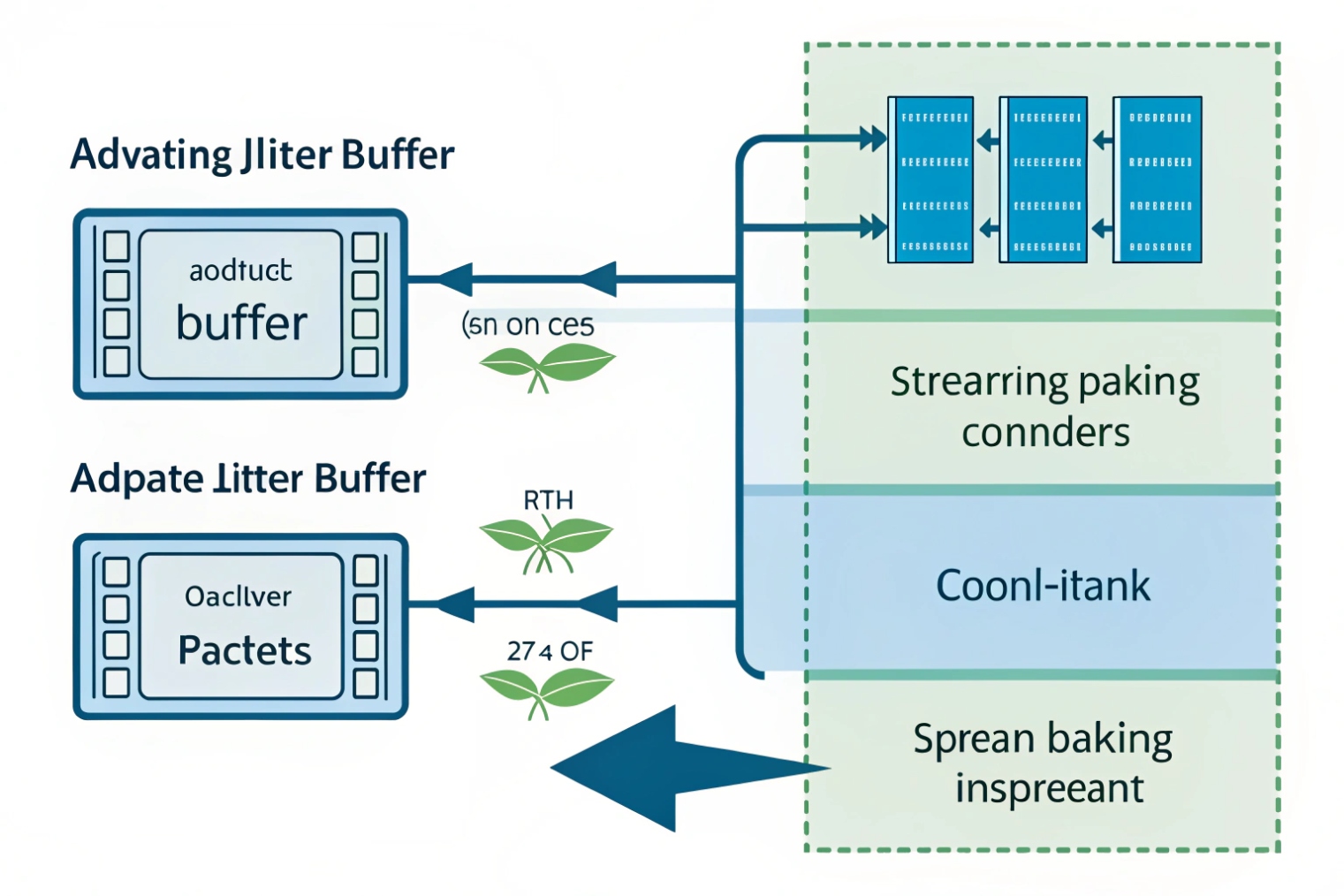
A jitter buffer delays playout a bit so packets can arrive slightly late and still play on time. Static buffers hold a fixed amount, say 30 ms. They are simple, but they fail when bursts exceed the size. Adaptive buffers grow when needed and shrink when the path is calm. They protect speech, but every extra millisecond adds to total delay. Keep the typical range tight (for example 20–60 ms) and cap the max (for example 120 ms). Remember the full delay budget: codec frame size + packetization interval + jitter buffer + network delay + PLC/FEC overhead.
QoS: keep voice out of the wrong queue
Voice suffers when it waits behind big data frames. Configure priority queuing for EF traffic. On access ports, trust the phone’s DSCP/PCP if you control endpoints; otherwise remark on the switch. On uplinks, enable strict or low-latency queueing for EF and a reserved bandwidth class for signaling (often CS3/AF31). Police bulky scavenger classes, not voice. Do not enable priority for everything; that defeats the point.
- Signaling (SIP): DSCP CS3/AF31, not EF.
- Voice RTP: DSCP Expedited Forwarding (EF 46) 4, PCP 5.
- Video (if present): DSCP AF41/AF42, PCP 4.
Tags only help if they survive. Audit marking at each hop:
- Access switch: trust or remark.
- Distribution/CORE: preserve DSCP, map to hardware queues, avoid re-write.
- WAN edge: shape and prioritize EF; ensure provider honors EF.
- Wi-Fi: Wi-Fi Multimedia (WMM) prioritization 5 maps DSCP to AC_VO/AC_VI. Validate mappings so EF lands in AC_VO.
PLC and FEC: last line of defense
Modern codecs like Opus include Packet Loss Concealment and optional Forward Error Correction. PLC hides small gaps. FEC transmits a little redundancy so the decoder can rebuild a lost packet. Both help when jitter causes late-drops. They cannot fix long bursts or high average delay.
| Control Layer | Mechanism | Typical Setting | Risk if Misused |
|---|---|---|---|
| Endpoint | Adaptive jitter buffer | 20–60 ms, max 120 ms | Latency creep, talk-over |
| Access Switch | Trust/remark DSCP + PCP | EF=46/5, SIP=CS3 | Everything marked EF -> no priority |
| WAN Edge | LLQ/priority + shaping | 5–10% min for EF, strict queue | Starving other classes |
| Wi-Fi | WMM AC mapping | EF -> AC_VO | Wrong map -> voice fights with data |
| Codec | PLC/FEC | PLC on, FEC low | Extra bandwidth if overused |
What fixes reduce jitter on PoE switches and Wi-Fi?
Most pain lives at the edge. Power budgets, microbursts, and radio airtime collide there. Small changes make big wins.
On PoE switches, protect EF queues, right-size buffers, and budget power. On Wi-Fi, favor 5/6 GHz, enable WMM, fix SNR, and keep channels clean with narrow widths.
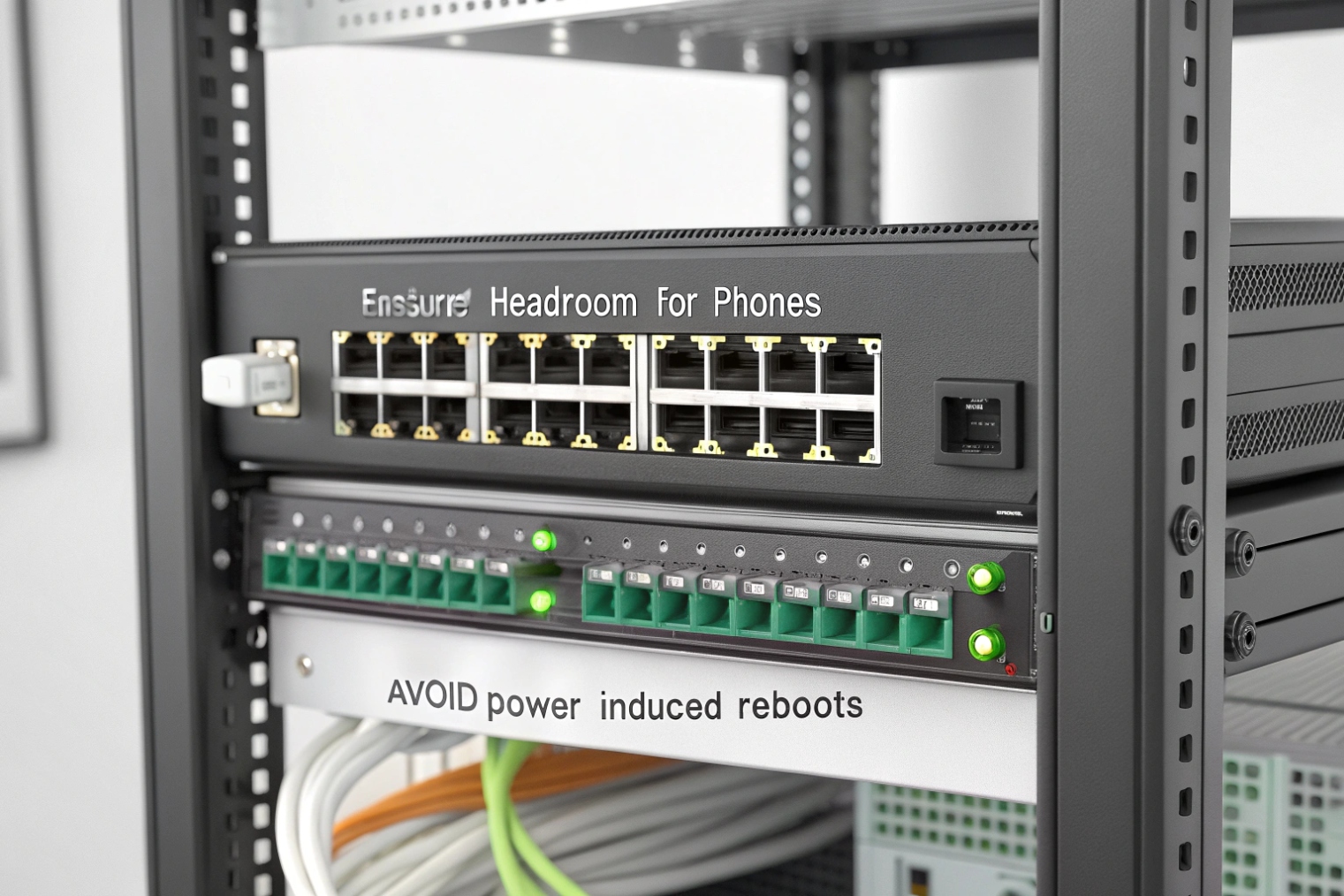
PoE switches: stable power, calm queues
Phones and intercoms must not reboot when lights or cameras surge. Check power budget first. Use LLDP-MED power TLVs so switches allocate the right watts and can prioritize phones. Set voice ports to high power priority. Watch for cold-start draw; some endpoints pull extra watts during boot.
Queue design matters. Enable a low-latency queue for EF. Avoid global microburst drops by giving EF a small but strict queue with headroom. Do not trust DSCP from unknown devices on the PC passthrough port; remark traffic at the phone or switch so only RTP gets EF.
On the wire, remove jitter amplifiers:
- Disable or tune Energy Efficient Ethernet (IEEE 802.3az) 6 on voice ports if you see wake-up jitter.
- Keep bufferbloat in WAN edge queues 7 in check on WAN edges with smart shaping and small queues.
- Prevent storms. Do not let broadcast or multicast floods starve voice; tune storm control.
Cable health also matters. Bad pairs cause retransmissions on data overlays and push bursts into queues. Run cable tests. Fix high error counters.
Wi-Fi: airtime, not just signal bars
Voice on Wi-Fi is about airtime fairness and consistent contention, not peak throughput.
- Use 5 GHz (and 6 GHz where available). Avoid crowded 2.4 GHz.
- Prefer 20 MHz channels for voice density; wide channels increase collisions.
- Enable WMM so EF maps to AC_VO. Verify mapping tables from DSCP to access categories.
- Set a minimum RSSI so sticky clients roam. Target SNR ≥ 25 dB for stable voice.
- Limit basic rates and disable very low data rates to shorten airtime for control frames.
- Tune transmit power for balanced cells. Too hot APs cause sticky clients; too low causes retries.
- Avoid DFS if you see radar events that force channel changes during calls.
- Cap client count per AP for voice areas. Oversubscription shows up as jitter before retries spike.
Test with real phones. Synthetic tests miss WMM mapping mistakes. During a capture, watch for excessive Block Ack delays, retries, and queuing at the AP’s VO queue.
Quick fixes checklist
- Switch: EF queue enabled, trust/remark policy correct, EEE off for voice ports
- PoE: LLDP-MED power set, budget headroom ≥ 20%, priority for phones high
- WAN: LLQ with EF bandwidth floor, shape to provider rate
- Wi-Fi: 5/6 GHz, 20 MHz channels, WMM verified, min RSSI set, SNR ≥ 25 dB
- Monitoring: graph RTP jitter p95 and spikes p99; alert on changes, not just levels
| Edge Issue | Symptom | Fast Check | Targeted Fix |
|---|---|---|---|
| PoE brown-outs | Random phone reboots | PoE logs, LLDP power TLV | Raise budget, set high priority, stagger boot |
| EEE delay | Periodic audio clips | Port counters, disable test | Disable EEE on voice ports |
| EF not honored on uplink | Jitter rises at busy hours | QoS stats per queue | Map EF to LLQ; reserve bandwidth |
| Wi-Fi low SNR | Choppy only on wireless | Site survey, client SNR | Improve placement, power, or client lock |
| Wrong WMM mapping | Voice fights bulk data | AP queue stats, DSCP map | Map EF to AC_VO; limit bulk to BE/BK |
| Oversized channels (40/80 MHz) | Spiky jitter in dense areas | Channel plan review | Use 20 MHz for voice cells |
| Sticky clients | Good RSSI, still unstable | Roam logs, RSSI over time | Min RSSI, 802.11k/v/r where supported |
Conclusion
Keep jitter low and steady. Measure with RTP first, watch percentiles, size buffers modestly, and guard EF queues. Fix edge power and Wi-Fi airtime, and calls stay clear.
Footnotes
-
Official guidance for one-way delay budgets used in interactive voice design. ↩︎ ↩
-
Defines RTP/RTCP jitter calculations used by phones, SBCs, and call quality tools. ↩︎ ↩
-
Explains TWAMP for repeatable two-way latency/jitter testing across networks. ↩︎ ↩
-
Details Expedited Forwarding behavior and why EF is the standard QoS class for RTP. ↩︎ ↩
-
Overview of WMM traffic categories and how Wi-Fi prioritizes voice frames. ↩︎ ↩
-
Summary of IEEE 802.3az and why EEE can introduce latency variation on voice links. ↩︎ ↩
-
Practical background on bufferbloat and how oversized queues create delay and jitter. ↩︎ ↩








