
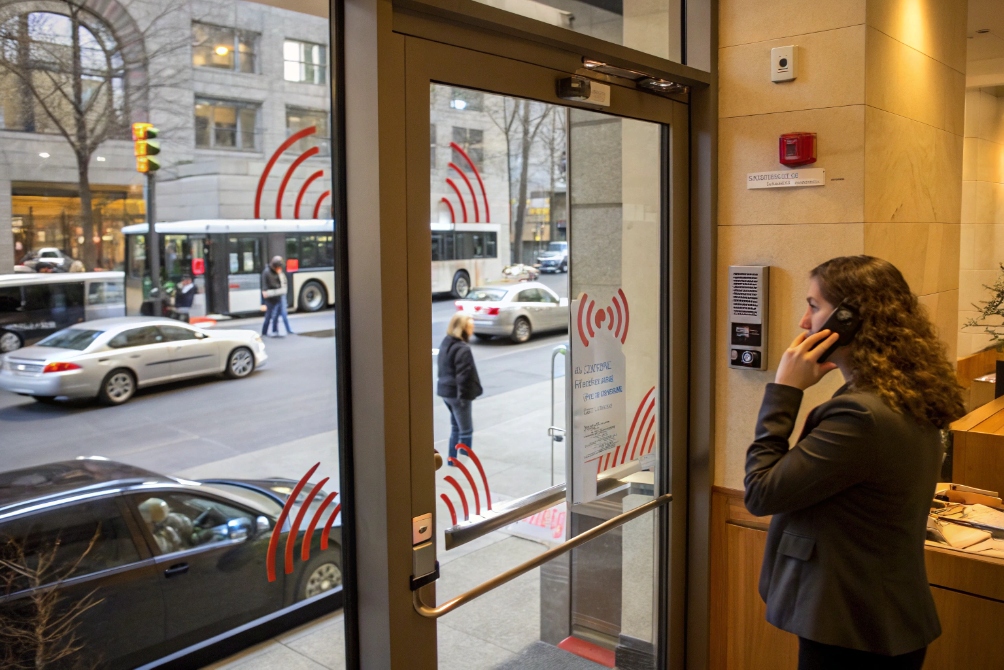
Noisy entrances and lobbies make every intercom call feel stressful. Wind, traffic, and echo all fight against the person’s voice at the door.
Noise cancellation reduces unwanted ambient sound using microphones and signal processing so the person’s voice is clearer and more intelligible on your SIP intercom or IP phone.
In real projects, “noise cancellation” is not one magic switch. It is a mix of hardware design, microphone placement, passive isolation, and digital algorithms working together. When this design is correct, even a busy street door station still sounds calm enough for security teams and reception staff to understand every word.
How does noise cancellation work in SIP intercoms?
A door station often sits in the worst possible place for audio: outside, near glass, metal, and a road. Without noise control, the far end hears wind and cars, not the visitor.
In SIP intercoms, noise cancellation combines physical isolation, directional microphones, and DSP algorithms that detect steady background noise and remove it before audio is encoded and sent over SIP.
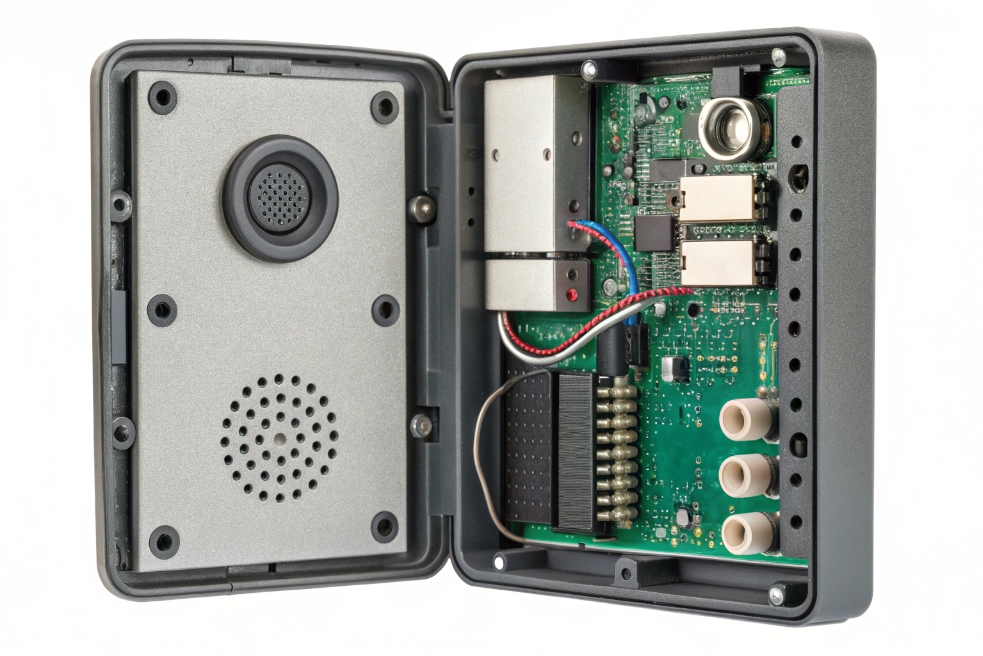
Passive isolation and mechanical design
Before any DSP runs, the hardware design already decides a big part of the result.
Key choices include:
| Design element | Role in noise control |
|---|---|
| Microphone placement | Away from grill edges and strong airflow |
| Housing shape | Reduces wind hitting the mic directly |
| Gaskets and foams | Block rain, dust, and part of high-frequency noise |
| Speaker direction | Points sound to the visitor, not back into the microphone |
| Mounting position | Away from corners and large reflective glass when possible |
Good passive isolation is like passive noise cancelling headphones. It does not need power or DSP. It just reduces how much noise reaches the microphone in the first place. This makes every later algorithm’s job easier.
From ANC theory to intercom “noise reduction”
At the signal level, most SIP intercoms use noise reduction rather than pure headphone-style anti-noise:
- The microphone captures voice plus ambient noise.
- The DSP estimates the noise profile during pauses in speech.
- The algorithm subtracts or attenuates those noise frequencies from the signal.
- The cleaned-up speech is sent into the codec (G.711, Opus, etc.) and then over RTP.
This is different from classic ANC in headphones, where the device plays an inverted noise signal into your ear to cancel external sound. Intercoms cannot do that, because they do not control the listener’s room. Instead, they remove the noise before it leaves the device.
Common pieces in the audio chain are:
| Block | Purpose |
|---|---|
| High-pass / low-pass | Cut rumble and ultrasonic energy |
| Automatic gain control | Keep voice level stable as the visitor moves |
| Noise reduction (NR) | Lower steady noise such as HVAC, traffic hum |
| Acoustic echo cancel | Remove speaker-to-mic echo during talkback |
| Codec | Compress and send the cleaned audio |
Where the processing happens
Most of the heavy lifting happens inside the intercom itself:
- The device runs noise reduction and echo cancellation locally.
- The SIP PBX and SIP trunk simply carry already-processed audio.
- Cloud recording or NVRs receive the same cleaned stream.
For some advanced UC platforms, there may be additional noise suppression on soft clients. In most entrance and gate projects, you get the best results when you keep the primary noise cancellation at the edge device that sits in the noisy environment, not in the PBX.
Which algorithm reduces wind and traffic noise best?
Different doors and gates have different “sound signatures”. A covered office lobby has HVAC rumble and reverb. A parking gate by a road has gusts of wind and vehicles. One simple algorithm will not handle every case well.
For SIP intercoms, multi-band spectral noise reduction with good AGC and a wind filter usually beats simple filters, while modern AI-based noise suppression can handle complex traffic noise if the hardware has enough CPU.
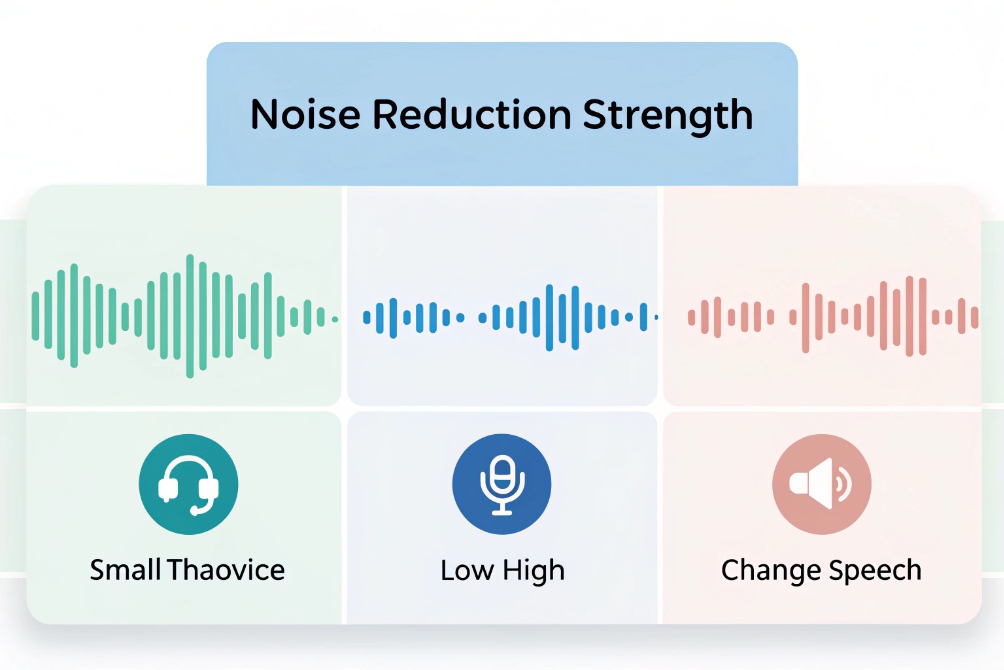
Typical noise reduction building blocks
Most devices stack several methods. You will often see some combination of:
| Technique | Good at | Weak at |
|---|---|---|
| High-pass filter | Low-frequency rumble, handling noise | Speech-band noise and chatter |
| Spectral subtraction / Wiener | Steady hum, fans, distant traffic | Sudden honks, door slams |
| “Wind cut” filters | Wind bursts on outdoor mics | May reduce low voice energy |
| Directional / beamforming mics | Off-axis noise (street behind visitor) | Single talker directly off-axis |
| AI / DNN noise suppression | Complex backgrounds, mixed office noise | Needs more CPU, can add latency artifacts |
Wind noise
Wind is tricky because it is not just “sound”. It is air pressure moving across the microphone port and diaphragm.
To fight wind:
- Use physical wind screens or mesh designed for outdoor mics.
- Use a low-cut (high-pass) filter to remove very low rumble.
- Enable any “wind” or “outdoor” profile in the intercom audio settings.
These settings often lower sensitivity to very low frequencies and smooth sudden bursts. The visitor’s speech loses a little warmth but becomes much more understandable.
Traffic and city noise
Traffic noise is often a mix of:
- Steady low hum from engines and road surf.
- Mid-frequency noise from passing cars.
- Short, sharp peaks like horns or motorcycles.
Spectral noise reduction works well on the steady parts. It analyses noise during silent periods, builds a noise profile, then subtracts that pattern from the live audio. The result is not perfect silence, but it lifts the voice above the background.
AI-based suppression engines can do more. They learn what “human speech” looks like and keep it, while pushing down almost everything else. If you want a practical example of how endpoint-style suppression is commonly built, the WebRTC Audio Processing Module 4 is a useful reference. On modern SIP door stations with strong processors, this type of algorithm can handle quite loud streets while keeping the visitor’s words clear.
Matching algorithms to deployment
A simple guide for projects:
| Scenario | Recommended approach |
|---|---|
| Indoor lobby with HVAC | Spectral NR + mild AGC + echo cancellation |
| Outdoor gate near moderate street | Wind profile + spectral NR + directional mic if possible |
| Very noisy city sidewalk | Hybrid NR + AI suppression on capable hardware |
| Industrial plant entrance | Strong high-pass, heavy NR, and consider headsets at desk |
Will noise cancellation affect voice quality and latency?
Every extra DSP block has a cost. Strong noise reduction can make calls quieter, but it can also make voices sound “under water” or slightly delayed if the settings are too aggressive.
Noise cancellation always trades some naturalness and a little processing delay for cleaner audio, so you need sensible settings that remove noise while keeping speech clear and lip-sync acceptable.
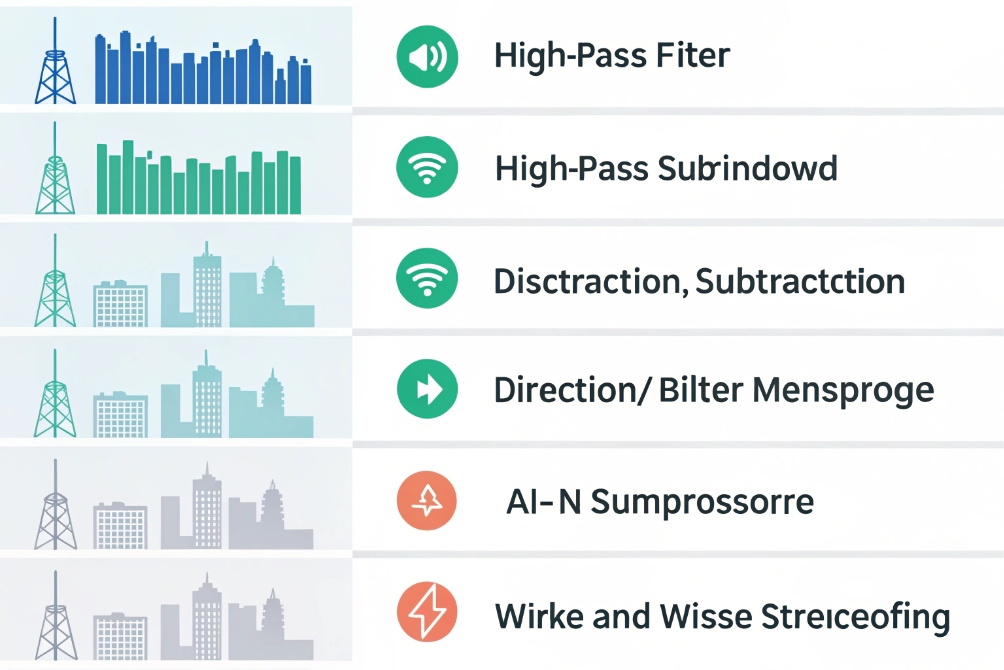
Typical effects on voice quality
Common side effects when noise reduction is too strong:
- Muffled sound: consonants lose sharpness, especially “s”, “f”, “t”.
- Swirling or watery artifacts: most audible in the background during pauses.
- Breathing or pumping: noise comes and goes in a noticeable way between words.
The main reason is that the algorithm cannot perfectly separate “noise” from “voice”. Some voice energy sits in the same bands as traffic or fan noise. When you cut that band hard, you cut both.
Practical tips:
- Start with the default profile for “outdoor” or “intercom”.
- Increase strength one step at a time only if calls are still hard to understand.
- Avoid “maximum” settings unless the environment is very loud and speech is still fine in tests.
Latency impact
Noise reduction and echo cancellation need small buffers of audio to work. This adds processing time on top of:
- Codec delay (for example, 20 ms packet size).
- Network jitter buffers.
- Any extra processing at soft clients or SBCs.
In most SIP intercoms, the added DSP delay is in the single-digit to low double-digit milliseconds. This is usually fine. Problems appear when many elements stack:
- Long jitter buffers at both ends.
- Cloud-based audio processing.
- Very slow links or VPNs.
For entrance and security use, it is wise to:
- Keep packetization at 20 ms where possible.
- Avoid unnecessary extra processing in the PBX path.
- Test talkback behavior to ensure conversation still feels natural.
If users report that people “talk over each other” or that there is a noticeable delay between pressing the talk button and hearing the reply, look at total end-to-end latency, not just at the noise cancellation feature.
Finding the right balance
The goal is intelligibility, not studio sound. In a noisy parking entrance, a slightly processed voice that is easy to understand is better than a natural voice buried under traffic.
A good balance:
- Keeps consonants and timing intact.
- Removes most steady background noise.
- Adds minimal delay so guards can have real conversations.
Tuning should happen on real calls, at real times of day, with the actual background noise present.
How do I test noise cancellation on-site?
Lab tests and spec sheets are helpful, but door and gate projects live or die on-site. Different times of day, weather, and traffic all change the acoustic environment.
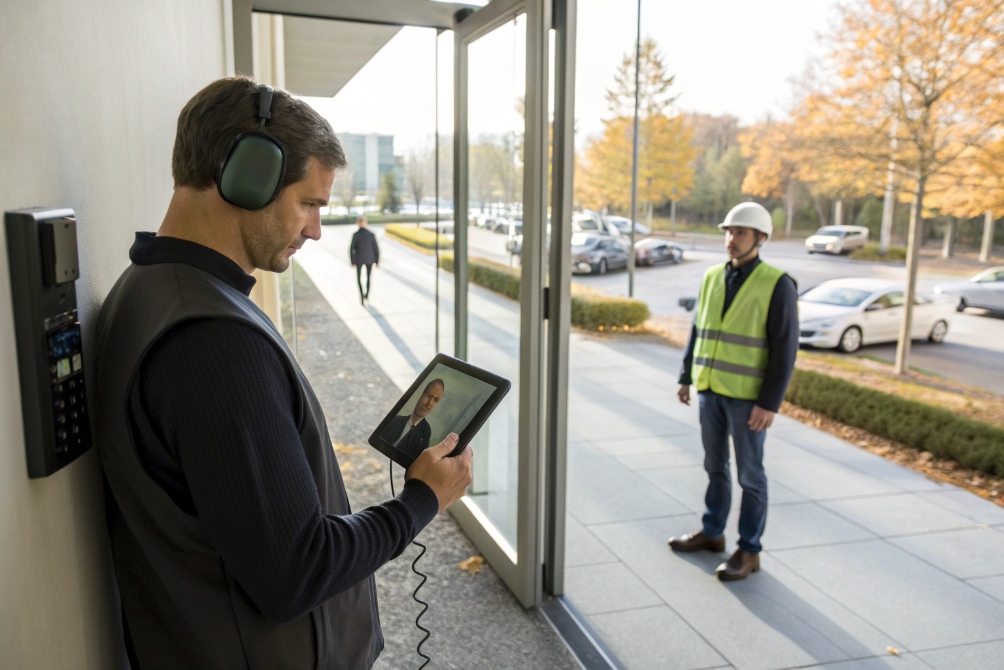
On-site testing means placing real calls through the SIP path, recording before/after changes, and checking whether speech remains clear under the worst noise your intercom will face.
Prepare a simple, repeatable test plan
A structured test saves time and avoids arguments about “it sounds fine to me”.
You can use this checklist:
| Step | Action | Goal |
|---|---|---|
| 1 | Pick a quiet test location for the far end | Remove extra variables |
| 2 | Use a good headset or desk phone on the far end | Avoid extra echo or noise there |
| 3 | Make calls at different times of day | Capture changes in traffic and crowd noise |
| 4 | Record samples with current settings | Create a “before” reference |
| 5 | Adjust noise profiles and levels on the intercom | Tune step by step |
| 6 | Record “after” samples and compare | Confirm real improvement |
Many PBXs, softphones, or UC clients allow easy recording of calls. Short clips of 20–30 seconds are enough to judge.
Test both directions and multiple use cases
Noise cancellation on the door station mainly affects audio from the entrance to the inside. But you should still check:
- How well the visitor hears the guard, especially with traffic nearby.
- How the system behaves when both talk at the same time.
- Paging or all-call announcements that include the intercom as a speaker.
Include scenarios like:
- A truck passing while the visitor speaks.
- Wind gusts across the microphone.
- Two people speaking near the door at once.
If your intercom supports different audio profiles (indoor, outdoor, parking, factory), try them all and note which one gives the best result per location.
For a compact example of AI-style suppression that targets speech while reducing background noise, see RNNoise neural noise suppression 7.
Involve both IT and security teams
Noise cancellation is both a signal processing and a user experience topic.
IT teams can:
- Check codec choice and jitter buffers.
- Ensure the network is not adding packet loss that forces the DSP to work harder.
- Update firmware to enable the latest audio algorithms.
Security and operations teams can:
- Judge how easy it is to understand visitors.
- See if loud announcements still sound clear.
- Confirm that settings work for their real workflows, not just in theory.
When both sides agree that voice is clear during busy, noisy periods, the tuning phase is done. You then document the chosen profiles as the standard for similar entrances across the site or across future projects.
Conclusion
Noise cancellation will never remove every sound, but with the right hardware, profiles, and on-site tests, your SIP intercoms stay understandable and professional even in harsh, noisy environments.
Footnotes
-
Example lobby scenario showing why noise reduction matters for receptionist talkdown clarity. ↩︎ ↩
-
Visual reference for how enclosure design and mic placement affect outdoor noise pickup. ↩︎ ↩
-
UI-style visual that helps explain tuning “strength” by environment (HVAC vs wind vs traffic). ↩︎ ↩
-
Practical reference for common speech enhancement blocks like noise suppression, AGC, and echo control. ↩︎ ↩
-
Quick overview of common DSP blocks that trade artifacts and delay for cleaner speech. ↩︎ ↩
-
On-site testing visual to support repeatable before/after audio sampling at real entrances. ↩︎ ↩
-
Demonstration of DNN-based noise suppression behavior and artifacts on real-world noisy speech. ↩︎ ↩








