
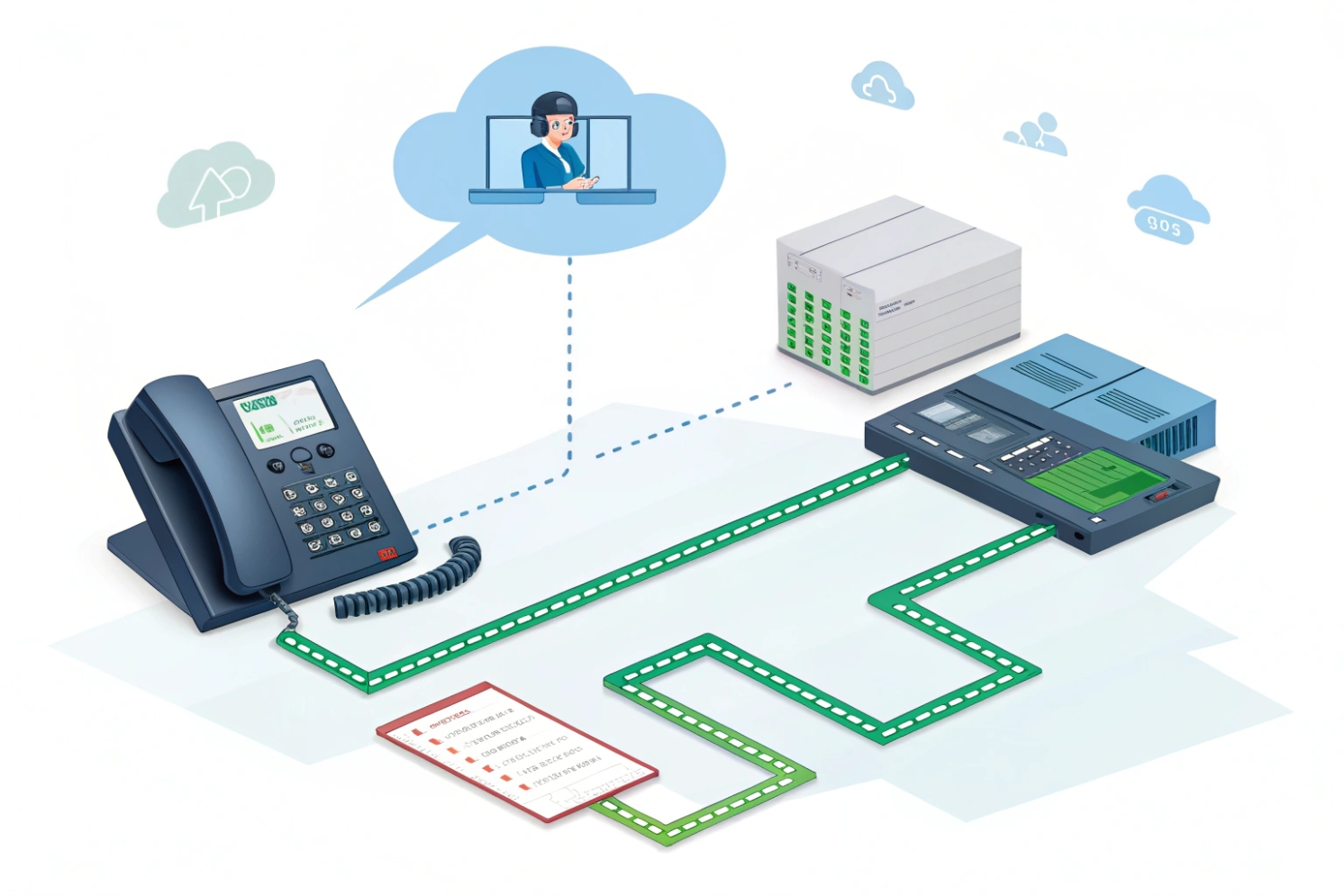
Calls sound “fine” one minute, then turn robotic the next. People blame the SIP server, swap phones, and still miss the real issue: packets are not arriving.
Packet loss is the share of voice packets that never reach the receiver. In VoIP, missing RTP packets remove pieces of speech, so audio becomes choppy, robotic, or silent. Even small loss can hurt real-time calls because there is no time to retransmit.
What packet loss really means in VoIP
Loss is “missing,” not “late”
Packet loss is the percentage of transmitted packets that never arrive at the destination. In VoIP, that usually means RTP packets carrying small slices of audio are gone, so the receiver has holes in the stream. A practical baseline definition is that packet loss in VoIP 1 is simply packets that fail to reach the destination.
{#fnref1}
There is another trap: packets that arrive too late often behave like loss. RTP has to play audio on time. If a packet arrives after the jitter buffer deadline, it is discarded. Users hear the same result as true loss. Understanding how RTP (Real-time Transport Protocol) 2 uses sequence and timing makes this “late equals lost” behavior easier to spot.
{#fnref2}
Why VoIP reacts badly to loss
VoIP is real-time. TCP apps can retransmit missing data. RTP usually does not. Codecs packetize audio into frames (often 10–30 ms). A single lost RTP packet can remove one or more frames. Many endpoints use packet-loss concealment (PLC) to mask small gaps, but PLC has limits. Burst loss hurts more than random loss because the receiver loses multiple consecutive frames and has less context to rebuild audio.
Some codecs are more sensitive. Modern codecs can mask limited loss better than legacy ones with weaker concealment. The Opus codec specification (RFC 6716) 3 is the canonical reference for Opus features that improve robustness under some loss.
{#fnref3}
Voice quality also depends on delay, jitter, and loss together, not one metric alone. If you need a network-side framing for that trio, Cisco VoIP QoS guidance 4 is a useful reference for how to protect voice under congestion.
{#fnref4}
What users hear when packets disappear
User reports tend to cluster around “words cut out,” “metallic voice,” “robot sound,” and “we talk over each other.” That symptom set matches what many UC platforms document when loss and delay rise; the Microsoft Teams network guidance 5 is one example of how platforms connect loss to call quality outcomes.
{#fnref5}
| Network behavior | What happens to RTP | What users notice |
|---|---|---|
| Random loss (0.5–1%) | Occasional missing frames | Small clicks, short glitches |
| Burst loss (1–3% in clumps) | Consecutive missing frames | Robotic audio, words vanish |
| Late packets from jitter | Discarded by jitter buffer | Cut-outs even if “loss” looks low |
| High loss (>5%) | PLC fails often | Unclear speech, call drops |
A short story from a factory intercom project fits here (details can be replaced later). A site kept swapping SIP devices because “ping looked fine.” The real issue was a noisy uplink at shift change. RTP loss spiked in bursts for two minutes, and every paging call sounded broken. No endpoint setting fixed a congested queue.
Stay with the numbers next, because “acceptable loss” is not the same for SIP signaling, audio RTP, and video RTP.
A clean plan starts with thresholds and ends with proof from real media flows.
What packet loss rate is acceptable for SIP calls and video?
VoIP quality can look fine at 0.2% loss and collapse at 1% if the loss is bursty. People also mix up SIP signaling loss and RTP media loss, and those behave differently.
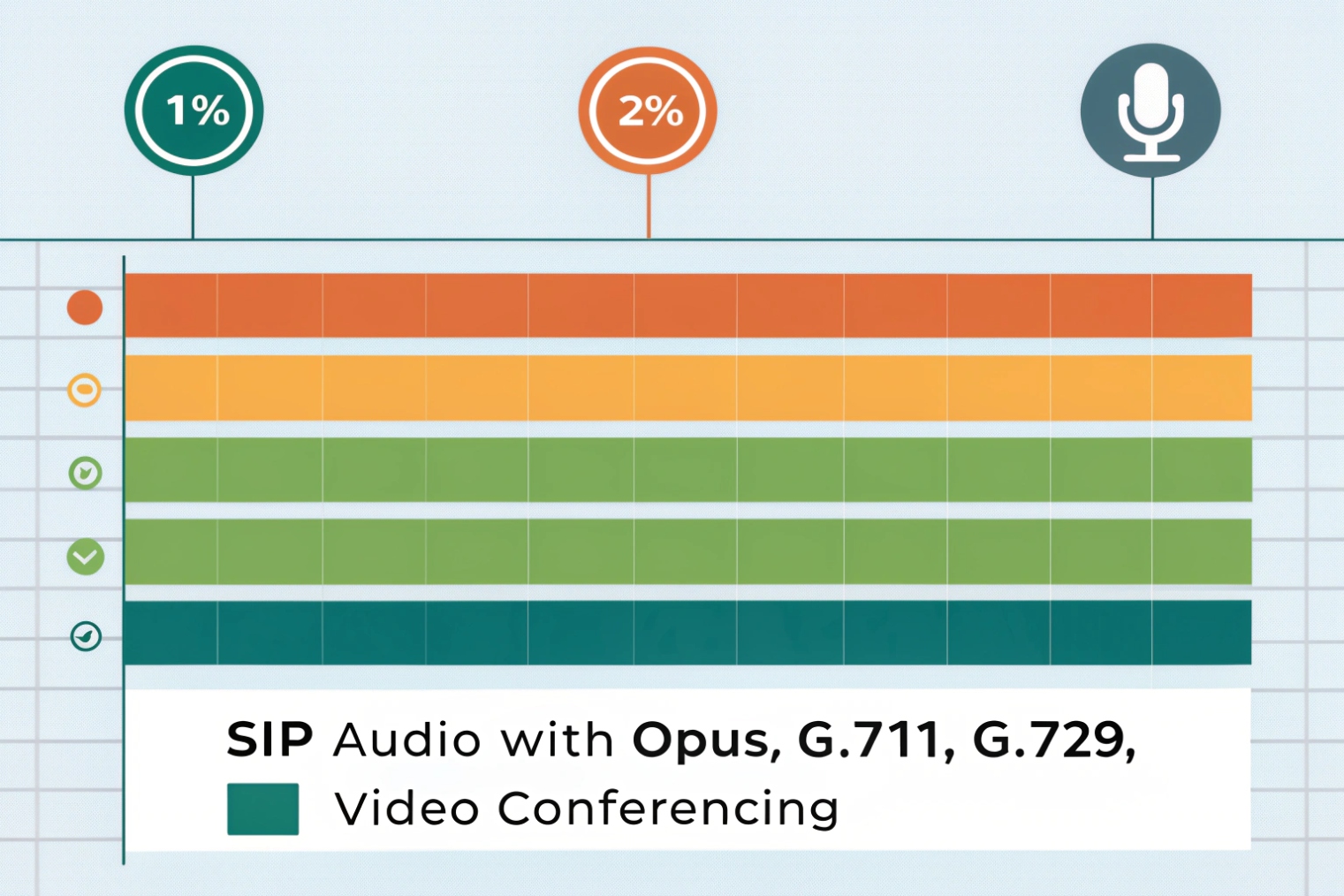
For VoIP audio, a practical target is under 1% packet loss, with lower being safer. Some platforms treat under 2% as typical, while quality becomes poor above 5%. Video usually needs even lower loss unless FEC or strong adaptation is used.
Audio RTP: aim low, and avoid bursts
For business voice, the safest working target is <1% loss on the media path, with an even stronger preference for <0.5% where possible. Codec choice changes tolerance, but burst behavior still dominates how bad it sounds.
SIP signaling: low bandwidth, high importance
SIP signaling uses little bandwidth, but it is critical. A lost REGISTER response can cause re-registration delays. A lost INVITE or 200 OK can stall call setup. SIP timers can recover some loss, but noisy links create “random” call setup failures that feel intermittent and hard to reproduce.
Video: more data, more sensitivity
Video pushes higher bitrates and larger packets, and it reacts strongly to congestion. Many video stacks adapt bitrate, frame rate, and resolution. Even with adaptation, visible artifacts appear fast with loss, especially when loss is bursty or sustained.
| Use case | Suggested loss target | Why it matters |
|---|---|---|
| SIP signaling | ~0% (as close as possible) | Small packets, but failures break setup and registration |
| RTP audio | <1% (prefer <0.5%) | Missing frames remove speech pieces; PLC has limits |
| RTP video | <0.5–1% (prefer very low) | Loss shows as blocks, freezes, and rebuffer events |
| Critical intercom / emergency | <0.3% with low jitter | Short calls need instant clarity, not “mostly fine” |
These targets only work if the loss is measured on the real path. That leads to testing.
How do I test packet loss with ping, iPerf, and PCAP?
Packet loss is easy to guess and hard to prove without the right tool. Ping is quick, iPerf is controlled, and PCAP is the closest thing to truth.
Use ping to spot basic loss and stability, iPerf to stress bandwidth and reveal congestion loss, and PCAP to measure real RTP loss and late packets. The best test matches the same route, QoS, and Wi-Fi conditions used by the phone or intercom.
Ping: fast signal, limited meaning
Ping sends ICMP echo probes. It can show packet loss and jitter-like variation in RTT, but ICMP may be rate-limited or treated differently than RTP. Still, ping is useful for quick checks and for comparing wired vs Wi-Fi behavior.
Use longer runs. Four pings are not enough. A 200–1000 packet sample shows patterns and bursts.
# Windows
ping -n 200 10.10.10.1

# Linux/macOS
ping -c 200 10.10.10.1
Watch for clusters of “Request timed out” or long pauses. Those bursts often match user complaints.
iPerf: controlled load to expose congestion and buffer issues
iPerf (often iPerf3) sends TCP or UDP test streams between two endpoints. UDP mode is useful for loss measurement because it reports lost datagrams and jitter. This is also where “everything works until traffic rises” becomes visible.
A common approach:
1) Run a baseline UDP test at the expected voice load.
2) Increase bandwidth to see when loss starts.
3) Repeat during busy times.
# Server side
iperf3 -s

# Client side UDP example: 5 Mbps for 30 seconds
iperf3 -c <server-ip> -u -b 5M -t 30
If loss appears at low rates, the issue is not “too much traffic.” It is often Wi-Fi interference, duplex mismatch, bad cabling, or a failing port. If loss appears only at higher rates, it often points to uplink congestion, shaping, or bufferbloat.
PCAP: measure RTP loss, reordering, and late packets
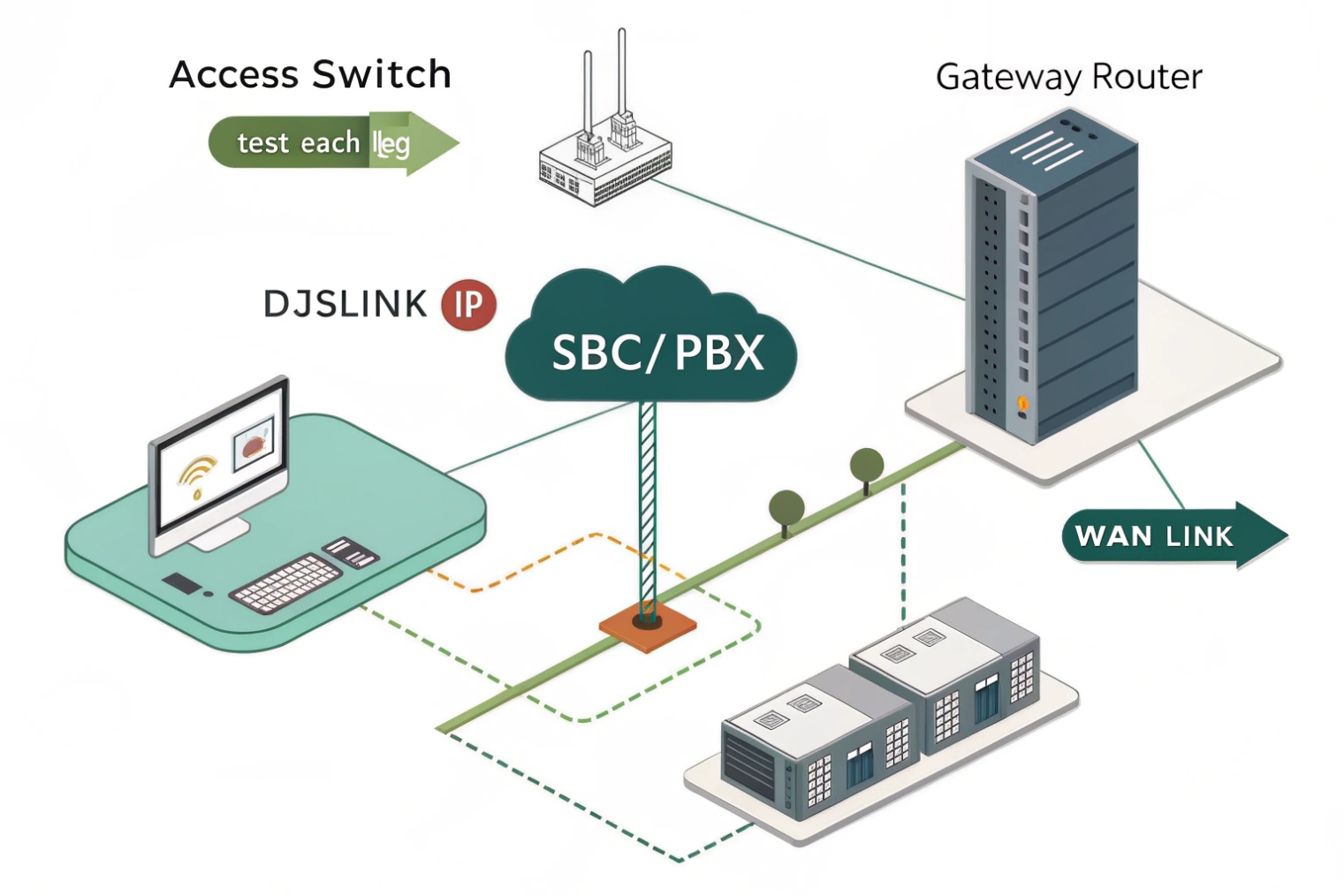
Packet captures remove guesswork. Capture at the endpoint VLAN, at the switch SPAN port, or at the SBC. Then look at RTP streams in Wireshark. The quickest workflow is to use Wireshark RTP Stream Analysis 6 to see sequence gaps (loss), out-of-order packets, and inter-arrival jitter in one place.
{#fnref6}
A simple workflow that works well in the field:
- Start a test call.
- Capture on the LAN side near the endpoint.
- Capture on the WAN/SBC side.
- Compare RTP sequence continuity across both points.
If loss shows on LAN capture, it is local. If LAN is clean but WAN shows gaps, it is upstream.
| Tool | Best for | Weak spots |
|---|---|---|
| Ping | Quick loss and stability hints | ICMP may not match RTP handling |
| iPerf UDP | Load testing and congestion loss | Needs two endpoints and good placement |
| PCAP + RTP analysis | Real media truth, one-way view | Requires access, skills, and time |
Now the “why” matters, because loss often shows up as jitter or delay first.
How do jitter, latency, and loss break RTP audio?
Teams often chase “packet loss” while the actual failure is jitter and queueing. The receiver discards late packets, and the dashboard reports “loss,” but the network never dropped them.
Latency adds delay, jitter forces larger jitter buffers, and loss removes audio frames. When jitter exceeds the buffer, packets arrive too late and get dropped, which acts like loss. Burst loss and bufferbloat combine to create robotic audio and long cut-outs.
RTP timing and the jitter buffer
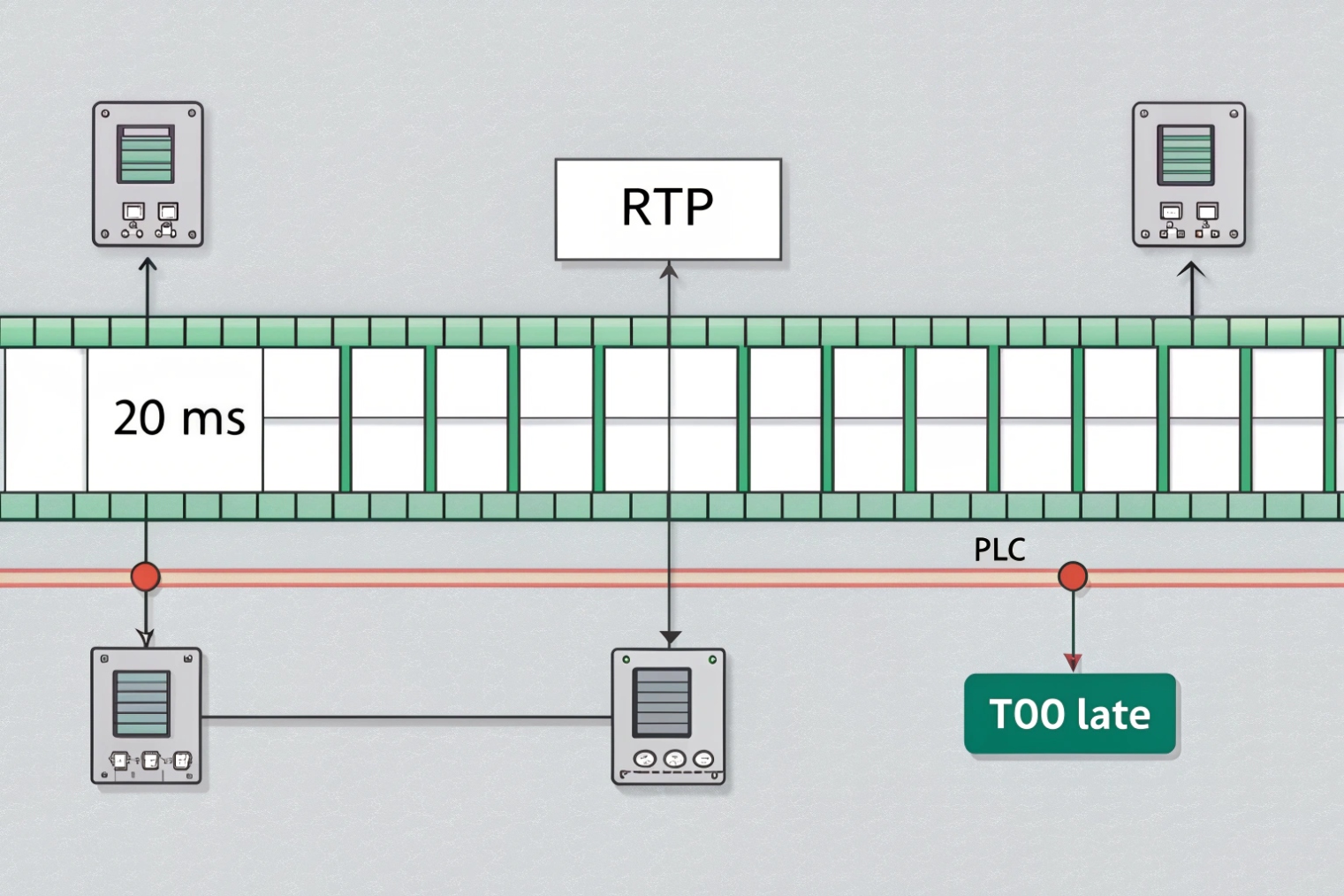
RTP packets carry sequence numbers and timestamps. The receiver uses them to reorder packets and play audio at the right time. The jitter buffer is a small holding area that smooths timing variation. If jitter is small, the buffer stays small, and latency stays low. If jitter is large, the buffer grows, and one-way delay increases.
When jitter spikes beyond the buffer capacity, packets arrive after the playout deadline. They get discarded. Users hear gaps. That is why a link with “0.2% loss” can still sound terrible if jitter spikes are frequent.
Loss concealment helps, but only a little
PLC tries to synthesize missing audio. It works best for short, isolated losses. It fails on bursts. Voice activity detection (VAD) also changes what “loss” means to humans: missing packets during silence are less noticeable than missing packets during speech.
MOS drops when the network becomes unstable
MOS is not magic, but it tracks user experience. When users say “I can’t understand them,” quality has already dropped, even if bandwidth looks fine.
| Condition | What happens inside the stream | What it sounds like |
|---|---|---|
| High latency, low jitter | Packets arrive steady but late | Noticeable delay, talk-over |
| Low latency, high jitter | Packets arrive uneven | Short gaps, jitter buffer growth |
| Low jitter, random loss | Missing frames scattered | Clicks and small dropouts |
| Burst loss + jitter spikes | Late + missing frames | Robotic voice, missing words |
| Congestion with bufferbloat | Queues add delay and jitter | Delay swings, then dropouts |
A good VoIP network is not just “fast.” It is stable.
Next is the part most teams want: fixes that actually remove loss at the source.
How to fix packet loss on Wi-Fi, WAN, and PoE switches?
Packet loss is rarely one single cause. It is usually congestion, interference, physical errors, or mis-prioritization. The fix depends on where loss starts.
Fix loss by removing the cause: improve RF conditions on Wi-Fi, control congestion and QoS on WAN links, and eliminate errors or power issues on PoE switches. Monitor continuously with RTP/RTCP stats so changes are proven, not assumed.
Wi-Fi: protect airtime, not just bandwidth
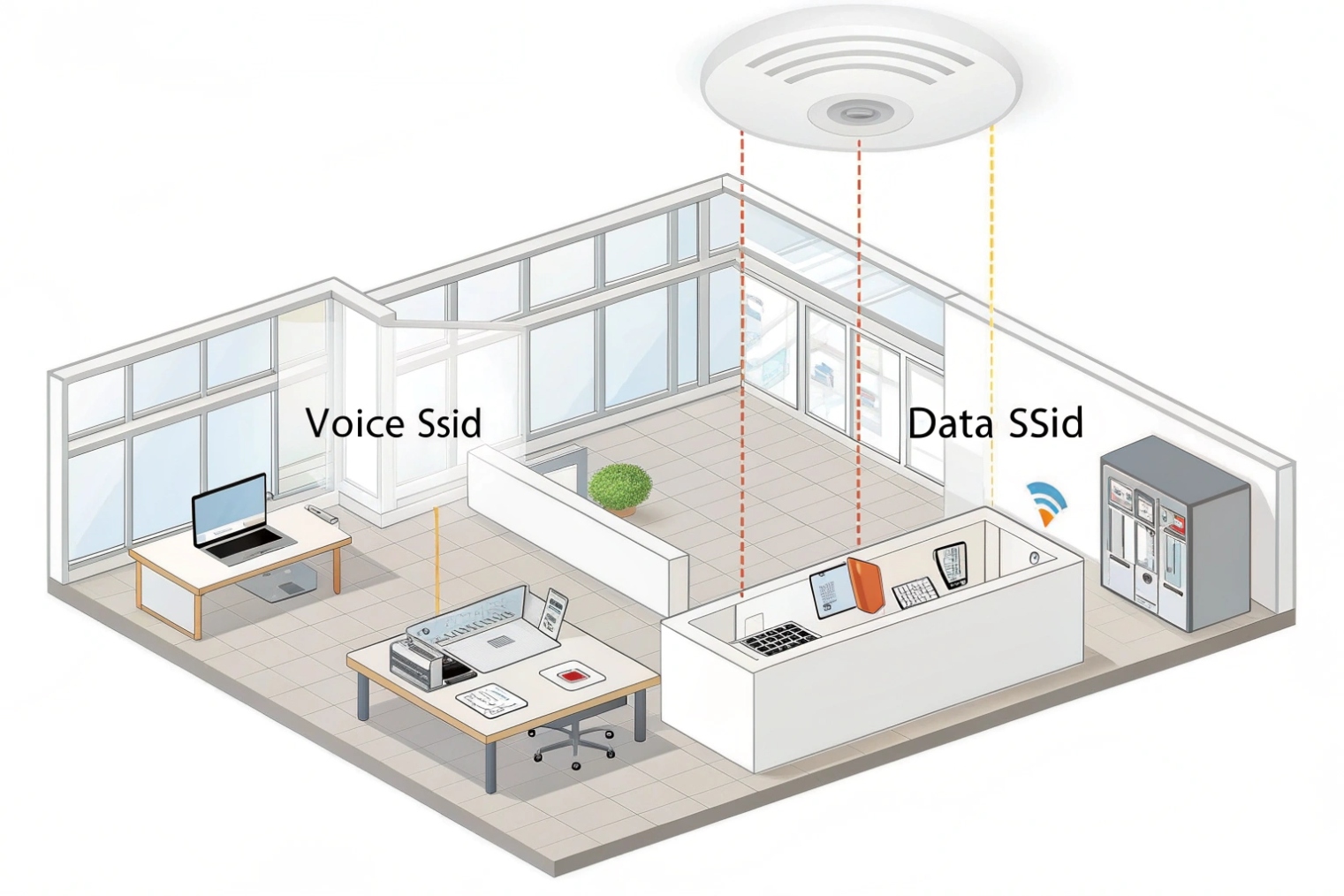
Wi-Fi loss often comes from interference, weak signal, and retries. A phone may show “connected,” but the airtime is crowded. Use proven design patterns and QoS mapping; wireless VoIP QoS best practices 7 are a good checklist for voice stability settings.
{#fnref7}
Actions that often work in real sites:
- Move voice endpoints to 5 GHz or 6 GHz where possible.
- Improve RSSI and SNR. Add APs instead of raising power too high.
- Use proper channel planning. Avoid overlapping channels in dense areas.
- Enable WMM and map DSCP correctly if the WLAN supports it.
- Fix roaming if endpoints move, so they do not cling to a weak AP.
- Reduce contention. Too many clients per radio increases retries and delay.
If a site uses SIP intercoms on Wi-Fi at entrances, stable RF matters more than peak throughput. A door call is short and high-stakes. It cannot “wait out” retries.
WAN: stop congestion before it drops packets
On WAN links, loss is often queue drops when the uplink saturates. The highest-return fixes tend to be:
- Shape traffic slightly below ISP rate so queues stay under your control.
- Apply QoS with correct classification and DSCP marking for voice.
- Separate voice and bulk traffic where possible (policy, SD-WAN rules, or scheduling).
- Watch for asymmetric routing that breaks media stability.
- Disable broken SIP ALG features in edge devices if they rewrite SIP/RTP badly.
A common pattern: the network looks healthy until cloud backups run. Then uplink queues grow, jitter spikes, and RTP starts dropping. Shaping plus QoS often fixes it without changing SIP settings.
PoE switches and cabling: fix physical errors and power events
PoE-related loss can be sneaky. If a switch is near its power budget, endpoints can brown-out, renegotiate, or reboot. That looks like “random” call drops. Faulty cabling can cause CRC errors and retransmits at Layer 2, which then shows as jitter and loss at RTP.
Actions to take:
- Check switch logs for PoE power events and port flaps.
- Confirm power budget headroom, especially after adding cameras or APs.
- Replace suspect patch cords and test cable runs.
- Verify correct speed/duplex and disable unstable energy-saving modes if they cause link issues.
- Look for interface errors (CRC, drops, overruns) on the switch port and uplink.
Prove the fix with feedback data
RTP/RTCP stats help confirm improvement. When monitoring shows loss drops and jitter stabilizes, users stop complaining. When monitoring stays blind, the same ticket returns next week.
| Where loss appears | Fastest checks | Fix direction |
|---|---|---|
| Only on Wi-Fi | RSSI/SNR, retries, channel overlap | RF design, WMM/QoS, client density |
| Only on WAN during peak | Uplink utilization, queue drops | Shaping, QoS, traffic policy |
| Only on certain ports | CRC errors, port flaps | Cabling, port config, switch health |
| Random reboots | PoE events, power budget | Add power headroom, better switch, reduce load |
Packet loss is not an abstract metric. It is missing speech. When the network is designed for stability, VoIP becomes boring in the best way.
Conclusion
Packet loss removes RTP audio frames, so speech disappears. Keep loss low, keep jitter stable, and prove fixes with real RTP/RTCP data, not guesswork.
Footnotes
-
Definition and common causes of VoIP packet loss; helpful baseline before deeper RTP analysis. ↩ ↩
-
RTP fundamentals—sequence numbers, timestamps, and why late packets behave like loss. ↩ ↩
-
Opus codec details on PLC/FEC features that affect tolerance to loss. ↩ ↩
-
Practical QoS guidance tying delay, jitter, and loss to voice quality on real networks. ↩ ↩
-
Teams network targets and troubleshooting guidance for latency, jitter, and packet loss. ↩ ↩
-
How to use Wireshark RTP Stream Analysis to measure loss, jitter, and reordering from PCAPs. ↩ ↩
-
Wireless design and QoS settings that improve VoIP stability on Wi-Fi. ↩ ↩








