
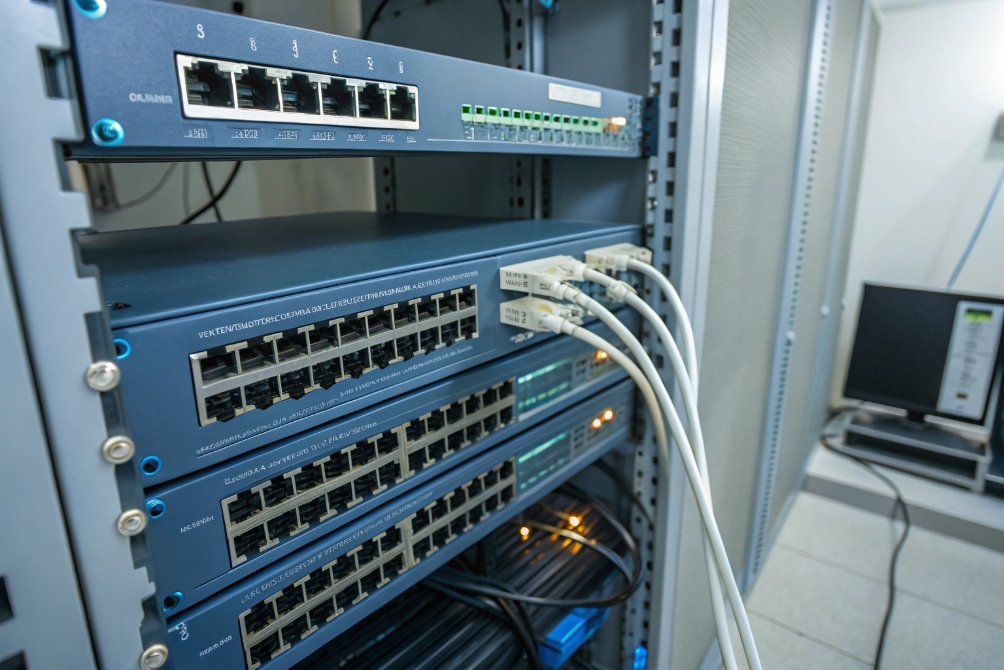
Phones, intercoms, and cameras are easy to deploy until power becomes a mess of wall adapters and random outlets. PoE solves that, or breaks things when the budget is wrong.
Power over Ethernet (PoE) sends DC power and data over one Ethernet cable from a PoE switch or injector to your phones and other IP devices. Most desk phones work with 802.3af, while bigger video or expansion setups may need PoE+ or 802.3bt.
In real projects, Power over Ethernet (PoE) 1 is not only a “nice to have”. It decides where you can place phones and intercoms, how long they stay alive on UPS power, and why certain devices reboot under load. When the PoE design is clear, deployments feel clean and stable. When it is not, you see random resets, dead ports, and support tickets.
How do I size PoE budgets for phones and cameras?
Many projects start with “the switch is PoE, so it must be fine”. Later, phones reset when someone adds cameras to the same closet.
I size PoE by checking per-port watt limits, total switch power, and real device draw under peak usage, then adding margin so phones and cameras still run when everything is busy.
Turning datasheet watts into a real PoE budget
PoE sizing feels abstract until you write the numbers down. Each PoE switch has two key ratings:
- Per-port power (for example, 15.4 W, 30 W, or more)
- Total PoE budget (for example, 120 W, 370 W, 740 W, etc.)
Every phone, intercom, and camera has:
- A maximum power rating (worst case)
- A typical draw (normal talk or idle)
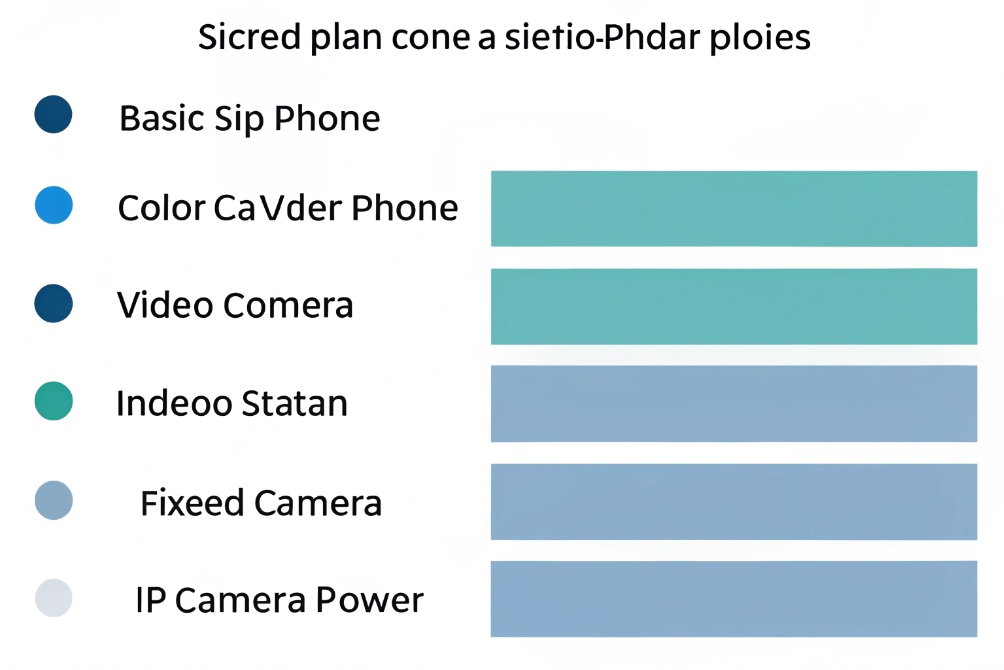
I like to plan with a table like this:
| Device type | Typical draw | Plan for… |
|---|---|---|
| Basic SIP desk phone | 3–5 W | 6 W |
| Color phone / small sidecar | 6–8 W | 9–10 W |
| Video phone / SIP indoor station | 8–12 W | 13–15 W |
| SIP intercom with camera and relay | 8–14 W | 15–18 W |
| Fixed IP camera | 5–8 W | 10 W |
| PTZ camera with IR / heater | 15–25 W | 25–30 W |
Then I sum up per switch:
- Count how many of each device will connect.
- Multiply by the “plan for” wattage.
- Compare total against the switch PoE budget.
If the total is close to the budget, I add at least 20–30% margin. Real networks always grow. Someone will add extra cameras, move phones, or enable new features like video preview on door stations.
Per-port limits also matter. If I put a 25 W PTZ camera on a port that only supports 802.3af class, it will try to boot and then reset under load. Even if total budget is fine, that port cannot deliver enough power.
A few practical rules that work well:
- Keep phones and light endpoints together on one switch, and heavy PTZ or Wi-Fi APs on another, or at least on high-power ports.
- Use power priority on switches so voice and security gear stay up if budget is tight and the switch must shed load.
- Put all PoE switches that power phones and intercoms behind the same UPS, and size the UPS for switch draw plus PoE load so essential voice devices stay online during outages.
For capacity planning during outages, an UPS sizing guide 2 helps turn “should be fine” into a real runtime target.
When budgets are done this way, PoE stops being a guess. It becomes a clear capacity plan you can show to any project owner or inspector.
Which PoE standards—802.3af, at, bt—do I need?
“PoE is PoE” sounds simple until a high-end video phone or PTZ camera refuses to boot on a low-power port.
I match PoE standards to device classes: 802.3af for most desk phones, 802.3at (PoE+) for video phones, intercoms, and many cameras, and 802.3bt for heavy PTZ, Wi-Fi 6, or multi-device runs.
Mapping devices to PoE standards without guessing
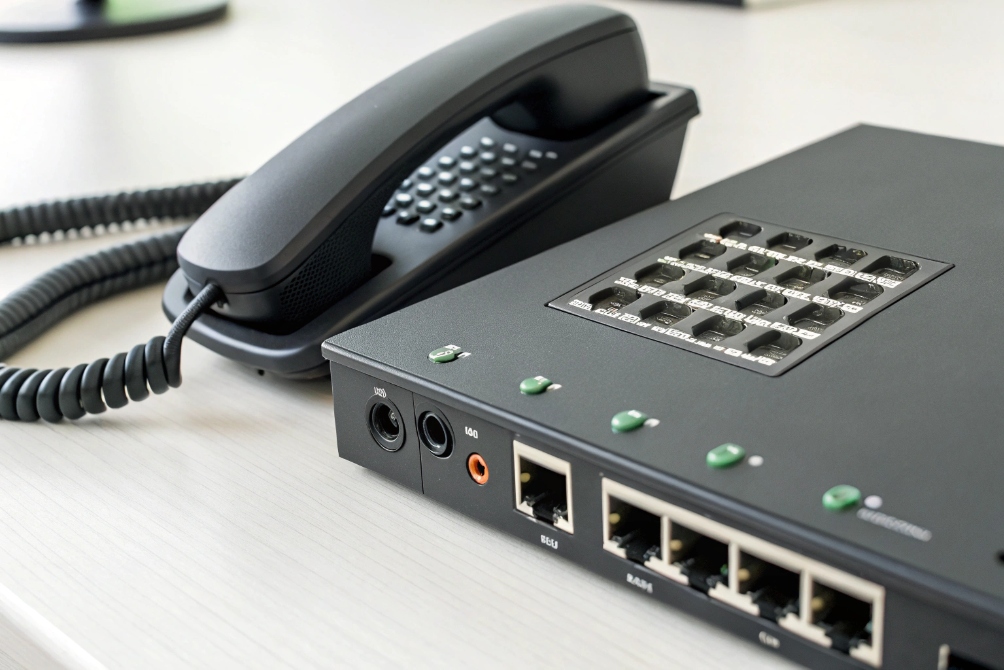
The IEEE standards define how much power a port can deliver at the source. Most phone deployments start with the IEEE 802.3af-2003 PoE amendment 3, then step up to the IEEE 802.3at-2009 PoE+ amendment 4 when endpoints need more headroom. For higher-power designs (Type 3/Type 4), the IEEE P802.3bt DTE Power via MDI over 4-Pair task force 5 is a useful reference point for what “PoE++” actually means in practice.
Actual available power at the device is slightly lower due to cable loss, but these numbers give a clear guide:
| Standard | Name | Max at PSE (port) | Typical uses |
|---|---|---|---|
| 802.3af | PoE | 15.4 W | Desk phones, basic SIP intercoms, light cameras |
| 802.3at | PoE+ | 30 W | Color phones, video stations, most fixed cameras |
| 802.3bt Type 3 | PoE++ | ~60 W | PTZ cameras, large video phones, APs, light bars |
| 802.3bt Type 4 | PoE++ | ~90 W | High-power APs, multi-function devices |
Most standard desk phones and many SIP intercoms are happy on 802.3af. But once you add:
- Large color screens
- Expansion sidecars
- Built-in Wi-Fi / Bluetooth
- Extra USB accessories
the draw moves closer to PoE+ territory, especially under backlight and busy call conditions.
Cameras are similar:
- Fixed mini-dome: often fine with 802.3af.
- IR bullets and turret cameras: sometimes need PoE+.
- Big PTZ with IR, heater, and wiper: usually want 802.3bt or dedicated power.
On mixed voice and security projects, I like a simple rule:
- Access switches for phones and light cameras: at least 802.3at. Even if initial devices are 802.3af, future upgrades often need more power.
- Aggregation or special camera switches: 802.3bt where PTZ or multi-radio APs are expected.
I also stay away from “passive PoE” for phones and intercoms. Passive injectors that simply push 24 V or 48 V on the line without negotiation can damage standards-based devices and do not give me power policing, LLDP, or switch monitoring. For SIP phones and DJSlink intercoms, I stick with standards-based 802.3af/at/bt from known switch vendors.
Can LLDP-MED negotiate power for my devices?
Phones usually power up even if LLDP-MED is off. But without it, they may not learn the right voice VLAN or may draw less power than they actually need.
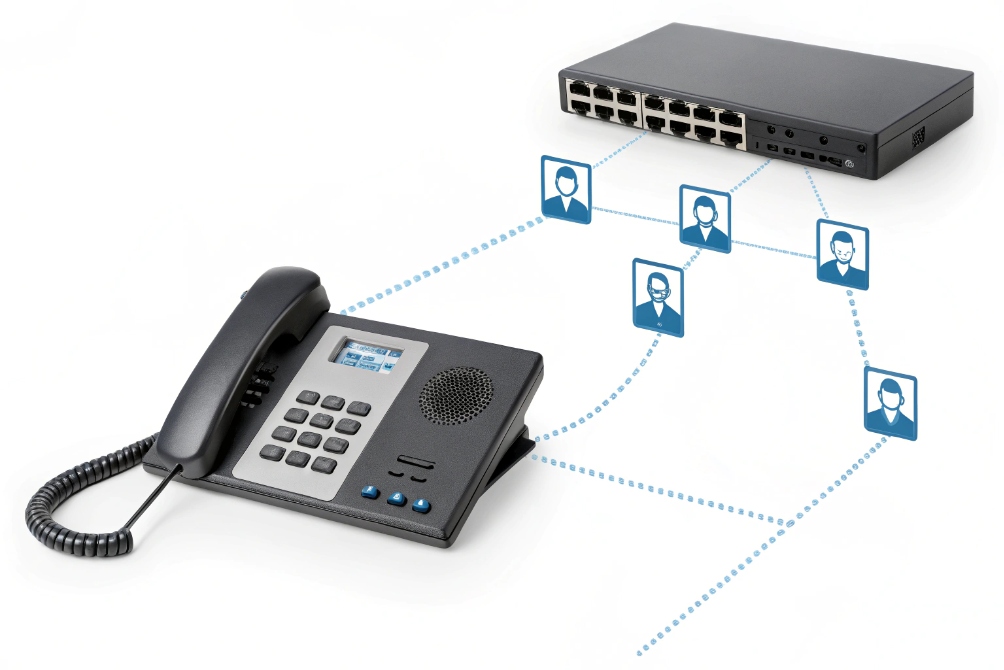
LLDP-MED lets a PoE switch and phone exchange power, VLAN, and QoS information. The phone can request its real power need, and the switch can allocate power and signal the voice VLAN correctly.
What LLDP-MED adds on top of basic PoE detection
Standard PoE has a basic flow:
- The switch detects a PoE-capable signature on the port.
- It uses classification to estimate how much power the device might need.
- It decides how much power to allocate and enables PoE.
This works, but it is coarse. LLDP-MED gives more detail:
- The device advertises its power requirements in watts.
- The switch can adjust allocation based on that, not just on broad class.
- The phone also learns VLAN ID, DSCP values, and sometimes location info.
A typical VoIP design uses LLDP-MED to:
- Tell phones “use this voice VLAN and this QoS marking”.
- Learn exactly how many watts each phone claims to need.
- Keep a live view of power use and device type at every port.
A small summary of what LLDP-MED provides:
| LLDP-MED info | Benefit for phones and intercoms |
|---|---|
| Network policy (VLAN) | Phone auto-moves into voice VLAN without manual tagging |
| QoS/DSCP hints | Voice packets get proper priority end-to-end |
| Power via MED-PSE | More accurate PoE allocation beyond basic class |
| Location and inventory | Easier asset tracking and E911 or building mapping |
If you want a concrete reference for how that configuration works on real switches, the LLDP-MED network policy documentation 6 is a helpful model.
To use LLDP-MED well, I:
- Enable LLDP on access switches and turn on LLDP-MED network policy for phone ports.
- Mark those ports as voice so phones receive VLAN and QoS info.
- Check that phones have LLDP-MED support enabled in their firmware.
If a device is not LLDP-MED aware, it still works with normal PoE detection. But I lose that extra control, and I may need to configure VLANs and DSCP manually per phone or per port.
On large SIP intercom and paging projects, LLDP-MED makes life easier. Video door phones, IP horns, and desk phones all learn the right VLAN and power profile automatically, which reduces error during rollouts and site moves.
Why do phones reboot under paging or video load?
Phones look fine when idle or on simple calls, but then mass paging starts or video is active and some devices reboot, while others stay up.
Phones reboot under load when PoE ports run at the edge of their power limit, cables cause voltage drops, or switches enforce power policing as speakers, screens, and cameras pull peak current.
How peak power and cabling cause “mystery” reboots
Every phone and intercom has two power numbers:
- Typical consumption while idle or on a basic call.
- Peak draw when the backlight is full, speaker is loud, USB devices are attached, or video and extra features are active.
PoE switches often size allocation around typical draw, or around a class that is only slightly above it. During events like:
- Loud multicast paging to many phones at once.
- Video preview on indoor stations and door intercoms.
- USB headset or sidecar activity on top-end phones.
the device may momentarily pull more than the port’s configured limit. Many switches then apply power policing:
- The switch cuts power to the port.
- The phone reboots and tries again.
- If the peak happens again, the cycle repeats.
Cabling also plays a role:
- Long or poor-quality runs increase voltage drop.
- Loose terminations, corroded patch panels, or cheap patch cords add extra resistance.
- Under high draw, voltage at the phone dips below spec and the device resets.
If you want the “why” behind those drops, the Ethernet Alliance write-up on PoE cable losses and delivery efficiency 7 makes the underlying electrical behavior much clearer.
A small symptom table helps during troubleshooting:
| Symptom | Likely cause |
|---|---|
| Only some phones reboot during paging | Ports at lower PoE class or marginal cables |
| Phone stable on adapter, unstable on PoE | PoE budget or cabling issue, not firmware |
| Reboots only when video door phone is active | Peak draw exceeds port allocation |
Fixing PoE reboot issues in a clean way
To fix this for good, I follow a sequence:
- Check the phone’s datasheet for maximum power. Ensure the port standard (af/at/bt) and per-port limit actually cover that number with some margin.
- Look at switch logs for power events or PoE errors on the affected ports. Many switches report when they cut power due to overdraw.
- Test with a short known-good patch cord directly at the switch. If the reboot disappears, the problem sits in building wiring, patch panels, or long runs.
- Move the device to a higher-power port or to a switch with more PoE budget if needed, especially for video phones and intercoms.
- Separate heavy devices (PTZ cameras, high-power APs) from voice-only switches so they cannot starve ports that power critical phones.
On paging-heavy systems, I also avoid pushing every phone to maximum speaker volume. That not only saves power but also reduces distortion and fatigue for users.
For SIP video intercoms and color indoor stations, I often standardize on PoE+ (802.3at) on the access switch side. That avoids a whole class of “works in lab, reboots on site” problems that come from trying to run borderline devices on 802.3af ports.
Conclusion
PoE becomes a strong foundation for your voice and security system when standards, LLDP-MED, budgets, and cabling all line up, so phones and intercoms stay stable even under heavy paging and video load.
Footnotes
-
Cisco overview explains PoE basics, standards, and device power limits for planning phone deployments. ↩ ↩
-
Eaton’s UPS sizing guide helps estimate runtime for PoE switches so phones stay up during outages. ↩ ↩
-
IEEE 802.3af summary describes PoE detection/classification and why desk phones typically work on Type 1. ↩ ↩
-
IEEE 802.3at summary covers PoE+ power levels and improved power management for higher-draw endpoints. ↩ ↩
-
IEEE 802.3bt task force page outlines 4-pair PoE Types 3/4 for 60W/90W designs. ↩ ↩
-
Cisco LLDP-MED network policy guide shows how phones learn voice VLAN, QoS, and power settings automatically. ↩ ↩
-
Ethernet Alliance paper explains PoE cable losses and voltage drop factors that cause resets on long runs. ↩ ↩








