
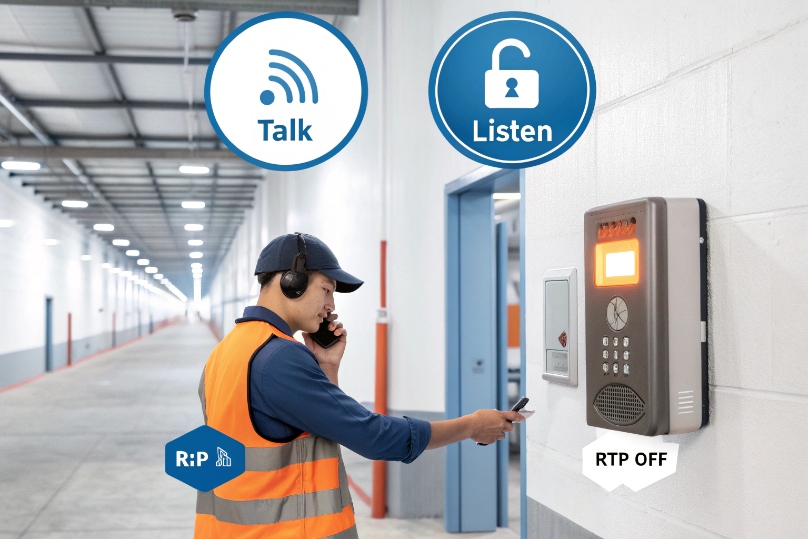
People need instant voice, not a ring tone. Push, speak, release. That is the promise of PTT.
Push-to-talk (PTT) is half-duplex voice: audio transmits only while the talk button is pressed, then the endpoint returns to listen mode. In SIP, PTT gates RTP within an auto-answered session.
PTT works because it removes dialing and echo risk. It suits loud spaces, public areas, and security posts. In SIP intercoms, PTT can call a single device or an entire zone using unicast or multicast paging. The system can also enforce priority so emergencies cut through noise.
How do I enable push-to-talk on my IP phones and intercoms?
People expect walkie-talkie speed. That means the endpoint must be ready before the button is pressed.
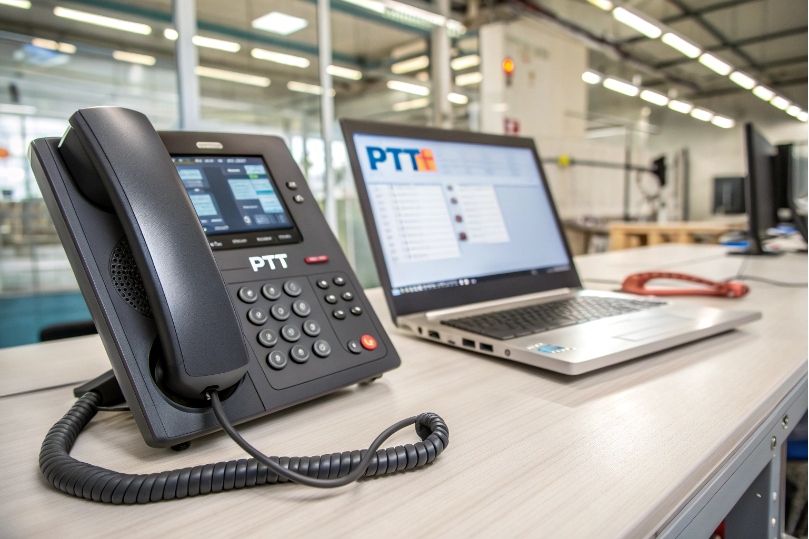
A working PTT profile uses auto-answer, a defined target (SIP URI or multicast), and a button that gates the microphone while sending RTP.
Dive deeper Paragraph:
Core steps that make PTT feel instant
- Create the session path.
- One-to-one PTT: Program a line key or hardware button to dial a SIP URI 1 (e.g.,
sip:guard1@pbx.example.com) with auto-answer enabled on the receiving endpoint (Alert-Info header or device flag). - Group PTT: Program the button to send audio using IP multicast 2 to a paging address (e.g.,
239.255.42.10:5004) that listeners have joined. No SIP dialog per device, so it scales.
- One-to-one PTT: Program a line key or hardware button to dial a SIP URI 1 (e.g.,
- Gate the microphone.
- On press, the endpoint opens the mic and starts a RTP media stream 3. On release, it mutes the mic and (optionally) stops sending RTP. The call can remain up (session-based PTT) or be push-to-start/push-to-end.
- Choose half-duplex mode.
- Enable a half-duplex communication 4 profile to prevent acoustic feedback with loud speakers. Full-duplex is still available for concierge talkback or quiet rooms.
- Wire the button.
- Hardware: Use GPIO/dry-contact inputs for wall stations and foot pedals; map closure to the PTT action in the intercom.
- Soft key: Map a phone key to a paging/PTT action or to a speed dial that sends the correct SIP headers for auto-answer.
- Security and scope.
- Lock PTT to a whitelist of URIs/multicast groups. Use TLS for signaling and SRTP for media on unicast PTT. (Multicast is typically LAN-local and unencrypted; segment with VLANs.)
Quick setup matrix
| PTT Type | Signaling | Media | Where to use | Notes |
|---|---|---|---|---|
| One-to-one | SIP INVITE (auto-answer) | Unicast RTP/SRTP | Guard desk ↔ door | Fast, controllable |
| Group PTT | None to endpoints | Multicast RTP | Warehouses, floors | Scales, LAN-only |
| Wide-area PTT | SIP to paging server | Unicast → fan-out | Campuses, multi-site | Server mixes/relays |
Practical tips
- Enable auto-answer using Alert-Info or device PTT mode to avoid ring delay.
- Keep the session alive during a shift for near-zero call setup time; PTT just gates the mic.
- Use distinct tones (pre- and post-chime) so listeners know when the floor opens and closes.
- On door stations, pair PTT with a relay (door strike) via DTMF or GPIO for one-hand operation.
Should I use multicast paging or unicast for PTT zones?
Both work. The choice depends on scale, network boundaries, and need for acknowledgments.
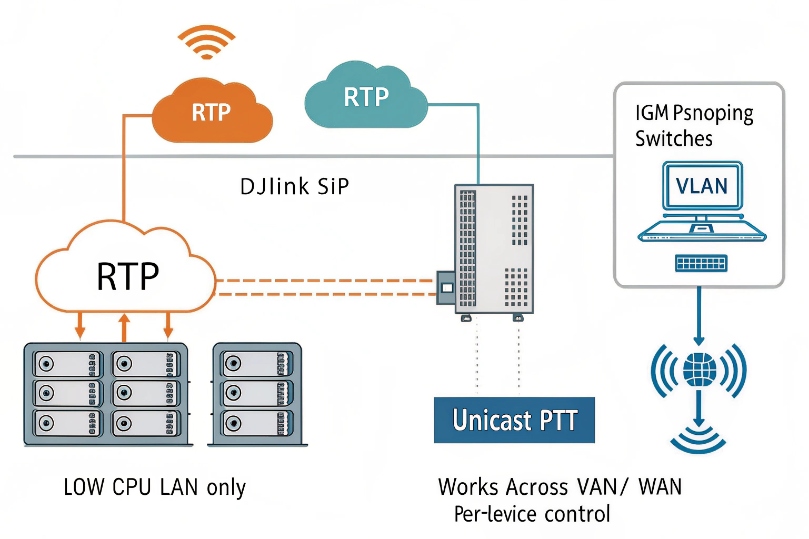
Multicast is best for many listeners on one LAN. Unicast is best across VLANs/WANs or when you need per-device state and confirmation.
Dive deeper Paragraph:
Trade-offs in plain terms
- Multicast PTT (RTP to 239.x/ff15::):
- Pros: One stream goes to many devices; low CPU and bandwidth on the sender; near-instant start.
- Cons: Stays inside the local broadcast domain unless you configure PIM/IGMP snooping across routers; generally no encryption; limited telemetry per listener.
- Unicast PTT (per endpoint call):
- Pros: Works across VLANs, WAN, and VPNs without multicast configuration; can use SRTP end-to-end and per-endpoint QoS; individual device confirmation.
- Cons: Sender or server must create N RTP streams; more signaling; higher CPU/bandwidth.
What I deploy where
- Single building/floor: Multicast zones per floor/area. Use IGMP snooping 5 on access switches to avoid flooding.
- Multi-building or across WAN: A paging server receives one unicast from the talker and fan-outs unicast (or site-local multicast) to each remote zone.
- Security posts with acknowledgment: Unicast so I can get busy/failed status and retry logic.
Network checklist for multicast
| Feature | Why it matters | Setting |
|---|---|---|
| IGMP snooping | Prevents flooding | On all access switches |
| Querier | Maintains group tables | One per VLAN |
| PIM sparse | Cross-VLAN routing | On L3 interfaces |
| QoS | Prioritize voice | Map EF to strict queue |
Session designs
- Pure multicast: Button → multicast out; listeners joined to group.
- Hybrid: Button → unicast to paging core, which plays tone and schedules multicast/unicast to zones.
- Zoned unicast: Button → multiple SIP dialogs to zone members; used when confirmations and encryption are mandatory across routed domains.
Will PTT work with half-duplex, priority override, and emergency broadcasts?
Yes. PTT shines when you combine half-duplex, priority, and preemption so critical messages cut through.
Design zones with priority levels; allow emergency to override normal PTT and background audio immediately.
Dive deeper Paragraph:
Half-duplex done right
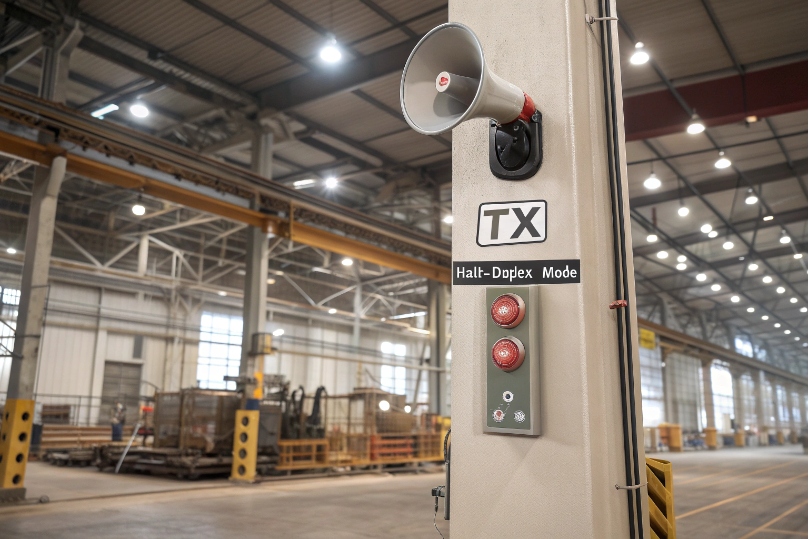
Half-duplex removes echo in loud spaces because only one side talks at a time. Set speaker gain high, mic gain modest, and keep AEC off for true PTT (AEC helps in full-duplex but adds start-of-speech delay). Use chirps at start/end of talk bursts to train ears.
Priority and preemption model
- Priority tiers: Emergency > Security > Operations > Background.
- Preemption: When an emergency page starts, devices immediately mute lower-priority audio and switch to the emergency stream. After end-tone, they return to the prior state.
- Busy handling: If a device is in a same-priority session, decide whether new talk bursts queue or barge-in.
Emergency specifics
- One-button emergency: Map a red button to a dedicated emergency zone with highest priority and a distinctive tone.
- Door stations: Allow priority talkback from control rooms that can override local paging if safety demands it.
- Recording and audit: Mirror emergency PTT to a recording SIP trunk for compliance.
State and floor control
- Floor token: Simple PTT grants the floor to the talker while pressed. Some systems support multiple talkers with arbitration; only one stream is forwarded.
- Lockout timer: Prevent someone from holding the button too long; force release after, say, 30 seconds unless in emergency mode.
- Visual indicators: LEDs show RX/TX and priority so staff knows why a device muted itself.
Interop tips
- Align Alert-Info and auto-answer policies across vendors so priority pages never ring.
- Test barge-in with existing background music or ambient announcements; ensure priority wins within <150 ms.
What QoS, codecs, and jitter buffers ensure instant PTT audio?
Speed beats fidelity if I must choose. But with the right knobs, I get both.
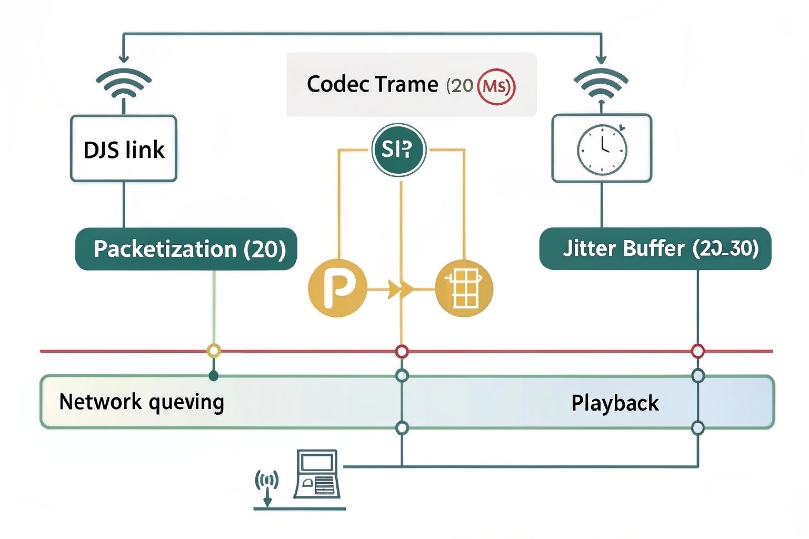
Mark PTT as EF (DSCP 46), keep packetization at 20 ms, choose Opus (WB) or G.711/G.722, and size jitter buffers small and adaptive for fast start.
Dive deeper Paragraph:
Latency budget for talk bursts
PTT feels “instant” when the mouth-to-ear < 150 ms and the first syllable is not clipped. The main contributors are: codec frame size, packetization, jitter buffer, queueing, and (if routed) paging server processing. A good target:
- Codec frame: 20 ms
- Packetization: 20 ms (1 frame/packet)
- Jitter buffer initial: 20–30 ms, adaptive to 60–80 ms on bad Wi-Fi/WAN
- Queueing (EF): Single-digit ms on LAN; <20 ms on WAN
Codec guidance
| Codec | Why choose it | Notes |
|---|---|---|
| Opus (wideband) | Best clarity, robust PLC/FEC | Use 24–32 kbps for paging/PTT |
| G.722 (wideband) | Simple, good speech | 64 kbps; needs clean LAN/WAN |
| G.711 (narrowband) | Ubiquitous, easy interop | ~80–90 kbps on wire with headers |
| Avoid very low bitrates | Reduce artifacts on talk starts | Keep ptime short to avoid “missing first word” |
Pro tip: Do not raise packetization to 40–60 ms for “efficiency.” You will increase burst loss impact and talk-start lag—exactly what PTT dislikes.
QoS that actually protects talk bursts
- Mark EF at the source (phone/intercom). Trust DSCP on voice VLAN ports only.
- Map DSCP EF (46) 6 to a strict priority queue on switches and routers.
- On small uplinks, add Smart Queue Management like FQ-CoDel/PIE and shape to 95–98% of link rate to crush bufferbloat.
- If you traverse a VPN/tunnel, copy inner DSCP to outer and adjust MTU/MSS so PTT packets never fragment.
Jitter buffer strategy
- Small initial buffer (20–30 ms) for snap-start; adaptive growth to ride short spikes.
- Do not lock a big fixed buffer just to hide rare jitter; it adds constant delay to every talk burst.
- Enable PLC (packet loss concealment). For the Opus codec 7, consider in-band FEC only if loss >1% on that leg; it adds 10–20% bitrate.
Measuring success
- During a live PTT, capture RTP and check first packet to first playout latency.
- Monitor RTCP jitter, lost packets, and skipped/expanded frames.
- Run “ping under load” while paging to ensure EF keeps latency flat during file uploads or backups.
Environment controls
- Loud zones: set half-duplex, add pre-chime, tighten AGC so quiet talkers cut through.
- Quiet zones: allow full-duplex talkback after the page, or provide a secondary “reply” soft key that spawns a normal two-way SIP call.
Conclusion
Treat PTT like critical voice: pre-establish sessions, pick the right media path, enforce priority, and tune latency knobs. With EF QoS, 20 ms frames, and adaptive buffers, PTT feels instant and stays intelligible across your zones.
Footnotes
-
SIP URI format and core SIP behaviors used by IP phones, PBXs, and intercom endpoints. ↩︎ ↩
-
IPv4 multicast standard that explains group addressing and how one stream reaches many listeners. ↩︎ ↩
-
RTP fundamentals for real-time audio transport, timing, sequence numbers, and packet structure. ↩︎ ↩
-
Definition and examples of half-duplex communication and why it prevents talkback collisions. ↩︎ ↩
-
Practical explanation of IGMP snooping and how switches avoid flooding multicast traffic. ↩︎ ↩
-
Expedited Forwarding per-hop behavior that defines DSCP EF and low-latency treatment for voice. ↩︎ ↩
-
Opus codec specification covering wideband speech, packet loss resilience, and configuration considerations. ↩︎ ↩








