
Vendors, carriers, and PBX manuals all keep saying “SIP”, but many people still think it is just another word for VoIP or a single port to open.
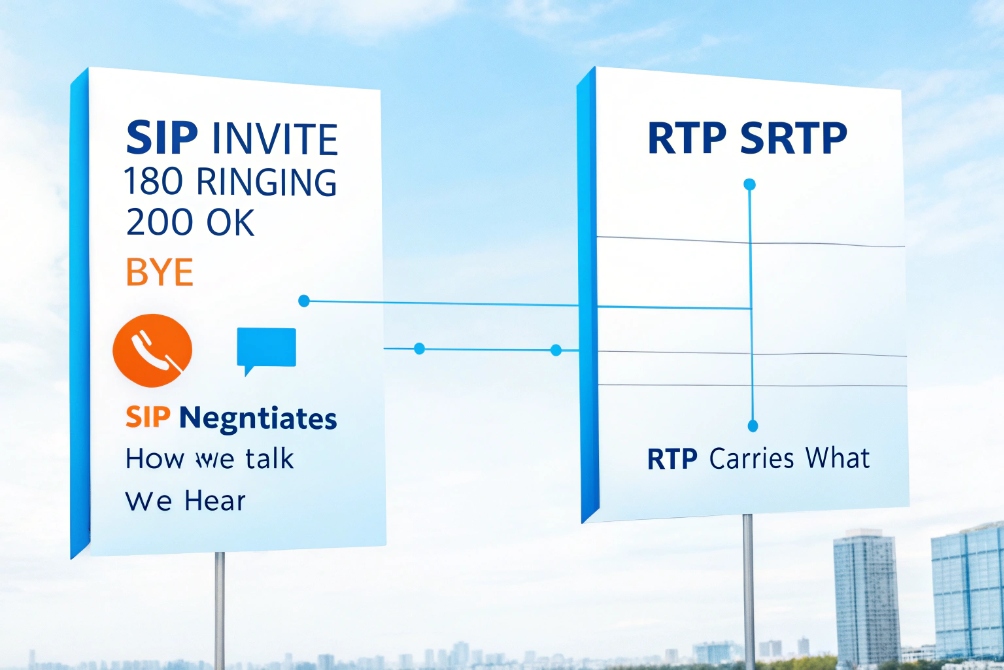
SIP (Session Initiation Protocol) is a text-based signaling protocol that sets up, modifies, and terminates real-time sessions like voice, video, messaging, and presence over IP. It negotiates how we talk; RTP/SRTP carries what we hear.
Think of SIP as the call-control language: it makes phones ring, finds where users are currently registered, negotiates codecs and media endpoints via SDP, supports mid-call changes (hold, transfer, add video), and cleans up sessions when calls end. The core behavior is defined by the SIP core specification (RFC 3261) 1. SIP is used by IP phones, SIP intercoms, IP PBXs, softphones, and SIP trunks.
How does SIP set up, manage, and terminate VoIP calls?
When people look at a SIP trace the first time, they only see long text blocks with headers and codes. It feels impossible to link that to a simple phone call.
SIP sets up calls with INVITE + SDP, confirms establishment with 200 OK + ACK, adjusts sessions with re-INVITE/UPDATE, and ends them with BYE. SIP moves signaling; media flows separately over RTP or SRTP.
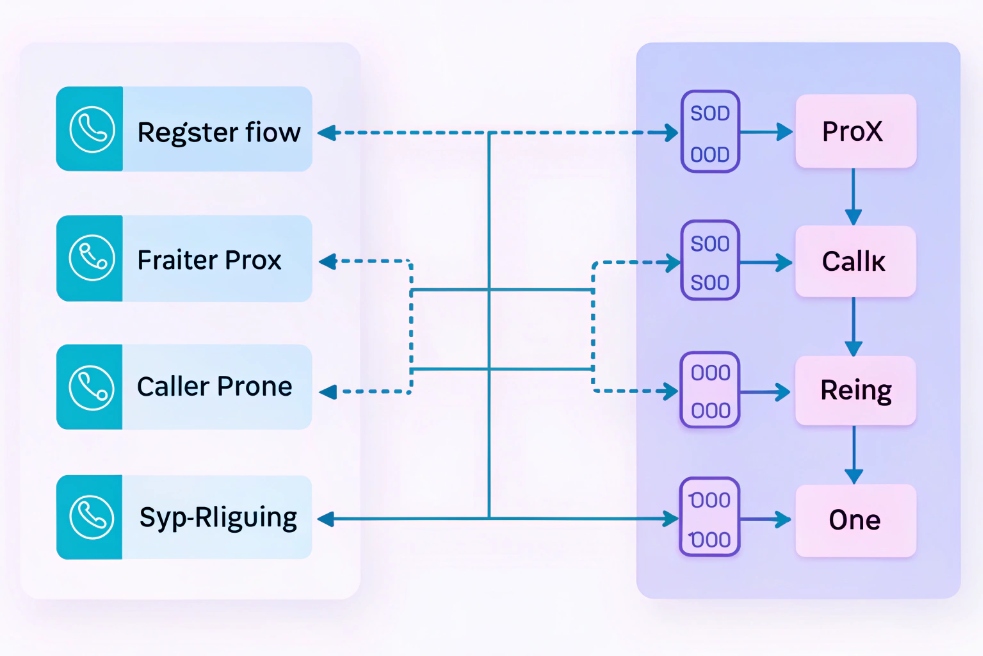
SIP call flow in simple steps
Here’s the “story” of a typical SIP call:
-
Register (optional, but common)
Your phone sends REGISTER to a registrar. This binds your SIP identity (AoR, likesip:101@company.com) to a reachable Contact address. -
Invite
You dial. Your phone sends INVITE to the PBX/SBC/proxy, usually with SDP listing:- audio/video codecs it supports
- where it wants to receive RTP (IP/port)
-
Ringing / progress
The far side (or PBX) responds with 1xx like:100 Trying180 Ringing- sometimes
183 Session Progress(often used for early media)
-
Answer
When the call is accepted, the callee sends 200 OK with its own SDP (its chosen codecs and RTP address/ports). -
ACK
The caller sends ACK to confirm the final response for the INVITE. Now the dialog is established. -
Media
Audio/video flows over Real-time Transport Protocol (RTP) 2 (or Secure RTP (SRTP) 3) using the negotiated details from SDP.
Note: media can also start before the 200 OK in some designs (early media with 183 + SDP). -
Mid-call changes
Hold/resume, codec changes, adding video, or refreshing NAT mappings commonly use re-INVITE or UPDATE with new SDP. -
Hang up
Either side sends BYE. The other side answers 200 OK, and the dialog ends.
Key SIP methods you actually use
| Method | What it’s for |
|---|---|
| REGISTER | Bind identity (AoR) to current reachable Contact |
| INVITE | Start a session or renegotiate media (with SDP) |
| ACK | Confirm final 2xx response to INVITE |
| BYE | End an active dialog |
| CANCEL | Stop a call that’s still ringing/not answered |
| OPTIONS | Capability/reachability “ping” |
| UPDATE / re-INVITE | Change/refresh media mid-call |
Transactions vs dialogs
SIP has two important scopes:
- Transaction: one request + its responses (e.g., INVITE → 100/180/200)
- Dialog: the ongoing relationship for the call, tracked by Call-ID + tags + CSeq
A call can fork (ring multiple devices) and still be “one call” from the user’s viewpoint, but multiple dialogs can exist briefly during forking.
What is SDP and why is it inside SIP?
Many SIP problems aren’t “SIP problems” — they’re SDP problems.
SDP (Session Description Protocol) is the blob inside SIP messages that describes media: codecs, IPs, ports, and attributes like DTMF, SRTP, and direction (sendrecv/recvonly).
The canonical format is described in RFC 4566, the SDP specification 4.
Typical SDP items you see:
m=media line (audio/video + port + protocol)c=connection line (IP address)- codec payloads (e.g., G.711, Opus)
- RTP event for DTMF (RFC 2833/4733 style)
- SRTP attributes (keys or DTLS fingerprints depending on mode)
If SDP advertises the wrong IP/port (common behind NAT), you get classic symptoms:
- rings but one-way audio
- connects but no audio
- video works one way only
What is the difference between SIP and VoIP?
Many sales pages write “SIP phones” and “VoIP phones” as if they are two different planets.
VoIP is the overall concept: voice over IP. SIP is one popular signaling protocol used in many VoIP systems to set up and control calls. SIP is a piece of VoIP, not a replacement for it.
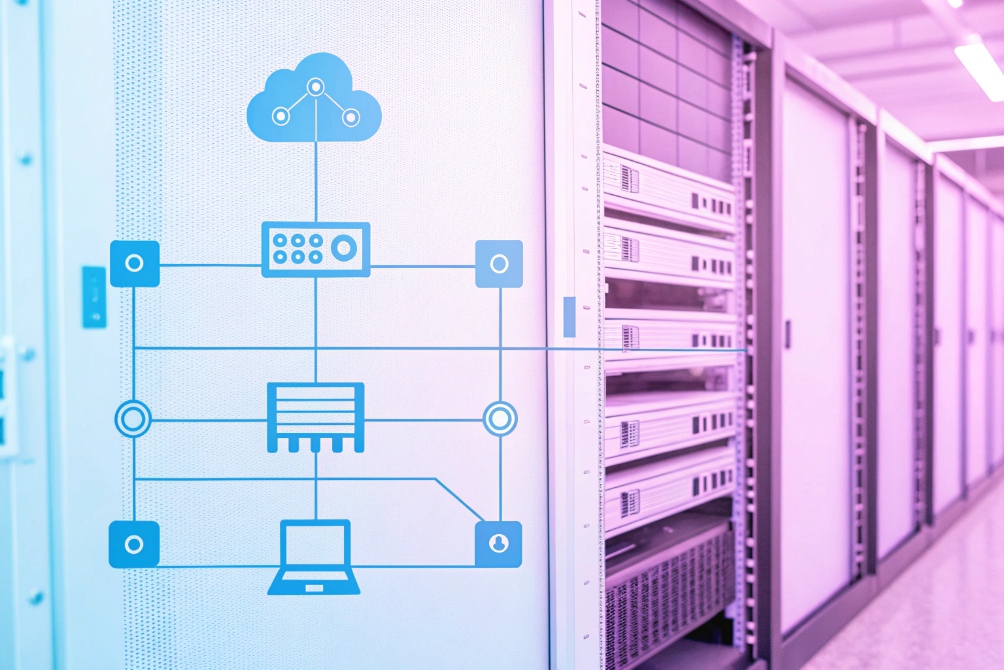
A simple stack view:
| Part of the system | What it does | Examples |
|---|---|---|
| Codecs | Encode/decode audio/video | G.711, G.722, Opus, H.264 |
| Media transport | Carry media packets | RTP, SRTP, RTCP |
| Signaling | Set up/control sessions | SIP, (also H.323, MGCP in some systems) |
| Call control | Features & routing logic | PBX/softswitch/SBC policies |
What ports does SIP use?
People often treat SIP like “open port 5060 and you’re done.” That’s rarely true.
SIP signaling commonly uses UDP/TCP 5060, or TLS on 5061, but the bigger issue is RTP/SRTP: media uses dynamic UDP ports negotiated in SDP (or anchored by an SBC).
Typical defaults:
- SIP over UDP/TCP: 5060
- SIP over TLS: 5061
- RTP/SRTP: dynamic UDP range (varies by PBX/vendor)
So firewall rules are usually about both:
- allowing SIP to the right server(s)
- allowing RTP/SRTP media ranges (or forcing media relay via SBC)
Will SIP work behind NAT, firewalls, and SIP ALG?
Many VoIP issues have nothing to do with codecs or PBX rules. They come from NAT and “helpful” routers.
SIP works behind NAT, but you must manage address/port rewriting for SIP headers and SDP, and you often need an SBC/B2BUA or NAT traversal tools. SIP ALG is a frequent cause of one-way audio and random breakage.
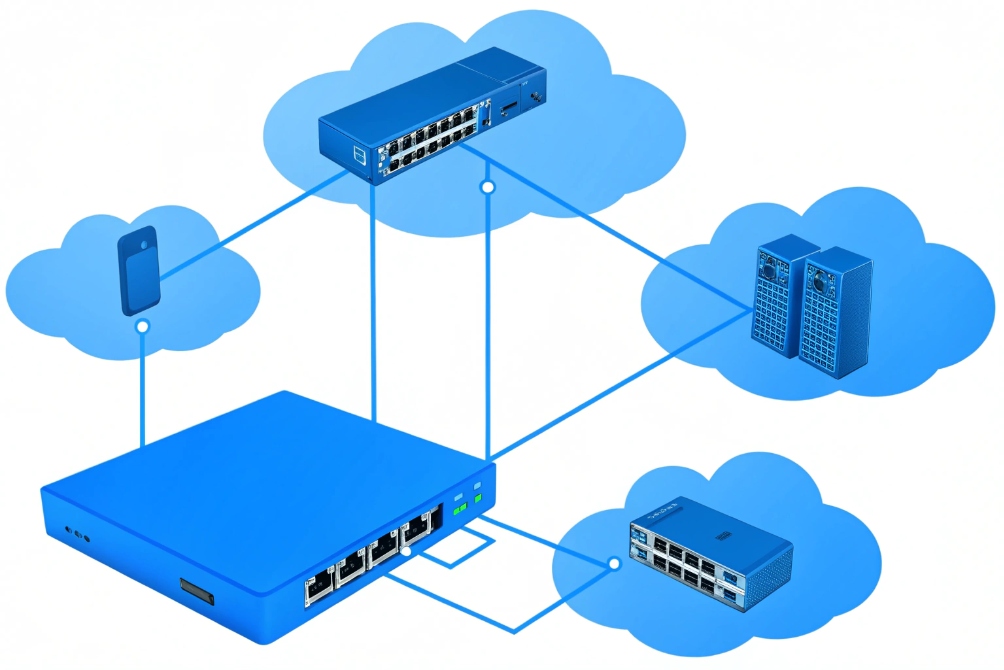
Why NAT breaks SIP so often
NAT changes source IP/ports on the outside, but SIP/SDP may still announce private addresses like 192.168.x.x. If the far end follows that announcement, it sends media to an unreachable private IP.
What actually fixes it
| Tool / approach | What it solves | Common place |
|---|---|---|
| SBC / B2BUA | Rewrites SIP + SDP, anchors media, enforces policy | Network edge / cloud edge |
| Symmetric RTP / rport | Helps with basic NAT behavior | PBX + endpoints |
| Session Traversal Utilities for NAT (STUN) 5 | Helps a client discover public mapping | Softphones/WebRTC, some SIP clients |
| TURN | Relays media when direct path fails | WebRTC / mobile-heavy deployments |
| Interactive Connectivity Establishment (ICE) 6 | Tries multiple candidate paths automatically | WebRTC, some modern SIP endpoints |
SIP ALG: why it hurts
SIP ALG tries to rewrite SIP/SDP on the router. Problems:
- it often can’t handle vendor differences
- it breaks TLS (can’t inspect encrypted SIP)
- it may rewrite ports incorrectly
In many professional deployments: disable SIP ALG and let the PBX/SBC do SIP-aware handling.
How do I secure SIP with TLS, SRTP, and SBCs?
Once calls cross the internet, security stops being optional.
Secure SIP by encrypting signaling with TLS, encrypting media with SRTP (or DTLS-SRTP where appropriate), using strong authentication, and placing SBCs at borders for protection, NAT traversal, and interop.
What each layer protects
- SIP over TLS: protects SIP headers and SDP from snooping/tampering in transit
- SRTP: protects the actual audio/video payload
- Session Border Controller (SBC) 7: reduces attack surface, blocks floods, hides internal topology, normalizes SIP behavior between carriers and endpoints
Practical hardening checklist
| Control | What to do | Why |
|---|---|---|
| TLS for SIP | Use sips: / TLS where supported |
Stops credential and routing leakage |
| SRTP | Prefer SRTP end-to-end when possible | Prevents eavesdropping on media |
| Strong auth | Long random passwords, lockouts | Stops brute-force registrations |
| Rate limits | SBC/edge rules for scans/floods | Reduces downtime from attacks |
| Least exposure | Don’t expose PBX directly if possible | Shrinks threat surface |
| Logs & alerts | Monitor REGISTER failures, call spikes | Early warning of abuse |
Conclusion
SIP is the signaling backbone of many VoIP systems: it finds users, rings devices, negotiates media with SDP, supports mid-call changes, and ends sessions cleanly — while RTP/SRTP carries the actual voice and video. With good NAT handling (often via SBC), sensible firewall rules, and TLS + SRTP, SIP becomes reliable, interoperable, and secure enough for real-world PBXs, SIP trunks, and SIP intercom deployments.
Footnotes
-
Defines SIP requests, responses, dialogs, and routing behaviors in the official standard. ↩︎ ↩
-
Details RTP packet structure, sequencing, and timing used to carry real-time audio/video streams. ↩︎ ↩
-
Describes how SRTP encrypts and authenticates voice/video media to prevent eavesdropping and tampering. ↩︎ ↩
-
Explains the SDP format used to advertise codecs, IPs, ports, and media attributes in calls. ↩︎ ↩
-
Shows how STUN helps endpoints discover public NAT mappings for better connectivity and fewer one-way-audio issues. ↩︎ ↩
-
Explains ICE candidate gathering and selection for reliable NAT traversal in modern real-time communications. ↩︎ ↩
-
Overview of SBC roles like topology hiding, policy enforcement, interop normalization, and attack mitigation at SIP borders. ↩︎ ↩








