
When a VoIP system works, no one looks at it. When calls break up, everyone calls IT. SNMP is the quiet tool that helps you see problems before users do.
SNMP is a simple query-and-response protocol that lets a central manager read health, performance, and status data from switches, routers, IP phones, intercoms, and gateways so you can monitor and control your VoIP infrastructure.
SNMP is not magic. It is just a standard way for devices to expose counters and states through a structured database called a MIB, indexed by Object Identifiers (OIDs). For the core protocol definition, read the Simple Network Management Protocol (RFC 1157) 2. Once a network has SNMP agents enabled, a monitoring system can poll them on UDP port 161 and receive traps on port 162 when something important changes. For voice, this means you can see jitter proxies, drops, PoE draw, phone registration status, and link problems before users start complaining about one-way audio or dead handsets.
How do I monitor phones and switches with SNMP?
Many teams enable SNMP on core switches and then stop there. Phones, PoE, and edge switches stay invisible, so troubleshooting stays painful and slow.
To monitor phones and switches with SNMP, I enable SNMP agents on network gear, turn on SNMP on supported IP phones, then use an SNMP manager to poll key OIDs for status, bandwidth, PoE, and registration.
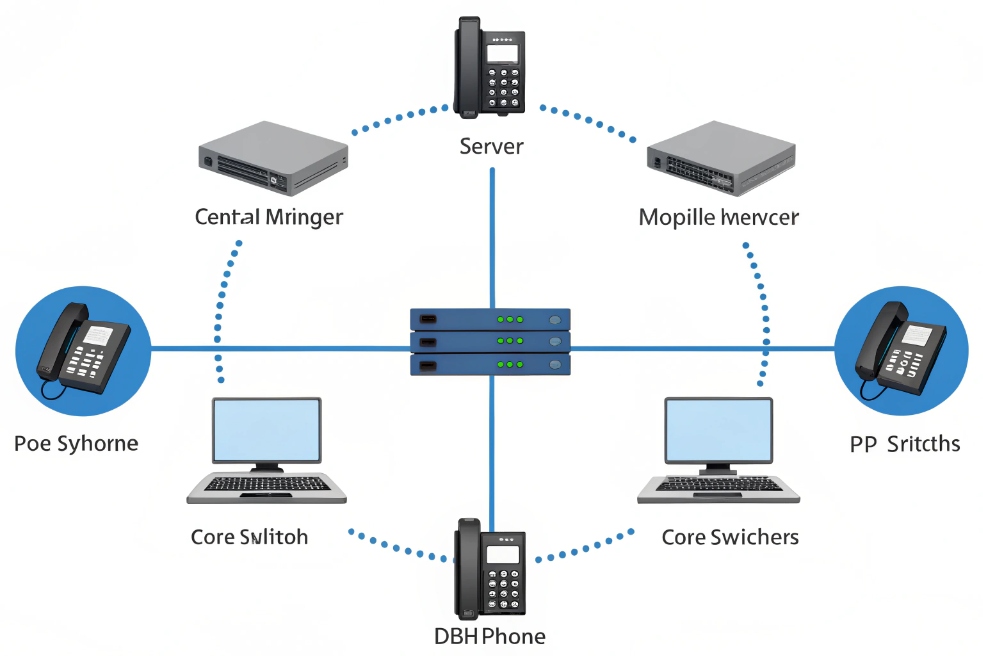
Building a simple SNMP monitoring layout
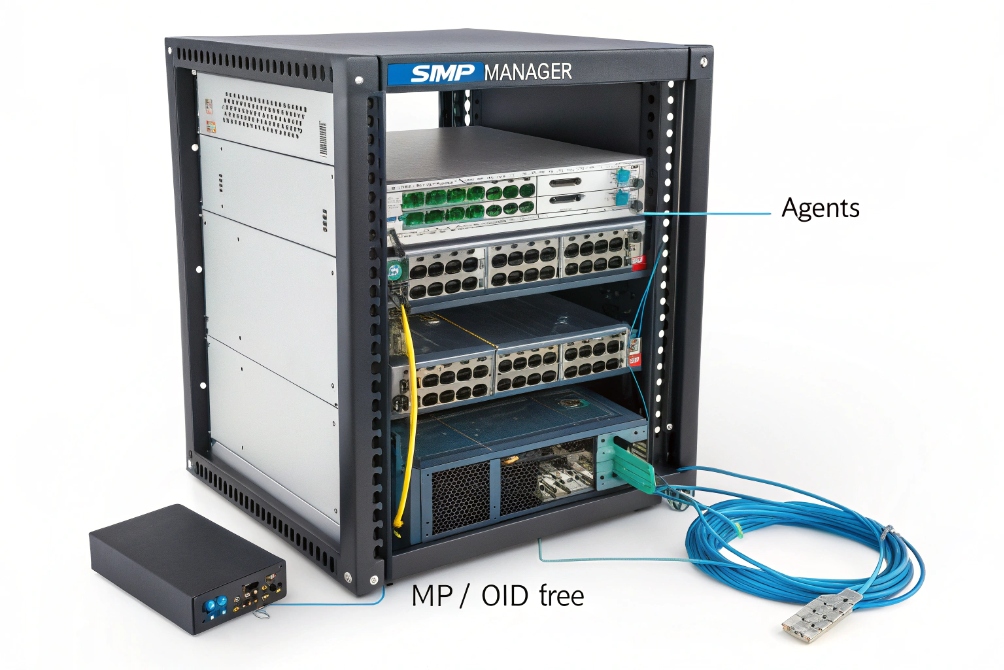
SNMP has three main parts:
- Manager – your NMS or monitoring server (Zabbix, PRTG, LibreNMS, etc.).
- Agents – the SNMP service running on switches, routers, phones, gateways.
- MIB/OIDs – the structured tree of values that describe interfaces, CPU, PoE, and more.
For VoIP networks, I usually aim for this minimum:
| Device type | What I monitor with SNMP | Why it matters for VoIP |
|---|---|---|
| Core/edge switches | Interface status, errors, discards, QoS queues, CPU | Finds loss, congestion, or flapping links |
| PoE switches | Per-port PoE draw, PoE status | Explains random phone reboots or low power mode |
| IP phones | Registration state, firmware version, uptime | Shows offline phones and rollout progress |
| Gateways/SBCs | Concurrent calls, SIP registrations, CPU, memory | Protects trunks and call quality |
Most enterprise switches ship with SNMP agents ready. I enable SNMPv2c or v3, set read-only communities or users, and then restrict access by manager IP. On phones and SIP intercoms, many vendors expose basic SNMP data such as uptime, registration, and sometimes network statistics. In voice-heavy projects, this is very useful for seeing which handsets are powered but not registered to the PBX.
The SNMP manager then:
- Discovers devices by IP range or LLDP/CDP neighbors.
- “Walks” standard MIBs like
IF-MIBto learn interfaces and counters. - Polls important OIDs on a schedule, for example every 60 seconds.
- Stores values in a time-series database for graphs and alerts.
For DJSlink SIP intercoms, phones, and gateways, I usually keep SNMP polling light but focused: link status, PoE power, registration to SIP servers, and basic hardware health. This is enough to explain most field tickets without logging into every device by hand.
Which OIDs help my VoIP troubleshooting most?
SNMP exposes thousands of possible values. If you look at everything, you see nothing. VoIP troubleshooting needs a small, focused set of OIDs that map clearly to user problems.
For VoIP, the most useful SNMP OIDs are interface counters from IF-MIB, PoE status from POWER-ETHERNET-MIB, LLDP neighbors, CPU/memory, and any vendor MIBs that expose call counts, jitter, and SIP registration states.
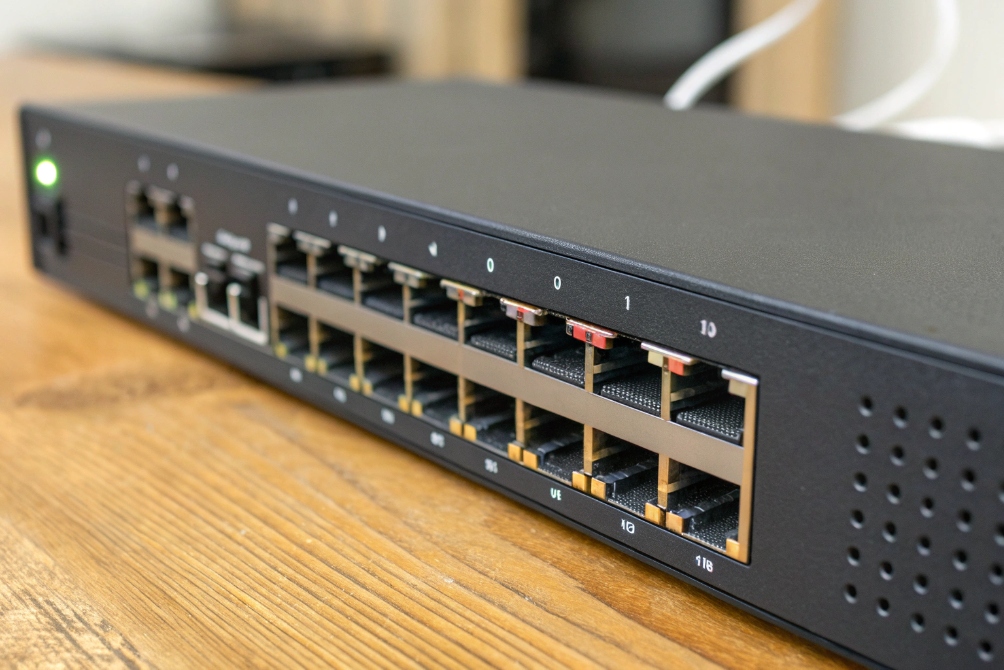
A practical VoIP-focused OID checklist
You do not need every OID in a MIB tree. You need the ones that explain voice quality, one-way audio, and dead phones. I usually start with these groups:
1. Interface health (IF-MIB)
These OIDs exist on almost every switch and router:
ifOperStatus– up / down state.ifInErrors,ifOutErrors– physical or framing errors.ifInDiscards,ifOutDiscards– packets dropped by buffers or policies.ifHCInOctets,ifHCOutOctets– high capacity byte counters for bandwidth graphs.
Quick table:
| Symptom | What I check first with SNMP |
|---|---|
| Choppy audio on calls | Discards and errors on access/WAN interfaces |
| Calls die during busy hours | Queue drops or high utilization on uplink |
| One site sounds worse than others | Bandwidth graphs vs call volume |
2. PoE and power
For PoE switches, the POWER-ETHERNET-MIB (or vendor equivalent) tells you:
- If a port is delivering power.
- How many watts are in use.
- Whether a port is in power-deny or overload state.
If a phone reboots whenever paging or video starts, PoE draw is often near the port limit. SNMP graphs reveal this quickly.
3. LLDP-MED and neighbors
From LLDP-MIB, I pull:
- Remote system name and port.
- Advertised VLAN IDs for voice and data.
This helps explain why phones sometimes land in the wrong VLAN and never reach the PBX. You can see exactly which switch and port they attach to, and what the switch is telling them.
4. Device health and VoIP-specific stats
On PBXs, SBCs, and VoIP gateways, vendor MIBs often expose:
- Concurrent calls.
- Registered endpoints.
- SBC CPU and session utilization.
- Sometimes MOS, jitter, and packet loss per trunk.
On IP phones and intercoms, you may see:
- Registration status (registered, failed, trying).
- Last reboot reason.
- Firmware version and model.
I treat these OIDs as my “short list.” When voice quality issues appear, they give fast, objective answers: is the problem the line, the switch, the PoE power, or the SIP side?
Should I use SNMPv3 for security hardening?
SNMP is often left in “lab mode”: default communities like public and private, available from any IP. That is convenient for demos but risky in production.
For security hardening, I prefer SNMPv3 with authentication and encryption (authPriv), restricted to manager IPs, and I avoid v1/v2c on exposed networks or shared management segments.
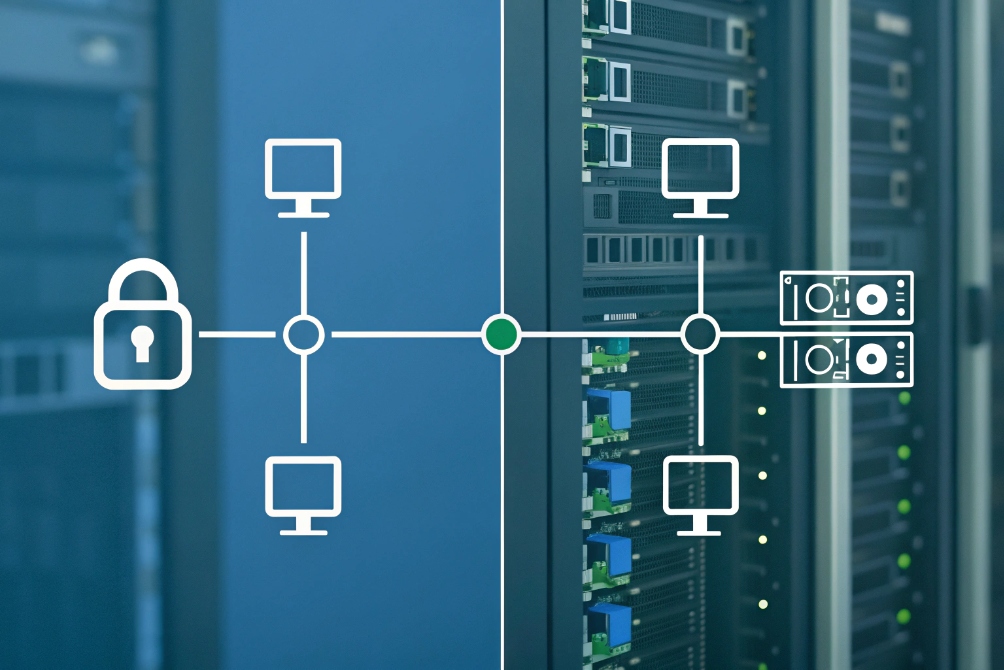
How to harden SNMP without breaking monitoring
SNMP has three main versions:
- SNMPv1 – very basic, legacy, 32-bit counters, no real security.
- SNMPv2c – adds GETBULK and 64-bit counters, but still uses plaintext community strings.
- SNMPv3 – adds user accounts, authentication, encryption, and access control views.
SNMPv3 security and user authentication are defined in the SNMPv3 User-based Security Model (RFC 3414) 6.
For small, isolated voice VLANs with strict ACLs, SNMPv2c with strong, non-default communities and IP restrictions can be acceptable. For anything that touches management cores, data centers, or public-facing SBCs, SNMPv3 is safer.
SNMPv3 gives you:
- User-based access instead of shared “public” strings.
- AuthNoPriv mode (signed but not encrypted) or authPriv (signed and encrypted).
- Views that limit which parts of the MIB a user can read.
A simple hardening baseline looks like this:
| Control | What I do |
|---|---|
| Version | Prefer SNMPv3; allow v2c only on tightly fenced VLANs |
| Access scope | Limit to the IPs of my NMS and automation servers |
| Permissions | Use read-only users for monitoring |
| Credentials | Use strong passwords and rotate regularly |
| Views | Expose only OIDs needed for monitoring |
IP phones and SIP intercoms often have lighter SNMP implementations. Many only support v1/v2c. In those cases, I keep SNMP on a dedicated management or voice VLAN, block it from the internet, and still use long, unique community strings per site or customer.
For switches and routers that expose more sensitive data, SNMPv3 is worth the extra configuration. It aligns with standard hardening guides, keeps VoIP monitoring possible, and reduces the risk that someone uses SNMP to map your network or guess device types from outside.
Can SNMP trigger my auto-healing scripts?
SNMP is good for graphs, but it becomes powerful when it can also kick off actions. For voice, this might mean bouncing a phone port, raising a ticket, or rerouting calls when metrics cross a threshold.
SNMP can trigger auto-healing by sending traps to an event handler or NMS, which then calls scripts or APIs to reset PoE, adjust QoS, notify staff, or reroute traffic based on thresholds and device states.
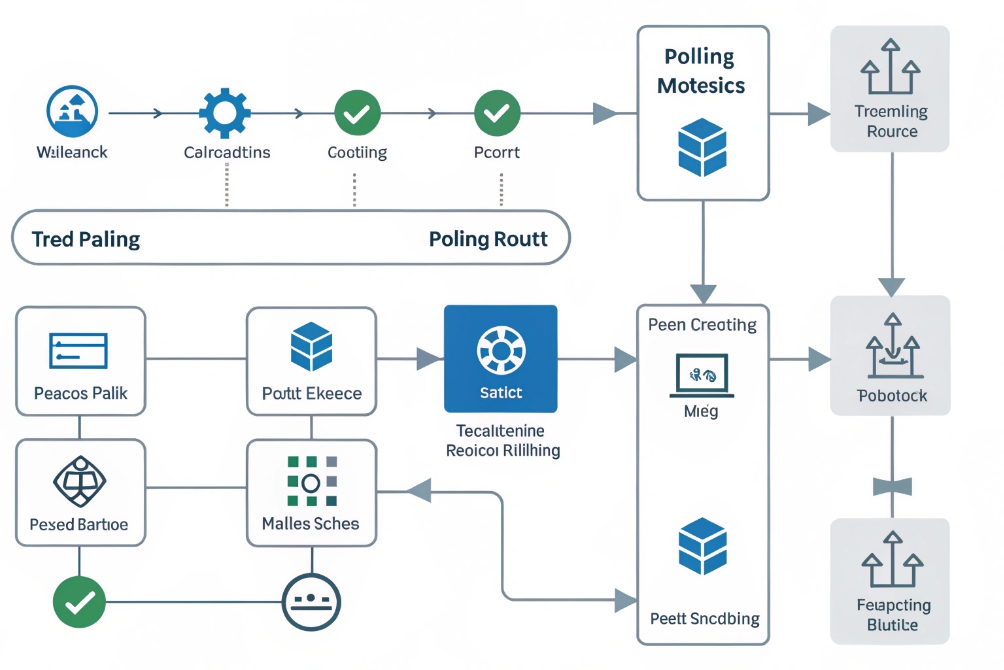
From passive monitoring to active remediation
SNMP supports both polling and notifications:
- Polling: the manager sends GET/GETBULK; devices respond with values.
- Traps/Informs: devices send events asynchronously to the manager on UDP 162.
For auto-healing, you usually combine both:
- Poll devices on a schedule to gather baseline metrics.
- Define thresholds in the NMS (for example, discard rate, PoE alarms, CPU).
- When a threshold breaks, execute a script or webhook.
Typical VoIP-focused examples:
| Problem | Possible SNMP-driven action |
|---|---|
| Phone frozen, no registration | Script tells switch to bounce PoE on that port |
| High discards on WAN interface | Script tags circuit as degraded and lowers call cap |
| Trunk gateway CPU at 90% | Automation drains new calls to backup SBC |
| Intercom offline for more than X minutes | System opens a ticket and emails the site contact |
In many modern NMS tools, you can attach scripts directly to alerts. Those scripts can:
- Call switch APIs or SSH to change QoS or bounce a port.
- Hit PBX or SBC REST APIs to change routing or pause a trunk.
- Update a status page used by your NOC or operations team.
SNMP traps can also be used directly. For example:
- A switch sends a linkDown trap for a trunk port.
- The trap receiver runs a script that checks alternate paths and sends the PBX a command to reroute SIP trunks over a backup link.
To keep this safe, I always:
- Rate-limit alert actions, so scripts do not flap a port many times per minute.
- Log every automatic change clearly, so humans can review and adjust rules.
- Test remediation scripts in a lab or during a maintenance window before enabling them in production.
When this is done well, the VoIP system feels more resilient. Phones that hang get rebooted automatically. Intercoms that drop offline are flagged quickly. WAN congestion triggers call rebalancing without waiting for user complaints.
Conclusion
SNMP gives a simple, standardized way to see and react to what your VoIP network is doing, from switch ports and PoE budgets down to individual phones, intercoms, and trunks.
Footnotes
-
Visual reference for explaining SNMP managers, agents, and OIDs to stakeholders. ↩︎ ↩
-
Authoritative baseline SNMP protocol reference for message types and request/response behavior. ↩︎ ↩
-
Helpful topology example for planning what to poll and where SNMP fits in VoIP. ↩︎ ↩
-
Useful illustration for PoE monitoring context and switch-port troubleshooting. ↩︎ ↩
-
Visual aid for SNMP security segmentation and management-plane isolation concepts. ↩︎ ↩
-
Practical SNMPv3 security reference covering authentication and encryption (USM). ↩︎ ↩
-
Clear flowchart for explaining polling vs traps and automation triggers. ↩︎ ↩








