
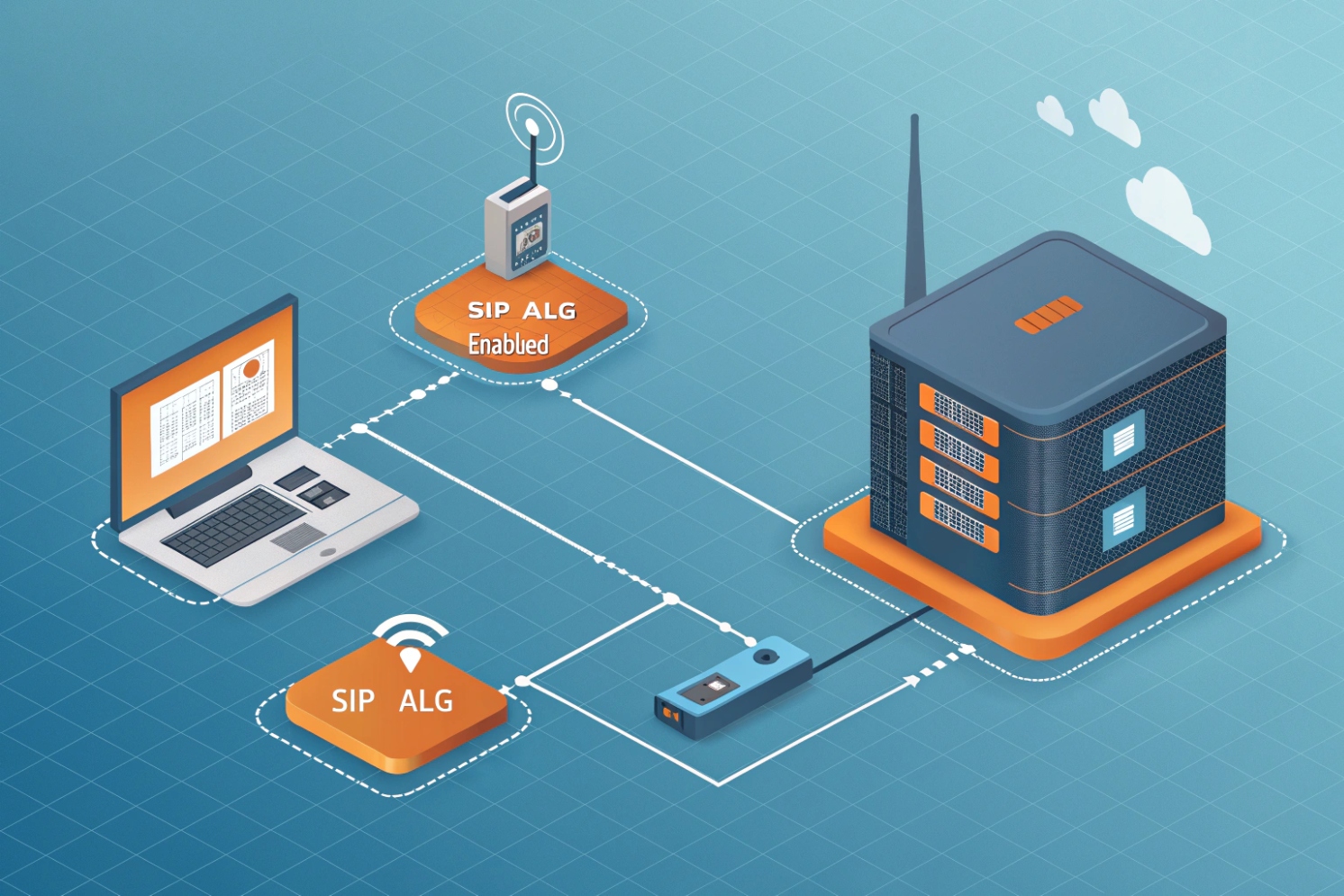
VoIP issues can feel like magic. Calls drop, audio goes one way, and the logs look “normal.” SIP ALG is one of the hidden reasons this keeps happening.
SIP ALG is a router/firewall feature that inspects and rewrites SIP and SDP to “help” VoIP pass through NAT. In most modern VoIP networks, it causes more problems than it solves, so disabling it is usually the safest choice.
Why SIP ALG exists, and why it still causes trouble
What SIP ALG does in plain language
SIP ALG (Application Layer Gateway) 1 tries to “fix” VoIP by rewriting parts of SIP messages and SDP.
{#fnref1}
Vendors built it to solve old NAT problems, like private IP addresses appearing in SIP (Session Initiation Protocol) 2 headers or in the c= / m= lines of the Session Description Protocol (SDP) 3.
{#fnref2}
{#fnref3}
This rewrite may sound helpful, but SIP is already full of NAT-friendly tools today. Many endpoints support rport, keepalives, and symmetric RTP. Many providers use SBCs. Modern NAT traversal can also use STUN/TURN/ICE. When an ALG “helps,” it can fight these standards-based methods and create unstable behavior.
The simple rule used in real projects
In real deployments, the goal is predictable behavior. SIP ALG is not predictable because each vendor implements it differently.
There are cases where someone keeps SIP ALG on and “it works.” That usually happens in a very narrow setup:
- One router model, one phone model, one provider
- No SIP over TLS
- No ICE-based clients
- Low call volume and stable NAT bindings
Even then, “works today” can turn into “broken next month” after a router firmware update.
My practical recommendation
For hosted VoIP, SIP ALG is almost always a liability. For on-prem PBX behind NAT, SIP ALG is still a liability, and a proper SBC or clean NAT rules solve the same problem in a controlled way. For a practical checklist that includes disabling SIP ALG and related network hygiene, see the Nextiva networking guidelines 4.
{#fnref4}
| Network type | Keep SIP ALG on? | Better approach |
|---|---|---|
| Hosted VoIP to cloud SBC | No | Disable ALG, keep UDP timeouts healthy, allow SIP/RTP to provider |
| On-prem PBX behind NAT | No | Static NAT/port mapping + provider IP allowlist, or deploy an SBC |
| SIP over TLS (5061) | No | ALG cannot inspect encrypted SIP, disable and rely on standards-based NAT traversal |
| Mixed vendors + Wi-Fi phones | No | Disable ALG, fix Wi-Fi airtime and QoS, monitor RTP stats |
If the network needs reliability, disabling SIP ALG is usually the fastest “high-impact” change.
If you want to keep reading, the next step is understanding the exact ways SIP ALG breaks registration, RTP audio, and DTMF, so troubleshooting becomes much faster.
How does SIP ALG break VoIP registration, RTP audio, or DTMF?
When SIP works in the lab but fails at customer sites, it often comes down to one device “editing” the signaling. SIP ALG is that device.
SIP ALG can break VoIP by rewriting SIP headers and SDP media details, which can cause failed registrations, one-way RTP audio, mid-call drops, and DTMF failures. The symptoms look random because the ALG changes packets differently across vendors and firmware.
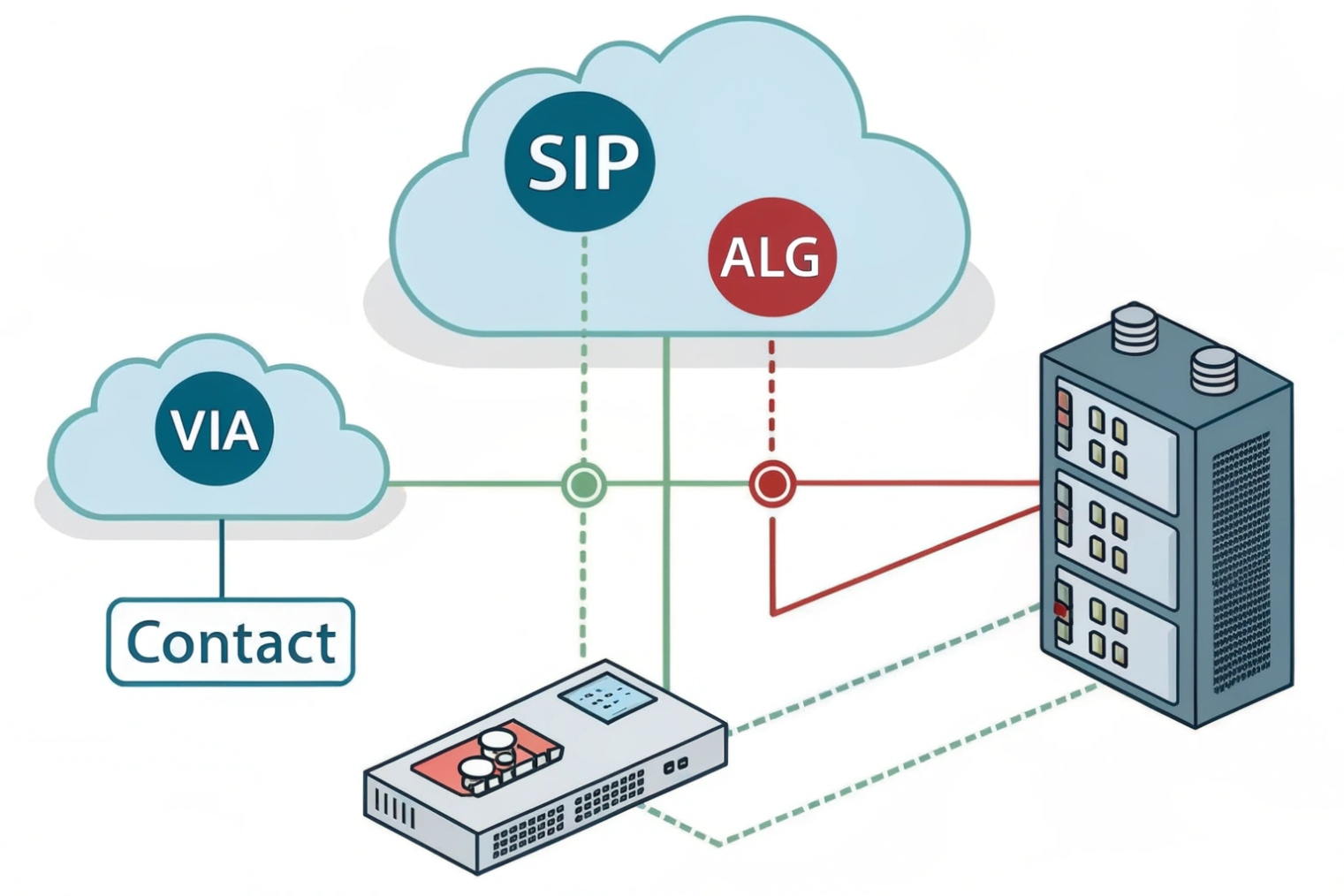
Registration breaks: dialog and NAT state get out of sync
SIP registration depends on stable dialog identifiers and reachable contact details. When an ALG rewrites Contact, Via, or SDP in “helpful” ways, the provider may respond to an address/port that does not match the phone’s real NAT binding. The result can be:
- REGISTER succeeds once, then fails later
- Phones deregister after idle time
- Incoming calls never reach the phone
RTP audio breaks: SDP media lines get rewritten wrong
Most one-way audio cases are media path problems. The phone sends SDP that says “send RTP to IP X port Y.” If SIP ALG rewrites IP X or port Y incorrectly, the far end sends audio into a black hole. Other times, the ALG opens a “pinhole” that closes too fast. So the first seconds sound fine, and then audio drops.
In field support, this often shows up as “ping works” plus “SIP registers” plus “no audio.” Disabling ALG often removes the rewrite and lets symmetric RTP and keepalives do their job.
DTMF breaks: payload and timing problems
DTMF over VoIP usually uses RTP “telephone-event.” When SDP is modified, payload mappings can get inconsistent. Some ALGs also interfere with mid-call re-INVITEs, and that can change RTP ports mid-call. Then IVR tones fail, door release codes fail, and users blame the PBX.
Why SIP over TLS makes ALG even less useful
When SIP signaling is encrypted (TLS), an ALG cannot read or rewrite the SIP/SDP content. Some devices still try to “detect” SIP by ports and apply helper logic anyway. That can disrupt call setup or media even though the payload is unreadable. In secure VoIP designs, relying on ALG makes less sense, not more.
| Symptom | What you see | Common ALG-related cause | What usually fixes it |
|---|---|---|---|
| Failed registration | REGISTER retries, 401/403 loops, or timeouts | Header rewrite or NAT binding mismatch | Disable ALG, use keepalive, confirm correct SIP server/port |
| One-way audio | Caller hears, callee silent (or reverse) | SDP IP/port rewrite wrong | Disable ALG, confirm RTP port range, use SBC |
| Drops after 30–120s | Call starts then fails | “Pinhole” closes, UDP timeout too short | Disable ALG, raise UDP timeouts, keepalives |
| DTMF fails on IVR | Digits not detected | telephone-event mapping altered or re-INVITE broken | Disable ALG, lock codec/DTMF settings, avoid mid-call port changes |
A short note from a door intercom rollout: one site had perfect LAN audio and broken WAN audio. The only change was the router model. Disabling SIP ALG fixed it immediately because SDP stopped being rewritten on outbound calls.
How do I check if my router uses SIP ALG?
Many teams waste hours because they only check the router UI. SIP ALG can exist in the router, in the ISP modem, and sometimes even in managed switches.
To check for SIP ALG, look for SIP “ALG / helper / transformations” settings in the router and modem, and run a SIP ALG detector test from a PC on the same network as the VoIP device. If the detector reports SIP ALG, disable it and retest.
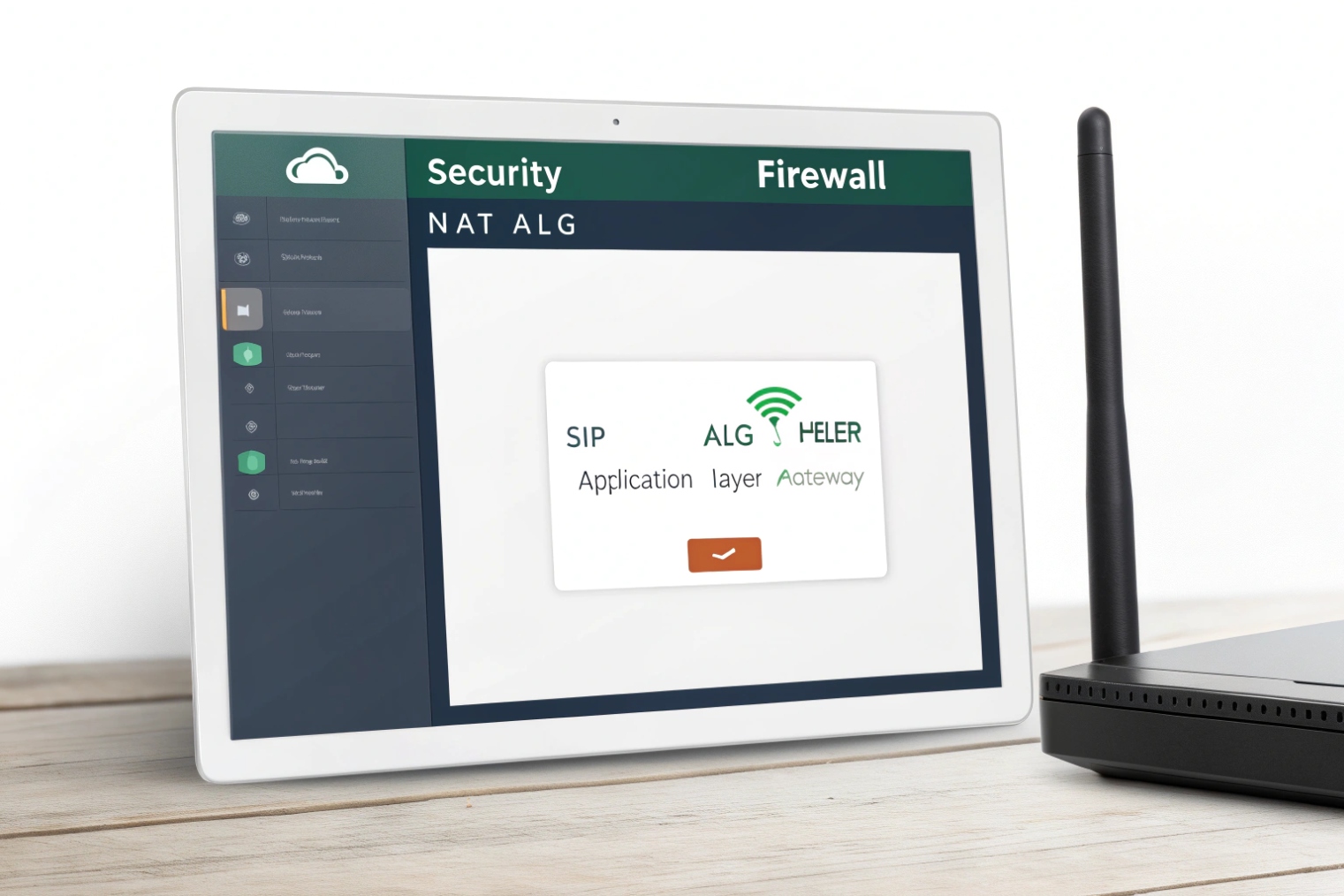
Fast detection: run a SIP ALG detector test
Start with a detector test and run it from a PC on the same LAN/VLAN as the affected phone. The quickest reference is the RingLogix SIP ALG Detector 5.
{#fnref5}
Manual checks: what to search for in settings
Different vendors hide the feature under different names:
- SIP ALG
- SIP Helper
- SIP Transformations
- VoIP Inspection
- NAT helper modules (conntrack SIP module)
Check the modem too
A common trap is “router ALG is off” but the ISP modem still has ALG on. Some ISP updates can also re-enable features, so it is worth retesting if issues return.
| Check method | Where to run it | What it tells you | Next move |
|---|---|---|---|
| ALG detector test | PC on same LAN/VLAN as phone | Whether ALG behavior is present on the path | Disable ALG, retest |
| Router UI search | Router admin page | Whether router has an ALG toggle | Turn it off, save, reboot if needed |
| Modem / gateway UI | ISP gateway admin page | Whether modem also rewrites SIP | Disable there too, or bridge mode |
| Packet capture check | On LAN side of router | Whether SIP/SDP is being rewritten | Disable ALG, use SBC/NAT rules |
Once SIP ALG is confirmed, the fix is usually simple. The next section gives practical disable steps for MikroTik, Fortinet, and common consumer routers.
How do I disable SIP ALG on Mikrotik, Fortinet, and consumer routers?
Many “disable SIP ALG” guides stop at one toggle. That often fails because some platforms have more than one SIP helper feature.
On MikroTik, disable the SIP “service-port” helper. On Fortinet, disable SIP-related helpers and remove the SIP session-helper entry, and in some cases disable RTP processing in the VoIP profile. On consumer routers, look for a SIP ALG checkbox under WAN/NAT/Firewall settings.
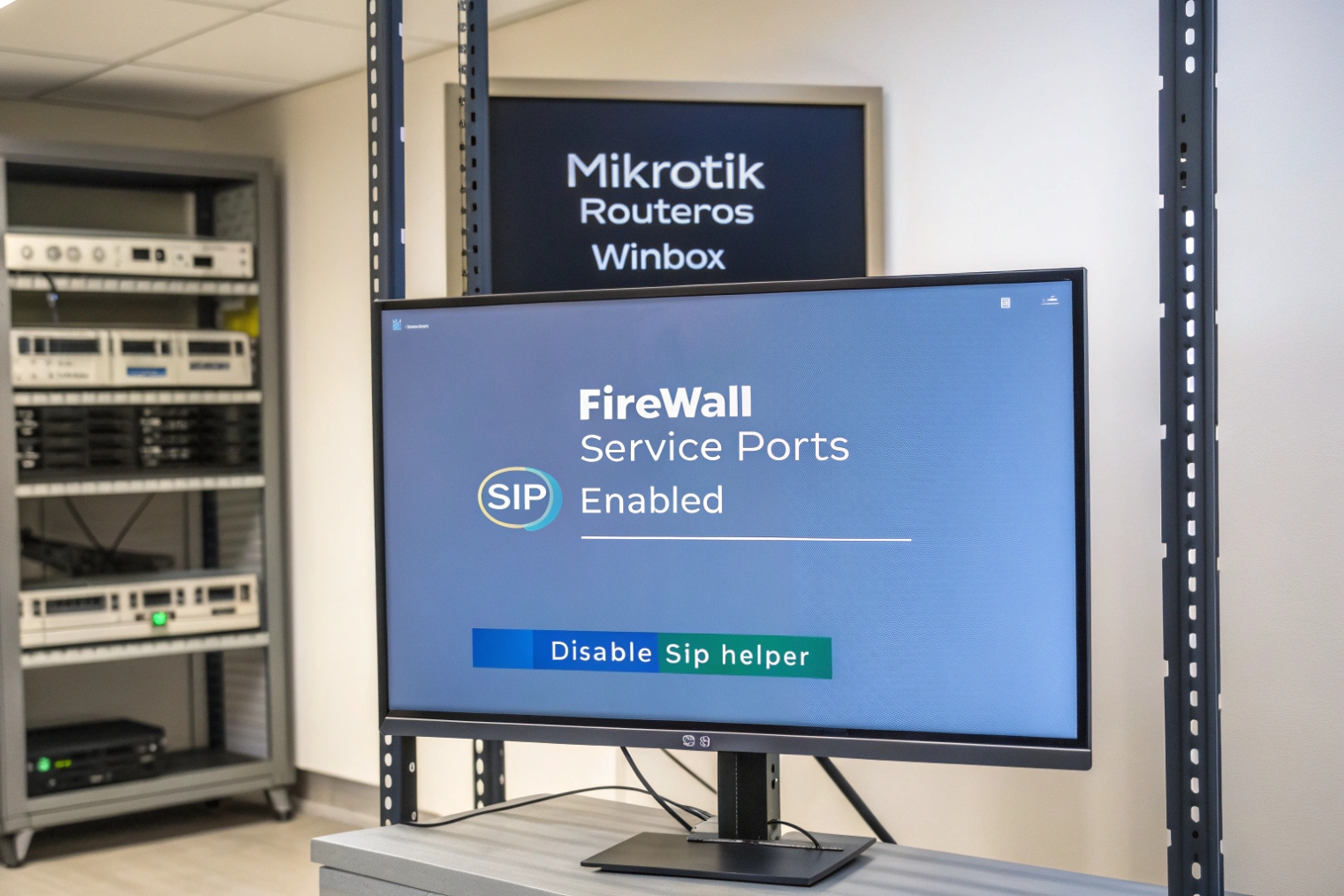
MikroTik: disable SIP Helper (service-port)
MikroTik often labels SIP ALG as the SIP helper/service-port. A straightforward reference (with the exact CLI) is the MikroTik SIP Helper (service-port) disable method 6.
{#fnref6}
/ip firewall service-port disable sipAfter disabling, it can help to clear stale connections so old NAT mappings do not keep breaking calls.
Fortinet FortiGate: disable helpers and remove the SIP session-helper
FortiGate can apply SIP handling in multiple layers. The most reliable approach is to disable SIP processing and remove the helper entry used for SIP. Fortinet documents the moving parts in FortiGate SIP session helper and SIP ALG behavior 7.
{#fnref7}
# Example (verify options for your FortiOS version)
config system settings
    set sip-expectation disable
    set sip-nat-trace disable
end

config system session-helper
    show
    delete 12    # delete the SIP entry you identified
end
Consumer routers: common UI paths and workarounds
Consumer routers usually expose SIP ALG as a checkbox. Common UI locations include WAN setup, NAT passthrough, or firewall/ALG settings. Some ISP gateways do not allow disabling SIP ALG. In those cases, the most stable fix is to put the gateway in bridge/modem mode and use a router that allows disabling the feature.
| Platform | Where SIP ALG hides | How to disable | Extra step that avoids repeat issues |
|---|---|---|---|
| MikroTik | SIP Helper / service-port | Disable SIP service-port helper | Clear stale connections, reboot phones |
| FortiGate | system settings + session-helper | Disable SIP features, delete session-helper entry | Retest after changes, confirm policy inspection settings |
| Netgear/Asus/TP-Link | WAN/NAT/ALG pages | Toggle “Disable SIP ALG” / “SIP Passthrough” | Retest with detector after changes |
| ISP gateway | Sometimes locked | Bridge mode, replace router | Confirm modem also has ALG off |
After SIP ALG is disabled, the network still needs correct firewall/NAT behavior. The last section covers clean, secure replacements that work for SIP + RTP without an ALG.
What firewall/NAT rules replace SIP ALG for secure VoIP?
Disabling SIP ALG removes packet rewriting, but it does not remove the need for good NAT behavior. The replacement is not “open everything.” The replacement is controlled, predictable rules.
Replace SIP ALG with tight firewall allow rules to your VoIP provider or SBC, stable RTP port ranges, healthy UDP timeouts, and keepalives. For trunks or on-prem PBX, use static NAT/port mapping and restrict inbound SIP/RTP to provider IPs. For hosted VoIP endpoints, avoid inbound port forwards and rely on outbound registration plus keepalives.
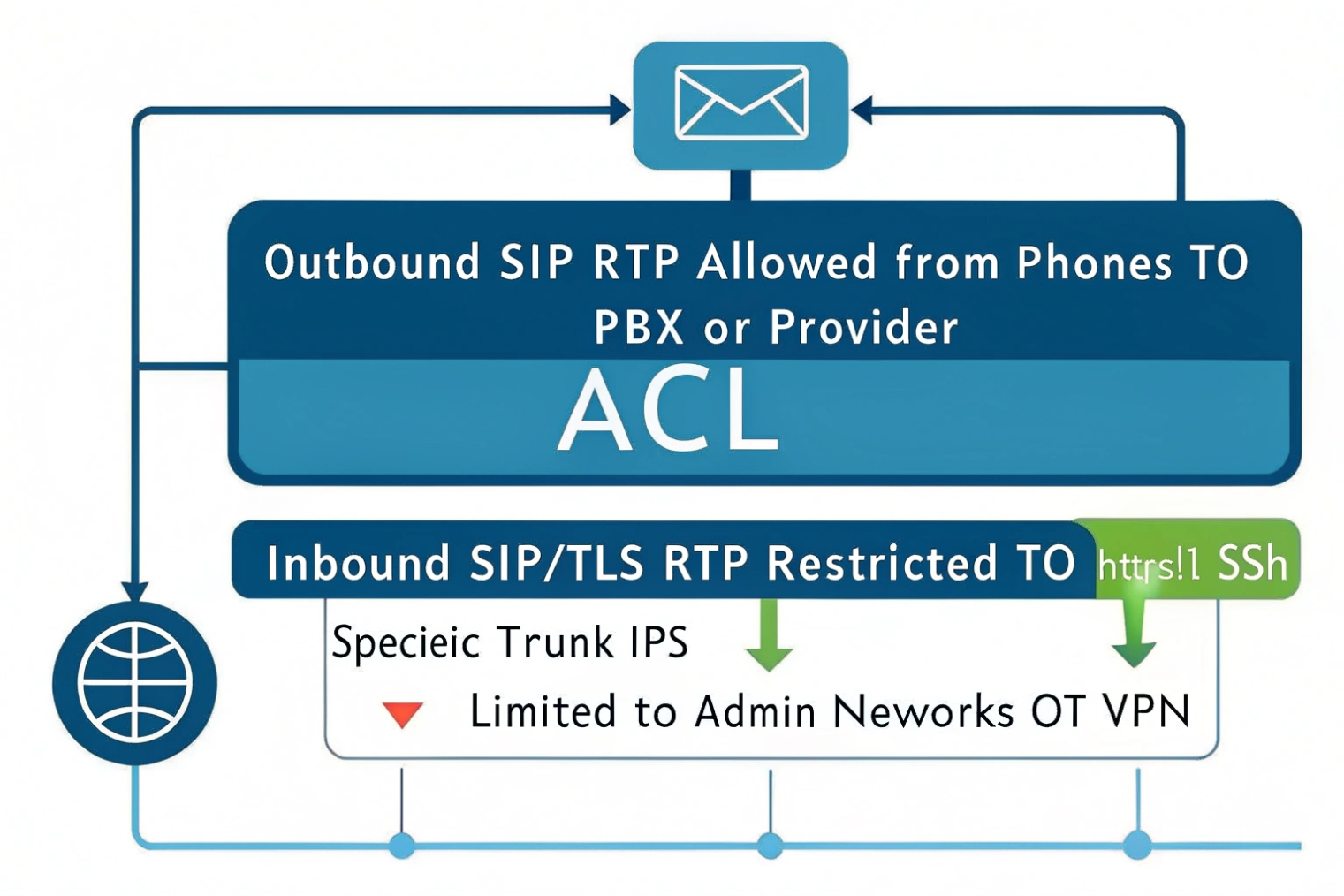
Hosted VoIP endpoints: do less, but do it clean
For most hosted VoIP phones, the phone registers outbound to the provider. That outbound flow creates NAT state, and return signaling comes back through that state. In this model, port forwarding is usually not needed and often makes security worse.
What matters is:
- Allow outbound SIP and RTP to the provider/SBC
- Keep UDP session timeouts long enough so NAT bindings stay alive
- Keep QoS markings consistent on LAN/Wi-Fi
On-prem PBX or SBC behind NAT: use static mapping and allowlists
If you host your own PBX or SBC on-site and it must accept inbound calls, then you need stable inbound reachability. The clean approach is:
- Static public IP for the PBX/SBC, or 1:1 NAT to it
- Port forward only what is needed (SIP signaling ports + RTP range)
- Restrict inbound sources to your ITSP/provider IP ranges when possible
- Use TLS/SRTP when supported to reduce inspection and spoof risk
Keepalives and timeouts replace “pinhole guessing”
Many VoIP problems after disabling ALG come from short UDP timeouts. When NAT closes early, inbound audio or signaling arrives to a dead mapping. Raising UDP timeouts and enabling SIP/RTP keepalives keeps the mapping warm.
| Scenario | SIP rule | RTP rule | NAT rule | Security note |
|---|---|---|---|---|
| Hosted phones to cloud | Allow outbound SIP to provider | Allow outbound RTP range to provider | UDP timeouts ~300s, keepalives on | Avoid inbound port forwards |
| On-prem PBX trunking | Allow inbound/outbound SIP (specific ports) | Allow inbound/outbound RTP range | Static NAT or port forwards to PBX/SBC | Restrict inbound by provider IPs |
| Remote sites over WAN/VPN | SIP to SBC over VPN or direct | RTP to SBC over VPN or direct | Match MTU, avoid fragmentation | Prefer SRTP, monitor loss/jitter |
| Mixed softphones + WebRTC | SIP/TLS or WebSocket if used | RTP or SRTP, sometimes ICE | Stable DNS and NAT, avoid ALG conflicts | ALG conflicts with ICE are common |
A simple “secure VoIP” checklist that works
- Disable SIP ALG on router and modem.
- Remove double NAT.
- Fix RTP port ranges and document them.
- Keep UDP timeouts and keepalives consistent.
- Prefer TLS + SRTP where endpoints support it.
- Restrict inbound SIP/RTP to known provider IPs for trunks.
- Monitor RTCP stats so “good” is proven, not assumed.
For SIP intercom and access control deployments, this matters even more. Door audio and emergency calls are short, and users notice every glitch. A predictable network design beats any “helper” feature that rewrites packets.
Conclusion
SIP ALG rewrites SIP/SDP to “help” NAT, but it often breaks registration and RTP. Disable it, then use clean NAT rules, stable ports, keepalives, and allowlists for secure VoIP.
Footnotes
-
Explains SIP ALG behavior and why disabling it prevents common VoIP issues. ↩ ↩
-
Canonical SIP signaling reference for understanding headers ALGs often rewrite. ↩ ↩
-
Canonical SDP reference for the media IP/port lines SIP ALG commonly breaks. ↩ ↩
-
Practical VoIP network checklist including SIP ALG, ports, NAT, and common failure modes. ↩ ↩
-
Quick test method to detect SIP ALG on the same path as your VoIP device. ↩ ↩
-
Shows where MikroTik hides SIP ALG and the exact command to disable it. ↩ ↩
-
Official FortiGate documentation on SIP ALG/session-helper and how to disable SIP handling safely. ↩ ↩








