
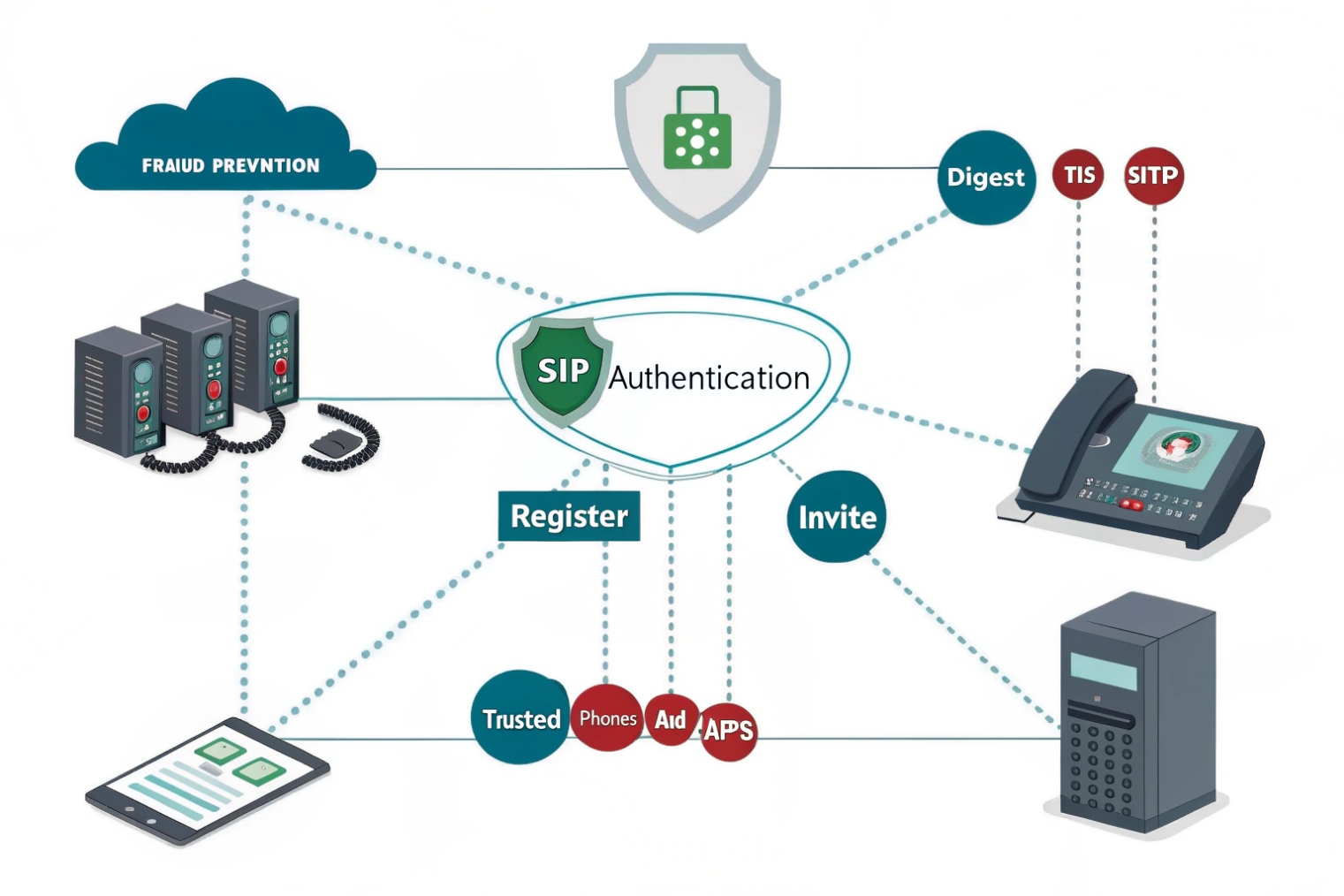
Fraud drains budgets. Weak auth invites bots. SIP authentication 1 blocks impostors so only trusted phones and apps can register and place calls.
SIP authentication proves who is calling or registering. It uses challenge-response (401/407), realms, and nonces so passwords stay secret. Pair it with TLS and SRTP for full protection.
Below I explain how usernames, realms, and nonces work. Then I show when to combine digest, TLS, and SRTP. After that, I share practical defenses against brute-force and floods. I end with advanced options like OAuth, mTLS, and IP-based trust.
How do SIP usernames, realms, and nonces work?
Failed registrations confuse teams. The fix is to understand the fields the server actually checks, not just the display name.
A registrar challenges with 401 Unauthorized and 407 Proxy Authentication Required responses 2. The client replies with a hash built from username, realm, password, URI, method, and nonce (plus qop, nc, cnonce).
Digest in plain words
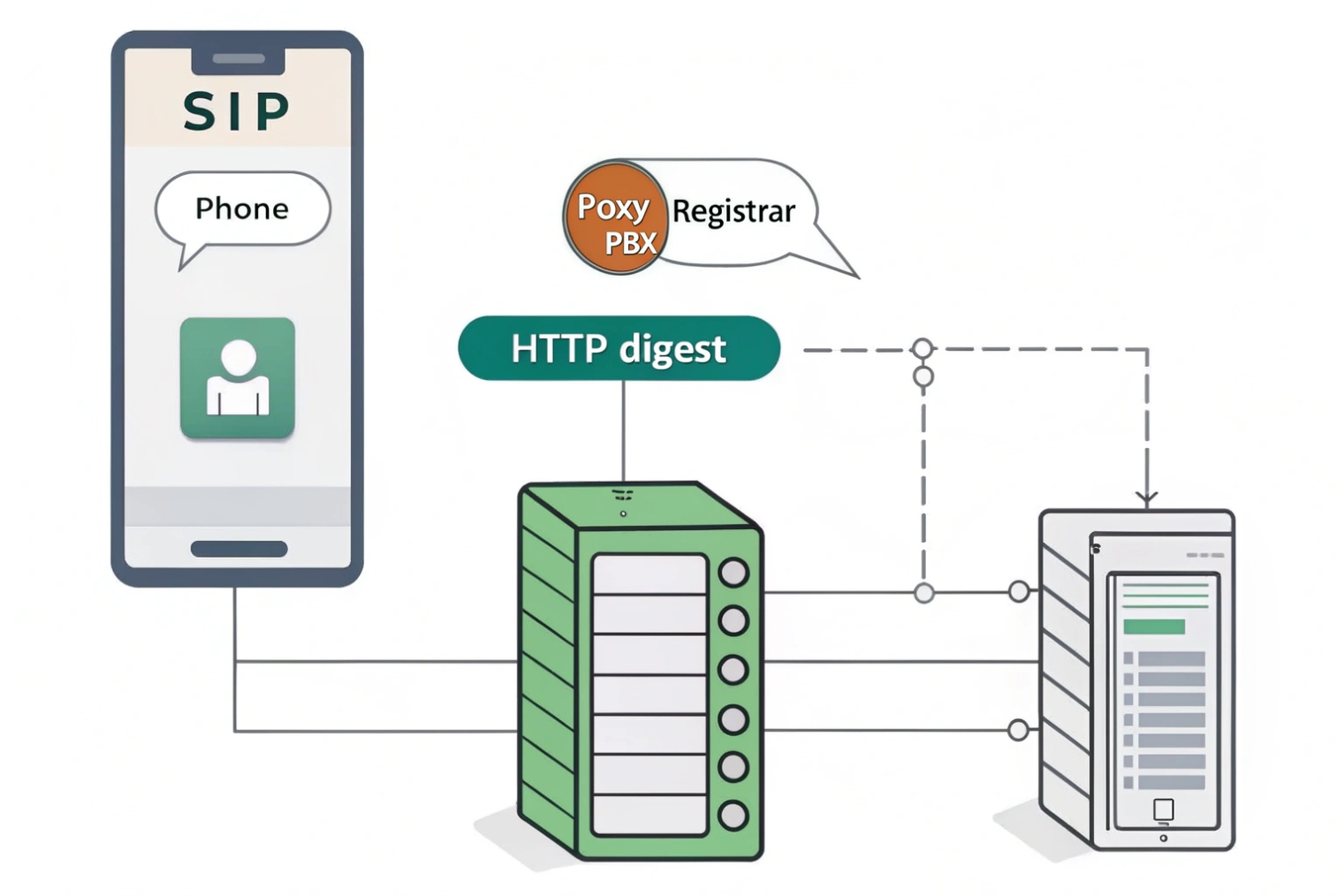
SIP reuses the HTTP Digest authentication scheme 3. When a phone sends REGISTER or INVITE, the server often replies 401 Unauthorized with a WWW-Authenticate header (or 407 Proxy Authentication Required with Proxy-Authenticate from a proxy/SBC). That header includes a realm (a protection domain like pbx.example.com) and a nonce (a one-time token). The client does not send the password. It computes a hash combining: username, realm, password, the request method (REGISTER/INVITE), the request URI, and the nonce. With qop=auth, it also adds nc (nonce-count) and cnonce (client nonce). The server performs the same calculation and compares. A match means the client knows the secret.
Username vs. Auth ID vs. From
Phones often have three identifiers. The Auth ID (username) is what digest uses. The From user can be different (presentation identity or extension). The Contact user can also differ. Many failures come from mixing these. Keep a clear mapping: Auth ID for login; From for identity; Contact for reachability. Realms scope the secret, so 1001@hq.example.com and 1001@lab.example.com can have different passwords.
401 vs. 407 and mid-dialog challenges
A registrar uses 401. A proxy/SBC that wants auth on call setup uses 407. Both can re-challenge during long calls (re-INVITE/UPDATE) or when a nonce goes stale. Stale nonces trigger a new challenge with stale=true. Good clients handle this without dropping the call.
What the server stores
Servers rarely store plaintext. They keep HA1, which is MD5(username:realm:password) or a stronger digest like SHA-256 in modern stacks. Storing a verifier cuts risk versus keeping raw passwords. You can rotate passwords by user or rotate realms during migrations.
| Field | Who sets it | Purpose | Common pitfall |
|---|---|---|---|
| username / Auth ID | Client | Identity for digest | Using extension instead of Auth ID |
| realm | Server | Auth scope / namespace | Changing realm breaks stored HA1 |
| nonce | Server | Anti-replay token | Reusing old nonce after timeout |
| qop / nc / cnonce | Client+Server | Freshness and replay defense | Client not supporting qop=auth |
| URI & method | Client | Bind auth to request target | Hash mismatch on redirects |
Should I use digest auth, TLS, and SRTP together?
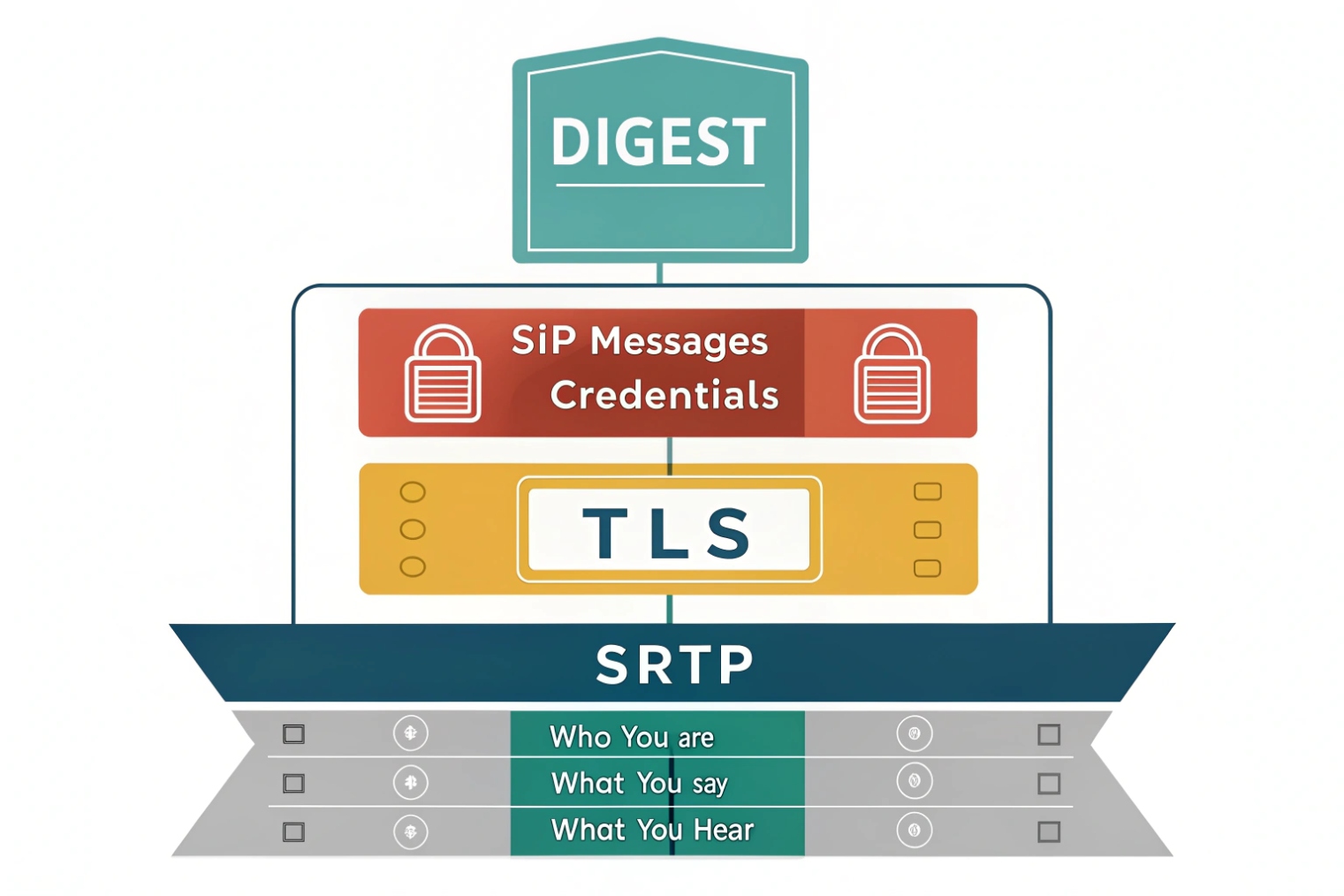
Digest hides the password. It does not hide the call. TLS and SRTP finish the job and protect signaling and media on the wire.
Yes. Use Digest for identity, TLS for signaling privacy/integrity, and SRTP for media. Together they stop credential theft, spoofing, and eavesdropping.
What each layer protects
- Digest (401/407) proves the client knows the secret but leaves SIP headers visible if you use UDP/TCP. Attackers can still read numbers dialed or replay messages on open networks.
- TLS (SIP over TLS / WSS) encrypts signaling, validates the server’s certificate, and prevents trivial credential capture and header tampering. With mutual TLS, the client also presents a cert so the server can identify the device before any password flow.
- SRTP (via SDES or DTLS-SRTP) encrypts audio/video so media stays private even on shared networks or carrier segments.
Practical combos that work
- Remote phones / softphones: SIP over TLS 4 5061 (or WSS for browsers) + Digest + SRTP. Use modern cipher suites and short-lived certs.
- SIP trunks: Many providers prefer IP allowlisting or mTLS and may disable digest on trunks. If they support it, you can combine TLS + digest. For media, Secure Real-time Transport Protocol (SRTP) 5 when available; otherwise decrypt/re-encrypt at your SBC edge.
- Internal LAN phones: You can run TLS + SRTP even inside. It blocks lateral snooping and keeps a single policy across sites.
Early media and auth
TLS protects provisional responses (180/183) and any credentials in early exchanges. SRTP covers early media when you use DTLS-SRTP or SDES and both sides agree before answer. If a carrier insists on plain RTP for early media, anchor at the SBC and keep SRTP on the inside.
| Layer | Use it for | Minimum to aim for |
|---|---|---|
| Digest | User/UA identity | qop=auth, strong passwords, unique realm |
| TLS (SIP/WSS) | Signaling privacy | TLS 1.2+, modern ciphers, pinned CA |
| SRTP | Media privacy | AES-CM or AES-GCM; DTLS-SRTP key negotiation 6 preferred |
| mTLS | Device identity on trunks | Client certs per site/tenant |
How do I stop registration brute-force and SIP flooding?
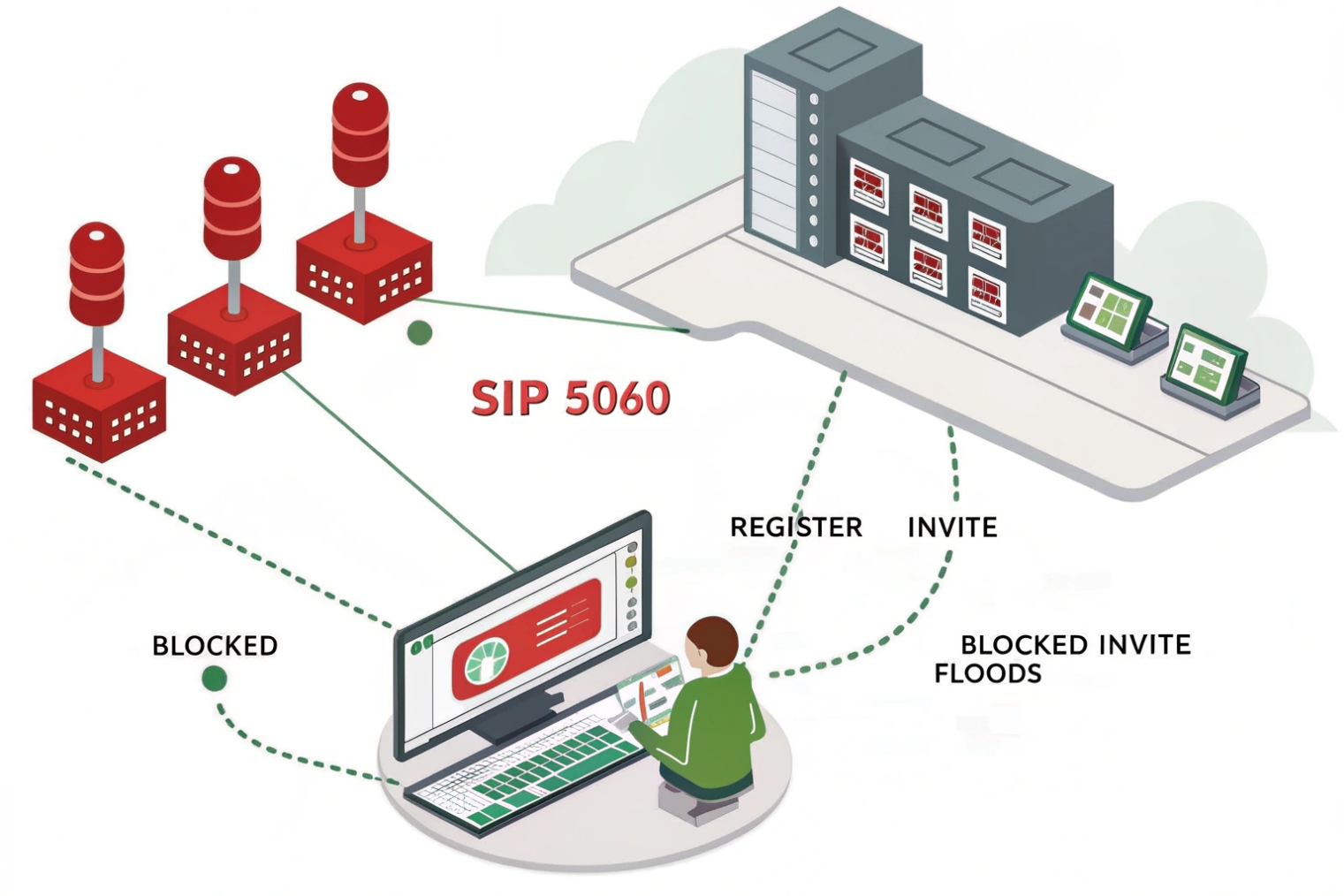
The internet scans 5060 all day. You need controls that slow attackers without hurting real users or phones.
Hide your edge, rate-limit attempts, challenge correctly, and watch for floods. Use long passwords, lockouts, geo/IP allowlists, and SBC rules for INVITE and REGISTER.
Reduce exposure first
Do not expose the PBX directly. Place an SBC or firewall in front. Close generic inbound access. Only allow provider IPs and your VPN/remote subnets. If you must allow the public, move signaling to TLS on a non-default port and enforce SNI/host checks. Disable web GUIs on the WAN.
Make credentials expensive to guess
Use long, random passwords (16–32 chars, mixed). Avoid extension-equals-password. Use unique realms per tenant or domain. Rotate secrets for high-risk users. Prefer SIP over TLS so credentials cannot be sniffed and replayed. Where supported, enable nonce with qop=auth and short nonce lifetimes.
Slow the attacker down
- Rate limits per IP and per user for
REGISTERandINVITE. Example: 3 failures / 60 seconds → 10-minute cool-off. - fail2ban-style bans on repetitive 401/407 failures, with auto-expire.
- Greylisting new IPs that never succeeded before, with a CAPTCHA on the web portal where users set passwords (not on SIP).
- Geo ACLs: if you never register users from certain regions, block them at the edge.
Detect floods early
SIP floods often target INVITE. Set SIP message rate caps, header size limits, and method whitelists (INVITE, REGISTER, BYE, ACK, CANCEL, OPTIONS, INFO, UPDATE, SUBSCRIBE/NOTIFY if used). Drop unknown or oversized messages. For INVITE storms, enable tarpitting or stateless 403 to preserve CPU. Monitor 401/407→200 ratios, REGISTER success rate, median RTT, and early media attempts.
NAT and keepalive hygiene
Ensure phones send keepalives (CRLF/OPTIONS) so NAT pinholes stay fresh and bots cannot hijack idle mappings. Keep UDP timeouts aligned with keepalives (e.g., 60–120 seconds). Prefer TCP/TLS for stability across CGNAT.
| Control | Targeted threat | Suggested setting |
|---|---|---|
| ACLs/allowlists | Random scans | Carrier IPs + VPN pools only |
| Rate limiting | Brute-force | 3–5 failures/IP/user → cool-off |
| fail2ban | Repeated bad auth | Temporary block 30–60 min |
| Geo-blocking | Wide scans | Allow needed regions |
| TLS only | Sniff/replay | Disable UDP 5060 where possible |
| Method whitelist | Parser abuse | Only used SIP methods |
| SIP logging | Forensics | Keep 30–90 days, mask secrets |
Can I enable OAuth, mTLS, or IP-based authentication?
Yes. Digest is not your only tool. Use the right method per use case: people, devices, and trunks have different needs.
Use OAuth for users in web and mobile apps, mTLS for devices and trunks, and IP-based trust for interconnects. You can combine them behind an SBC.
OAuth2/OpenID Connect for users
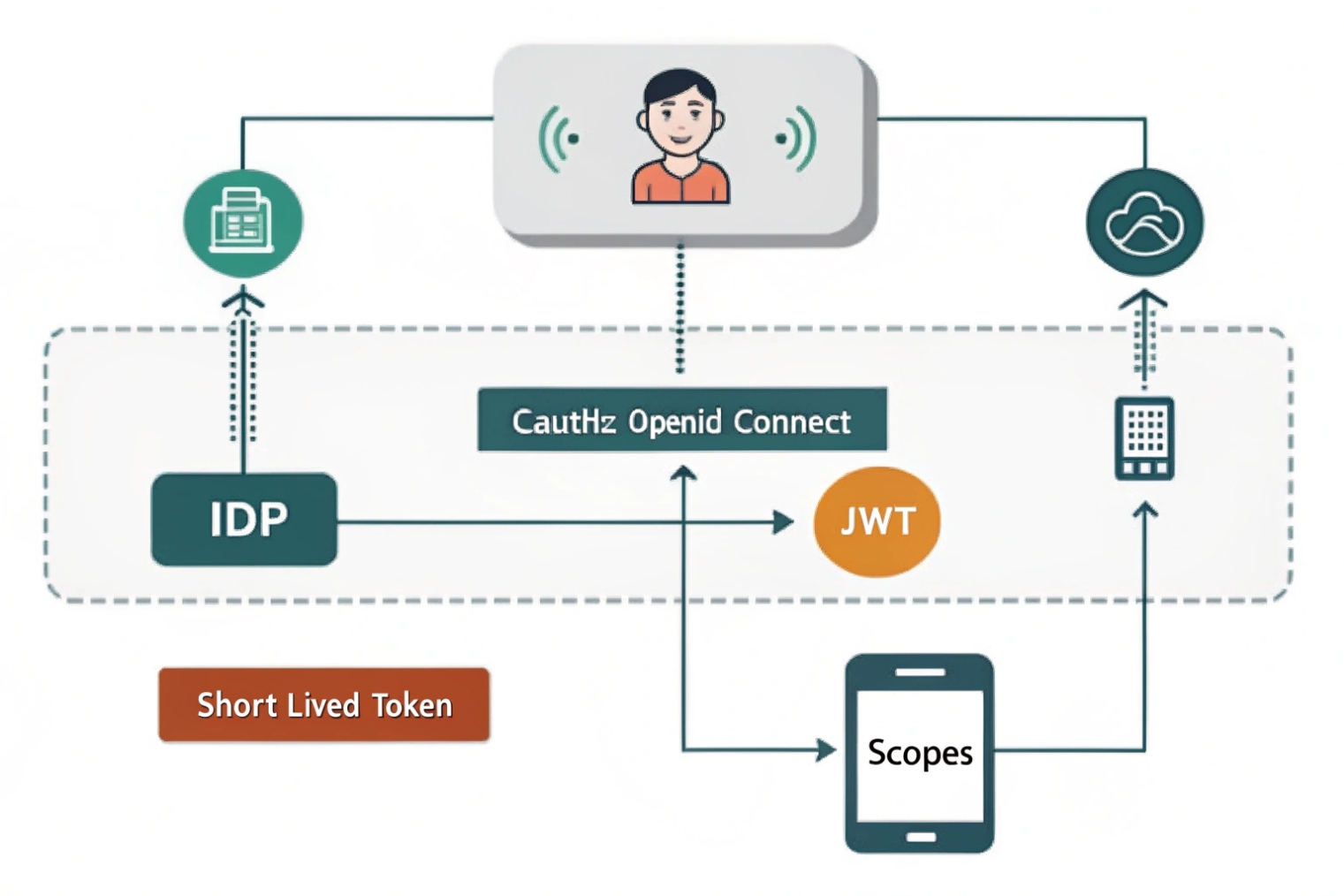
For browser and mobile apps, OAuth2 and OpenID Connect 7 improve UX and security. Users log in with SSO (SAML/OIDC). Your app mints a short-lived JWT for SIP over WebSocket and TURN. The SBC or registrar validates the JWT (signature, issuer, audience, scopes) and maps it to the SIP identity. Passwords never touch the client config. You can revoke tokens quickly and enforce MFA via your IdP. For classic desk phones, OAuth is rare, but modern softphones support it.
mTLS for devices and trunks
Mutual TLS provides strong device identity. Each site, SBC, or even each handset holds a client certificate. The edge only accepts connections from certs issued by your CA and matching expected SANs. mTLS removes password brute-force against exposed ports and is great for SIP trunks and site-to-site links. You can still use digest inside the tunnel if you need user-level accounting.
IP-based authentication
Some carriers still use IP allowlisting. It is simple and fast, but weaker on the public internet because IPs can change or be spoofed behind misconfigured NATs. If you choose IP auth, pair it with IPsec or private peering, or at least with TLS + ACLs on known subnets. Keep accurate records and alarms for any source IP drift.
Mixed models through an SBC
An SBC lets you mix methods without changing endpoints. Example: browsers use WSS + OAuth + DTLS-SRTP; desk phones use TLS + digest + SRTP; trunks use mTLS plus IP allowlist as a backstop. The SBC normalizes identities, enforces Call Admission Control, and logs consistent audit trails.
Deployment checklist for advanced auth
- Build a PKI for device and SBC certificates. Automate issuance and rotation (ACME/EST).
- Define token lifetimes (e.g., 5–60 minutes) and scopes (call, register, presence).
- Pin realms per tenant; do not reuse “default.”
- For IP auth, document every range, owner, and renewal date.
- Test fallback paths: if OAuth validation fails, deny clearly; do not silently drop to digest.
| Method | Best for | Strengths | Watch-outs |
|---|---|---|---|
| Digest | Retail phones, ATAs | Simple, widely supported | Needs TLS to hide headers |
| OAuth2/OIDC | Web/mobile users | SSO, MFA, short-lived tokens | Requires SBC/registrar JWT support |
| mTLS | Trunks, site devices | Strong device identity | Cert lifecycle management |
| IP allowlist | Carrier interconnect | Simple, fast | Weak on public internet; change control |
Conclusion
Use digest for identity, add TLS for signaling and SRTP for media, then harden the edge with rate limits, ACLs, and an SBC. For scale and UX, add OAuth or mTLS where they fit.
Footnotes
-
Read the core SIP standard describing REGISTER/INVITE behavior and authentication framework. ↩︎ ↩
-
See how SIP defines 401 and 407 challenges and the required Authenticate headers. ↩︎ ↩
-
Learn the HTTP Digest algorithm (qop, nonce, cnonce) that SIP reuses for credential proofs. ↩︎ ↩
-
Guidance on using TLS certificates securely with SIP to prevent MITM and identity spoofing. ↩︎ ↩
-
SRTP specification for encrypting and authenticating RTP media streams. ↩︎ ↩
-
DTLS-SRTP standard for negotiating SRTP keys securely without exposing them in signaling. ↩︎ ↩
-
OpenID Connect Core explains identity tokens and claims used for OAuth-based login in modern apps. ↩︎ ↩








