
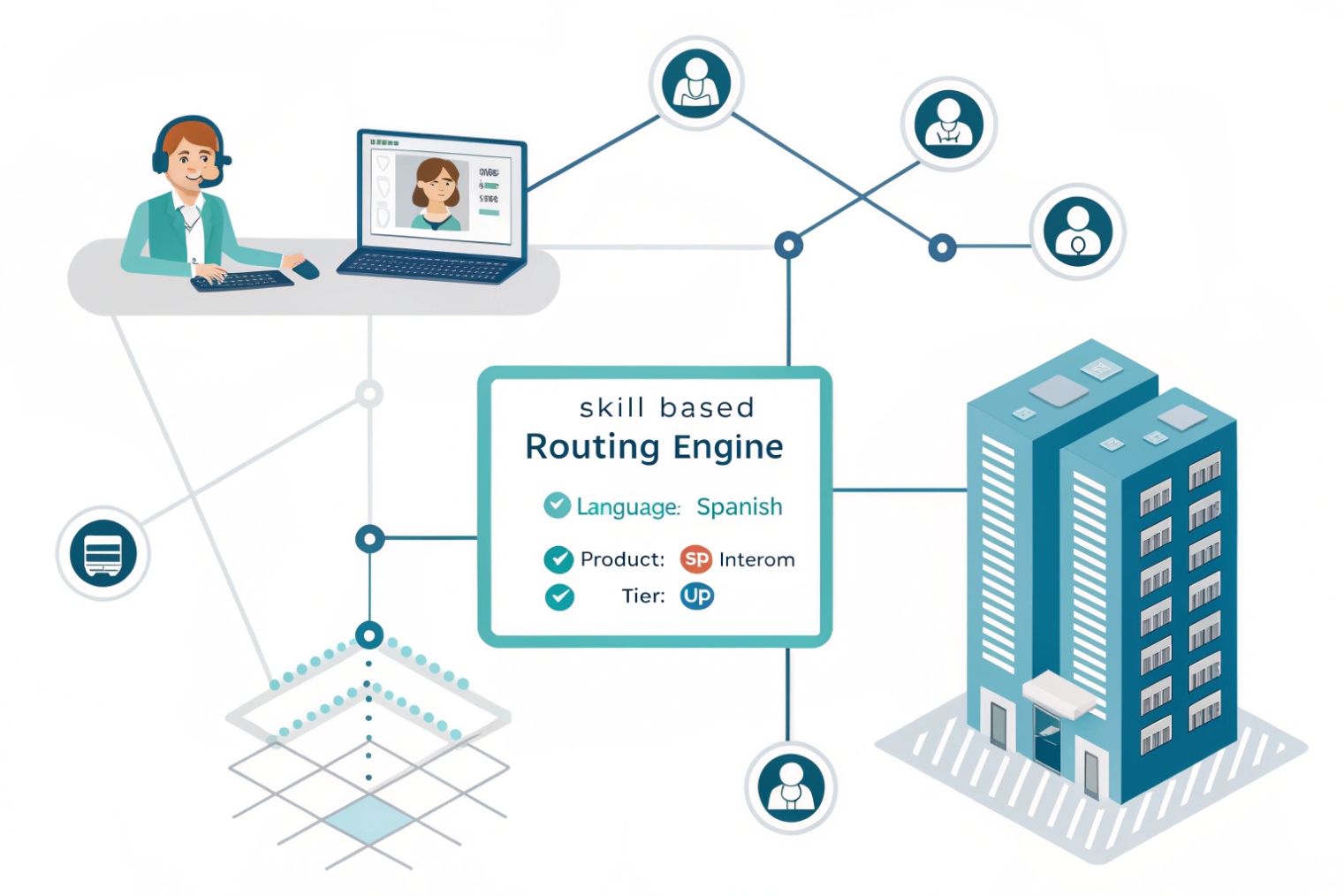
Calls pile up when the “right” agent is busy, and the “wrong” agent answers. That gap creates transfers, long waits, and angry callers. Skill-based routing closes it.
Skill-based routing sends each call to the best available agent by matching the caller’s needs to agent skills like language, product line, and support tier, so more issues finish on the first contact.
The simple definition that matters in operations
Skill-based routing (SBR) 1 is not “another queue.” It is a decision system. The system builds a required skill set for the contact (language, product, priority tier, channel), then compares it to each agent’s skill profile. The router picks the highest-fit agent who is available and allowed to take that channel right now.
A practical SBR setup uses three layers:
- Requirements: what the contact needs (English + Product A + Tier 2).
- Proficiency + weights: how strong each agent is and how much each skill matters.
- Tie-breakers: what to do when several agents match (longest-idle, least-handled, best-performance).
Why SBR changes outcomes in VoIP
VoIP contact centers can attach data to a call early. IVR choices, CRM lookups, SIP headers, and caller history can all feed the skill requirements before an agent ever answers. That is why SBR often improves first-contact resolution 2 and cuts transfers. A queue alone can only say “wait here.” SBR can say “wait for the right person, then overflow safely.”
Common skill categories and how they get detected
| Skill type | Examples | How the system learns it | How it is stored |
|---|---|---|---|
| Language | EN, ES, AR | IVR choice, caller region, CRM profile | Agent skill tag + level |
| Product | PBX, gateways, intercoms | IVR menu, ticket category, DID | Agent skill tag + weight |
| Tier | VIP, enterprise, standard | CRM flag, ANI match, account code | Contact priority + skill |
| Issue type | provisioning, RMA, billing | IVR, speech analytics, form input | Required skill set |
| Channel | voice, chat, email | Entry point and channel rules | Agent concurrency limits |
SBR works best when skills stay clean. Over-specific skills, stale proficiencies, and missing overflow rules can turn “smart routing” into “longer waiting.”
A good next step is to see how calls actually get assigned inside the routing engine.
How does skill-based routing assign calls by agent skills and priorities?
When routing feels random, training gets wasted and specialists get flooded. That is the pain. A clear scoring and overflow plan fixes it.
Skill-based routing assigns a call by building a required skill set, scoring each available agent by proficiency and weights, then applying tie-breakers and timeouts to protect SLA and fairness.
Step 1: Capture intent and context
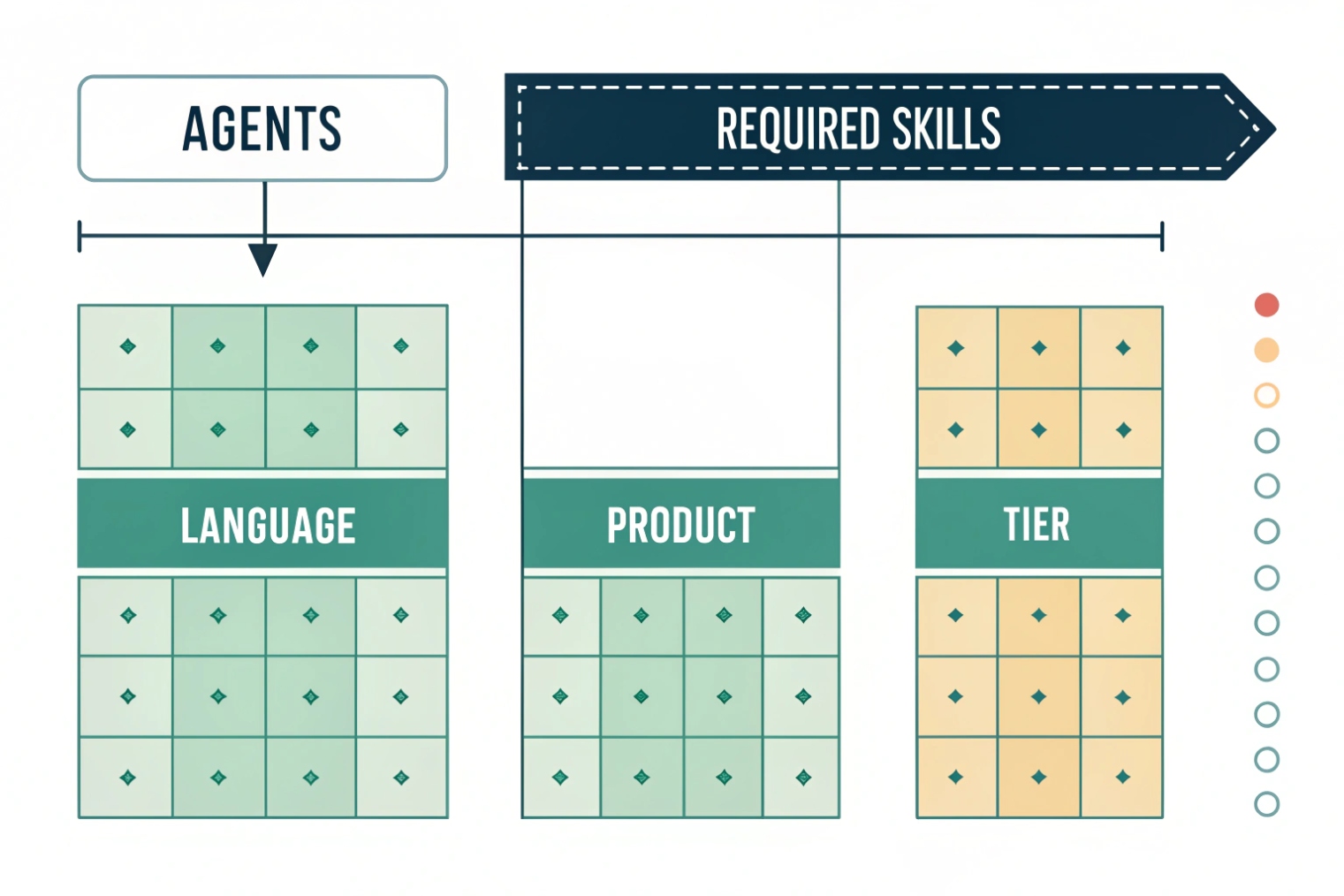
The router needs signals. The system can collect them from interactive voice response (IVR) choices 3, a CRM lookup by caller ID, a support number (DID), or a ticket form. A simple example is “Press 2 for product support” plus “Press 1 for English.” That already produces a usable requirement set.
Step 2: Build the required skill set
The call becomes a bundle of requirements, not just a place in line. Requirements can be strict (must-have) or soft (nice-to-have). A VIP flag can also raise priority so VIP contacts do not compete equally with standard callers.
Step 3: Score agents with proficiency and weights
Each agent has skills with levels (1–5) and each skill can carry a weight. The router computes a fit score like “language weight is high, product weight is medium.” The highest score wins, as long as the agent is available and within channel capacity limits.
Tie-breakers that keep the system fair
After skill fit, ties happen. Common tie-breakers include:
- Longest-idle to spread work.
- Least-handled to prevent hidden overload.
- Best-performance to protect quality on high-risk calls.
Overflow and partial matches to control wait time
Perfect matches are ideal, but SLA still matters. A strong design prefers perfect matches first, then expands:
- After X seconds, allow near-matches (lower proficiency).
- After Y seconds, allow adjacent skills (Tier 1 with escalation path).
- After Z seconds, route to a generalist with a guided script.
| Routing control | What it does | When to use it | Risk if overused |
|---|---|---|---|
| Skill weight | Forces what matters most | language, compliance | can starve other skills |
| Proficiency threshold | Blocks weak matches | complex troubleshooting | longer ASA |
| Timeout overflow | Expands candidate pool | peak hours | more transfers |
| Priority tiers | Protects VIP and urgent | enterprise support | standard callers wait longer |
| Concurrency limits | Stops overload | chat + voice mix | fewer available agents |
This is why SBR is both a math problem and a business policy problem.
Should I use skills, proficiency, and weights over queues?
Queues look clean on a diagram, but they can hide problems in real traffic. Skills add control, but they add maintenance. The choice should follow your call mix.
Use skills, proficiency, and weights when callers need different expertise and you want fewer transfers; keep queues for simple separation, then layer skills to decide who answers inside each stream.
Where queues are strong
Queues are good at hard separation. Sales vs support is a clean split. A queue is also easy to explain to a new supervisor. If the operation is small and agents are mostly generalists, queues can be enough.
Where queues break down
Queues do not express “who is best.” They express “who is next.” When one queue contains mixed issues, the first agent can be a bad match. That creates transfers, longer handle time, and repeat calls. Many teams then create more queues to fix it, and the system becomes fragile.
Why skills, proficiency, and weights win at scale
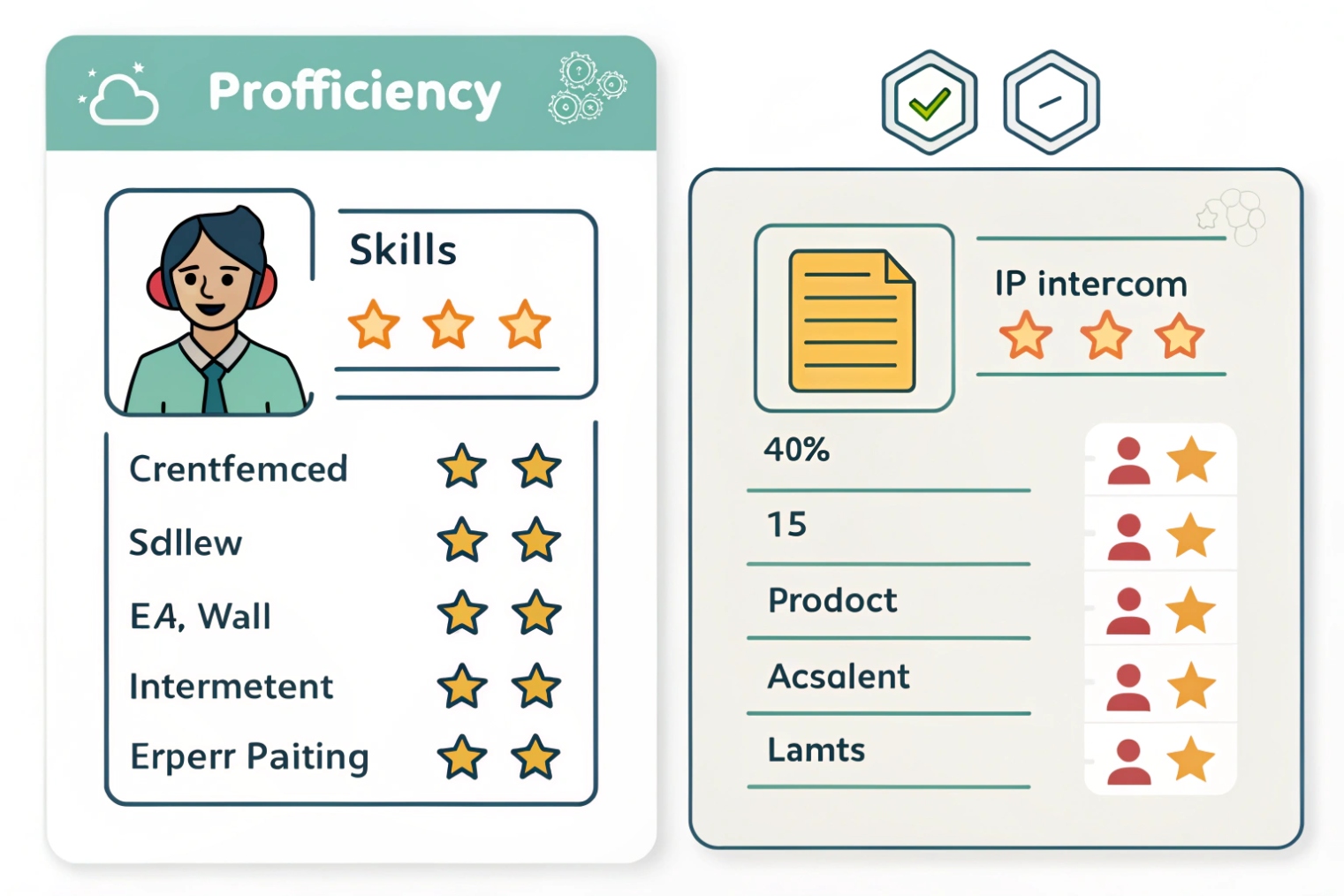
Skills let one entry point feed many outcomes. Proficiency stops the router from sending hard problems to new agents. Weights let you say “language matters more than product” or “VIP tier overrides everything.” The router can still overflow when SLA is at risk, which queues alone do not manage well.
The hybrid pattern that works in most VoIP centers
A practical design often uses both:
- Use queues for coarse intent (sales, support, billing).
- Use skills for fine matching (language, product, tier, region).
- Use weights to reflect business cost (VIP, outage, safety).
| Design choice | Best for | Typical complexity | Common failure mode |
|---|---|---|---|
| Queue-only | small teams, simple intents | Low | too many transfers |
| Skills-only | one “front door” model | Medium | stale skill data |
| Hybrid | most B2B support centers | Medium-High | over-specific skill sets |
A rule of thumb helps: if agents often say “this is not my area,” skills are the fix. If callers mostly ask the same kind of question, queues can stay simple.
How do I configure skill-based routing on my IP PBX?
A routing plan that stays in a slide deck will not change KPIs. A PBX configuration that lacks overflow and reporting will also fail. A real setup needs both routing logic and ongoing governance.
Configure skill-based routing by defining skills and proficiency, mapping agents to those skills, tagging calls from IVR/CRM, then applying scoring, tie-breakers, and overflow rules in your PBX/ACD or an integrated contact center layer.
Step 1: Build a skill map that matches real demand
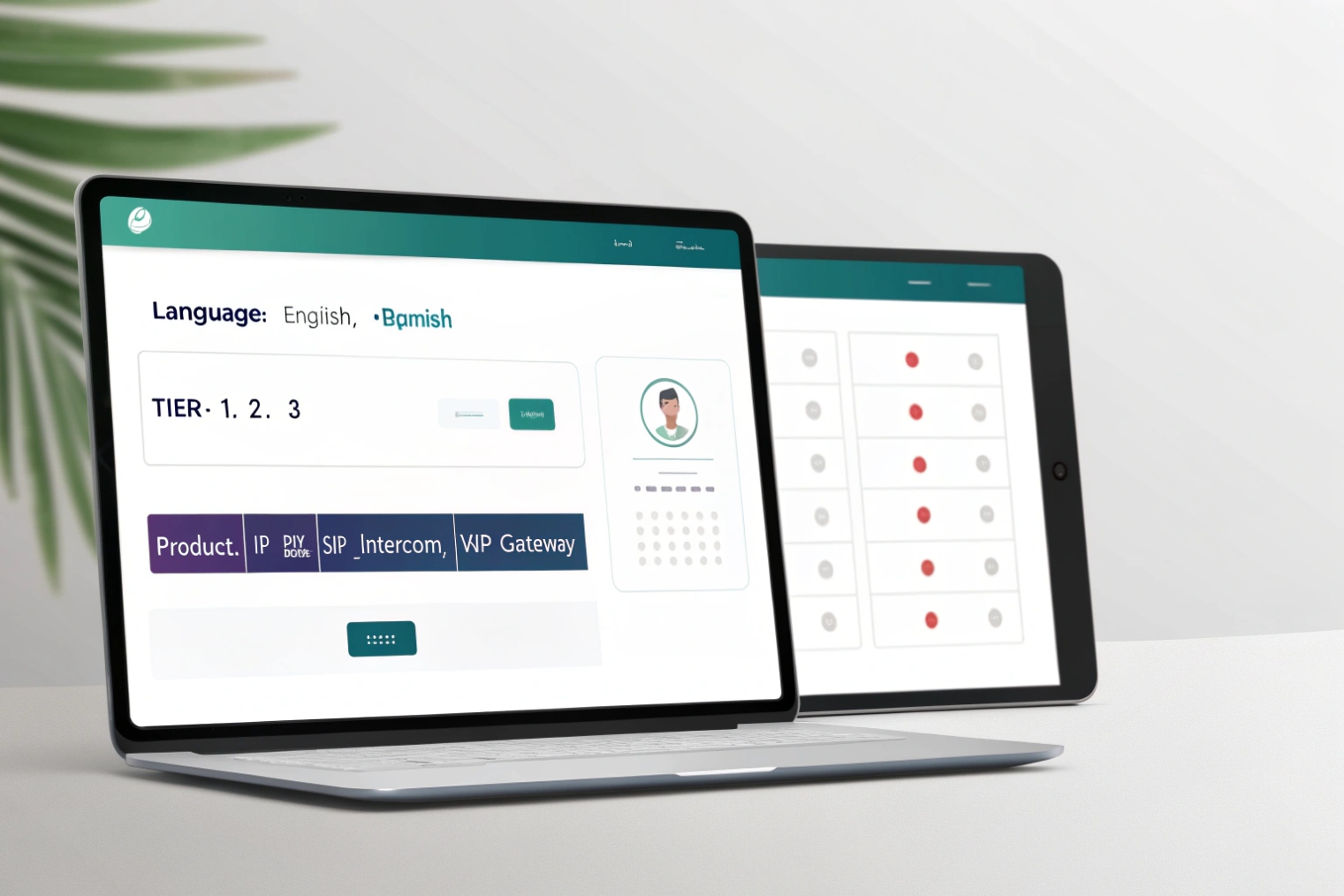
Start with 6–12 skills that explain most transfers. Language, product family, tier, and “billing vs technical” are common. Keep skills broad at first. The system can add depth later.
Step 2: Create agent profiles with proficiency and guardrails
Each agent gets:
- Skill tags (language, product, tier)
- Proficiency levels (1–5)
- Channel capacity (voice only, or voice + chat)
- After-call work (ACW) rules so wrap-up time removes the agent from routing
Skills can decay. A time-boxed skill can force recertification every quarter. Workforce management (WFM) 4 can also update routable skills based on schedule and training status.
Step 3: Tag calls before they hit routing
Use:
- IVR menus to collect language and intent
- DID-based entry for product lines
- CRM lookup for VIP flags and open-case context
- Optional sentiment or outage flags to shift weights during incidents
Step 4: Implement routing logic using one of three architectures
| Architecture | How it works | Pros | Cons | Good fit |
|---|---|---|---|---|
| Native PBX/Automatic Call Distribution (ACD) 5 skills | PBX has skills, scoring, overflow | simplest stack | depends on vendor features | many modern IP PBX + CC modules |
| Multi-queue simulation | separate queues per skill, use priorities/penalties | works on basic PBX | hard to maintain | small-medium teams on limited PBX |
| External ACD + PBX | PBX hands call to contact center router via SIP | best routing + reporting | more integration work | omnichannel or complex B2B support |
If the PBX lacks true skills, multi-queue simulation can still work. A common approach is “one queue per major skill group” plus a top-level dispatcher that pushes the call into the best queue based on IVR/CRM tags. Agent penalties or priorities can mimic proficiency.
Step 5: Add overflow, then test with traffic you actually see
Configure timeouts and partial matches. Then run a test plan:
- Peak-hour tests (SLA pressure)
- Specialist-unavailable tests (overflow behavior)
- ACW tests (wrap-up respected)
- Multi-skill tests (ties and fairness)
A short monthly audit also prevents slow drift. It checks for stale proficiencies, dead skills, and skills that never get used.
Which KPIs improve with skills—ASA, FCR, transfers, CSAT?
It is easy to assume “smarter routing” improves everything. That is not always true. Skills can raise match quality while also increasing wait time if the candidate pool gets too small.
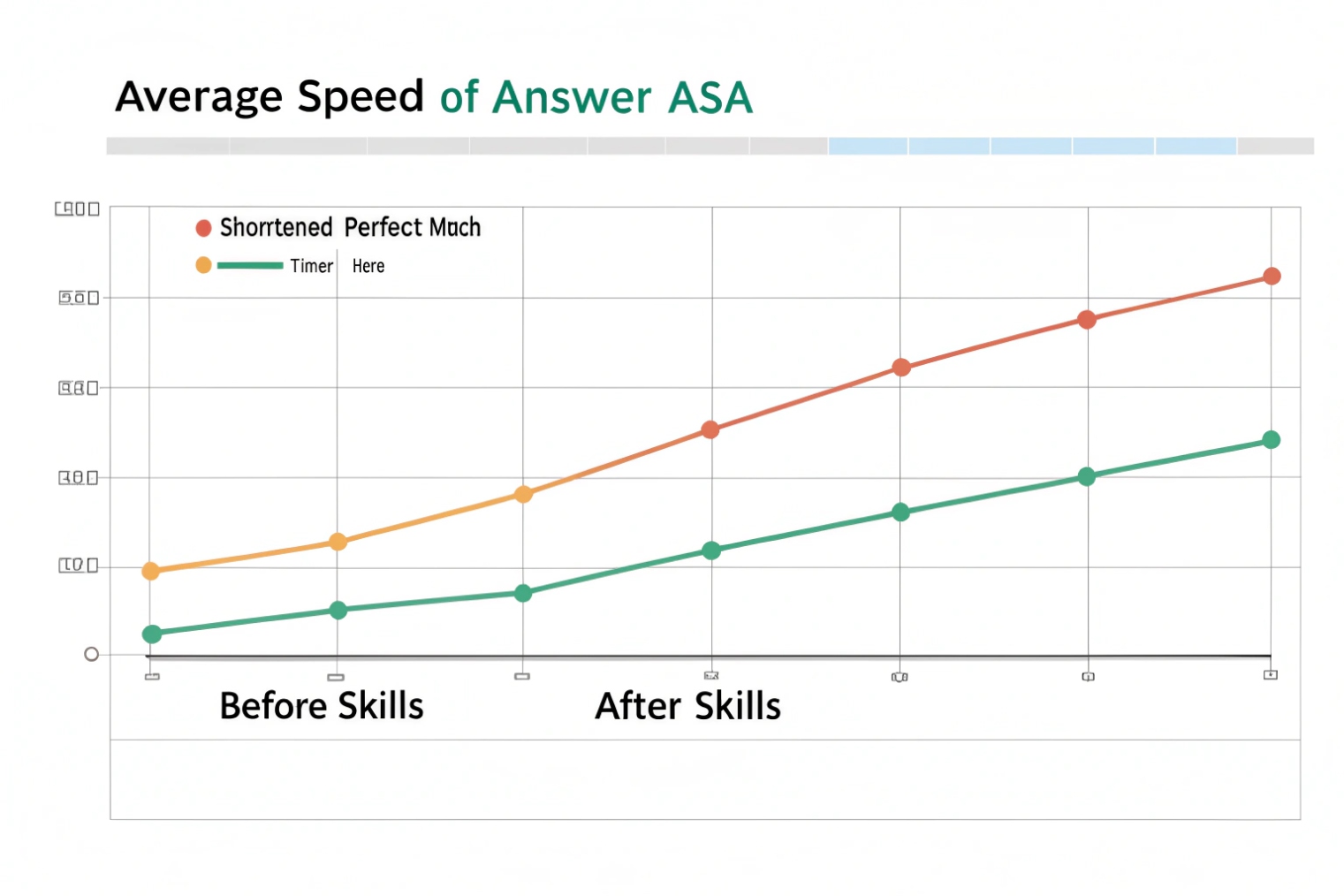
Skills usually improve FCR, transfers, and CSAT by matching expertise early; ASA can improve or worsen depending on how strict your requirements are and how fast overflow expands the candidate pool.
KPIs that often improve when SBR is tuned well
FCR improves because the first agent fits the problem. Transfers drop for the same reason. CSAT rises because the customer repeats less and feels understood. AHT often falls because agents spend less time re-triaging and re-explaining.
KPIs that can get worse if skills are too strict
Average speed of answer (ASA) 6 and abandon rate can rise if the router waits too long for a perfect match. Occupancy can also become uneven if specialists get overloaded and generalists sit idle. That is why overflow, tie-breakers, and capacity limits matter as much as skill tags.
Measure by skill, not only by queue
Reporting should answer: “What is demand by skill?” and “Which skills cause SLA misses?” This view drives staffing plans, hiring, and training. It also reveals stale skills when a “Tier 3” label exists but nobody is routable.
| KPI | Expected impact | Why it changes | What to track by skill |
|---|---|---|---|
| ASA | ↓ or ↑ | strict matching can delay pickup | ASA per required skill set |
| FCR | ↓ repeat calls | better first-agent fit | FCR by skill + proficiency band |
| Transfer rate | ↓ | fewer wrong-agent answers | transfers by skill mismatch type |
| AHT | ↓ | less re-triage and hold time | AHT by skill and agent level |
| CSAT | ↑ | less effort for the caller | CSAT by journey and skill |
| Abandon | ↓ or ↑ | depends on overflow timing | abandon vs wait-time thresholds |
A clean way to prove value is an A/B window. Keep one flow queue-first and keep one flow skill-first for a limited set of calls. Use the same staffing. Then compare FCR, transfers, and CSAT. If ASA rises, loosen thresholds or shorten overflow timers. (If you want the method formalized, use A/B testing 7 so the comparison is fair.)
Conclusion
Skill-based routing is a scoring and overflow system that matches calls to the best available agent, so teams reduce transfers, lift FCR, and protect CSAT without sacrificing SLA.
Footnotes
-
Genesys definition of skills-based routing and why it improves matching. ↩︎ ↩
-
Learn how first-contact resolution is defined and why it correlates with satisfaction and cost. ↩︎ ↩
-
IVR basics and how menu inputs capture intent before routing. ↩︎ ↩
-
How WFM aligns staffing and skills to demand and schedules. ↩︎ ↩
-
What ACD is and how it distributes calls to available agents. ↩︎ ↩
-
ASA definition and what it includes and excludes in contact-center wait time. ↩︎ ↩
-
A/B testing method for comparing two routing approaches with less bias. ↩︎ ↩








