
TCP hides beneath most internet apps, but with VoIP it suddenly matters. If you pick it blindly, you can fix some problems and create new ones.
Transmission Control Protocol (TCP) is a connection-oriented transport protocol that creates a reliable, ordered byte stream between hosts using handshakes, sequence numbers, acknowledgments, and retransmissions, trading some delay and overhead for strong delivery guarantees.
For the underlying specification, see IETF RFC 9293: Transmission Control Protocol (TCP) 1.
In SIP and VoIP systems, TCP usually protects the signaling, not the voice itself. It helps large or complex SIP messages survive across the internet, firewalls, and NAT. At the same time, RTP audio still runs on UDP so conversations stay real time. The art is knowing where TCP helps, and where it just adds weight.
How does TCP differ from UDP for SIP and VoIP?
When people hear “UDP is unreliable”, they assume TCP must be better for everything, including calls. That sounds logical, but voice does not behave like file transfer.
TCP adds connections, reliability, ordering, and congestion control on top of IP, while UDP is connectionless and best-effort. SIP signaling can benefit from TCP, but real-time RTP media normally stays on UDP.
TCP vs UDP in simple terms
TCP and UDP both sit at the transport layer, but they work very differently:
| Feature | TCP | UDP |
|---|---|---|
| Connection model | Connection-oriented (3-way handshake) | Connectionless, no handshake |
| Delivery | Reliable, ordered, no duplicates | Best-effort, no order or delivery guarantee |
| Error handling | Checksums, ACKs, retransmissions | Simple checksum only |
| Flow control | Sliding window, receiver controls rate | None built-in |
| Congestion control | Slow start, congestion avoidance, backoff | None built-in |
| Header size | Larger (20+ bytes) | Small (8 bytes) |
| Typical VoIP use | SIP over TCP/TLS, some trunks | SIP over UDP and RTP/SRTP media |
TCP turns application data into a byte stream with sequence numbers and acknowledgments. If a segment is lost, TCP sends it again. UDP just sends discrete datagrams and does not look back.
What that means for SIP signaling
For Session Initiation Protocol (SIP) 4 signaling in a VoIP system:
- TCP is good for large SIP messages (many contacts, long headers, big SDP).
- TCP avoids IP fragmentation that can break large UDP packets.
- TCP can cross some firewalls and proxies more cleanly, because they like long-lived connections.
SIP itself already has timers and retransmissions for UDP, but TCP gives another layer of protection, especially on noisy or long-haul links. That often means fewer random 408 timeouts or incomplete registrations.
What that means for RTP voice
For the voice path, the picture is different:
- RTP over UDP sends a steady stream of small packets.
- If a packet is lost, the receiver does not want a late copy. It wants fresh audio.
- Jitter buffers and codecs handle small loss better than delayed retransmits.
If you push audio over TCP, those retransmits and in-order delivery rules can cause bursts and stalls. You might get perfect data, but speech will feel laggy or choppy. That is why, in practice, TCP is a tool for SIP control, while UDP stays the default for real-time media.
Will TCP improve reliability for SIP signaling and NAT traversal?
Many admins switch a trunk or phone to TCP and see some problems disappear. Others see new ones. It feels like magic, but it is not.
TCP can improve SIP signaling reliability and help NAT traversal by keeping long-lived connections and avoiding fragmentation, but it does not remove the need for proper timeouts, keepalives, and SBCs.

How TCP helps SIP reliability
For SIP messages, TCP brings a few direct benefits:
- Reliable delivery: if an IP packet with a SIP segment is lost, TCP will retransmit it.
- In-order delivery: the PBX sees a clean byte stream.
- No size limit from MTU: large SIP messages are broken into segments but reassembled by TCP, not by IP fragmentation.
This reduces strange edge cases where big INVITEs or REGISTERs fail only sometimes. For SIP trunks that carry many headers or complex SDP, this matters.
Here is a simple view:
| Problem with SIP over UDP | How SIP over TCP helps |
|---|---|
| Random timeouts for large messages | No IP fragmentation, reliable delivery |
| Lost SIP packets on long paths | TCP retransmits lost segments |
| Mixed NAT devices on the route | Long-lived connections are easier to track |
TCP and NAT traversal
With UDP, NAT mappings in routers often time out quickly. Phones then send periodic OPTIONS or keepalives to keep the hole open. If that fails, incoming requests may not reach the phone.
With TCP:
- The connection from phone to PBX or SBC is stateful.
- NAT keeps this mapping alive as long as the TCP session stays open.
- The PBX can push inbound SIP requests back over the same connection.
This is one reason many hosted PBXs like SIP over TCP or TLS from remote phones. It makes life easier for firewalls and NAT.
Still, you must:
- Use keepalives so idle TCP sessions are not dropped.
- Tune session timers and TCP timeouts on both sides.
- Plan for reconnection when networks flap.
Where TCP is not enough
TCP does not:
- Fix bad SIP headers, wrong domains, or bad DNS.
- Replace ICE, STUN, TURN, or SBCs for complex media paths.
- Secure content by itself; you still need TLS if you want encryption.
So yes, TCP can improve reliability and help with NAT, but only as one part of a full design. For public-facing SIP, a proper SBC plus TCP/TLS is the real solution.
When should I choose TCP or TLS for SIP trunks?
When you order a SIP trunk, the provider often asks: UDP, TCP, or TLS? If you guess, you may inherit random failures or security gaps later.
Use TCP/TLS for SIP trunks when you need stronger reliability, large messages, and encrypted signaling over the public internet; use UDP mainly for simple, local, or legacy interconnects where both sides expect it.
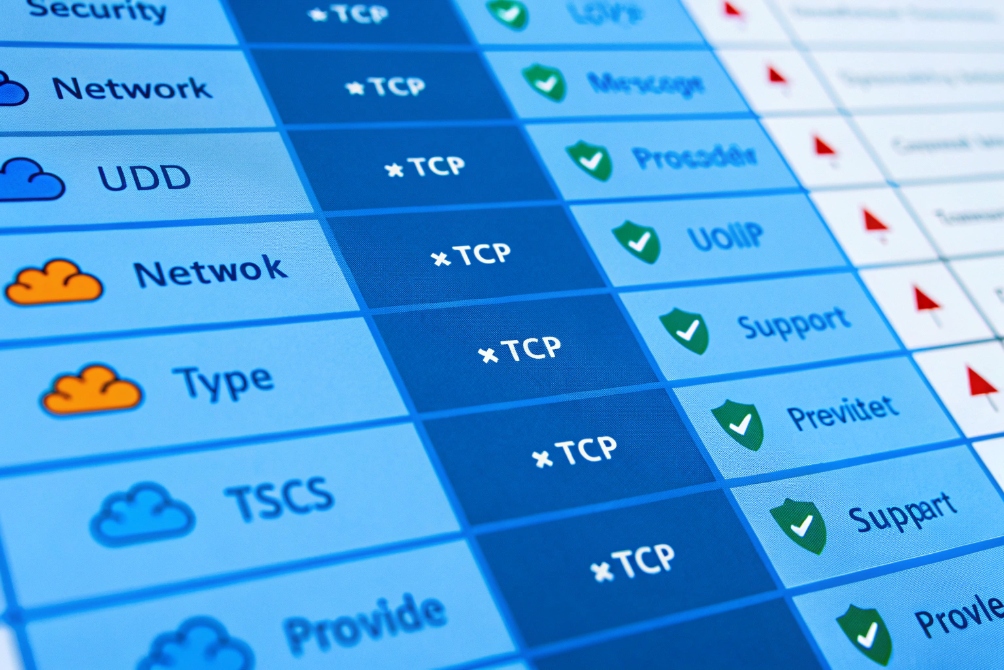
Factors to consider for SIP trunk transport
Several practical points drive the choice:
| Factor | Favors UDP | Favors TCP / TLS |
|---|---|---|
| Provider support | Many classic ITSPs | Modern, security-focused carriers |
| Message size | Small, simple SIP | Large headers, complex SDP, many contacts |
| Security needs | Closed, private link | Internet-facing, needs encryption |
| NAT / firewall | Simple, static rules | Complex edge, dynamic routes, proxies |
| Scale / multi-tenant | Small, single PBX | Large SBC fronting many customers |
If your trunk crosses the open internet, TLS is usually the right call. That is SIP over TCP with encryption:
- Call setup and tear-down are hidden from casual observers.
- Credentials and internal domains are not exposed.
- It is easier to pass strict security reviews.
Simple deployment patterns
Common patterns we see in the field:
-
On-prem PBX to local carrier over private link
Many still use UDP, sometimes on a dedicated VLAN or MPLS link. Security comes from the private path more than from the protocol. -
IP PBX or SBC in data center to ITSP over internet
TCP or TLS is often preferred. The SBC terminates TLS from the carrier and passes SIP into the core as UDP or TCP. -
Cloud PBX with remote branches and home users
Phones or branch SBCs connect with SIP over TLS. All trunks to carriers are TCP or TLS as well. UDP is used for RTP only.
Why TLS is more than “nice to have”
Beyond encryption, TLS for SIP trunks brings:
- Clear identity checking via certificates.
- Easier integration with STIR/SHAKEN style caller ID trust models.
- Better alignment with corporate security policies that already require TLS for most services.
So when you choose trunk transport, treat UDP as the legacy default and TCP/TLS as the modern, safer option. Use what the provider supports, but push for TLS wherever the trunk crosses untrusted networks.
Does TCP add latency to real-time audio and video?
Many people worry that if they enable TCP or TLS anywhere in the VoIP stack, their calls will feel slow. That is half true, and half misunderstanding.
TCP can add latency when it carries real-time media, because retransmissions and in-order delivery cause stalls, but using TCP or TLS for SIP signaling only has minimal impact on audio and video, which still run over UDP.
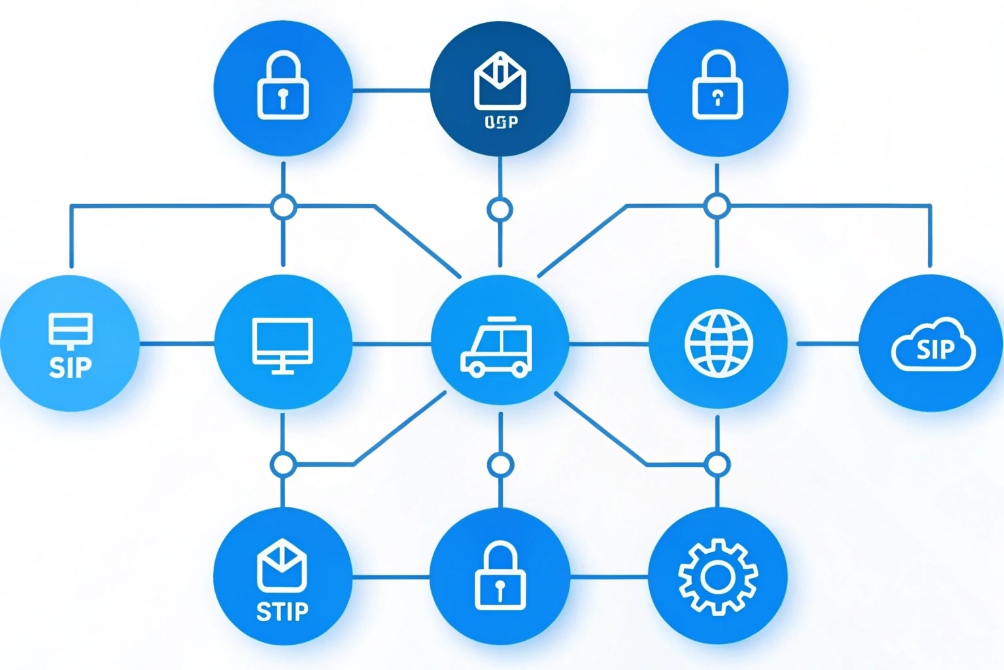
Where TCP sits in a VoIP call
It helps to separate signaling from media:
- Signaling (SIP) decides when calls start, how they route, and when they end.
- Media (RTP/SRTP) carries the actual audio and video frames.
In a typical SIP PBX setup:
- SIP uses UDP, TCP, or TLS, depending on your design.
- RTP/SRTP uses UDP almost all the time.
So even if you move SIP from UDP to TCP/TLS, your voice packets still flow over UDP. The only added cost is:
- A 3-way handshake when the TCP connection is first created.
- Some overhead to maintain that connection.
This is usually negligible compared to total call time.
Why TCP is bad for continuous media
When TCP is used for real audio or video streams, its strengths become weaknesses:
- Lost segments must be retransmitted, which adds delay.
- In-order delivery can cause head-of-line blocking: a single lost packet stalls later ones.
- Congestion control may throttle the flow in ways that create bursts and pauses.
For a file download, this is fine. You do not care if one packet waits a bit. For a live call, you do care. Users will hear gaps, robot voice, or long delay.
Here is a simple comparison:
| Transport for media | How it handles loss | Typical user result |
|---|---|---|
| UDP (RTP/SRTP) | Drops lost packets, moves on | Small glitches, but low delay |
| TCP | Retransmits and reorders | Fewer lost samples, but stalls and lag |
This is why almost all VoIP and SIP intercom systems keep media on UDP, even when everything else moves to TLS.
When TCP for media might still appear
There are some edge cases:
- WebRTC can tunnel media over TURN/TCP or even WebSockets when networks are very restrictive.
- Some streaming platforms use HTTP over TCP with buffering to simulate “live” video.
In these cases, the design accepts more delay in exchange for traversal through strict networks. For door phones, emergency phones, and business voice, this is usually not acceptable.
So the short answer is simple: use TCP or TLS where it makes sense for SIP signaling and trunks, and keep your audio and video on UDP with proper QoS, jitter buffers, and codecs.
Conclusion
TCP gives SIP and VoIP systems reliable, ordered signaling and easier NAT handling, but real-time audio and video still belong on UDP, with TCP and TLS used where they strengthen trunks, security, and control without slowing down conversations.
Footnotes
-
Official TCP specification with current protocol behavior and updates. ↩ ↩
-
Visual TCP overview for transport-layer context in VoIP environments. ↩ ↩
-
Quick reference graphic contrasting SIP signaling transport choices. ↩ ↩
-
Authoritative SIP standard defining signaling messages and transaction behavior. ↩ ↩
-
Illustration reinforcing TCP’s role in signaling reliability across networks. ↩ ↩
-
Visual matrix to compare trunk transport trade-offs and capabilities. ↩ ↩
-
Diagram-style reminder that signaling security differs from media transport. ↩ ↩








