
Too many phones, softphones, radios, and intercom apps slow every deployment and confuse users.
Unified Communications as a Service (UCaaS) is a cloud-delivered platform that unifies calling, messaging, and meetings in one interface, instead of many separate tools. :contentReference[oaicite:0]{index=0}
In this guide, the focus is very practical: how UCaaS works, how it differs from “just VoIP,” what features really matter, whether it is secure for enterprises, and how to connect it with SIP intercoms and emergency phones in real projects.
How does UCaaS differ from VoIP?
Many teams still use “VoIP” and “UCaaS” as if they mean the same thing, which makes design and budgeting discussions messy.
VoIP is only the voice transport technology, while UCaaS is a full cloud platform that bundles telephony, meetings, messaging, mobility, and integrations in one managed service. :contentReference[oaicite:1]{index=1}
UCaaS vs plain VoIP at a glance
In most projects, VoIP is just the “how” of a phone call. UCaaS is the “whole experience” around that call. Gartner describes UCaaS as a cloud-delivered unified communications model 1 that covers enterprise telephony, meetings, unified messaging, instant messaging and presence, mobility, and communications-enabled business processes. :contentReference[oaicite:2]{index=2}
So VoIP is one building block inside UCaaS, not a competing idea.
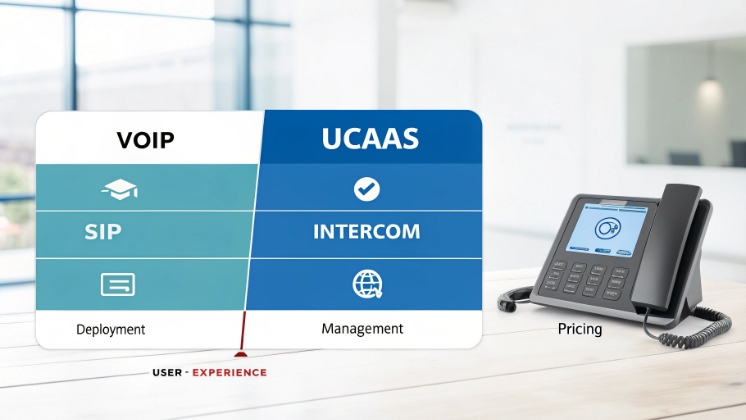
Here is a simple comparison that matches how system integrators, security distributors, and IT teams actually buy and design:
| Dimension | VoIP only | UCaaS platform |
|---|---|---|
| Scope | Voice transport (IP calling) | Calling, meetings, chat, presence, mobility, integrations |
| Deployment | Often on-prem PBX or DIY cloud | Provider-hosted multi-tenant cloud |
| Management | Managed by internal IT | Managed by the UCaaS provider, admin via web console |
| Pricing | Trunks, channels, hardware licensing | Per-user or per-workspace subscription |
| User experience | Phone dial tone only | One app for calls, video, messaging, files |
| Target use | Basic telephony | Company-wide collaboration and workflows |
Where CCaaS fits into the picture
People also ask how UCaaS compares to Contact Center as a Service (CCaaS) 2. UCaaS is mainly for internal collaboration: staff meetings, team chat, intercom calls, branch-to-branch communication. CCaaS focuses on customer interactions such as inbound queues, IVR, and agent desktops, but both run in the cloud and often share the same telephony backbone. :contentReference[oaicite:3]{index=3}
For many partners we work with, the pattern looks like this:
- UCaaS handles employees, offices, SIP intercoms, paging, and emergency phones.
- CCaaS handles call center agents and customer hotlines.
- A shared SIP trunk or BYOC (Bring Your Own Carrier) layer connects both to the PSTN. :contentReference[oaicite:4]{index=4}
This separation keeps architecture clean, but still lets voice, video, and messaging flow between systems.
Why this matters for SIP and intercom projects
For SIP intercom manufacturers and integrators, the key point is simple: when a customer says “we want VoIP,” they might actually need UCaaS. This affects:
- Who owns the dial plan (the UCaaS provider, not just the on-prem PBX).
- How SIP intercoms register (to UCaaS directly, or via a gateway / IP PBX).
- How features such as video, presence, and mobile apps come into the project.
So, when scoping a job, it is safer to ask “Which UCaaS or PBX will we integrate with?” instead of only “Is this VoIP or analog?”
What core features come with UCaaS?
Feature lists can look similar across vendors, yet the real value comes from how tightly they are integrated for daily work.
A mature UCaaS platform combines cloud telephony, meetings, messaging, mobility, presence, and integrations into one app that runs on desktop, mobile, and sometimes room endpoints. :contentReference[oaicite:5]{index=5}
Core communication building blocks
Most leading UCaaS platforms follow the same baseline blueprint:
| Area | Typical UCaaS capabilities |
|---|---|
| Telephony | Cloud PBX, DID numbers, SIP trunking, call queues, IVR, auto attendant |
| Meetings | Audio/video/web conferencing, screen share, recording |
| Messaging & presence | 1:1 chat, group chat, status, team spaces |
| Unified messaging | Voicemail to email, visual voicemail |
| Mobility | Mobile and desktop apps, handoff between devices |
| Business integrations | CRM, ticketing, ERP, door controllers, SIP devices, APIs and webhooks |
This aligns with the six communications functions from Gartner’s UCaaS definition: enterprise telephony, meetings, unified messaging, IM and presence, mobility, and communications-enabled business processes. :contentReference[oaicite:6]{index=6}
Mobility and hybrid work as the default
Modern UCaaS is designed with remote and hybrid work in mind. Users move between laptop, desk phone, and smartphone while keeping the same extension and experience. :contentReference[oaicite:7]{index=7}
For integrators, this matters when planning SIP intercom behavior:
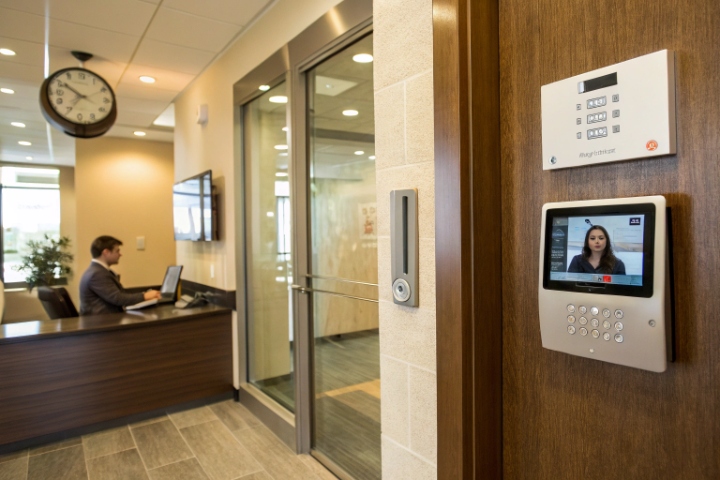
- A door call can ring a receptionist softphone, a security desk IP phone, and a mobile app at the same time.
- Missed calls from intercoms can generate messages or tasks inside the UC app, not just voicemail.
- Guard tours and maintenance teams can answer emergency phones from the field, not only from a control room.
PSTN connectivity and BYOC options
UCaaS does not remove the need for PSTN. It just gives more options on how to connect:
- Native calling plans from the UCaaS provider.
- Operator Connect / carrier programs that plug certified carriers into the UCaaS platform 3. :contentReference[oaicite:8]{index=8}
- Direct Routing / BYOC where enterprises bring their own carrier and SIP trunks through SBCs 4, often keeping existing contracts and numbers. :contentReference[oaicite:9]{index=9}
For a SIP intercom project, BYOC is often useful when:
- There are legacy analog or digital lines that must stay for regulatory reasons.
- The customer wants the same global carrier for both UCaaS and emergency phones.
- The intercom vendor or integrator already manages SBCs and trunks for other projects.
Pricing, SLAs, and operations
UCaaS usually follows per-user or per-license subscriptions, which gives predictable budgets. Extra features such as advanced analytics or compliance add-ons often come as upgrades. :contentReference[oaicite:10]{index=10}
Providers commonly advertise SLAs between 99.9% and 99.999% uptime, backed by geo-redundant cloud infrastructure. Five-nines availability roughly means less than 78 seconds of downtime per quarter. :contentReference[oaicite:11]{index=11}
This matters for critical endpoints like emergency help phones, blue-light towers, and elevator phones, where downtime is not acceptable.
Is UCaaS secure for enterprise deployments?
Security teams often worry about putting voice and video in the cloud, especially in government, healthcare, and industrial projects.
Enterprise UCaaS offerings use encryption, identity controls, compliance certifications, and regional data centers, but they still require proper design and configuration on the customer side. :contentReference[oaicite:12]{index=12}
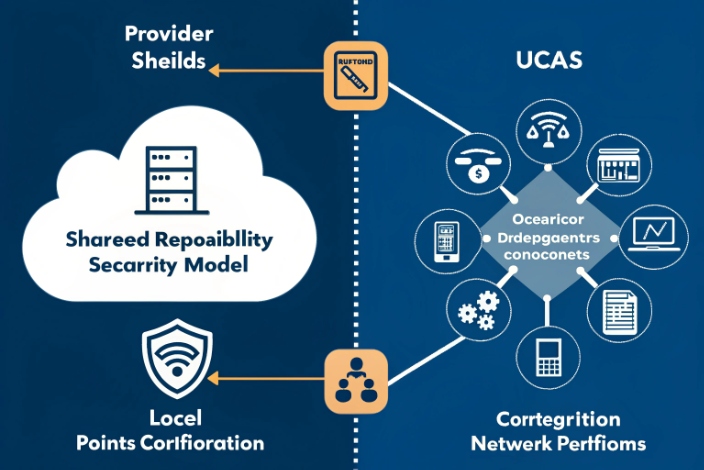
UCaaS security is never only “on the vendor.” It is a shared responsibility:
- The provider secures the cloud platform, core services, and global backbone.
- The customer secures identities, devices, local networks, and configurations.
A good way to structure security evaluation is to look at four layers.
| Layer | What to check with a UCaaS provider |
|---|---|
| Platform security | Encryption in transit/at rest, key management, DDoS protection, secure SDLC |
| Identity & access | SSO, MFA, conditional access, role-based admin rights |
| Compliance | SOC 2, ISO 27001, data processing terms, HIPAA options where needed |
| Data residency | Regional data centers, tenant location choice, data export controls |
Many UCaaS providers publish SOC 2 reports and other attestations 5 that cover security, availability, and privacy controls. Some also offer HIPAA-ready programs with Business Associate Agreements for healthcare use cases. :contentReference[oaicite:13]{index=13}
Reliability, SLAs, and redundancy
Reliability and security go together. Top UCaaS and cloud telephony providers now advertise SLAs from 99.99% up to 99.999% for voice workloads, supported by globally distributed data centers and automatic failover. :contentReference[oaicite:14]{index=14}
For critical SIP endpoints such as:
- Elevator emergency telephones
- Campus blue-light emergency phones
- Roadside and tunnel help points
- Industrial explosion-proof phones
the architecture often includes:
- Redundant network paths and PoE power.
- Survivable branch appliances or local gateways for basic calling during WAN outages. :contentReference[oaicite:15]{index=15}
- Local SIP fallback between intercoms and a small IP PBX, even when the cloud is unreachable.
Emergency calling and regulations (E911, RAY BAUM’s Act, Kari’s Law)
In the U.S., enterprise voice systems must now support emergency calling rules such as Kari’s Law and RAY BAUM’s Act for multi-line telephone systems (MLTS) 6. :contentReference[oaicite:16]{index=16}
Two ideas matter most:
- Direct 911 dialing without prefixes (no need to dial “9” first).
- Dispatchable location, which means the 911 call delivers a clear address plus extra details like building, floor, and room.
Modern UCaaS and cloud PBX platforms provide dynamic E911 features 7 to map users and devices to physical locations, including Wi-Fi or wired ports. Intercoms and emergency phones must be covered by this plan as well.
Security and compliance teams should ask:
- How does the UCaaS platform handle dynamic E911 for hard phones and SIP intercoms?
- Where is media anchored during emergency calls?
- How are call recordings and logs stored and protected?
Practical security tips for SIP intercoms on UCaaS
When we help partners design solutions, several simple steps reduce risk:
- Use TLS and SRTP when supported by both UCaaS and SIP endpoint.
- Lock down SIP credentials, avoid default passwords, and disable unused features.
- Place intercoms on a dedicated voice VLAN with QoS and firewall rules.
- Limit who can log in to the UCaaS admin portal and enable MFA.
- Document emergency call flows and test them with real PSAP calls under supervision.
With this approach, UCaaS can meet strict enterprise and public-sector security standards while still keeping operations simple.
How do I integrate UCaaS with SIP intercoms?
This is where things move from theory to real hardware on walls, gates, elevators, and harsh outdoor environments.
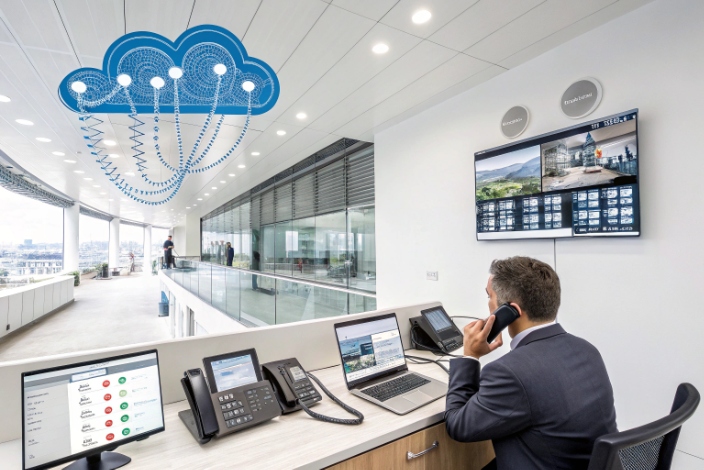
You integrate SIP intercoms with UCaaS either by registering them as SIP extensions on the cloud platform or by placing an on-prem IP PBX or SBC between the intercoms and the UCaaS tenant.
Three common integration patterns
Over the years, these three patterns have covered almost all customer needs:
| Pattern | When to use it |
|---|---|
| Direct SIP registration into UCaaS | Modern UCaaS with SIP endpoint support, simple sites, limited customization |
| Intercom → IP PBX → UCaaS (trunk) | Need fine control over dial plan, legacy phones, or mixed vendors |
| Intercom → Gateway/SBC → UCaaS / PSTN | Industrial or remote sites, analog phones, special regulatory needs |
At DJSlink, our SIP intercoms and emergency telephones use standard SIP and RTP, so they can fit into any of these patterns. The right choice depends on who manages what: the UCaaS provider, the integrator, or the end customer.
1. Direct registration into UCaaS
Some UCaaS platforms let SIP devices register just like IP phones. You create a user or device, assign a phone number or extension, then configure the intercom with:
- SIP server / proxy (UCaaS domain)
- Username and password
- Transport (UDP/TCP/TLS) and codecs
This works well when:
- The customer wants simple door phones that ring one or more extensions.
- There is no need for complex local routing or analog integration.
- The WAN connection is stable and redundant.
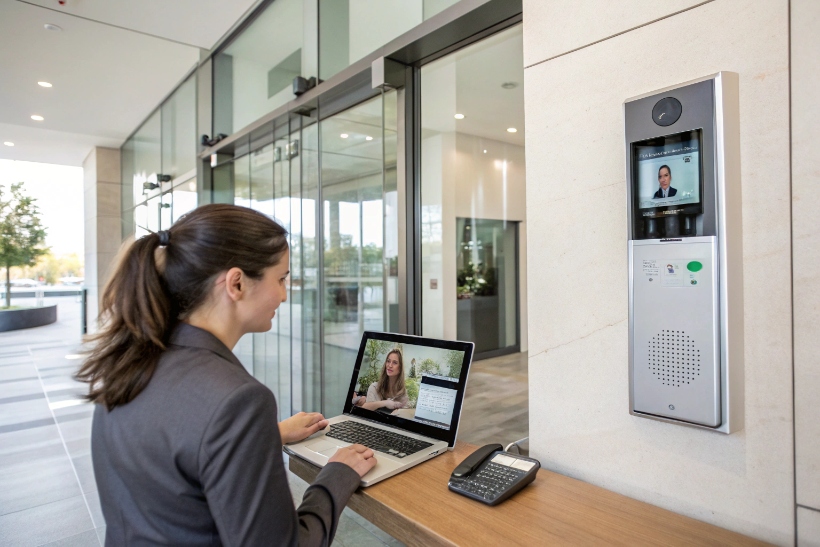
For example, in a small office upgrade, a SIP video door phone at the front gate can register directly to the UCaaS platform, call the reception hunt group, and show video on the receptionist’s softphone and on a mobile app.
2. Using an on-prem IP PBX or SBC between intercoms and UCaaS
Larger campuses, prisons, industrial plants, or city-wide SOS systems often need more control. In these cases, intercoms register to a local IP PBX or SBC, which then connects to the UCaaS tenant via a SIP trunk or Direct Routing / BYOC model. :contentReference[oaicite:17]{index=17}
Benefits:
- Local call routing even during WAN failures (for example, calling a local control room).
- Easier integration with analog lines, legacy PBXs, or radio systems.
- Central policies for door relays, DTMF codes, call groups, and paging.
In one hospital project we supported, more than 100 emergency intercoms and elevator phones registered to a local IP PBX. The PBX then connected to UCaaS for external calls and to reach mobile doctors and security guards. During WAN maintenance, internal emergency calls still worked inside the building.
3. Tying UCaaS, SIP intercoms, and PSTN together with BYOC
For global enterprises, BYOC simplifies migrations. They keep their carrier, numbers, and sometimes their existing SBCs, but move call control into the UCaaS platform. :contentReference[oaicite:18]{index=18}
In this model, DJSlink SIP intercoms can:
- Register to a local PBX/SBC or directly to UCaaS.
- Use the enterprise’s existing carrier for 911/112 and national calls.
- Share the same numbering plan as offices and contact centers across countries.
This is very useful for industrial sites, tunnels, and transport hubs where regulatory and local carrier requirements are strict.
Practical design checklist for SIP + UCaaS projects
When planning integration, these steps keep the project on track:
-
Define call flows first
- Who should receive calls from each intercom (extension, group, contact center)?
- What happens on no answer (forward, voicemail, security desk, mobile)?
-
Confirm protocol details
- SIP version, codecs (often G.711, sometimes Opus), DTMF mode (RFC2833, SIP INFO).
- Video codecs and resolution for SIP video door phones.
-
Align with UCaaS limitations
- Max call groups, simultaneous calls, ring strategies.
- Any restrictions on third-party SIP devices.
-
Plan emergency calling and location
- Map each intercom to a dispatchable location inside the E911 plan where required. :contentReference[oaicite:19]{index=19}
-
Harden the network and devices
- Voice VLAN, QoS, DHCP options, PoE budgets.
- Firmware updates, password policies, access control for web interfaces.
With this approach, a SIP intercom is no longer an isolated device. It becomes a first-class endpoint inside the enterprise UCaaS environment, with full integration into calling, messaging, and emergency workflows.
Conclusion
UCaaS is more than cloud VoIP. It is a unified platform where SIP intercoms, IP phones, and collaboration apps work together to deliver secure, resilient, and manageable communication for modern buildings and critical sites.
Footnotes
-
Learn Gartner’s formal UCaaS definition and supported communication functions. ↩︎ ↩
-
Overview of CCaaS capabilities and how cloud contact centers work. ↩︎ ↩
-
Microsoft documentation explaining Operator Connect PSTN connectivity options for Teams. ↩︎ ↩
-
Glossary describing Microsoft Teams Direct Routing and BYOC carrier connectivity. ↩︎ ↩
-
AICPA guidance on SOC 2 reports for service organization security and availability controls. ↩︎ ↩
-
FCC summary of Kari’s Law and RAY BAUM’s Act requirements for MLTS 911 calling. ↩︎ ↩
-
Microsoft documentation on configuring dynamic emergency calling and E911 in Teams. ↩︎ ↩








