
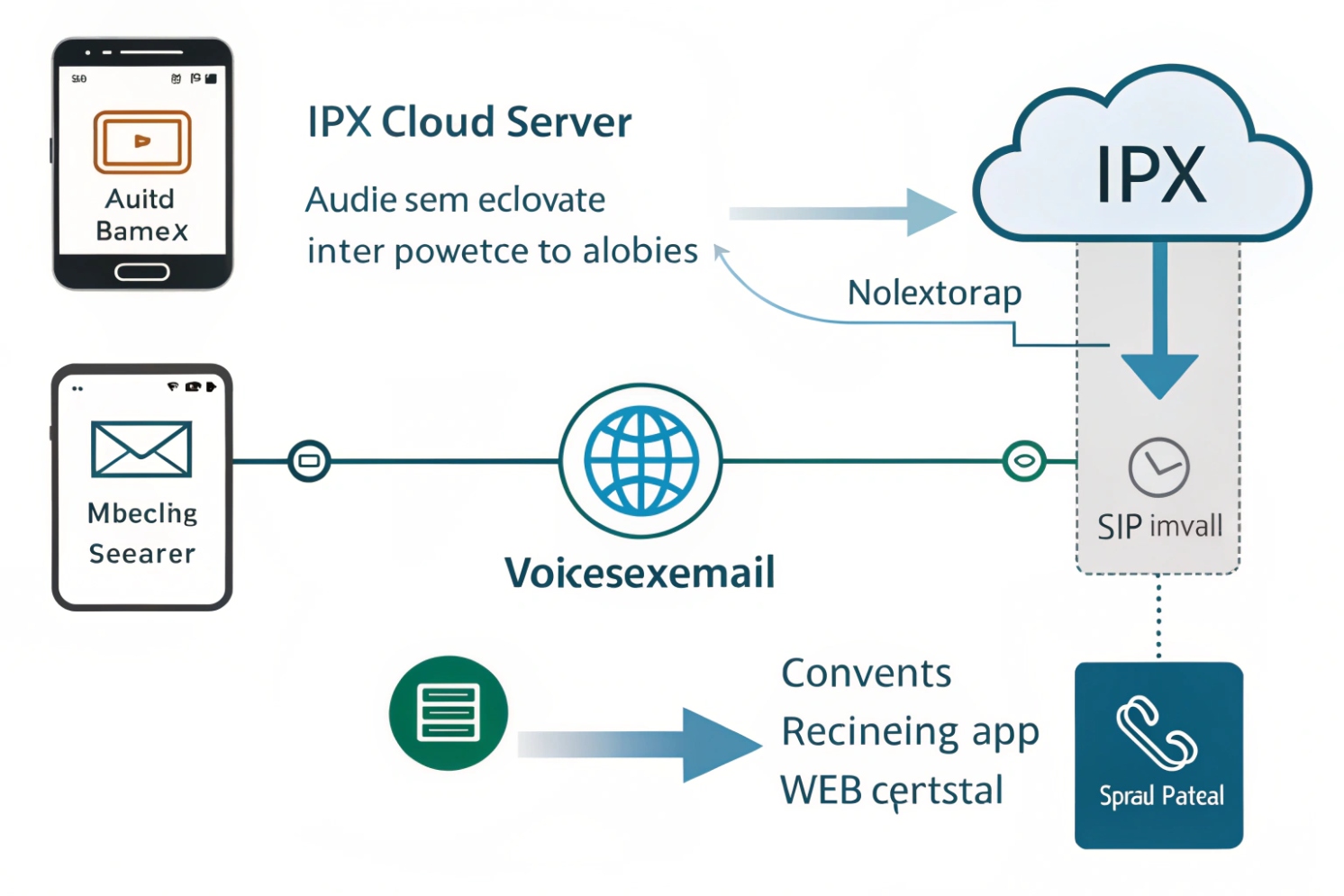
Your team misses calls, and listening to every voicemail takes time. In noisy plants and meetings, playing audio is not always possible or safe.
Voicemail-to-text converts voicemail audio into readable transcripts using speech recognition, then delivers them by email, SMS, or apps so you can scan, search, and respond faster.
With SIP phones, intercoms, and mobile apps on the same IP PBX, voicemail is no longer a tape on a phone. It is a digital object. Adding transcription means voicemail fits the way people already work with email and chat, and it keeps your voice system useful even where speakers and headphones are not.
How do I enable voicemail-to-text on my IP PBX?
You can already send voicemails to email, but they arrive as audio only. People ignore them, or they forget to listen later.
To enable voicemail-to-text, you connect your IP PBX’s voicemail engine to a transcription service, choose which mailboxes use it, then decide how to deliver text and audio together.
Map where transcription runs: on-prem vs cloud
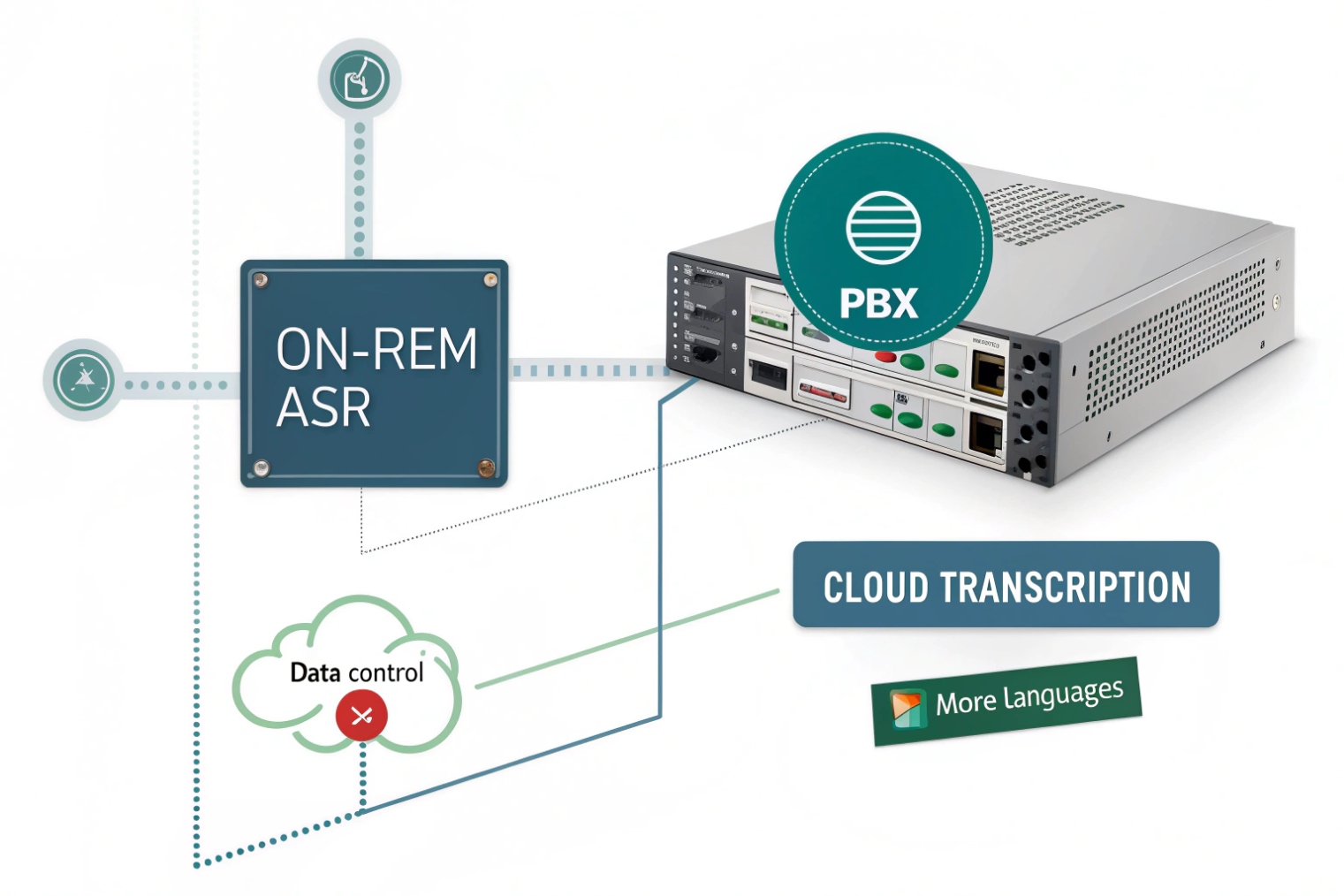
First, decide where the speech recognition engine 1 lives:
-
On-prem module inside the PBX
Good when you need strict data control and have enough CPU. The PBX records the voicemail, then a local Automatic Speech Recognition (ASR) module 2 turns it into text. This keeps audio and text inside your network, but upgrades and language packs are your job. -
Cloud transcription service
Here the PBX or hosted platform sends audio to a cloud ASR engine. The engine returns text within seconds. This approach usually offers better accuracy, more languages, and faster improvements over time. It does mean audio or text leaves your site, so you check contracts and compliance.
Most modern hosted VoIP systems already include cloud ASR. For on-prem IP PBX, you might enable a built-in module or integrate a third-party API.
Configure the pipeline from voicemail box to transcript
In the PBX admin interface you usually:
- Make sure voicemail is enabled and working for each extension, queue, or intercom line.
- Turn on transcription globally or per mailbox.
- Select the language and maybe a model (general, call center, medical, etc.).
- Choose one of these modes:
- Audio + transcript in the same notification.
- Transcript only, with a secure link to audio.
- Notification with portal link, no text in email for high security.
You can also set limits:
- Maximum message length to transcribe.
- Daily or monthly caps to control cost on per-minute ASR plans.
- Whether to transcribe internal mailboxes or only external customers.
Deliver text into the tools your team already uses
Next, decide how people will read the text:
- Email: include transcript in the body, optionally with audio attached.
- Mobile / desktop app: show a list of voicemails with text, tap to play audio.
- Web portal: give users and supervisors a searchable list with transcripts and caller ID.
- Integrations: send transcripts into CRM, ticketing systems, or chat channels.
A simple mapping:
| Channel | How transcription appears | Best for |
|---|---|---|
| Text + optional audio link/attachment | General users, managers on the go | |
| VoIP apps | Visual voicemail list with inline text | Mobile and desktop workers |
| Web portal | Searchable archive with filters and tags | Supervisors, QA, compliance |
| CRM / helpdesk | Transcript attached to contact or ticket | Support, sales, dispatch teams |
Once this pipeline is set, voicemail feels less like a separate system and more like another inbox that your PBX fills for you.
Will voicemail-to-text work with my SIP intercoms and door phones?
Door phones and intercoms do not look like normal phones, so people assume features like transcription will not apply.
Yes. As long as your SIP intercom or door phone sends calls through the PBX and uses its voicemail, the same voicemail-to-text engine can transcribe and route those messages.
Use the PBX as the common voicemail layer
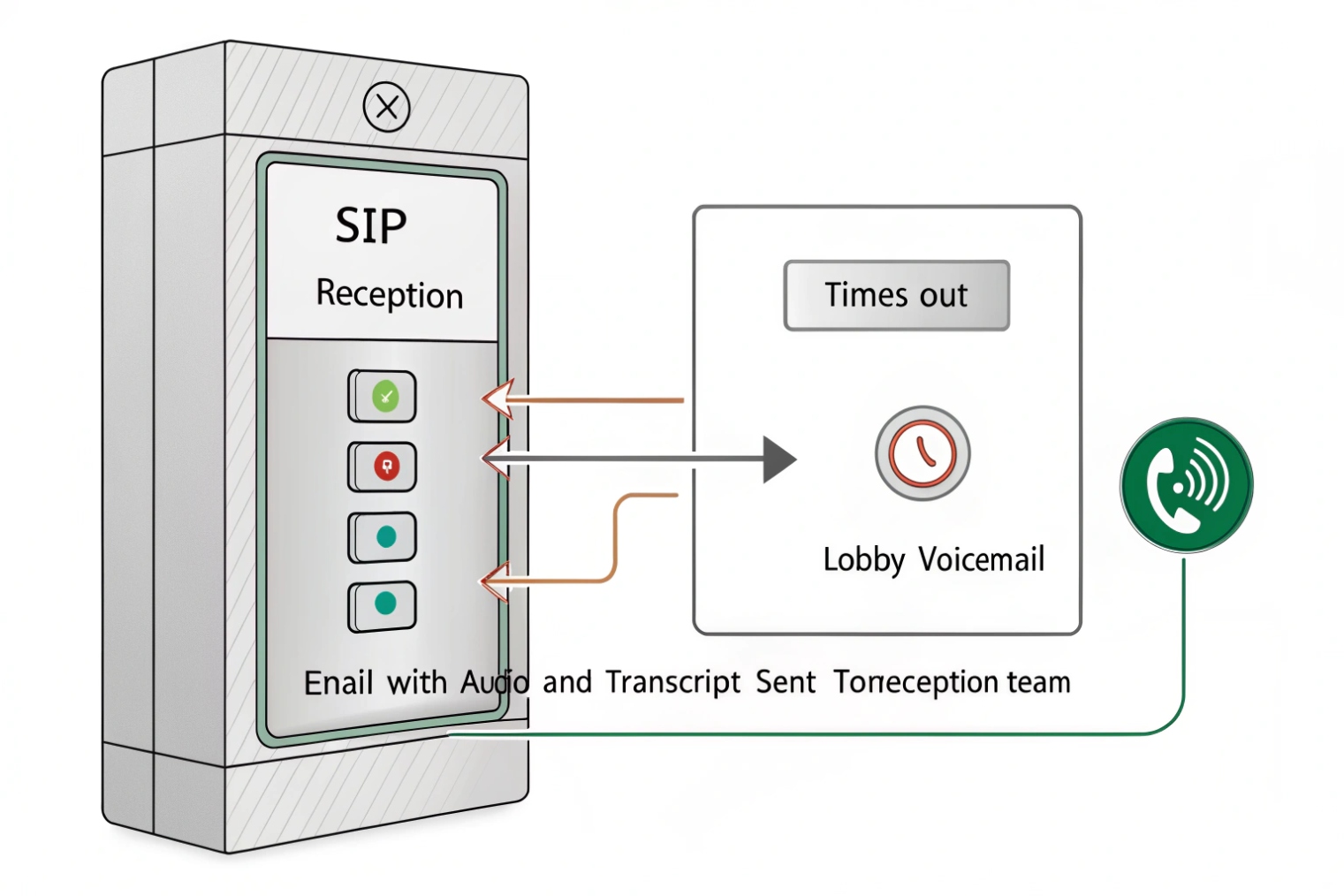
Most SIP intercoms act like any other SIP endpoint:
- They dial an extension or ring group when someone presses the button.
- The IP PBX handles call routing, time conditions, and voicemail.
- If nobody answers, the call drops into a mailbox owned by that extension or group.
Voicemail-to-text operates on that mailbox, not inside the intercom. So if an after-hours delivery driver speaks to the camera and the call hits voicemail, the PBX records it and sends the audio to the transcription engine.
From there you can:
- Email the text and audio to building management.
- Push the transcript into a ticket system for the facility team.
- Notify an on-call phone with a short summary and callback number.
The intercom itself does not need any extra logic. It just needs reliable SIP and good audio capture.
Design mailboxes by role and schedule
You can do more than a single mailbox per device. For example:
- During business hours, intercom calls ring reception or security. Voicemail for missed calls transcribes to a shared reception inbox.
- After hours, the same intercom extension may route to an on-call voicemail box with different email addresses and a different greeting.
- For service entrances or loading docks, voicemails can go to logistics or operations groups.
A simple layout:
| Intercom location | Call target (day) | Voicemail mailbox (night) |
|---|---|---|
| Main lobby door | Reception group | “Lobby after hours” shared mailbox |
| Service gate | Security desk | “Security on-call” mailbox |
| Warehouse staff entrance | HR / admin office | “HR after-hours” mailbox |
Each mailbox can have its own transcription policy. For example, you might enable voicemail-to-text for lobby and service gates but disable it for emergency phones.
Special care for emergency and help-point devices
Emergency SIP phones and blue-light posts are different. For these, you often do not want normal voicemail at all. Calls should:
- Ring primary and backup destinations until someone answers.
- Escalate to an external security center if internal phones fail.
- Log call details, but avoid hiding them behind a voicemail box.
If you ever enable voicemail on such devices, treat transcription carefully:
- Restrict who receives transcripts.
- Avoid sending sensitive incident details into general email lists.
- Make sure retention and access match your safety policies.
For normal building access intercoms, though, voicemail-to-text is very useful. It turns missed button presses into readable records instead of forgotten audio clips.
How accurate is transcription for noisy industrial sites?
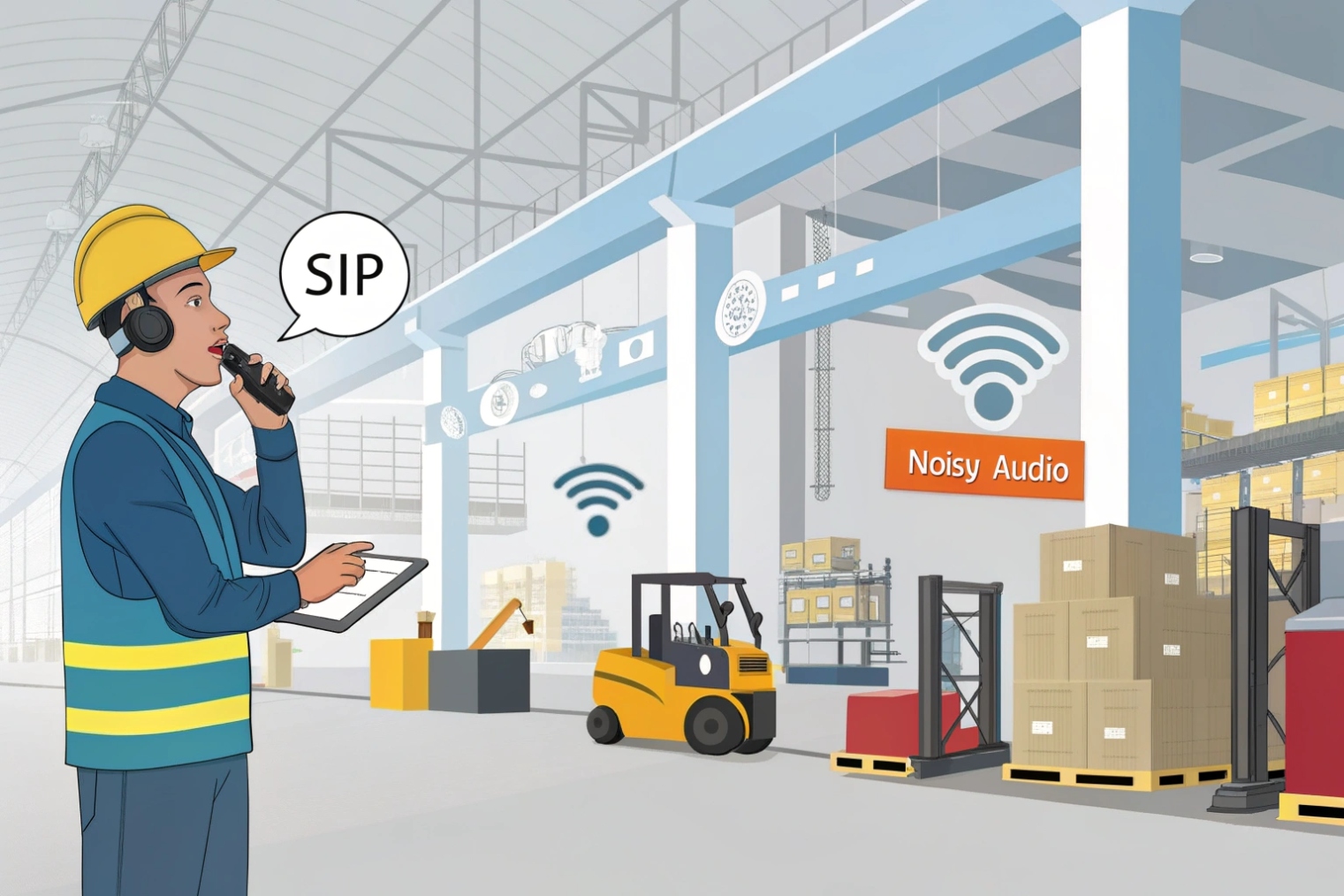
Factory floors, mines, and plant rooms are not quiet meeting rooms. Forklifts, fans, and echo can confuse humans, so they definitely challenge machines.
In noisy environments, voicemail-to-text is usable but imperfect. Accuracy depends on mic quality, codec, language, and background noise; you still keep the audio for any critical details.
What helps ASR engines understand speech
Automatic speech recognition works best when:
- The speaker is close to the microphone.
- There is one main voice at a time.
- Background noise is stable and not too loud.
- The codec preserves enough bandwidth (wideband helps).
To improve results in a SIP system, you can:
- Use wideband codecs for capture, such as the Opus audio codec 3 or the ITU-T G.722 wideband codec 4, on phones and intercoms that support them. Even if you store at 8 kHz later, a clean input helps.
- Tune DSP on SIP intercoms and phones: echo suppression and cancellation techniques 5, AGC, and noise suppression should be set to moderate levels so they reduce noise without destroying speech.
- Encourage staff to step slightly to the side of loud machines when they call, if that is safe.
With these basics, modern cloud ASR engines handle accents and moderate noise surprisingly well for short, task-focused messages.
Practical expectations in harsh environments
Even with tuning, transcripts from industrial sites will rarely be perfect word-for-word. You can expect:
- Names and technical terms sometimes garbled or guessed.
- Numbers and codes correct most of the time, but not always.
- Punctuation sometimes odd or missing.
So you treat the text as a fast preview, not the final record. The workflow usually looks like this:
- Read the transcript in email or the app.
- Decide if this is urgent or routine.
- For urgent or unclear messages, click and listen to the original audio.
Over time, users get used to patterns. They learn to speak key details clearly: order numbers, unit IDs, gate numbers. This small behavior change improves ASR accuracy more than any algorithm tweak.
Using domain tuning and language settings
If your provider allows domain or custom vocabulary:
- Add common product names, site names, and customer names.
- Add local acronyms and plant tags (for example “Line 3”, “Press 24”).
Also make sure the language setting matches the caller’s language. If your users switch languages in one message, accuracy drops. For mixed environments, you may split mailboxes by language or use different DID numbers for different regions.
Even with all this work, you should always keep the original audio and make it one click away. That is your truth source when safety, legal issues, or customer disputes are involved.
Can I send transcriptions by email or SMS securely?
Text is easier to leak than audio. It is easy to copy, forward, and index. That is both a feature and a risk.
You can send voicemail-to-text by email or SMS securely if you use TLS, limit recipients, avoid sensitive content in open channels, and keep audio and text behind authenticated portals when needed.
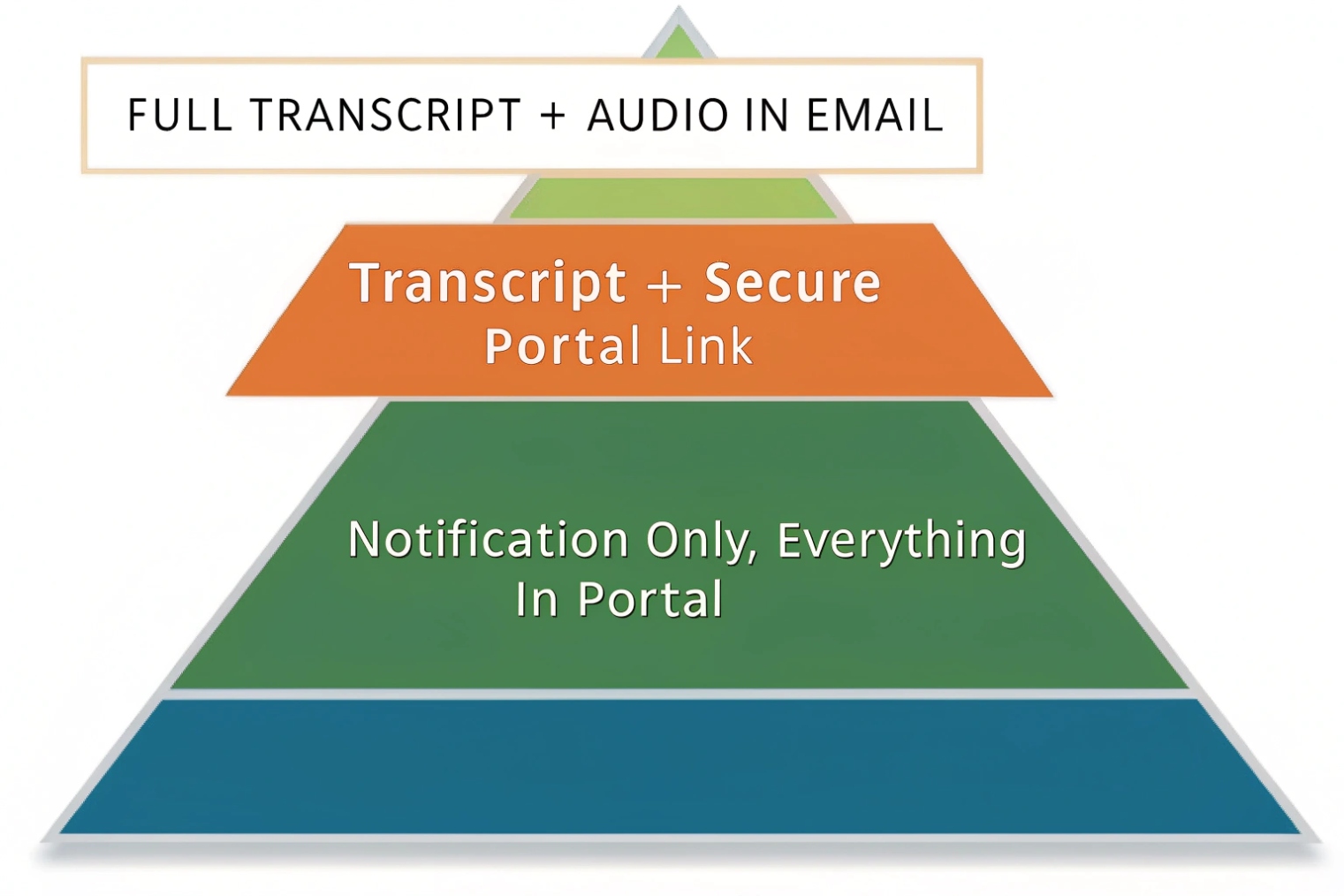
Choose the right delivery mode per mailbox
Not every extension needs the same treatment. The PBX or VoIP portal can usually do:
- Full transcript + audio attachment in email.
- Transcript + secure link, no audio in email.
- Notification only, with both text and audio only in a web portal.
- SMS alerts with a short summary and a link, but no full text.
You can map security level to use case:
| Mailbox type | Suggested mode |
|---|---|
| General office extensions | Email with transcript + portal link |
| Sales / support queues | Transcript + portal link, no audio attached |
| Finance or HR | Notification only, portal for text and audio |
| Intercoms in public areas | Transcript to limited addresses, portal audio |
| Emergency / incident hotlines | Portal only, strict access and logging |
This way, people still get the speed of text where it makes sense, but you reduce exposure for sensitive lines.
Protect data in transit and at rest
At the communication layer:
- Use Transport Layer Security (TLS 1.3) 6 for SMTP between PBX and mail server where supported, and for any portal or app that displays transcripts.
- If you send SMS, consider that content is less protected; keep texts short and avoid full sensitive messages.
At the storage layer:
- Encrypt voicemail and transcript storage on the server.
- Apply role-based access control (RBAC) 7 so only the right people can view specific mailboxes.
- Use separate retention policies for text and audio. Text is smaller but can be more sensitive because it is searchable.
If your transcription runs in the cloud, also make sure the provider’s data center locations, logs, and backup policies match your region’s rules.
Redaction, privacy, and access control
Some engines support redaction, where they try to mask patterns like credit card numbers or national IDs. You can:
- Turn on redaction for queues that handle payments or personal data.
- Remove the most sensitive fields from emails and show them only in secured portals.
- Limit which managers can see full unredacted transcripts.
Also check:
- Who receives shared mailbox transcripts.
- Whether these inboxes are shared beyond the team.
- How you handle staff departure and mailbox ownership changes.
With a clear policy, voicemail-to-text becomes a helpful tool rather than a new leak channel. Text flows where it should, and raw audio stays only where it must.
Conclusion
Voicemail-to-text turns missed calls on SIP phones and intercoms into readable, searchable messages. With careful setup for accuracy, routing, and security, it becomes a fast, safe inbox for your voice system.
Footnotes
-
Overview of speech-to-text and why voicemail transcripts are possible. ↩ ↩
-
Short definition of ASR to align PBX planning with standard terminology. ↩ ↩
-
Opus codec standard used for resilient wideband capture in real-time VoIP. ↩ ↩
-
Official G.722 reference for wideband speech coding common in SIP systems. ↩ ↩
-
Practical background on echo suppression/cancellation and why it improves transcript accuracy. ↩ ↩
-
TLS 1.3 specification for protecting transcript delivery and portal access in transit. ↩ ↩
-
RBAC concepts for restricting who can view transcripts and mailbox content. ↩ ↩








