
Missed messages are normal. Missing the meaning is costly. When voicemails stack up, slow listening and unclear audio turn simple callbacks into a long mess.
Voicemail transcription turns a voicemail recording into readable text using speech recognition. It usually delivers the transcript with the audio so messages can be scanned, searched, and routed faster.
Voicemail transcription is more than “voicemail-to-email”
Voicemail transcription converts speech to text after the PBX records the message using automatic speech recognition (ASR) 1. The transcript is then attached to the voicemail event, so the message can be read in a portal, a softphone app, or an email. This saves time because reading is faster than listening, and it works well when a quiet place is not available. It also adds a searchable layer, so users can find “order number,” “gate code,” or “urgent” without playing every message.
The basic ASR pipeline inside VoIP
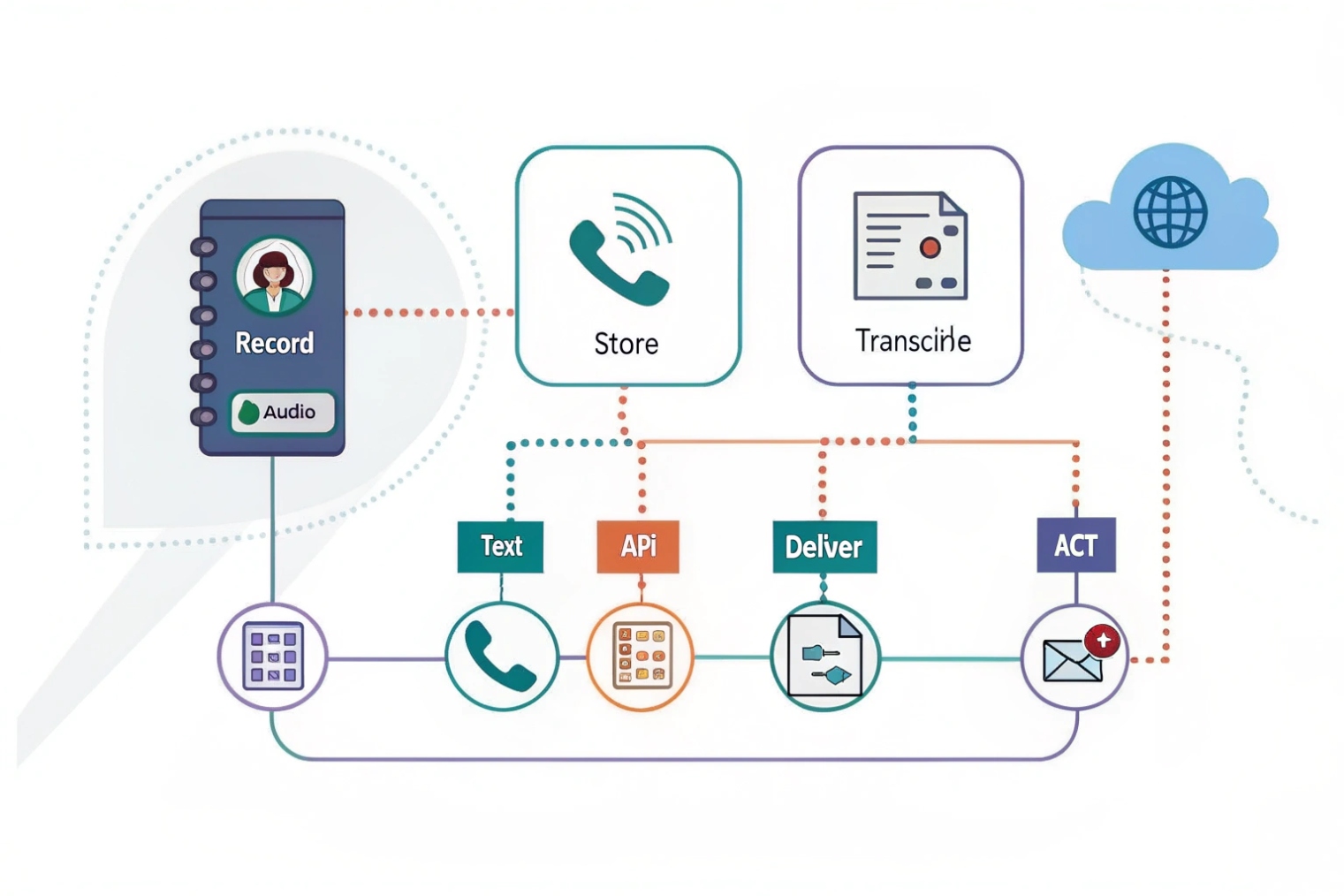
Most systems follow a simple flow. The PBX stores the voicemail audio file, then sends it to an ASR engine. The engine returns text plus optional metadata like punctuation, confidence, and keywords. Some platforms also add word-level timestamps 2, so the text can line up with audio segments.
Cloud vs on-prem transcription
Cloud transcription is common because it is easy to scale and easy to update. On-prem transcription exists for teams that need strict control over data, or have rules about where speech data can be processed. Hybrid setups also exist. They keep audio local, but send a copy to a trusted processor under contract terms.
| Component | What it does | Why it matters | Simple best practice |
|---|---|---|---|
| Voicemail recording | Captures audio and stores it | Audio quality drives accuracy | Use stable codecs and clean routing |
| ASR engine | Converts speech to text | Adds speed and search | Pick languages and vocab early |
| Delivery layer | Email/app/API sends transcript | Speeds response time | Include audio + text together |
| Policy layer | Retention and access control | Protects PII | Lock down who can read transcripts |
Voicemail transcription works best when it is treated like a workflow tool, not a fancy add-on. It should help a user decide what to do next in a few seconds.
A clean setup starts with enablement, then accuracy, then delivery, and then security. That order avoids surprises later.
How do I enable voicemail transcription on my IP PBX or cloud?
If transcription is half enabled, users see random results. Some mailboxes get text, others get nothing, and the team stops trusting the feature.
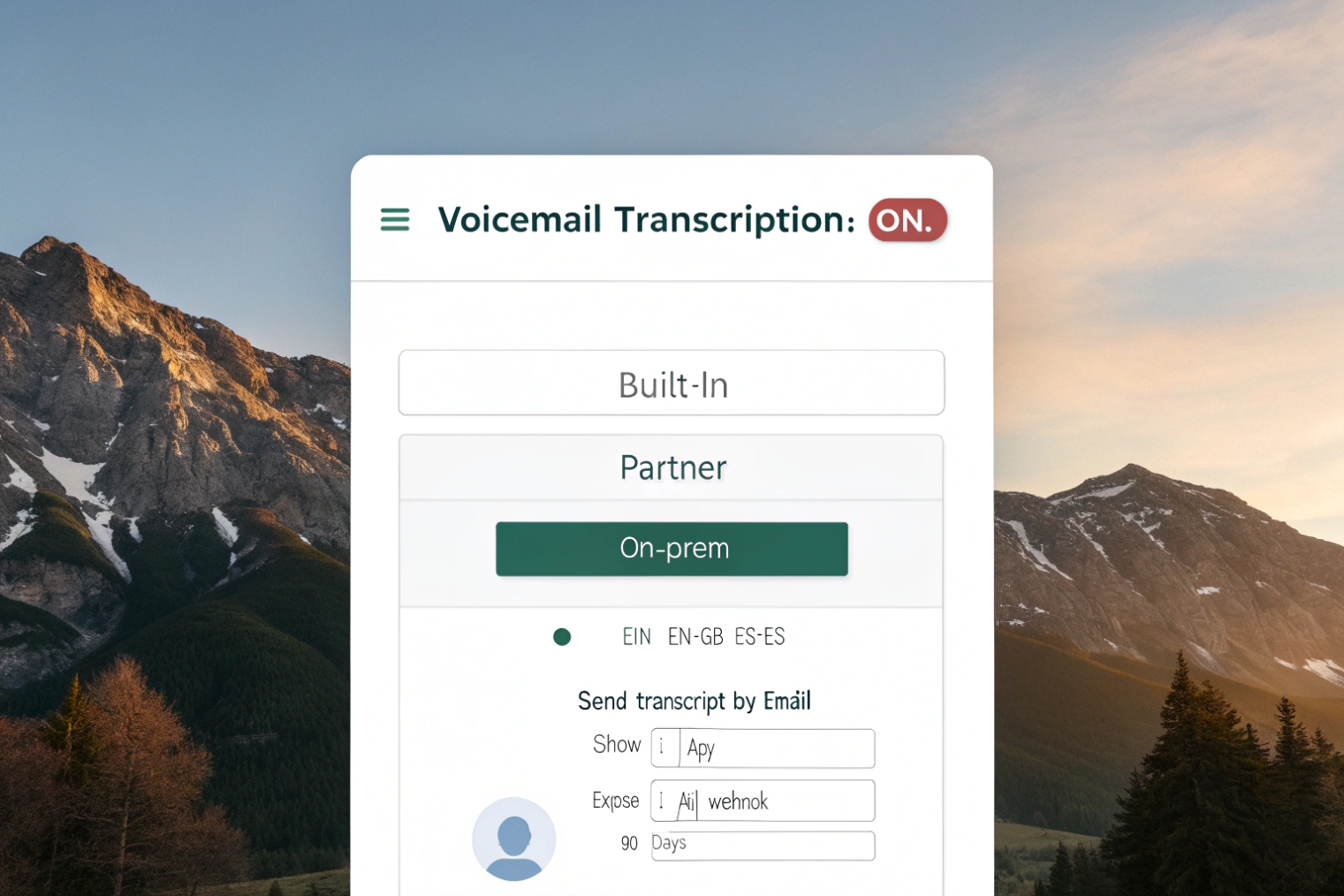
Enable transcription by turning it on at the tenant or system level, then at the mailbox or group level. Confirm language settings, message limits, and delivery rules so every voicemail follows the same path.
Step 1: Confirm where transcription runs
Start by checking if transcription is:
- Built into your cloud VoIP service
- A licensed module in your IP PBX
- A connector that sends audio to an external ASR service
- An on-prem speech engine that runs inside your network
This decision affects cost, data handling, and performance.
Step 2: Turn it on in the right scope
Most systems have a few layers:
- System or tenant setting: enables the feature globally
- Mailbox setting: enables it per user or shared mailbox
- Queue or group setting: enables it for team mailboxes
- Language setting: sets the expected language or auto-detect mode
If shared mailboxes exist for Sales or Support, enable transcription there first. That is where the biggest speed gain happens.
Step 3: Set delivery rules and fail behavior
Decide what happens when transcription fails due to poor audio or quotas:
- Send audio only, with a note that text is unavailable
- Retry transcription once
- Skip transcription for messages above a size or time limit
Step 4: Pilot, then roll out
A small pilot avoids noisy feedback. Pick a team that gets real voicemail volume and track time saved.
| Setting | What to choose | Why | Common mistake |
|---|---|---|---|
| Scope | Tenant + mailbox | Consistent behavior | Only enabling per user |
| Language | Fixed or auto-detect | Better accuracy | Leaving defaults wrong |
| Delivery | Email + app | Fast response | Audio only, no text |
| Limits | Clear max length | Predictable results | Silent failures on long messages |
| Rollout | Pilot first | Fewer tickets | Enabling for everyone at once |
A smooth enablement looks boring. Every voicemail arrives with audio and text, and nobody needs to ask how it works.
How accurate are transcriptions for accents, noise, and poor connections?
Bad transcripts waste time. People stop reading them, and the feature becomes a checkbox that nobody uses.
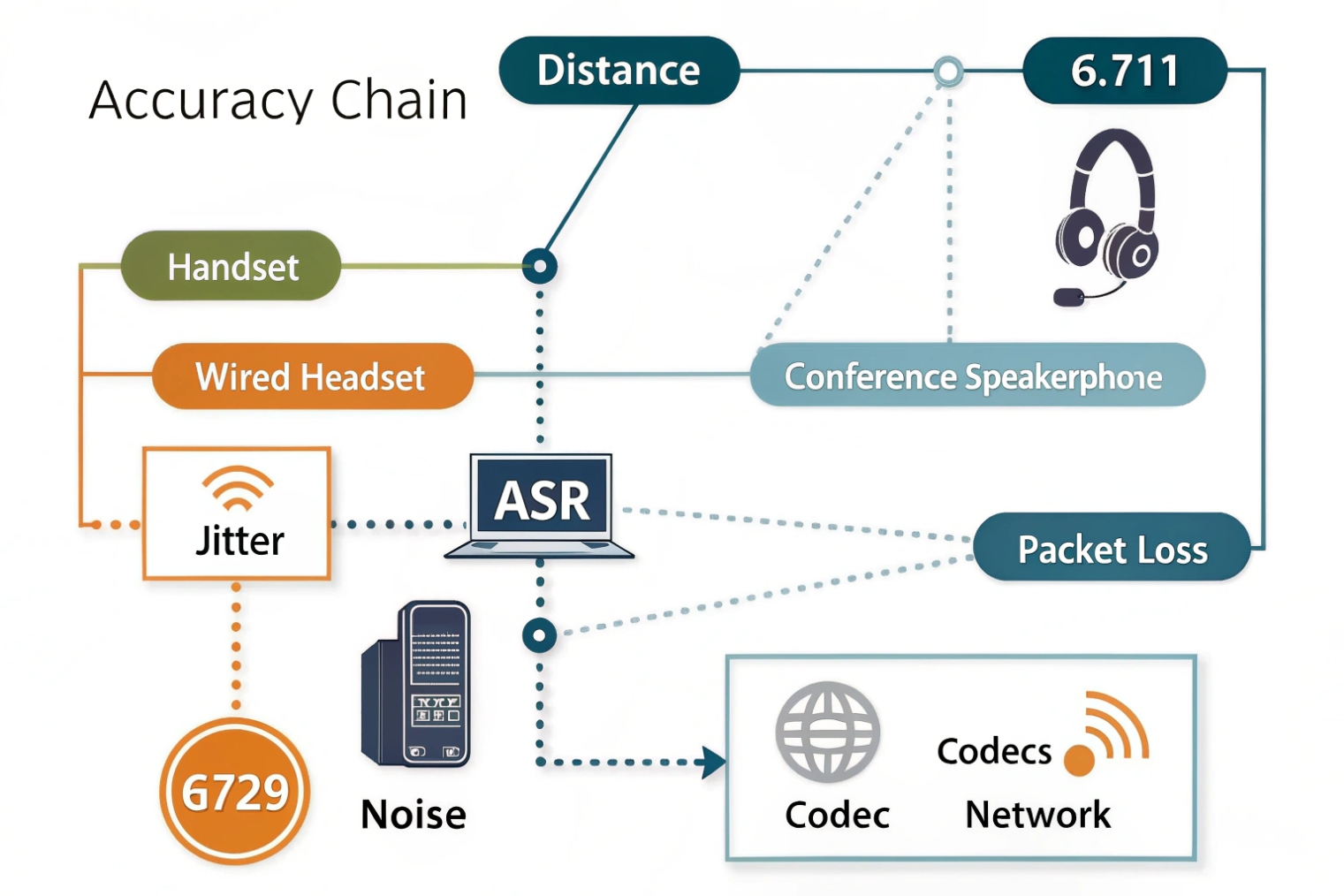
Accuracy can be strong with clean audio, but it drops with accents, background noise, packet loss, and compressed codecs. The best results come from good call quality, the right language, and custom vocabulary for names and products.
What helps accuracy the most
Voicemail transcription is not magic. It is pattern matching on sound. The best accuracy comes from:
- Clear speech and steady pace
- Close microphone distance
- Low background noise
- Stable network with low jitter and low loss
- Higher quality codecs (G.711 often performs better than heavily compressed audio)
What hurts accuracy in real VoIP networks
Poor connections matter because the audio is packet-based. If packets drop, words smear. If jitter is high, the audio buffer has gaps. If the call is transcoded multiple times, the sound loses detail—especially on paths where Real-time Transport Protocol (RTP) 3 packets are delayed or lost.
Accents and mixed languages also matter. Many engines do well with common accents, but the error rate rises when callers switch languages mid-sentence or use local names and product codes.
How to raise accuracy without chasing perfection
A practical approach is:
- Set the correct language per mailbox or per DID
- Use custom vocabulary lists 4 for names, SKUs, site codes, and cities
- Keep voicemail prompts short and clear so callers speak clearly
- Avoid forcing low-bitrate codecs on trunk routes that carry many external callers
| Factor | Effect on accuracy | What to do | Result you should expect |
|---|---|---|---|
| Codec choice | Big impact | Prefer G.711 on voicemail paths | Fewer missing words |
| Background noise | Big impact | Improve prompts and caller guidance | Cleaner sentences |
| Packet loss/jitter | Big impact | QoS for RTP and stable WAN | Fewer garbled parts |
| Accents | Medium impact | Enable correct dialect when possible | Better proper nouns |
| Jargon/names | Medium impact | Add custom vocabulary | Fewer wrong names |
| Mixed language | High impact | Route by language before voicemail | More readable text |
Transcription should be used as a fast preview. Audio remains the source of truth when details matter. That mindset keeps trust high while still saving time.
Can I receive transcripts by email, SMS, or in my CRM/helpdesk?
Reading transcripts in one place is useful. Reading them in the place the team already works is where real speed shows up.
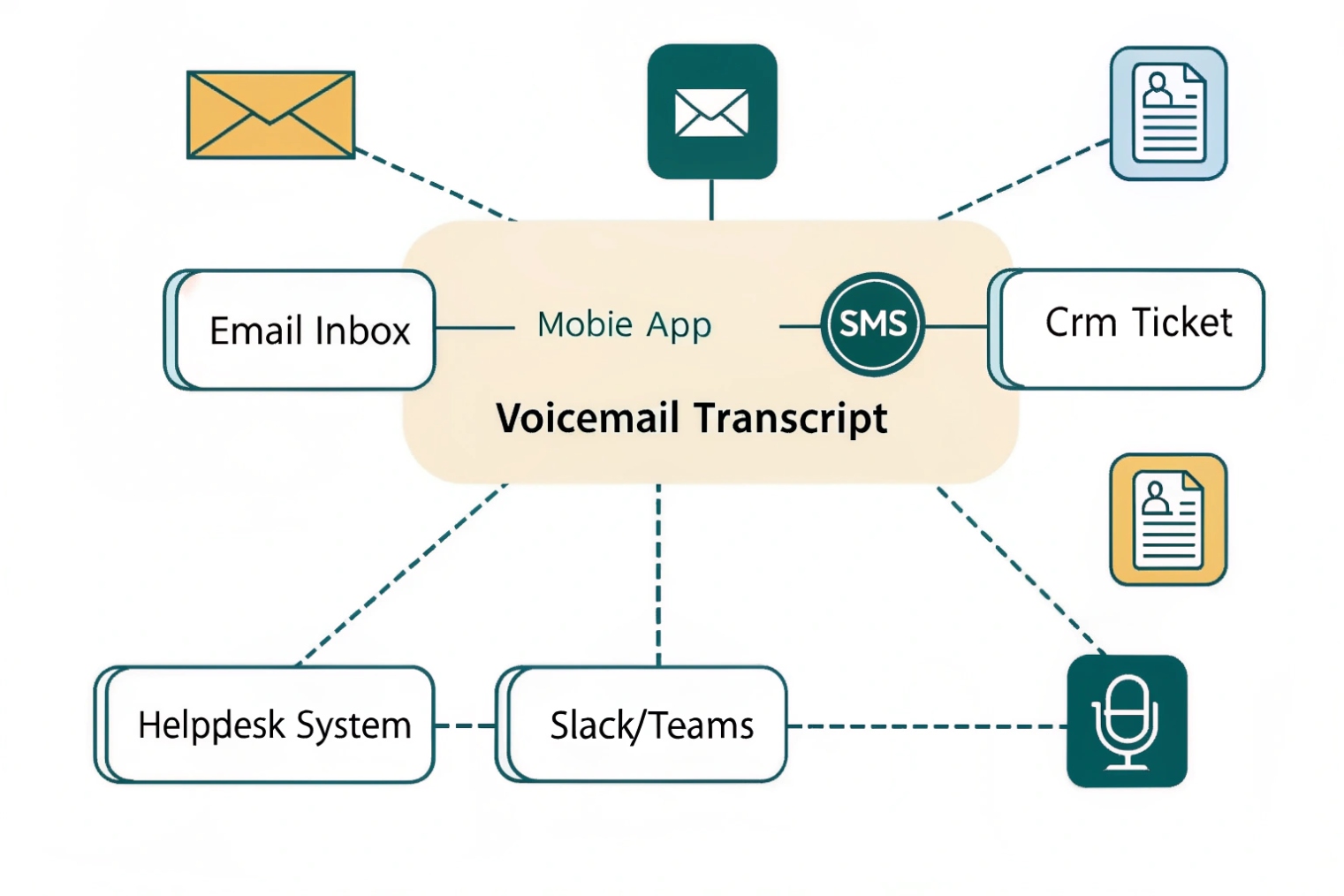
Most VoIP systems deliver transcripts by email and in the user app. SMS and CRM/helpdesk delivery usually needs integrations like webhooks, APIs, or connectors so a transcript can create a ticket or task automatically.
Email and app delivery are the baseline
The most common setup sends:
- The transcript in the email body
- The audio file as an attachment
- A link to the voicemail in the portal or app
This works well for most teams because email is universal. Visual voicemail in a softphone app is also useful, since it keeps text, audio, and caller ID together.
SMS delivery needs careful use
SMS is fast, but it can leak sensitive content if phones are shared or unprotected. A safer approach is:
- Send a short alert by SMS
- Keep full transcripts in an app or portal
- Require login to view full content
CRM and helpdesk workflows
The highest value pattern is automation:
- New voicemail creates a ticket
- Transcript becomes the ticket description
- Audio is stored as an attachment or secure link
- Caller number maps to a contact record
- Keywords route the ticket to the right queue
This can also trigger callbacks, tag urgent requests, or assign based on skill groups.
If you plan automation, start with simple webhooks and APIs 5 so you can route “urgent” messages without building a fragile maze.
| Destination | Best for | What to include | Risk to manage |
|---|---|---|---|
| Fast review | Transcript + audio | Over-sharing via forwarding | |
| Softphone app | Daily workflow | Transcript + playback + call back | Device login hygiene |
| SMS | Urgent alerts | Short summary only | PII exposure on phones |
| CRM | Sales follow-up | Lead/contact match + transcript | Data duplication |
| Helpdesk | Support triage | Ticket + tags + SLA timer | Access control and retention |
The cleanest design keeps one system as the “record of truth” and pushes copies only where needed. That avoids scattered transcripts that are hard to delete later.
How do I secure transcripts for PII, retention, and compliance (HIPAA/GDPR)?
Transcripts are easy to read, copy, and search. That is also why they raise risk. A voicemail recording is already sensitive, but text spreads faster.
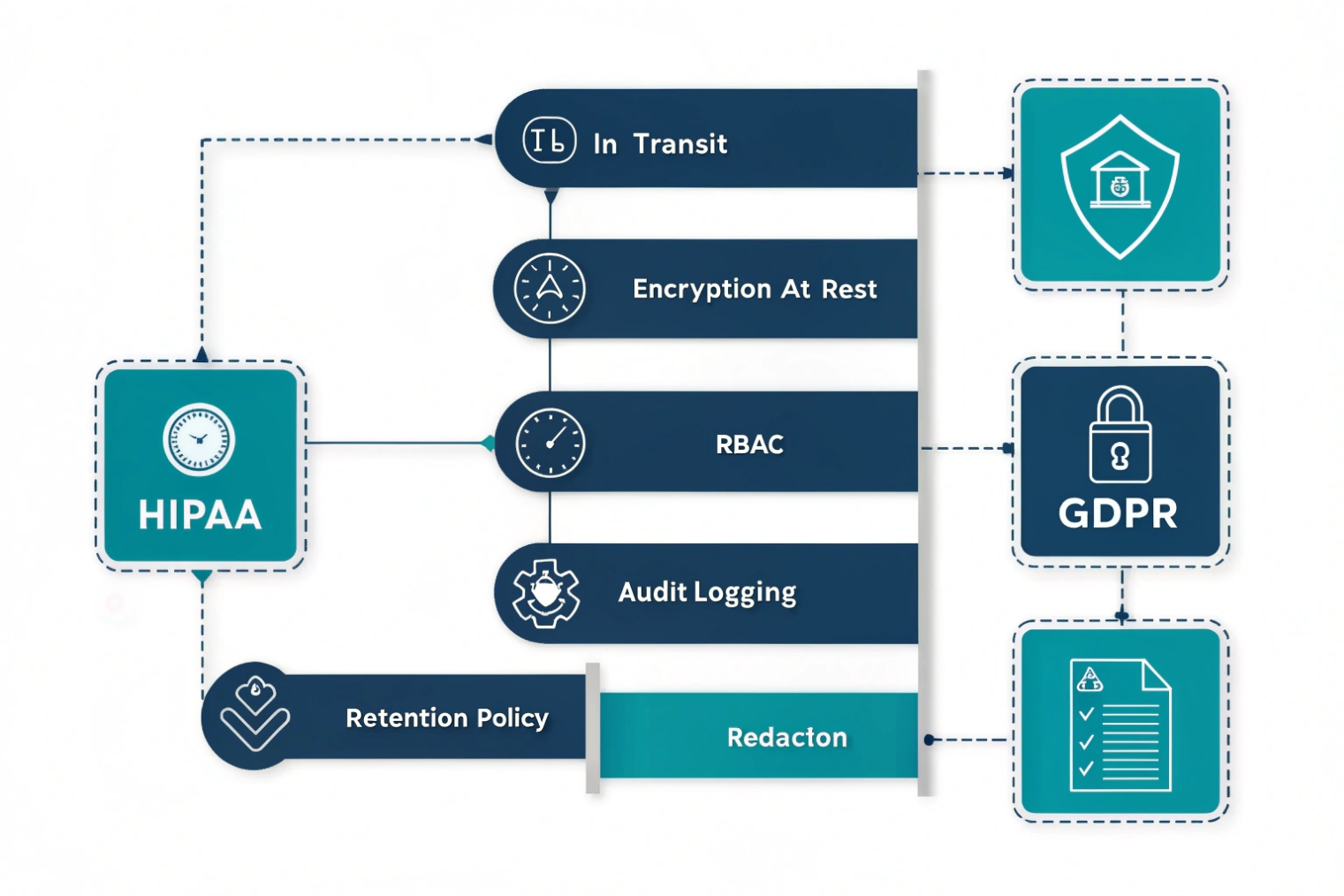
Secure voicemail transcripts with encryption in transit and at rest, strict access control, audit logs, and clear retention rules. For HIPAA/GDPR, confirm processor terms, data residency, deletion workflows, and role-based access to limit who can view or export text.
Start with data classification and scope
Treat transcripts as customer content. They often include:
- Names, phone numbers, addresses
- Order details and account references
- Health or legal details in some industries
Decide where transcripts are allowed to live:
- Email systems
- Mobile apps
- CRM/helpdesk
- Archive storage
Then restrict exposure. It is safer to keep transcripts in an authenticated portal than in plain email for regulated teams.
Security controls that matter in VoIP
A strong baseline includes:
- TLS for portal and API access
- Encryption at rest for voicemail storage
- Role-based access control so only the right teams can read transcripts
- Audit logs for access, export, and deletion
- Rate limits and alerts for mass downloads
Some platforms also support redaction. That can mask phone numbers or certain patterns. Redaction is not perfect, but it reduces casual exposure.
Retention, deletion, and legal holds
Compliance is not only about protecting data. It is also about deleting data on time.
- Set voicemail and transcript retention by policy
- Align retention across PBX, email, CRM, and backups
- Support right-to-delete requests where required
- Keep a break-glass admin path for investigations, with logs
For regulated environments, map your controls to the HIPAA Security Rule 6 and to the EU General Data Protection Regulation (GDPR) 7 so access, retention, and deletion rules are enforceable—not just “best effort.”
| Control | What it protects | Simple policy | What to watch |
|---|---|---|---|
| Encryption | Stops casual theft | TLS + encryption at rest | Misconfigured exports |
| RBAC | Limits insider access | Least privilege roles | Shared admin accounts |
| Audit logs | Proves who did what | Log reads and exports | Logs stored too short |
| Retention | Reduces long-term risk | Auto-delete on schedule | Copies in email/CRM |
| Redaction | Reduces exposure | Mask obvious PII | False sense of security |
| Vendor terms | Compliance coverage | Clear processor agreements | Data residency gaps |
A safe transcription rollout treats text as sensitive by default. It also keeps one clear owner for retention and deletion, so transcripts do not live forever in forgotten inboxes.
Conclusion
Voicemail transcription turns voicemail audio into searchable text. Enable it with clear scope, protect accuracy with good audio and vocab, deliver it into workflows, and secure it with strong access and retention rules.
Footnotes
-
Learn ASR basics so you can set realistic expectations for accuracy and error patterns. ↩︎ ↩
-
Understand timestamped transcripts for faster skimming and better “jump to the right moment” playback. ↩︎ ↩
-
Helps explain why packet loss and jitter degrade intelligibility before transcription even starts. ↩︎ ↩
-
Shows how adding names and product terms can reduce “wrong word” errors in transcripts. ↩︎ ↩
-
Overview of event-driven delivery so transcripts can create tickets, alerts, and routing actions automatically. ↩︎ ↩
-
Baseline safeguards for protecting sensitive transcripts with access control, auditability, and secure handling practices. ↩︎ ↩
-
Official GDPR text for lawful processing, retention limits, and deletion obligations that affect transcript storage. ↩︎ ↩








