
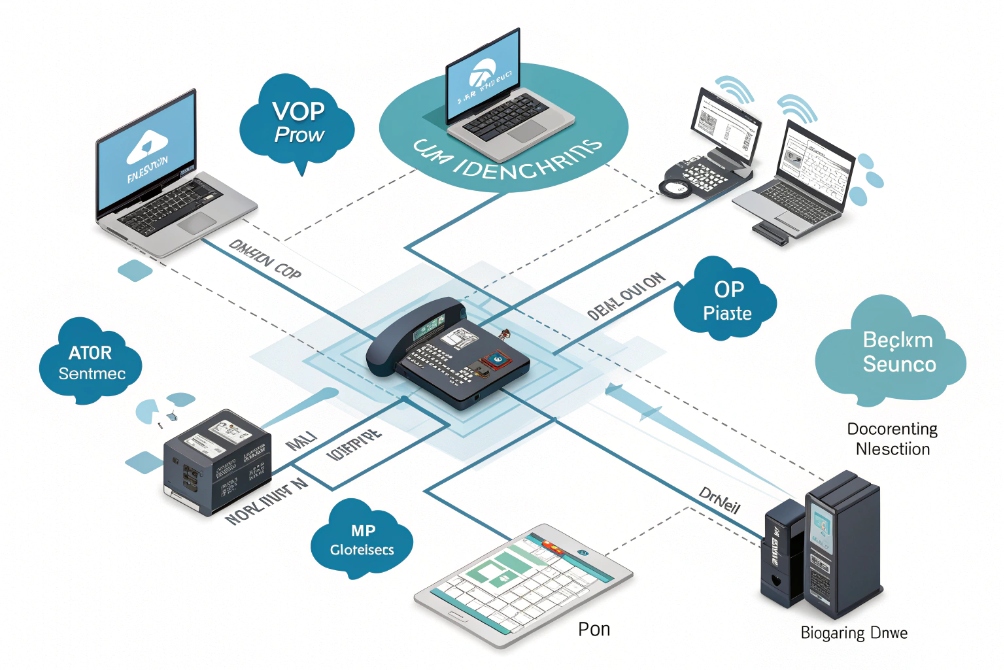
Customers hear “this call may be recorded,” but inside the business, teams still argue about where to record, how long to keep files, and what is actually legal.
VoIP call recording captures RTP audio streams at the endpoint, PBX, or trunk, saves them as encrypted audio files with metadata, and exposes them for training, dispute resolution, compliance, and AI analytics.
In SIP and VoIP environments, recording is no longer a tape on a single line. It is a design choice: where to tap the media, how to protect it at rest and in transit, who can listen, and how AI will mine insight from thousands of calls. When this is planned well, recordings feel like a normal part of the communication platform instead of a legal or security headache.
Should I use endpoint, PBX, or trunk recording?
You can record at the phone, at the PBX, or at the carrier edge. Each option sounds simple until you start mixing softphones, SIP trunks, mobile apps, and remote offices.
Endpoint recording lives on devices, PBX recording lives in the call server, and trunk recording lives at the network edge; you choose based on coverage, control, and how complex your VoIP routing is.
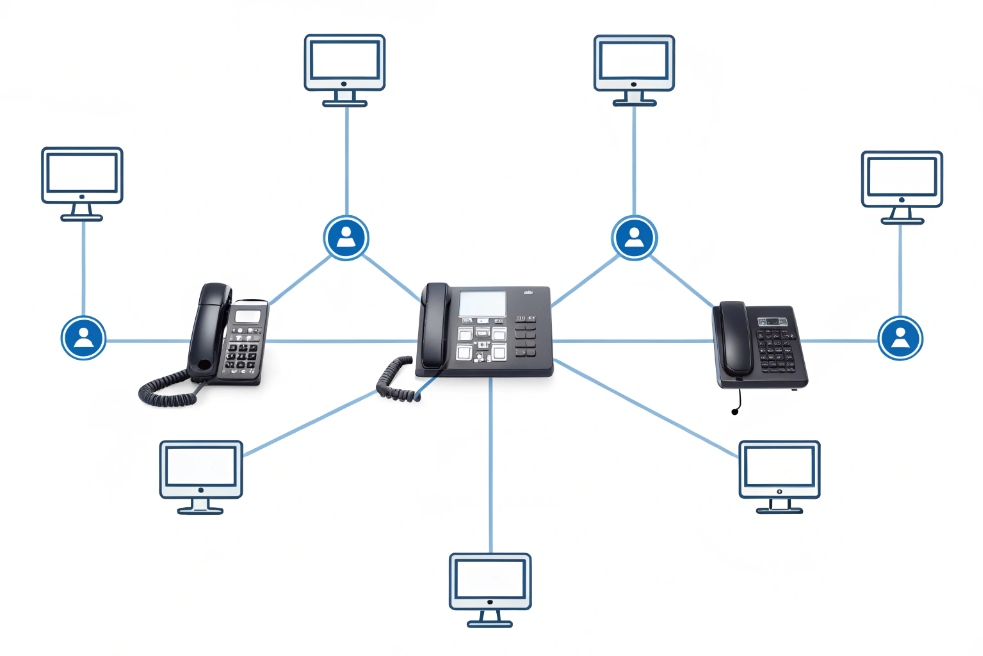
Comparing recording points in the VoIP path
If we draw a simple call path:
Endpoint ↔ PBX / UC platform ↔ SIP trunk / SBC ↔ Carrier / PSTN
you get three main places to capture RTP:
- Endpoint recording (phone / softphone / app)
- PBX / server-side recording
- Trunk / network recording (SIPREC, port mirror, SBC)
Each has different trade-offs.
Endpoint recording
Here, the phone or softphone captures audio locally:
- IP phones save audio to a server or local storage.
- Softphones record inside the client app.
- Mobile apps store or upload call audio from the device.
Pros:
- Easy to pilot with a single team.
- Can capture end-to-end including encrypted over-the-top apps if the client controls audio.
- Good for personal coaching and small teams.
Cons:
- Hard to enforce centrally; users can turn it off or misconfigure it.
- Mixed device environments (desk phones, mobiles, SIP intercoms) make policies messy.
- You can lose recordings if endpoints are offline or poorly managed.
PBX / server-side recording
The PBX or UC platform forks RTP streams to a recorder:
- Built-in recorder on the IP PBX.
- External recording server via SIPREC session recording (RFC 7866) 3
- Media proxy that sees all internal and trunk legs.
Pros:
- Central policy: always-on vs on-demand, by queue, by DID, by user role.
- One place for retention, encryption, and access control.
- Works across many endpoints: IP phones, softphones, SIP intercoms.
Cons:
- Needs enough CPU/storage and proper architecture.
- Some calls may bypass PBX (for example, mobile numbers calling each other directly).
- If there is transcoding, you record after codec changes.
Trunk / network recording
Here the capture point is at the edge:
- SBC or media gateway forks RTP to a recorder.
- SPAN / port-mirroring on switches for passive capture.
- Carrier-hosted recording on SIP trunks.
Pros:
- Sees all traffic that passes that edge, including multiple PBXs or tenants.
- Good for regulatory environments and multi-PBX architectures.
- Often easier to certify and audit in large enterprises.
Cons:
- Harder to tie media cleanly to users and CRM data if PBX does not feed metadata.
- Might miss internal-only calls that never hit the trunk.
- Port mirroring approaches can be brittle if the network changes.
A simple comparison:
| Recording point | Coverage focus | Best for |
|---|---|---|
| Endpoint | User or device level | Small teams, field staff, BYOD-heavy setups |
| PBX / server | Queue and user policies | Contact centers, standard enterprise telephony |
| Trunk / SBC | Edge-level compliance | Regulated industries, multi-PBX or multi-site |
In most real-world deployments, I end up with PBX-level recording as the primary method, sometimes complemented by trunk recording for special compliance legs or disaster recovery, and endpoint recording only for edge cases like mobile-only users.
How do I store and encrypt recordings securely?
A recording that helps win a dispute today can become a liability tomorrow if it leaks or stays online for years past its purpose.
Store recordings in well-governed storage (often object storage), encrypt them in transit and at rest, lock them behind role-based access, and enforce retention policies so files do not live forever by accident.
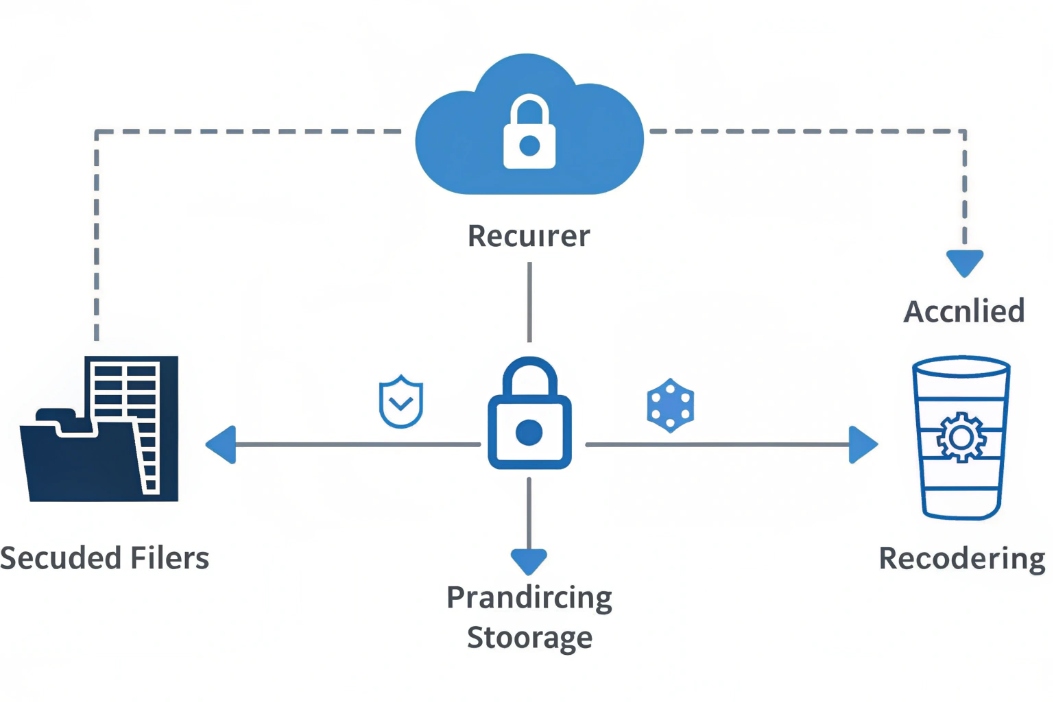
Building a secure storage and encryption model
Think of the recording lifecycle:
- Media on the wire
- Ingest into the recorder
- Storage and indexing
- Access, export, and deletion
At each step, you need matching controls.
In transit: protect signaling and media
- Use TLS for SIP signaling between endpoints, PBX, SBC, and recorder.
- Use Secure Real-time Transport Protocol (SRTP) 5 or other secure media options where supported.
- Between recorder and storage, use HTTPS/TLS or secure VPN links.
Even if your internal LAN feels “safe”, unencrypted RTP is easy to sniff. Once you centralize recording, attackers know exactly where the most sensitive audio lives.
At rest: encrypt, segment, and control access
For storage, typical patterns:
-
Cloud object storage (S3-compatible) with:
- Server-side encryption (for example AES-256).
- Separate buckets per environment (prod, dev, test).
- Lifecycle rules to move old recordings to colder tiers or delete.
-
On-prem NAS or SAN with disk-level encryption and tightly controlled shares.
-
Hybrid: recent calls in fast storage, long-term archive in cheaper, slower systems.
Key pieces:
-
Key management:
- Use a proper KMS (cloud or on-prem).
- Rotate keys regularly.
- Make sure keys and recordings are not stored in the same blast radius.
-
Access control:
- Only give playback rights to supervisors, QA, compliance, or explicit roles.
- Use SSO and MFA for any portal that exposes recordings.
- Log every play, download, delete, or share.
A simple control matrix:
| Layer | Main controls |
|---|---|
| Network transport | TLS for SIP/API, SRTP for media, VPN |
| Storage | Encrypted volumes / buckets, lifecycle rules |
| Identity & access | SSO, MFA, RBAC, least privilege |
| Audit & integrity | Access logs, tamper-evident hashes/IDs |
Retention, legal hold, and deletion
Define clear rules per queue / business unit:
- Sales training calls: maybe 90–180 days.
- Support calls: maybe 1–3 years depending on contracts.
- Regulated lines: as required by local regulations or industry rules.
You also need:
- Legal hold: ability to freeze specific recordings for investigations or cases.
- Automatic deletion when retention expires, not just “we plan to delete later”.
- A way to handle data subject requests (for example, deleting certain recordings if your privacy rules require it).
In my own SIP projects, the biggest shift happened when recordings moved from “some files on a PBX disk” to “treated as proper, encrypted customer data with retention and deletion like any other system of record.” That change of mindset is even more important than any single technical feature.
Which laws govern consent in my region?
The technology side of recording is fun. The legal side can be confusing and changes across borders, states, and industries. You cannot guess your way through this part.
Call recording is regulated by federal, state, and regional privacy laws; some places require one-party consent, others require all-party consent, and many regions treat recordings as personal data under broader privacy rules. Always confirm details with local counsel.

One-party, all-party, and beyond
At a high level, laws fall into a few patterns:
- One-party consent: if at least one participant in the call knows and agrees to record, it is generally allowed.
- All-party (two-party) consent: every participant must be informed and agree before you record.
- Hybrid / mixed rules: some regions have different standards for in-person vs electronic calls, or for private vs public conversations.
- Privacy-regulation layer: frameworks like GDPR or national privacy acts treat recordings as personal data and require a lawful basis, transparency, and data protection.
This leads to some practical rules of thumb in global deployments:
- If you handle calls across multiple states or countries, the strictest applicable rule often wins.
- Clear, up-front audio notices and “stay on the line = consent” policies are common, but must be checked against local law.
- Even in one-party regimes, many enterprises choose to behave like all-party consent to reduce risk.
Because VoIP makes borders fuzzy, your PBX in one country may serve users and callers all over the world. That makes generic “we’re in a one-party state” comfort pretty fragile.
Recording as personal data
Under modern privacy rules, call recordings are rarely treated as random audio:
- A voice is a personal identifier.
- Call content often contains names, addresses, account numbers, and sometimes health or financial data.
- Transcripts are also personal data; they might even be easier to search and misuse than audio.
So beyond consent, you usually must:
- Define why you record (training, quality, legal protection, contract performance).
- Tell callers:
- That you record.
- For which purposes.
- How long recordings are stored.
- How they can exercise their rights (access, correction, deletion where applicable).
- Protect recordings with the same rigour you use for other customer data.
Practical steps, not legal advice
Because I am not your lawyer, the safest pattern I see in projects is:
- Assume you need all-party consent in cross-border scenarios.
- Use clear, recorded messages at the start of calls, in the IVR, or when agents click “Record”.
- Keep a central policy document that maps queues and regions to:
- Whether calls are recorded.
- How consent is gathered.
- How long data is kept.
- Revisit policies with legal counsel when:
- You add new regions.
- You change your recording or AI stack.
- New regulations come into force.
If the legal side feels vague, that is a signal to pause aggressive recording rollouts until you have a written, reviewed policy to work from.
Can AI transcribe and summarize my recordings?
Thousands of recordings are useless if no one listens. AI promises to turn that pile of audio into searchable text, insights, and coaching tips, but you still need to design the pipeline.
Yes. Modern ASR and NLP models can transcribe, diarize, and summarize VoIP recordings at scale, especially when you capture dual-channel audio and attach clean metadata from your PBX or CRM.
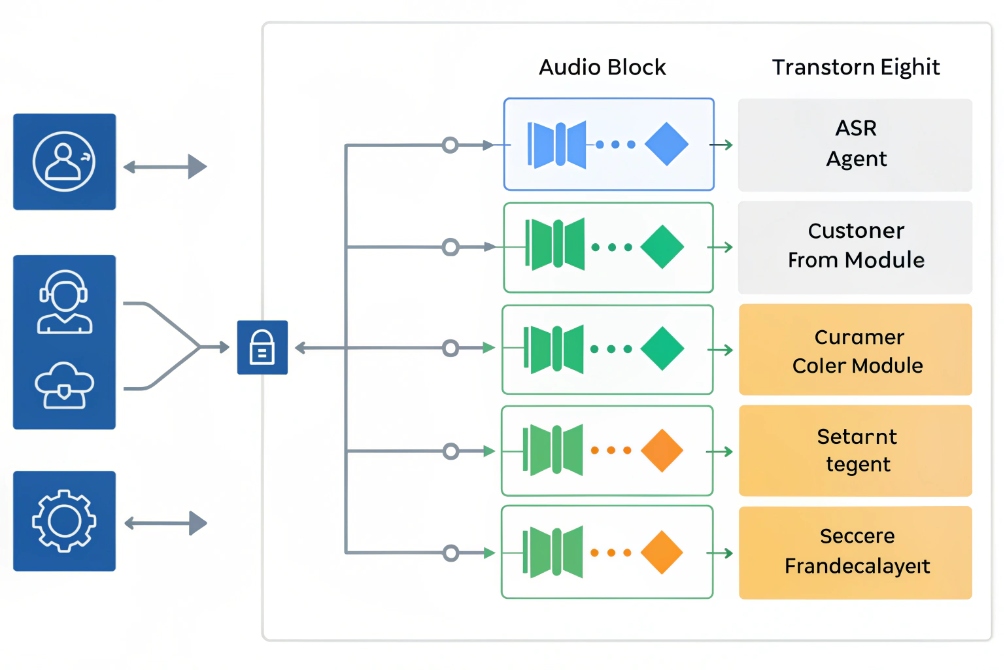
From audio to text and insight
The basic AI pipeline looks like this:
- Ingest audio from your recorder (usually WAV/Opus/MP3).
- Transcribe with ASR (Automatic Speech Recognition).
- Diarize: separate speaker turns (agent vs customer).
- Analyze and summarize:
- Detect topics, intent, and sentiment.
- Extract dates, amounts, product names, ticket IDs.
- Generate short summaries for CRM or ticket fields.
Dual-channel recordings (agent and customer on separate channels) are much easier to diarize and score:
- You know who interrupted whom.
- You can calculate talk ratio, silence, and over-talk.
- You can run different analysis on “what agents said” vs “what customers said”.
If your recorder only has mono, AI can still work, but with less precise speaker separation.
Choosing where AI runs
There are three common patterns:
-
Cloud AI services:
- Easy to start.
- Support many languages and good accuracy.
- Need strong data protection agreements and region-aware processing.
-
On-prem or private cloud models:
- More control and easier to align with strict compliance.
- Higher upfront effort to deploy and maintain.
- Good fit for regulated industries and large volumes.
-
Hybrid:
- Sensitive queues (for example healthcare, finance) use private models.
- Less sensitive work (for example internal support) can use external services.
Whatever you choose, treat transcripts and summaries as sensitive data:
- They are easier to search than raw audio.
- They often contain direct identifiers, not just voice tones.
- They may be exported, emailed, or copied into tickets if not controlled.
Measuring value from AI on recordings
AI should do more than generate pretty dashboards. A few useful outcomes:
-
Coaching:
- Highlight calls where required phrases were missing.
- Spot great examples for training.
- Show agents their own improvement over time.
-
Product and process feedback:
- Cluster recurring complaints or requests.
- Surface “why customers churn” in their own words.
- Show which queues or regions see certain issues first.
-
Compliance and risk:
- Detect phrases that indicate potential disputes.
- Watch for missing disclosures or consent language.
- Enable faster review when an incident occurs.
In practice, the biggest gains come when recordings, transcripts, and CRM data are linked tightly. A short auto-generated summary and key tags in the CRM record can save more time than the whole transcript by itself, especially for busy supervisors and managers.
When recordings, legal rules, encryption, and AI all work together, your VoIP system stops being just “phones on IP” and becomes a structured memory of your customer conversations that you can actually use without losing sleep over risk.
Conclusion
VoIP call recording only becomes an asset when you choose the right capture point, protect and govern the audio like any other sensitive data, respect consent rules, and let AI turn hours of speech into clear, actionable insight.
Footnotes
-
Architecture diagram showing where recording can be captured across a unified SIP environment. ↩ ↩
-
Visual call-path reference to compare endpoint, PBX, and trunk recording placement. ↩ ↩
-
Defines SIPREC for reliable session recording via SIP between PBX/SBC and recorders. ↩ ↩
-
Secure storage diagram illustrating encryption, governance, and controlled access for recordings. ↩ ↩
-
Explains SRTP encryption and integrity for RTP media streams in VoIP recording designs. ↩ ↩
-
Visual prompt for consent and compliance discussions around call recording notices. ↩ ↩
-
Workflow graphic showing how recordings flow into transcription, analytics, and summaries. ↩ ↩








