
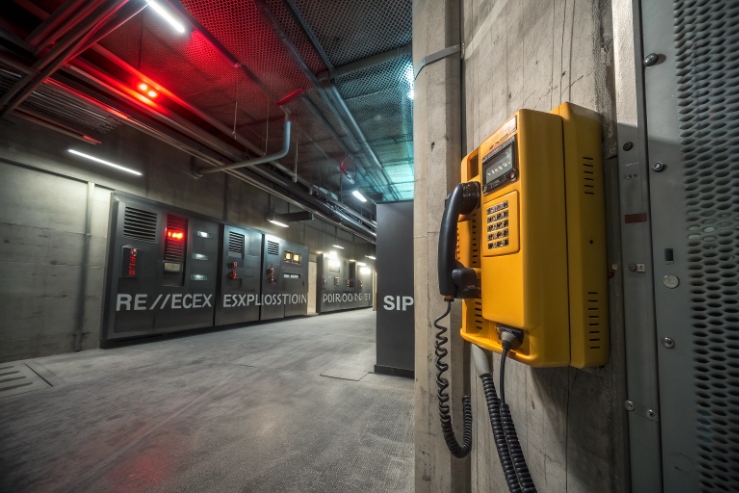
If an Ex phone cannot register to your PBX, the project stops. Then the site team blames the network, the PBX, and the device at the same time.
Most explosion-proof SIP telephones work with any PBX that supports standard SIP endpoints, as long as you match SIP registration, DTMF, codecs, and (if used) TLS/SRTP and provisioning rules.
PBX compatibility is mostly a SIP standards and feature alignment problem
Explosion-proof is about ignition protection and safe installation. PBX compatibility is about SIP behavior. These two topics sit in the same cabinet, but they are not the same engineering task.
In many industrial tenders, “compatible with Cisco / Avaya / 3CX” is written as a brand list. That helps procurement, but it still leaves risk. The real risk comes from small gaps: the PBX expects RFC4733 (often called RFC2833) DTMF, but the phone is set to SIP INFO. Or the PBX offers Opus first, but the phone only supports G.711. Or SRTP is enabled on one side and optional on the other, so calls fall back to RTP without anyone noticing.
A safer way to specify compatibility is to define a minimum SIP feature set, then map it to each PBX family. For example, Cisco CUCM has an official Third-Party AS-SIP Endpoint device type 1. Avaya IP Office deployments often require Third-Party IP Endpoint licenses 2. Grandstream UCM platforms highlight built-in security like SRTP, TLS and HTTPS protection 3. 3CX also maintains a supported phones/templates reference 4.
When I review projects for industrial SIP endpoints, one simple rule keeps the work clean: treat “PBX compatibility” as a testable checklist, not a marketing claim.
A quick compatibility map that clients understand
| PBX family | Usually works well when… | What to verify before rollout |
|---|---|---|
| Asterisk / FreePBX | Standard SIP + common codecs + common DTMF | DTMF mode, NAT keepalive, TLS/SRTP policy |
| 3CX | Use supported templates or proven generic SIP settings | Phone model template, codec order, STUN/remote settings |
| Cisco CUCM | Use Third-Party AS-SIP Endpoint approach | SIP profile, secure port/TLS profile, codec support |
| Avaya (IP Office / Aura edge) | Follow third-party SIP notes | Licenses, feature limits, codec match |
| Yeastar / Grandstream UCM | SIP endpoint registration and provisioning | Auto-provision method, security settings, VLAN/QoS assumptions |
This structure helps because it shows what is “normal” and what needs lab proof.
If you keep reading, the next sections turn each bullet into a spec line you can paste into a tender.
In the field, the fastest path is always the same: decide what features you require, then test one phone on the target PBX with real network conditions.
Are explosion-proof SIP phones interoperable with Asterisk/FreePBX, 3CX, Cisco CUCM, Avaya, Yeastar, and Grandstream UCM?
Vendor lists feel safe until one feature breaks. Then the “compatible” claim turns into a support ticket loop.
Yes, in most projects they interoperate, because these PBXs all support SIP endpoints. The limit is usually features and provisioning, not basic call setup.
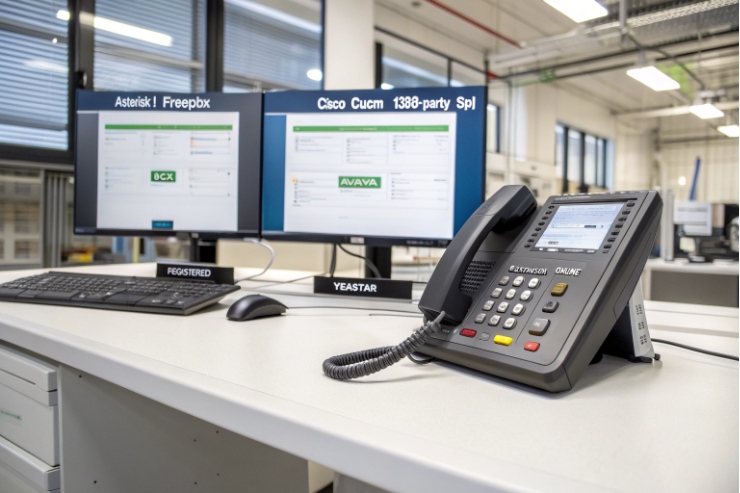
Asterisk and FreePBX are a common baseline because they are flexible and widely documented. FreePBX deployments often add provisioning tools (like Endpoint Manager) to make phone configuration repeatable.
3CX is often deployed in SMB and multi-site setups. It maintains a list of supported IP phones and templates, which is where most “smooth” deployments happen.
Cisco CUCM supports third-party SIP endpoints through its Third-Party AS-SIP Endpoint device type and related configuration guides.
Avaya IP Office includes documentation for third-party SIP phones and points to application notes for specific models.
Yeastar states that its PBX systems support most SIP-based IP phones and provide auto-provisioning guidance and device lists.
Grandstream UCM platforms are designed to support SIP endpoints, and specific UCM models describe built-in security options like SRTP, TLS, and HTTPS, which matters when your Ex phone uses encryption.
What “interoperable” usually means in practice
Most Ex SIP phones will do these with almost any of the PBXs above:
- register (digest auth)
- make and receive calls
- basic hold/transfer (depending on PBX feature model)
- DTMF that the IVR can read (when configured correctly)
Where interop starts to split:
- BLF and paging features (implementation differences)
- hotline/autodial behaviors
- custom keypad logic and relay triggers
- strict SRTP-only policies
- mass provisioning and firmware control
A simple interop test plan before purchase
| Test | Why it matters | Pass condition |
|---|---|---|
| Register + inbound/outbound call | Proves base SIP works | Stable registration, no reboots |
| DTMF to IVR | Prevents “call works but IVR fails” | Digits always detected |
| Codec fallback | Avoids “one-way audio” surprises | G.711 works end-to-end |
| Failover (if required) | Confirms uptime design | Auto-recover without manual reset |
| Provisioning | Confirms scale ability | 10 phones provision identically |
That short test saves more time than any brand list.
Which SIP features ensure PBX compatibility—SIP RFCs, registrar/proxy modes, RFC2833 DTMF, SIP INFO, and NAT traversal (STUN/ICE)?
Most “compatibility issues” are not bugs. They are mismatched assumptions.
PBX compatibility depends on basic SIP registration plus a few details: registrar/proxy behavior, a DTMF method both sides accept (RFC4733/“2833” is the most common), and NAT traversal strategy that fits your topology.
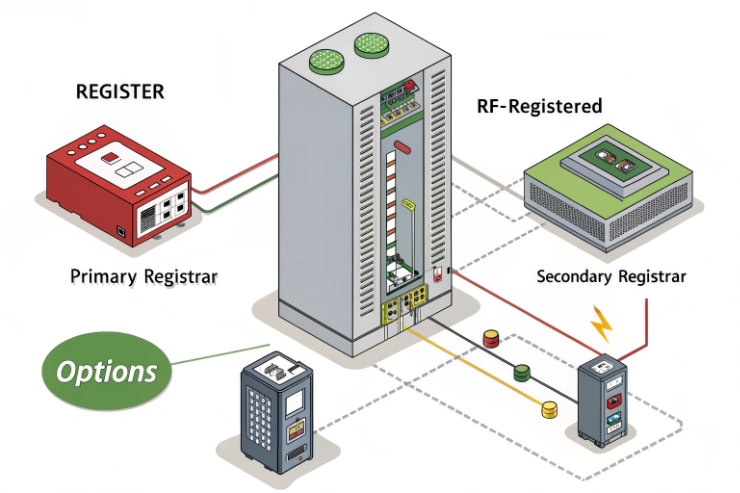
Registrar vs proxy modes: keep it simple
Many PBXs can act as registrar and proxy. Most industrial deployments do best when the phone is configured with:
- one registrar/proxy address (PBX or SBC)
- a clear outbound proxy rule (if NAT or SBC requires it)
- keepalives enabled when behind NAT
For multi-site or hosted VoIP, an SBC often becomes the stable choice, because it normalizes NAT, TLS, and SRTP policy.
DTMF: choose one method and enforce it
DTMF is where projects waste days. The clean rule is:
- use RFC 4733 RTP events for DTMF digits 5
- only use SIP INFO when your PBX/IVR is known to require it
- avoid “auto” modes in critical emergency phones, because auto can flip under load or across trunks
NAT traversal: STUN and ICE are tools, not magic
For remote phones, STUN and ICE can help, but they must match the PBX design.
- STUN is a tool protocol used for NAT traversal support—see STUN (RFC 5389) 6
- ICE is a NAT traversal protocol that uses STUN and can use TURN
Many industrial voice networks avoid ICE complexity by using an SBC or VPN, then phones act like they are on a local network.
A feature checklist you can paste into a tender
| Feature | Requirement to write | What it prevents |
|---|---|---|
| SIP transport | UDP required; TCP optional; TLS optional/required per policy | Random “works only sometimes” registration |
| DTMF | RFC4733 required; SIP INFO optional | IVR and hotline failures |
| NAT keepalive | SIP OPTIONS/CRLF keepalive supported | Registration drop behind NAT |
| STUN | Optional, if remote NAT scenario exists | One-way audio on remote links |
| ICE | Only if your PBX/SBC supports it | Complex failures that look like firewall issues |
If this feature list is agreed with the PBX team, the “which PBX is compatible” question becomes much easier to answer.
Do TLS/SRTP, SIP over TCP/UDP, and codecs (G.711/G.722/Opus) work with enterprise PBXs and hosted VoIP?
Security and codec choices can break calls even when registration works. That is why this section should be decided early.
Yes, these usually work, but only when you align the exact TLS/SRTP modes and the codec list across the whole call path (phone ↔ PBX/SBC ↔ trunk). Start with G.711 as the safe baseline, then add G.722 or Opus where supported.
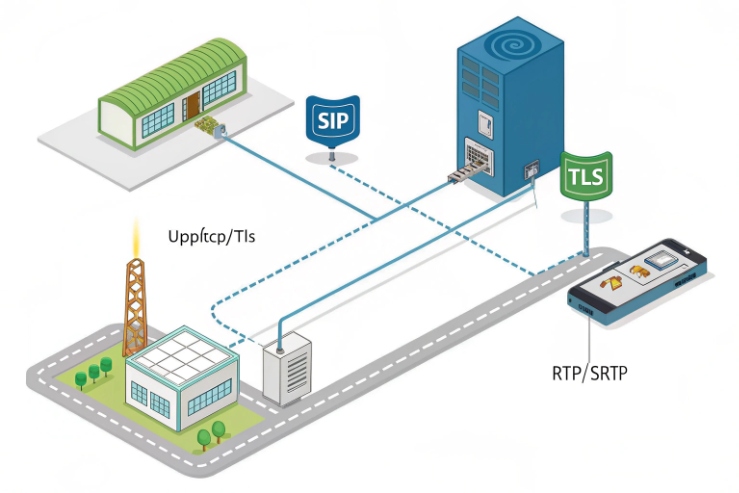
SIP transport: UDP is common, TCP/TLS are policy choices
Most PBXs still support SIP over UDP for LAN deployments. TCP is used when networks want stability through firewalls. TLS is used when signaling privacy and policy compliance matter.
If your baseline includes encryption, use a proven reference design like the Asterisk TLS and SRTP configuration guidance 7 and then validate interop with your chosen PBX/SBC.
SRTP and TLS in SMB PBXs and UCMs
Some PBX appliances highlight security features directly. This can be useful as a quick check that your target PBX family is designed for SRTP/TLS operation.
Codec planning: start with what never fails
For industrial sites, the simplest codec rule is:
- G.711 as the baseline (almost always works end-to-end)
- G.722 for LAN HD voice if bandwidth is fine
- Opus only when both sides truly support it and you control transcoding
A compatibility-first media policy table
| Item | Safe baseline | Upgrade option | Common pitfall |
|---|---|---|---|
| Codec | G.711 | G.722 / Opus | Trunk does not support HD codec |
| SRTP | Optional during pilot | Required in production (if policy needs) | One side allows RTP fallback |
| SIP transport | UDP | TCP/TLS | Firewalls block TCP 5060/5061 |
| DTMF | RFC4733 events | — | SIP INFO mismatch |
If the client wants “secure voice,” the cleanest spec is “TLS required + SRTP required + no fallback,” but only after you prove the PBX/SBC supports it end-to-end.
Can provisioning integrate with PBX—DHCP options, HTTP/HTTPS auto-provisioning, TR-069, and XML/CSV bulk templates?
Manual configuration is fine for one phone. It fails in a refinery rollout.
Yes. Most PBX ecosystems support provisioning workflows, but the tools differ: 3CX uses phone templates, Yeastar and Grandstream provide auto/zero-configuration methods for supported endpoints, and FreePBX often uses Endpoint Manager templates over common protocols like HTTP/TFTP/FTP.
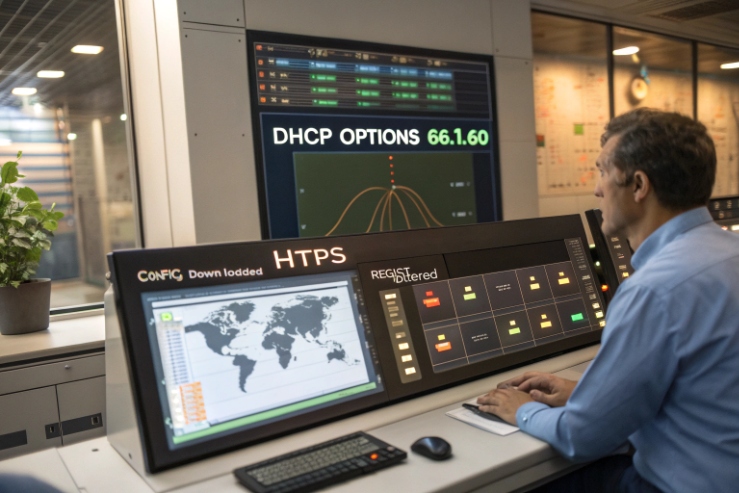
A provisioning decision table for industrial rollouts
| Deployment style | Best-fit method | Why it works in hazardous sites |
|---|---|---|
| Small site (≤20 phones) | Web UI + backup config export | Simple, low admin overhead |
| Multi-site rollout | HTTPS auto-provision + templates | Repeatable and auditable |
| Mixed PBX brands | Vendor provisioning server or neutral ACS | Keeps endpoints consistent |
| Strict compliance | HTTPS + cert-based trust + signed configs | Reduces drift and tampering risk |
The practical takeaway is simple: decide who “owns” provisioning (PBX or device vendor) before the first unit is mounted in Zone 1, because post-change work is always slower in hazardous permits.
Conclusion
Explosion-proof SIP phones are broadly PBX-compatible, but real success comes from matching SIP features, media/security modes, and provisioning methods, then proving it with a short interop test.
Footnotes
-
Cisco CUCM steps for configuring third-party SIP endpoints.
https://www.cisco.com/c/en/us/td/docs/voice_ip_comm/cucm/admin/cucm_b_feature-configuration-guide-for-15/cucm_m_configure-as-sip-endpoints.html(↩︎) ↩ -
Avaya IP Office licensing notes for non-Avaya SIP endpoints.
https://documentation.avaya.com/bundle/IPOfficeH323/page/Licenses_and_Subscriptions.html(↩︎) ↩ -
Grandstream UCM security features overview for TLS/SRTP planning.
https://www.grandstream.com/products/ip-pbxs/ucm6510(↩︎) ↩ -
3CX reference on supported phones and codec settings.
https://www.3cx.com/sip-phones/codecs/(↩︎) ↩ -
Official DTMF-over-RTP events standard used by most PBXs.
https://datatracker.ietf.org/doc/html/rfc4733(↩︎) ↩ -
STUN standard reference for NAT traversal planning.
https://datatracker.ietf.org/doc/html/rfc5389(↩︎) ↩ -
Practical TLS/SRTP setup reference for standards-based SIP endpoints.
https://www.asterisk.org/secure-calling-tutorial-asterisk-tls-srtp/(↩︎) ↩








