
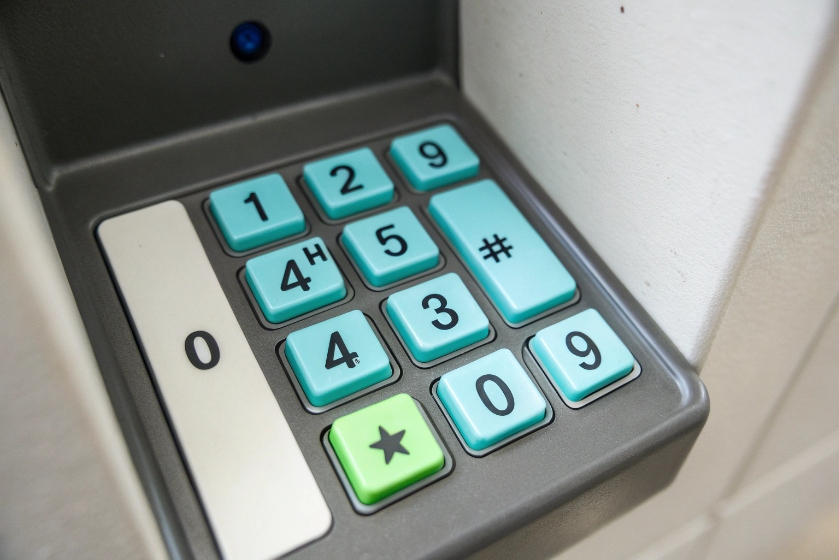
DTMF turns keypad presses into pairs of tones. IVRs listen for those tones and act fast.
DTMF is “touch-tone” signaling. Each key sends two frequencies together. Systems detect the pair and map it to digits like 0–9, star, and pound for routing and control.
DTMF still matters in VoIP 1. IVRs, voicemail, conferencing, secure payment capture, and service bots use it every day. The tricky part is transport. Audio, RTP events, or SIP messages each behave differently. Get mode and levels right, and life is simple. Get them wrong, and callers mash keys with no result.
Which DTMF mode should I use: in-band, RFC2833, or SIP INFO?
DTMF can ride as audio, as RTP events, or as SIP signaling. Your choice decides reliability under compression and loss.
Use RFC 2833/4733 (RTP events) by default. Use in-band only with toll-quality codecs and no transcoding. Use SIP INFO only when endpoints and IVRs agree and media paths are odd.
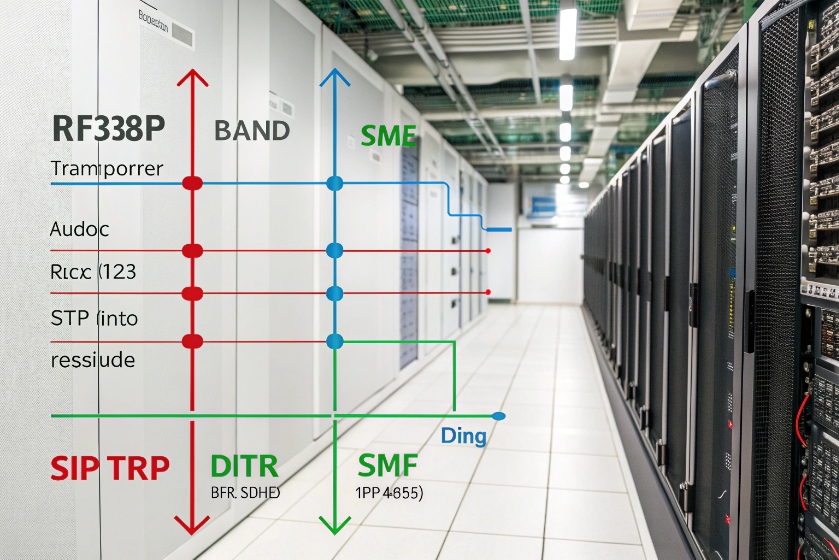
The three modes at a glance
| Mode | How it works | Pros | Cons | Best use |
|---|---|---|---|---|
| In-band | Real tones inside the audio stream | Simple path, works on PSTN | Breaks with heavy compression, loss, or noise | G.711 end-to-end, no transcoding |
| RFC 2833/4733 | RTP events (named telephone-event payload) | Robust, codec-independent, timing included | Needs correct payload types and passthrough | Default for SIP/CCaaS |
| SIP INFO | SIP messages with digits | Works when media is weird or muted | Proxies may drop or reorder; no exact timing | Niche, controlled networks |
Note: RFC 2833 became RFC 4733. People still say “2833.” They mean RTP telephone-events.
Practical defaults that rarely fail
- Set telephone-event payload (often PT 101).
- ptime 20 ms for audio and events. Keep it consistent.
- Enable pass-through of 2833/4733 on SBCs 2, B2BUAs, and media servers.
- Disable transcoding when possible. If you must transcode, keep events intact.
- Keep tone duration and inter-digit gap at ≥ 80–120 ms for IVRs. Faster works on labs, not on real networks.
When to pick each
- In-band: Only when both sides use G.711 µ-law/A-law, no VAD, no lossy codec, and no echo cancellers messing with tones.
- RFC 2833/4733: Nearly always for SIP trunks, CCaaS, and SBC routes. Survives G.729, Opus, AMR-WB, and transcoding.
- SIP INFO: Special cases like voice-masked PCI capture, or odd one-way media. Lock it down with strict interop tests.
Quick interop checklist
| Element | Target |
|---|---|
| RTP telephone-event | Enabled end-to-end |
| Payload type (PT) | Same number both ways |
| ptime | 20 ms (match everywhere) |
| VAD/AGC | Conservative or off during tones |
| Jitter buffer | Adaptive, max ≤ 100–120 ms |
| NAT/SBC | Do not strip events or change PT silently |
If you can only change one thing, change transport to RFC 2833/4733 and keep ptime steady.
How do I fix failed DTMF in IVR flows?
Broken DTMF usually comes from the wrong transport, wrong timing, codec damage, or devices that “help” too much. Fix is a short list.
Confirm transport first. Then lock timing, gain, and echo settings. Remove transcoding, and give the IVR time to listen. Add retries and confirmations for safety.
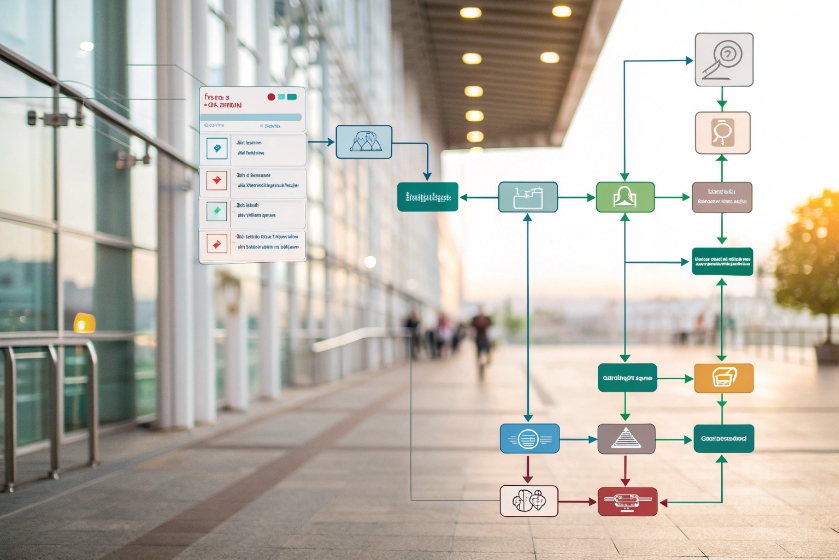
A simple triage flow
- Identify transport: Capture a call trace. Do you see RTP telephone-events? Or only audio? Or SIP INFO? Align to your choice.
- Check codec path: Look for transcoding hops. Each hop risks tone damage if in-band.
- Look at timing: Many IVRs want ≥ 80 ms per digit and similar gaps. Some need ≥ 120 ms to be safe.
- Gain and “twist”: The two tone components must be within a few dB. Avoid AGC that skews levels.
- Jitter buffer size: Huge buffers delay events. Keep ≤ 100–120 ms max.
- VAD/Noise suppression: These can clip tone starts. Soften or disable during capture steps.
- Echo cancellers: Strong NLP/EC can notch tones. Use DTMF pass-through or relaxation modes.
IVR design changes that help
- Prompt then listen: Do not talk over expected digits. Allow a barge-in window that is wide enough for full digits.
- Confirm long entries: “You entered 492871. Press 1 to confirm.” Reduces retries.
- Segment input: Account number first, then PIN. Shorter bursts survive better.
- Timeouts: Set input timeout ≥ 4–6 seconds for multi-digit entries.
- Retries: Two attempts with clearer wording, then failover to an agent.
Endpoint and SBC fixes
| Component | Setting | Why |
|---|---|---|
| Softphone/headset | Turn down AGC and disable noise gates during entry | Prevent tone clipping |
| SBC | Ensure 2833/4733 passthrough; stable PT | Keep events intact |
| Media server | Match ptime; no event aggregation weirdness | Avoid missing edges |
| Router/Wi-Fi | QoS DSCP for voice; avoid packet burst loss | Smooth event arrival |
A short “it finally works” checklist
- Digits show up correctly in the IVR logs.
- No double digits or missing first/last digits.
- Same success from desk phone, softphone, and mobile.
- Success holds under 1–2% packet loss in a test.
Fix transport, tame “helpers,” and give the IVR a clean listen window. Most failures vanish.
Do codecs like G.729 break my DTMF tones?
Codecs compress speech. Some also reshape tone energy. In-band tones suffer. Out-of-band events do not.
Yes, low-bitrate codecs can mangle in-band DTMF. Use RFC 2833/4733 to avoid damage. If you must use in-band, stick to G.711 end-to-end and keep levels steady.
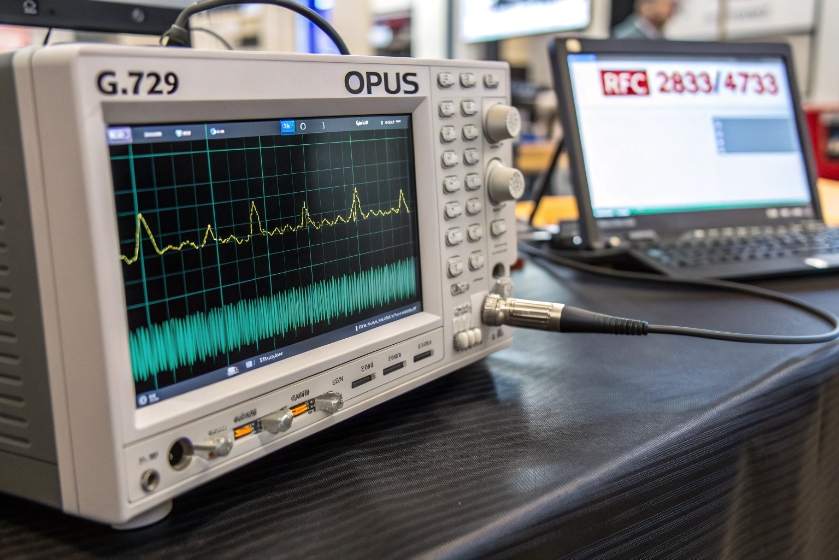
How codecs interact with DTMF
- G.711 (64 kbps): Toll-quality PCM. In-band DTMF is usually fine if no echo canceller, VAD, or transcoding breaks it.
- G.729 (8 kbps): Heavy compression. In-band tones distort, especially with VAD. Often unreadable.
- Opus/AMR-WB: Wideband shines for voice, but in-band tones still risk change at low bitrates or with PLC.
- Transcoding: Each encode/decode pass adds loss. In-band tones degrade further across multiple hops.
Why RFC 2833/4733 wins here
RTP events describe a digit with start/stop, duration, and level. The media server or IVR sees the digit even if the audio codec is low bitrate or if PLC filled gaps. Events travel beside the audio stream and are not compressed like tones.
If you are forced into in-band
- Keep G.711 end-to-end.
- Turn off or soften VAD and noise suppression.
- Keep levels around −15 to −9 dBFS active speech; tone components within 3 dB of each other (low/high “twist” control).
- Use longer tones: 100–150 ms on, 100 ms off.
- Avoid echo cancellers on IVR legs or enable their DTMF protection.
Quick matrix
| Path | In-band OK? | Notes |
|---|---|---|
| G.711 → G.711, no transcode | Usually yes | Set good timing and levels |
| G.711 → G.729 → G.711 | Risky | Switch to 2833/4733 |
| Opus low bitrate mobile | Risky | Use 2833/4733 |
| Contact center CCaaS | Use 2833/4733 | Vendor best practice |
If DTMF matters, design so codecs cannot hurt it.
How do I test DTMF end-to-end reliably?
Manual key-mashing lies. You need a repeatable test that checks transport, timing, codecs, and IVR logic across the real route.
Script test calls that send known digits, record both legs, and verify what the IVR received. Vary transport modes, codecs, loss, and jitter. Keep a golden path and run it after every change.
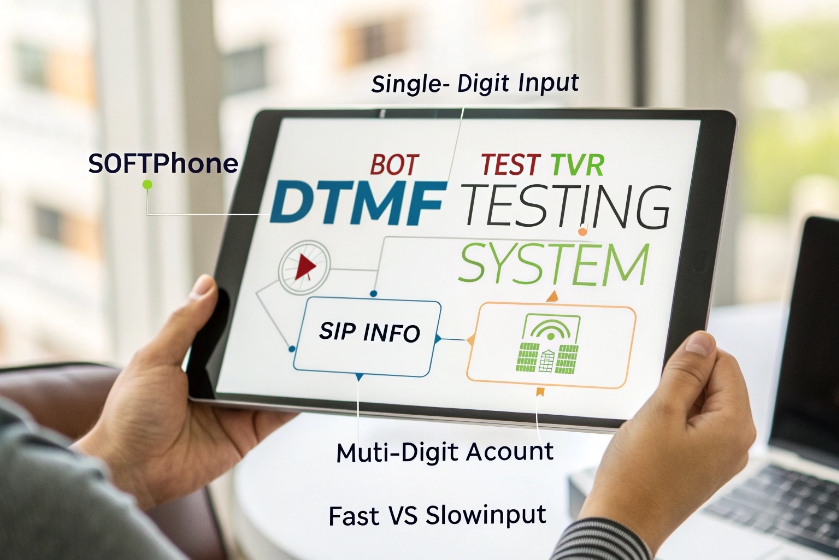
Build a simple test harness
- Generator: A softphone or bot that can send in-band tones and RFC 2833/4733 events, and, if needed, SIP INFO.
- Receiver: A test IVR node that logs digits and timestamps.
- Recorder: PCAP and audio capture at the edge (SBC) and at the IVR.
- Scenarios:
- Single digits 0–9, *, #.
- Long sequences (e.g., 12-digit account + 4-digit PIN).
- Fast vs slow entry (60 ms, 100 ms, 150 ms).
- Mixed transport (events vs in-band).
- With and without packet loss (1–2% random, small bursts).
- With and without transcoding.
What to assert
| Check | Target |
|---|---|
| Digit accuracy | 100% correct mapping |
| Start/stop timing | Within ±40 ms of sent values |
| No leading/trailing loss | First and last digits present |
| Event payload | Correct PT, duration increasing, proper end flag |
| SIP INFO delivery | 200 OK from IVR, correct order |
Field tools and tips
- Use SBC ladder views to see INVITE/200, RTP, and event packets.
- Use waveform view to spot clipped tone edges in in-band tests.
- Compare IVR logs to what you sent. Mismatch = transport or timing issue.
- Test from three networks: office LAN, managed VPN, and mobile LTE/5G.
- After every carrier or SBC change, run the suite. DTMF breaks often during “simple” upgrades.
Golden settings to bake into CI
- telephone-event PT constant across clusters.
- ptime 20 ms everywhere.
- Max jitter buffer ≤ 100–120 ms.
- VAD off on IVR legs.
- Transcoding disabled on IVR legs.
- Tone length default 120 ms; gap 100 ms.
Troubleshooting map
| Symptom | Likely cause | Fast fix |
|---|---|---|
| Missing first digit | Early talk-over, VAD, short tone | Increase tone/gap; disable VAD; prompt then listen |
| Double digits | Event duplication, long duration, buffering | Cap event duration; check SBC aggregation |
| Random wrong digits | In-band through G.729 or noise gate | Switch to 2833/4733; relax gates |
| Only SIP INFO works | RTP blocked or PT mismatch | Open RTP; align payload types |
| Works on desk phone, not softphone | AGC/gate in client | Turn off processing during entry |
Automate tests and keep them close to production routes. When numbers change, your digits will still land.
Conclusion
Pick RFC 2833/4733 as your default. Keep timing sane, levels steady, and buffers small. Avoid in-band through low-bitrate codecs. Test end-to-end with scripted digits and real routes so DTMF keeps working after every change.








