
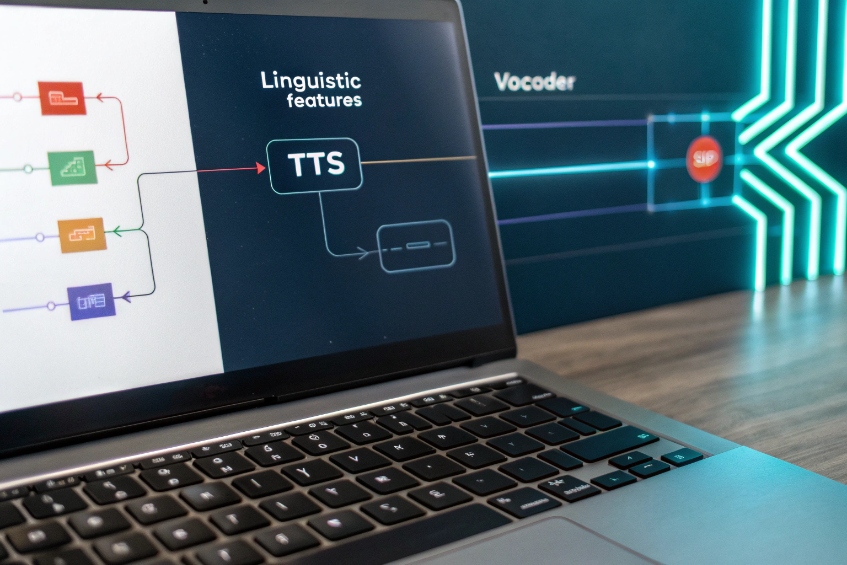
Customers expect clear, human voice on every call. TTS turns text into speech 1 that sounds natural and stays on brand.
Text-to-Speech (TTS) converts written text into spoken audio. Modern neural TTS controls prosody, pronunciation, and pacing so prompts sound consistent, support many languages, and load fast across IVR and apps.
TTS is now the voice of IVRs, alerts, product updates, and accessibility tools 2. In this guide, I explain how natural the voice should be, which languages and SSML tags 3 to use, how to cache prompts to cut cost and latency, and how to keep a consistent brand voice across channels.
How natural should my TTS voice sound?
Too robotic hurts trust. Too expressive can feel fake. I aim for clear, calm, and slightly warm, then adjust by use case.
Pick a friendly but neutral voice for service flows, a warmer voice for sales, and a concise voice for alerts. Keep rate, pitch, and energy stable across prompts.
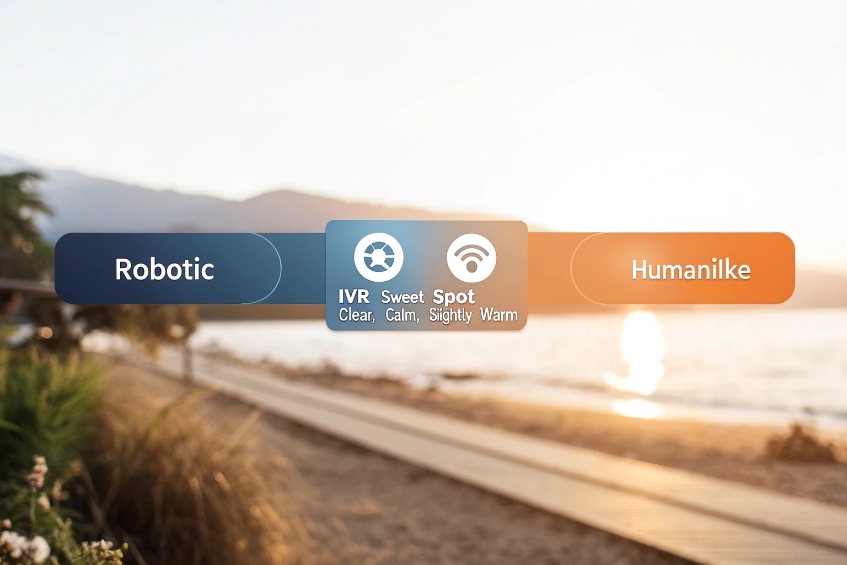
Think “fit for purpose,” not “most human”
Some tasks need warmth, others need speed. For account balance, clear and steady beats theatrical. For cancellations or delivery troubles, a touch of empathy helps. I set three profiles and stick to them:
| Profile | Typical flows | Rate | Energy | Notes |
|---|---|---|---|---|
| Service Neutral | authentication, routing, balances | Medium | Low–Medium | Crisp consonants, short pauses |
| Empathic Warm | complaints, cancellations, outages | Medium–Slow | Medium | Softer pitch, longer pauses after bad news |
| Alert Concise | fraud, OTP, status pings | Fast | Medium–High | No filler; numbers articulated clearly |
Tune the “first 10 seconds”
The first greeting sets perceived quality. I trim leading silence, avoid long breath sounds, and keep the greeting under 7–10 seconds. Small SSML prosody tweaks (+/- 2–6%) feel natural; big swings sound artificial.
Control variability on purpose
Neural TTS can add expressive variance. That is nice for long reads, risky for IVR snippets. I reduce randomness and lock rate, pitch, and volume across all core prompts. I allow slightly richer prosody in help messages and apologies.
Watch cognitive load
High-energy voices with fast rate increase error on menu choices. I keep 150–180 words per minute for IVR menus 4, slightly slower when reading long numbers, dates, or addresses. I add short, predictable pauses before important digits so callers can write them down.
Quick listening tests that never fail me
- Clarity check: “Six thick thistle sticks” for sibilants; “big, bag, bug” for vowels.
- Digit run: Random 10–12 digit readback; listen for even spacing.
- Fatigue test: 60 seconds of status prompts; note if it becomes tiring.
Natural enough to be kind, controlled enough to be reliable—that is the sweet spot.
Language coverage and SSML decide whether prompts are legible, local, and robust. I start with the languages my callers actually use, then standardize a small SSML toolkit.
Support the top languages your queues need, and use a small, repeatable set of SSML tags: prosody, say-as, break, phoneme, emphasis, and lang for code-switching.
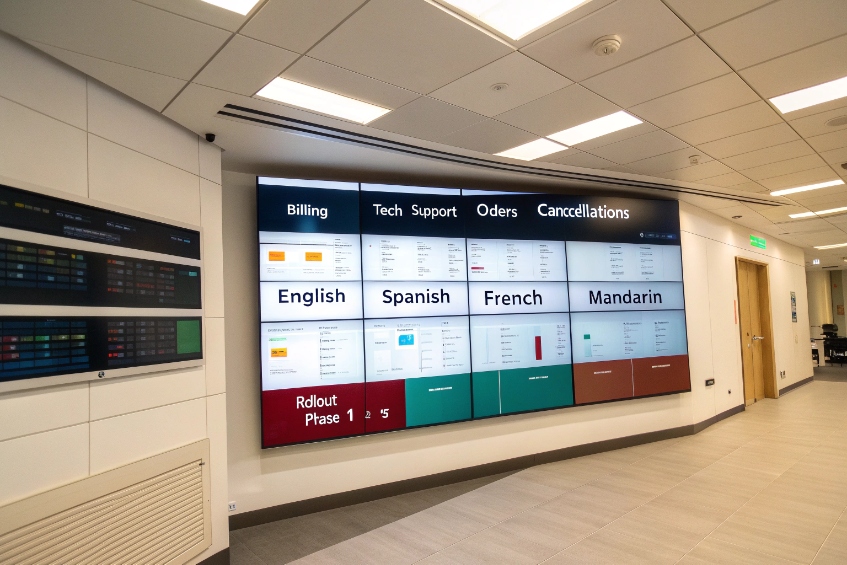
Language strategy that scales
I map language demand by queue using IVR selections and agent notes. I roll out voices in this order:
1) Primary market language(s) with top-tier neural voices.
2) Secondary languages covering ≥5–10% of traffic.
3) Regional variants when compliance or tone requires it (e.g., Mexican Spanish vs. Castilian, Canadian French vs. Continental).
I avoid mixing dialects in one flow. If I must code-switch (brand names, product terms), I set explicit SSML lang on the phrase.
My SSML starter kit (copy/paste friendly)
-
Rate and pitch (keep gentle):
<prosody rate="+4%" pitch="-2%">Avoid big swings; small changes feel human. -
Pauses at key points:
<break time="300ms"/>before digits or addresses;200msbetween phrases. -
Digits, dates, currency (never guess):
<say-as interpret-as="digits">for OTPs and account numbers.
<say-as interpret-as="time" format="hms24">for schedules.
<say-as interpret-as="cardinal/ordinal/currency">as needed. -
Names and acronyms:
<say-as interpret-as="characters">API</say-as>;
for tricky brand/product names, use<phoneme alphabet="ipa" ph="...">name</phoneme>. -
Emphasis (use sparingly):
<emphasis level="moderate">for one keyword per sentence. -
Language switch inline:
...<lang xml:lang="es-MX">Número de pedido</lang>...
Number and address hygiene
Numbers cause most misunderstandings. I standardize:
- OTP and account numbers: always digits mode, chunked:
1234 <break 200ms/> 5678. - Phone numbers: local format for the caller’s country; include country code only when necessary.
- Addresses: pause after street, city, and postal code; avoid overstuffed lines.
Pronunciation dictionary 5
I keep a small, versioned lexicon for brand names, product codes, surnames, and cities. Each entry has IPA or vendor-specific phonemes. I load it per language so agents and TTS agree. This kills “VLAN,” “VoIP,” and regional place-name errors.
Simple multilingual checklist
| Item | Rule |
|---|---|
| Voice per language | Consistent primary voice per locale |
| Numerics | Use say-as="digits" or locale-aware numbers |
| Dates | Locale formats (DMY vs MDY), weekday names |
| Acronyms | characters unless the acronym is a word (e.g., “NATO”) |
| Code-switch | Wrap with lang; test playback rate and pitch |
Small SSML rules and a tight lexicon deliver big gains in clarity.
Can I cache TTS prompts to cut costs?
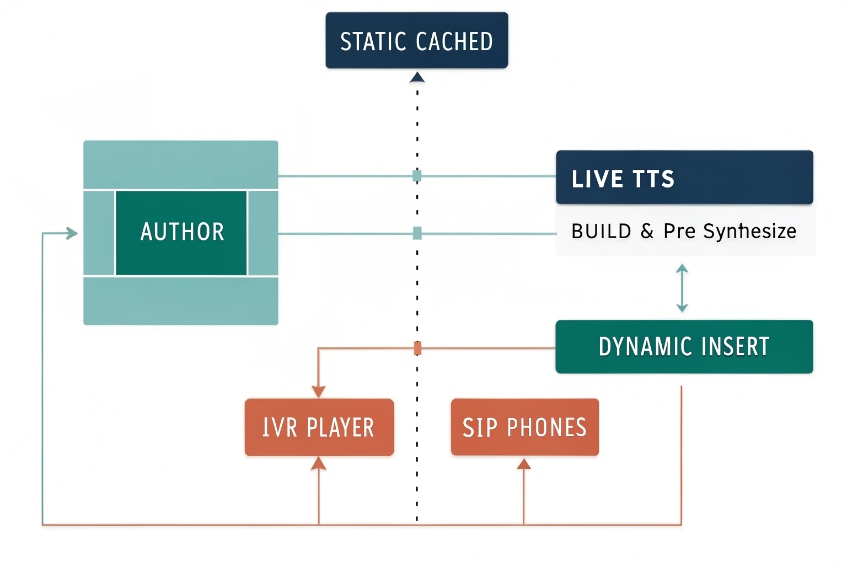
Yes. Most IVR prompts repeat. I pre-synthesize, store, and reuse them 6. Live TTS remains for dynamic parts.
Cache static prompts as audio files, stream dynamic segments with SSML, and use edge caching/CDNs. Manage versions with IDs so cost and latency stay low.
What to cache
- Static greetings and menus: company name, hours, department lists.
- Compliance lines: recording notices, consent statements, payment disclaimers.
- Common error/help prompts: retry instructions, “one moment please.”
- Language switchers: short, reusable stubs in each language.
I pre-synthesize these at build time and save them as Opus (16–24 kbps) for IVR streaming or PCM/WAV if the platform needs it. I keep one master WAV at 16-kHz mono for editing and generate distribution formats from that master.
What to synthesize on the fly
- Personalized pieces: names, order IDs, balances, dates, one-time codes.
- Rapidly changing data: wait times, outage regions, inventory messages.
I build hybrid prompts: cached body + live insert. Example:
“Hello. <break 150ms/> Your order
ships . <break 200ms/> Reply 1 to get tracking by SMS.”
Versioning and invalidation
Each prompt has a stable ID and semantic version: IVR_EN_US.GREETING.v3. When script changes, I bump the version and rebuild the cache. The IVR references IDs, not file names. A nightly job checks cache health and warms edge nodes.
Cost and latency math
- Cold synth can take 200–800 ms per short prompt in the cloud.
- Cached playback starts in <50–100 ms from local store or CDN.
If a flow plays 5–7 prompts per call, caching saves seconds of dead air and real money at scale.
Resilience plan
If the TTS service is down, IVR still serves cached prompts. For live inserts, I keep text fallbacks (“I can’t fetch your balance right now”) spoken by a backup offline voice or played as a friendly canned message.
Caching checklist
| Area | Decision |
|---|---|
| Master format | WAV 16-kHz mono, -16 LUFS target |
| Distribution | Opus/WebM or vendor-native |
| Storage | Object store + CDN/edge |
| Keys | PromptID + locale + version |
| Rebuild | CI step on content merge |
| Health | 1% canary calls force live path to keep it warm |
Cache what repeats; synthesize what changes. Your bill and your wait times both drop.
How do I brand my IVR voice consistently?
Brand shows up in words, pacing, and tone. I document it, test it, and enforce it in content and code.
Write a short voice guide, lock a base voice per language, standardize SSML, and ship prompts through a versioned content pipeline with review and A/B testing.
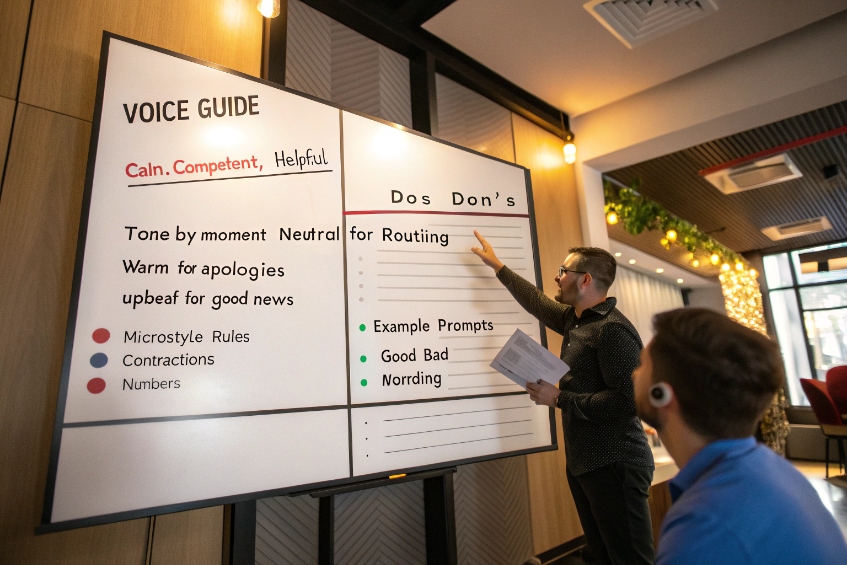
Build a one-page voice guide 7
- Persona: “Calm, competent, and helpful. Friendly, not chatty.”
- Do/Don’t: Do use plain words. Don’t stack clauses.
- Tone by moment: Neutral for routing; warm for apologies; upbeat for good news.
- Microstyle: Contractions ok (“we’re,” “you’ll”); no jargon; numbers digit-by-digit for IDs.
I keep examples of good/bad prompts for quick copy reviews.
Create a prompt library
Every prompt lives in a source repo with ID, English master, translations, and SSML. Example entry:
id: IVR_EN_US.BALANCE_MAIN.v5
text: "Your balance is
ssml: "
locale: en-US
tags: [billing, playback, dynamic]
Translators get context strings and screenshots of where the prompt plays. I avoid hard-coding numbers or dates in the base text.
Keep voice choice stable
Pick one primary voice per locale for service flows. Use a secondary voice only for urgent alerts or security. If I need seasonal or campaign flair, I change wording, not the voice, so recognition and trust remain high.
Test like a product
- Ear tests: Small panel rates clarity and warmth; we reject prompts with confusing emphasis.
- Speed tests: We measure time-to-speak and total prompt time; we keep totals short.
- A/B prompts: We try “long” vs “short” wording on small traffic and keep the one with fewer errors and lower repeat rate.
Keep agents in the loop
If agents say callers repeat the last digits or miss options, the prompt is wrong. I monitor transfer tags and ASR no-match spikes after prompt changes. I roll back fast if errors rise.
Governance you can live with
- One owner per language.
- Two-person review for SSML and copy merges.
- CI lints: no unclosed
say-as, no more than oneemphasisper sentence, breaks capped at 500ms outside compliance messages. - Weekly diff report of prompts changed, by reason and outcome.
Consistency builds trust. Trust shortens calls.
Conclusion
Choose a steady voice, use a small SSML toolkit, cache what repeats, and version everything. With clear rules and a single brand voice, your IVR sounds human, fast, and consistent.
Footnotes
-
Overview of cloud text-to-speech basics, neural voices, and use cases for IVR and applications. ↩︎ ↩
-
Explains how screen readers and text-to-speech assist users with visual impairments and other accessibility needs. ↩︎ ↩
-
Practical guide to SSML tags for controlling pauses, numbers, and formatting in synthesized speech output. ↩︎ ↩
-
Covers average speaking rates and why pacing around 150 words per minute improves listener comprehension. ↩︎ ↩
-
Explains how lexicons and pronunciation dictionaries improve TTS accuracy for names, jargon, and complex words. ↩︎ ↩
-
IVR best practices on recording or generating prompts that sound natural and reduce caller frustration. ↩︎ ↩
-
Guide to defining consistent brand voice guidelines, tone, and examples across customer-facing channels. ↩︎ ↩








