
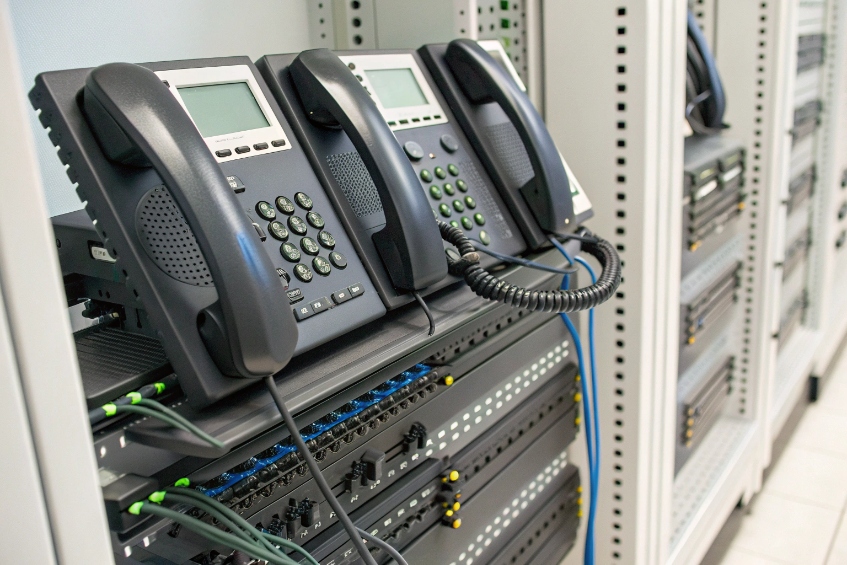
Outbound calls often show the wrong number or fail altogether, even though the SIP trunk is registered and extensions look fine in the PBX.
Direct Outward Dialing (DOD) lets each PBX extension place outbound calls with a defined external number and permissions, so users dial outside directly and customers see the right business caller ID.
When Direct Outward Dialing (DOD) 1 is set up correctly, every extension has clear rules for which trunk it uses, which caller ID it sends, and which destinations it can reach. That keeps your routing predictable, keeps carriers happy, and gives customers a consistent, trusted number for callbacks. In the rest of this article, I will walk through how to assign DOD, how it differs from DID, how it affects caller ID, and how to fix common failures.
How do I assign DOD numbers to my extensions?
Without clear DOD settings, people dial out but the external number is random, shared, or blocked, so customers cannot call back the right person.
You assign DOD by mapping each extension or user to an external number in your PBX or trunk settings, then forcing outbound routes to use that mapping as the caller ID.

Decide who actually needs a DOD number
Not every device needs its own external number. Before touching the PBX, decide which users or roles need a stable, direct outbound identity.
Typical patterns look like this:
| User / Role | DOD strategy | Notes |
|---|---|---|
| Sales reps | One DOD per person | Direct callbacks, personal relationships |
| Support queues | One DOD per department | Shared identity, easy caller recognition |
| Executives | Dedicated DOD, sometimes hidden | Optional outbound masking for privacy |
| Lobby / common phones | Use main company number | No need for personal identity |
This small design step avoids waste. You do not need 200 DOD numbers if only 40 people talk to external customers directly. It also helps you size DID ranges and trunks later.
Map extensions to DOD numbers inside the PBX
Most SIP PBXs and IP phone systems use one of these models:
- A “DOD” or “Outbound Caller ID” table on the trunk, where you bind external numbers to internal extensions.
- Per-extension outbound caller ID fields that override the trunk default when the extension dials out.
- A combination, where the trunk DOD list validates which numbers are allowed, and the extension setting selects one entry.
The basic idea is always the same:
- Take an external number you own (often a DID).
- Enter it in the PBX in full, ideally in E.164 format 2 (+countrycode…).
- Link that number to an extension, user, or group.
- Tell the PBX to use that mapping when building the outbound SIP INVITE.
In many systems, you can assign more than one DOD number to the same extension and choose between them with prefixes or different outbound routes. That is useful for users who represent multiple brands or projects.
Bind DOD to outbound routes and permissions
If DOD only sets caller ID, you still need to control where each extension can call. A strong design links DOD, outbound routes, and class-of-service:
| Goal | Mechanism | Example |
|---|---|---|
| Per-extension identity | DOD / outbound caller ID mapping | Ext 201 → +1 212 555 1201 |
| Control which trunk is used | Outbound routes and patterns | Local vs international trunks |
| Prevent abuse or fraud | Class-of-service / permission groups | Block premium or overseas calls for some extensions |
For example, you can put sales agents into a class that can use international routes with their DOD numbers. At the same time, lobby phones can still dial local numbers but use the main company caller ID and cannot reach international destinations. DOD gives the identity; class-of-service and routes enforce the policy. Together they form a clean and secure outbound design.
How does DOD differ from DID on my trunks?
Many teams mix up DID and DOD because the names sound similar, so they design trunks and routing rules that do not match how their carrier actually works.
DID delivers calls from the outside world into specific numbers on your PBX, while DOD controls which number your PBX presents to the outside when extensions call out.
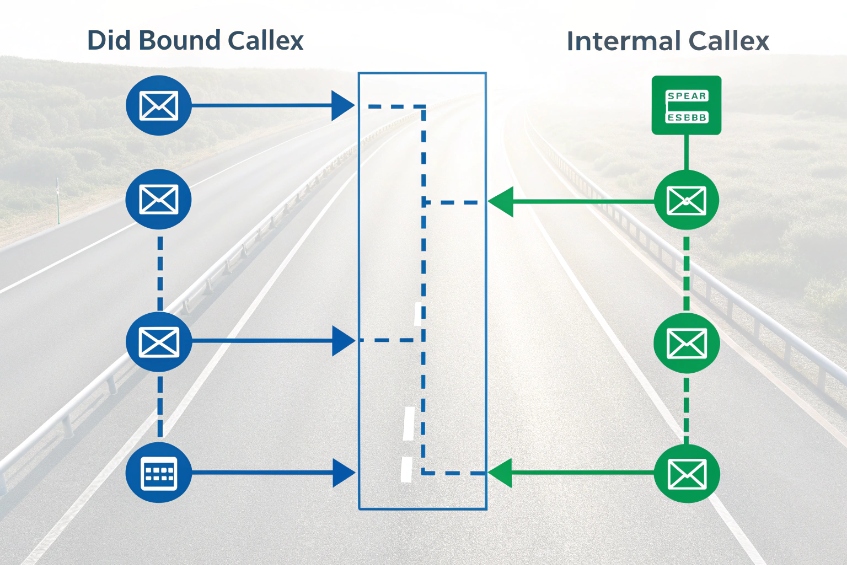
One is inbound, one is outbound
Direct Inward Dialing (DID) 3 and DOD (Direct Outward Dialing) are two sides of the same idea: letting people bypass operators and central reception.
- DID: external callers dial a number, and the carrier sends that number to your PBX so it can route the call to a specific extension, IVR, or queue.
- DOD: internal users dial outside, and the PBX sends a specific number to the carrier so external parties see the right identity on their phone.
You can think of it like this:
| Direction | Feature | Who starts the call | Main job |
|---|---|---|---|
| Inbound | DID | External caller | Get the call to the right place in the PBX |
| Outbound | DOD | Extension user | Show the right number to the outside world |
They are configured in different menus, even though they often work with the same pool of numbers.
Pairing DID and DOD for a clean numbering plan
Many companies pair DID and DOD so that an extension has:
- One DID for inbound.
- The same number as its DOD caller ID for outbound.
That way, when a user calls a customer and the customer calls back, both directions hit the same person or team. It feels simple and natural, and it makes reporting easier.
In other designs, you keep DID and DOD separate:
- Support agents share a single outbound DOD number, even though each has their own internal extension.
- Marketing campaigns use extra DIDs for tracking, but outbound DOD calls still show the main brand number.
- Multi-tenant systems assign DID blocks per tenant and DOD numbers per brand or department.
There is no single correct pattern. The right answer depends on privacy needs, brand design, and how you want return calls to behave.
How DOD and DID touch your trunks
On SIP trunks, DID and DOD affect different parts of the signaling:
- DID shows up mostly in inbound INVITEs: Request-URI, To header, and sometimes P-Called-Party-ID.
- DOD shows up mostly in outbound INVITEs: From header and sometimes P-Asserted-Identity (PAI) 4.
Carriers usually:
- Expect inbound DIDs to match numbers they have routed to your trunk.
- Expect outbound DOD numbers to be numbers they own for you or numbers they allow you to present.
So, DID is about what the carrier sends you. DOD is about what you send them. Keeping that split clear helps when you debug routing problems and caller ID issues.
Will DOD affect caller ID on my outbound calls?
Caller ID is the most visible part of DOD, so when it changes, breaks, or shows the wrong brand, users blame the PBX even if the carrier rewrites it.
Yes. DOD normally sets the outbound caller ID for each extension, but carriers and special rules like emergency caller ID can override or normalize what the far-end actually sees.
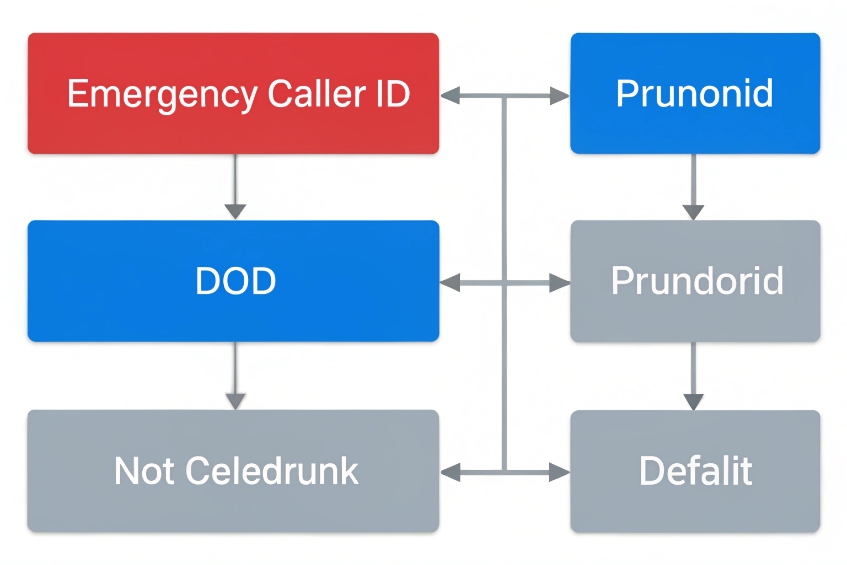
How the PBX decides which caller ID to send
Most PBXs use a simple priority when building an outbound call:
- Emergency caller ID (if dialing an emergency number).
- Per-extension outbound caller ID or DOD mapping.
- Outbound route or trunk-level caller ID default.
Imagine this table inside the PBX:
| Level | Example setting | When it wins |
|---|---|---|
| Emergency | +1 212 555 0911 | When dialing 911 / 112 / local emergency code |
| Extension / DOD | +1 212 555 1201 for ext 201 | Normal outbound calls from that extension |
| Trunk default | +1 212 555 1000 | Generic phones or when no DOD is defined |
So yes, DOD directly influences caller ID, but only within the rules above. If you configure DOD but also enable special emergency CLI, the PBX will ignore DOD for those calls on purpose.
How carriers handle your DOD caller ID
On SIP trunks, the PBX usually sends caller ID in the From header and may also use P-Asserted-Identity (PAI) as the “trusted” identity. The carrier then decides:
- If the number is allowed for your account.
- If it needs to be normalized to E.164.
- If it should be replaced with your main trunk number.
Common carrier behaviors:
| What you send | Carrier reaction |
|---|---|
| DOD number on your account | Usually accepted and sent as is |
| Random number you do not own | Often rejected or replaced by main trunk number |
| Number in local format | Normalized or rejected, depending on the trunk |
So, even if the PBX sets caller ID from DOD correctly, the final number that the customer sees may change if the carrier enforces strict rules.
Special cases: emergency calls and masked identities
Emergency calls are special in many systems:
- Some PBXs always use a fixed Emergency CLI, no matter which DOD is assigned.
- Some carriers force a specific registered number to ensure accurate location routing.
That is a good thing for safety, but it can surprise people who are testing DOD and see different caller IDs for 911 vs normal calls.
There are also privacy and masking cases:
- Contact centers may present a shared support number even when an agent has a personal DOD.
- Some systems let you choose a “masking” DOD per campaign, so customers do not see the agent’s direct DID.
In all of these, DOD still plays a role, but business rules and compliance layers sit on top. The key is to document which rules override DOD and to test what the far-end actually sees with real phones.
Why do my DOD calls fail or show wrong CLI?
You set up DOD, but some calls fail, others show the main company number, and a few even show strange or unknown caller IDs to customers.
DOD calls fail or show wrong CLI when the PBX, trunk, or carrier disagrees about which number you are allowed to send or how that number should be formatted.
Typical symptoms and root causes
Most DOD problems fall into a few patterns:
| Symptom | Likely cause |
|---|---|
| Call fails immediately | Carrier rejects CLI or route |
| Call connects, but CLI is main trunk | Carrier rewrites unapproved DOD number |
| Call connects, CLI shows “unknown” | Format mismatch or PBX mis-mapping of fields |
| Only some destinations fail | Specific country / range restrictions on trunk |
When I review problem cases, two things cause most trouble:
- The number format is not normalized (for example, missing country code).
- The carrier only accepts numbers that are registered on your account.
So the first check is simple: confirm that DOD numbers exactly match what the carrier expects.
A step-by-step way to debug DOD failures
A structured process helps you find the weak link quickly:
-
Check the PBX configuration
- Confirm the extension has the right DOD or outbound caller ID.
- Confirm the outbound route does not override it with a trunk default.
- Test from a softphone and see what the phone UI thinks the CLI is.
-
Normalize the number format
- Convert DOD to E.164 (
+countrycodeareanumber). - Remove spaces, dashes, and local-only prefixes.
- Make sure this matches the format of your working DIDs.
- Convert DOD to E.164 (
-
Check the SIP INVITE on the wire
- Capture a trace and see the From and P-Asserted-Identity headers.
- Confirm the PBX is actually sending the number you think it is.
- Use the core SIP INVITE specification (RFC 3261) 5 as your header reference.
-
Check carrier constraints
- Ask the provider which numbers you are allowed to present.
- Confirm whether they need registration of each DOD number.
- Ask if they rewrite CLI when the number is not on your account.
-
Test with a known-good DOD
- Use a number you know is accepted (often the main trunk DID).
- If that works, you know the failure is about the new DOD, not the route.
This process separates PBX config issues from carrier policy issues and usually leads to a quick fix.
Permissions, fraud control, and class-of-service
Sometimes the call completes but from a security perspective the DOD design is still risky. If everyone can send any caller ID and use any route, one compromised phone can create huge bills.
A safer design ties DOD to permissions using a PBX class-of-service model 6:
- Each extension has a defined DOD number, not free text.
- Outbound routes check both caller and destination before allowing the call.
- International or premium routes require membership in a special class-of-service.
You can even use different DOD numbers per route:
| Route type | Allowed DOD behavior |
|---|---|
| Local / national | Use per-extension DOD |
| International | Use per-department DOD only |
| Premium / special | Block for most classes-of-service |
This way, even if an extension is misconfigured or compromised, it cannot send random international calls with a fake caller ID. This also reduces exposure to Caller ID spoofing 7 scenarios where bad actors abuse outbound identity.
Conclusion
When DOD is mapped cleanly to extensions, routes, and trunks, your outbound calls look professional, stay compliant with carriers, and give every user the right external identity.
Footnotes
-
Clear definition of DOD and how it enables direct outbound dialing from PBX extensions. ↩ ↩
-
Official ITU numbering plan reference for storing and sending caller IDs in consistent international format. ↩ ↩
-
Practical explanation of DID vs DOD and how inbound numbers map to extensions. ↩ ↩
-
IETF standard for P-Asserted-Identity, used by trusted networks to assert outbound identity on SIP trunks. ↩ ↩
-
Authoritative SIP core spec for INVITE message structure and required headers during outbound calling. ↩ ↩
-
Explains class-of-service permissions for PBX extensions to control calling features and outbound destinations. ↩ ↩
-
FCC guide explaining caller ID spoofing risks and why restricting outbound identity matters for businesses. ↩ ↩








