
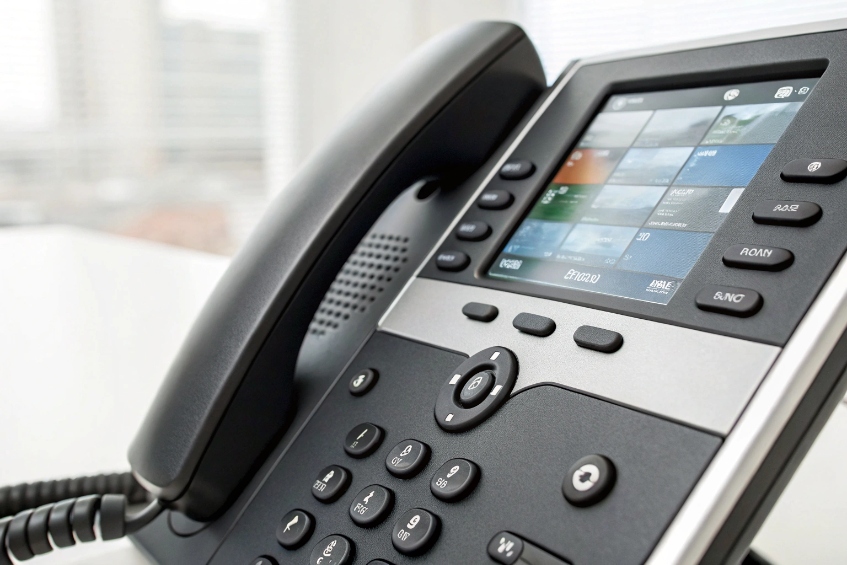
Many users still tap long numbers by hand every day, even though they call the same people over and over, which wastes time and causes misdials.
Speed dial maps a short key or code on my IP phone to a full number or feature. I press once, the phone sends the stored destination, and the PBX handles routing, permissions, and caller ID as usual.
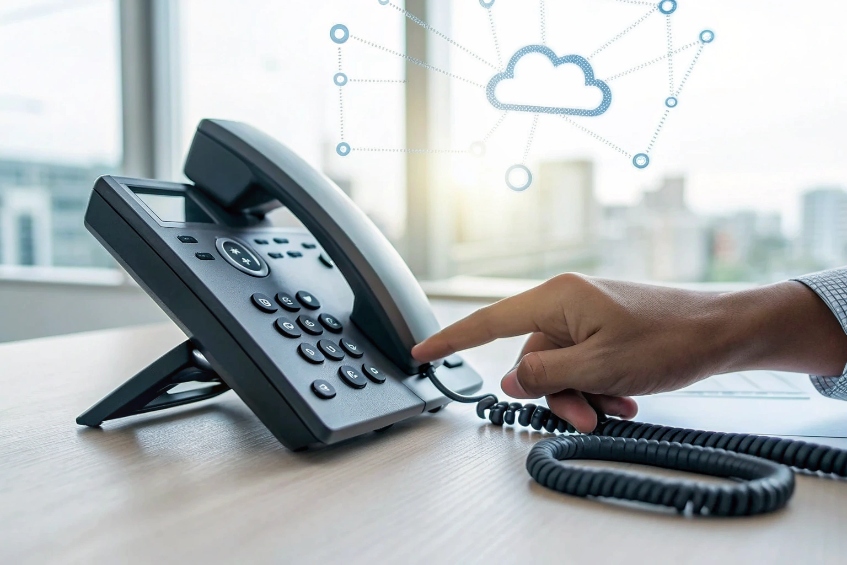
On modern SIP phones and soft clients 1, speed dial is more than a quick call to one friend. I can assign internal extensions, external contacts, feature codes, paging, and even conference bridges to keys. The PBX or IP phone then turns those keys into one-touch actions. When speed dials are managed centrally in the PBX or provisioning server, they also follow me between devices, so I keep the same favorites on desk phones, softphones, and sometimes mobile apps—similar to the classic speed dial feature 2 people already know.
When people set speed dials only once on day one and never touch them again, most keys end up wasted or point to wrong numbers.
I program speed dials by assigning a contact or feature code to line keys, soft keys, or long-press digit keys on the handset, then saving those settings in the phone or in the PBX portal.
Where speed dial keys live on the phone
Most SIP phones give me three places to put speed dials:
| Location | Typical use | Notes |
|---|---|---|
| Side / line keys | One-touch keys with labels on the screen | Best for VIPs, team members, features I use all day |
| Soft keys / virtual keys | Extra pages of keys on the display | Great for larger teams or many departments |
| Long-press digits (2–9) | Quick speed dials on the keypad | “1” is often reserved for voicemail |
On many models, pressing and holding a digit key (for example “2”) assigns or dials that speed dial. This is the mobile-phone style behavior that many users already know, so it feels natural in the office too. I like to use these for my absolute top contacts, since they work without looking at the screen.
Programming speed dials in practice
There are three common ways to configure these keys:
-
On the phone itself
I open the phone menu, go to “Features” or “DSS keys,” pick a key, set the type as “Speed Dial,” then enter a name and a number or extension. This is fine for a few phones. -
Through the phone’s web interface
I enter the IP address of the phone in a browser, log in, and configure keys there. This gives me a full keyboard, which is faster for many entries. -
Through the PBX or UC portal / auto-provisioning
In a hosted or central PBX, I often see a “phone keys” or “provisioning” page. I assign contacts to keys once, then the PBX pushes that layout to every phone for that user. This is the cleanest way for larger deployments—and it pairs well with zero-touch provisioning 3 so phones pick up the same layout automatically.
Speed dial entries can be more than just people. I often create keys for:
- External numbers such as local taxi, building security, or a key supplier.
- Internal services like call park, pickup, paging groups, and conference bridges.
- Feature codes, for example, 98 for group voicemail or 8 for call pickup.
The PBX still enforces all rules. Speed dial does not bypass class-of-service, outbound routes, or least-cost routing. If an extension is not allowed to call international numbers, a speed dial to an international destination will still fail, which is good for control and cost. I also avoid remapping emergency numbers on these keys, so no user is confused in a real emergency.
Can I sync speed dials from my PBX directory?
If every user maintains a private list on each phone, names drift apart, numbers become outdated, and support spends time fixing contact lists instead of system issues.
Yes, many IP phones can sync speed dials from a PBX or corporate directory, so I manage contacts centrally and let users pin favorites from that shared list to their keys.
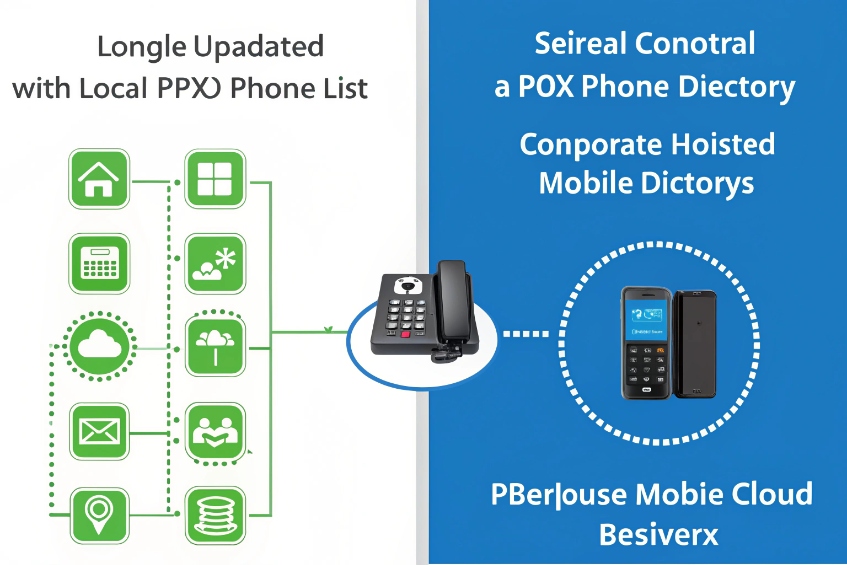
Local phone list vs PBX directory
I usually decide early whether speed dials are local to the phone or driven by the PBX. Both have value:
| Approach | Pros | Cons |
|---|---|---|
| Local phone list | Fast to tweak on one phone | Hard to maintain across many devices |
| PBX / server directory | Easy to update centrally, consistent names | Needs proper integration and sometimes extra setup |
A corporate directory often comes from an LDAP directory 4, Active Directory 5, or even CSV imports. The PBX then exposes that directory to phones via XML or a built-in directory app. Users can search by name, company, or department. Many phones also let me mark a contact as a “favorite,” which then shows up on the first “line key” page as a speed dial.
How syncing usually works
In a typical SIP PBX setup:
- The PBX or UC platform holds a central phonebook (company contacts, internal users, maybe key suppliers).
- The IP phone subscribes to that phonebook and can search or scroll through it.
- I can assign specific entries to keys as speed dials, sometimes from the phone UI, sometimes from a web portal.
- Those key assignments can travel with my user profile to other devices.
This has a few clear benefits:
- New hires appear automatically once I add them to the directory.
- Name changes or number changes are fixed once in the PBX and flow to all phones.
- When someone moves desks or switches to a softphone, their favorites and speed dials follow.
For larger teams, I like to create a few standard templates: one template of keys for a sales team, one for support, one for reception. Each template contains the core speed dials for that role, and users can still customize a few spare keys for personal favorites.
If I use auto-provisioning, I can even define these templates in configuration files or web forms, then assign them per department. The phone boots, grabs its config from the PBX, and all speed dials are ready. This reduces setup time and keeps the user experience consistent across offices and sites.
Do BLF keys support speed dial with presence?
Normal speed dials call fast, but they do not tell me if the other side is busy, ringing, or free, so I still waste time on blind calls.
Busy Lamp Field (BLF) keys combine speed dial with presence. The key lights show if an extension is idle, busy, or ringing, and pressing the key dials that extension instantly.
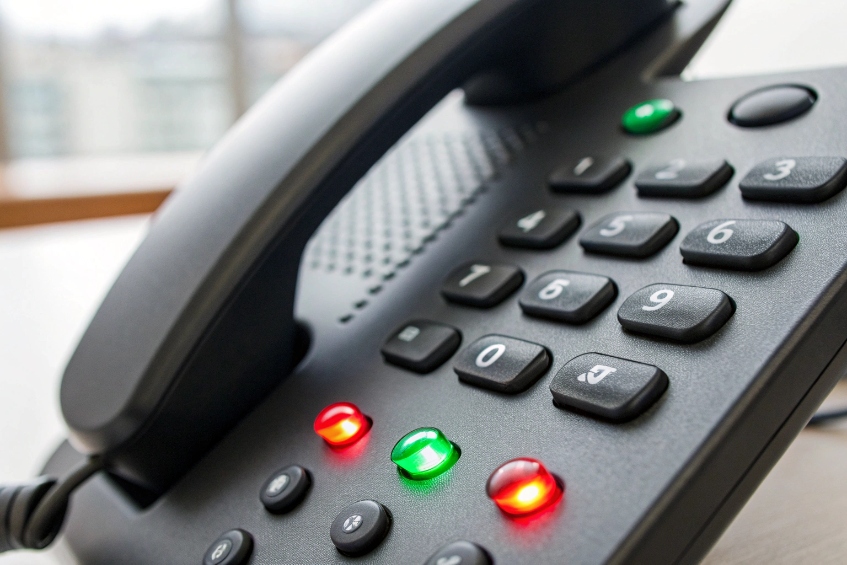
What BLF actually does on an IP phone
A BLF key is a special type of programmable key. It subscribes to an extension’s status and also acts as a speed dial to that extension. The phone watches SIP dialog or presence information from the PBX and lights the key—this is the core idea behind a Busy Lamp Field (BLF) 6.
Common BLF states look like this:
| Light / icon | Meaning |
|---|---|
| Solid green | Idle, ready to receive calls |
| Flashing green | Ringing |
| Solid red | On a call / busy |
| Off | Unregistered / not available |
When I press the BLF key, the phone starts a call to the target extension. Some systems also support call pickup directly from a BLF key: if the key flashes for ringing, I can press it to grab that call instead of the original phone. This is very handy for reception or shared-area phones.
Designing a key layout that mixes BLF and speed dial
On most enterprise IP phones, I do not have unlimited keys, even with sidecars. So I mix pure speed dials, BLF keys, and feature keys carefully:
- Use BLF for team members and shared lines: I see who is busy before calling.
- Use plain speed dial for external contacts: presence does not apply there.
- Use some keys for features such as park, pickup, paging, or do-not-disturb.
A simple layout for a front desk phone might be:
| Key range | Type | Purpose |
|---|---|---|
| Keys 1–6 | BLF + pickup | Core team members and manager |
| Keys 7–10 | Speed dial | Taxi, building security, key suppliers |
| Keys 11–12 | Feature | Park, paging |
BLF keys still respect PBX rules. If that extension is not allowed to receive direct calls, or if call forwarding is active, pressing the BLF key follows those rules. BLF does not bypass call forwarding or class-of-service; it just starts the call with extra presence information.
Because BLF is a subscription, very large BLF boards can add load to the PBX. On big deployments, I balance the number of BLF keys per phone with the PBX capacity and sometimes use groups or queue wallboards for deeper visibility instead of hundreds of BLF keys on every handset.
Why won’t my speed dial send prefixes correctly?
Sometimes a speed dial that should call an external destination through a specific route actually fails or uses the wrong trunk, while manual dialing with prefixes works fine.
Speed dial can fail with prefixes when the phone or PBX rewrites the stored digits differently from manual dialing, or when prefixes conflict with feature codes, dial plans, or class-of-service rules.
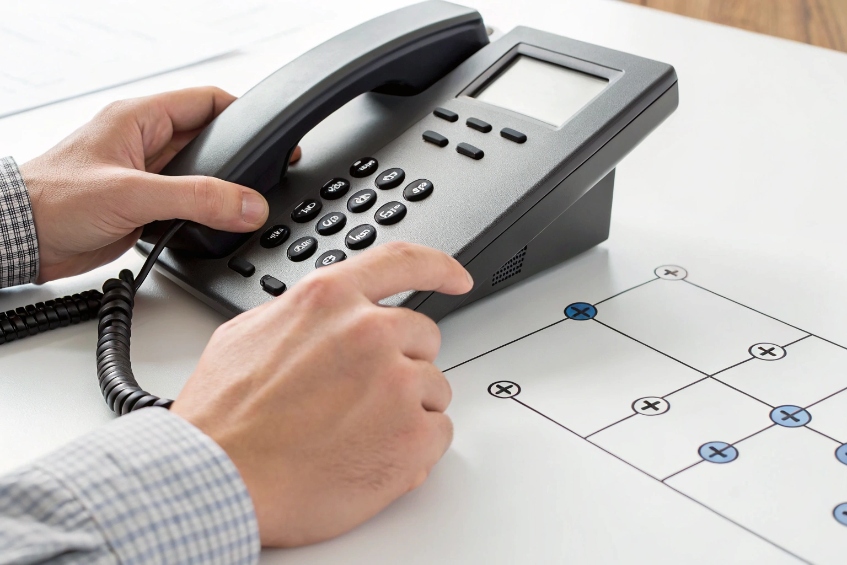
How prefixes and speed dial interact
Many PBXs use prefixes to choose routes or features:
- “9” for outside line.
- “0” for operator.
- Star codes like
*8for pickup or*90for call park. - Trunk selection prefixes, for example “7” for SIP trunk A and “8” for trunk B.
When I type these by hand, the phone sends exactly what I dial. The PBX then runs its dial plan and makes choices. With speed dial, there are a few extra layers:
- Some phones treat the stored number as a full SIP URI and may add or remove digits based on internal rules.
- Some speed dial types automatically skip access prefixes because the PBX already knows the target is “external.”
- Some PBXs normalize numbers before routing and might strip leading zeros or plus signs.
If I store numbers in different formats on different keys, results will be inconsistent.
A simple way to debug prefix issues
When a speed dial does not behave the same as manual dialing, I walk through a simple checklist:
| Step | Question |
|---|---|
| Compare digits | Is the stored number exactly what I dial by hand? |
| Check dial plan rules | Does the PBX have special rules for that prefix? |
| Check phone account | Does the phone add its own prefix or account code? |
| Respect permissions | Is the extension allowed to call that destination at all? |
Often, the fix is to normalize how I store numbers:
- Use full external format for external contacts (preferably E.164 numbering format 7 with
+). - Do not include “9 for outside line” if the PBX does not need it, or use it consistently if it does.
- Keep feature codes (like
*8,*90) exactly as the PBX defines them.
Speed dials still follow class-of-service and time conditions. If my extension is blocked from international calls, a speed dial with the right prefix will still not work. That is not a fault; it keeps the system safe. It is the same with emergency numbers. I avoid putting extra prefixes in front of emergency numbers, so they always match the PBX’s emergency routes and use the correct emergency caller ID.
If I keep my dial plan simple, store numbers in a consistent format, and confirm how the phone treats prefixes, speed dials will behave just like manual dialing, only much faster and with fewer mistakes.
Conclusion
When speed dials, BLF keys, and PBX directories work together, each IP phone becomes a simple control panel: one press to reach the right person, service, or feature, without wasted time or misdials.
Footnotes
-
Understand SIP phones/softphones and how SIP endpoints place calls through a PBX. ↩ ↩
-
Learn what speed dial is and how one-touch dialing is typically implemented across phones. ↩ ↩
-
See how zero-touch provisioning centrally pushes phone configs like keys and speed dials. ↩ ↩
-
LDAP basics for central phonebooks that PBXs and IP phones can search and sync. ↩ ↩
-
Active Directory overview for enterprise identity and directory-backed contact sync. ↩ ↩
-
BLF explained: presence-style line status lights plus one-touch dialing to extensions. ↩ ↩
-
Official E.164 standard for international phone number formatting and normalization. ↩ ↩








