
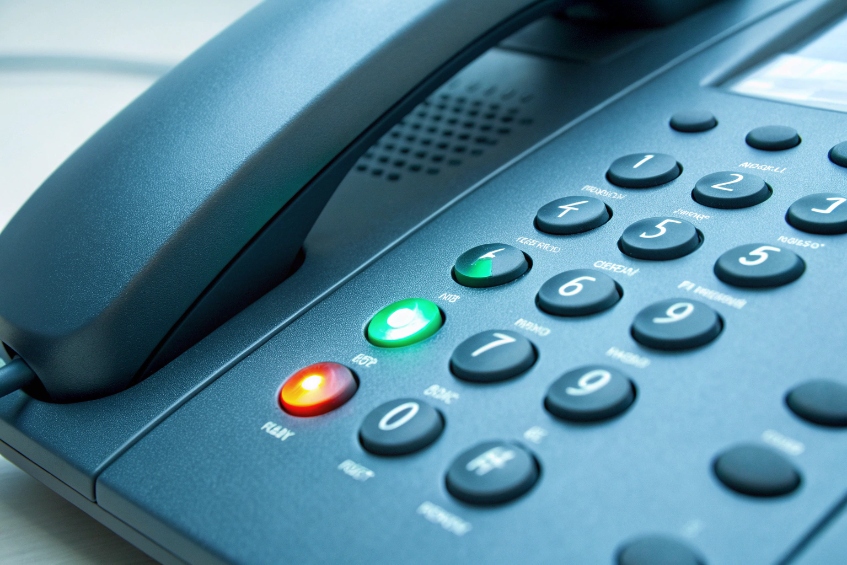
People keep guessing who is free or busy, transfers bounce around, and reception wastes time asking “are you available?” over and over.
BLF (Busy Lamp Field) turns programmable keys into live status lights plus one-touch speed dials, so phones show who is idle, busy, or ringing and let you act with a single press.
On a SIP PBX, each Busy Lamp Field (BLF) 1 key subscribes to the state of a target. The phone watches SIP SUBSCRIBE/NOTIFY messages for that target and changes the LED or icon: idle, ringing, or on a call. When you press the same key, the phone dials, transfers, or picks up that target. This sounds small, but for reception, operations, or security control rooms, BLF is often the main “dashboard” on the desk.
How do I map BLF keys to extensions or features?
Without a plan, BLF keys become random: some watch people, some watch features, labels are inconsistent, and new staff cannot use the layout.
You map BLF keys by choosing a key type of BLF (or BLF+pickup), entering the target extension or feature code, giving it a clear label, and pushing that layout to the phones.
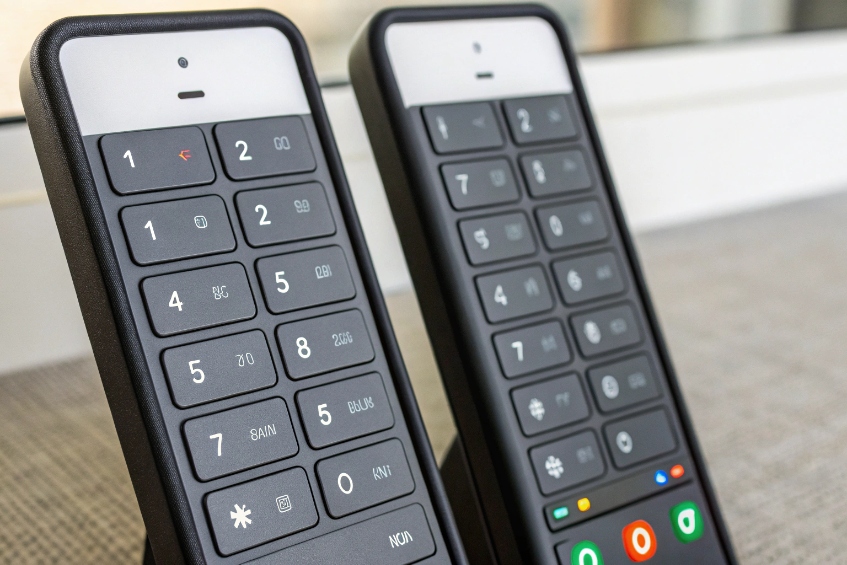
BLF vs plain speed dial
Plain speed dial just sends digits one way. BLF adds SIP presence concepts 2:
- It watches a target using the SIP event notification framework 3 for the
dialogevent. - The PBX sends NOTIFY updates when calls start, ring, or end.
- The phone turns those updates into LEDs and icons.
So a BLF key:
- Shows if the target is free before you call.
- Lets you transfer with one touch by hitting the key during a call.
- Often lets you pick up a ringing call if your PBX supports directed pickup.
For most key positions near reception or team leads, BLF is better than a blind speed dial. It adds context without extra clicks.
Typical BLF key mapping patterns
A clean layout matters more than raw count. A simple pattern:
| Key range | Type | Typical targets |
|---|---|---|
| First row | BLF people | Manager, assistant, key teammates |
| Second row | BLF features | Park orbits, queues, “night mode” switch |
| Remaining keys | Speed dial | External contacts, security, taxi, etc. |
On most SIP phones you set, per key:
- Type: BLF, BLF+pickup, or BLF+transfer (names vary by vendor).
- Value: the extension, feature code, or special resource ID.
- Label: short text like “Sales 1”, “Door A”, “Park 701”.
BLF is not limited to user extensions. Useful “targets” include:
- Park orbits: see if a parked slot is in use and retrieve it with one tap.
- Door phones / intercoms: see if an intercom is in a call.
- Paging groups: see if a zone is currently broadcasting.
- “Night mode” or “open/closed” feature codes: show whether after-hours routing is active.
Phones can be configured:
- Directly on the handset menu.
- Through the phone’s web GUI.
- Centrally from the PBX or provisioning server (the best method for larger sites).
For larger rollouts, a template per role works well. Reception gets a dense BLF layout for many people and features. Security gets BLF keys for gates, intercoms, and emergency lines. Office users get a lighter layout with a handful of BLFs for their own team.
Provisioning BLF at scale
In SIP projects with dozens or hundreds of phones, manual programming does not scale. Auto-provisioning is the normal approach:
- Decide a standard key layout per role (reception, sales, security, etc.).
- Build templates in the PBX or provisioning system that map keys 1–n to BLF or speed dial.
- Tie each template to phone models (for example, 8-key, 16-key, expansion modules).
- When a phone boots, it pulls its config and BLF keys appear ready to use.
Because BLF uses SIP SUBSCRIBE/NOTIFY, the PBX also needs to know which extensions devices are allowed to monitor. Many systems offer simple limits like “max BLF keys per device” to prevent overload. For security or privacy, it is also possible to hide some targets from BLF entirely (for example, HR or some management lines).
Can BLF show presence for ring groups and queues?
In busy teams, watching only single extensions is not enough. Front desk wants to know if the ring group is active, and supervisors want a quick view of queues without opening a wallboard.
BLF can show presence for ring groups and queues if your PBX exposes them as BLF targets or “hints”; you watch a group or queue resource instead of just individual extensions.
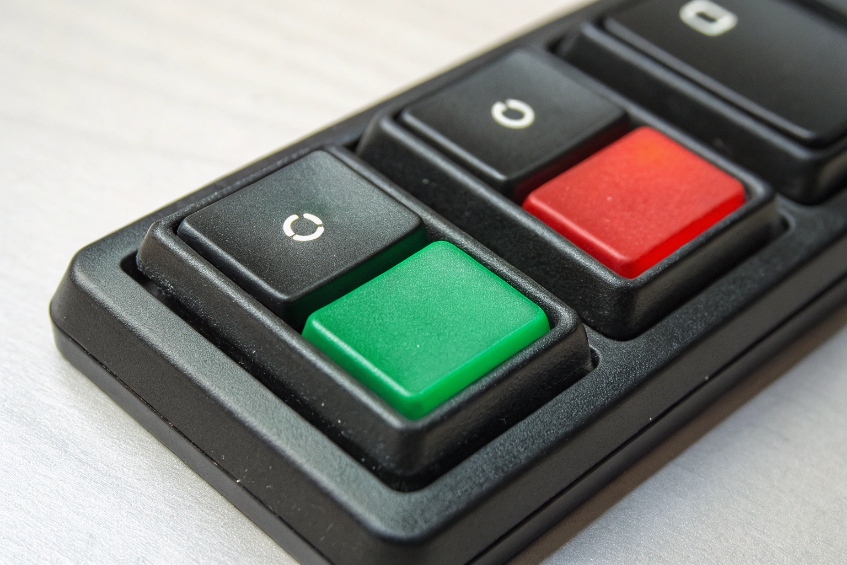
BLF on ring groups
The simplest case is a ring group with its own extension or number. Some PBXs let that group extension publish a “busy” or “ringing” state:
- Idle: group is free, LED off or green.
- Ringing: at least one inbound call is ringing the group, LED flashing.
- Busy: one or more calls are active inside the group, LED red.
This helps reception and supervisors. A flashing group BLF says, “there is a call waiting in Sales”. A solid red might mean “Sales is handling a call already”.
Even when the PBX does not support group BLF directly, there is still value:
- A BLF key on the group extension works as a one-touch transfer target.
- Staff can also use it as a “hotline” to call that group.
BLF on queues and agents
Queues are more complex. Presence here can mean:
- Is the queue receiving calls?
- Are there agents logged in or ready?
- How many calls are holding?
Basic BLF usually only shows “something is ringing/active”. Some PBXs support more advanced queue keys:
| Key type | What it shows / does |
|---|---|
| Queue BLF | Queue idle vs calls waiting |
| Agent BLF | Agent idle/busy/logged out |
| Agent login/logout key | Press to toggle queue membership |
| Wrap-up / pause state key | Show and control agent break or wrap-up time |
Even a simple queue BLF that flashes when callers are waiting is helpful at a glance on the phone, especially in smaller control rooms where a full wallboard is not always visible.
When to move from BLF to wallboards
BLF is great for quick presence:
- “Can I transfer this call?”
- “Is the gate intercom currently in use?”
- “Are there any calls ringing in Support?”
But BLF does not show:
- Queue length trends.
- SLA metrics.
- Individual agent performance over time.
Once the contact center grows, BLF is a complement, not the main tool. Wallboards, dashboards, and reports give the deep picture. BLF stays as the fast “light panel” on the desk, both for people and for groups or queues.
Does BLF work across sites through SIP SUBSCRIBE?
Many teams spread phones across branches or home offices and expect BLF to behave like it does on the LAN, but remote BLF fails or feels slow.
Yes, BLF can work across sites. Phones send SIP SUBSCRIBE to the PBX, and the PBX sends NOTIFY back, as long as the network, firewall, SBC, and provisioning all allow those subscriptions.
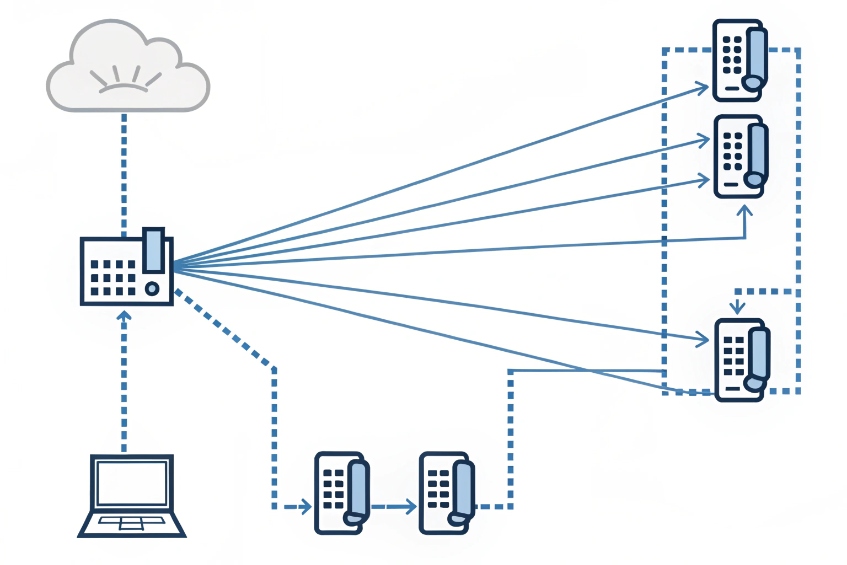
How remote BLF traffic moves
BLF is just SIP signalling:
- The phone sends a
SUBSCRIBErequest for each monitored target (or an event list). - The PBX sends
NOTIFYmessages when states change. - This may cross NAT, firewalls, SBCs, or VPNs.
So for cross-site BLF, the same rules as SIP registration and calls apply:
- Firewalls must allow SIP signalling in and out (or through an SBC).
- NAT must keep pinholes open long enough for NOTIFY messages.
- If using TLS, certificates must be trusted by phones.
Some platforms support eventlist BLF using SIP resource lists 4. Instead of 40 separate SUBSCRIBE messages, the phone subscribes once to a “list” resource. The PBX then sends one bundled NOTIFY covering many targets. This is much kinder to WAN links and to PBX CPU.
Design tips for multi-site BLF
A few practical rules keep things stable:
| Consideration | Good practice |
|---|---|
| Number of BLF keys | Limit per phone, especially on remote links |
| Transport | Prefer TCP or TLS over UDP across WAN |
| Keepalives | Make sure phones send keepalive packets regularly |
| VPN vs direct SIP | Use VPN for simple routing and NAT, or a proper SBC |
For branches with many phones, a local Session Border Controller (SBC) 5 or edge router dedicated to SIP can normalize traffic and keep the core PBX cleaner. BLF SUBSCRIBE/NOTIFY then flows through that point rather than 50 individual phones hammering the core across the open internet.
Multi-tenant and security concerns
In multi-tenant or multi-brand PBXs, BLF must respect boundaries:
- Phones should only be allowed to subscribe to extensions in their own tenant or group.
- Resource lists (eventlist BLF) must be tenant-aware, not global.
- Cross-tenant subscriptions should be blocked by design.
This is especially important in shared buildings where one PBX serves several companies, or in security deployments where some extensions are sensitive. Correct SIP SUBSCRIBE rules and provisioning templates prevent “curious” users from seeing BLF status they should not see.
Why do BLF lamps stay stuck or lag updates?
Sometimes BLF works perfectly in the morning and then, after a network hiccup or a phone reboot, some lamps freeze on red or never show ringing state.
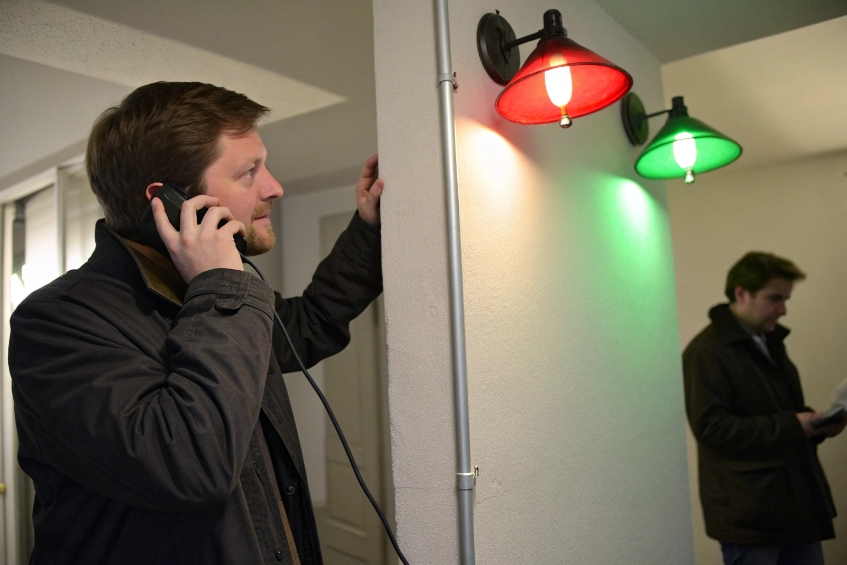
BLF lamps get stuck or lag when SIP subscriptions break, NOTIFY packets are blocked or delayed, or the PBX and phones run with too many BLF targets for the network and server capacity.
Common BLF failure patterns
Typical symptoms and likely causes:
| Symptom | Likely cause |
|---|---|
| Lamp stuck on “busy” after hangup | Lost NOTIFY or expired SUBSCRIBE |
| Lamp never flashes for ringing | PBX not sending ring state, or phone mis-mapping |
| All BLFs blank after some time | Firewall/NAT closed the signalling path |
| Slow updates across sites | Latency, packet loss, or overloaded PBX |
Because BLF relies on ongoing SIP SUBSCRIBE/NOTIFY, any problem that breaks long-lived signalling will break BLF sooner than it breaks basic calls. Calls are short; subscriptions might live for hours.
Quick troubleshooting checklist
When BLF behaves oddly, a simple step-by-step approach helps:
-
Check the phone config
- Confirm key type is BLF, not plain speed dial.
- Confirm the monitored extension really exists and is on the same PBX.
-
Watch SIP traces
- Look for SUBSCRIBE from the phone and NOTIFY from the PBX.
- Check if the PBX sends final “terminated” NOTIFY when calls end (common with the SIP dialog event package 6).
-
Check timeouts and NAT
- Ensure phones refresh SUBSCRIBE before it expires.
- Make sure firewalls do not close the session too early.
-
Reduce BLF load
- Temporarily remove some BLF keys and see if behavior improves.
- Consider eventlist BLF if many keys are needed.
-
Verify firmware and PBX version
- Some older phone firmwares had BLF bugs that only appear under load.
- PBX updates sometimes improve BLF state handling, especially for queues.
Often the fix is small: increase SUBSCRIBE refresh rate a bit, allow SIP keepalives through the firewall, or reduce total monitored targets per phone.
Designing BLF for long-term stability
To avoid constant BLF “mystery bugs”:
- Keep BLF layouts focused on real needs, not “monitor everyone just in case”.
- Use BLF for core people and features; use directory lookups for the rest.
- Use eventlist BLF when supported, especially with reception phones and expansion modules.
- Treat BLF traffic as a first-class citizen in DiffServ QoS marking 7 policies, so dialog events are not delayed behind bulk data.
When BLF is planned this way, lamps stay in sync with real activity, reception can trust what the keys show, and supervisors get instant visual feedback without living inside a wallboard.
Conclusion
When BLF keys are mapped with intent and supported by a healthy SIP SUBSCRIBE/NOTIFY path, each phone becomes a live panel that shows availability, speeds up transfers, and keeps teams responsive.
Footnotes
-
Overview of BLF behavior and typical lamp states on business phones. ↩ ↩
-
Presence concepts that underpin “available/away” style states beyond simple call busy. ↩ ↩
-
Explains how SIP subscriptions and NOTIFY updates work for real-time status indicators. ↩ ↩
-
Shows how resource lists bundle many monitored targets into fewer BLF subscriptions. ↩ ↩
-
Explains SBC roles for securing and stabilizing SIP across NAT, WAN, and multi-site deployments. ↩ ↩
-
Defines dialog-state signaling used for busy/ringing/idle updates in many BLF implementations. ↩ ↩
-
DiffServ basics for prioritizing voice signaling like BLF updates under congestion. ↩ ↩








