
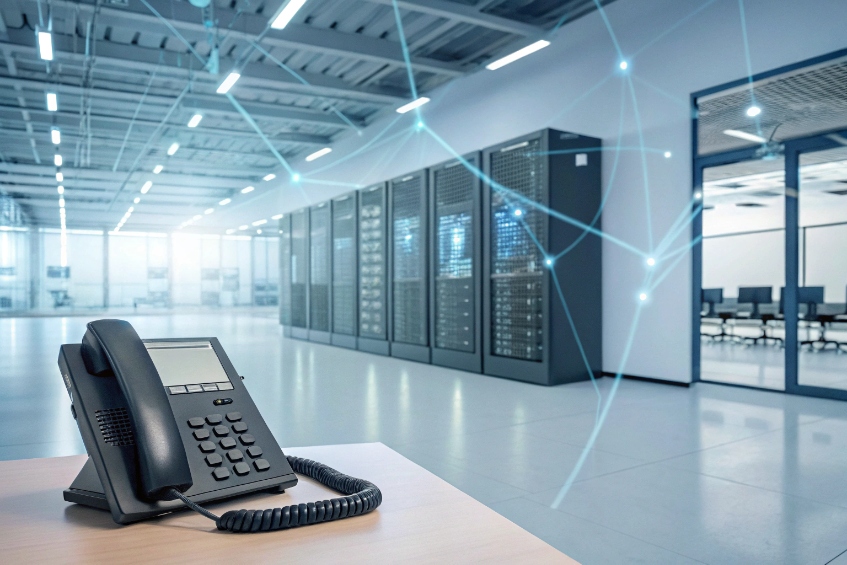
Most sites still rely on someone shouting across a room or on ad-hoc WhatsApp groups, so messages arrive late or not at all when it really matters.
A telephone paging system lets me broadcast live or recorded messages from phones into speakers and horns, reach zones or all-call targets, and tie announcements into my SIP PBX.
In a modern IP world, paging is no longer a separate black box. My PBX, SIP trunks, SIP speakers, analog amplifiers, and even intercoms can work as a single voice and alert layer—much like a facility-wide public address system 1. When I plan it well, people hear clear messages where they stand, not just in the office corridor. For SIP-based paging and control, most systems rely on Session Initiation Protocol (SIP) 2 signaling to set up the one-way or group audio paths.
How do I page from my PBX to analog speakers?
Many facilities already have legacy amplifiers and 70V speaker lines, but the new PBX is pure SIP, so nobody is sure how to connect the two worlds.
I page to analog speakers by giving my PBX a “paging extension” that terminates on a paging adapter or amp, then driving existing 70V/100V speaker lines from that interface.
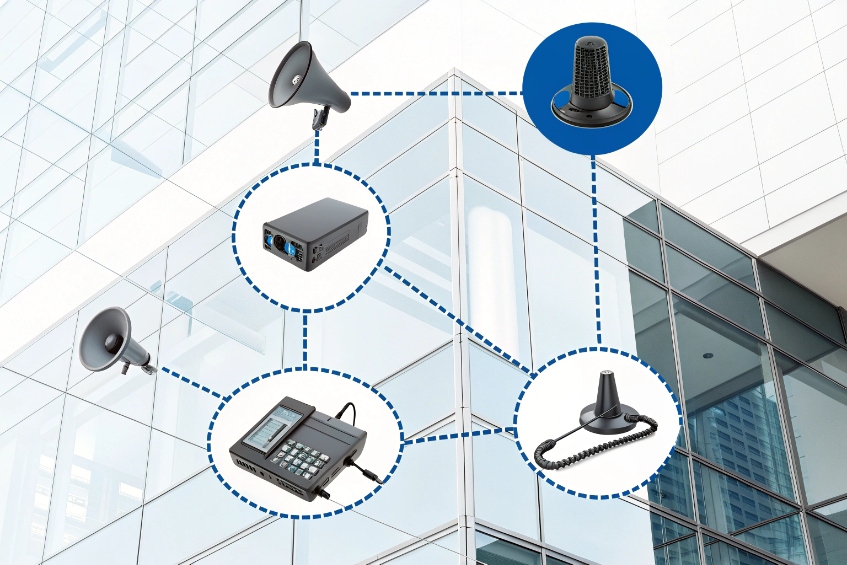
Signal path from phone to ceiling speaker
At a high level, analog paging is simple: a phone call from the PBX lands on a port that feeds an amplifier. The amp drives ceiling speakers or horns over a 70-volt distribution system 3 (or 100V, depending on region). The devil is in the interface details.
Three common ways to connect look like this:
| PBX side | Interface device | Paging side | Notes |
|---|---|---|---|
| SIP extension | SIP–to–analog paging gateway | Line-level out to 70V/100V amp | Clean IP integration; flexible zones |
| FXS port | Analog paging adapter / small amp | Direct to small speaker group | Good for one area or legacy systems |
| Dedicated page port | Page input on existing amplifier | Feeds full speaker system | Many older PBXs offered this natively |
In a pure IP PBX, the “paging extension” is usually a SIP endpoint. That endpoint can be:
- A SIP paging gateway with analog outputs.
- A SIP amplifier with built-in 70V output.
- A SIP speaker in a single local zone.
From the user perspective, the process is easy:
- Dial a paging code or extension from a phone.
- PBX sends the call to the paging gateway.
- The gateway outputs line-level audio into the amplifier.
- Speakers broadcast the announcement in the selected zones.
I make sure the PBX treats this as one-way audio if there is no talkback. That prevents echo and unwanted background noise coming back into the phone. In some systems, there is a dedicated “page trunk” or “page group” option that forces half-duplex mode for this reason.
Analog systems do not know about logical zones by themselves. Zones live in the way I wire and switch the amplifier outputs, or in the paging gateway. If I want true software zones later, IP speakers and SIP paging will give me more flexibility. For many existing buildings, a simple SIP–to–analog gateway allows me to extend the life of a perfectly good amplifier and speaker grid while still moving the logic into the PBX.
Can I use SIP paging to IP horns and zones?
Running new 70V cable everywhere is not always possible, especially in retrofits or outdoor sites, so teams look for a “network only” solution.
Yes. SIP paging lets my PBX call IP speakers and horns as SIP endpoints or multicast listeners, so I can build flexible zones and all-calls over the data network.
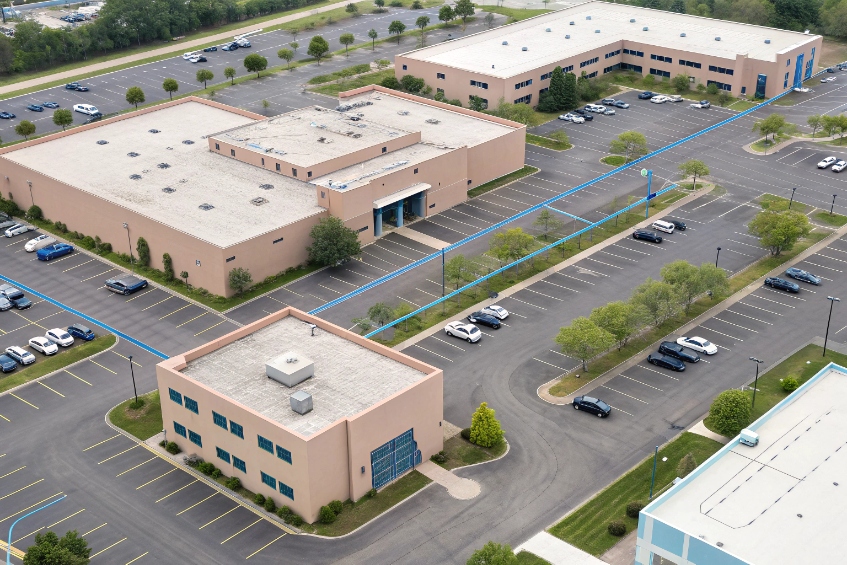
Unicast SIP paging vs multicast paging
With IP devices, every speaker or horn is a SIP client on the network. I usually have two main options:
| Method | How it works | When it fits |
|---|---|---|
| SIP unicast | PBX calls each SIP speaker/horn like a phone | Smaller systems, tight control per device |
| SIP multicast | PBX or phone sends one multicast stream to a group | Large sites, many devices per zone |
Unicast is simple: a paging group in the PBX “dials” a list of SIP speakers. Each device answers, and I get a group call. This works well with a moderate number of endpoints and gives full control over each one.
Multicast is different. The PBX or a phone sends audio to a multicast address (for example, 239.x.x.x). Every IP speaker that listens to that stream plays it, based on IP multicast 4. No PBX mixing is needed, which reduces load for big deployments. Many IP phones can also join multicast paging and act as speakers on desks.
At DJSlink we often blend both: use SIP unicast from the PBX to a few strategic devices, and multicast from those devices to fan out audio across large horns or ceiling speaker clusters.
Building zones and priorities
SIP paging makes software zoning easy. I can define:
- All-call: every device, every zone.
- Floor or building zones.
- Special zones like parking, warehouse, loading dock, or security posts.
- Emergency zones with higher priority.
The PBX or paging controller maps codes like:
| Dial code | Zone name | Target devices / multicast group |
|---|---|---|
| *701 | All-call | All speakers and horns |
| *702 | Warehouse | Warehouse horns and beacons |
| *703 | Offices | IP ceiling speakers in admin areas |
| *704 | Parking | Outdoor horns and bollard speakers |
Priority paging lets emergency messages override music, low-priority announcements, or normal paging. Some IP speakers also support talkback mode, so security or operators can have a two-way conversation with people near the speaker. That turns an IP horn into a simple intercom on top of its paging role.
Because SIP paging and IP speakers now live on the main data network, I take VLANs and QoS seriously. I usually:
- Put paging devices and SIP phones on a voice VLAN.
- Mark voice packets with proper DSCP values 5.
- Use PoE switches to power horns and speakers with UPS support.
This keeps announcements clear even when the rest of the network is busy, which matters when the announcement is “Everybody, please evacuate” and not “Lunch is ready”.
How loud should paging be in noisy areas?
In warehouses, factories, or loading docks, paging is either too soft to hear or so loud that people complain and start ignoring it.
Paging should sit just above the ambient noise, usually about 10–15 dB louder, using directional horns and enough speakers to be clear without becoming painful or tiring.
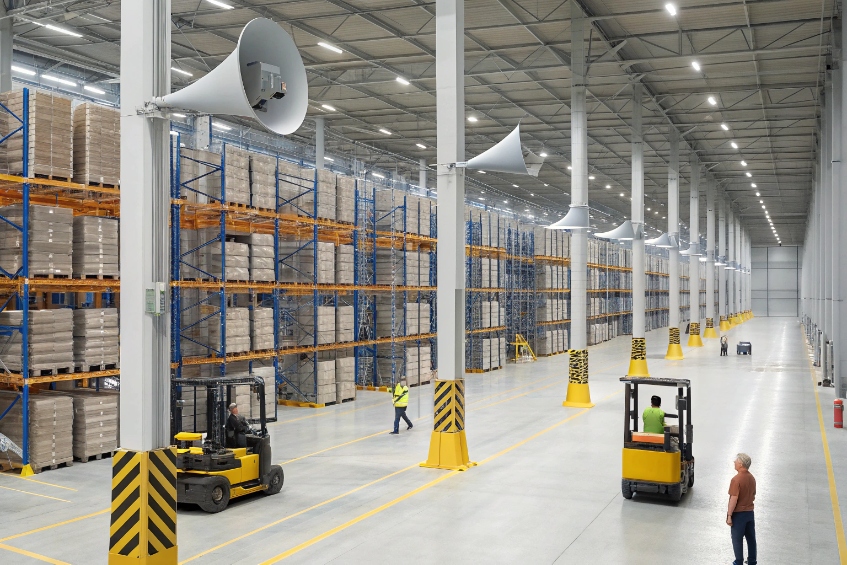
Matching speakers and SPL to the real environment
The right paging volume is a mix of acoustics and psychology. People must understand the message without strain, but constant noise should not exhaust them.
A simple way to think about it:
| Area type | Typical ambient noise | Target paging level (approx.) |
|---|---|---|
| Quiet office | 40–50 dB | 55–65 dB |
| Retail / lobby | 55–65 dB | 70–75 dB |
| Warehouse | 70–80 dB | 85–90 dB |
| Heavy industry | 80–90+ dB | 95–100 dB (localised horns) |
These numbers are rough, but the idea stands: the page should rise clearly above the background without turning into a blast. To reach high levels in noisy zones, I do not simply “turn the amp to 11”. Instead, I:
- Use horn speakers that focus sound toward the workers.
- Place more speakers at lower power rather than a few shrieking ones.
- Aim horns away from reflective surfaces where possible.
In outdoor or high-noise areas, IP or analog horns with higher sensitivity and power handling work much better than simple ceiling speakers. For offices and corridors, wide-coverage ceiling speakers give more even sound at lower levels.
Practical tuning tips
During commissioning, I like to test in real conditions:
- Measure or at least estimate the ambient noise during normal operation, not during a quiet night.
- Play a test page with voice that sounds like real use (not just a tone).
- Walk the zone and adjust amplifier gain and speaker taps until speech is clear but not harsh.
- Check at several points, not just under one speaker.
If I see warning signs like:
- People covering their ears during normal pages.
- Complaints of headache or “constant noise” in office areas near horns.
- Workers still missing announcements even at high levels.
Then the issue is often coverage and speaker type, not raw volume. More, well-placed horns or speakers often allow me to drop the level and still improve intelligibility.
In some security and industrial projects, we also pair horns with visual indicators like strobes, especially for staff who wear hearing protection. The paging system then becomes part of a broader alert channel, not just audio.
Why does paging echo or cut off speech?
Sometimes users hit the page code, start talking, and hear echo, “robotic” audio, or clipped first words like “ttention” instead of “Attention please”.
Paging echo and clipped speech usually come from open microphones near speakers, half-duplex or VOX switching, echo cancellation, or codec and jitter settings that are not tuned for paging.
Echo: acoustic and signalling causes
Echo in paging often has simple physical roots:
- The paging microphone or phone is in the same space as a loudspeaker.
- The system is two-way (talkback), but both sides are open at once.
- The amp or IP speaker does not have enough local echo control.
Basic steps that help:
- Move the mic or paging phone away from the speakers it controls.
- Lower page volume around the paging station itself.
- Use true one-way mode when you do not need talkback.
In two-way setups, I make sure the device or PBX uses clear half-duplex rules:
- When the operator speaks, the field speaker is muted or reduced.
- When the field user speaks, the operator side stays quiet.
If both sides are hot at once, feedback and echo are almost guaranteed, especially in reflective rooms.
There is also signalling echo: the same audio path loops back due to miswired analog interfaces or double-bridging inside the PBX. A clean design should have one clear audio path from phone to amp; test with direct calls first before inserting more processing. For IP talkback devices, enabling or tuning acoustic echo cancellation 6 is often the difference between usable and painful audio.
Cut-off and “first word missing” problems
Cut-off speech is often a side effect of smart but over-aggressive processing:
| Cause | What you hear |
|---|---|
| VOX / VAD too sensitive | First syllables clipped, words cut short |
| Long jitter buffers | Noticeable delay before audio starts |
| Silence suppression | Gaps or “pumping” during quiet phrases |
| Call recording / transcoding hops | Latency and occasional dropouts |
VOX (voice-activated switching) and voice activity detection (VAD) 7 try to save bandwidth by only sending or opening audio when they detect speech. If the threshold is too high, the start of every sentence is lost. On pure paging extensions, I prefer:
- To disable silence suppression if possible.
- To reduce or disable VOX, and keep the path always open during the page.
- To keep jitter buffers reasonable, not huge, if the network is stable.
Operator training also helps. A simple habit like waiting one short beat after the page tone, then speaking clearly, avoids many cut-off complaints.
If pages cut off mid-sentence, or audio drops in and out, I look at:
- Network quality (packet loss, high jitter).
- Overloaded PBX or paging controller.
- Too many transcode steps (for example, wideband phone → narrowband trunk → IP speaker).
For critical alerts, I keep the audio path as direct as possible: from PBX to paging gateway or IP speaker, with a simple codec like G.711, and with QoS applied end-to-end. Fancy codec savings are not worth it if the fire alarm message becomes garbled.
In two-way talkback speakers, another small but important detail is the hang time after the operator stops talking. If the system switches back too fast, it may clip the last words. If it switches too slowly, the caller in the field feels “muted”. A bit of fine-tuning here makes conversations feel natural.
Conclusion
When my PBX, SIP paging, analog amps, and speakers work as one system, paging becomes a reliable safety and operations tool instead of a noisy background annoyance.
Footnotes
-
Background on facility PA concepts and how paging speakers/horns fit into building-wide announcements. ↩ ↩
-
SIP fundamentals for how PBXs set up paging calls and control one-way/group audio sessions. ↩ ↩
-
Explains 70V distributed audio wiring, speaker taps, and why it scales well across large buildings. ↩ ↩
-
Overview of IP multicast and why it reduces server load for large paging zones. ↩ ↩
-
DiffServ/DSCP reference for prioritizing voice packets so paging stays clear during network congestion. ↩ ↩
-
Explains echo suppression/cancellation concepts used to reduce feedback and echo in talkback paging. ↩ ↩
-
Defines VAD behavior and why it can clip first words if thresholds are too aggressive for paging. ↩ ↩








