
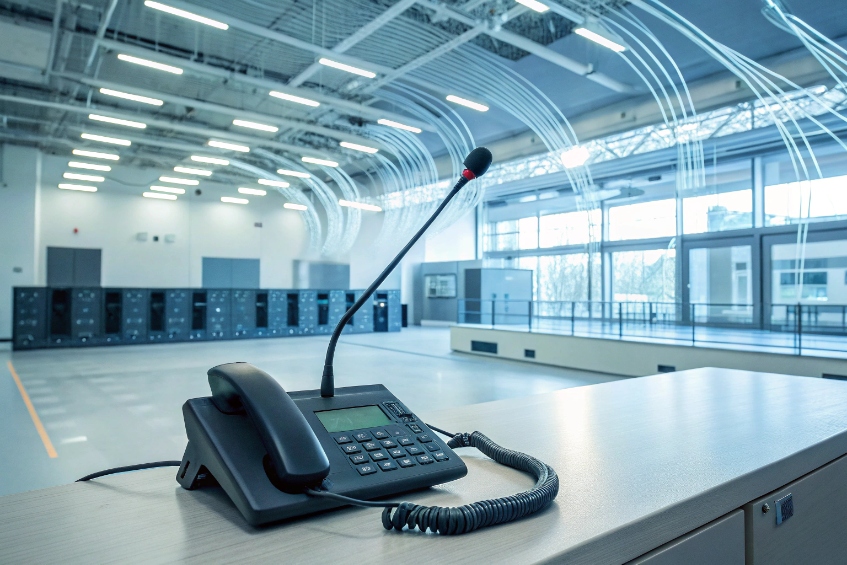
When something important happens, the message must reach people where they stand, not just on email or chat. That is exactly what a paging system is for.
A paging system takes audio from phones or microphones and sends it to speakers across zones, so I can make live or recorded announcements to part of a building or an entire site.
A typical system is essentially a facility-wide public address system 1 with zones, priorities, and standardized user access. A typical system has a paging controller or PBX, amplifiers or PoE IP speakers, and input points like handsets, desk mics, or software clients. I choose a zone or all-call, hear a pre-announce chime, speak, and the system pushes one-way audio across offices, warehouses, or outdoor areas. With IP, Session Initiation Protocol (SIP) 2, and multicast, paging is now part of the same network fabric as my phones and SIP intercoms, not a separate black box.
What’s the difference between unicast, multicast, and SIP paging?
People often hear “IP paging” and think it is all the same, but the audio path matters for scale, network load, and how zones behave.
Unicast sends one audio stream per device, multicast sends a single stream many devices can join, and SIP paging uses SIP signalling plus RTP to control who receives which page.
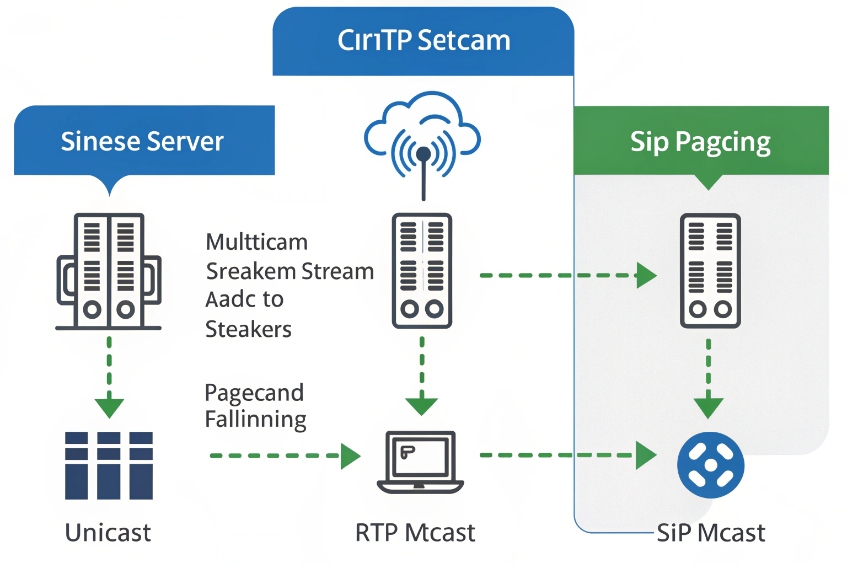
Three ways to move audio across the network
When I move from analog paging to IP, I gain several tools instead of just a 70V line. They each have a clear role:
| Method | How audio flows | Who controls targets |
|---|---|---|
| Unicast RTP | One RTP stream per device from a paging server | Server selects each device |
| Multicast RTP | One RTP stream to a multicast address, many devices join | Network and device config choose listeners |
| SIP paging | SIP INVITE or SUBSCRIBE to devices, audio via RTP | PBX/paging server drives routing and control |
Unicast is simple to think about. The paging controller calls each speaker or phone, just like a phone call. Each endpoint has its own Real-time Transport Protocol (RTP) media stream 3 and signalling state. This is great for small to medium systems and for zones where I want per-device volume or behaviour.
Multicast is all about efficiency. The sender streams once to a multicast address like 239.x.x.x. Any IP speaker or phone that listens on that address and port will play the page, based on IP multicast 4. There is no call setup per device, so large systems scale well, but the network must be configured to pass the multicast.
SIP paging sits above both ideas. The PBX or paging server uses SIP to tell devices, “join now”, or “switch to this mode”, and still sends audio using RTP. Under the hood, some vendors will still use multicast for the media, others will stick to unicast.
When to choose which method
I choose based on size, control, and existing infrastructure:
- For a single building with a handful of IP speakers, unicast is fine and easier to debug.
- For a large warehouse campus with many speakers and IP phones, multicast reduces load and makes “all-call” simple.
- For tight PBX integration, SIP paging groups give users dial codes and permissions while the server decides whether to use unicast or multicast media.
In my SIP projects with IP horns, SIP intercoms, and PBXs, I often mix all three. The PBX offers a dialable SIP paging extension. That extension triggers unicast calls to a few key speakers, which then rebroadcast the same audio via multicast into their local zones. This way, the PBX remains simple while zones can be big and efficient on the LAN.
How do I design paging zones for buildings and campuses?
If all pages go everywhere, people start ignoring them. If zones are too granular, staff forget which code to dial. Good zoning is a balance.
I design zones around how the facility works: by function, noise level, and risk. Then I add an all-call and a few priority zones that can override lower-level audio.
Start from people and use cases, not from speakers
It is tempting to begin with amplifier blocks and VLANs. I get better results when I start with real life:
- Who needs to hear which announcements every day?
- Who only needs emergency messages?
- Where is noise high? Where is it quiet?
- Which areas must be reachable from security or reception at any time?
From these answers, clear zones appear. Typical examples:
| Zone type | Examples | Page types |
|---|---|---|
| Office / admin | Offices, meeting rooms, corridors | General info, visitors, light alerts |
| Public / front | Lobby, reception, retail front | Customer calls, public notices |
| Industrial / noisy | Warehouse, plant floor, loading docks | Safety alerts, operations calls |
| Outdoor | Parking, yard, gates | Security, logistics, emergency alerts |
| Critical | Control room, security desk, SOC | Targeted alarms, direct operations traffic |
On a multi-building campus, I copy this idea per building, then add campus-wide zones like “all buildings” and “outdoor only”.
Once I know the zones, I map them into the paging controller or PBX:
- Every zone gets a simple, memorable code, like 710 for “Warehouse” or 720 for “Offices”.
- There is always an all-call code for emergencies and important global messages.
- Some projects also get “role-based” codes like “Security only” or “Maintenance only”.
A zone table might look like this:
| Dial code | Zone name | Includes |
|---|---|---|
| *700 | All-call | All IP speakers and analog paging amps |
| *710 | Warehouse | Warehouse horns, dock speakers |
| *720 | Offices | Ceiling speakers in admin building |
| *730 | Outdoor | Car park, gates, perimeter horns |
| *740 | Security / control | Control room speakers, IP wall panels |
On the phone side, I can turn these into one-touch keys on SIP phones or soft clients. In large sites, I give key staff “paging profiles” that match their job. For example, security can access all zones and emergency overrides; reception might have only lobby, offices, and all-call.
Handle priorities and background audio
Real life is messy. Music might be playing, scheduled bells might run, intercoms might be active. So I design a small priority ladder:
- Fire and life safety (often a separate system by code).
- Emergency paging (all-call override).
- Security and operations alerts.
- Normal live announcements.
- Background music and lower-priority tones.
IP speakers and many analog controllers can mute or duck background music when a page arrives, then resume. Some systems let emergency pages “preempt” even ongoing lower-priority pages. That is important when seconds matter.
In a campus design, I also think about resilience: a local IP paging node per building or per plant, powered by PoE and UPS. If a WAN link fails, staff can still page that building, even if central apps are down.
Can paging integrate with alarms and access control?
Paging is strongest when it is part of the security and safety fabric, not just a standalone audio system.
Yes. Paging can integrate tightly with alarms, access control, and sensors: relays trigger pages, SIP intercom calls become announcements, and emergency systems can drive high-priority audio with clear, distinct tones.
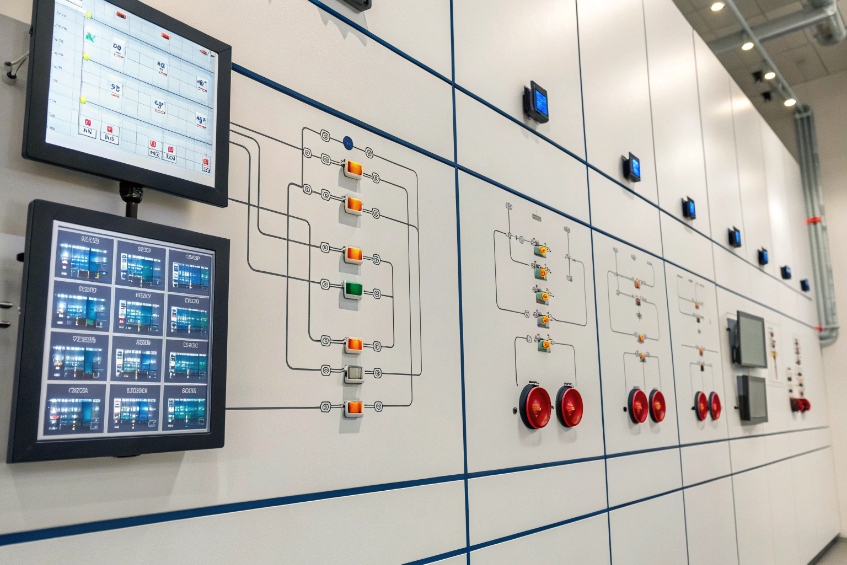
Typical integration patterns
I usually see three main directions for integration:
-
Alarms and sensors into paging
- Fire panels, intrusion systems, or environmental sensors close a relay or send an event.
- The paging controller plays tones, sirens, or voice messages in specific zones.
-
Access control and intercom into paging
- Doorphones and gate intercoms call control rooms or ring groups on the PBX.
- The same audio path can page nearby speakers for “talk-down” or guidance.
-
Paging into other systems
- A PBX or paging server can push status or events to building management systems, PSIM/VMS platforms, or dashboards.
A simple mapping might be:
| Source event | Paging action |
|---|---|
| Gate forced open | Alert tone + voice message in gate zone |
| Chemical sensor alarm | Evacuation message in affected building |
| After-hours visitor | Intercom call to security + local page |
| Severe weather warning | All-call campus alert + strobe activation |
Safety, codes, and distinct signals
One important rule: do not mix fire alarm audio and general paging unless local code and the fire panel vendor agree on the design. Fire tones and voice messages often have strict requirements and must remain distinct, and projects often reference NFPA 72 5 when defining those requirements.
So I make sure:
- Emergency paging uses alert tones that are clearly different from the fire alarm.
- Staff training explains which sound means what.
- Visible signals (strobes, message boards) match the audio where possible.
For accessible design, IP speakers can pair with:
- Visual strobes in loud environments.
- Text displays in key locations.
- Mobile or desktop alerts through other channels, triggered by the same event.
In our work with SIP intercoms and emergency phones, paging is often the “broadcast” side of the same story. Intercom for point-to-point help. Paging for “tell everyone in this zone what is going on.” The PBX, SIP trunking, and paging controller give me one consistent signalling plane.
Why does my multicast page not reach all speakers?
On paper, multicast looks perfect: one stream, many listeners. In practice, someone pages and only half the speakers talk, or some zones are delayed.
Multicast paging fails when the network blocks or misroutes multicast traffic, when speakers listen to the wrong group, or when IGMP and VLAN settings are not aligned across switches.
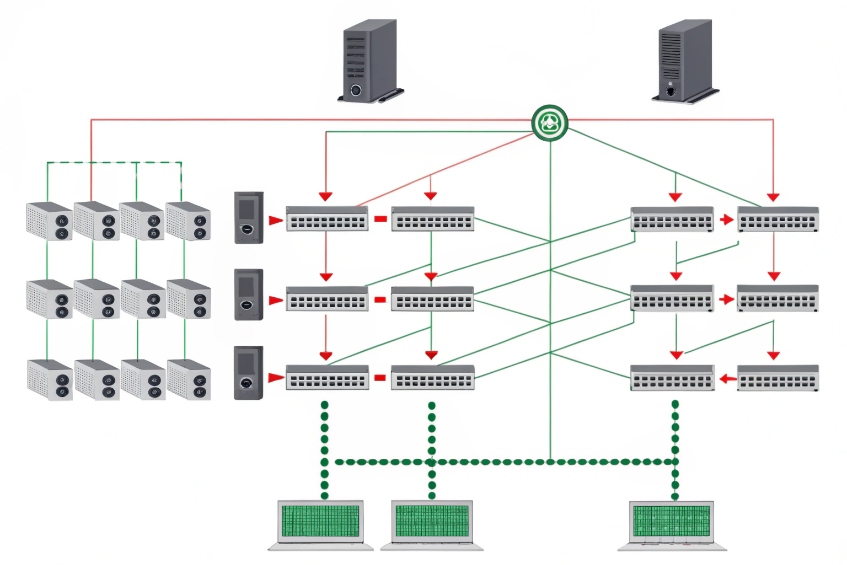
Where multicast can break
Multicast is a network feature first, an audio feature second. Common failure points include:
| Symptom | Likely cause |
|---|---|
| Some speakers never play | Wrong multicast IP/port, wrong VLAN, or muted |
| Speakers in one closet never play | Switch in that closet blocks or floods multicast |
| Audio choppy or delayed in one area | QoS missing, oversubscribed link, IGMP issues |
| Works with few devices, fails when many | Subscription or CPU limits on switches or devices |
Key pieces that must line up:
- Multicast address and port must match between sender and listener.
- VLANs: speakers and phones must be on Virtual LAN (VLAN) 6 segments that can see the multicast group.
- IGMP snooping: switches must learn which ports actually want the group, not flood or drop it, using IGMP snooping 7.
- Routing: if I cross subnets, I need proper multicast routing (PIM or similar).
A simple troubleshooting flow
When a multicast page does not reach everyone, I go step by step:
-
Check device config
- Confirm every IP speaker listens on the same multicast IP and port as the sender.
- Confirm volume and zone settings are correct.
-
Test on one switch
- Put sender and one speaker on the same simple switch or VLAN.
- If it works here, the multicast stream itself is fine.
-
Check VLAN and IGMP
- Verify that all target speakers sit on VLANs with IGMP snooping enabled and correctly configured.
- Make sure there is an IGMP querier in that VLAN.
-
Watch traffic
- Use a span port or small test switch to see if multicast packets reach the speaker’s port.
- Check for packet loss or strange bursts.
If I still cannot get consistent behaviour, I sometimes fall back to SIP-unicast paging for the problem zones while I fix the network design. It uses more bandwidth, but it is easier to reason about.
Designing multicast for stability
To keep multicast paging healthy long term:
- Use dedicated voice/paging VLANs with a clear IGMP querier.
- Plan multicast groups and keep them documented, instead of random addresses.
- Avoid running multicast across WAN links without proper design.
- Use QoS so paging packets are not dropped during heavy data transfers.
In many facilities, the simplest stable pattern is: multicast stays inside a building or floor, and the PBX or paging server uses SIP unicast between buildings. That gives me efficient local fan-out without asking the entire campus network to become a complex multicast fabric.
Conclusion
A well-designed paging system turns phones, IP speakers, and alarms into one clear voice that reaches the right zones, at the right volume, exactly when people need it.
Footnotes
-
Understand how PA systems broadcast announcements through speakers across facilities. ↩ ↩
-
Learn how SIP sets up and controls paging calls and device participation. ↩ ↩
-
Reference RTP media basics for how real-time audio is streamed to paging endpoints. ↩ ↩
-
See how IP multicast delivers one stream to many listeners efficiently. ↩ ↩
-
NFPA 72 overview for fire alarm audio requirements and why it must remain distinct from general paging. ↩ ↩
-
VLAN basics for separating voice/paging traffic and keeping multicast behavior predictable. ↩ ↩
-
Learn why IGMP snooping matters for reliable multicast delivery on switched networks. ↩ ↩








