

Most offices still pay for old phone lines, while their data network sits under-used, so they carry two separate infrastructures for one simple thing: talking.
A VoIP phone system runs all office calls over your data network and internet using SIP and RTP, giving you extensions, features, and external calling without old-style phone lines.
With VoIP, phones become just another IP device. An IP PBX 1 or a cloud solution based on hosted PBX systems 2 handles routing, features, and SIP trunks. Desk phones, softphones, and even SIP intercoms share the same platform.
Under the hood, most office VoIP uses Session Initiation Protocol (SIP) 3 to register endpoints and set up calls, and Real-time Transport Protocol (RTP) 4 to carry the actual voice media once the call is established. In our own deployments, once voice, intercom, and paging move to IP, projects for buildings and security become much easier to scale and maintain.
How do IP PBX and cloud PBX compare on cost?
Teams often start by asking, “which is cheaper?” and then forget to include trunks, support, and growth in the math.
On-prem IP PBX is CapEx-heavy but cheaper per seat at scale. Cloud PBX is OpEx, faster to start, and often cheaper for small teams or very dynamic headcount.
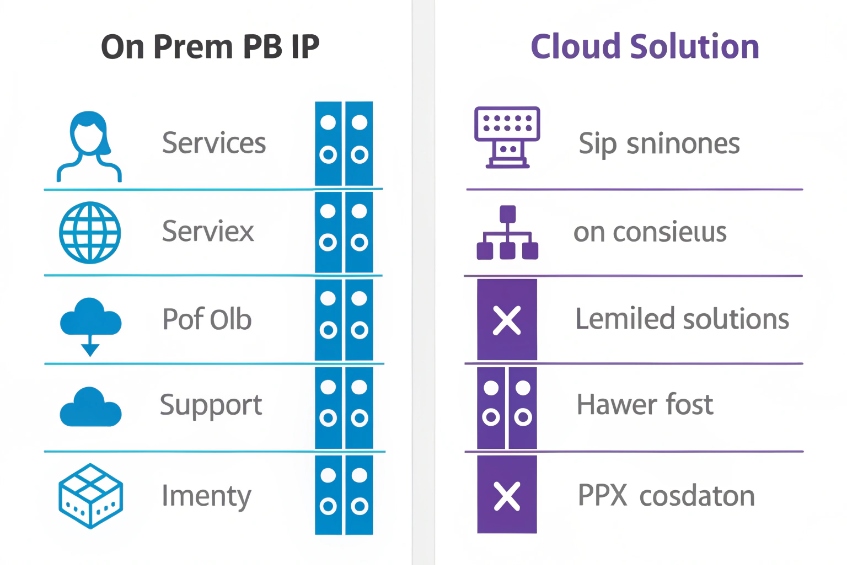
Look at total cost, not just license price
When I compare IP PBX and cloud PBX, I split the cost into buckets: setup, monthly, and long-term flexibility. It helps to put numbers into a simple model, even if they are rough.
Typical cost factors:
| Cost element | IP PBX (on-prem) | Cloud PBX |
|---|---|---|
| Core system | One-time license / appliance / VM | Per-user monthly subscription |
| SIP trunks and minutes | Direct with carriers | Often bundled, sometimes separate |
| Hardware | IP phones, PoE switches, server, UPS | IP phones, PoE switches (still needed) |
| Maintenance and upgrades | Your IT or partner | Included in service fee |
| Scaling up/down | Add licenses and trunks; hardware capacity | Add/remove seats in portal |
| Redundancy | Extra servers, HA, backup WAN | Built-in DC redundancy (varies by provider) |
For small offices (say 5–20 users), cloud PBX is usually easier and often cheaper in the first years. I pay a per-user fee, get all the features, and do not worry about servers.
For medium or large sites, or where voice and security integrate deeply, an on-prem IP PBX can win over a few years because:
- SIP trunks scale by concurrent calls, not by user count.
- One PBX can host many extensions, intercoms, and paging endpoints.
- I own the platform and can tune SIP, routing, and integrations very precisely.
A simple example:
- 60 users, moderate call volume.
- Cloud PBX at $20/user/month → $1,200/month before extra minutes.
- IP PBX license and server might be a few thousand once, plus SIP trunks, support, and hardware.
Over three to five years, the on-prem investment often becomes cheaper per seat, especially when you add SIP intercoms, SIP speakers, and security devices that do not need full “user” licenses in the cloud.
Tie cost to control and integration
Cost is not the only axis. I also look at:
- Control: need deep SIP tweaking, custom dialplans, or special emergency routing? IP PBX gives more room.
- Security and compliance: some sectors want media and call records on-site.
- Integration: if I integrate with SIP intercoms, access control, paging, and PAGA, owning the PBX often simplifies things.
In many projects we end up with hybrid: an on-site IP PBX for critical devices and local survivability, and cloud UC for knowledge workers. The “cheapest” solution is the one that matches your risk, features, and growth, not only the monthly number on paper.
Which codecs should I enable for call quality?
If every device has a different codec list, calls will still connect, but you pay with transcoding, CPU load, and strange audio problems.
For office VoIP, I enable G.711 as my baseline, add G.722 or Opus where supported, and keep compressed codecs like G.729 only for special low-bandwidth links.
Understand what codecs actually do
Codecs trade bandwidth for quality and CPU. Some common ones:
| Codec | Bandwidth (approx) | Quality | Typical use |
|---|---|---|---|
| G.711 | 80–90 kbps | “PSTN” narrowband | Default for most SIP trunks |
| G.722 | 80–90 kbps | Wideband (HD) | Office LAN, internal calls |
| Opus | 24–64 kbps+ | Very flexible HD | Softphones, WebRTC, variable links |
| G.729 | ~30–40 kbps | Compressed NB | Low bandwidth, older gear |
G.711 is simple and compatible. Most carriers and legacy gateways expect it. It uses more bandwidth than compressed codecs, but on modern office links this is usually fine.
G.722 (wideband) sounds much clearer for internal calls. Voices feel more natural, which helps fatigue and understanding in long calls. Many IP phones support it.
The Opus audio codec 5 is great in softphones and modern systems because it adapts well to changing network conditions and can maintain strong quality at lower bitrates.
Practical codec strategy for an office
A simple, safe approach:
- On LAN and internal calls: prefer G.722 (or Opus) first, then G.711.
- On SIP trunks: use G.711 as primary, match what the carrier supports.
- On constrained links or older hardware: consider G.729 if licenses and support exist.
On each device and trunk, I order codecs like this, for example:
- G.722
- G.711 (A-law or μ-law, depending on region)
- Opus (for softphones / WebRTC, if the PBX supports it)
The PBX should then handle transcoding only when needed, not for every call. Less transcoding means less CPU, less latency, and fewer points of failure.
When you test codecs, use real calls:
- Internal extension-to-extension calls.
- Calls over each SIP trunk.
- Calls that include SIP intercoms or emergency phones.
If any device cannot handle wideband correctly, you may limit it to G.711 to avoid strange audio. The target is a small, consistent codec set across devices and trunks, not a long list “just in case”.
Can I secure VoIP with TLS, SRTP, and VLANs?
Many VoIP systems work fine on day one but are wide open: cleartext SIP, no encryption, flat LAN, and default passwords that invite abuse.
Yes. I can secure VoIP by encrypting SIP with TLS, media with SRTP, isolating voice traffic on VLANs, and adding SBCs, strong credentials, and rate limits.
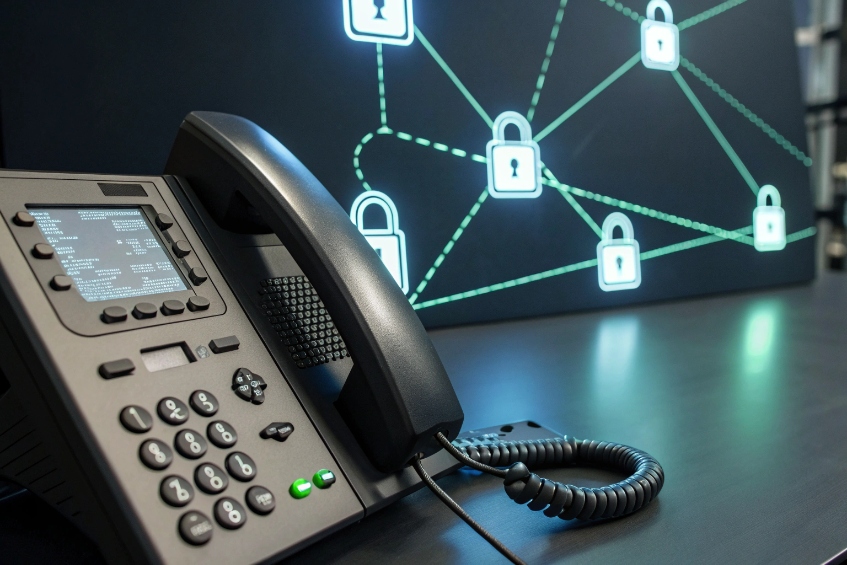
SIP signalling and media encryption basics
Security has two planes:
- Signalling (SIP): who calls whom, caller ID, dialed number, registration, and control.
- Media (RTP): the audio (and video) stream itself.
I secure them like this:
- Use Transport Layer Security (TLS) 6 for SIP so registrations and call control are encrypted.
- Use Secure Real-time Transport Protocol (SRTP) 7 for audio so media packets are encrypted and harder to intercept.
Most modern IP phones, softphones, and PBXs support both. On SIP trunks, it depends on the carrier; many now offer TLS/SRTP options, especially for business and government lines.
Even with encryption, I still:
- Use strong SIP passwords and random usernames.
- Restrict which IPs can send SIP traffic (firewall, SBC, or both).
- Limit dialling to allowed countries and number ranges to reduce toll fraud risk.
VLANs, QoS, and edge protection
Network separation helps both quality and security:
- Voice VLAN: place phones and SIP intercoms on a dedicated VLAN.
- QoS: mark voice packets (DSCP) and give them higher priority on switches and routers.
- DHCP and provisioning: control where phones get their configs and firmware.
This way:
- Data storms or backup jobs on the main LAN are less likely to hurt voice.
- A misconfigured PC has less chance of attacking phone infrastructure directly.
- It is easier to apply firewall rules at the edge for “voice network” vs “everything else”.
An SBC (Session Border Controller) or a hardened SIP edge device sits between your PBX and the outside world. It:
- Hides internal IP addresses.
- Normalises SIP from different carriers and remote phones.
- Applies rate limits, SIP DoS protection, and protocol sanity checks.
In our deployments for security and industrial projects, this edge layer is critical. SIP intercoms, emergency phones, and access control cannot be down because someone scanned the SIP port or guessed a weak password.
Why do my VoIP calls jitter on Wi-Fi?
On the LAN everything sounds good, but as soon as someone walks with a Wi-Fi handset or uses a laptop softphone, voices break, words repeat, or delays jump.
VoIP jitter on Wi-Fi comes from interference, contention, roaming, and power-saving. The fix is better Wi-Fi design, QoS, and often “less Wi-Fi, more wire” for phones.

Why Wi-Fi is harder for voice than Ethernet
Wi-Fi is shared radio. Everyone takes turns, and the environment changes all the time. Problems that hit VoIP first:
- Interference from other Wi-Fi networks, microwaves, Bluetooth, and devices.
- Contention when many clients share the same channel.
- Roaming delays when devices move between access points.
- Power save modes on laptops and phones that pause radio too aggressively.
Voice is real-time. Small delays and dropped packets that are invisible to web browsing become obvious as choppy audio, echo, or robotic speech.
Ethernet gives each phone a dedicated, full-duplex link with low latency and almost no interference. That is why, for fixed desks and most SIP intercoms, I still prefer wired connections and PoE.
Practical steps to reduce jitter
If Wi-Fi must carry voice, I treat it as a voice network, not just “free internet in the office”:
- Use 5 GHz or 6 GHz bands for voice; avoid crowded 2.4 GHz where possible.
- Create a separate SSID for VoIP devices with higher QoS priority.
- Enable WMM / Wi-Fi QoS, so voice frames get priority over bulk traffic.
- Design coverage so roaming is smooth; avoid dead zones and too-few APs.
- Avoid overloading a single AP with many roaming voice devices.
On the endpoint side:
- Turn off aggressive power save for Wi-Fi handsets if possible.
- Prefer wired headsets + wired laptops for heavy softphone users.
- Use Opus or wideband codecs that handle loss and jitter better, if your PBX supports them.
If you still see issues, capture metrics:
- Jitter, latency, and packet loss from phones or softphones.
- AP load and channel utilisation from your Wi-Fi controller.
Often, once you clean up the channels and apply QoS, jitter drops to acceptable levels. For critical positions (reception, security, dispatch), I still insist on wired IP phones. Wi-Fi becomes an extension and backup, not the only option.
Conclusion
A VoIP phone system turns your data network into a full voice platform; with the right PBX model, codecs, security, and network design, it gives clear, secure calls from desk to door station.
Footnotes
-
Definition and key characteristics of IP PBX systems used for on-prem VoIP call control. ↩ ↩
-
Overview of hosted PBX models and how cloud telephony is delivered as a managed service. ↩ ↩
-
SIP standard for how phones register, set up calls, and control transfers and features. ↩ ↩
-
RTP standard describing how real-time voice media packets are carried once a call is established. ↩ ↩
-
Opus codec spec: adaptive, high-quality audio for softphones, WebRTC, and variable networks like Wi-Fi. ↩ ↩
-
TLS 1.3 spec for encrypting SIP signalling so registrations and call control aren’t readable on the network. ↩ ↩
-
SRTP spec for encrypting RTP media to protect voice content from eavesdropping and tampering. ↩ ↩








