
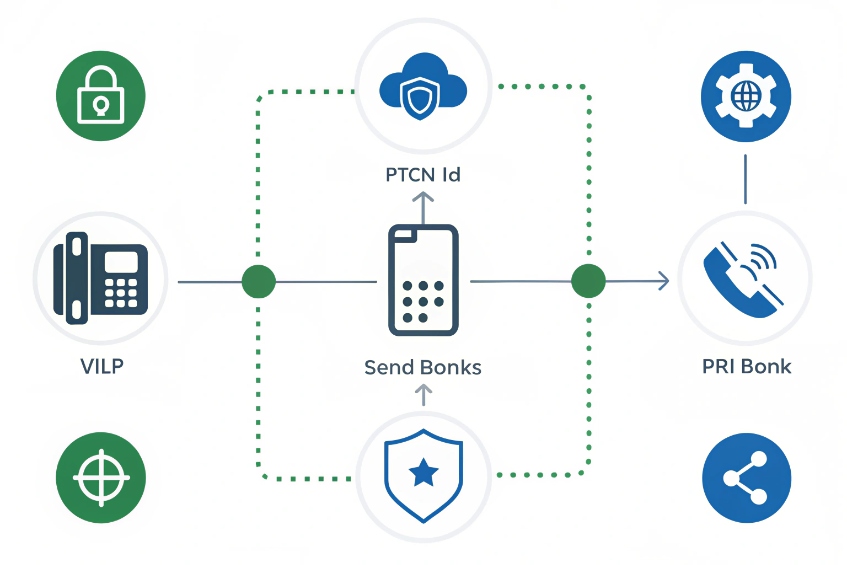
Every time the main number rings, the PBX has to decide in milliseconds: who is calling, which number they dialed, and where that call should go next.
An incoming call on my PBX is a call arriving from the PSTN or another VoIP system over a trunk. The PBX reads the dialed number and caller ID, then applies routing, time rules, and security policies.
Behind that single ring, a lot happens. The carrier delivers the call to a Session Initiation Protocol (SIP) 1 or Primary Rate Interface (PRI) 2 trunk, or an analog trunk. The PBX sees the DNIS (what was dialed) and the caller’s number, checks time conditions, allow/deny lists, and then sends the call to an IVR, queue, ring group, or voicemail. Every decision leaves a trace in Call Detail Records (CDRs) 3 and, if enabled, in recordings and analytics.
How do DID, DNIS, and caller ID affect routing?
When calls land in the wrong team or language menu, the root cause is often how DID, DNIS, and caller ID are handled at the edge of the PBX.
DID tells me which public number was called, DNIS is the actual dialed digits the trunk delivers, and caller ID/ANI tells me who called. My inbound routes combine these signals to choose the right path.
In practice, Direct Inward Dialing (DID) 4, Dialed Number Identification Service (DNIS) 5, and Automatic Number Identification (ANI) 6 are the three signals I rely on most for inbound routing.
DID, DNIS, caller ID in plain language
I keep the terms straight like this:
| Term | What it is | Where I see it |
|---|---|---|
| DID | My public number on the PSTN | Carrier portal, number inventory |
| DNIS | The digits the carrier sends as “dialed number” | SIP Request-URI / To, PRI called number |
| Caller ID | The number of the caller (ANI/CLI) | SIP From / P-Asserted-Identity, PRI ANI |
In simple cases, DID and DNIS feel identical. But once I start using prefixes, translations, multiple trunks, or forwarding, DNIS is the real key. The PBX usually routes on:
- The DNIS digits after any normalization rules.
- The trunk they arrive on.
- Caller ID patterns for VIP or block lists.
So an inbound route might say:
- If DNIS is
+1 212 555 0100, send to the English IVR. - If DNIS is
+44 20 1234 5678, send to the UK support queue. - If caller ID matches VIP list, jump straight to Level 2 agents.
How the PBX turns signals into decisions
When the trunk sends a new INVITE (SIP) or SETUP (ISDN), the PBX steps through inbound rules something like this:
- Match trunk (which carrier or gateway).
- Parse DNIS and normalize digits to my internal format.
- Look at caller ID and any special headers (P-Asserted-Identity, Diversion, etc.).
- Test time conditions, allow/deny lists, and spam rules.
- Land the call at a destination: IVR, queue, ring group, extension, paging, or voicemail.
I often use DNIS for high-level routing (which IVR, language, brand, or tenant) and caller ID for special cases:
- VIPs, partner numbers, or test numbers.
- Blocked ranges, known scammers, or rate-limited callers.
- Geo-based rules if I trust the CLI.
Because carriers sometimes rewrite headers, I also confirm with SIP traces which exact field my PBX should use for “real” DNIS and caller ID. Once that is clear, routing becomes predictable, even for forwarded calls and more complex contact flows.
Can I prioritize VIP callers to agents or IVR?
Losing an important customer into a generic queue is bad for business, and it happens all the time when every caller looks the same to the PBX.
Yes. I can prioritize VIP callers by matching their caller ID, mapping them to special DIDs, or using CRM data, then routing them into priority queues, shorter IVRs, or direct-to-agent flows.
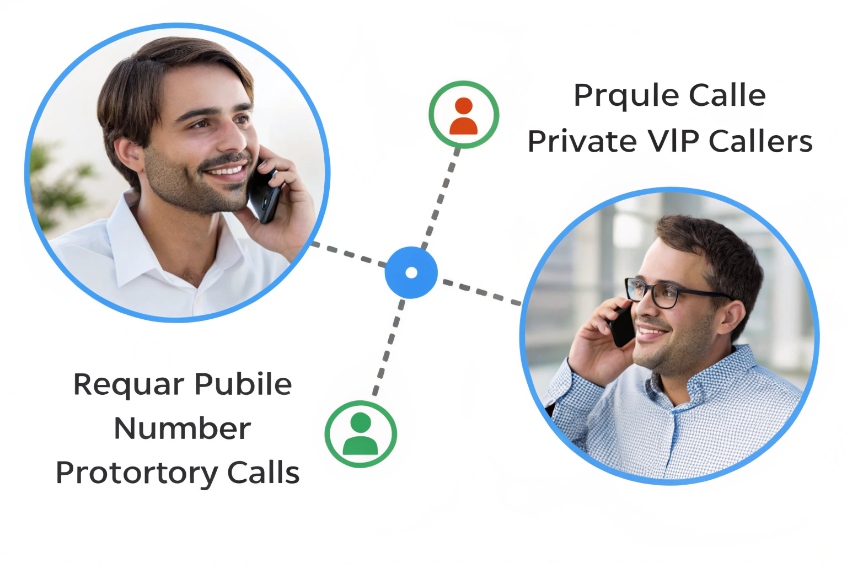
Ways to mark a caller as VIP
There are three main ways I tell the PBX “this caller is special”:
-
Dedicated numbers (DIDs)
Give VIPs a private number that routes to a different IVR or queue. Anyone calling that DID is treated as high priority. -
Caller ID lists
Maintain an allow-list of known VIP numbers. Inbound routes or IVR logic check the caller ID and branch into a VIP path if there is a match. -
CRM / database lookup
Use an API or lookup based on caller ID or an ID they enter into the IVR. The PBX or CTI layer then marks the call with a priority flag.
In real deployments, I often mix all three. A VIP might have a private DID for business hours but still be recognized by number if they call the main line after hours.
Once a call is tagged as VIP, the PBX can treat it differently:
| Technique | What happens | When I use it |
|---|---|---|
| Priority queue | VIP calls jump ahead of normal queue traffic | Support and sales contact centers |
| Shorter IVR | Fewer menu steps, faster agent connection | Key accounts and partners |
| Direct-to-team or agent | Calls ring a dedicated team or account manager | B2B, high-touch customers |
| Different ring strategy | Faster ring, more agents included | Urgent or revenue-critical lines |
| Visual labels for agents | “VIP” prefix in caller ID display | Helps agents adjust tone and handling |
On the queue side, most PBXs offer:
- Queue priority: VIP queue is drained before standard queues.
- SLA targets: shorter answer time thresholds for VIPs.
- Skills and agent groups: only certain agents handle some VIP segments.
I also make sure VIP paths still follow recording, compliance, and E911 rules. It is easy to accidentally bypass normal policies when you add shortcuts. Good design keeps the same safety and logging, just with less waiting and fewer menus.
How do I set time conditions for business hours?
Without clear time conditions, either phones ring in an empty office at night, or customers hit a voicemail even though staff is there and ready.
Time conditions use schedules to switch call paths between “open,” “closed,” and “holiday” logic. I map business hours and exceptions into time groups, then send inbound calls through those checks first.
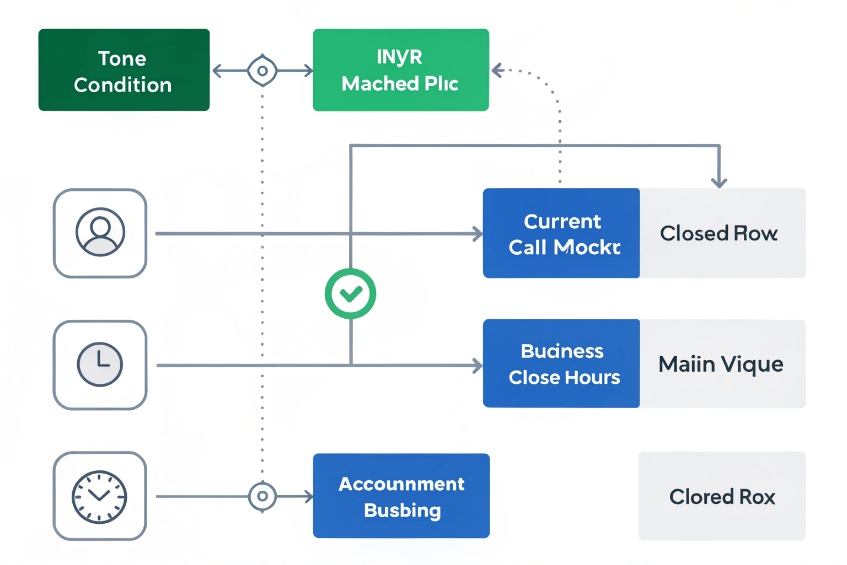
Time groups and conditions in practice
Most PBXs split scheduling into two concepts:
- Time groups: definitions of days, hours, and dates (for example, Mon–Fri 09:00–18:00).
- Time conditions: logic that says “if current time is in this group, go here, else go there.”
On an inbound call, a typical flow is:
- Inbound route receives the call.
- It sends the call to a time condition.
- If the current time matches the “business hours” group, send to the main IVR or queue.
- Otherwise, send to an after-hours destination (voicemail, on-call mobile, or a different IVR).
I usually define at least three layers:
| Group / condition | Purpose |
|---|---|
| Normal business hours | Standard open times |
| Lunch / break | Optional alternative routing during breaks |
| Holidays / closures | Full-day and partial-day special cases |
Holidays often live in their own time group so I can reuse them across many numbers and tenants.
Real-world examples and tips
For a single-site office, a simple rule might be:
- Weekdays 09:00–17:00: send calls to the main IVR.
- Outside that: send calls to a concise “closed” announcement then voicemail.
For a security or service desk, I might:
- Keep the queue open 24/7.
- Use time conditions inside the IVR to decide whether reception should be in the loop or calls should go straight to on-call engineers.
Helpful habits:
- Use descriptive names like “HQ_BusinessHours” instead of “TimeGroup1”.
- Document time zones, especially if the PBX serves multiple regions.
- Test transitions at the boundaries (just before opening, just after closing).
When time conditions and inbound routes work together, customers stop getting surprised by wrong greetings, and staff stop getting woken up by calls that should have gone to voicemail or the on-call phone instead.
Why are inbound calls marked as spam or blocked?
Sometimes the PBX never sees the call because the carrier drops it, or phones show “Spam Risk” for legitimate numbers. From the caller side, it feels like your business is filtering them out on purpose.
Inbound calls are marked as spam or blocked when carriers, analytics services, devices, or your own PBX see patterns that look abusive. Fixing it means checking both upstream reputation and your PBX-level filters.
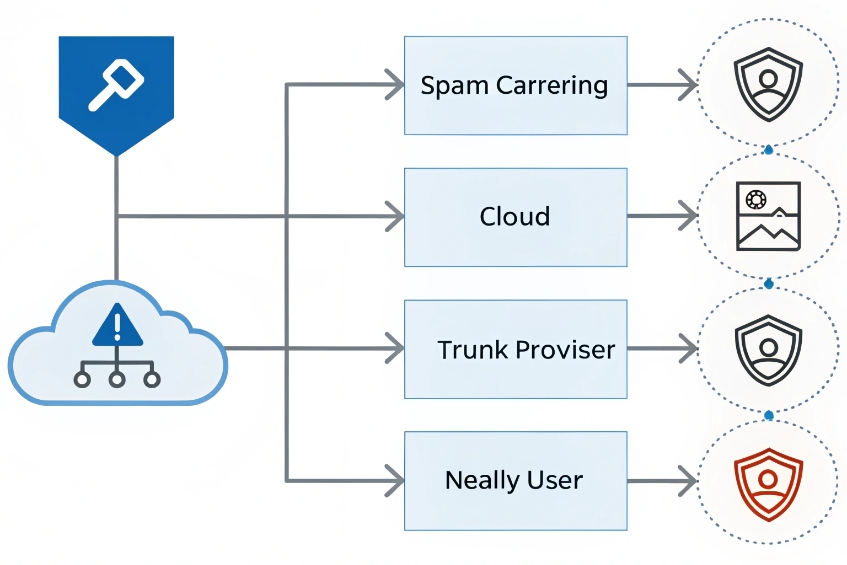
In North America, many carriers use the STIR/SHAKEN caller ID authentication framework 7 as part of spoofing mitigation and labeling decisions.
Where spam labelling actually happens
Several layers can decide that a call is “suspicious”:
-
Upstream carriers / analytics
They run reputation engines based on volume, short calls, complaint rates, and known scam patterns. They may tag calls as “Spam Likely” in CNAM or even block them before they reach you. -
Your own trunk provider
Some providers offer optional spam filtering or grey-listing. They may drop calls from abusive sources or rate-limit them. -
PBX inbound rules
Your system may have block lists, country filters, or rate limits that reject or divert some calls. -
User devices
Mobile apps and some desk phones can use local spam lists. They may show warnings or block calls even if the PBX delivered them correctly.
So an inbound call can disappear or show a scary label even when you did not configure anything special on your PBX.
PBX-side protection versus false positives
On the PBX itself, I usually want some protection:
- Block obvious bad ranges or known scam numbers.
- Rate-limit repeated short calls from the same caller.
- Use challenge IVRs (press 1 to continue) for high-risk destinations.
But these same tools can create false positives if thresholds are too low, especially for:
- Call center dialers that redial quickly after busy signals.
- Carriers that send many calls through the same gateway number.
- Partners with legitimate but very high volume.
I keep a simple view of PBX-level spam tools:
| Mechanism | Good for | Watch out for |
|---|---|---|
| Static block list | Known scam numbers and ranges | Over-blocking if lists are too broad |
| Country / prefix blocks | Reducing fraud exposure on expensive routes | Blocking real international customers |
| Rate limits per caller | Robots and hammering dialers | Shared caller IDs from big partners |
| CAPTCHA / press-1 IVR | Simple bots and robocalls | Extra friction for some customers |
What to do when good calls are wrongly tagged or blocked
If customers say “I call you and it shows spam” or “I cannot reach you at all,” I work from outside in:
-
Ask for examples: their number, time, and what they saw on-screen.
-
Check PBX CDRs: did the call reach any trunk or inbound route?
- If yes, the PBX saw it; look at PBX rules and device behaviour.
- If not, the call was likely dropped or altered upstream.
-
Work with your carrier:
- Share timestamps and CLIs.
- Ask if any analytics or filters flagged those calls.
- Confirm that all your DIDs and trunks are configured and not temporarily blocked.
-
For labels like “Spam Risk”:
- Ensure your own outbound call patterns are clean, so your numbers do not gain a bad reputation.
- Where possible, register your numbers with analytics providers and major carriers as legitimate business lines.
On the PBX, I whitelist trusted partner numbers and numbers used for tests, and I reduce aggressive blocking where it hurts more than it helps. The goal is simple: keep the real spam out, while letting real customers in, without hiding behind labels that damage trust.
Conclusion
When I understand how incoming calls hit trunks, meet routing rules, time conditions, and spam checks, the PBX stops feeling like a black box and starts acting like a predictable traffic controller for every customer call.
Footnotes
-
Official SIP specification (RFC 3261) for understanding INVITE signaling and core header fields. ↩ ↩
-
Explains PRI trunks and how digital circuits carry calling and called-number information. ↩ ↩
-
Shows how PBXs structure CDR fields for auditing, reporting, and troubleshooting inbound call handling. ↩ ↩
-
Clarifies how DID numbers map public calls to PBX trunks and inbound routes. ↩ ↩
-
Defines DNIS and why “dialed digits” may differ from the public number after translations. ↩ ↩
-
Explains ANI/caller ID signaling and common limitations like withholding, rewriting, or gateway presentation. ↩ ↩
-
Describes STIR/SHAKEN and how call authentication reduces spoofing and improves trust in caller identity. ↩ ↩








