
Static IPs feel simple until one wrong number takes a PBX, camera, or SIP intercom offline and nobody knows why the “network is down” again.
A static IP is a manually assigned, fixed address that never changes across reboots. It is ideal for servers, controllers, VoIP gateways, and devices that must be consistently reachable and easy to integrate.
Static addressing is not the enemy. Bad planning is. When static ranges, gateways, and DNS are designed with DHCP and VLANs in mind, the VoIP network stays stable, even as it grows.
When should I use DHCP versus static assignments?
It is tempting to “just set static IPs” for everything so addresses never move, until someone forgets and reuses the same number on a new device.
I use DHCP for most phones and clients, then reserve static or fixed IPs only for critical devices like PBXs, SBCs, gateways, NVRs, and management interfaces.
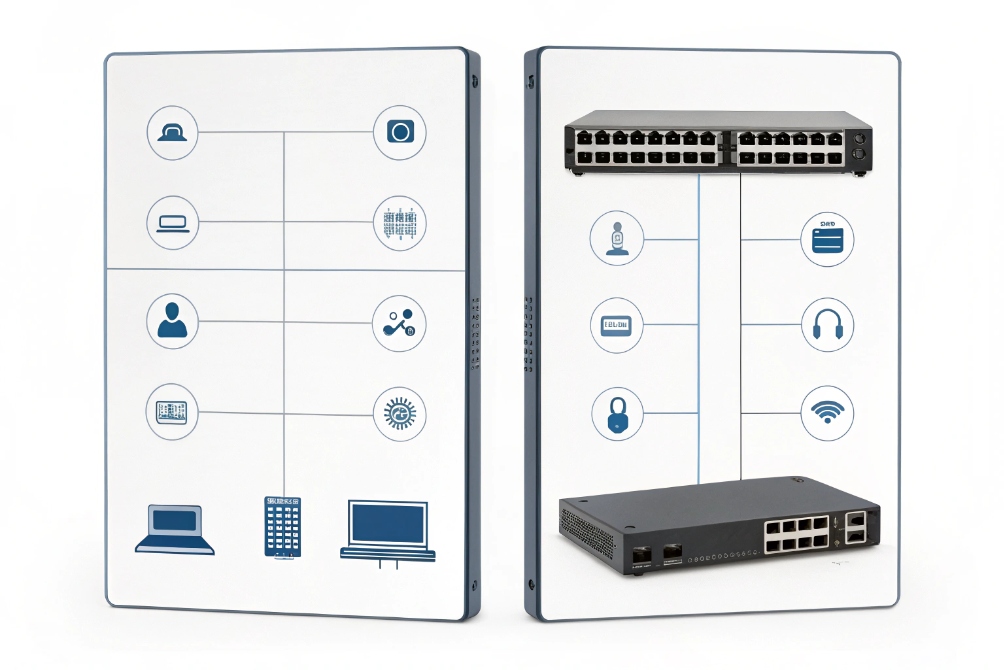
Deciding what should really be static
Static IP means I configure IPv4 addressing parameters 1 (IP address, subnet mask, default gateway, and DNS) directly on the device. Nothing changes until a human edits it. That is perfect for systems that many devices depend on:
- IP PBX and SIP servers
- SIP intercom controllers and access controllers
- VoIP gateways, SBCs, and trunk interfaces
- NVR / VMS servers, recording servers, management consoles
- Core switches, routers, firewalls, VPN endpoints
If these move, everything around them breaks. Static IPs here make life easier, not harder.
Phones, PCs, and many SIP endpoints work better with DHCP:
- They move between switches, Wi-Fi, or VLANs.
- They do not need inbound connections from the outside.
- They care more about stable services (PBX, NTP, DNS) than their own address.
I let DHCP handle DHCP lease allocation and renewal 2 for IP, gateway, DNS, NTP, and SIP or provisioning options. For VoIP networks, this is how plug-and-play phones feel “smart” without manual work at each desk.
Using static ranges inside each subnet
Inside each CIDR-defined subnet 3 or VLAN, I keep a simple pattern:
| Range slice | Use case |
|---|---|
| .1 – .20 | Routers, firewalls, core switches, servers |
| .21 – .50 | PBX, SBC, intercom controllers, paging, NVR |
| .51 – .200 | DHCP pool for phones and PCs |
| .201 – .254 | Future growth, lab, or special devices |
The exact numbers do not matter. Consistency does. If everyone in the team knows “.1–.50 are static, DHCP lives in .51–.200”, then nobody should drop a new static device inside the dynamic pool by accident.
In small sites, I even prefer DHCP host reservations 4 for PBX and gateways instead of hardcoded static IPs. The device still always gets the same address, but I retain central control and visibility. True on-device static config I reserve for uplinks and critical infrastructure where DHCP must not be a dependency at all.
Can I mix static IPs with DHCP reservations?
Many networks start fully static, then add DHCP, then reservations, then a spreadsheet. If this mix is not clear, conflicts appear out of nowhere.
I can safely mix static IPs and DHCP reservations as long as static addresses sit outside the DHCP pool, and reservations are documented and managed on the server.
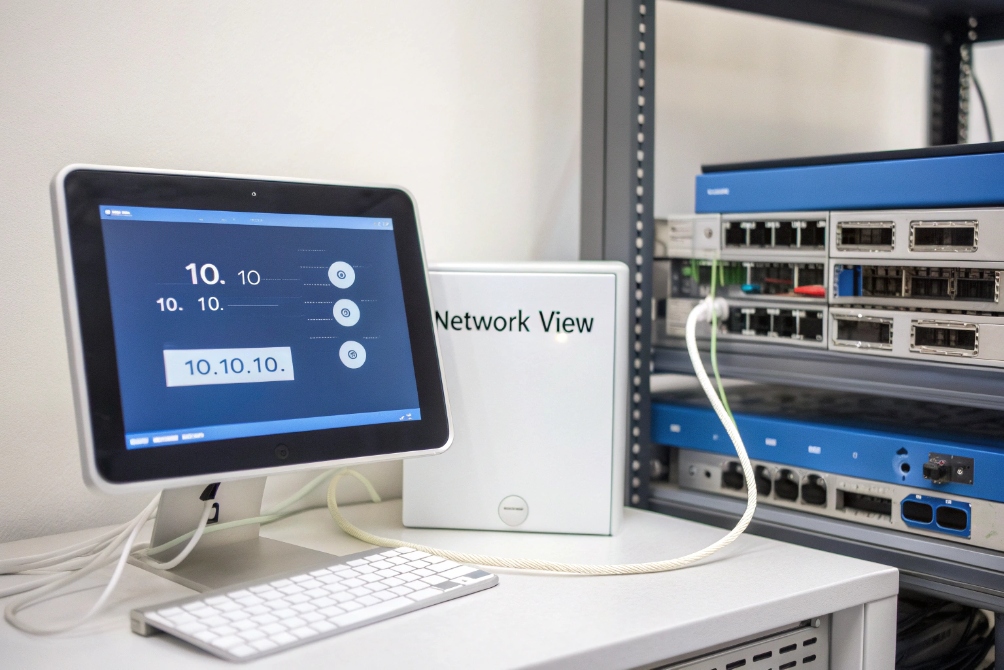
Static vs reservation: same result, different control
From the perspective of another device, it does not care if 10.10.10.10 is static or reserved. It just sees traffic from that IP. The difference is how I manage it:
| Method | Config lives on… | Good for | Risk |
|---|---|---|---|
| On-device static IP | Device itself | Routers, firewalls, core servers | Easy to forget, hard to audit at scale |
| DHCP reservation | DHCP server / IPAM | PBX, SBCs, controllers, key phones | Depends on DHCP, but easy to change |
| Dynamic DHCP lease | DHCP server | Normal phones, PCs, laptops | IP may change, but that is usually fine |
In many VoIP deployments, I use this pattern:
- Core routing and security devices: true static IPs.
- PBX, SIP proxy, intercom controller, paging controller: DHCP reservations.
- Desk phones, indoor stations, SIP speakers: dynamic DHCP.
This keeps operations flexible. If I move the PBX from one box to another, I can re-point the reservation, keep the same IP, and the rest of the network barely notices.
Avoiding overlap when mixing approaches
The danger comes when static IPs and reservations share the same numeric space without coordination. Two simple rules prevent most drama:
- Define the DHCP pool clearly per subnet, and document it.
- Example:
10.10.20.51 – 10.10.20.200is the dynamic phone range.
- Example:
- Place all static and reserved addresses outside that pool.
- Example:
10.10.20.2 – 10.10.20.50are static and reservations only.
- Example:
Then I maintain a simple IP plan:
| IP range | Policy |
|---|---|
| Outside pool | Only static or reserved addresses allowed |
| Inside pool | No manual static IPs, DHCP only |
If I must assign a static IP directly on a device, I either:
- Put it in the static slice outside the pool, or
- Add an exclusion in DHCP so the server never offers that address.
This mix works well at scale. Phones stay dynamic. Important voice gear is stable. And all of it is visible from the DHCP server and IP plan instead of being hidden in random device menus.
How do I avoid IP conflicts and ARP issues?
IP conflicts are one of the most annoying problems: two devices share the same address, ARP tables flap, and calls drop for no clear reason.
I avoid conflicts by clean IP planning, keeping static IPs out of DHCP pools, using reservations, and letting switches and routers detect or block conflicting ARP behavior.
What actually happens during an IP conflict
An IP conflict is simple on paper: two devices use the same IP on the same subnet. But the symptoms can be confusing:
- Phones register, then randomly lose contact with the PBX.
- Pings sometimes work, sometimes time out.
- Wireshark shows ARP replies from two different MAC addresses for one IP.
Routers, switches, and hosts maintain ARP tables that map IPs to MAC addresses using the Address Resolution Protocol (ARP) 5. When two devices claim the same IP, ARP entries keep flipping between them. Traffic then bounces between both, and both “sort of” work and “sort of” fail.
Practices that prevent conflicts
I treat conflict prevention as a process, not a one-time setting:
-
Respect the DHCP pool boundary
- Never assign a manual static IP inside the pool.
- Use exclusions or reservations for any special case near that range.
-
Maintain an IP plan or basic IPAM
- Even a simple sheet with columns for IP, device name, MAC, VLAN, location, owner helps.
- Update it when adding or decommissioning devices.
-
Let DHCP handle as much as possible
- Use reservations instead of random on-device static addresses wherever I can.
- This keeps a single source of truth on the server.
-
Enable conflict detection and ARP security features
- Some DHCP servers can use IPv4 address conflict detection 6 techniques to avoid handing out an already-used address.
- Switches can use DHCP snooping on access switches 7 and dynamic ARP inspection to block spoofed ARP replies.
- Logs from these features often reveal misconfigured static devices quickly.
A simple symptom → cause view:
| Symptom | Likely cause |
|---|---|
| Only one of two identical devices works | Same static IP configured twice |
| Phones drop when a new device is plugged in | New device manually set to a gateway or PBX IP |
| ARP table shows same IP with two MACs | True IP conflict on that subnet |
ARP issues beyond conflicts
Even without direct conflicts, ARP can still hurt VoIP quality:
- ARP storms or frequent gratuitous ARPs can overload small switches.
- ARP cache timers that are too short cause constant re-resolution.
- Misconfigured virtualization and clustering can send confusing ARP announcements.
On voice VLANs, I keep things simple:
- Limit who can talk to the default gateway and PBX.
- Keep only the devices that must be there.
- Use DHCP, reservations, and basic ARP protections to keep the L2 environment quiet and predictable for RTP streams.
Why can’t my static device reach the internet?
A static IP often “looks right” at first glance, yet the device cannot browse, register to the cloud PBX, or reach NTP. The problem is usually not the IP itself.
Static devices fail to reach the internet when mask, gateway, DNS, or VLAN are wrong, or when firewall rules only expect traffic from the DHCP range instead of the new address.
The four basics that must all be correct
When setting a static IPv4 address, I always configure four values:
- IP address
- Subnet mask / prefix
- Default gateway
- DNS servers
If any one is wrong, the device may show “connected”, but still fail in real use. A quick map:
| Misconfigured item | What I see |
|---|---|
| Wrong IP or mask | Can’t reach peers, or thinks remote IP is “local” |
| Wrong gateway | Can reach local hosts, but not internet or other VLANs |
| Wrong DNS | Can ping by IP, but not resolve hostnames |
| Wrong VLAN / port | Right IP, mask, gateway, DNS, but on isolated subnet |
With VoIP devices, this often shows up as:
- Phone can ping the PBX by IP but fails to register by hostname.
- SIP trunk to the ITSP fails while local calls work fine.
- Intercom controller cannot reach cloud services or NTP.
A simple troubleshooting checklist
When a static device cannot reach the internet, I walk through this order:
-
Check IP and mask
- Confirm the static IP is inside the correct subnet.
- Confirm the mask matches the gateway’s view of the network.
-
Check the gateway
- Ping the default gateway from the device if possible.
- From the gateway, ping the device IP. Both directions should work.
-
Check DNS
- Try pinging
8.8.8.8or another known IP. - If IPs work but names do not, fix DNS servers or domain suffix.
- Try pinging
-
Check VLAN and ACLs
- Ensure the switch port is in the right VLAN or voice VLAN.
- Verify firewall rules allow outbound traffic from that static IP or subnet, not only from the DHCP pool.
-
Look for overlapping static and DHCP assignments
- Make sure the static IP is excluded from the DHCP pool.
- Check DHCP logs to confirm no other client is using that address.
For IPv6, static setup is similar but with a /128 address, proper gateway, and DNS. On networks using SLAAC or DHCPv6, I sometimes disable extra auto-config behavior for servers so they do not add extra, unexpected IPv6 addresses that confuse firewall rules.
Once these basics are correct, static devices behave just as well as dynamic ones. The key is to treat static configuration as part of the network design, not a one-off quick fix.
Conclusion
Static IPs are powerful when reserved for the right devices, planned alongside DHCP ranges, and protected with clean documentation, ARP protections, and careful gateway and DNS design.
Footnotes
-
Official IPv4 standard for core addressing and forwarding behavior. ↩︎ ↩
-
Defines DHCP leasing, renewal timers, and client/server behavior. ↩︎ ↩
-
Explains CIDR prefixes used to plan subnets and avoid messy masks. ↩︎ ↩
-
Practical reference for defining and managing DHCP reservations cleanly at scale. ↩︎ ↩
-
Canonical ARP reference for understanding IP-to-MAC mapping and table flaps. ↩︎ ↩
-
Shows standard IPv4 address conflict detection approaches and terminology. ↩︎ ↩
-
Cisco guide to configure DHCP snooping to block rogue DHCP and protect edge ports. ↩︎ ↩








