
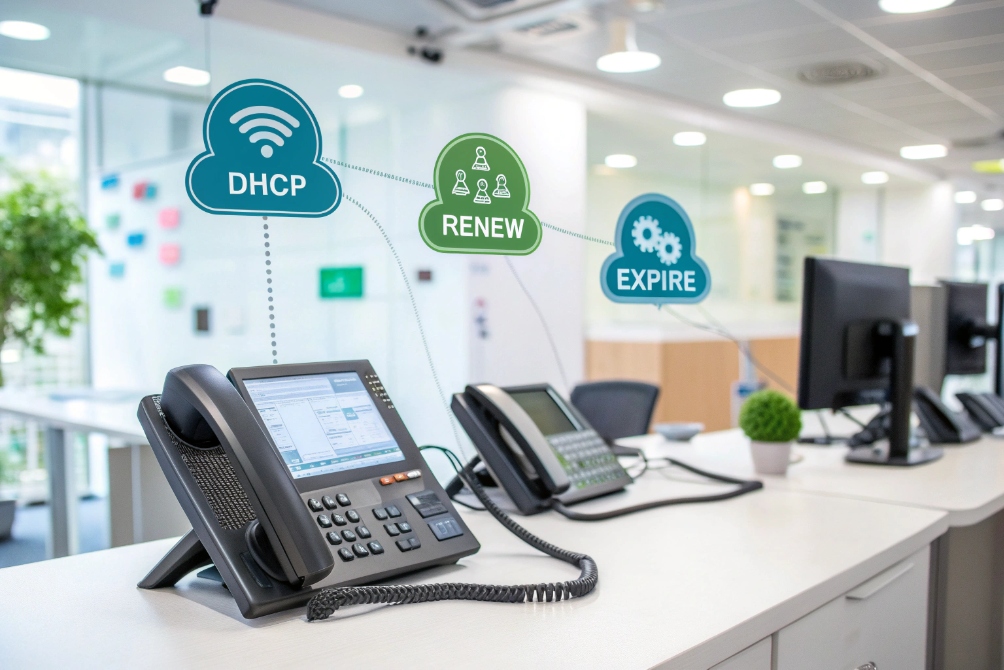
IP addresses move and change in the background, and then suddenly phones stop working. Dynamic addressing is often the hidden reason behind that pain.
A dynamic IP address is an automatically leased address from DHCP. The device borrows it for a time, renews the lease as it stays online, and may get a new IP later instead of a fixed, manually entered address.
Dynamic IPs are not good or bad by themselves. They are a tool. When I understand how DHCP hands out, renews, and sometimes changes these addresses, I can decide where to keep things dynamic, where to reserve IPs, and how to stop phones from dropping when leases roll over.
When should I use DHCP versus static assignments?
Phones, laptops, and printers are easy to plug in when DHCP just “gives them an address”. Problems start when a few key devices really should never move.
I use DHCP for most phones and clients, then add DHCP reservations or true static IPs only for core systems like PBXs, SBCs, routers, and servers that must always stay at known addresses.
How dynamic IP leases actually work
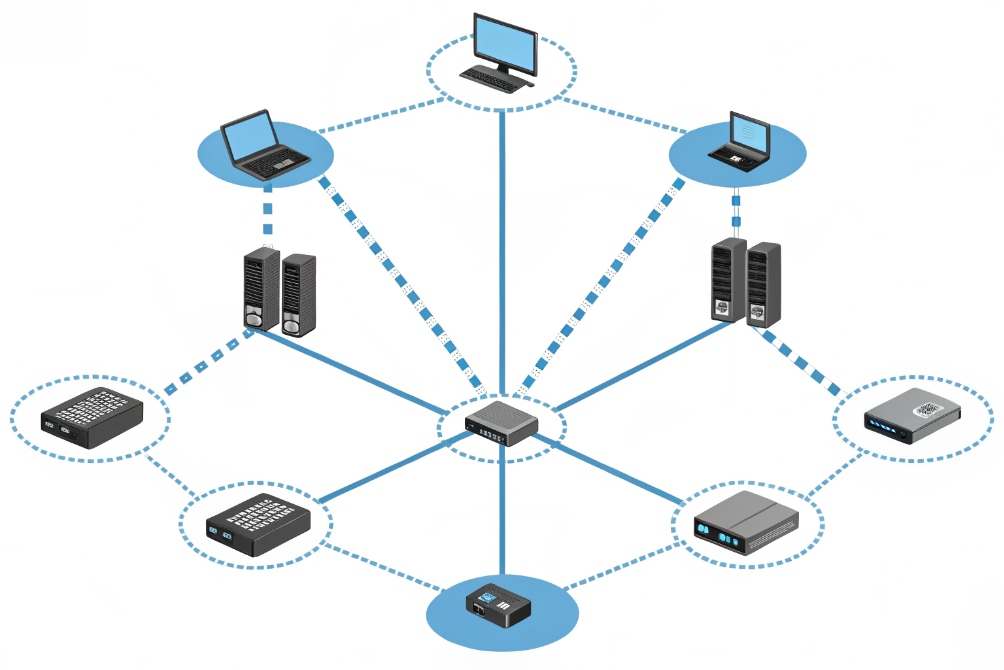
At the simplest level, a DHCP lease system 1 is a polite rental process:
- A device connects and asks “Can I get an IP?”
- The server offers an address from a scope (pool).
- The client accepts and gets a lease time.
- While the lease is valid, the device uses that IP.
The device does not wait until the end. It renews early:
- Around 50% of the lease (T1), it tries to renew with the same server.
- Around 87.5% of the lease (T2), it tries again in a broader way.
If renewals keep working, the device often keeps the same IP for weeks or months, even though it is “dynamic”. So dynamic does not mean “always changing”; it means “managed by the server and allowed to change”.
When DHCP is the better choice
For most endpoints in a VoIP network, DHCP wins:
- Desk phones and softphones on LAN or Wi-Fi.
- Laptops and PCs that move between VLANs or SSIDs.
- Printers, cameras, and small appliances that are easy to reach by name or portal.
Reasons:
- No manual typing of IP, mask, gateway, DNS on every device.
- Easy changes: if I move the whole subnet to a new DNS or gateway, I touch the DHCP scope once.
- Less chance of IP conflicts, because one central service tracks leases.
For phones, DHCP also passes key DHCP options 2 like provisioning URLs, SIP server hints, and NTP so devices can auto-configure reliably.
When static or “sticky” IPs make more sense
Some devices really should not change IPs often, if at all:
- PBX, SBC, and voice gateways that phones and trunks must reach reliably.
- Routers, firewalls, VPN concentrators.
- Monitoring servers, syslog, recording servers, NTP.
Here I have two patterns:
| Method | Where I use it | Pros | Cons |
|---|---|---|---|
| True static IP | Routers, firewalls, core servers | No DHCP dependency, very predictable | Manual config and updates |
| DHCP reservation | PBX, SBC, paging, key phones | Central control, easy to change | Still depends on DHCP being healthy |
A reservation in DHCP ties a MAC address to a fixed IP. The device still “uses DHCP”, but always gets the same result. This is a nice compromise for many voice systems.
So my baseline is simple: DHCP for everything, reservations for critical devices, and only a small number of fully static IPs where it truly matters.
Will dynamic IPs break remote phone registration?
Remote phones sit at home, in hotels, and on mobile hotspots. Their addresses change all the time, yet people still expect them to register cleanly to the office PBX.
Dynamic internal IPs almost never break remote phone registration, but dynamic public IPs, port forwards, and hard-coded ACLs can; I fix this with DNS, dynamic DNS, and identity-based rules instead of raw IPs.

Inside the LAN: dynamic is normal
On the internal network, phones register to the PBX by:
- IP address of the PBX, or
- Better, by DNS name like
pbx.example.com.
Whether a phone’s own IP is 10.10.10.25 today and 10.10.10.45 next week usually does not matter:
- The PBX tracks registrations by contact, extension, and authentication, not by fixed source IP.
- Firewalls inside the LAN often trust the whole voice VLAN or enforce based on VLAN and ports, not per-device static IP rules.
So inside the building or campus, dynamic IPs are standard for phones.
Public side: dynamic WAN IPs and NAT
Things change when I expose services over the internet:
- The office firewall/router often has a public IP from the ISP.
- Remote phones or soft clients reach
pbx.mydomain.comwhich resolves to that public address. - The firewall NATs and forwards SIP and media to the PBX or SBC.
If that public IP is dynamic, problems appear:
- DNS records may still point at the old IP.
- Port forwards now send traffic to a wrong customer.
- Remote phones fail to register until DNS is updated.
I have three main options:
| Approach | Use case | Trade-offs |
|---|---|---|
| Static public IP from ISP | Stable office/small DC | Costs more, but simplest |
| Dynamic DNS (DDNS) | Small sites, home labs, SoHo | Needs client to update record on change |
| VPN / tunnel for phones | High-security or complex NAT | More setup, but hides public IP changes |
With Dynamic DNS (DDNS) 3, a small agent on the router detects WAN IP changes and updates a hostname. Phones point to that hostname instead of a hard-coded IP.
ACLs, SBCs, and identity-based thinking
The other place dynamic IPs hurt is access control:
- “Only this IP can reach my SIP trunk.”
- “Only these two IPs can reach SSH or the web UI.”
If those IPs are dynamic, any change breaks access or opens a hole.
Better patterns:
- On the WAN side, anchor to static IPs where possible, especially between PBX and SIP carriers.
- On the LAN, use VLANs, user/device identity, 802.1X, and security groups instead of fixed device IPs.
For remote phones, I prefer:
- NAT traversal approaches such as STUN (Session Traversal Utilities for NAT) 4 and SBCs that care about valid credentials and TLS, not the remote IP.
- VPNs for very sensitive sites, where dynamic IPs on the client side no longer matter at all.
So dynamic IPs do not have to break remote phone registration. The real risk comes from designs that depend too heavily on static addresses instead of names and identities.
How do I track changing IPs in logs and ACLs?
When every device is dynamic, logs show a sea of changing addresses. Audits then ask “Who used 10.10.20.37 yesterday?” and the trouble begins.
I track changing IPs by tying DHCP leases and IPAM to device identity, using reservations where I need stability, and building ACLs around users, VLANs, and roles instead of fragile single IP addresses.
Using DHCP leases as my ground truth
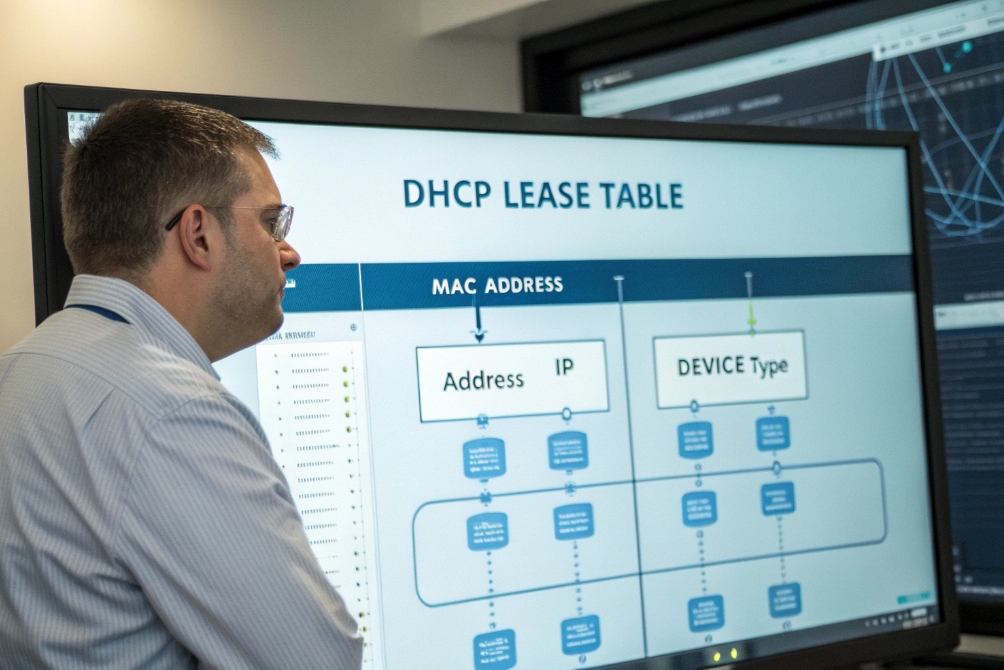
The DHCP server already knows who got which address, when, and on what subnet. I treat this as a core data source:
- Lease table: shows active and recently expired leases (MAC → IP → time).
- Logs: record each allocate, renew, and release event.
To make this useful, I align:
- MAC addresses in DHCP with switch ports (from LLDP or 802.1X).
- MAC addresses with phone inventory or asset records.
- Sometimes, Option 82 relay information 5 with building and floor.
Then I can answer:
- “Which phone had 10.10.20.37 at 14:05 yesterday?”
- “Is this IP used by a phone, PC, or something unknown?”
Designing ACLs that survive dynamic addresses
ACLs that list individual dynamic IPs are hard to maintain. A small change in a lease can break access or open a hole. Instead, I shift the unit of control:
| Strategy | What I key on instead of IP |
|---|---|
| VLAN-based rules | Voice VLAN, data VLAN, guest |
| Subnet-based ACLs | /24 or /26 blocks per role/site |
| Identity-based policies | 802.1X user/device groups |
| Security groups / tags | “VoIP phones”, “admin PCs” |
For example:
- “Allow SIP/RTP from voice VLAN to PBX only.”
- “Allow HTTPs from IT admin group to phone web GUIs.”
- “Block everything from guest network to voice VLAN, regardless of IP.”
For a few high-value devices that must appear in ACLs by IP, I give them reservations or static IPs so the address does not change.
Bringing phone identities into the logs
Phones also have:
- MAC addresses.
- Extension numbers.
- User IDs.
If I join these:
- PBX CDRs show extension and MAC.
- DHCP leases show MAC and IP.
- Switch logs show MAC, port, and VLAN.
Then I can reconstruct a full story for security or troubleshooting without depending on a single static IP. Changing addresses become less scary, because they are always tied back to stable identities in at least one system.
Why do leases expire and drop phone service?
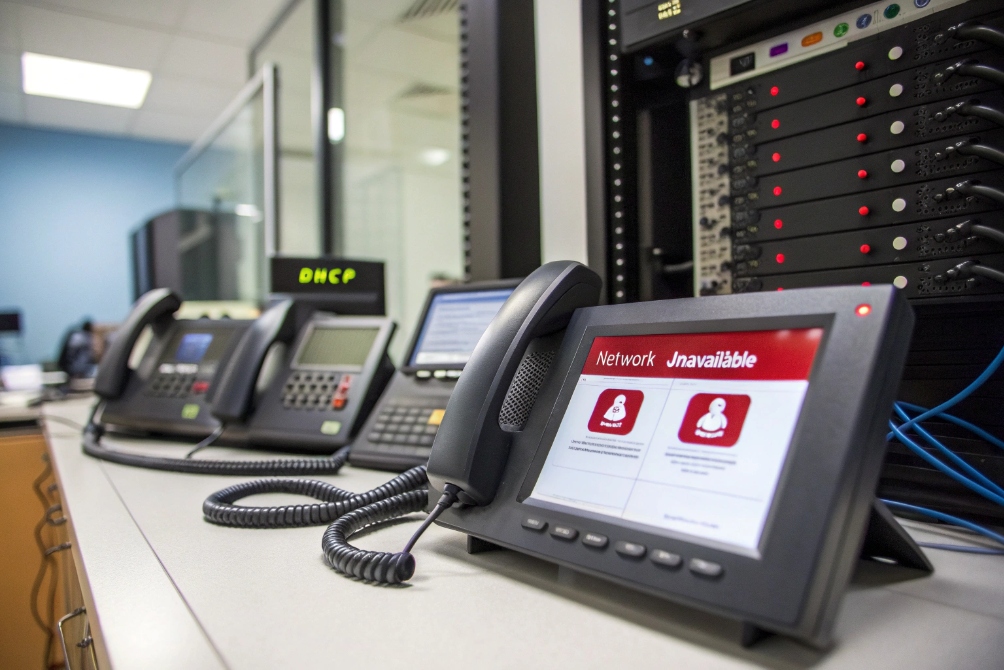
Phones usually sit on the desk all day, yet sometimes they all lose service at once. Often the cause is simple: leases expired, and renewals failed.
Leases expire and drop phone service when DHCP is unreachable during renewal, scopes are exhausted or misconfigured, or phones sit on the wrong subnet; once the lease lapses, IPs can change or vanish until the client recovers.
What should happen during normal renewal
A working renewal flow looks like this:
- Phone gets an IP with a lease time, for example 8 hours or 7 days.
- At about T1, halfway through, the phone sends a unicast renew to the server.
- Server replies, often with the same IP and a fresh lease.
- No user notices anything. Calls keep working.
Even if the phone reboots, it usually tries to reuse the same IP and the server often agrees, as long as the address is free and the scope is healthy.
How things go wrong
Phones start dropping when one or more of these fail:
-
DHCP server down or unreachable
- The phone sends renews, but no one answers.
- At T2 it tries more broadly, still no answer.
- After the lease fully expires, the phone must stop using that IP.
-
Scope exhausted or wrong subnet
- Too many devices, not enough addresses in the pool.
- Phones get “no address” or random IPv4 link-local 169.254.0.0/16 addressing 6.
- Or the phone moved VLANs but still tries to renew an address that does not fit.
-
Rogue or second DHCP server
- Phones sometimes renew from the wrong server.
- New lease has a different gateway or DNS and breaks reachability to the PBX.
-
Aggressive or tiny lease times
- For example, leases of a few minutes under load.
- Phones spend a lot of time renewing, and any small outage hits them fast.
Symptoms on the phones:
- Loss of registration to the PBX.
- “Network unavailable” messages.
- One-way voice or no audio if the IP change confuses NAT or RTP pinholes.
Making leases boring and phones stable
The goal is simple: once a phone gets a good IP, it should keep it for a long time. A few habits help:
- Set reasonable lease times on voice VLANs. Often 1–7 days works well.
- Size DHCP scopes with plenty of headroom. For example, if I expect 100 phones, I may keep 200+ addresses in the pool.
- Use redundant DHCP servers or failover pairs, especially for large sites.
- Enable DHCP snooping on access switches 7 so phones cannot be hijacked by rogue servers.
- Watch DHCP logs and graphs to catch near-exhausted pools or repeat declines.
If phones still drop after lease events, I check:
- Does the phone keep failing to renew at T1/T2?
- Is there a routing or firewall rule blocking DHCP between that VLAN and the server?
- Did someone move scopes or helper addresses without updating all devices?
Once this layer is solid, DHCP becomes invisible again. Phones boot, grab an address, renew in the background, and calls just keep flowing.
Conclusion
Dynamic IPs and DHCP do not have to be fragile; with scopes, reservations, sane lease times, and identity-based policies, phones stay stable even as addresses quietly change behind the scenes.
Footnotes
-
Defines DHCP leasing, renewal, and client behavior—useful for troubleshooting dynamic IP issues. ↩︎ ↩
-
Reference for DHCP option numbers and meanings (gateway, DNS, NTP) to build clean scopes. ↩︎ ↩
-
Explains DNS dynamic updates that underpin many DDNS services used when WAN IPs change. ↩︎ ↩
-
STUN standard for NAT traversal; helps understand why remote SIP clients work without fixed public IPs. ↩︎ ↩
-
Option 82 details for identifying the originating port/VLAN in DHCP logs and policy decisions. ↩︎ ↩
-
Defines IPv4 link-local addressing used when DHCP fails, explaining 169.254.x.x “self-assigned” IP behavior. ↩︎ ↩
-
Practical guidance for configuring DHCP snooping to block rogue DHCP servers at the access layer. ↩︎ ↩








