
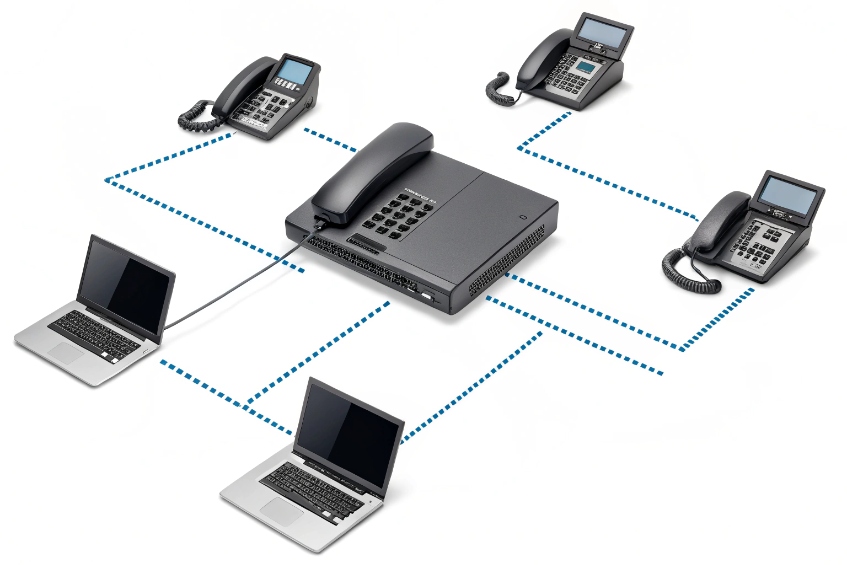
When phones fail to get an IP, users say “the phones are dead”, but the real problem is often one quiet service in the background: DHCP.
DHCP is the service that hands out IP addresses and key options (gateway, DNS, NTP, SIP, VLAN hints) so my VoIP phones can join the right network and auto-provision without manual setup.
Once DHCP is stable and scoped well, phones just plug in and work. When it is messy, I see random IP conflicts, wrong VLANs, and phones that never find the PBX. So I treat DHCP as a core part of the VoIP design, not just a generic network feature.
Which options set my SIP server, VLAN, and NTP?
Phones do not guess where the PBX is, what time it is, or which subnet they should live in. They wait for DHCP to tell them.
DHCP options carry critical VoIP settings like SIP server, provisioning URL, DNS, and NTP, while VLAN is usually set by LLDP-MED or vendor options that guide phones into the voice network.
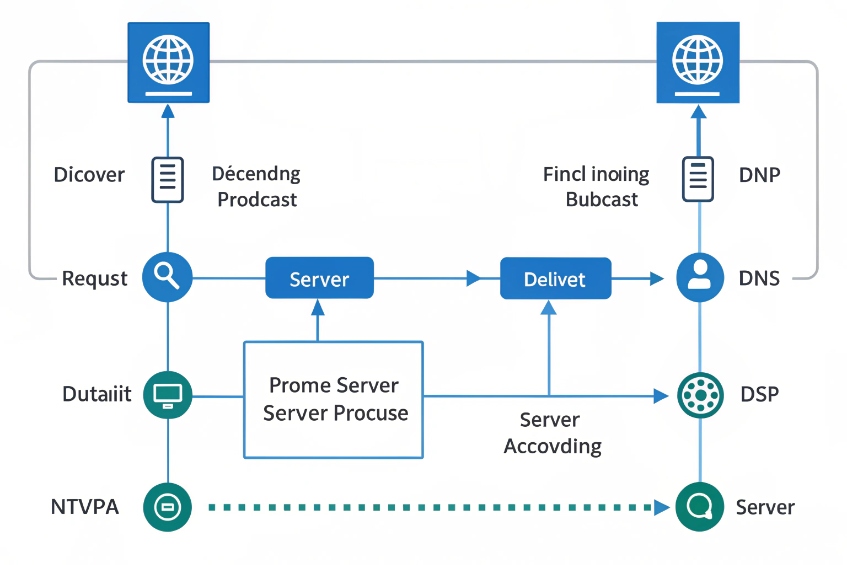
The DORA process and what the scope really controls
DHCP for IPv4 (RFC 2131) 1 follows a simple four-step flow, often called DORA:
| Step | Message | What happens for the phone |
|---|---|---|
| D | Discover | Phone broadcasts “Is there a DHCP server?” |
| O | Offer | Server offers an IP and options from a scope |
| R | Request | Phone asks to use that address and options |
| A | Acknowledge | Server confirms the lease and final options |
A scope defines one subnet. In that scope I set:
- Network: subnet, mask, default gateway (Option 3).
- Name resolution: DNS servers (Option 6), domain suffix (Option 15).
- Lease time and exclusions.
- Optional extras defined in DHCP Options and BOOTP Vendor Extensions (RFC 2132) 2 like NTP (Option 42), TFTP or HTTP provisioning (Options 66/67), and SIP server information.
Phones also renew their leases. At about T1 (50%) of the lease time they try to renew with the original server. At T2 (~87.5%) they try again more broadly. This keeps addresses stable while still dynamic.
For VoIP, options matter more than the raw IP. Common ones in voice scopes:
| Option | Purpose | What phones do with it |
|---|---|---|
| 3 | Default gateway | Route off-subnet traffic |
| 6 | DNS servers | Resolve SIP and NTP hostnames |
| 15 | Domain name | Build FQDNs for registration |
| 42 | NTP servers | Set correct time for logs and TLS |
| 66 / 67 | Provisioning server / boot file | Pull config files (TFTP/HTTP/HTTPS) |
| 120 | SIP server address | Register to the PBX or SBC |
| 43 / 160 | Vendor-specific info | Pass VLAN, config URL, or other vendor data |
VLAN assignment: DHCP options, LLDP-MED, and real-world practice
Phones need to land in the voice VLAN, not the user data VLAN. There are three common tools:
- LLDP-MED (Media Endpoint Discovery) 3 (or CDP on some vendors): switch tells the phone “use VLAN X for voice.”
- Vendor DHCP options: some phones accept VLAN info in Option 43/128/144/160 and then re-DHCP on the tagged VLAN.
- Static switch configs: “this port is an access voice VLAN Y” (less flexible).
In clean designs, I prefer:
- Switch assigns voice VLAN via LLDP-MED or port voice VLAN config.
- DHCP in that VLAN gives only VoIP-related options.
- Data VLAN scopes do not include SIP-specific options, to avoid PCs hitting my PBX by mistake.
DHCP itself does not move packets across subnets. For that, I use DHCP relay / IP helper on the router or L3 switch. It forwards discover messages to central servers and can add the DHCP Relay Agent Information Option (Option 82) 4 so the server knows which interface, VLAN, or circuit the request came from. That is useful for policy and tracking in larger sites.
For VoIP-specific SIP discovery, I treat DHCP Option 120 for SIP server discovery (RFC 3361) 5 as “nice when supported,” but I still prefer DNS SRV plus consistent provisioning for most fleets.
Can I reserve IPs and auto-provision phones by MAC?
Manually assigning static IPs to dozens or hundreds of phones does not scale and leads to conflicts. At the same time, some devices, like SBCs or paging gateways, do need predictable addresses.
DHCP reservations bind an IP to a phone’s MAC address for stable addressing, while vendor options and provisioning URLs let me auto-configure phones by MAC with zero-touch deployment.
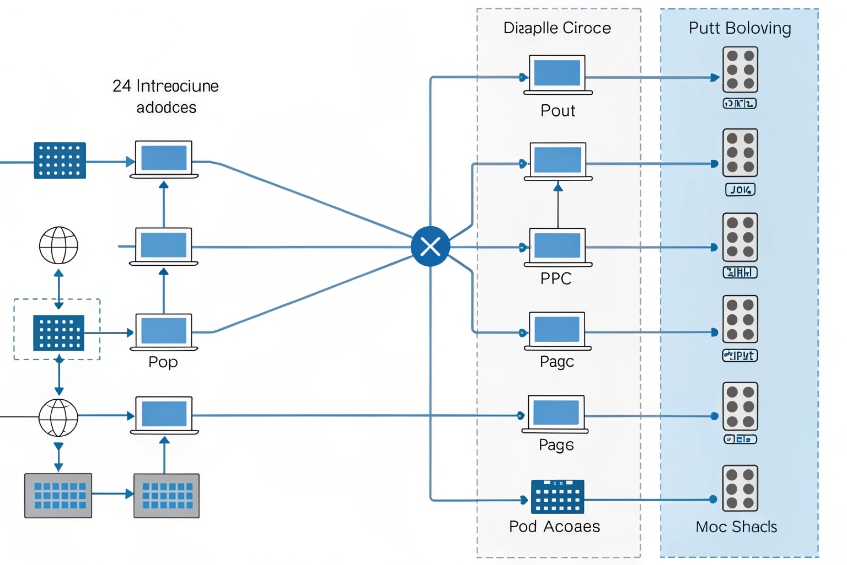
Using scopes, exclusions, and reservations together
A good voice DHCP scope usually has three layers:
| Element | Purpose |
|---|---|
| Pool range | Dynamic IPs for most phones |
| Exclusions | Addresses kept free for infrastructure |
| Reservations | Stable IPs for specific MAC addresses |
For example, in a /24 voice subnet:
- .1 is the default gateway.
- .2–.20 are reserved or excluded for PBXs, SBCs, paging controllers, and intercoms.
- .21–.200 are dynamic for phones.
- .201–.220 are DHCP reservations for key room phones or devices I want fixed.
A reservation ties a MAC address to one IP. When that MAC asks for a lease, it always gets the same address and the same options. For voice this helps:
- Troubleshooting (I always know which phone is at which IP).
- Rules on firewalls or SBCs (for example, special NAT or QoS behaviors).
- Integration with external monitoring or recording systems.
Auto-provisioning phones with DHCP hints
Most enterprise VoIP deployments use auto-provisioning:
- Phone boots, gets an IP from DHCP.
- DHCP tells it where the provisioning server is (TFTP/HTTP/HTTPS).
- Phone fetches its config based on MAC, serial, or extension mapping.
I use DHCP options strategically:
- Option 66 or a vendor-specific option points to the provisioning server.
- Option 160 or 43 may carry an HTTPS URL on some brands.
- The provisioning platform reads the phone’s MAC and picks the correct template.
So the flow looks like this:
- Phone powers on and runs DHCP DORA.
- DHCP server assigns IP and returns SIP, NTP, and provisioning options.
- Phone contacts the config server, identifies itself by MAC, and downloads its SIP account, display label, 802.1X profile, and so on.
- Phone reboots or applies the config and registers to the PBX.
This is how “plug and play” VoIP actually works. DHCP hands out not only IPs, but also the first pointer for the whole provisioning chain. With careful scopes and reservations, I can mix fully dynamic phones with a few fixed devices, all managed from one DHCP and provisioning stack.
How do I secure DHCP against rogue servers?
A single rogue DHCP server can quietly break an entire floor of phones by giving them bad gateways or DNS, or even pushing them to a fake SIP server.
I secure DHCP by using snooping on switches, trusting only uplink ports to real servers, pairing with 802.1X or MAB at the edge, and monitoring leases and logs for anomalies.
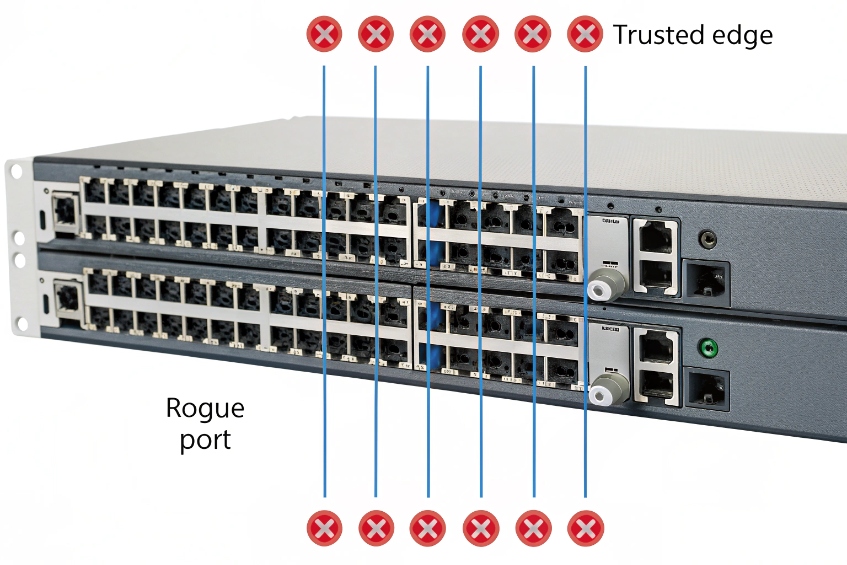
Basic DHCP security controls at the switch
On most modern switches, DHCP snooping 6 is the first line of defense:
| Control | What it does | Why it helps VoIP |
|---|---|---|
| DHCP snooping | Lets DHCP replies only from “trusted” ports | Blocks rogue servers on access ports |
| Trusted ports | Usually uplinks to real DHCP or relay | Central servers stay reachable |
| Binding table | Stores IP–MAC–port–VLAN mappings | Feeds IP source guard, ARP inspection |
With DHCP snooping enabled:
- Every office port is untrusted by default. It can send DHCP requests, but not replies.
- Only the uplink toward the real DHCP server or relay is set as trusted.
- The switch builds a binding table of who got which IP on which port.
That table can then feed extra checks:
- IP source guard: blocks a device from sending traffic with an IP it did not get from DHCP.
- Dynamic ARP inspection 7: uses the binding table to block ARP spoofing.
For VoIP, this means a random laptop or misconfigured router cannot hand out wrong IP settings to phones. Phones stay pointed at the real gateway, DNS, and SIP servers.
Tying DHCP to NAC and 802.1X
DHCP itself does not know who the device is. It only sees MAC addresses. To really control who gets an IP at all, I pair DHCP with 802.1X or MAB:
- 802.1X ensures only authorized devices even reach the data plane.
- MAB allows legacy phones or ATAs but still ties a MAC to a port profile.
- DHCP scopes and relays then only serve those VLANs and ports.
I also take care with DHCP relay:
- Only add IP helper addresses for actual DHCP servers.
- Avoid strange “helper chains” that forward to unknown devices.
- Use Option 82 if I want the DHCP server to know which VLAN or interface the client came from, and build policy based on that.
Finally, logs matter. The DHCP server’s lease table is a live view of who is on the network. Regular reviews will show strange MACs, unknown vendors, or devices that jump VLANs. That is often the first signal that something is wrong at the edge.
Why do phones keep grabbing the wrong VLAN?
Few things are more confusing than a phone booting into the data VLAN, getting a PC scope, and never finding the PBX, while the switch config “looks fine.”
Phones end up on the wrong VLAN when LLDP-MED, port voice VLAN, and DHCP scopes do not align, or when phones re-DHCP after a late VLAN hint; fixing order and scope mapping usually resolves it.
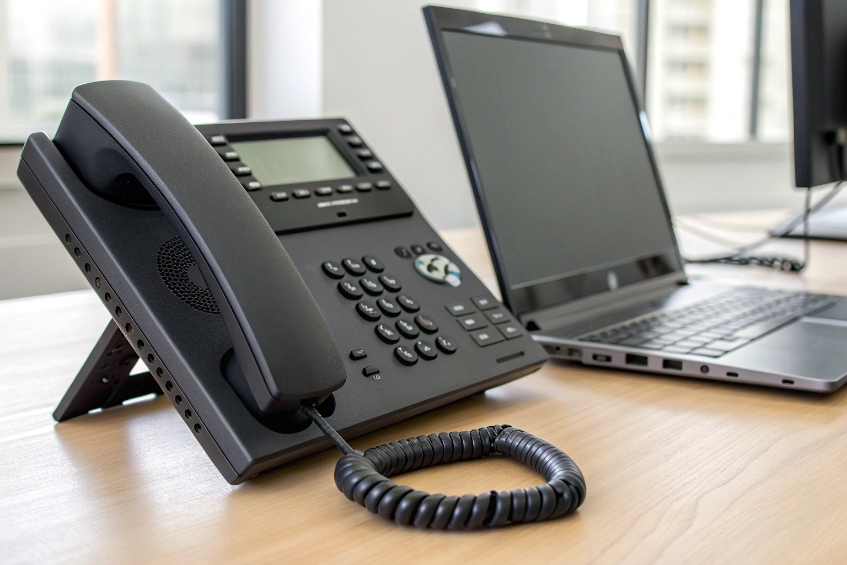
How phones decide where to live
A typical desk phone with a PC behind it has several inputs:
- Port configuration: access VLAN, voice VLAN, or trunk settings on the switch.
- LLDP-MED / CDP: the switch can say “this is the voice VLAN and QoS profile”.
- DHCP options: some phones accept a VLAN ID or provisioning rule via vendor options.
- Local phone config: static VLAN or tagging settings left from older setups.
The boot logic often looks like this:
- Phone powers up on the untagged (data) VLAN.
- Phone may send or receive LLDP-MED frames.
- If LLDP-MED says “voice VLAN 20”, phone switches to tagged VLAN 20 and runs DHCP there.
- If there is no LLDP-MED, some phones stay on data VLAN, others may try vendor DHCP options to decide.
- If DHCP in data VLAN includes voice-style options, phones may happily stay there, even though policy expects them to move.
So phones “grabbing the wrong VLAN” usually means one of:
| Symptom | Likely cause |
|---|---|
| Phone stays in data VLAN | No voice VLAN set, LLDP-MED disabled, or phone ignores it |
| Phone jumps to wrong voice VLAN | LLDP-MED advertises wrong VLAN ID |
| Phone loops between VLANs | Conflicting DHCP options and LLDP-MED hints |
| Only some models behave correctly | Different vendor logic or firmware versions |
Steps that fix most VLAN misbehavior
To stop chasing ghosts, I line up the basics:
- Define one source of truth for voice VLAN per port type. For most enterprise sites, that is the switch configuration and LLDP-MED, not DHCP options.
- On access ports with phones and PCs:
- Set the data VLAN as untagged / access VLAN.
- Set the voice VLAN feature or LLDP-MED policy for the phone.
- Allow both VLANs if the phone tags voice and passes untagged data to the PC.
- Make sure only the voice VLAN scope carries SIP and provisioning options for phones. Data VLAN scopes should not advertise SIP Option 120 or phone-specific vendor options.
- If I must use DHCP-based VLAN hints (some older or special models), I handle that in a limited, documented way and avoid mixing it with LLDP-MED rules on the same port.
- Check for leftover static VLAN settings in the phones. A phone that is forced to VLAN 10 will ignore whatever the switch says.
When everything is aligned, the pattern is clean:
- Phone boots, gets a temporary IP on data VLAN if needed.
- LLDP-MED tells it “your voice VLAN is 20”.
- Phone moves to VLAN 20, runs DHCP there, gets SIP, NTP, and provisioning options.
- PC behind the phone stays in the data VLAN and hits a different scope.
Phones then stop “choosing” odd VLANs, because there is only one consistent story told by switch, DHCP, and provisioning.
Conclusion
When DHCP scopes, options, VLANs, and security controls are planned for VoIP from day one, phones stop behaving randomly and start acting like true plug-and-play SIP endpoints on a stable, secure network.
Footnotes
-
Core DHCP lease process (DORA) and renewal timing for IPv4 clients. ↩︎ ↩
-
Official definitions for common DHCP options like gateway, DNS, domain, and NTP. ↩︎ ↩
-
Quick reference on LLDP-MED capabilities for voice VLAN and QoS discovery. ↩︎ ↩
-
Explains Option 82 relay metadata used to identify the originating VLAN/port for policy and tracking. ↩︎ ↩
-
How DHCP Option 120 can provide SIP server discovery for compatible endpoints. ↩︎ ↩
-
Practical switch-side steps to block rogue DHCP servers with DHCP snooping. ↩︎ ↩
-
Uses DHCP snooping bindings to prevent ARP spoofing and protect voice endpoints. ↩︎ ↩








