
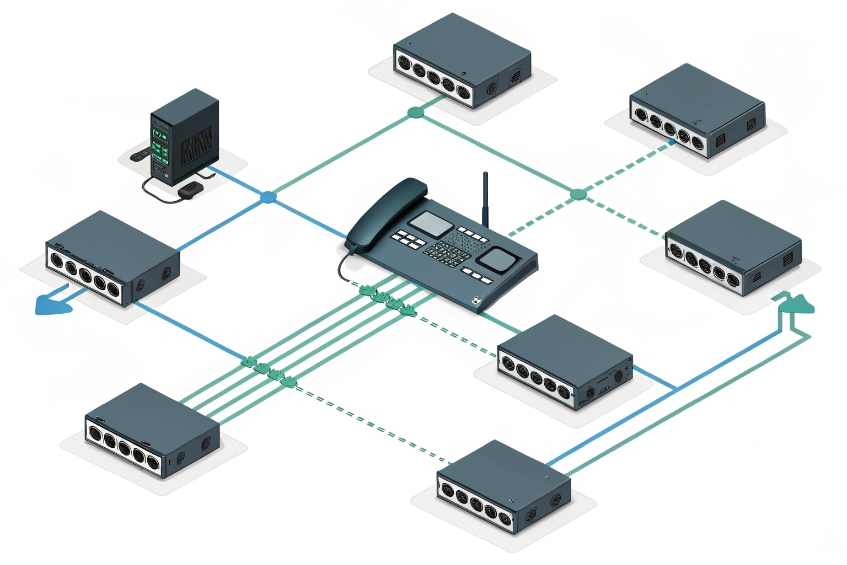
Open switch ports look harmless until someone plugs in a rogue laptop, or a stolen phone walks out of the building with valid network access.
IEEE 802.1X is port-based network access control that blocks a switch port until the device authenticates with EAP over LAN, often using certificates, so only trusted phones and PCs join my VoIP network.
With IEEE 802.1X port-based network access control 1, the IP phone becomes a “supplicant”, the switch is the “authenticator”, and a Remote Authentication Dial-In User Service (RADIUS) server 2 decides allow or deny. On success, the phone joins the voice VLAN with the right QoS and policies. Now let’s walk through how to handle certificates, LLDP-MED, VLANs, and those random failures that drive everyone crazy.
How do i enroll phones with EAP-TLS certificates?
Storing shared passwords in every phone scales badly and feels insecure, but a full public key infrastructure (PKI) 3 with EAP-TLS can look scary at first glance.
I enroll phones for EAP-TLS by giving each device its own certificate from my PKI, trusting that CA on the RADIUS server and switches, then using EAP-TLS so phones authenticate without passwords.
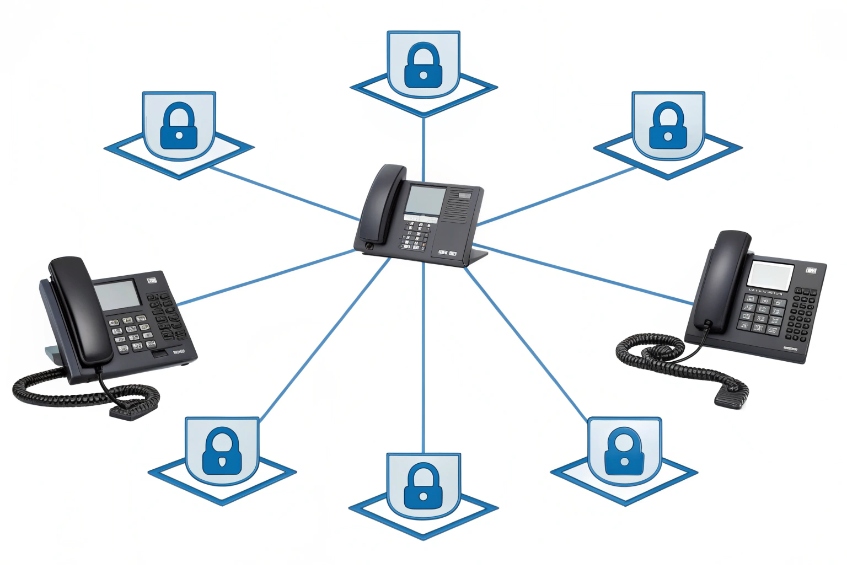
EAP-TLS building blocks for VoIP phones
For VoIP, most enterprise IP phones now ship with an embedded 802.1X supplicant and support EAP-TLS out of the box. That gives strong, mutual authentication:
- The phone proves its identity with a device certificate.
- The RADIUS server proves its identity with its own server certificate.
- No shared secret sits on the sticker of the phone.
The main pieces look like this:
| Component | Role in 802.1X for VoIP |
|---|---|
| IP phone | Supplicant, runs 802.1X and EAP-TLS client |
| Access switch/AP | Authenticator, speaks EAPOL on the port, RADIUS upstream |
| RADIUS server | Makes the allow/deny decision, checks certificates |
| CA / PKI | Issues and revokes device and server certificates |
| Provisioning | Delivers certs, keys, and 802.1X config to phones |
The 802.1X flow over the wire is always the same. The switch keeps the port in a blocked state except for EAPOL. The phone sends an EAPOL start, the switch relays it to RADIUS, the EAP-TLS authentication method 4 runs, and once RADIUS says “Access-Accept”, the port opens for normal traffic.
Practical enrollment patterns that actually work
In the real world, certificate enrollment is where projects stall. To avoid hand-installing certificates, I treat phones like any other managed device:
- Use the phone vendor’s autoprovisioning (HTTP(S), HTTPS with client auth, or TR-069) to deliver 802.1X configuration and a client certificate.
- Or integrate the phones with a PKI using SCEP or EST so they request their own certs on first boot.
- Use a dedicated device identity template in the CA. Common Name or SAN can hold the MAC, serial, or a predictable device ID.
A simple device identity plan helps:
| Phone field | Example value | How I use it |
|---|---|---|
| CN / SAN | phone-SEP001122334455 | RADIUS checks pattern for “corporate” phones |
| OU | VoIP | Policy rules by device class |
| Serial attribute | Vendor serial | Asset tracking and inventory |
On the RADIUS side, I make sure:
- The CA chain is installed and trusted.
- I enforce “must present client cert from this CA” for the phone SSID or ports.
- I map certificate fields to policies (for example, all “VoIP” devices go to the voice VLAN).
Once this is in place, phones authenticate with EAP-TLS automatically after provisioning. There are no shared passwords in configs, and revoking one device is as simple as revoking its certificate in the CA and letting 802.1X deny it on the next attempt.
Can 802.1X work with LLDP-MED and PoE phones?
Many teams worry that 802.1X will break plug-and-play behavior: “Will the phone still get power? Will it still learn the voice VLAN from LLDP-MED?”
802.1X works fine with PoE and LLDP-MED; the switch powers the phone, runs EAP on the blocked port, then, after authentication, applies the voice VLAN and QoS policies that LLDP-MED advertises.
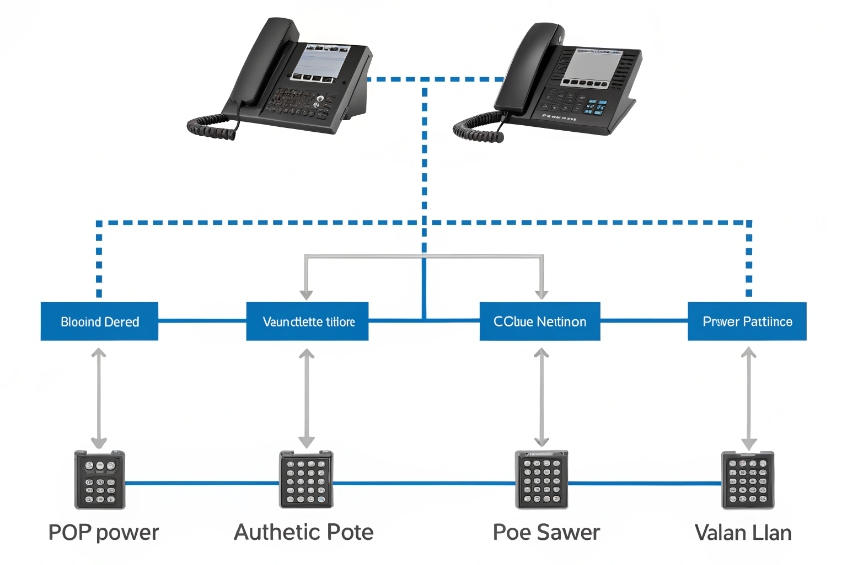
Boot sequence: power, identity, then voice services
A PoE phone on an 802.1X port goes through a simple sequence:
- The switch provides PoE before any authentication. Power is not blocked by 802.1X.
- The phone boots, starts its 802.1X supplicant, and sends EAPOL frames.
- The switch and RADIUS run EAP-TLS (or PEAP, etc.) and decide whether to admit it.
- On success, the switch opens the port and applies policies like VLAN, ACLs, and QoS.
- After authentication, LLDP-MED network policy 5 can run fully. The switch advertises voice VLAN, DSCP, and power policy. The phone registers to the PBX.
I often picture it in phases:
| Phase | What the switch does | What the phone does |
|---|---|---|
| Power | Enables PoE on the port | Boots, starts OS and 802.1X supplicant |
| Auth | Keeps data blocked, runs 802.1X as authenticator | Performs EAP over LAN with RADIUS |
| Policy | Opens port, applies VLAN and QoS | Requests IP, learns voice VLAN via LLDP-MED |
| Service | Prioritizes voice traffic, enforces ACLs | Registers to PBX, starts voice services |
Multi-device ports with voice and data VLANs
Most desk phones also have a PC port on the back. This is where Multi-Domain Authentication (MDA) 6 or similar features matter:
- The phone authenticates as one supplicant and gets the voice VLAN.
- The attached PC authenticates separately and gets the data VLAN.
- The switch keeps voice and data traffic segmented, even though they share one physical port.
When MDA is configured, 802.1X and LLDP-MED work together:
- RADIUS tells the switch “this credential is a phone, put it in VLAN X with voice QoS”.
- LLDP-MED confirms the voice profile to the phone.
- The PC uses its own 802.1X or fallback (MAB) and lands in a different VLAN with user policies.
So 802.1X does not replace LLDP-MED; it protects the edge and feeds LLDP-MED with the right context. The result is a powered phone in the right voice VLAN with QoS markings, and a separate, controlled data path for the PC.
How do I segment voice VLANs with NAC policies?
A flat “everything on one VLAN” voice network is easy at first, then becomes a nightmare when attackers or malware get a foothold at the edge.
I use 802.1X and RADIUS to segment my VoIP network by assigning phones to voice VLANs, applying downloadable ACLs, and using NAC policies so only trusted devices reach call control.
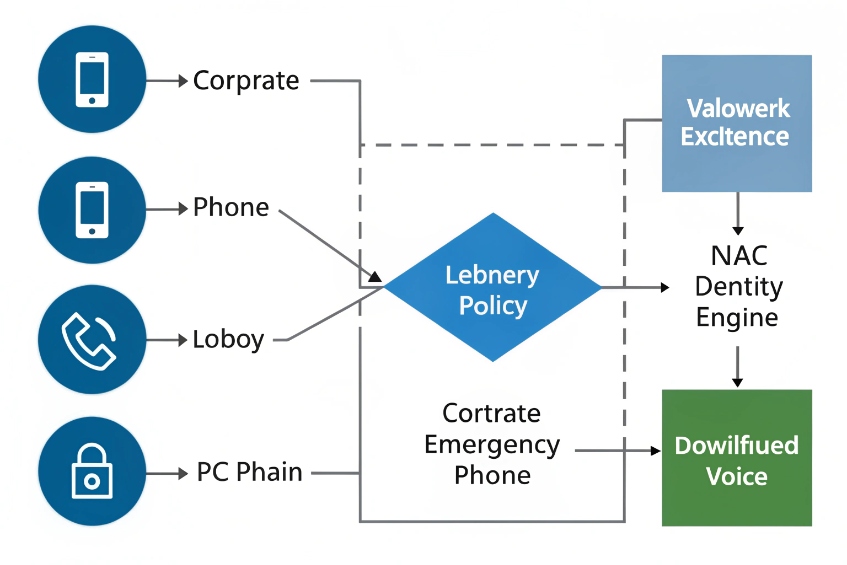
Using 802.1X and RADIUS attributes to shape voice traffic
When a phone authenticates, the RADIUS server can send more than just Access-Accept. It can push policy attributes back to the switch:
- VLAN IDs (data and voice)
- Downloadable ACLs (DACLs)
- QoS profiles, DSCP mappings
- Session timeouts and reauth intervals
This lets me build simple, readable policy:
| Device or identity | VLAN | Policy highlights |
|---|---|---|
| Trusted corporate phone | Voice VLAN | Allow SIP/RTP to PBX, QoS high, block internet |
| Lobby phone / emergency | Guest voice | Allow only to SBC/emergency, extra logging |
| Unknown MAC with MAB | Quarantine | Minimal access, maybe just to provisioning or portal |
| PC on phone port | Data VLAN | Normal user policy through NAC, internet but no voice |
The switch enforces this per port and per authenticated identity. The PBX only sees traffic from approved VLANs. Phones in the voice VLAN do not talk directly to the wider network; they go through defined gateways or SBCs.
Combining NAC, voice VLANs, and legacy devices
Not every endpoint supports 802.1X. Some ATAs, old SIP phones, or analog gateways will never run a supplicant. For those, I keep a controlled fallback path:
- Enable MAC Authentication Bypass (MAB) on ports where legacy devices live.
- Use RADIUS to check MAC address lists and still apply VLAN and ACLs.
- Place these devices in a restricted voice VLAN or “critical voice VLAN” with narrow rules.
So the pattern becomes:
- Modern IP phones: 802.1X with EAP-TLS.
- Attached PCs: 802.1X with user auth, separate VLAN.
- Legacy boxes: MAC Authentication Bypass (MAB) 7 into a restricted zone.
With NAC in place, the voice VLAN is no longer a giant trusted island. It becomes a controlled segment: each phone gets the minimum rights it needs to register and carry RTP, and nothing else. That makes lateral movement much harder for an attacker who happens to reach one port somewhere in a hallway.
Why do phones fail 802.1X authentication randomly?
Nothing is more frustrating than a phone that works for days, then suddenly falls off the network during a shift, only to come back after a reboot.
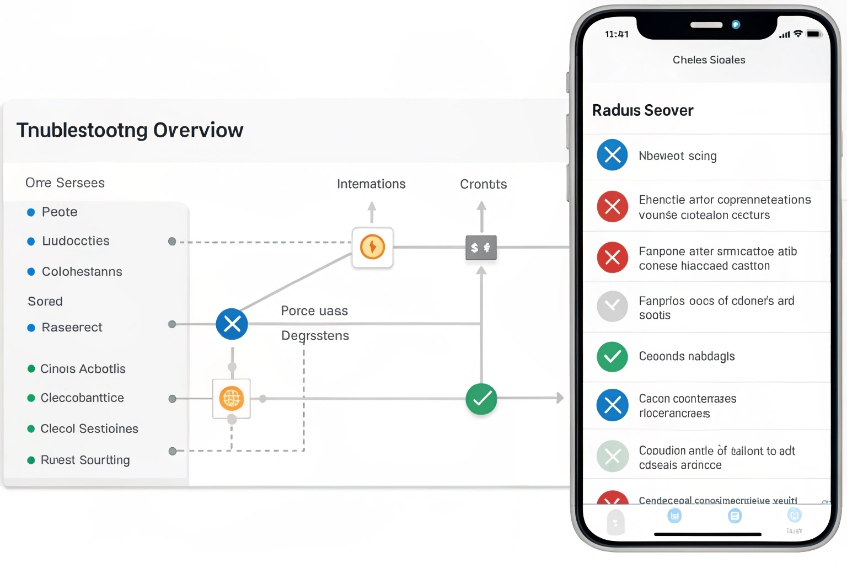
Random 802.1X failures on phones usually trace back to certificate issues, time drift, reauthentication timers, or flapping links; RADIUS and switch logs almost always reveal the real cause.
Common root causes behind “flaky” 802.1X on VoIP
When phones fail 802.1X at random, I look at patterns. Most problems fall into a few buckets:
| Symptom | Likely cause |
|---|---|
| Works after boot, fails hours later | Reauth timer too short, RADIUS timeout, CoA issues |
| All phones fail after a date change | Certificates expired or time sync broken |
| Only some models fail | Supplicant bugs or mis-matched EAP settings |
| Port bounces, phone reboots on PoE | Power budget issues, bad cabling or switch port |
| Falls back to MAB or guest VLAN | Wrong identity, missing CA chain, CN mismatch |
For EAP-TLS, certificate and time issues are very common:
- The phone’s clock drifts, or NTP is unreachable, so the TLS handshake sees the cert as “not yet valid” or “expired”.
- An intermediate CA certificate is missing on the phone or RADIUS server.
- A new server certificate was issued, but phones still pin the old CA or do not trust the new chain.
Reauthentication settings also matter:
- If periodic reauth is very aggressive, phones may re-authenticate in the middle of long calls or during busy moments.
- If RADIUS is slow or overloaded, the switch may briefly move the port into a critical or guest VLAN before getting a response.
A simple troubleshooting path that saves time
When phones flap, guessing does not help. A simple step list does:
- Check RADIUS logs for the MAC or identity. Look at exact reason codes, not just “Access-Reject”.
- Check the switch port logs: see if the port lost power, bounced link, or changed VLANs.
- Verify time sync on phones, RADIUS, and switches. Make sure NTP is reachable on the correct VLANs.
- Confirm certificate validity: not expired, correct CN/SAN, and full CA chain present on all sides.
- Review 802.1X timers (reauth interval, max EAP retries, quiet period) and relax them if needed for phones.
In many VoIP projects, once time is stable, certificates are clean, and reauth timers are tuned, “random” failures disappear. What looked like a mysterious phone bug often turns out to be a strict TLS check, an expired cert, or a port that lost PoE for a moment during peak load.
Conclusion
IEEE 802.1X turns every VoIP edge port into a controlled doorway where only trusted phones and PCs enter, with the right VLANs, QoS, and security policies following each identity.
Footnotes
-
Overview of 802.1X roles, messages, and common deployment patterns for switches and endpoints. ↩︎ ↩
-
Defines RADIUS attributes and exchange used by switches and NAC servers during 802.1X authorization. ↩︎ ↩
-
Clear PKI basics for certificate issuance, validation, and revocation used in EAP-TLS deployments. ↩︎ ↩
-
Explains EAP-TLS handshake, certificate requirements, and security properties for passwordless device authentication. ↩︎ ↩
-
Practical LLDP-MED guidance for advertising voice VLAN and QoS settings to IP phones. ↩︎ ↩
-
Cisco reference for configuring multi-domain 802.1X so phones and attached PCs authenticate into separate VLANs. ↩︎ ↩
-
Cisco guide to using MAC-based fallback when devices cannot run 802.1X supplicants. ↩︎ ↩








