
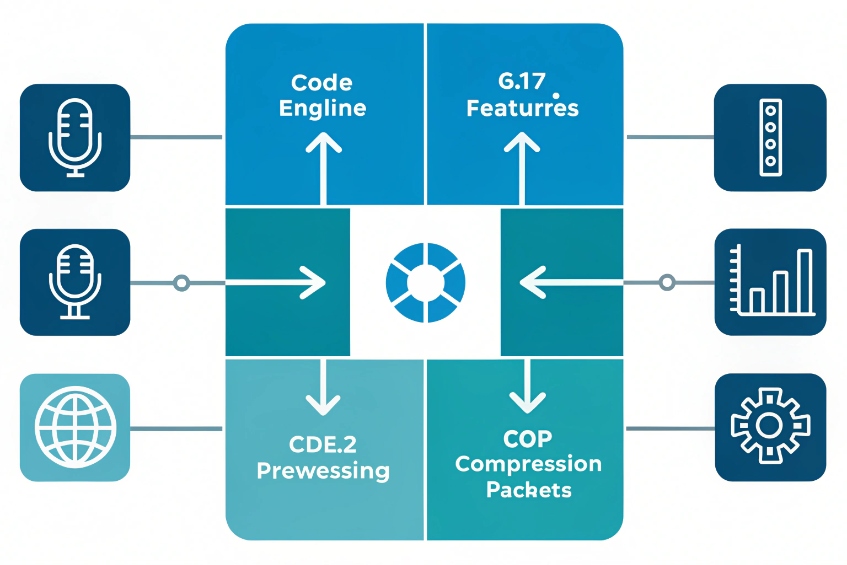
Choppy voice, weird “robot” audio, or random one-way calls often come down to one invisible thing in the background: the codec you chose, or did not choose.
VoIP codecs are algorithms that compress and decompress voice for IP transport, and their sampling rate, bitrate, and packetization directly shape call clarity, latency, and bandwidth use on my system.
When I understand how codecs work, I stop guessing. I know why G.711 sounds “like a landline”, why Opus survives bad Wi-Fi, and why a misconfigured PBX suddenly hits 100% CPU. Let’s break it down step by step and connect the theory to real LAN, WAN, and LTE deployments.
Which Codecs Should I Choose for LAN, WAN, and LTE?
Many voice problems start not with the network, but with one default list: every device and trunk offers every codec, and the PBX picks something random.
On my LAN I prefer G.711 or G.722, on constrained WAN I use G.729 or tuned Opus, and on LTE or Wi-Fi I lean on Opus for its adaptive bitrate and resilience.
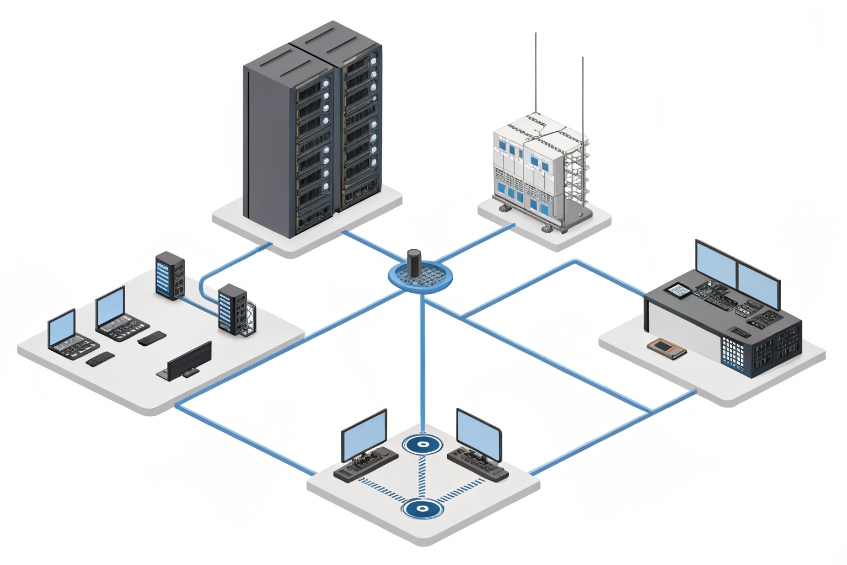
Matching codec choice to my real network, not to theory
I start with a simple rule: do not over-optimize where I have plenty of bandwidth, and do not waste bandwidth where the link is tight. The common codecs I work with look like this:
| Codec | Type | Bitrate (core) | Bandwidth @20 ms* | Audio band | Notes |
|---|---|---|---|---|---|
| G.711 codec 1 | Narrowband | 64 kbps | ~80–90 kbps | 300–3400 Hz | “PSTN quality”, very low CPU |
| G.722 wideband codec 2 | Wideband | 64 kbps | ~80–90 kbps | 50–7000 Hz | HD voice, same bit rate as G.711 |
| Opus codec (RFC 6716) 3 | Wide/full | 6–510 kbps | Variable | up to 20 kHz | Adaptive, very resilient |
| G.729 codec 4 | Narrowband | 8 kbps | ~30–40 kbps | 300–3400 Hz | Low bandwidth, more artifacts |
*Bandwidth figure includes RTP/UDP/IP headers at 20 ms packetization.
On a wired LAN inside an office or campus:
- Bandwidth is cheap.
- Latency and jitter are small.
So I keep it simple:
- Use G.711 toward trunks and legacy gear.
- Enable G.722 between SIP phones and soft clients for HD internal calls.
On the LAN, I usually do not need G.729 at all. Wideband audio makes meetings easier to understand, especially with accents and overlapping talk.
On WAN links between sites, or to remote phones over VPN:
- I check how many simultaneous calls I really expect.
- I multiply that by per-call bandwidth (for example, 12 calls × 90 kbps ≈ 1.1 Mbps one way for G.711).
- If the link is tight or shared with heavy data, I consider G.729 or a lower-bitrate Opus mode.
On LTE and Wi-Fi:
- The bottleneck is not just bandwidth, but jitter and packet loss.
- Opus shines here, because it adjusts its bitrate and uses built-in tools like FEC (forward error correction) and DTX (discontinuous transmission) to ride out rough conditions.
So a practical profile looks like:
| Scenario | My preferred codec order |
|---|---|
| Desk phones on LAN | G.722, G.711 |
| SIP trunk to PSTN | G.711 only |
| Site-to-site over WAN | G.729, then G.711 (or Opus if both sides support) |
| Mobile and soft clients | Opus, then G.722, then G.711 |
This way, I keep transcoding low, keep HD audio where it helps, and save bandwidth only where it actually matters, not everywhere by habit.
How Do Packet Loss, Jitter, and PLC Impact Audio?
Many people blame “the codec” for bad audio, when the real problem is the network starving that codec of clean packets.
Packet loss removes pieces of speech, jitter scrambles timing, and packet loss concealment (PLC) tries to hide the damage; the better the codec and jitter buffer tuning, the more natural the call sounds under stress.
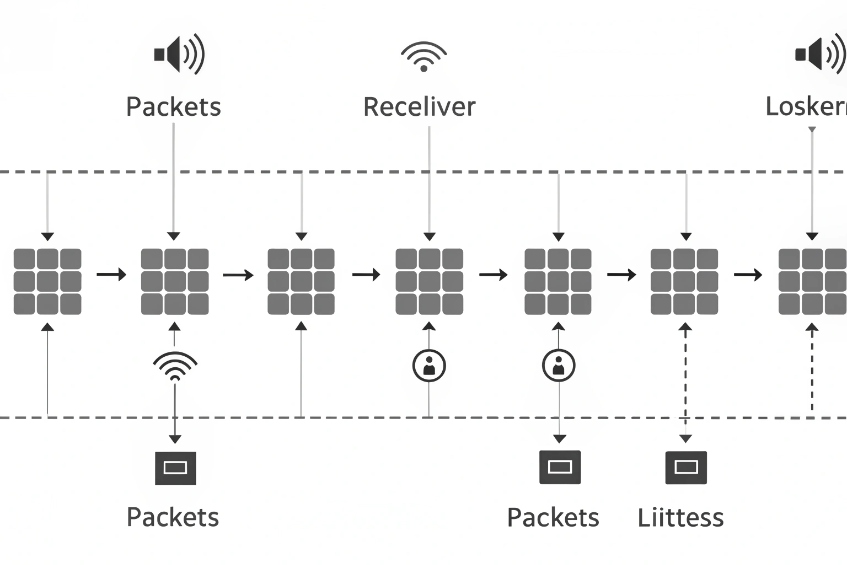
What actually happens when packets misbehave
VoIP sends voice as a stream of small packets, often every 20 ms, using RTP (Real-time Transport Protocol) 5. The codec itself does not cause loss; the network does. The codec can only react.
Key factors:
- Packet loss: packets never reach the other side.
- Jitter: packets arrive, but with irregular delay.
- Latency: the overall one-way delay from mouth to ear.
A simple view:
| Problem | What I hear | Typical cause |
|---|---|---|
| Light loss | Occasional tiny clicks or blur | Wi-Fi, LTE spikes, busy link |
| Heavy loss | Broken words, “robotic” voice, dropouts | Congested WAN, bad QoS, poor Wi-Fi |
| Jitter | Audio that “stumbles” or doubles | Bursty networks, no jitter buffer tuning |
| High latency | Noticeable talking over each other | Long paths, VPN tunnels, big ptime settings |
To help, endpoints and PBXs use:
- Jitter buffers: small delays that smooth packet timing.
- packet loss concealment (PLC) 6: algorithms that guess what missing frames should sound like.
- In modern codecs like Opus, optional in-band FEC and smart PLC can make 3–5% loss still sound surprisingly okay.
However, there is always a trade-off:
- Larger jitter buffers and bigger packetization intervals (ptime) add delay.
- For example, 20 ms is a common ptime. If I move to 40 ms to save overhead, a single lost packet now removes 40 ms of speech instead of 20 ms, which is more audible.
I keep a few rules in mind:
- Aim for <1% packet loss on voice VLANs.
- Keep one-way latency under 150 ms when possible.
- Use 20 ms ptime as a safe default unless I have a specific reason to change it.
- Let Opus or similar codecs handle rough links like LTE, instead of forcing G.711 across unstable Wi-Fi.
The codec cannot fix a broken network, but a good codec and well-tuned jitter buffer can make a “normal imperfect” network feel much better for real people on calls.
Can I Mix G.711, G.729, and Opus on Trunks?
In real deployments, different vendors, carriers, and devices all bring their favorite codecs to the table, and the PBX ends up in the middle trying to make them talk.
I can advertise multiple codecs, but if ends do not share at least one, my PBX must transcode between G.711, G.729, Opus, and others, which adds delay, reduces quality, and increases CPU use.
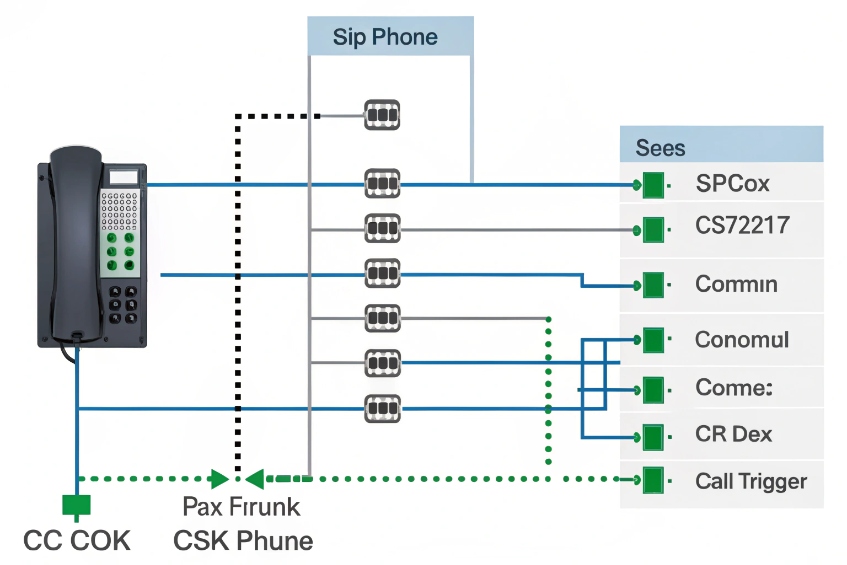
How codec negotiation and mixing really work
When a call is set up with SIP, each side offers a list of codecs in SDP. The goal is to find a common codec, described in Session Description Protocol (SDP) 7:
- If both sides support G.711, they can talk directly in G.711.
- If both have G.722, they can enjoy wideband.
- If one side only has Opus and the other only G.729, there is no shared codec.
If there is no shared codec, and if the PBX or SBC sits in the middle, it can do transcoding:
- Leg A uses Opus between softphone and PBX.
- Leg B uses G.711 between PBX and carrier.
- The PBX decodes Opus, re-encodes as G.711, and vice versa.
This is useful, but expensive in CPU and a small hit to quality each time. So my goal is not to “support everything everywhere”, but to standardize per zone:
| Path | My typical codec plan |
|---|---|
| Internal phone ↔ internal phone | G.722 (or Opus if both sides support it) |
| Internal ↔ SIP trunk / PSTN | G.711 only |
| Remote soft client ↔ PBX | Opus first, G.722 or G.711 as fallback |
| PBX ↔ GSM gateway | G.711 (let gateway do GSM side itself) |
On trunks, I often limit codecs on purpose:
- With ITSPs, I usually configure G.711 only unless there is a clear need. It keeps debugging simple and avoids G.729 license or interop quirks.
- On internal links I can enable more modern codecs like Opus, but only where both sides support it.
If I must mix, I keep the combinations simple:
- G.722 ↔ G.711 transcoding inside my PBX is light.
- Opus ↔ G.711 is heavier but still manageable at moderate scale.
- G.729 adds both CPU and historical licensing concerns, and some carriers are de-emphasizing it.
The more random codec mixes I allow, the more often the PBX has to step in as a translator. That is great for compatibility, but bad for CPU and for predictable quality. So I decide where I care most about HD audio, where I care about bandwidth, and then freeze clear codec rules for each path.
Why Does Transcoding Spike CPU on My PBX?
Many admins first notice codecs when their PBX hits 80–100% CPU at busy times, even though call volume did not jump that much. The hidden cost is transcoding.
Transcoding decodes and re-encodes voice between codecs like Opus, G.711, and G.729, so each transcoded call consumes significant CPU and adds small delay; heavy mix scenarios can saturate my PBX even at moderate call counts.
What transcoding does under the hood
Without transcoding, a PBX can often just relay RTP packets:
- Caller and callee both use G.711.
- The PBX only handles signaling and maybe record or monitor.
- CPU cost per call stays low.
With transcoding, each call leg must be processed:
- Decode incoming frames (for example, G.729) into raw audio.
- Optionally run DSP features: AGC, echo control, recording mix.
- Encode raw audio into another codec (for example, Opus) for the other leg.
This pipeline runs for every call that lacks a shared codec. Some codecs are simple (G.711), others are complex (Opus, G.729). When many calls need conversion at once, CPU use jumps.
Rough impact table:
| Scenario | CPU impact per call |
|---|---|
| Pass-through G.711 ↔ G.711 | Very low |
| Transcode G.722 ↔ G.711 | Low |
| Transcode G.711 ↔ G.729 | Medium |
| Transcode Opus ↔ G.711 or Opus ↔ G.729 | Medium to high |
| Apply recording, tone detection, and mixing | Adds extra overhead |
When I see CPU spikes, I check:
- Are trunks and phones aligned on codec lists, or is the PBX converting almost every call?
- Did I enable Opus everywhere even though many devices or trunks cannot handle it, forcing constant translation?
- Do I have more recording, conferencing, or media features running on the same box?
How to keep transcoding under control
A few concrete steps:
-
Standardize codecs by domain
- Internal wideband: G.722 or Opus where both endpoints support it.
- External trunks: usually G.711 only.
- Avoid enabling lots of low-bitrate codecs “just in case”.
-
Check codec order and disable what I do not need
- Many phones ship with big codec lists active. I trim them.
- I ensure the same primary codec is first in order on PBX, phones, and trunks.
-
Offload where needed
- For large systems, I offload heavy transcoding to SBCs or dedicated media servers.
- On small boxes, I size hardware for peak concurrent transcoded calls, not just total calls.
-
Monitor
- I watch CPU graphs and per-call codec stats in CDRs or debug tools.
- If I see a lot of “G.711 ↔ G.729” or “Opus ↔ G.711” pairs in production, I adjust policies.
When transcoding is rare and planned, it is a helpful compatibility tool. When it happens by accident on every call, it turns into a silent CPU tax and slowly kills call quality. Good codec planning avoids that trap.
Conclusion
VoIP codecs quietly decide how every call sounds, how much bandwidth I burn, and how hard my PBX works; once I plan codec use per network and trunk, call quality becomes predictable instead of random.
Footnotes
-
Official G.711 spec details framing, bitrates, and interoperability expectations. ↩︎ ↩
-
Official G.722 spec explains HD voice behavior and bandwidth implications versus narrowband. ↩︎ ↩
-
Opus RFC explains adaptive bitrate, FEC options, and why it handles lossy links well. ↩︎ ↩
-
Official G.729 spec helps validate bandwidth savings, limitations, and deployment trade-offs. ↩︎ ↩
-
RTP RFC clarifies how real-time media is packetized and carried over IP networks. ↩︎ ↩
-
PLC overview explains how receivers mask missing audio frames and why results vary by codec. ↩︎ ↩
-
SDP RFC explains codec offers/answers and media negotiation that drives transcoding decisions. ↩︎ ↩








