
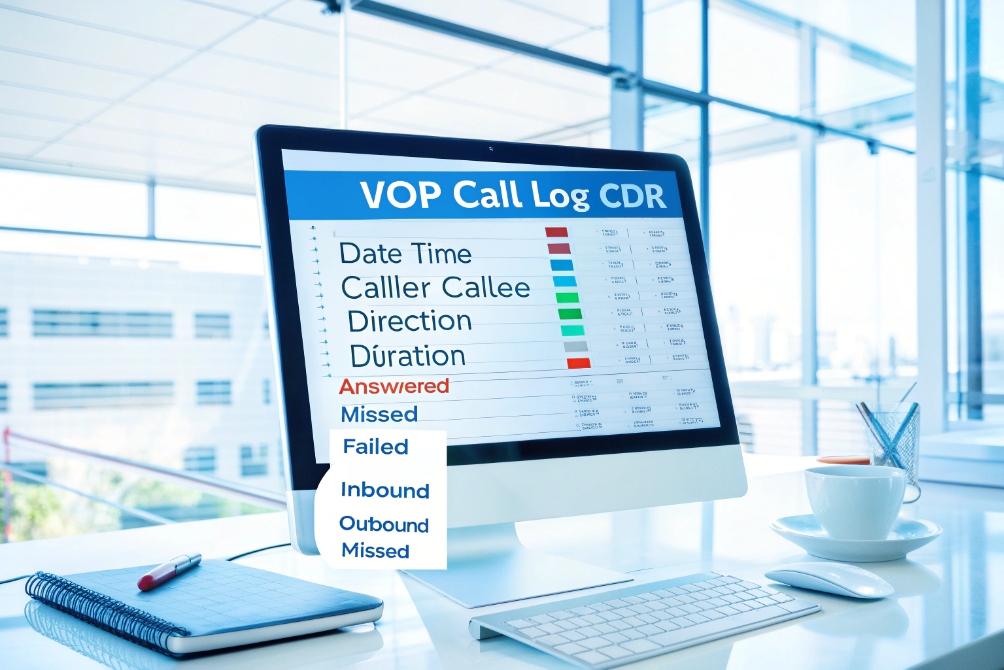
Missed calls, dropped calls, and billing questions pile up fast when you have no call logs.
Call logs are structured records of every inbound, outbound, and missed call. They show who called whom, when, how long it lasted, and how the call ended, so you can measure, troubleshoot, and prove.
Without call detail records (CDRs) 1, your IP PBX or SIP platform is a black box. You only know that “people complain”. With call logs, you have timelines and numbers. You can see which extension, which trunk, which route, and what result. That turns blame into data and gives you a base for support, security, and compliance work.
Do call logs help me troubleshoot SIP call quality and drops?
When users shout “the phones are bad”, you still need proof before you blame the PBX or carrier.
Yes. Call logs give you a per-call storyline for SIP sessions. They link timestamps, trunks, extensions, and results so you can spot patterns behind jitter, low MOS, failed transfers, and dropped calls.

Call logs vs SIP traces: where to start
When a call sounds bad, you have two main tools:
- Call logs / CDRs: high-level records, one row per call or leg.
- SIP traces / PCAPs: low-level packets, full technical detail.
You should not jump into packet captures for every user complaint. Call logs give a fast overview. They answer simple questions first:
- Was there even a call?
- How long did it last?
- Which direction and which trunk did it use?
- How did it end? Normal hangup or error?
Because SIP call control is standardized in the Session Initiation Protocol (SIP) 2, most systems can log consistent call IDs, timestamps, and outcomes even across mixed vendors.
For VoIP phones, intercoms, and gateways, many systems also attach basic quality metrics to logs. For example, average Mean Opinion Score (MOS) 3, packet loss, or jitter. Even if the PBX does not, a SBC or SIP provider often does.
Patterns you can see with only call logs
With a few days of logs, you can already see useful patterns:
- Calls drop at the same duration (for example, exactly 900 seconds).
- Failures cluster on the same trunk or carrier.
- Only calls from one site or subnet have low quality.
- A new queue or IVR shows many short abandoned calls.
That turns “voice is bad” into “outbound calls via Carrier B to Country X fail after 30 seconds”. The first complaint is vague. The second is something a provider or engineer can actually fix.
If calls drop at a fixed time repeatedly, it often points to SIP Session Timers 4, NAT timeouts, or firewall policies rather than “bad phones”.
Here is a simple way to map issues to log clues:
| Problem symptom | What you see in call logs | Likely next step |
|---|---|---|
| Many short, failed outbound calls | High error codes on one trunk / route | Check trunk config or carrier |
| Calls drop at fixed duration | Normal setup, then release after same time each call | Check session timers, NAT, or idle timeouts |
| Only some users complain | Issues tied to one extension range or site IP | Check local network, switch, or firewall |
| “Robot” or metallic audio | Normal disposition but poor MOS / jitter stats (if present) | Check bandwidth, QoS, competing traffic |
| Intercom calls fail sometimes | Failures only at certain hours or via certain gateways | Check peak load, limits, or gateway resources |
Call logs do not replace SIP traces. They direct you to the right trunk, time window, and call ID. Then you capture a few bad calls and go deeper if needed. This saves many hours during live incidents.
Which call log fields matter for my PBX and compliance?
If your logs lack key fields, you lose both analytics and legal defense when something goes wrong.
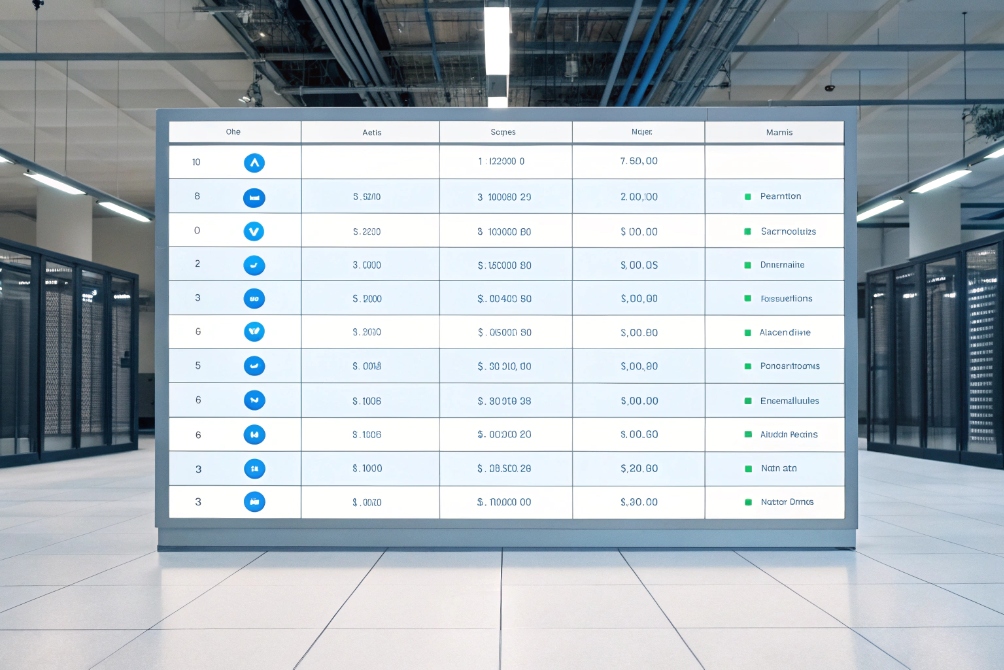
The most important call log fields cover who, when, where, and what happened. You need reliable IDs, timestamps, durations, dispositions, and routing context to satisfy PBX reporting, billing, security, and compliance teams.
Core fields you should always capture
A basic call log or CDR schema often includes:
- Date and time (start, answer, end)
- Direction (inbound, outbound, internal)
- Calling number (ANI / caller ID)
- Called number (DNIS / dialed number)
- Extension or user ID
- Trunk, gateway, or carrier
- Call ID or unique identifier
- Duration and billable duration
- Disposition (answered, busy, no answer, failed)
- Reason code or SIP / Q.850 cause
- Recording ID, if you record calls
For call centers, you also want:
- Queue name or campaign
- Agent ID
- Wrap-up codes or tags
For security and fraud control, these extra fields help:
- Source IP, SIP user agent, and device type
- Cost center or site
- Country code and rate plan
Here is a compact view:
| Field group | Example fields | Why it matters |
|---|---|---|
| Identity | Caller, callee, extension, agent ID | Who was involved in the call |
| Time | Start, answer, end | When it happened and how long it lasted |
| Routing | Trunk, queue, gateway, site | How the call entered and left the system |
| Result | Disposition, reason code | Whether it worked and why it failed if not |
| Quality / media | MOS, jitter, packet loss (if available) | Basic link to call quality and user complaints |
| Regulatory / privacy | Recording ID, consent flag, country | Compliance checks and data subject rights |
Why these fields matter for audits and disputes
When there is a billing dispute, harassment complaint, or regulatory audit, you need to show more than “it probably happened”. Good call logs let you:
- Prove that a call started and at what time.
- Show how long it lasted and who it reached.
- Show that you did or did not record it.
- Trace which trunk or carrier delivered it.
Without clear log fields, you might still have some raw SIP traces somewhere. But those are hard to search for non-technical staff and legal teams. A clear call log schema is much easier to query and archive.
For PBX planning, these fields also drive:
- Answer rate per queue or team.
- Average handle time (AHT).
- Abandon rate and ring time.
- First-call resolution trends.
So when you choose an IP PBX, SIP platform, or recording system, do not only ask about “call logs exist.” Ask for the CDR schema. Make sure you can export and store the fields your business, finance, and compliance teams actually need.
How long should I retain call logs under GDPR/CCPA?
Data privacy rules do not forbid call logs, but they do force you to think about why you keep them.
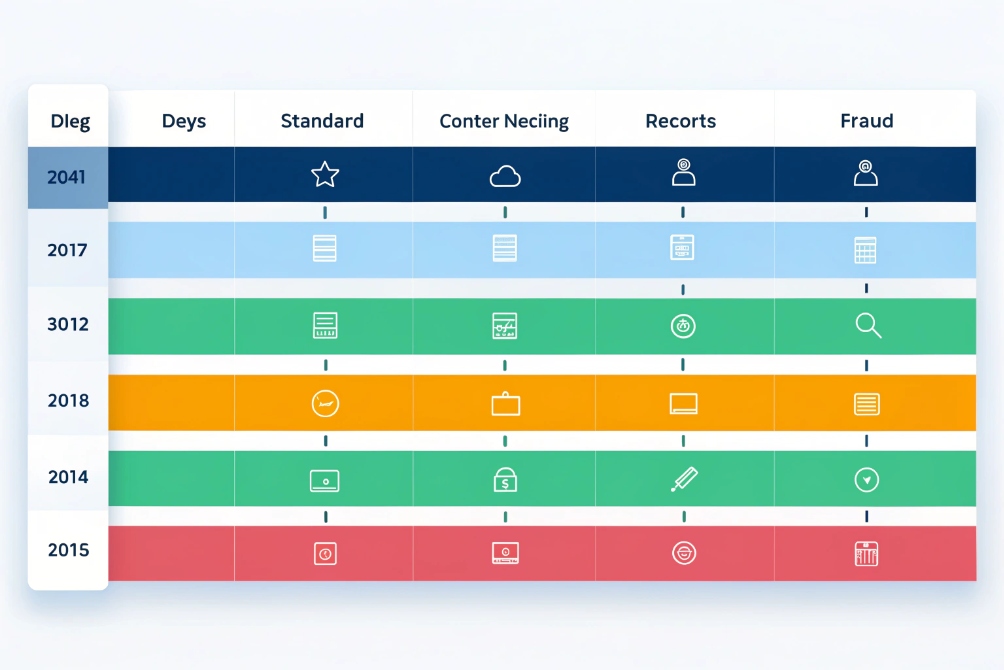
There is no single legal retention number for call logs under GDPR or CCPA. You keep them only as long as they serve a clear, lawful purpose, then you minimize, anonymize, or delete.
Think in purposes, not magic numbers
GDPR storage limitation 5 and the California Consumer Privacy Act (CCPA) 6 both treat call logs as personal data, because they include phone numbers, timestamps, and sometimes locations or agent IDs. The core ideas are:
- Use a lawful basis for logging (contract, legitimate interest, legal obligation, etc.).
- Link each data type to a purpose (billing, security, support, analytics).
- Keep data no longer than necessary for that purpose.
So you do not say “we store all logs for five years because it is easier”. You say “we store these logs X months for billing, Y days for debugging, Z years for legal defense”, and you document that.
Example retention buckets for call logs
Every company and region is different, so the numbers below are examples, not legal advice. But this style of split often works:
| Log type / use case | Typical retention range | Main purpose | Notes |
|---|---|---|---|
| Debug / technical call logs | 7–90 days | Troubleshooting, incident response | Short life, limited access |
| Standard PBX call history | 6–24 months | Service history, quality reports | Mask or hash external numbers where possible |
| Contact center performance reports | 1–3 years | KPIs, workforce planning | Aggregate or anonymize when you can |
| Billing / accounting logs | 3–7 years (jurisdiction) | Tax, invoicing, financial records | Often follow local accounting rules |
| Security / fraud logs | 6–24 months | Abuse detection, investigations | Strong access control, clear review process |
In practice, this means:
- Do not copy logs into random spreadsheets forever.
- Limit who can access raw call logs with full numbers.
- Use aggregated reports wherever possible for management.
- Review retention once a year with legal or your data protection lead.
So the answer is not “keep everything forever” or “delete everything after 30 days”. The answer is a simple, documented schedule that matches your real business needs and local law.
How can I export and analyze call logs at scale?
Raw call logs quickly become useless if you cannot export, join, and visualize them in tools your team understands.
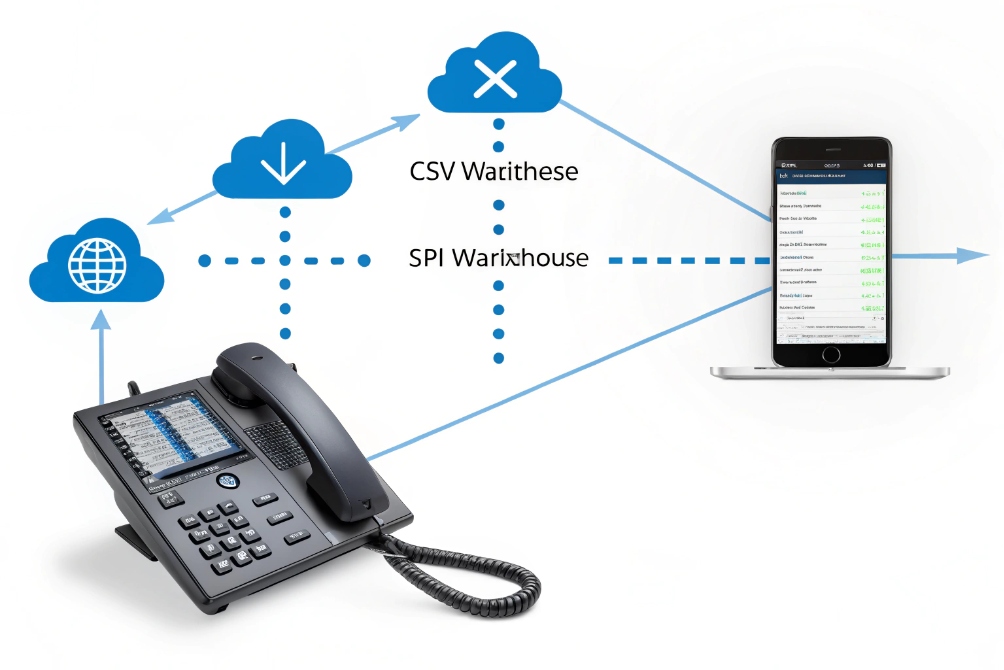
At scale, you pull call logs out of the PBX and into data tools. Use scheduled exports, APIs, or streaming hooks, then join logs with CRM and ticket data for dashboards and alerts.
Ways to get call logs out of your PBX
Most IP PBXs, cloud phone systems, and SIP platforms give you a few common options:
- Web UI reports with manual CSV export.
- Direct database access to the CDR table.
- Scheduled SFTP or email exports.
- REST APIs or webhooks that push events.
- Syslog 7 or message queues for near real-time streaming.
At small scale, the UI and CSV method is fine. Once you care about daily or hourly KPIs, you move to automated pulls or pushes.
Here is a simple comparison:
| Method | Best for | Pros | Cons |
|---|---|---|---|
| Manual CSV | Ad-hoc reports, small teams | Easy, no coding | No automation, error prone |
| DB / SQL access | Internal on-prem PBX | Flexible queries, joins, historical | Needs DB skills and strict access control |
| Scheduled export | Regular reporting | Simple to schedule, easy to audit | Lag between call and report |
| REST API | Cloud PBX, custom tools | Near real-time, secure, structured | Needs development work |
| Webhooks / MQ | High-scale analytics pipelines | Streaming, low latency, event-driven | More complex infrastructure |
Turning logs into insight, not just files
Exporting logs is only step one. You still need to make them useful:
- Store them in a central data warehouse or time-series database.
- Join them with CRM, ticketing, or HR data so you know which customer and which team.
- Build dashboards for operations, finance, and management.
- Set alerts for abnormal patterns, like fraud or sudden spike in dropped calls.
Simple starting points:
- A daily report of missed calls by queue and by hour.
- A weekly summary of average handle time and abandon rate.
- A fraud alert when one extension makes many international calls at night.
- A quality report that mixes basic MOS scores with call volumes.
In many projects, call logs become the base for both capacity planning and commercial planning. They show when to add more SIP trunks, when to add more agents, and which campaigns work. At the same time, they support compliance and security teams.
The main rule is this: design export and analytics as part of the project, not as an afterthought. If you choose devices, PBXs, or SIP trunks that expose rich logs in standard formats, you give yourself a long-term advantage.
Conclusion
Call logs turn voice activity into searchable, governed data that supports troubleshooting, compliance, planning, fraud detection, and better customer service across your IP PBX and SIP devices.
Footnotes
-
Defines CDRs and common fields so you can align your PBX logs with standard reporting. ↩︎ ↩
-
The SIP spec that underpins call setup, IDs, and many PBX log fields. ↩︎ ↩
-
Explains MOS scoring and what “good” vs “bad” voice quality typically means. ↩︎ ↩
-
Shows how session timers can end calls at consistent durations across NATs and SBCs. ↩︎ ↩
-
Official GDPR text covering storage limitation and retention expectations for personal data. ↩︎ ↩
-
Official CCPA overview for disclosure, retention transparency, and consumer rights processes. ↩︎ ↩
-
Syslog standard for shipping PBX events into SIEMs, log pipelines, and centralized alerting. ↩︎ ↩








