
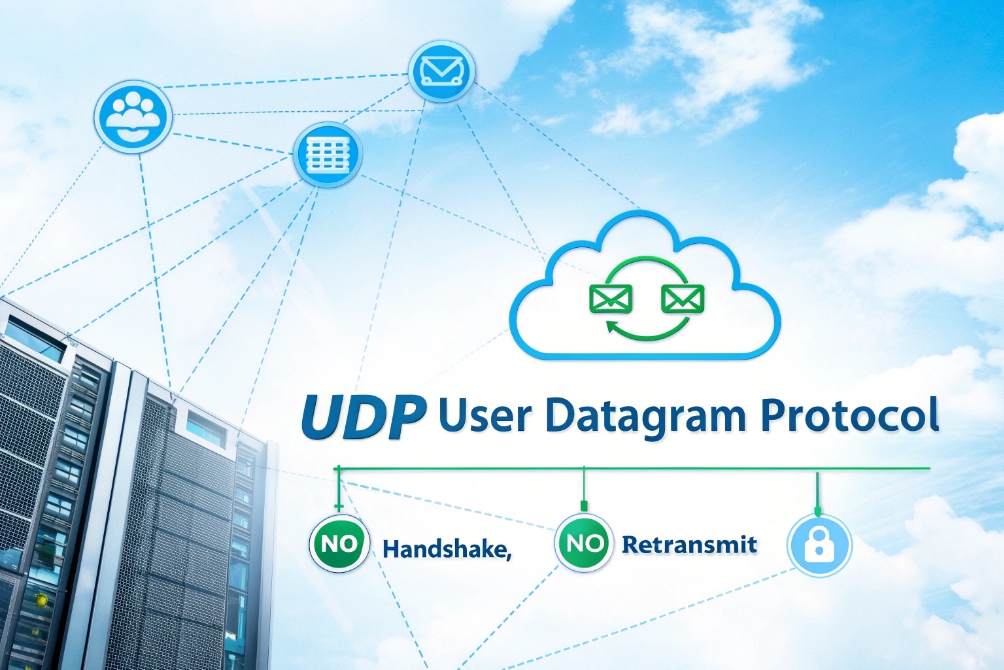
When voice calls cut out or sound robotic, the cause is often deeper than the PBX. It usually lives at the transport layer, where UDP quietly moves your packets.
UDP (User Datagram Protocol) is a lightweight, connectionless transport protocol that sends datagrams without handshakes or retransmissions, trading reliability for low latency, which makes it ideal for real-time traffic like VoIP, streaming, gaming, and DNS.
For the underlying specification, see IETF RFC 768: User Datagram Protocol 1.
In VoIP systems, UDP is the common path for both SIP signaling and RTP media. It skips the heavy “are you there?” overhead of TCP and simply pushes packets out as fast as the network allows. That is great for delay-sensitive voice, but it forces phones, PBXs, and jitter buffers to handle loss and jitter on their own.
How does UDP differ from TCP for VoIP calls?
When people hear “unreliable UDP”, they often wonder why we use it for phone calls instead of the safer TCP. It feels wrong at first.
UDP sends small packets with no connection, no retransmission, and no ordering, while TCP adds three-way handshakes, streams, retransmissions, and flow control. For VoIP, UDP’s low delay usually beats TCP’s reliability.
TCP vs UDP at a glance for voice
TCP and UDP both sit on top of IP, but they behave very differently:
| Feature | UDP | TCP |
|---|---|---|
| Connection setup | None (connectionless) | Three-way handshake |
| Delivery guarantee | Best effort only | Reliable, retransmits lost data |
| Ordering | Not guaranteed | In-order byte stream |
| Header size | 8 bytes | 20+ bytes |
| Congestion control | None built-in | Built-in (slow start, backoff, etc.) |
| Typical VoIP use | SIP signaling, RTP / SRTP media | Some SIP trunks, TLS, large SIP messages |
For VoIP, the key trade-off is simple:
- TCP will retry lost packets and keep them in order, but those retries add delay.
- UDP will drop lost packets and move on, keeping latency low but allowing gaps.
In a file transfer, you want every byte. In a live call, you want fresh audio more than you want perfect recovery of old packets.
UDP for RTP media and often for SIP
In a normal VoIP call:
- The voice travels as Real-time Transport Protocol (RTP) 4 or SRTP over UDP. Each packet carries, for example, 20 ms of audio.
- If a packet is lost, the receiver does not request a resend. It uses packet loss concealment instead.
- If packets arrive a bit late, the jitter buffer can smooth them out.
For SIP signaling, many phones also use UDP by default:
- SIP messages are small.
- Calls do not need constant heavy signaling once they are set up.
- Timeouts and retries happen at the SIP layer, not in TCP.
Some providers and PBXs prefer SIP over TCP or TLS, especially when messages are large (for example, many contacts in a single REGISTER) or when they need reliable transport over long-haul links. But even then, the actual voice media almost always stays on UDP.
For real-time voice, UDP is like a fast but unforgiving road. It gets your packets there quickly, but it will not go back if something falls off. That job belongs to jitter buffers, codecs, and smart design.
Why do many SIP phones use UDP by default?
When you open the web page of a SIP phone and see “Transport: UDP / TCP / TLS”, the default is usually UDP. This is not laziness; it is a design choice.
Most SIP phones default to UDP because it has low overhead, simple behavior for small messages, good support from carriers, and predictable performance for large deployments—especially when media already uses UDP.
Reasons vendors like UDP for SIP
Several practical reasons push SIP devices toward UDP by default:
-
Lower overhead
SIP is text-based. Messages are often small: REGISTER, INVITE, 200 OK, BYE. Sending these over UDP avoids TCP handshakes and connection state. -
Scalability on PBX side
A large IP PBX or SIP proxy must handle thousands of phones. Maintaining thousands of TCP connections means more memory and state. UDP requests are simpler: they arrive, they get processed, they finish. -
Fast failover
If a proxy or PBX fails, phones using UDP quickly notice timeouts and retry to another server. With TCP, failure detection might depend on keepalives or OS-level socket states. -
Alignment with RTP
Voice packets already use UDP. Keeping both signaling and media on UDP can simplify certain firewall and NAT stories, especially in small networks.
Here is a quick summary:
| Aspect | UDP for SIP | TCP/TLS for SIP |
|---|---|---|
| Setup time | Minimal | Needs handshake |
| Server state | Lower (no per-call socket) | Higher (per-connection state) |
| Message reliability | SIP handles retries | TCP handles retransmissions |
| Typical default | Phones and intercoms | Trunks, encrypted signaling, large messages |
The downsides you still need to manage
UDP’s simplicity comes with some costs:
- Larger SIP messages can be fragmented at IP level, which is fragile.
- Firewalls and NAT devices may close UDP mappings quickly, so phones need keepalives.
- Without TLS, SIP over UDP is clear text, which is not acceptable for some environments.
That is why many modern deployments mix modes:
- Internal devices use UDP for SIP within a protected LAN or VPN.
- External trunks and remote workers use TCP or TLS for better reliability and security.
- Media remains on RTP/SRTP over UDP everywhere.
So when you see “UDP” as the default transport on SIP phones, it is not because engineers forgot about TCP. It is because for small, frequent control messages in a voice network, UDP is often the cleanest starting point.
How do jitter buffers handle UDP packet loss?
Because UDP does not fix loss or reorder packets, many people assume the phone is helpless when packets disappear. Yet calls often sound fine even with a bit of loss.
Jitter buffers smooth out delay variations by holding UDP voice packets briefly before playback, while packet loss concealment and error-recovery tricks mask missing packets so users hear continuous, natural audio.
Jitter vs packet loss: two different problems
First, keep the two issues separate:
- Jitter: packets arrive at uneven intervals. Some are early, some are late.
- Loss: packets never arrive or arrive so late they are useless.
UDP itself does not care about either. It just delivers whatever it can, as fast as it can.
A jitter buffer sits between the network and the decoder. It collects a small number of audio packets, then plays them out at a steady pace. This turns jittery arrival times into smooth playback.
What jitter buffers actually do
Most VoIP phones, intercoms, and gateways support:
- Fixed jitter buffer: holds, for example, 60 ms of audio before playback starts and keeps that delay steady.
- Adaptive jitter buffer: grows or shrinks based on network behavior to balance delay and smoothness.
Typical behaviour:
- The device receives RTP packets over UDP.
- It stores them in time order in the jitter buffer.
- It starts playback after a small delay (for example 40–80 ms).
- If packets arrive slightly late, they may still land in time.
- If a packet is too late or missing, the decoder gets a “gap”.
When there is a gap, packet loss concealment (PLC) steps in:
- It can repeat the previous frame.
- It can fade or interpolate between known samples.
- Modern codecs like Opus have advanced PLC that can guess missing audio.
Some systems also use FEC (Forward Error Correction) or duplicate packets on key paths to add redundancy. This adds overhead, but it helps in lossy networks.
Limits of what jitter buffers can fix
Jitter buffers are powerful, but not magic:
- If jitter grows too large, the buffer must grow too, which increases delay.
- If loss is high (for example, >3–5%), audio becomes choppy or robotic.
- Very bursty loss (many packets missing in a row) is harder to hide than isolated drops.
Here is a quick view:
| Problem type | Main tool | What users hear when it is handled well |
|---|---|---|
| Small jitter | Jitter buffer | Smooth audio, small added delay |
| Occasional loss | PLC, sometimes FEC | Maybe tiny glitches, often not noticed |
| Heavy loss burst | PLC cannot fully hide it | Words drop, speech becomes hard to follow |
| High jitter | Larger jitter buffer | Audio stable, but conversation feels delayed |
So jitter buffers do not “repair” UDP packets. They hide network messiness by trading a bit of delay for smooth sound. As long as loss and jitter stay within reasonable limits, users hear a clean conversation even though UDP gives no guarantees.
When should I choose UDP vs TCP/TLS for SIP?
Choosing the wrong transport for SIP can lead to odd failures, strange timeouts, or security gaps. Many teams stay on defaults and hope for the best.
Use UDP for SIP when you want low overhead and you control the network. Use TCP or TLS when messages are large, paths are long or complex, or when you need stronger reliability and encryption across the public internet.
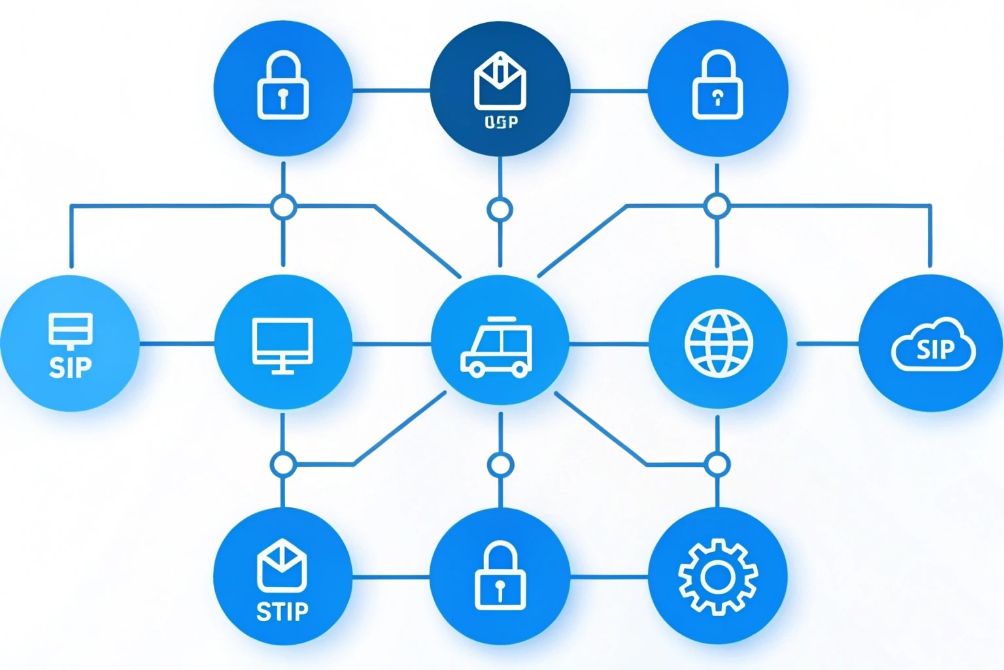
Simple decision rules
You can think about it in four questions:
-
Is this inside a trusted LAN or VPN?
- Yes: UDP is often a good default.
- No: Consider TLS for signaling security.
-
Are SIP messages small and simple?
- Yes: UDP works well.
- No: TCP handles large messages better (no fragmentation).
-
Do you need encryption on signaling?
- Yes: Use SIP over TLS (which rides on TCP).
- No: UDP may be enough, if policy allows.
-
Will this serve many devices or multi-tenant traffic?
- Yes: An SBC with TCP/TLS support helps manage complexity.
- No: Direct UDP between phones and PBX can be fine.
Here is a practical mapping:
| Scenario | Recommended SIP transport | Why |
|---|---|---|
| Small office, local PBX | UDP on LAN | Simple, low overhead |
| Large enterprise core | Mix of UDP and TCP, often via SBC | Scalability and control |
| Remote workers over internet | TLS (TCP) to cloud PBX or SBC | Encryption and better NAT handling |
| SIP trunk to ITSP / carrier | As carrier requires (often UDP or TCP/TLS) | Interop and contract terms |
| High-security environment | TLS for signaling + SRTP for media | Protects metadata and content |
Remember: transport and media are separate
Whatever you choose for SIP transport:
- Media (RTP/SRTP) almost always uses UDP.
- SIP over TCP/TLS does not mean voice uses TCP.
So the typical secure and robust stack looks like:
- Inside LAN: SIP over UDP, RTP or SRTP, QoS-enabled.
- Across the internet: SIP over TLS (TCP) to an SBC or hosted PBX, SRTP for media, with firewalls and NAT tuned for these flows.
In other words, you do not need to pick “UDP or TCP forever”. You use UDP where it keeps things simple and fast, and TCP/TLS where the path, size, or security requirements demand more control.
Conclusion
UDP keeps VoIP fast and simple by skipping connections and retries, while SIP, jitter buffers, and codecs handle the messy parts so your SIP PBX, IP phones, and intercoms can deliver clear real-time voice.
Footnotes
-
Visual summary of UDP’s “no handshake” behavior for real-time traffic. ↩ ↩
-
Quick UDP vs TCP feature comparison for VoIP transport decisions. ↩ ↩
-
The official RTP standard describing media packet timing and sequencing. ↩ ↩
-
Example SIP phone UI context for transport settings in real deployments. ↩ ↩
-
Diagram-style view of packet flow concepts through a VoIP gateway endpoint. ↩ ↩
-
High-level visual aid for choosing SIP transport and security options. ↩ ↩








