
Spam calls steal attention, break focus, and waste staff time. If every ring feels risky, people stop answering, and real customers suffer.
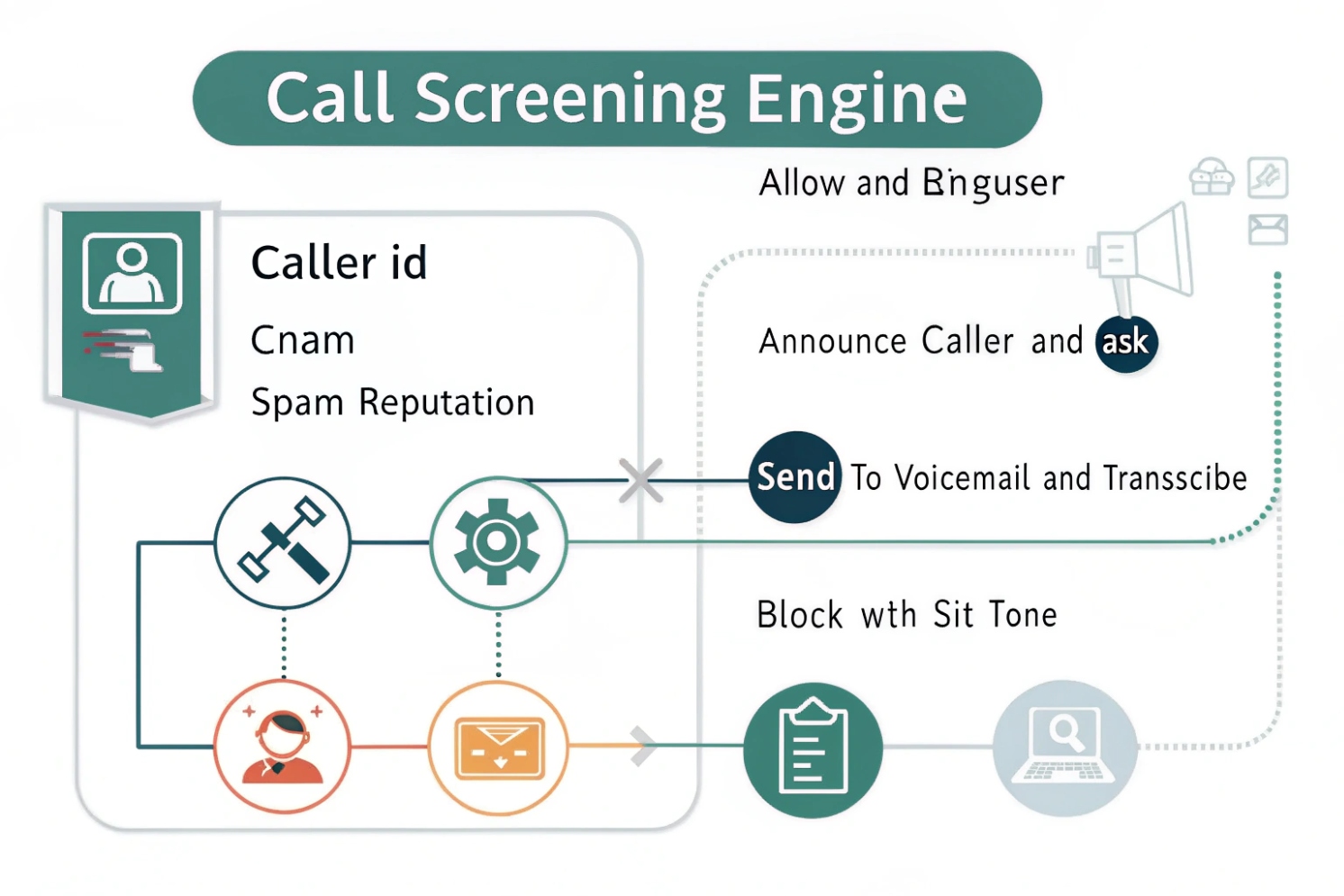
Call screening is a set of rules and checks that decide how an inbound call should be handled before a human answers. It uses caller identity signals, reputation data, and business logic to allow, label, challenge, route, or block calls.
Call screening is not one feature. It is a workflow that can run at the carrier, PBX, SBC, or phone level. The goal stays the same: reduce unwanted calls and route important calls faster. The process usually starts with the SIP INVITE request 1 (or PSTN call delivery) and then runs a short decision loop.
The core building blocks of call screening
Most screening systems rely on four inputs and four actions.
Inputs
1) Identity signals
Caller number, caller name (CNAM) 2, and SIP identity headers. Some systems also look at P-Asserted-Identity (PAI) 3 or Remote-Party-ID from trusted trunks.
2) Reputation signals
Spam lists, crowd-sourced databases, carrier analytics, and enterprise fraud feeds. These signals often produce a risk score instead of a simple yes/no.
3) Context signals
Time of day, business hours, VIP lists, holidays, call volume, and the department being called. Context is why a number can be allowed at 10 a.m. and challenged at 10 p.m.
4) Behavior signals
Repeated short calls, rapid retries, call bursts to many extensions, or DTMF patterns. In PBX systems, behavior rules reduce robocall campaigns that rotate numbers.
Actions
- Allow (ring as normal)
- Label (mark as suspected spam, still ring or ring quietly)
- Challenge (IVR prompt, “state your name,” press a key, or CAPTCHA-like step)
- Block / divert (hang up, send to voicemail, send to receptionist queue, or route to an announcement using a Special Information Tone (SIT) 4)
A key point is that screening is probabilistic. It is a balance between stopping spam and avoiding false positives. The best deployments use layered checks and clear exception paths.
| Layer | What it can see | What it can do well | Typical weakness |
|---|---|---|---|
| Carrier | STIR/SHAKEN status, network patterns | Large-scale spam analytics | Limited per-business rules |
| SBC/PBX | SIP headers, dial plan context | Precise routing and challenges | Needs good policy tuning |
| SIP phone | Local contacts and recent calls | Personal allow/deny lists | Limited global reputation |
| App/UC client | Cloud reputation + user feedback | Fast updates and labels | Depends on vendor privacy model |
Call screening works best when it is designed as a simple policy tree, tested with real call samples, and reviewed every quarter. A “set it once” approach often drifts into either missed spam or missed customers.
A solid base makes later tuning easier, so the next step is understanding where screening runs in an IP PBX and how SIP endpoints participate.
How do IP PBX and SIP phones screen calls automatically?
One reason screening fails is that people expect the phone to solve it alone. In business systems, the PBX usually has the strongest leverage.
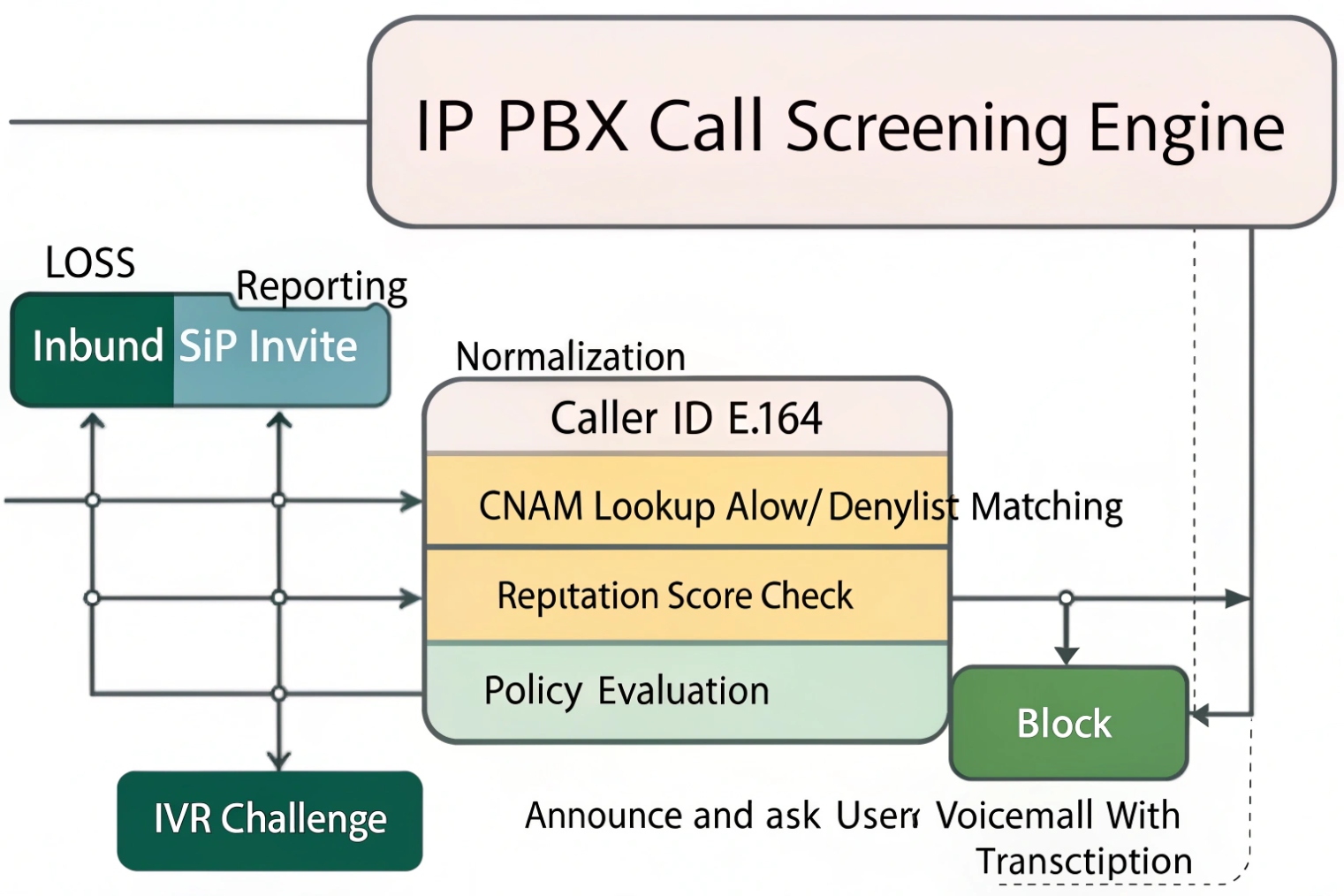
An IP PBX screens calls by inspecting inbound signaling, applying dial plan rules, and routing calls to ring groups, IVRs, or voicemail. SIP phones add personal screening by matching caller IDs to contacts and applying local block or silent rules.
PBX-side screening: where the real control lives
A PBX or SBC sits between the outside world and internal extensions. That position allows it to enforce consistent policy. Common PBX screening methods include:
- Inbound trunk allow-listing (only accept calls from known carrier IPs)
- Caller ID normalization (convert formats to E.164 so lists match reliably)
- Rate limiting (block bursts, limit CPS, and stop call floods)
- Anonymous handling (route “Private/Unknown” to a challenge or voicemail)
- IVR screening (ask the caller to select a department or state a reason)
- Time rules (business hours routing, holiday schedules, after-hours voicemail)
In SIP terms, the PBX sees INVITEs, reads headers, and then decides how to route. On a trusted trunk, it may also trust identity assertions from the provider. On an untrusted trunk, it should not.
Phone-side screening: personal rules and user experience
SIP phones and indoor stations can do simple but useful things:
- Match caller number to local directory and show a friendly name
- Apply a local block list or “silent unknown callers”
- Route certain callers to a specific ring tone or priority alert
- Auto-answer only from known extensions (useful for paging or security desks)
This layer is best for personal preference, not for security enforcement. A phone usually cannot stop a campaign that rotates numbers. A PBX can.
A practical division of labor
A stable design assigns tasks by layer:
- PBX: security, policy, routing, challenges, logging
- Phone: local UX, VIP ringtones, quick block for a single user
| Function | Best layer | Why |
|---|---|---|
| Stop robocall bursts | PBX/SBC | Sees patterns across extensions |
| Block one annoying number for one user | SIP phone | Fast and personal |
| After-hours routing | PBX | Central policy and consistent customer experience |
| “Press 1 to connect” challenge | PBX/IVR | Works before ring and scales across staff |
When PBX and phones cooperate, the call path stays clean. The caller gets a predictable experience, and staff gets fewer interruptions. After the basics, most teams ask the same question: can identity tools like CNAM and STIR/SHAKEN actually stop spam?
Can I block spam and robocalls with CNAM, blacklists, and STIR/SHAKEN?
Spam defenses often fail because people trust one signal too much. A caller name can be fake. A number can be spoofed. A verified identity can still be annoying.
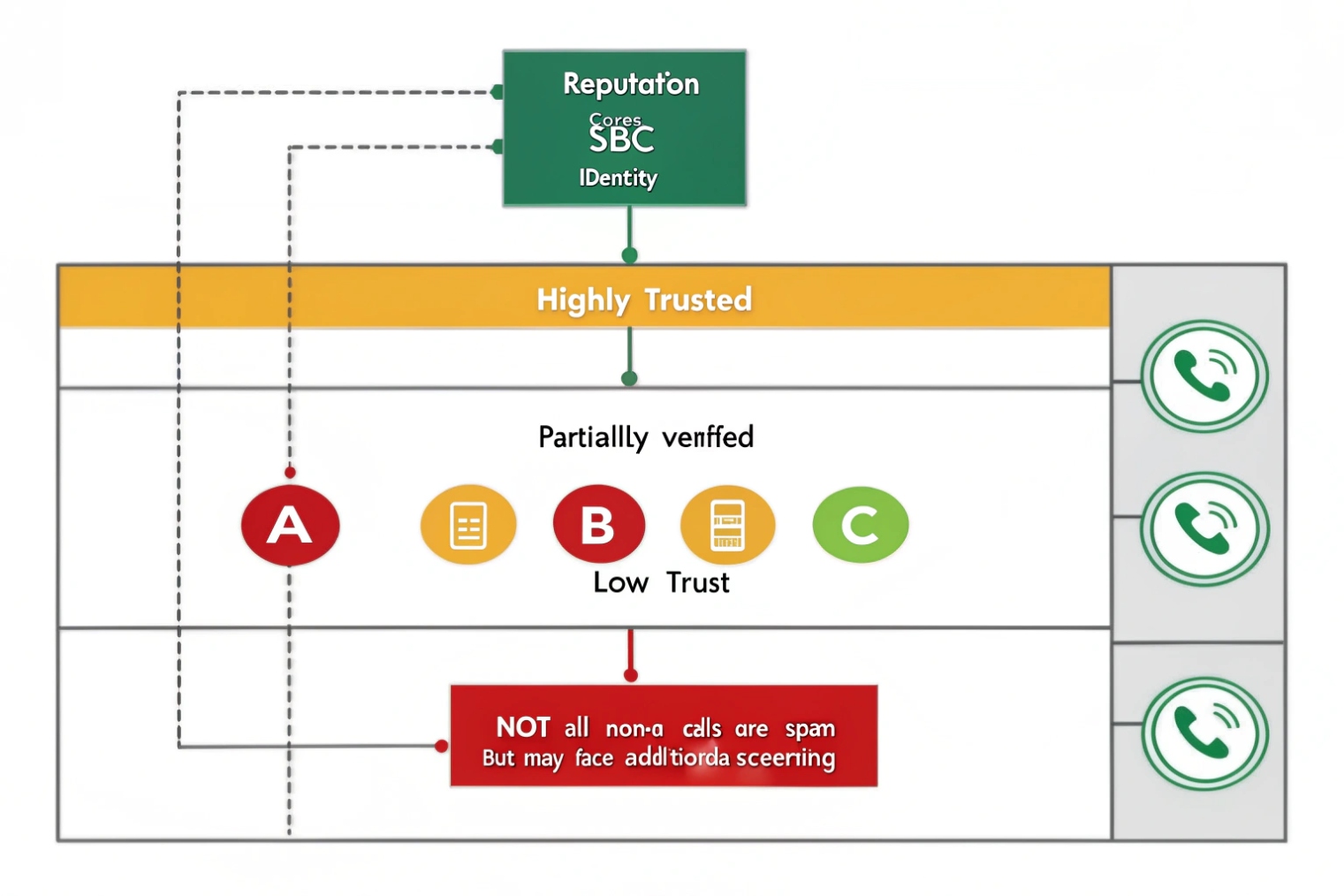
Yes, spam blocking improves when CNAM, blacklists, and STIR/SHAKEN are used together. CNAM helps with display and matching, blacklists stop known bad sources, and STIR/SHAKEN helps detect spoofing risk. None of them is perfect alone, so layered rules work best.
CNAM: useful, but not a trust anchor
CNAM is caller name information associated with a number in some calling ecosystems. It helps staff decide whether to answer. It also helps call logs look readable. But CNAM should not be treated as proof of legitimacy. It can be missing, stale, or misleading. Some carriers and regions do not deliver CNAM consistently.
A practical use of CNAM is:
- Show name to users
- Route known partners by number, not by name
- Use name only as a weak hint in scoring
Blacklists and reputation lists: fast wins with risk
Blacklists work well for repeat offenders. They work best when combined with:
- Country/region patterns relevant to the business
- Time-based controls (block high-risk patterns after hours)
- Rate-based rules (block number patterns during bursts)
The risk is false positives. A legitimate customer might appear in a crowd-sourced spam list. This is why an allow list for VIPs and recent customers matters.
STIR/SHAKEN: identity verification signal, not a “spam = false” label
STIR/SHAKEN focuses on call authentication in supported networks. Under the hood, Secure Telephone Identity Revisited (STIR) 5 defines how verified calling identity can be carried, while the SHAKEN governance framework 6 defines how that identity is operationalized across providers. This reduces spoofing. It does not guarantee the caller is “good.” A verified number can still be used for aggressive marketing.
A clean policy treats STIR/SHAKEN as one input into a score:
- Verified identity raises trust
- Unverified or failed identity raises suspicion
- Behavior rules still apply either way
| Signal | What it tells you | Best use | Wrong expectation |
|---|---|---|---|
| CNAM | Display name hint | UX and quick triage | “Name proves legitimacy” |
| Blacklist | Known bad sources | Hard block or challenge | “Lists are always correct” |
| STIR/SHAKEN | Spoofing risk level | Raise/lower trust score | “Verified means not spam” |
| Behavior (CPS/bursts) | Campaign patterns | Stop floods fast | “One number equals one caller” |
A strong design uses a scoring model. For example: block only when risk is high, challenge when risk is medium, and allow when risk is low. This lowers missed customer calls while still cutting spam volume.
Once the spam layer is in place, the next decision is policy design. Business hours, VIPs, and departments need different rules, or screening becomes a blunt instrument.
What call screening rules should I set for business hours and VIPs?
A screening policy should fit how the business actually answers phones. The wrong rule can feel “secure” and still lose leads.
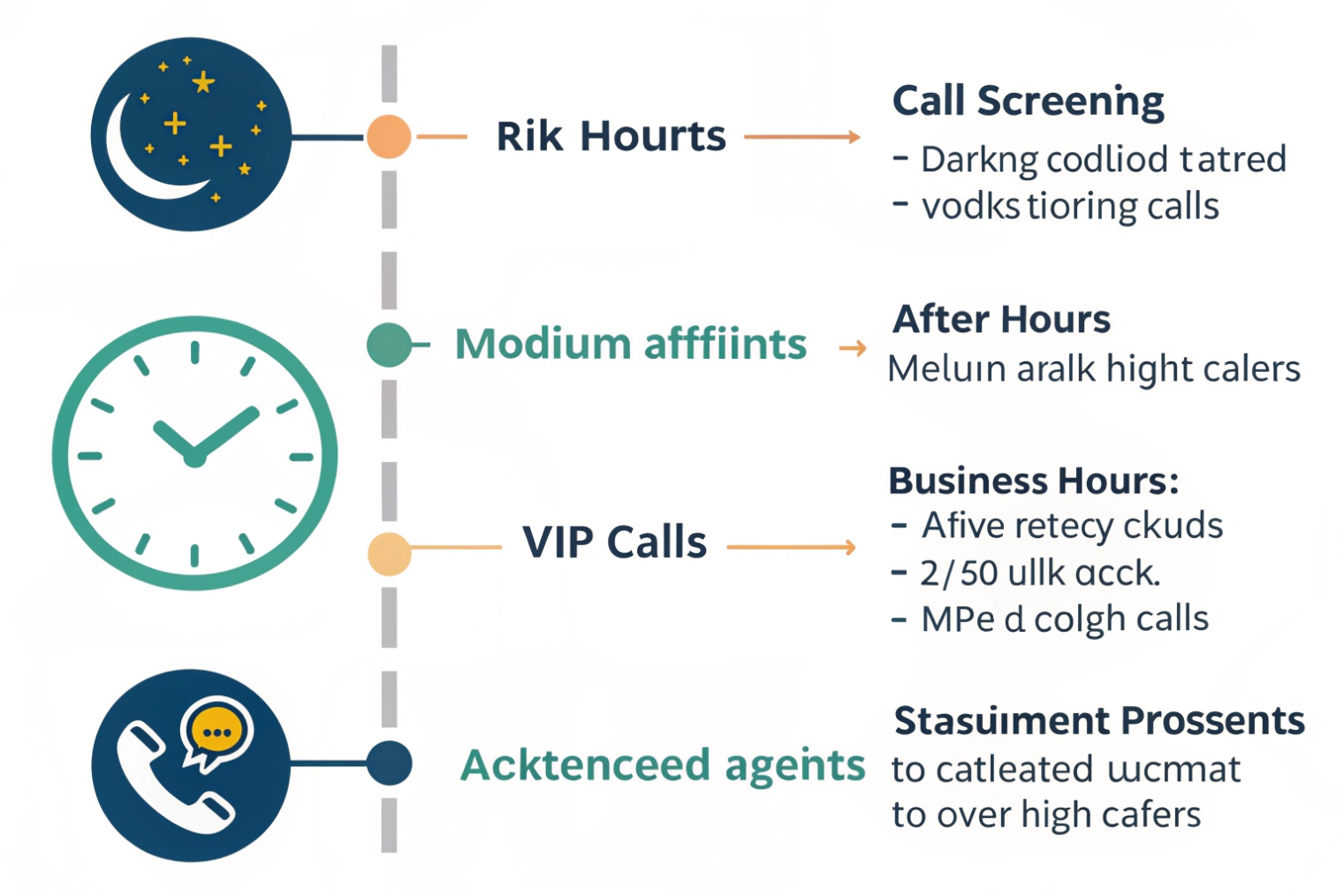
A good rule set combines schedules, allow lists, and gentle challenges. During business hours, it should prioritize fast connection for known customers and VIPs. After hours, it should reduce interruption while still offering a clear path for urgent callers.
Start with three call classes
Most businesses can simplify screening into three classes:
1) Always allow
VIPs, internal extensions, key vendors, monitoring centers, critical partners.
2) Allow with light friction
Unknown numbers during business hours. These callers can be routed through an IVR (“Press 1 to reach sales, press 2 for support”). Robocalls often fail here.
3) Challenge or divert
Private/anonymous, high-risk regions, repeated short calls, and call bursts. After hours, this class can go directly to voicemail with a prompt that sets expectations.
Business hours vs after hours
During business hours, the system should not punish real customers. A light IVR is often enough. After hours, the same call can be routed to voicemail, an on-call queue, or an emergency extension if the business needs it.
VIP strategy that prevents false positives
VIP treatment should be number-based and consistent:
- Allow list stored in PBX, not only on phones
- Match by normalized number format (E.164)
- Add “recent outbound calls” as a temporary allow rule (if staff called someone, let them call back)
A sample policy matrix
| Caller type | Business hours | After hours | Notes |
|---|---|---|---|
| VIP / allow list | Ring priority group | Ring on-call (optional) | Never challenge |
| Known customers (CRM-integrated) | Ring target team | Voicemail + callback option | Avoid hard blocks |
| Unknown caller | Light IVR or receptionist | Voicemail | Keep path clear |
| Anonymous / withheld | IVR challenge | Voicemail or block | Higher friction |
| High-risk score | Challenge then block | Block or voicemail | Use logs for tuning |
| Burst behavior | Temporary block | Temporary block | Prevent floods |
A policy like this keeps the system friendly. It also makes tuning easy because each category has a clear intent. The final concern is impact. Screening can change emergency handling, compliance posture, and customer experience, so those risks should be addressed up front.
Will call screening affect emergency calls, compliance, or customer experience?
Screening can solve spam, but it can also create new risk if it blocks the wrong call. The design should be careful around safety and legal requirements.
Call screening can affect emergency calls and compliance if rules block critical numbers, if recordings or transcripts are retained improperly, or if callers feel trapped in challenges. The safest approach is to whitelist emergency routes, keep logs minimal and controlled, and tune rules to avoid false positives.
Emergency calls and safety routes
Emergency calling is usually outbound, not inbound. Still, inbound safety calls can matter in some environments, like schools, hospitals, and public safety desks. A PBX should:
- Never block internal emergency extensions
- Never challenge calls from known dispatch or monitoring centers
- Provide a clear “press 0 for operator” fallback in IVRs when appropriate
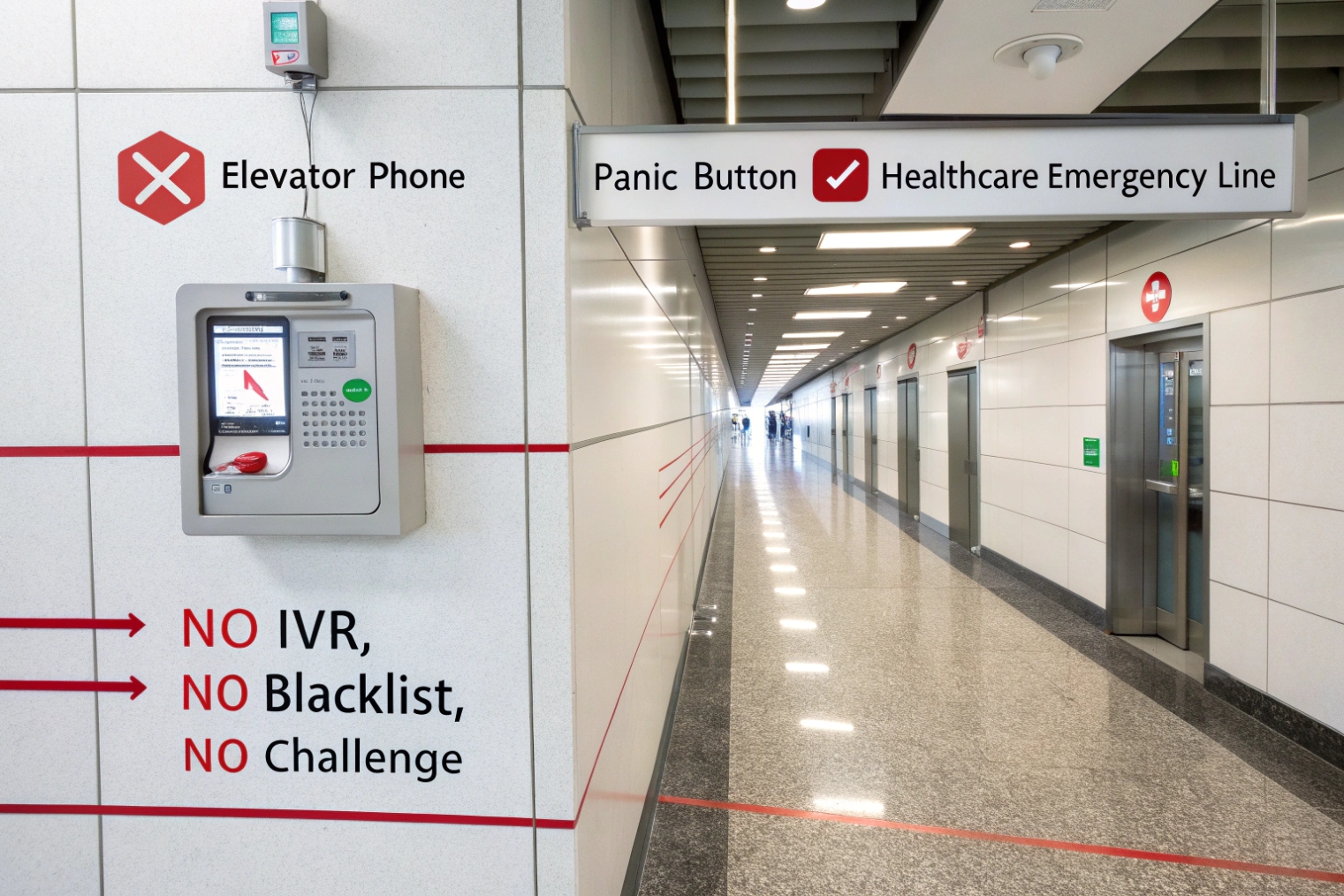
For SIP intercom systems, the rule is even simpler: critical call paths should be direct. Door stations, emergency call boxes, and elevator phones should bypass complex screening where possible.
Compliance and privacy concerns
Call screening can touch data in several ways:
- Caller ID logs
- Call recordings
- Voicemail transcription
- Live screening transcripts (in some systems)
Data handling rules vary by country and industry. The safest operational stance is:
- Retain only what is needed
- Restrict access to call logs and recordings
- Document the screening policy for audits
- Avoid storing sensitive transcripts longer than necessary
This is not legal advice. It is a practical control set that reduces risk.
Customer experience and false positives
A hard block can lose a real customer. A strict challenge can annoy people. The system should offer a simple path:
- Keep prompts short
- Avoid multiple challenges in a row
- Provide voicemail with a clear “we will call back” message
- Provide VIP and “recent contact” bypass rules
If you need user-facing messaging, the FTC guidance on blocking unwanted calls 7 is a useful reference for what callers expect and recognize.
| Risk area | What can go wrong | Mitigation |
|---|---|---|
| Emergency / safety | Critical caller blocked or delayed | Whitelist critical numbers and routes |
| Compliance | Unclear retention and access | Minimize retention, restrict access, document policy |
| CX | Callers feel punished | Use light friction, clear prompts, fast human route |
| False positives | Real leads marked spam | Use allow lists and recent outbound bypass |
| Operations | Rules drift over time | Review logs monthly and tune thresholds |
The strongest screening deployments treat customer experience as a requirement, not a nice-to-have. A good policy blocks noise without adding friction to legitimate callers. That is the difference between a phone system that feels safe and one that feels hostile.
Conclusion
Call screening uses identity signals, reputation, and business rules to route or block inbound calls. Layer PBX controls with phone UX, tune for VIPs, and protect safety and compliance paths.
Footnotes
-
SIP’s core signaling spec and INVITE behavior for troubleshooting call screening at the PBX/SBC layer. ↩ ↩
-
Practical explanation of CNAM behavior and limitations so “name-based trust” isn’t overestimated. ↩ ↩
-
Defines PAI identity assertions used on trusted SIP trunks for better caller identity handling. ↩ ↩
-
Quick reference for SIT tones used to signal call blocking or routing outcomes in telephony. ↩ ↩
-
Technical foundation for STIR identity signing used to reduce spoofing in modern call screening. ↩ ↩
-
Official SHAKEN governance and standards context for how caller authentication is operationalized by providers. ↩ ↩
-
Consumer-facing best practices for recognizing, labeling, and blocking unwanted calls without missing legitimate callers. ↩ ↩








