
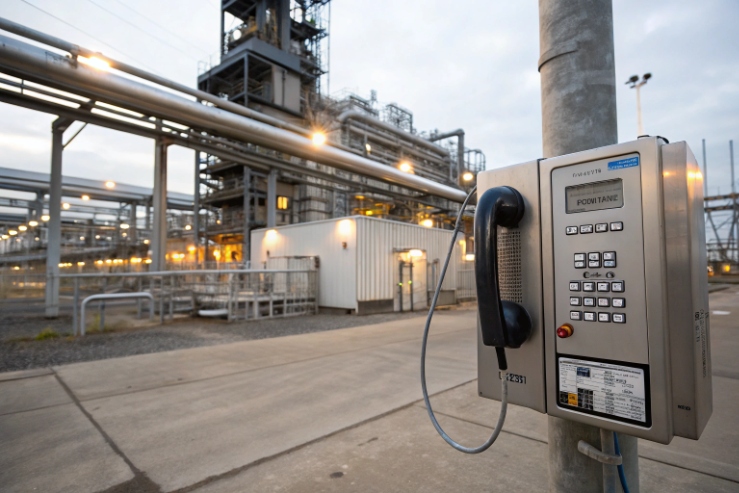
A Zone 1 phone can be online and still sound broken. Voice packets fight with video and control traffic. Then calls clip, delay, or drop at the worst time.
Yes. Many explosion-proof SIP telephones allow VLAN (802.1Q) and QoS (802.1p/DSCP) settings, but support varies by model, firmware, and whether the device is true dual-NIC or only a 2-port switch.
VLAN and QoS on Ex telephones: what should be specified before buying?
Explosion-proof certification 1 solves ignition risk. It does not solve packet loss. In offshore, chemical, and mining plants, the network is often noisy and busy. Video, paging, SCADA polling, and office traffic can share the same fiber uplinks. Without VLAN and QoS, a phone may still register, but audio becomes unstable. A safety phone must sound clean under load.
A good tender treats VLAN and QoS as measurable features, not checkbox words. It should state what VLAN tags the phone can send and receive, and what QoS marks it can apply to SIP and RTP. It should also state how those settings are managed at scale. Many projects fail here because one site uses voice VLAN from LLDP-MED, and another site uses DHCP options, and the phone only supports one method.
Another point matters in hazardous areas: the physical install is strict. Extra entries, glands, and shield bonding must follow the Ex concept. VLAN and QoS do not change flamepaths, but the way the ports are used can change cable routing and cabinet design. So the network design should be decided before the enclosure drawing is frozen.
A procurement checklist that keeps offers comparable
| Item | What to request | Why it matters on site |
|---|---|---|
| VLAN tagging | IEEE 802.1Q VLAN tagging 2 VLAN ID per port, tagged/untagged mode | Clean network separation |
| Voice VLAN discovery | LLDP-MED voice VLAN discovery 3 and/or DHCP option support | Faster rollouts, fewer mistakes |
| QoS marking | 802.1p PCP + DSCP per SIP/RTP | Stable audio during congestion |
| Queue behavior | Priority queues and mapping rules | Prevents “marked but still delayed” issues |
| Dual LAN behavior | True dual-NIC vs LAN+PC port | Avoids false redundancy claims |
| Provisioning | Web UI + auto-provisioning + remote API | Mass deployment and audits |
If these points are set early, VLAN and QoS become simple to deploy and easy to defend in client documents.
Now let’s break down the exact VLAN features that usually matter for explosion-proof telephones.
Which VLAN features are supported—802.1Q tagging, port-based VLAN, voice VLAN, and DHCP option 132/133?
VLAN projects fail when “tagged” is assumed. Then the phone lands on the wrong subnet and nobody can reach it without a ladder and a laptop.
Look for 802.1Q VLAN tagging with clear tagged/untagged modes, a dedicated voice VLAN feature if you need it, and a documented discovery method like LLDP-MED or DHCP options (some systems use 132/133). Support is model-specific, so require proof.
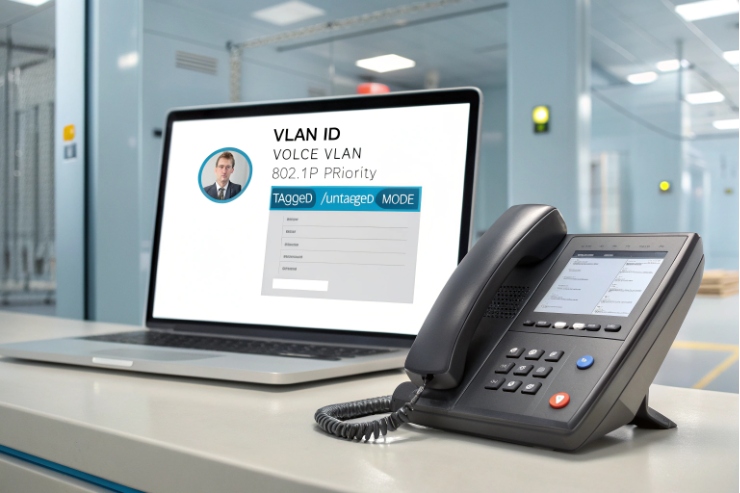
VLAN on an Ex telephone should be specified as behavior, not only as “supports VLAN.” Most industrial SIP endpoints support basic 802.1Q tagging. The key choices are:
- Untagged mode (access VLAN): the phone sends and receives untagged frames on a port.
- Tagged mode (trunk-style): the phone tags frames with a VLAN ID.
- Hybrid: management untagged, voice tagged, or the reverse.
Voice VLAN is often treated as a “helper feature.” The idea is simple: the phone learns the voice VLAN automatically and places voice traffic there. The common discovery options in real networks are:
- LLDP-MED (often preferred in modern managed switches)
- DHCP options (RFC 2132) 4 (vendor or site conventions vary; some ecosystems use option 132/133 for VLAN ID and priority on certain phone families)
Because option usage is not uniform across all vendors, a tender should state: “Must support LLDP-MED voice VLAN” or “Must support DHCP option X mapping” based on the customer network team’s standard. If the site has mixed switches, LLDP-MED is often easier to keep consistent.
Port-based VLAN is a different topic. If the device is only a LAN+PC two-port switch, the “PC port” usually shares the uplink and can leak traffic if not isolated correctly. For hazardous plants, it is safer to avoid bridging voice and control unless the phone explicitly supports isolation and policy rules.
VLAN feature validation steps that save commissioning time
- Verify VLAN ID and tag behavior with a switch port mirror.
- Verify DHCP behavior inside the correct VLAN.
- Confirm the phone does not bridge VLANs between ports unless you asked for it.
- Confirm management access is limited to the intended VLAN.
VLAN features table you can paste into a tender
| VLAN feature | What “support” should include | Field risk if missing |
|---|---|---|
| 802.1Q tagging | Set VLAN ID, tagged/untagged per port | Wrong subnet, hard recovery |
| Voice VLAN | LLDP-MED and/or DHCP-based discovery | Manual config on every unit |
| Separate mgmt VLAN | Independent VLAN for web/SSH/SNMP | Harder cyber segmentation |
| Port isolation (dual LAN) | No bridging between ports by default | Accidental network mixing |
| VLAN + failover | VLAN settings persist during LAN failover | Failover works but voice breaks |
If VLAN is clear, QoS becomes easier because the switch can apply policies per VLAN. Next is QoS itself.
How is QoS implemented—802.1p, DSCP, and priority queues—for SIP/RTP in industrial networks?
QoS fails when only one side is configured. The phone marks packets, but the switch ignores them. Or the switch trusts marks, but the phone sends everything as best effort.
QoS on Ex telephones is normally done by 802.1p (PCP) on VLAN tags and DSCP on IP packets, with separate marking for SIP signaling and RTP audio. Real benefit needs queue mapping on the switches and consistent trust rules.
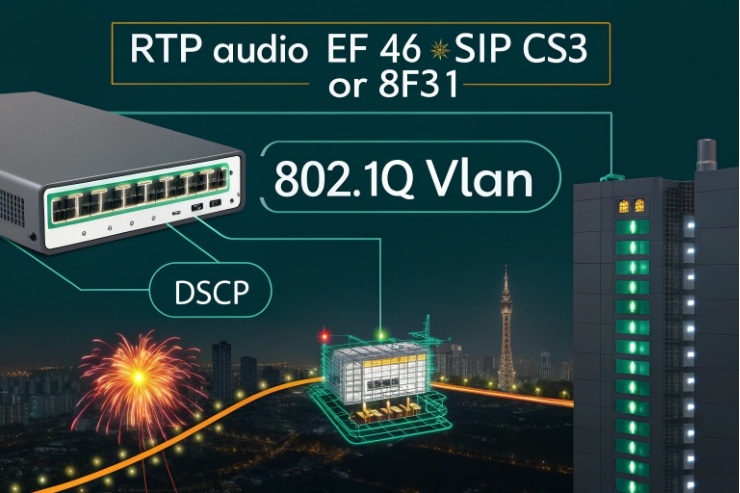
A practical QoS design starts with traffic classes:
- RTP media is the most sensitive to delay and jitter.
- SIP signaling is less sensitive, but it still matters for call setup and registration.
- Management traffic should not steal voice bandwidth during storms.
- Video intercom streams are heavy and can crowd out audio if not shaped.
Most enterprise and industrial voice designs use DSCP values like:
- RTP often marked as DiffServ Expedited Forwarding (EF) 5.
- SIP often marked as CS3 (24) or another agreed control class.
These are common conventions, but the key is consistency with the plant’s QoS policy.
Then comes Layer 2 marking:
- 802.1p PCP is carried inside the VLAN tag.
- PCP values are often mapped by switches into egress queues.
If the phone can set both PCP and DSCP, it gives you options:
- PCP helps on the local L2 segment.
- DSCP helps across routed networks.
The final step is the switch policy:
- Decide whether the switch trusts the phone markings on access ports.
- Map DSCP/PCP to priority queues with a clear rule.
- Ensure voice has a guaranteed queue and not only a “higher weight.”
A simple marking plan that works in many plants
| Traffic type | DSCP target | 802.1p PCP target | Notes |
|---|---|---|---|
| RTP audio | 46 (EF) | 5 | Keep strict priority or low-latency queue |
| SIP signaling | 24 (CS3) | 3 | Stable registration and call setup |
| Paging multicast | 46 or site policy | 5 | Needs IGMP design too |
| Video intercom | AF class (site policy) | 4 | Shape or limit if links are small |
| Web/SSH/SNMP | Default or low | 0–1 | Keep out of voice queue |
Testing QoS in a way clients understand
- Load the link with video or file transfers.
- Place calls and measure jitter and packet loss.
- Verify markings on the wire.
- Verify the switch queue counters show voice in the right queue.
QoS is only useful when the full path enforces it. That is why the management method matters. If VLAN/QoS settings require manual setup, the network will drift. Mass deployment needs provisioning tools.
Can VLAN/QoS be managed via web UI, auto-provisioning, or HTTP/SSH API for mass deployment?
Manual config works for ten phones. It breaks at one hundred, especially in hazardous zones where physical access needs permits.
Yes. VLAN and QoS can be managed through a web UI for small deployments, and through auto-provisioning for large rollouts. Some industrial models also expose HTTP/SSH APIs, but you should require a documented configuration template, version control, and secure access rules.
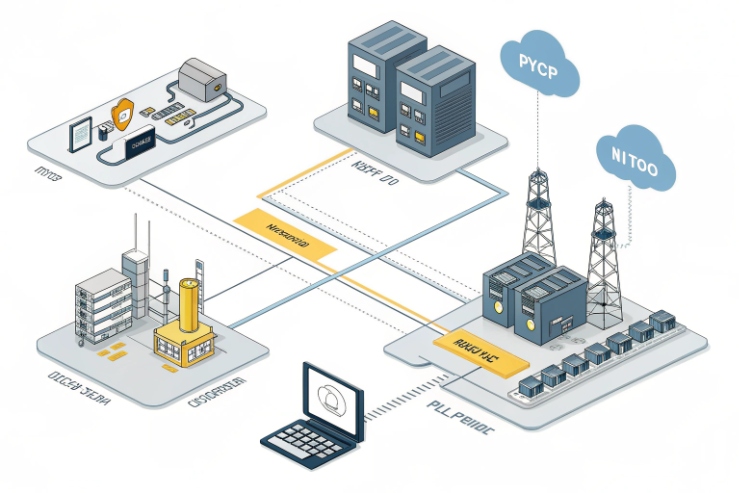
Most industrial SIP devices offer a web UI. That is fine for pilot work. For production, a safer plan is auto-provisioning:
- A phone boots.
- It gets an IP address.
- It downloads a configuration profile from a server.
- It applies VLAN, QoS, SIP settings, and security rules.
In many networks, DHCP options are used to tell devices where to fetch configs (common options include 66/160 depending on the provisioning scheme). The exact option depends on the ecosystem, so the tender should not guess. It should demand “auto-provisioning via HTTP/HTTPS with DHCP-based discovery,” plus a supported file format.
For harsh sites, configuration should be repeatable and auditable:
- Exportable config files.
- Clear parameter names for VLAN ID, VLAN tagging mode, DSCP/PCP.
- A method to lock or sign configs, if cybersecurity policy requires it.
- A rollback plan if a provisioning push breaks access.
APIs can help if you integrate into an OT management platform. Still, API is only valuable when it is stable and documented. If a supplier says “API supported,” ask for:
- endpoint list and auth method
- example scripts
- version compatibility policy
A deployment method table that fits real projects
| Management method | Best for | Key controls to add |
|---|---|---|
| Web UI | Pilot sites, small counts | Strong passwords, disable unused services |
| Auto-provisioning | Mass rollout, consistent policy | Template control, change logs, rollback |
| HTTP/SSH API | Platform integration | Documented endpoints, secure auth, rate limits |
| On-site console/service port | Emergency recovery | Controlled access procedure |
A strong rollout also includes “safe defaults.” For example, lock management access to the management VLAN only, and keep voice VLAN traffic limited to SIP/RTP ports. This reduces both cyber risk and misrouting risk.
Next is how to design VLAN and QoS when the site has dual LAN, PoE, multicast paging, and video intercom integration.
How should VLAN and QoS be designed with dual LAN, PoE switches, multicast paging, and video intercom/NVR integration?
These features interact. Dual LAN can solve redundancy, but it can also create routing confusion. Multicast paging can work, but it can also flood a plant network if IGMP is wrong.
Design VLAN and QoS as one plan: define which port carries which VLANs, decide whether dual LAN is failover or isolation, place PoE and surge protection at the right boundaries, and treat multicast paging and video as controlled traffic classes with IGMP and bandwidth rules.
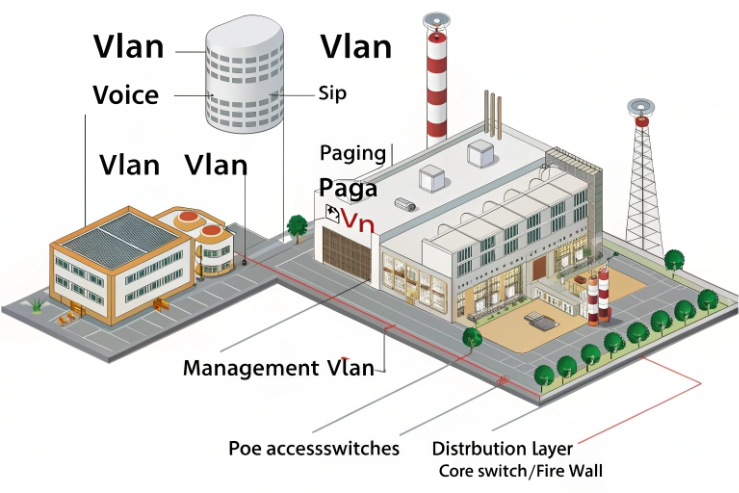
Start with dual LAN mode:
- Failover dual LAN: Port A active, Port B standby. In this mode, keep the same voice VLAN policy on both ports so failover does not change the network identity of the phone.
- Isolation dual LAN: Port A for voice, Port B for control or security integration. In this mode, avoid bridging. Let routing happen in your firewall or router, not inside the phone.
Then plan PoE:
- In most rugged endpoints, PoE is on one port only. Treat the second port as data-only unless the vendor proves dual PoE input with no backfeed and no thermal penalty.
- Keep PoE switches in safe areas where possible. Use UPS-backed PSE for uptime.
Multicast paging needs extra care:
- Enable IGMP snooping 6 on the switches so multicast only goes where needed.
- Ensure an IGMP querier exists in each VLAN that uses paging.
- Mark multicast paging packets with the same QoS priority as voice RTP if paging is treated as a safety function.
Video intercom and NVR integration changes bandwidth:
- Put video on its own VLAN or at least its own QoS class.
- Cap bitrates on edge devices if uplinks are limited.
- Keep voice EF traffic protected from video bursts.
Finally, remember hazardous area installation discipline: follow your governing standard (for example, IEC 60079-14 installation requirements 7) and do not add network ports or glands without checking certificate conditions and entry hardware rules. Keep bonding and shield termination consistent so ESD and surge protection remain effective.
A design table that links features to network choices
| Site feature | VLAN design | QoS design | Extra switch features |
|---|---|---|---|
| Dual LAN failover | Same voice VLAN on both ports | Same DSCP/PCP map | Fast link detection on access ports |
| Dual LAN isolation | Voice VLAN on Port 1, control VLAN on Port 2 | Separate classes, limit mgmt | ACLs to prevent cross-network access |
| PoE powering | Voice VLAN on PoE port | Trust markings only from phone | PoE budget + UPS + monitoring |
| Multicast paging | Paging VLAN or voice VLAN | Priority like RTP | IGMP snooping + querier |
| Video intercom/NVR | Separate VLAN for video | Lower than RTP, shaped | Bandwidth policing, multicast control if used |
This structure keeps the system stable. It also makes troubleshooting easier because each function has a clear VLAN and a clear QoS class.
Conclusion
Yes. VLAN and QoS can be configured on many explosion-proof telephones. Lock down VLAN methods, QoS markings, management tools, and dual-LAN behavior in the tender to protect uptime.
Footnotes
-
Understand IECEx certification framework for equipment used in explosive atmospheres. (↩︎) ↩
-
See official IEEE scope for VLAN-aware bridging and tagging behavior. (↩︎) ↩
-
Learn how LLDP-MED delivers voice VLAN and QoS policies to endpoints. (↩︎) ↩
-
Reference the standard catalog of DHCP option codes and meanings. (↩︎) ↩
-
Confirm the definition and intent of DiffServ EF (DSCP 46) for low-latency traffic. (↩︎) ↩
-
Best-practice guidance for IGMP/MLD snooping behavior that prevents multicast flooding. (↩︎) ↩
-
Check hazardous-area electrical installation requirements that affect cable entries, bonding, and enclosures. (↩︎) ↩








