
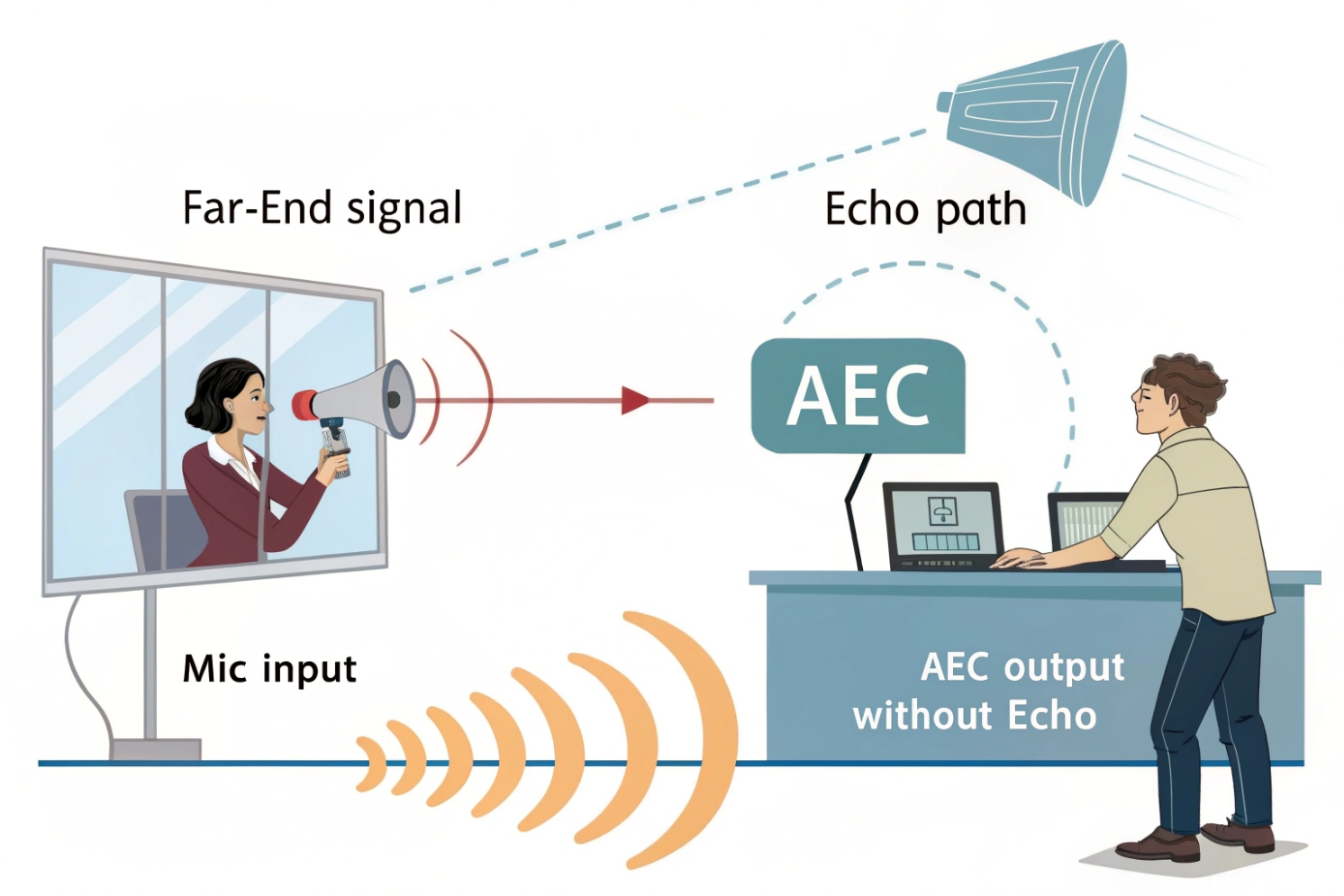
Echo makes VoIP calls feel broken. People repeat themselves, raise volume, and still hear their own voice coming back. It turns simple conversations into stress.
Acoustic Echo Cancellation (AEC) is a real-time audio process that removes far-end sound that leaks from a local speaker back into a local microphone. It models the speaker-to-mic echo path and subtracts a predicted echo so the far end hears only the near-end voice.
Aoustic Echo Cancellation (AEC) 1 exists because speakerphones and intercoms break a basic rule: the microphone hears the loudspeaker. When the far-end voice plays through the local speaker, part of it travels through air and surfaces, then reenters the mic as acoustic echo in telephony 2. That leaked copy is sent back to the far end as “echo.” AEC fixes this by using a reference signal (the far-end audio sent to the speaker) and estimating how that reference transforms into what the mic picks up.
The core idea: predict and subtract
AEC uses an adaptive filter to learn the room and device acoustics between loudspeaker and microphone. Many practical designs use Normalized least mean squares (NLMS) 3 style adaptive filtering because it is stable and efficient. The filter produces a synthesized echo that should match the echo inside the mic signal. The canceller subtracts it, leaving near-end speech plus any remaining noise.
Why “tail length” matters
Echo is not only one path. Sound bounces off walls, glass, metal plates, and doors. Those reflections create a longer room impulse response 4. AEC needs enough “tail length” to cover the main reflections, often tens to hundreds of milliseconds. If tail length is too short, the early echo cancels but late echo remains.
Double-talk and residual echo
When both sides talk at the same time, the system must avoid learning the wrong thing. That is where double-talk detection comes in. It slows or freezes adaptation so the filter does not diverge. Standards like ITU-T Recommendation G.168 5 define common echo canceller performance expectations and test concepts used in practice. After subtraction, residual echo suppression (a post-filter) further reduces leftover echo that a linear model cannot cancel, especially when the speaker distorts or the room is very reflective.
| AEC building block | What it does | Typical symptom if weak |
|---|---|---|
| Adaptive filter (NLMS/RLS variants) | Learns echo path and predicts echo | Echo never goes away or drifts |
| Double-talk detection | Protects filter during overlap speech | Echo pumping or voice distortion |
| Tail length | Covers late reflections | “Roomy” echo remains after cancellation |
| Residual echo suppression | Cleans leftover echo | Thin voice or echo shimmer persists |
| Time alignment control | Keeps reference and mic aligned | Echo increases when latency changes |
AEC is not a single switch that works everywhere. It is a system that depends on clean reference audio, stable timing, and sane hardware behavior. If the speaker clips or the mic saturates, the echo becomes nonlinear and harder to remove.
If AEC is understood as a model-and-subtract process, troubleshooting becomes simple: confirm the reference, protect the adaptive filter, avoid distortion, and control the acoustic path.
Next, it helps to see how AEC behaves in real VoIP calls and door intercoms, because those are the hardest environments.
How does AEC remove echo in VoIP calls and intercoms?
Echo feels random. One day the call is clean, the next day the far end complains. In most cases, the acoustic path changed, not the SIP server.
AEC removes echo by using the far-end playback signal as a reference, learning the speaker-to-mic transfer path, and subtracting a matching echo estimate from the mic audio before it is sent over RTP.
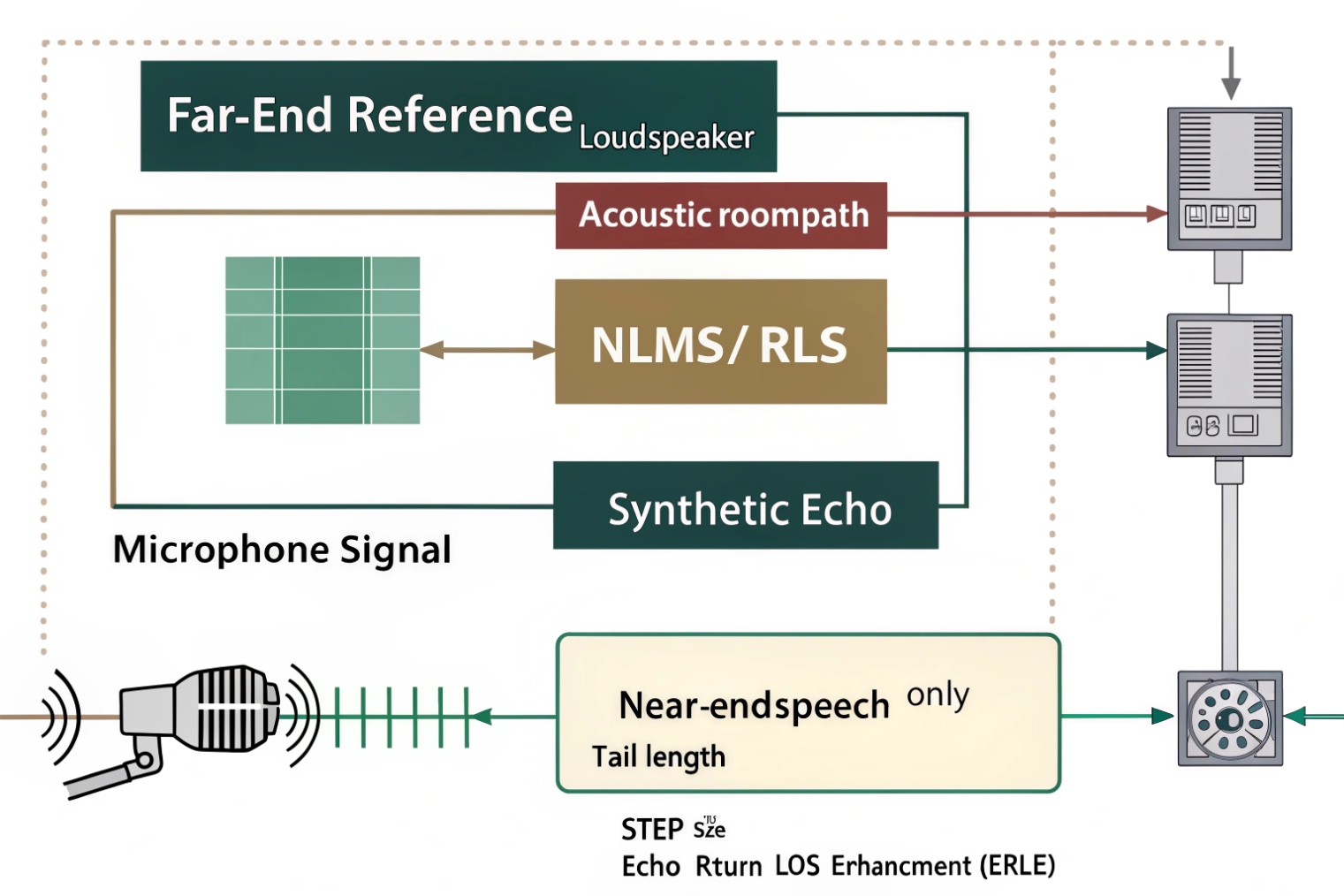
The VoIP signal flow where echo is born
In a typical VoIP endpoint, audio has two directions:
- Far-end audio arrives from the network, then plays on the speaker.
- Near-end audio is captured by the mic, then sent to the network.
Echo happens when far-end audio leaks into the mic capture. AEC sits in the capture path. It takes:
1) The mic signal (near-end voice + echo + noise)
2) The speaker reference (far-end audio that was played)
Then it cancels the echo component.
This is why AEC needs access to the same signal that feeds the speaker. If the device uses a different processing path for the speaker than what AEC sees, cancellation suffers. That mismatch can happen when a platform adds extra EQ, limiting, or volume control after the AEC reference tap.
Intercoms are harder than phones
Door intercoms and paging stations often place speaker and mic close together in a small enclosure. The echo path is short, strong, and reflective. Metal faceplates and glass walls add reflections. Some intercoms run the speaker loud to beat street noise. That loudness increases echo energy, and it can push speakers into distortion, which makes echo nonlinear.
In many projects, echo complaints get worse when:
- Speaker volume is maxed
- Mic gain is boosted
- The device enclosure resonates
- The far-end talker speaks loudly and triggers limiting
What “good AEC” looks like in practice
A strong AEC gives high Echo Return Loss Enhancement (ERLE) 6. Users do not need the metric to feel it. They just stop hearing their own voice. Still, practical evaluation is simple:
- Start a call.
- Play steady far-end speech or a test phrase.
- Keep the near end silent.
- Ask the far end if they hear themselves.
Then add near-end speech and see if overlap speech stays natural. If AEC is too aggressive, it may suppress near-end voice during overlap.
| Environment | Echo risk | AEC tuning priority | Practical hardware priority |
|---|---|---|---|
| Desk speakerphone | Medium | Stable double-talk handling | Speaker-mic spacing |
| Video conference bar | High | Long tail length | Beamforming, good reference tap |
| Door intercom (outdoor) | Very high | Strong residual suppression | Wind noise control, speaker distortion control |
| Elevator emergency phone | High | Time alignment robustness | Anti-resonance mounting |
If echo appears only on some calls, the cause can be clock drift or buffering changes. If echo appears on every call, the cause is usually acoustic coupling, wrong gain, or AEC disabled.
Now it helps to separate AEC from other “noise” features because many menus mix the terms.
What’s the difference between AEC, ANC, and noise suppression?
Many teams turn on every audio feature and expect magic. Then the voice becomes thin, the echo stays, and people blame the codec. The real issue is mixing tools with different jobs.
AEC removes far-end audio leaking into the mic. ANC usually targets steady background noise. Noise suppression reduces unwanted sounds in the mic signal. These tools can work together, but they solve different problems and should be ordered correctly.
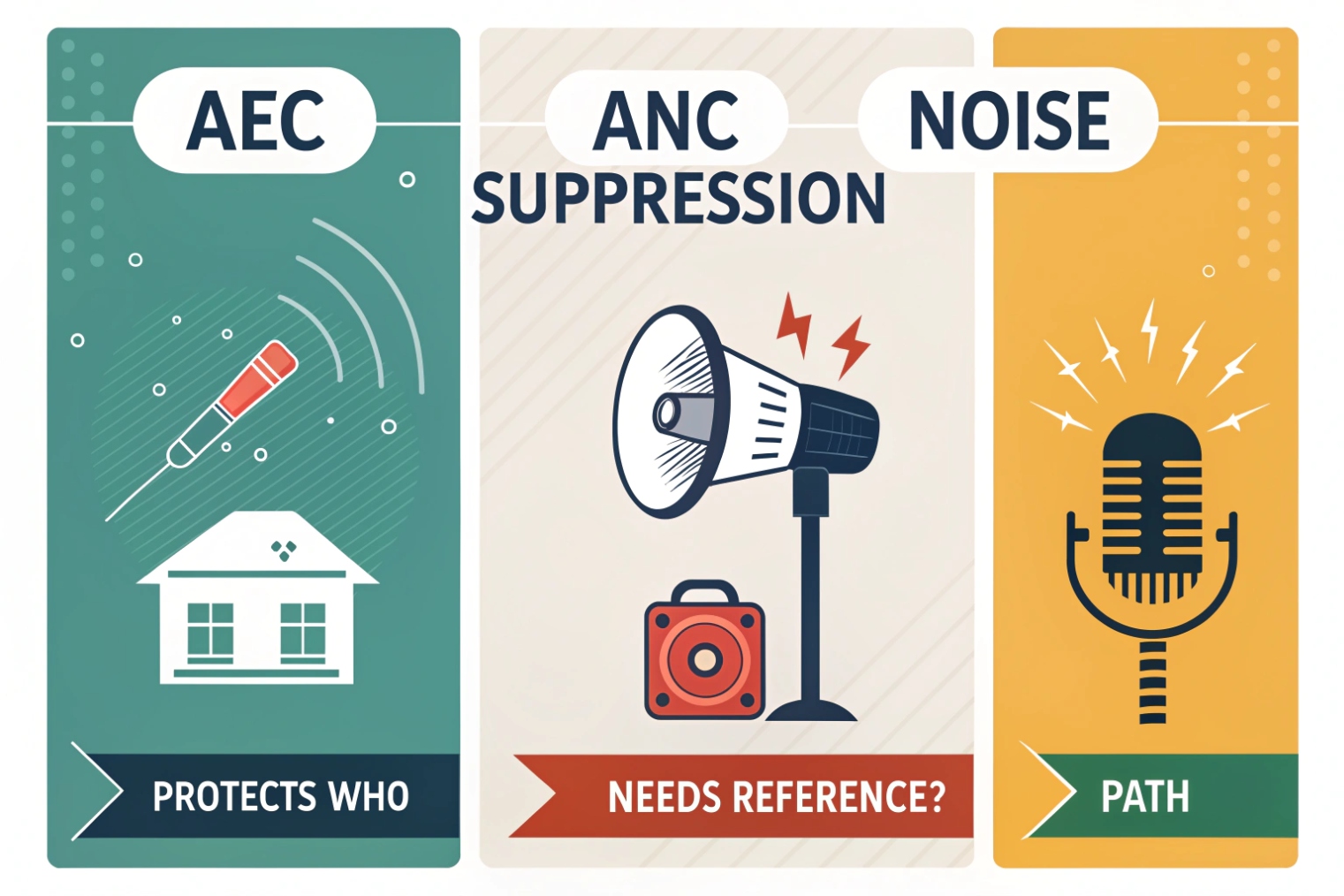
AEC: remove a known reference echo
AEC is special because it has a reference: the far-end audio played on the speaker. That makes echo cancellation a guided subtraction problem. It is not guessing. It is modeling the echo path.
When AEC is missing or weak, the far end hears a delayed copy of themselves. That is the most recognizable symptom.
ANC: reduce environmental noise, often steady
ANC can mean different things in different products. In consumer headphones, ANC means anti-noise playback using microphones to cancel ambient sounds at the ear. In VoIP endpoints, “ANC” is sometimes used loosely to describe noise reduction. The practical point stays the same: it targets noise, not echo.
Noise reduction works best on steady or slowly changing noise, like HVAC hum, fan noise, or road noise. It often uses spectral subtraction or model-based filtering. It can improve clarity, but it can also create artifacts if pushed too hard.
Noise suppression: clean the mic signal
Noise suppression aims to remove background sounds from the mic capture. It can be traditional DSP or neural. It helps with typing, traffic, and crowd noise. It does not remove echo by itself because echo is not random noise. Echo is speech-like and time-aligned to far-end audio.
Order matters
In many systems, AEC should run before heavy noise suppression or beamforming, or it must have the right reference alignment if multi-mic processing happens first. If the signal is changed in a way the AEC does not expect, the model can struggle.
| Feature | Input needed | Removes | Does not remove |
|---|---|---|---|
| AEC | Mic + far-end reference | Far-end echo leakage | Random background noise |
| Noise suppression | Mic only | Ambient noise, non-speech sounds | True acoustic echo reliably |
| ANC (headphone style) | External/ear mics + speaker output | Ambient noise at listener | Echo sent to far end |
| AGC | Mic only | Level inconsistency | Echo or noise |
A clean design uses AEC to stop echo, then uses noise suppression to clean background, then uses AGC lightly to stabilize levels. When everything is maxed, voice often becomes robotic.
Next is the physical side: microphone placement and duplex settings often decide if AEC works or fails.
How do mic placement and duplex settings affect AEC?
AEC can be perfect in software and still fail in hardware. If the mic is too close to the speaker, or if the device clips, cancellation becomes a losing fight.
Mic placement controls how strong and complex the echo path is. Duplex settings control whether both sides can talk at once. Full-duplex needs strong AEC and good double-talk handling, while half-duplex avoids echo by blocking one direction, but it feels unnatural.
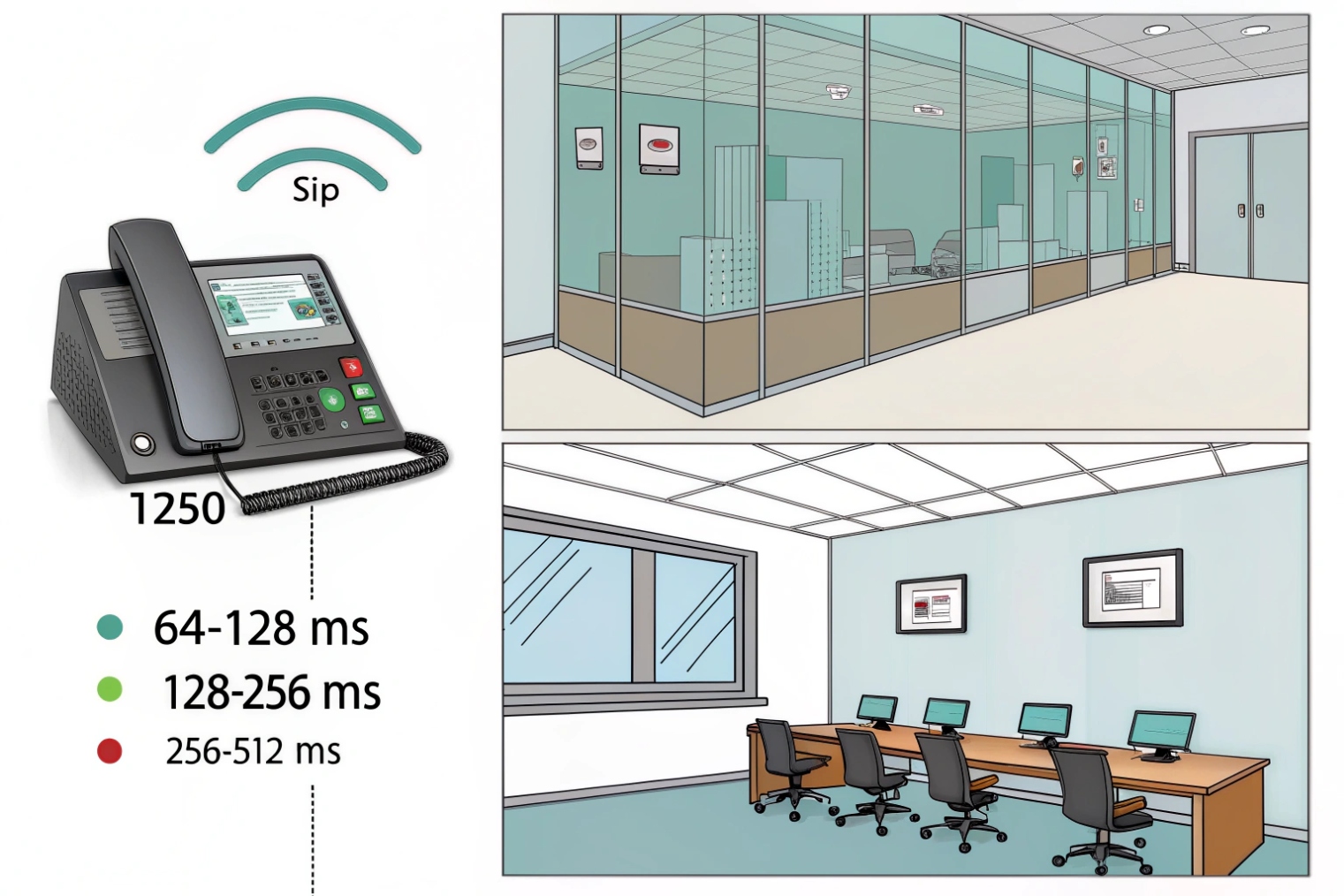
Mic placement changes echo strength and reflections
The closer the mic is to the speaker, the stronger the echo. Strength alone is not the only problem. The path shape matters too. A hard reflective faceplate creates short reflections that look like multiple echoes close together. A long corridor adds late reflections. Glass and tile create bright reflections that sustain.
Simple placement rules help:
- Increase speaker-to-mic distance when possible.
- Add physical isolation between speaker cavity and mic cavity.
- Avoid pointing the speaker directly at the mic.
- Use directional microphones aimed at the talker, not at the speaker.
For door intercoms, a small mechanical change can create big acoustic improvement. A gasket, foam, or an internal baffle can reduce direct coupling. It is often cheaper than trying to “DSP harder.”
Duplex settings: usability vs simplicity
Full-duplex and half-duplex communication 7 controls whether both sides can talk and hear at the same time. Full-duplex feels natural and supports fast conversation, but it requires good AEC because far-end audio plays while near-end capture is active.
Half-duplex means the system acts like a walkie-talkie. When one side speaks, the other side is muted. This avoids echo, but it causes talk-over problems and awkward pauses. Some intercom systems call this “simplex” or “push-to-talk” style.
If AEC is weak, some vendors switch to half-duplex to hide echo. That can be acceptable in noisy industrial paging, but it usually feels wrong at a front door.
AEC assumes the echo path is mostly linear. If the speaker distorts or the mic saturates, the echo becomes nonlinear. Then subtraction cannot match it well. Keeping clean headroom is a real AEC “tuning” step:
- Do not max speaker volume.
- Avoid mic boost that clips on loud voices.
- Use a limiter that prevents clipping but does not smash dynamics.
| Design choice | Helps AEC | Hurts AEC |
|---|---|---|
| More mic-speaker distance | Yes | No |
| Directional mic / better baffle | Yes | No |
| Max speaker volume | No | Yes (distortion increases) |
| Full-duplex with strong AEC | Natural calls | Weak AEC causes echo |
| Half-duplex fallback | Hides echo | Cuts conversation flow |
When the physical layout and duplex mode match the environment, AEC becomes stable. When they do not, software settings become a constant chase.
Next is the most common support question: “Why do I hear echo and how do I fix it?” The fastest fixes are usually not complicated.
Why do I hear echo and how can I fix it?
Echo complaints often arrive with vague notes: “users hear themselves,” “audio is bad,” “works sometimes.” The fix becomes fast when the cause is categorized.
Echo happens when far-end audio returns to the far end through the near-end microphone path. Fix it by enabling AEC, reducing acoustic coupling, preventing clipping, improving mic placement, and validating full-duplex settings and time alignment.
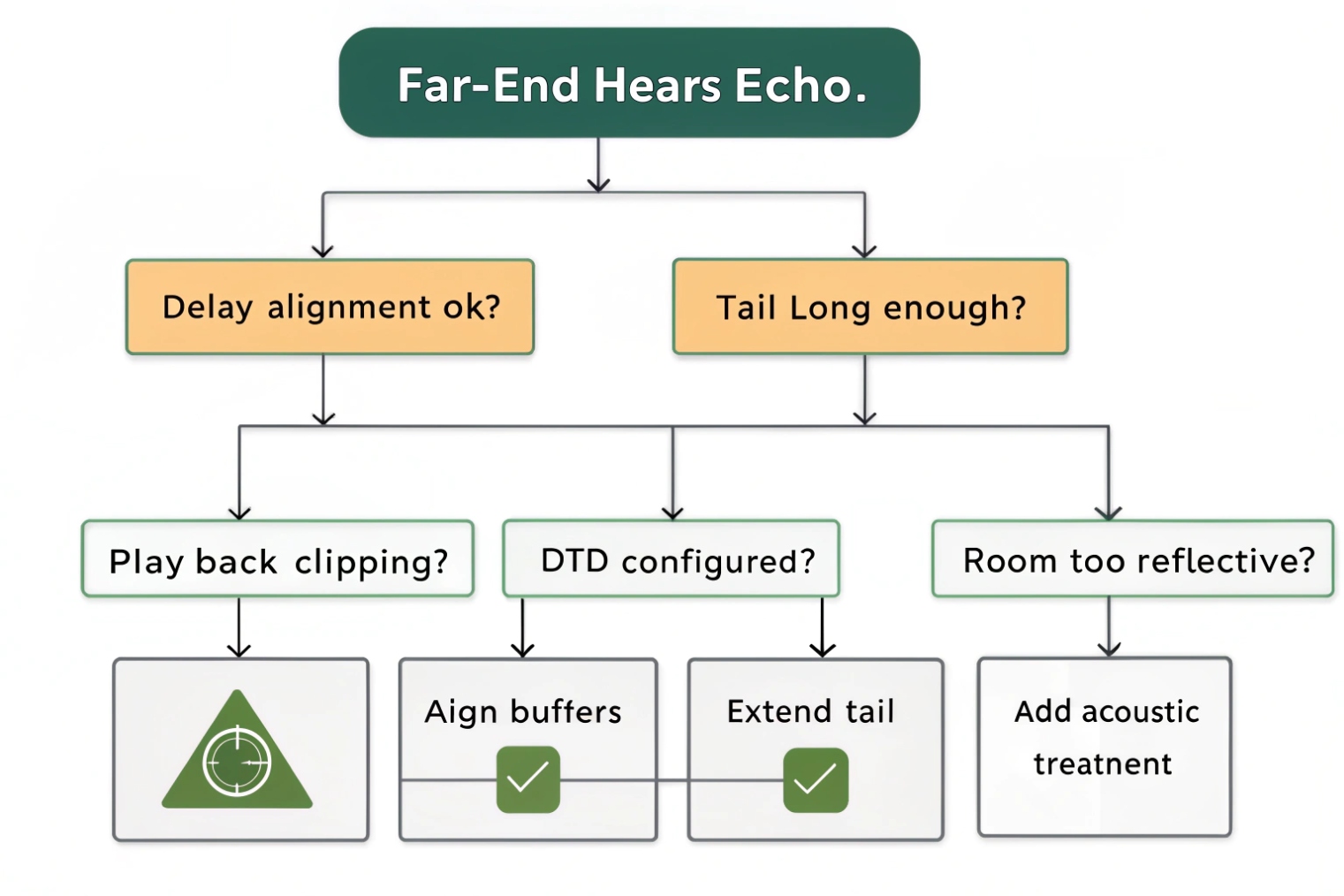
Step 1: confirm it is acoustic echo, not network delay
Acoustic echo means the far end hears their own voice coming back. Network delay makes the call feel laggy, but it does not create a copy of the far-end voice unless there is echo. If the far end hears a clear repeat with a delay, it is echo.
A quick test works:
- Far end speaks.
- Near end stays silent.
- If far end hears themselves, it is echo at the near end.
If near end hears themselves, it can be local sidetone settings, not acoustic echo.
Step 2: fix the “big three” first
1) Enable AEC on the endpoint or intercom, and confirm it is applied in speakerphone mode.
2) Lower speaker volume to reduce echo energy and distortion.
3) Lower mic gain if it is clipping or picking up too much speaker bleed.
These three changes often solve 80% of echo complaints.
Step 3: control the acoustics
If echo still exists, the physical path is too strong or too reflective:
- Move the microphone farther from the speaker.
- Add internal baffles or foam to reduce direct coupling.
- Reduce reflections by changing mounting position, if possible.
- Avoid mounting intercoms on thin metal panels that resonate.
In one lobby project (a detail that can be swapped later), the echo was not a “DSP bug.” The station was mounted on a large metal column cover. The cover acted like a drum. After adding a backing plate and damping material, echo complaints dropped without changing firmware.
Step 4: check time alignment and processing order
AEC needs the speaker reference to align with what the mic hears. If buffering changes or clock drift occurs, the canceller loses alignment and echo returns. This is more common on complex platforms that resample audio or add long processing chains.
Also check for nonlinear processing:
- Clipping in speaker path
- Hard limiting
- Codec transcoding in strange places
- Heavy noise suppression before AEC reference tap
A repeatable troubleshooting checklist
| Symptom | Likely cause | Fast fix | Long-term fix |
|---|---|---|---|
| Far end hears themselves always | AEC off or weak | Enable AEC, lower volume | Improve mic placement, tail length |
| Echo gets worse when volume up | Speaker distortion | Lower volume, add limiter | Better speaker, better enclosure |
| Echo only during overlap speech | Double-talk issues | Update firmware, reduce AGC | Better double-talk detection tuning |
| Echo in reflective rooms | Long reverberation | Lower speaker, add damping | Longer tail, better placement |
| Echo comes and goes | Alignment drift | Reboot, update, reduce processing | Better buffering/resampling control |
The key is to treat echo as a system issue. In VoIP intercoms, the hardware layout and gain choices often decide the outcome more than codec choice.
Conclusion
AEC predicts and subtracts loudspeaker echo from mic audio. Clean hardware gain, smart placement, and correct duplex settings make AEC stable and keep VoIP and intercom calls natural.
Footnotes
-
Learn the core AEC blocks and why echo cancellation is model-and-subtract, not “noise removal.” ↩ ↩
-
Clear explanation of telecom echo types and why delayed return audio becomes obvious to users. ↩ ↩
-
Explains NLMS adaptive filtering and why it’s commonly used for stable, real-time echo path learning. ↩ ↩
-
Background on impulse response and reflections that drive why AEC needs sufficient tail length. ↩ ↩
-
Reference for widely used echo canceller performance expectations and testing concepts in real deployments. ↩ ↩
-
Quick definition of ERLE and how teams quantify “how much echo got removed.” ↩ ↩
-
Explains full-duplex vs half-duplex behavior and why duplex choice changes echo risk and usability. ↩ ↩








