
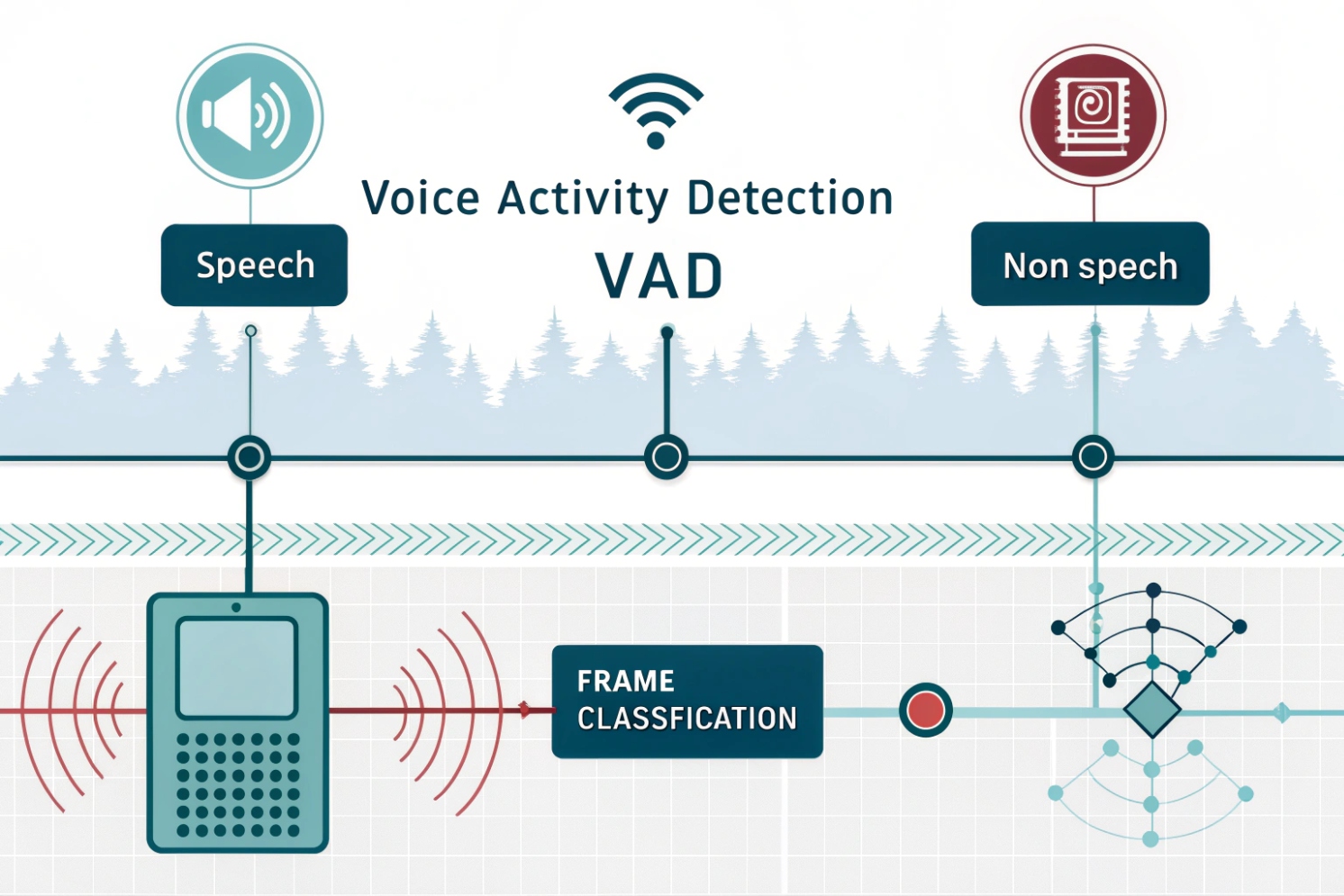
Bad audio systems waste time. Silence gets sent like speech, bandwidth gets burned, and noise reduction gets confused. VAD fixes this, but only when it is tuned right.
Voice Activity Detection (VAD) decides, frame by frame, if audio contains speech or not. It uses features or neural models to control VoIP sending, noise tools, and echo control, so real-time audio stays stable and efficient.
How VAD really works in real-time audio
VAD is a fast classifier, not a codec
Voice Activity Detection (VAD) 1 classifies short audio frames, often 10–30 ms, into speech or non-speech. In classic systems, it uses simple features like short-term energy and zero-crossing rate. It may also track spectral shape to tell voice from steady noise. Modern systems often use neural networks that output a speech probability, which helps in low SNR and changing noise.
The logic is usually not a single threshold. Good VAD uses noise-floor tracking, hysteresis, and “hangover” to avoid choppy gating. Noise-floor tracking adapts the threshold when the background gets louder. Hysteresis means the “turn on” threshold is higher than the “turn off” threshold, so decisions do not bounce. Hangover holds the speech state for a short time after speech ends, so words do not get chopped.
VAD itself does not deliver audio. It controls what happens next. In VoIP, that is often discontinuous transmission (DTX) 2, where packets are sent only during speech. During silence, comfort noise generation (CNG) can synthesize a soft background, so the call does not feel dead. On RTP systems, this commonly aligns with the RTP payload format for comfort noise 3. VAD also helps echo cancellers by pausing adaptation during double-talk and letting the model update during real silence.
| Part | What it does | Why it matters in VoIP |
|---|---|---|
| Frame analysis (10–30 ms) | Extracts features or runs a model | Keeps latency low |
| Noise-floor tracking | Adapts thresholds | Handles changing environments |
| Hysteresis | Stabilizes on/off decisions | Prevents speech “flutter” |
| Hangover | Extends speech state briefly | Avoids clipped word endings |
| Soft probability (modern) | Outputs confidence, not only 0/1 | Smoother start/stop behavior |
The biggest misunderstanding is thinking VAD is only about saving bandwidth. It is also about making the system calmer. Less useless audio means less stress on jitter buffers, noise suppressors, and echo control.
Many VoIP failures blamed on “codec” are actually VAD decisions made too aggressively. The next sections focus on VoIP impact, the terms that get mixed up, and the tuning that stops speech cut-offs.
VAD is simple in concept, but the details decide if it helps or hurts.
How does VAD reduce bandwidth and improve call quality in VoIP?
Silence sounds free, but it is not. Sending silence still consumes RTP packets, airtime, CPU, and sometimes jitter buffer space. That extra load shows up as drops and delay under congestion.
VAD reduces VoIP bandwidth by enabling DTX, so RTP packets are sent mainly during speech. It can also improve quality by lowering network load and helping echo and noise modules behave more predictably.
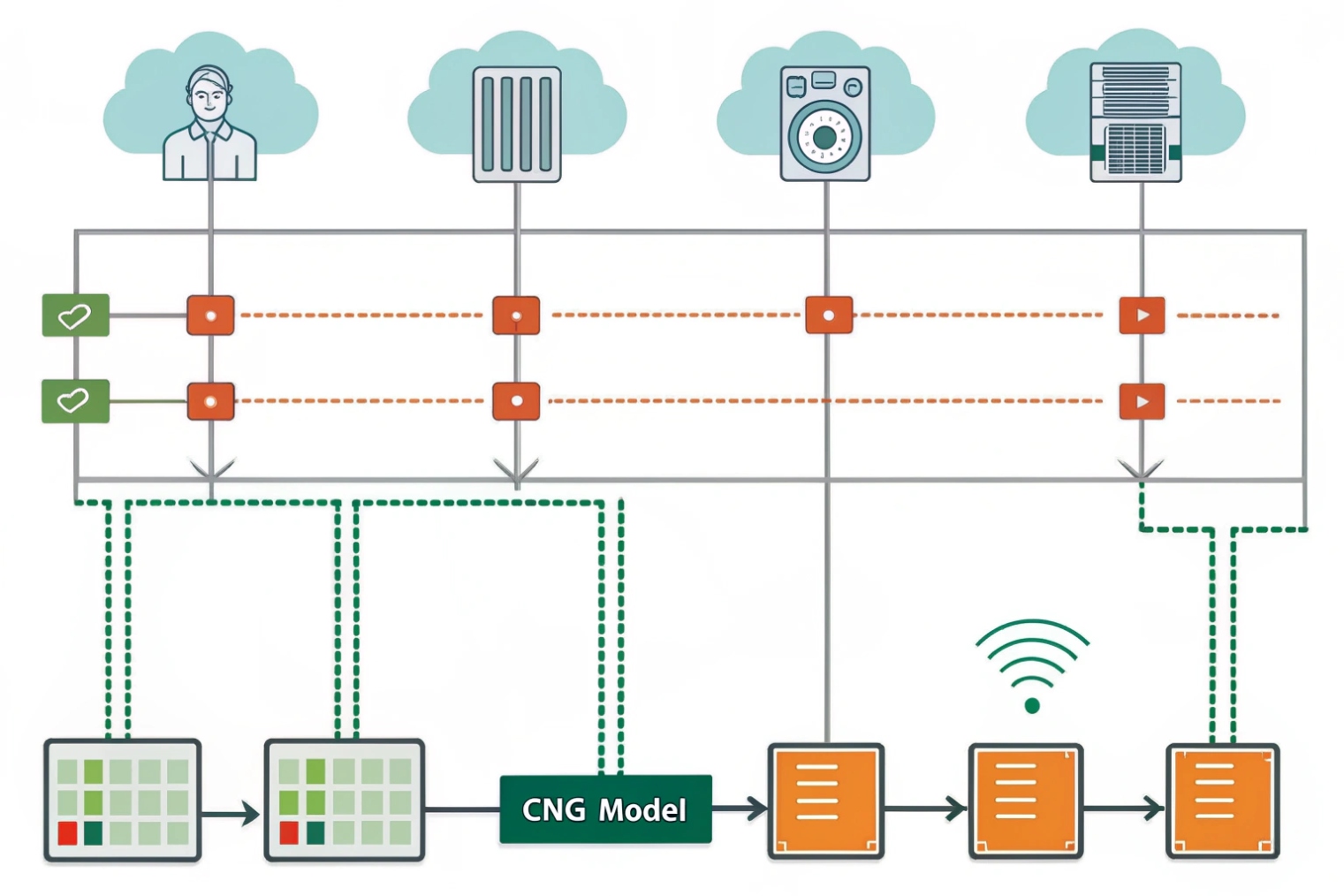
Bandwidth savings: fewer RTP packets, less overhead
RTP has header overhead. Even when the payload is small, packets still cost bandwidth and processing. With VAD + DTX, silence periods may send no voice payload packets, or may send small SID (Silence Insertion Descriptor) frames, depending on codec and implementation. For example, the Opus codec specification (RFC 6716) 4 describes tools that can be used to behave well under real-time constraints, including silence-related behaviors depending on implementation.
A practical way to see the effect is packet rate. If a typical setup sends 20 ms audio packets, it sends about 50 packets per second per direction during speech. With DTX, that packet rate drops sharply during silence. Over many extensions, that can reduce congestion risk.
Quality improvements: stability beats “more data”
Call quality improves when the network is less loaded. Lower congestion reduces packet loss and jitter spikes. That helps the jitter buffer hold a steady size. It also helps packet-loss concealment (PLC) 5 do less guessing because fewer packets get dropped.
VAD also helps processing modules:
- Echo cancellers can avoid “learning the wrong thing” during double-talk.
- Noise suppressors can update noise models during silence.
- AGC can make calmer decisions when it is not reacting to constant background noise.
Where it can backfire
If VAD is too aggressive, it can cut off soft speech or word endings. If CNG is missing or badly matched, the call can feel unnatural, like the line is dead. In paging or SIP intercom setups, too much suppression can make the first syllable of a visitor’s sentence disappear, which feels like latency even when network delay is fine.
| Benefit | What changes | When it matters most |
|---|---|---|
| Lower bandwidth | Fewer RTP packets during silence | Wi-Fi, cellular, busy WAN |
| Lower CPU | Less encoding/decoding work | Indoor stations, low-power endpoints |
| Lower jitter risk | Less queueing and contention | Multi-call sites, shared uplinks |
| Better echo control | Cleaner adaptation windows | Speakerphone and intercom use |
| Risk: clipped speech | Over-tight thresholds/hangover | Noisy lobbies, far-field mics |
VAD improves VoIP when it is treated as part of a system. The next step is clearing up the terms that often get mixed up in settings pages.
What’s the difference between VAD, CNG, and silence suppression?
Many device menus use these words like they are the same thing. They are related, but they are not interchangeable, and wrong expectations lead to wrong troubleshooting.
VAD detects speech vs non-speech. Silence suppression uses VAD decisions to stop or reduce sending during silence. CNG creates artificial background noise during silence so the call feels natural and receiver DSP stays stable.
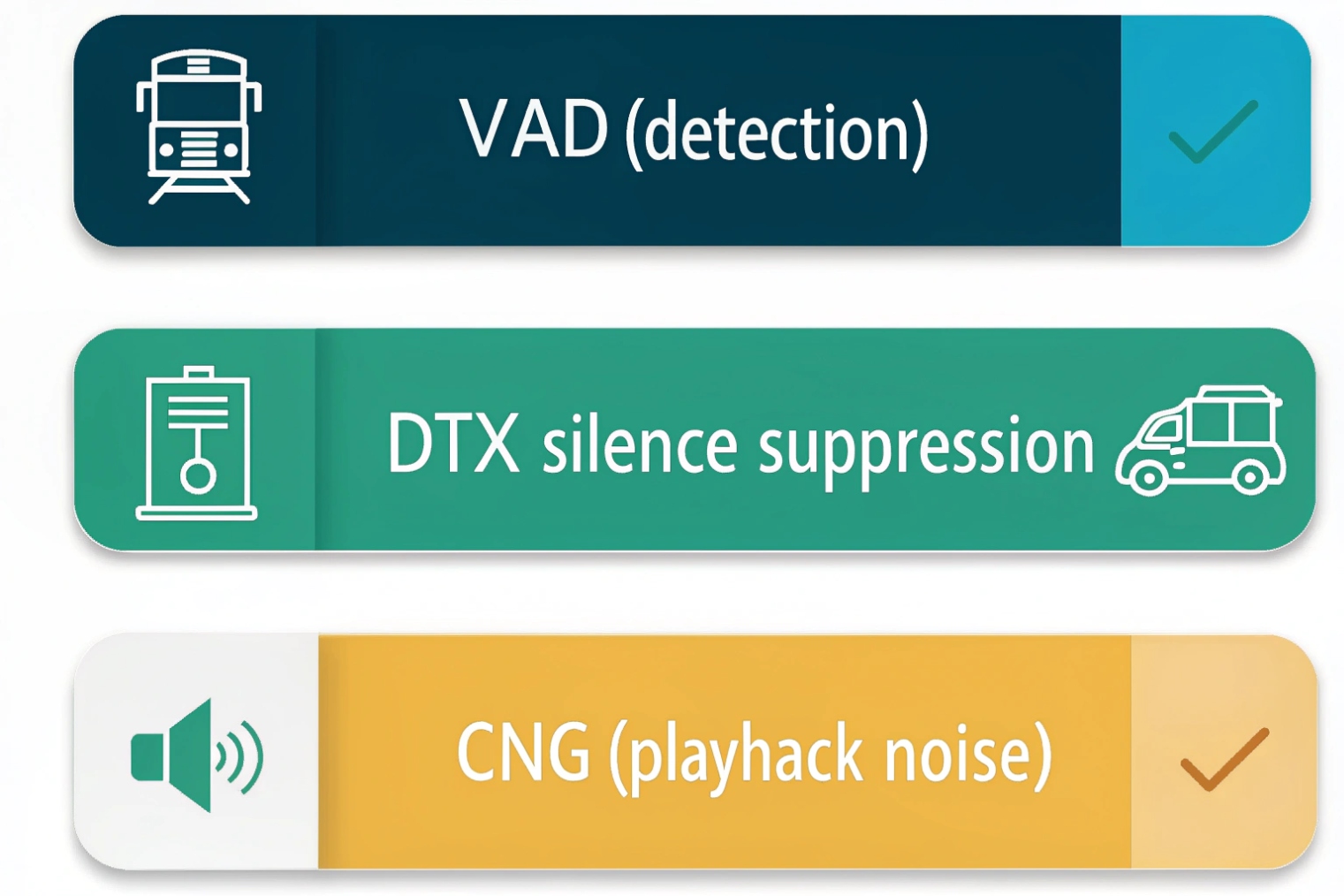
VAD: the decision engine
VAD is the classifier. It answers one question: “Is this frame speech?” It may output a binary flag or a probability. A strong VAD includes noise adaptation, hysteresis, and hangover. A weak VAD flips states too easily.
VAD alone does not change bandwidth. It only creates the control signal that other modules use.
Silence suppression (DTX): the transmission behavior
Silence suppression is the policy: do not send full-rate voice packets when VAD says “no speech.” In VoIP, this is often called DTX. Some systems send nothing during silence. Some send occasional small frames that describe the background level. In SIP systems, this reduces network load, but it also changes how NAT bindings and QoS behave. In some edge cases, very long silence plus weak keepalives can cause NAT mappings to age out, so the design should include keepalives when needed.
CNG: the user-experience and DSP stabilizer
CNG fills silence with a controlled noise that matches the background. Humans expect some room noise. Pure digital silence feels unnatural. Also, some echo and noise modules behave better when the input does not drop to absolute zero.
In paging and intercom projects, CNG is often underrated. Without it, the far end may think the call dropped. With it, calls feel more “alive.”
| Term | Role | Output | Common setting name |
|---|---|---|---|
| VAD | Detect speech | Flag or probability | VAD, Voice Detect |
| Silence suppression | Stop or reduce sending | Fewer RTP packets | DTX, Silence Suppression |
| CNG | Fill silence naturally | Comfort noise audio | Comfort Noise, CNG |
When these are separated mentally, tuning becomes easier. If speech is clipped, VAD thresholds and hangover are suspects. If calls feel dead, CNG is suspect. If bandwidth stays high, DTX is suspect.
Next is tuning. Noisy environments are where VAD either earns trust or creates support tickets.
How do I tune VAD thresholds and hangover for noisy environments?
Noisy lobbies, factories, and outdoor doors are hard. VAD can mistake noise for speech, or it can miss quiet talkers. Both outcomes make users angry.
Tune VAD by tracking the noise floor, setting separate on/off thresholds, and using enough hangover to keep words intact. In noisy sites, prioritize stable decisions over maximum bandwidth savings.
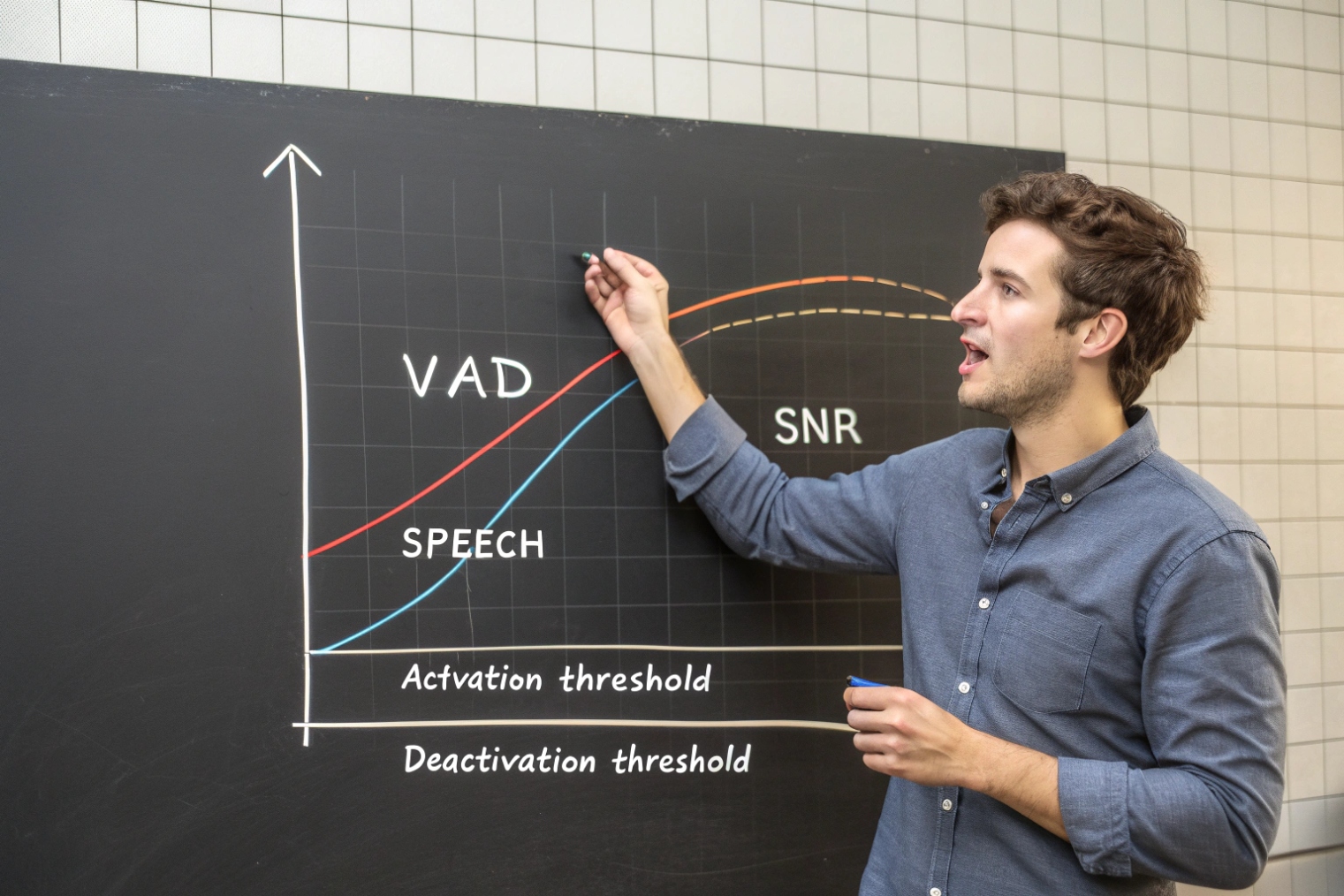
Start with the goal: intelligibility first
In VoIP and SIP intercom work, intelligibility is the main KPI. A small bandwidth gain is not worth clipped words. For that reason, tuning usually aims for fewer false negatives (missed speech), even if that slightly increases false positives (noise treated as speech). Many teams validate this using real-device processing paths (for example, the WebRTC Audio Processing Module 6) because it shows how VAD interacts with other real-time DSP blocks.
A practical approach is to treat tuning as three layers:
1) Noise-floor estimation (adaptive baseline)
2) Threshold strategy (on/off with hysteresis)
3) Time strategy (hangover and attack/release behavior)
Thresholds: use hysteresis, not a single cut line
A single threshold is unstable in noise. Better behavior comes from two thresholds:
- Start threshold: higher, to avoid triggering on small noise bumps
- Stop threshold: lower, so speech does not drop out mid-word
This is hysteresis. It prevents “fluttering” when speech energy sits near the edge.
Hangover: protect syllables and word endings
Hangover holds the “speech” state for a short time after speech energy falls. Without hangover, the end of words gets chopped, especially consonants like “t,” “k,” and “s.” In far-field mics, consonants are already weak, so hangover matters even more.
Typical hangover values depend on frame size, but the idea is the same: keep it long enough to cover natural pauses inside words and between words, but not so long that background noise keeps the transmitter open forever.
Combine with noise suppression carefully
Noise suppression can help VAD by improving SNR. It can also hurt if it removes low-level speech cues. If noise suppression is strong, VAD may need lower thresholds because speech energy is reduced.
| Parameter | If too low | If too high | Practical starting point |
|---|---|---|---|
| Start threshold | Triggers on noise | Misses soft speech | Slightly above noise floor |
| Stop threshold | Drops out too soon | Stays “on” too long | Below start threshold |
| Hangover | Choppy gating | Extra bandwidth, noise tails | 100–300 ms (site dependent) |
| Noise-floor tracking speed | Slow to adapt | Over-reacts to noise | Moderate, with smoothing |
In one industrial site, the biggest gain came from increasing hangover and lowering the start threshold slightly after improving mic placement. That kept speech intact without turning VAD into a constant-open gate.
The next section covers the most visible symptom: VAD cutting off speech, and the fixes that work without guessing.
Why does VAD cut off speech and how do I fix it?
Users describe it as “missing the first word” or “the end of sentences disappears.” This is one of the fastest ways to lose trust in an intercom or VoIP system.
VAD cuts off speech when thresholds are too strict, hangover is too short, or noise suppression changes the speech energy shape. Fix it by lowering the trigger threshold, adding hangover, using hysteresis, and improving mic placement and gain staging.
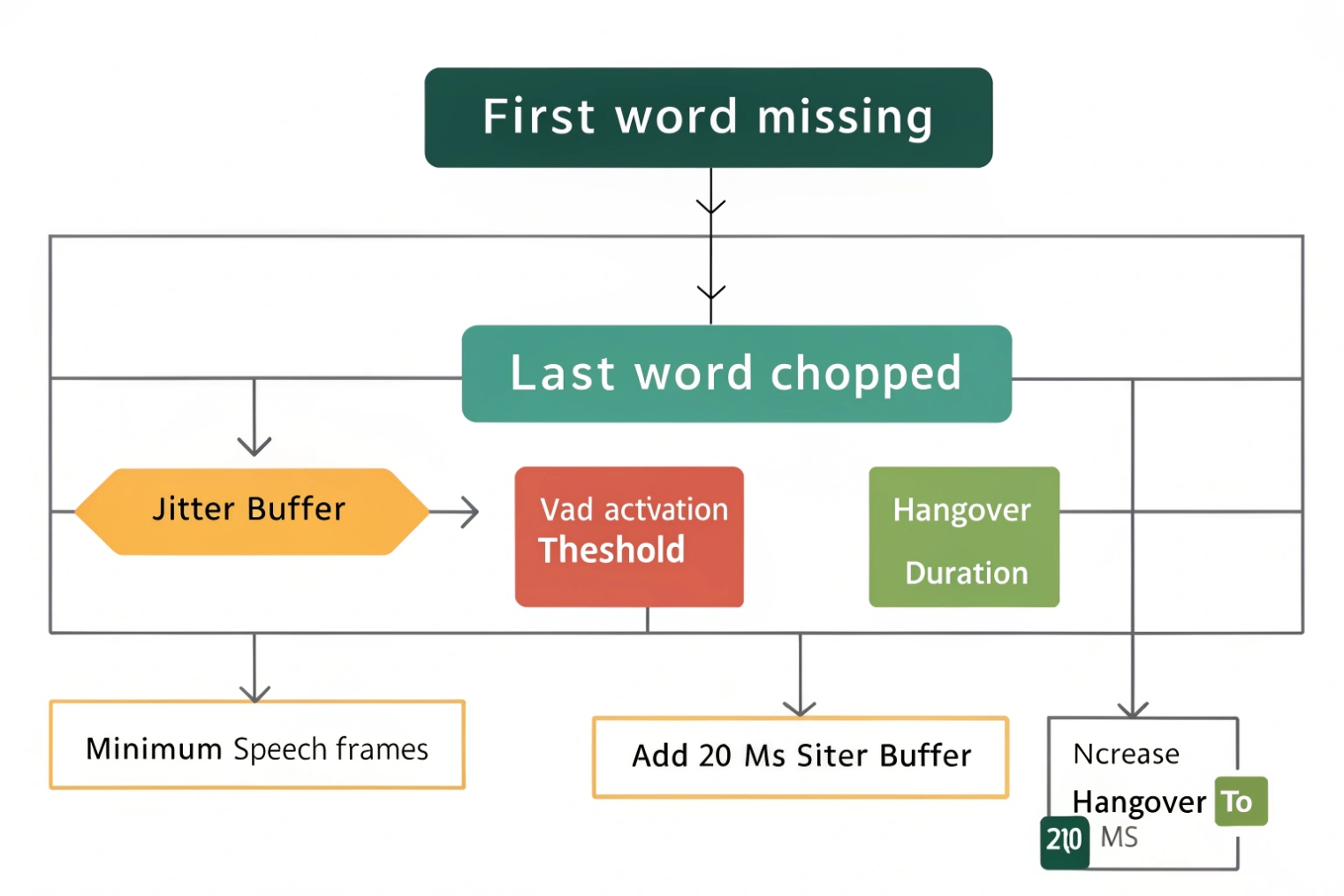
Common root causes behind clipped speech
Speech cut-off usually comes from one of these patterns:
1) First syllable loss
- VAD needs a few frames to “decide speech”
- Attack time is too slow
- Start threshold is too high for quiet talkers
2) End-of-word clipping
- Stop threshold is too high
- Hangover is too short
- Noise floor estimate rises too quickly during pauses
3) Choppy gating inside sentences
- No hysteresis
- Noise is nonstationary (music, crowd, machinery)
- Frame-based decisions bounce near the threshold
4) False triggers from background
- TV, music, other talkers
- Wind noise or mic pops
- Poor echo control feeding back audio
Fix strategy: change the system, not only the number
Tuning parameters helps, but real fixes often include physical and gain changes:
- Move the mic away from airflow and vibration paths
- Reduce echo by isolating speaker and mic placement
- Set input gain so speech peaks are healthy but not clipped
- Use moderate noise suppression before VAD, not extreme suppression
In SIP intercom deployments, mic placement and echo are often the hidden reasons. A door station in a metal box can create reflections and resonance. That changes energy patterns and confuses simple VAD. If the system is speakerphone-like, reviewing acoustic echo cancellation 7 basics helps because echo and VAD can trip each other in real rooms.
A reliable troubleshooting checklist
| Symptom | Most likely cause | Fast fix | Deeper fix |
|---|---|---|---|
| First word missing | Start threshold too high | Lower start threshold | Reduce attack time, improve mic gain |
| Ends clipped | Hangover too short | Increase hangover | Add hysteresis, slower noise-floor rise |
| Choppy mid-sentence | No hysteresis | Add on/off thresholds | Improve noise suppression, use soft VAD probability |
| Opens on noise | Start threshold too low | Raise start threshold | Better wind protection, better mic mounting |
When to switch VAD style
If the environment is harsh and changing, classic energy VAD may fail. A neural VAD that outputs speech probability can be more stable. Soft decisions allow smoothing. Instead of hard on/off per frame, the system can require sustained probability to switch states. This reduces false toggles without missing quiet speech.
For business VoIP, the best setting is often not the most aggressive. It is the most consistent. A stable gate with modest bandwidth savings beats an unstable gate with maximum savings.
Conclusion
VAD detects speech in short frames to control DTX and DSP behavior. It saves bandwidth and can improve quality, but only when thresholds, hysteresis, and hangover protect real speech.
Footnotes
-
Quick overview of VAD concepts, typical frame sizes, and why systems classify speech vs non-speech. ↩ ↩
-
Explains DTX and how transmitters reduce sending during silence to save bandwidth and processing. ↩ ↩
-
Defines how comfort noise is represented for RTP sessions so silence feels natural instead of “dead.” ↩ ↩
-
The Opus RFC is a reliable reference for real-time voice behavior and robustness features used in VoIP stacks. ↩ ↩
-
Describes PLC techniques and why fewer drops (or better concealment) improves perceived speech during loss events. ↩ ↩
-
Shows how VAD interacts with practical VoIP DSP blocks (noise suppression, AGC, echo control) in a widely used stack. ↩ ↩
-
Background on echo cancellation/suppression and why echo can trigger VAD and cause choppy, unstable gating. ↩ ↩








